Desktop(windows)

We're tracking 10 of these, and 10 are still live today.

Watching this group for 19 days · how we check

This weekno new arrivals

Software for managing and operating 24/7 live streaming channels.

Self-hosted
What to know
How it works
Pairs scheduling with segment management to air pre-recorded and live content on a gated 24/7 schedule, streaming to Discord, YouTube, Twitch, Kick, and Mixcloud from one place.
What's different
Self-hosted on your own hardware and storage, with scoped sub-accounts for co-hosts and DJs, RTMP handoff for contributors, and a real-time Now Playing API.
Best for
Operators of 24/7 online broadcast stations with co-hosts or DJs.

Watched for 15 days · last checked today

Details →

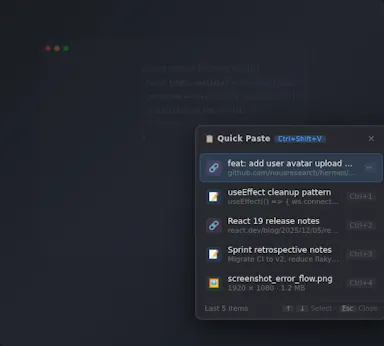
A free, open-source clipboard history manager for Windows with image previews and a double-tap-Ctrl shortcut - a general utility despite being open source.

FreeOpen source
What to know
How it works
An open-source clipboard history manager for Windows 10/11 built with Rust and Tauri 2, showing text and image previews and letting you paste history with a double-tap of Ctrl.
What's different
Positioned against Windows' built-in Win+V (text-only, no image preview) and Ditto (not modernized), filling the gap for a free, actively developed Windows clipboard manager.
Pricing
Free.
Best for
Windows users who want a fast, private clipboard history tool with image support.

Watched for 15 days · last checked 1d ago

Details →

migmig

Live

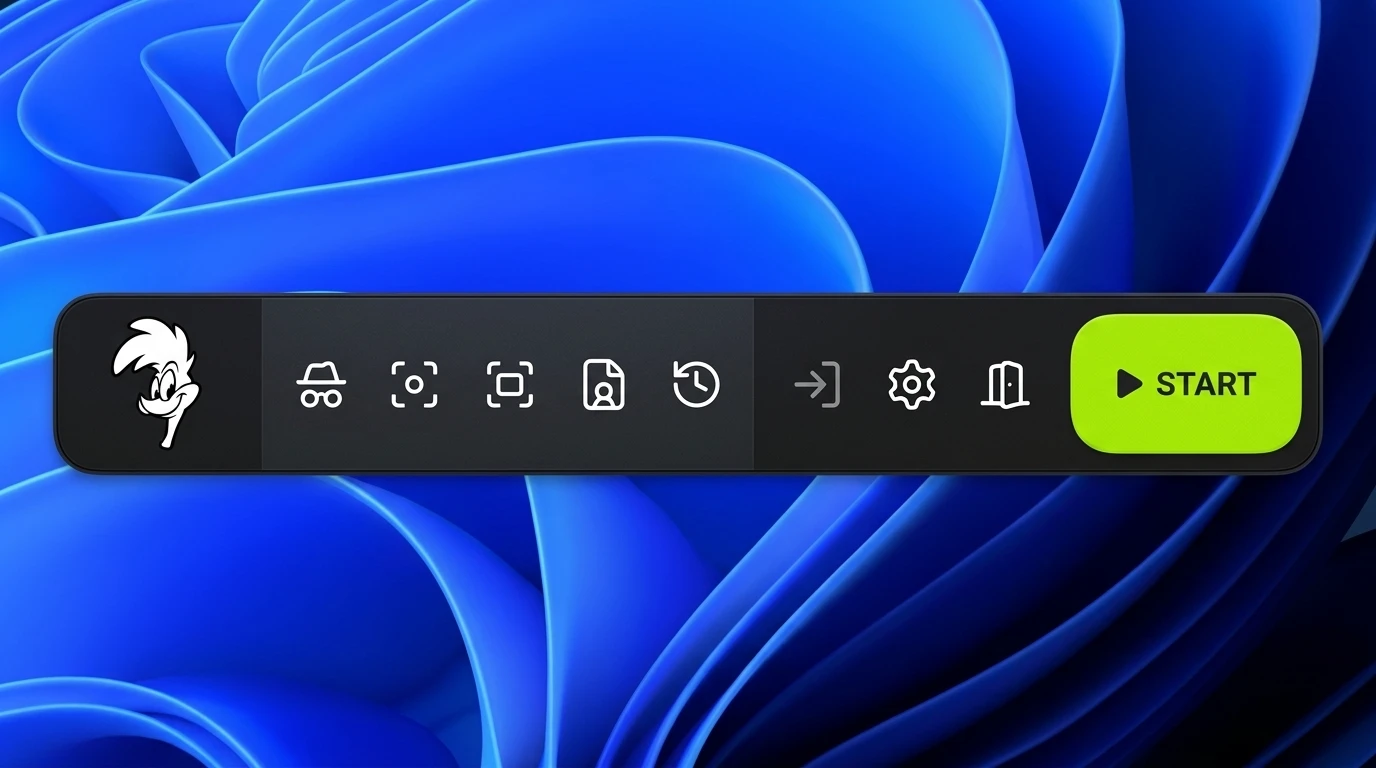
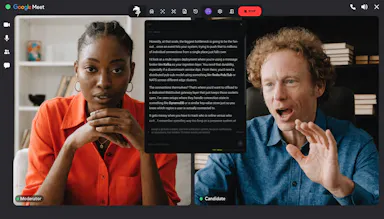
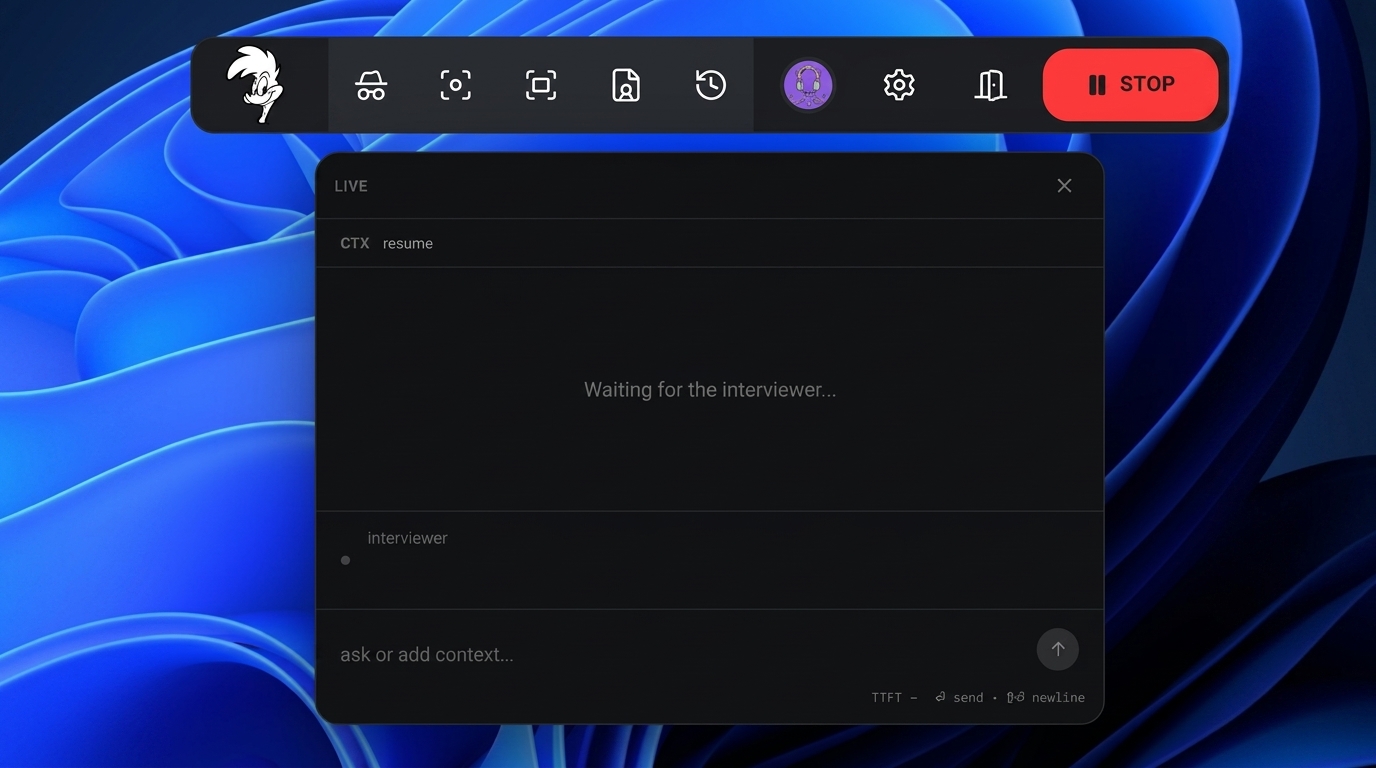
A stealth AI copilot that listens during live video interviews (Zoom, Meet, Teams) and feeds you real-time transcription and suggested answers; free Windows download.

Free
What to know
How it works
An AI copilot for live video interviews that provides real-time transcription (target ~150ms) and structured suggested answers, running in stealth mode on Zoom, Google Meet and Teams.
What's different
Runs invisibly during the call in stealth mode rather than as a visible overlay.
Pricing
Free Windows download.
Best for
People interviewing over Zoom, Google Meet or Teams who want live answer prompts during the call.

Watched for 15 days · last checked 3d ago

Details →

CasYuk

Live

CasYuk is a laptop battery-management tool that enforces an 80% charge limit and shows meme video overlays to help preserve battery health.

Domain registered 26 days ago

What to know
How it works
sets a hardware 80% charge limit and displays dynamic video overlays on the laptop screen
Best for
laptop users wanting to extend lithium-ion battery lifespan

Watched for 15 days · last checked 9d ago

Details →

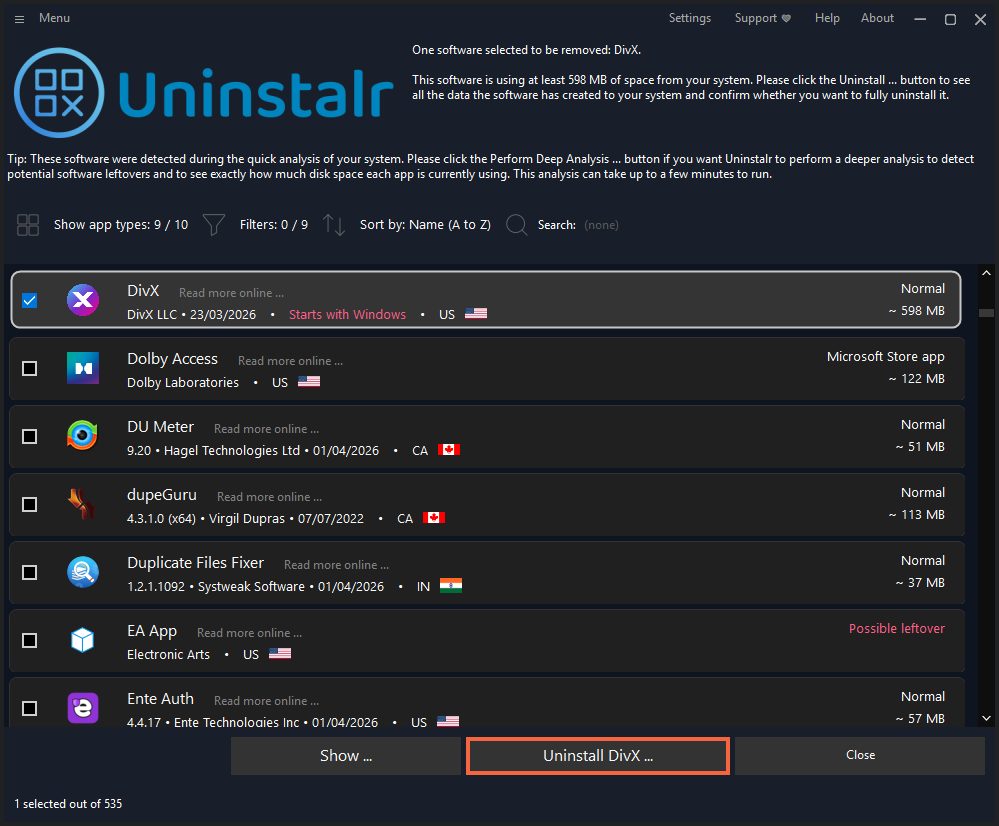
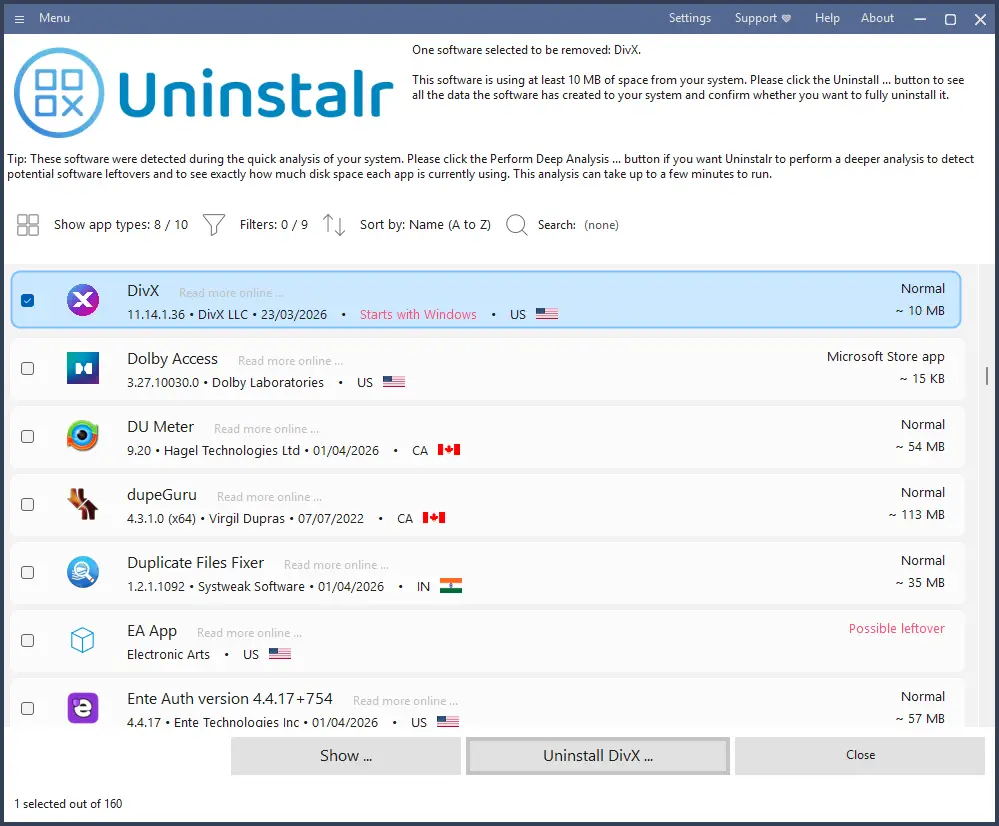
Bulk-uninstalls Windows apps automatically, including ones that don't support silent uninstall, without further user interaction.

Domain registered 3 years ago

What to know
How it works
Bulk-uninstalls many Windows apps at once, including ones that don't support silent uninstallation, using a custom uninstallation engine that removes them without further user interaction.
What's different
Works on apps that don't natively support silent uninstall.
Best for
Windows users who want to remove multiple apps at once without clicking through each uninstaller.

Watched for 15 days · last checked 3d ago

Details →

A Windows app that auto-sorts, renames and routes your Downloads, Screenshots and Documents using local AI via Ollama — nothing leaves your device.

Data stays with you
What to know
How it works
A Windows desktop app that watches selected folders and automatically renames, sorts and routes files using local AI, with duplicate detection and undo-safe operations.
What's different
Runs entirely on-device through Ollama rather than sending files to the cloud.
Best for
Windows users with messy Downloads, Screenshots or Documents folders who want automatic organization without a cloud service.
Watch out
Requires a local Ollama installation to power the AI features.

Watched for 15 days · last checked 3d ago

Details →

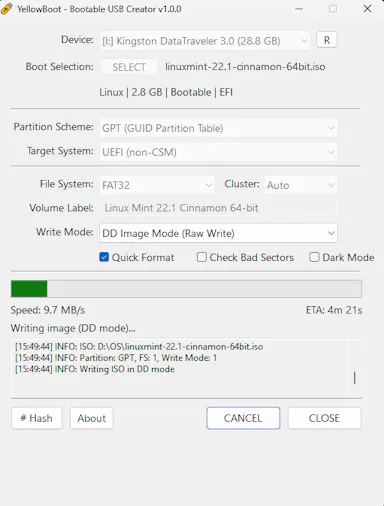
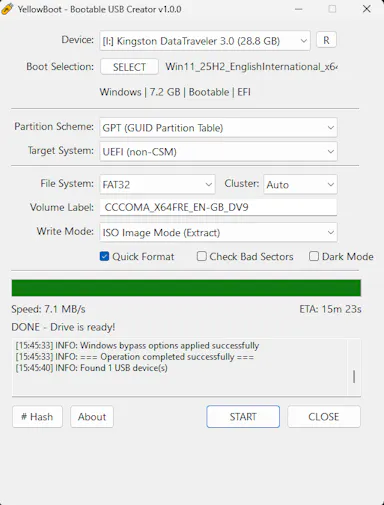
A free, open-source, portable tool under 150KB for writing bootable USB drives from ISO images, positioned as a lightweight alternative to Rufus, no install needed.

Domain registered 21 days ago

FreeNothing to installOpen source
What to know
How it works
A free, portable, open-source tool for writing bootable USB flash drives from ISO images, under 150KB with no installation required.
What's different
Positioned as a lighter alternative to Rufus.
Pricing
Free.
Best for
People who need to create bootable USB drives without installing extra software.

Watched for 15 days · last checked 3d ago

Details →

A single-binary desktop app that scans websites, APIs and OSINT sources for security issues — a scanning tool for security-minded developers, not a hosted API service itself.

What to know
How it works
A zero-dependency desktop security scanner, built with Wails and Svelte 5, that runs from a single binary to scan websites, APIs, and OSINT sources for security issues.
Best for
Security-focused developers who want a local scanning tool rather than a hosted scanning service.

Watched for 19 days · last checked 3d ago

Details →

A Windows desktop app that uses AI to score and rank resumes against a job description entirely on your own machine; free to download but full use requires a paid license.

What to know
How it works
A Windows desktop app that scores and ranks resumes against a job description using AI, running fully on your own machine.
What's different
Runs entirely locally instead of sending resume data to the cloud.
Pricing
Free to download; unlocking full use requires a paid license.
Best for
HR and recruiters who want local resume screening without uploading candidate data to a cloud service.

Watched for 19 days · last checked 10d ago

Details →

A desktop multi-agent AI chat workspace with a large tool library covering voice and code tasks; the listing gives little detail beyond a free-to-start pitch.

Free
What to know
How it works
A desktop app offering an agentic multi-agent AI chat workspace with over 30 tools, plus voice and code capabilities.
Pricing
Free to start, no card required.

Watched for 19 days · last checked 3d ago

Details →

Desktop(windows) — the short answers

Every number here comes from our own daily check — not from a vendor list.

Desktop(windows) — how many are there?
Tablif is tracking 10 of them. 10 answered our check today.
Which ones are still maintained?
Tablif knocks on every door once a day and records the answer. 10 of these 10 responded on the latest run, so that number is what "still here" means on this page — not a review score.
Are any of them free?
4 of the live ones say so in their own words. Tablif records the claim the product makes; we don't verify pricing.
Any open-source options?
2 of the live ones on Tablif mention being open source.
What's the newest one?
CasYuk — Tablif first saw it 15 days ago.
Did a person actually look at these?
10 of them Tablif opened and read, then wrote a one-line summary in our own words instead of reusing the founder's tagline. The rest carry keyword labels we haven't confirmed by reading yet — and we say so rather than hiding it.