Filter by what founders actually say

We read 638 product pages ourselves and only recorded a claim when the page said it in its own words, with the sentence quoted. This is a small, growing slice of the full catalog, not a replacement for it.

89 contact criteria (public email, LinkedIn, country, registered company) are only available to signed-in members.

Clear all filters

4 products match every selected criterion

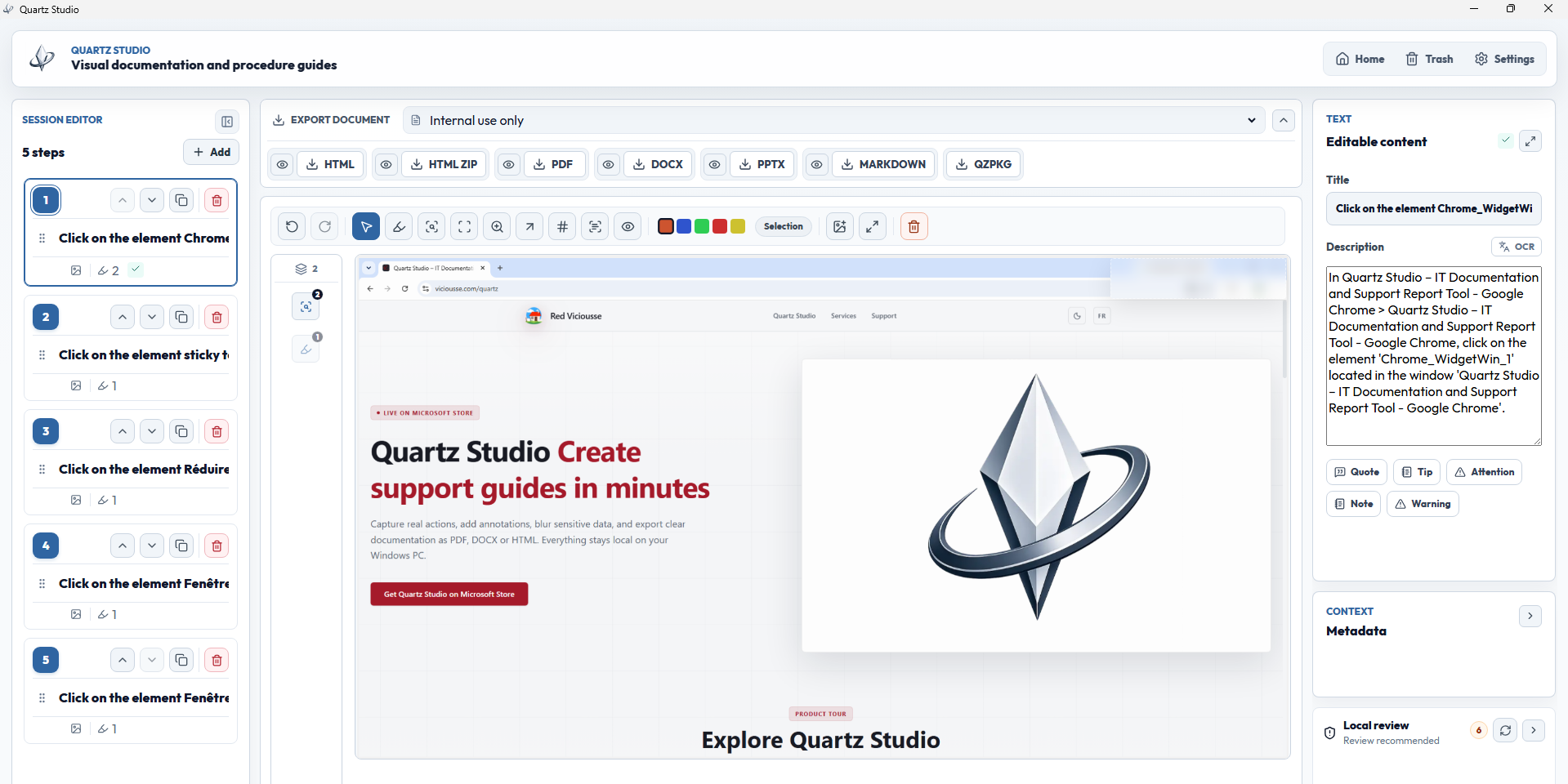
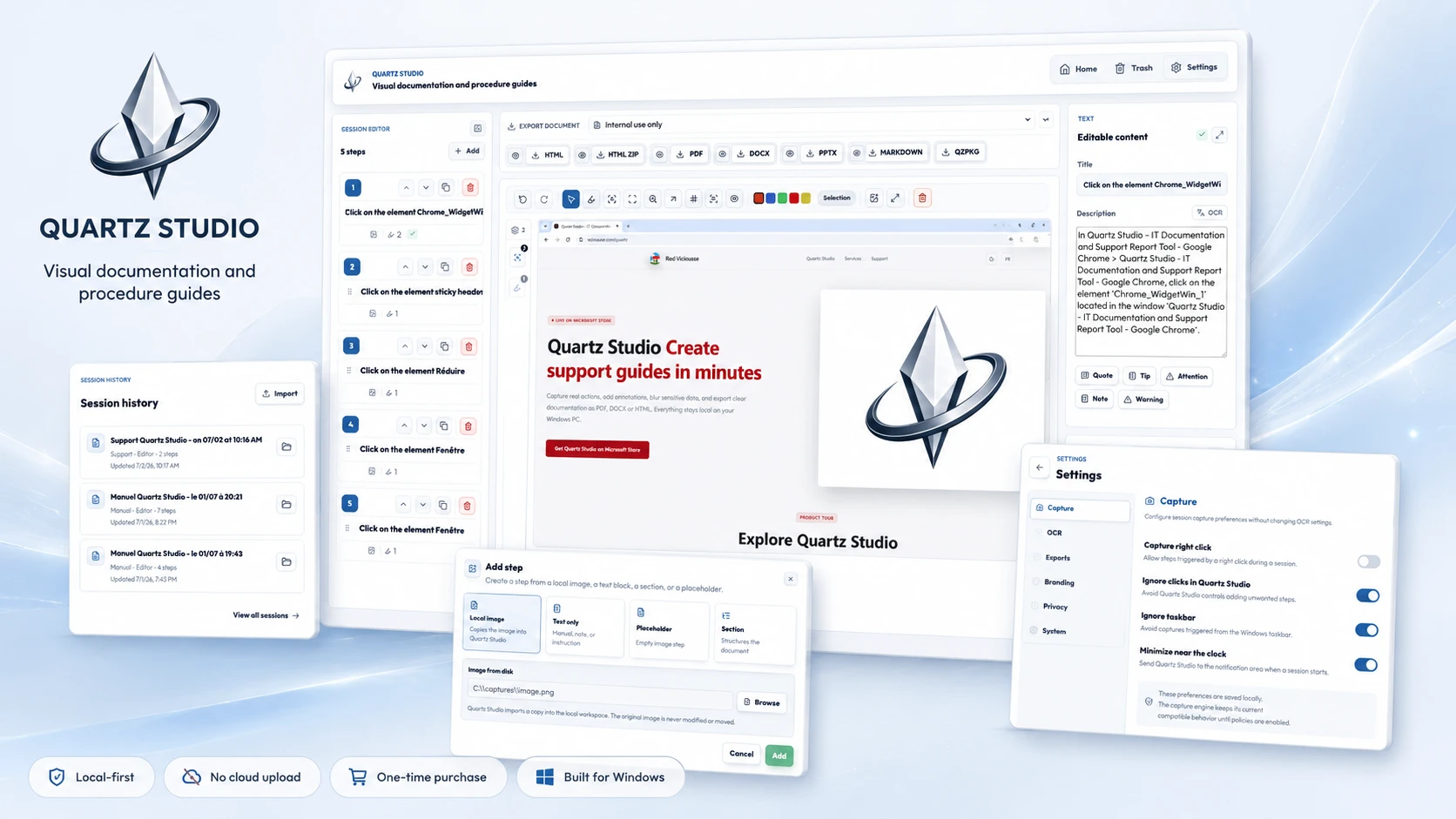
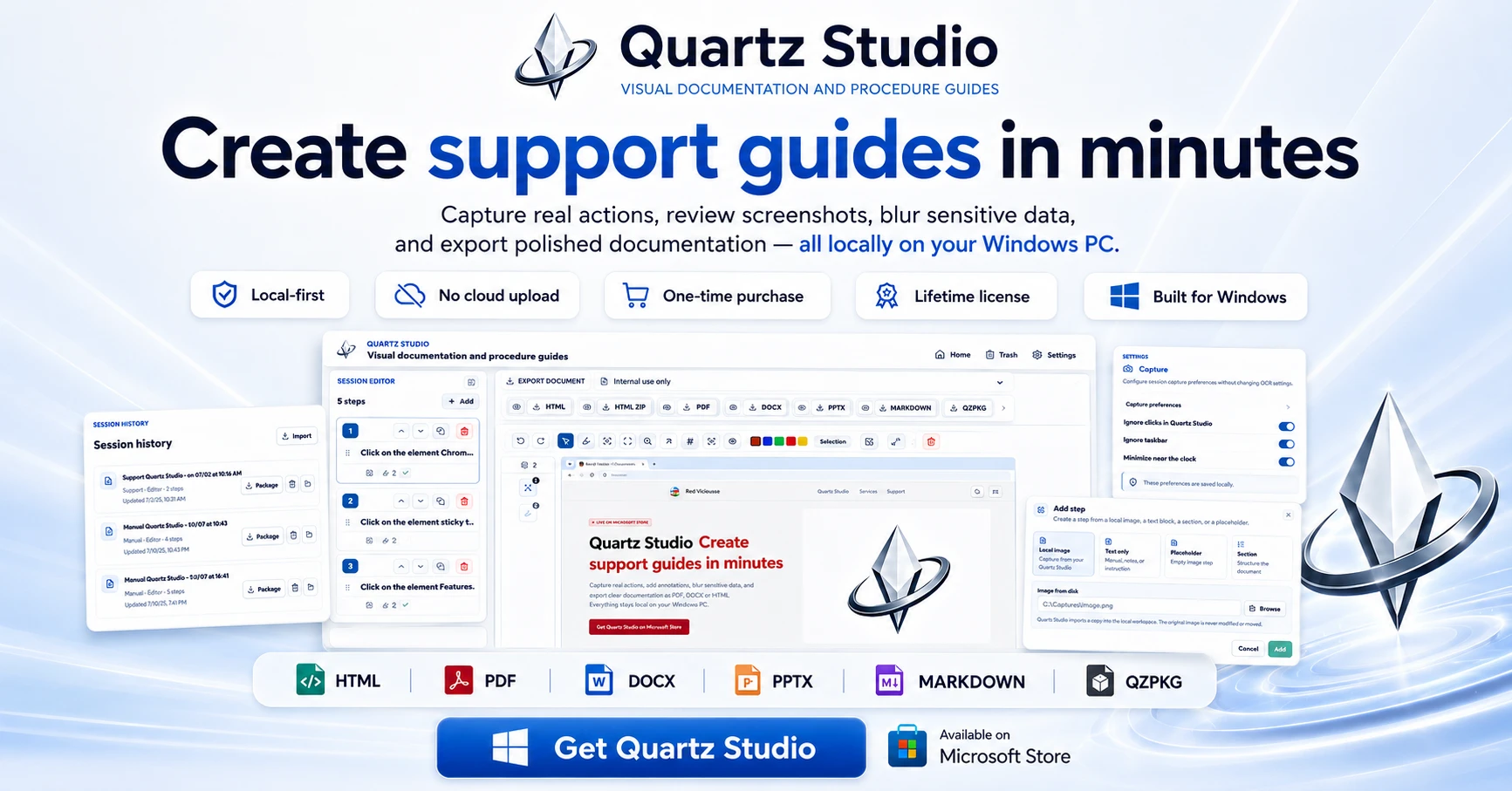
A Windows app that turns real screen actions into annotated step-by-step guides with local OCR and no cloud upload, aimed at IT support, helpdesk and training teams.

Works offlineNo subscriptionCan export my data
What to know
How it works
A local-first Windows app for turning real desktop actions into professional visual guides: it captures clicks and active windows with consent, offers a structured editor, annotations, blur, and local OCR, and exports to PDF, DOCX, HTML, PowerPoint, or Markdown.
What's different
Keeps screenshots, OCR, and documents entirely local on the user's PC, with no SaaS account and no keystroke logging, unlike cloud-based alternatives.
Pricing
Available on Microsoft Store with a one-time lifetime license.
Best for
IT support, helpdesk, QA, operations, and training teams that need step-by-step documentation from real desktop actions.

Watched for 27 days · last checked 2d ago
Details →

Turns bank statement PDFs into categorized spending, a cash-flow forecast and visual breakdowns, processed on your device, without ever linking to your actual bank account.

FreeData stays with youCan export my data
What to know
How it works
Users upload bank or credit card statement PDFs, and the app categorizes transactions, generates a spending narrative, visualizes cash flow with a Sankey diagram, and runs a 30-day cash flow forecast, all processed locally on the device.
What's different
Never connects to your bank account or requires bank logins — works entirely from uploaded statement PDFs, processed on-device.
Best for
People who want spending insights and forecasts from their bank statements without linking accounts, including those who want raw CSV/Excel exports.
Watch out
Requires manually uploading statement PDFs rather than live bank data, so it's only as current as the last statement uploaded.

Watched for 27 days · last checked 11d ago

Details →

A Windows desktop app that uses AI to score and rank resumes against a job description entirely on your own machine; free to download but full use requires a paid license.

What to know
How it works
A Windows desktop app that scores and ranks resumes against a job description using AI, running fully on your own machine.
What's different
Runs entirely locally instead of sending resume data to the cloud.
Pricing
Free to download; unlocking full use requires a paid license.
Best for
HR and recruiters who want local resume screening without uploading candidate data to a cloud service.

Watched for 27 days · last checked 18d ago

Details →

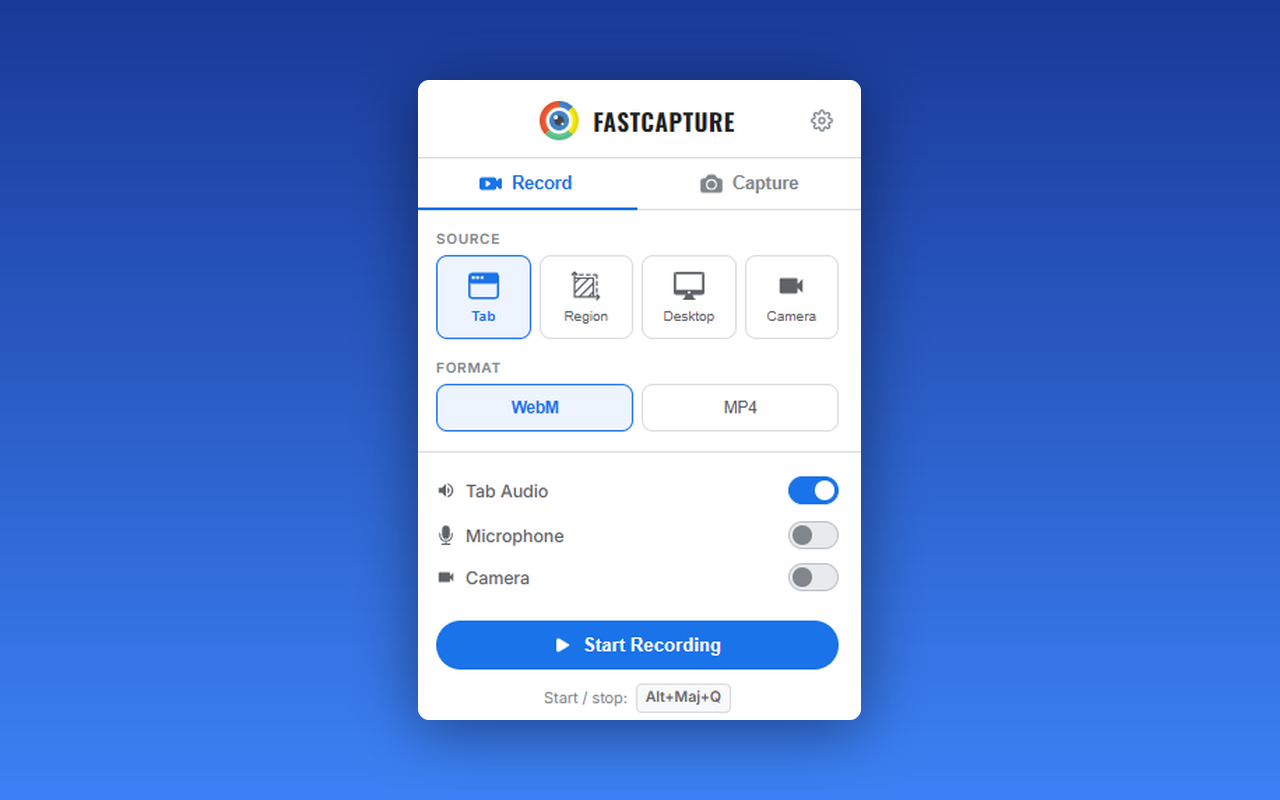
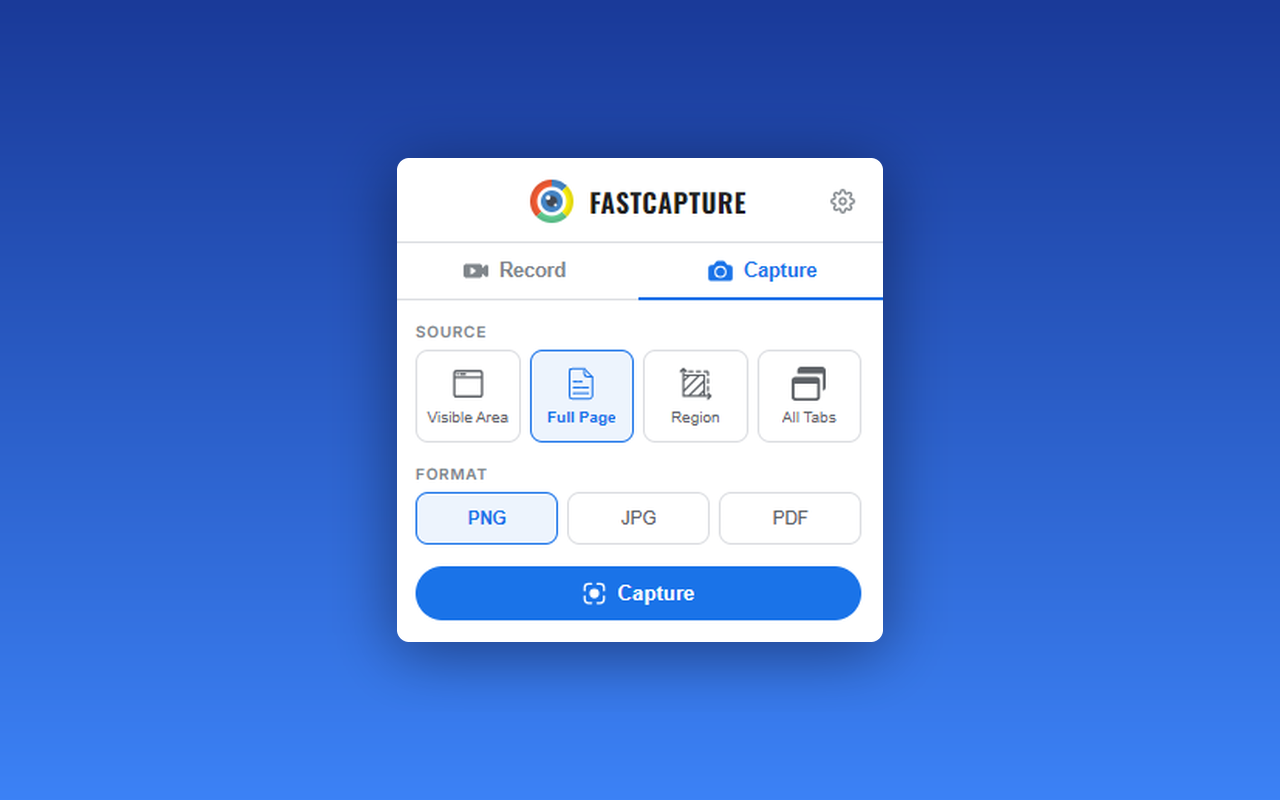
A free Chrome extension for screen and webcam recording, screenshots, and on-page annotation that runs entirely in your browser with no signup or uploads.

FreeNo sign-upWorks offlineData stays with you
What to know
How it works
A Chrome extension for recording your screen or webcam, taking full-page and region screenshots, and annotating directly on the page.
What's different
No signup, no watermark, no upload — everything runs locally in the browser.
Pricing
Free.
Best for
Anyone who wants quick screen capture and annotation without creating an account or uploading footage anywhere.

Watched for 27 days · last checked 18d ago

Details →