Tools that work with Notion

We're tracking 56 of these, and 52 are still live today. 3 we couldn't reach — we don't claim those are dead.

Watching this group for 18 days · how we check

This week22 new arrivals1 stopped answering

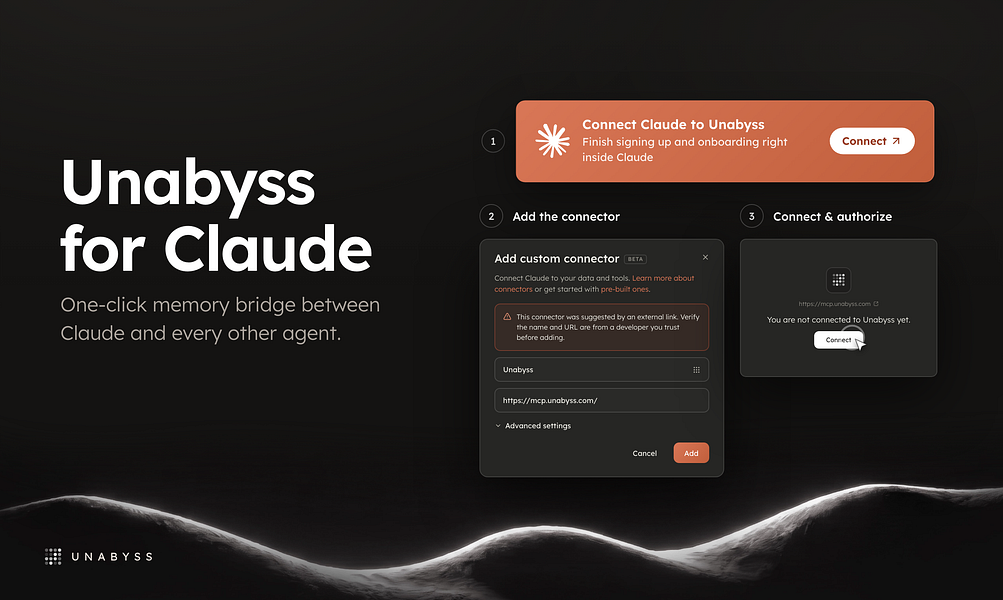
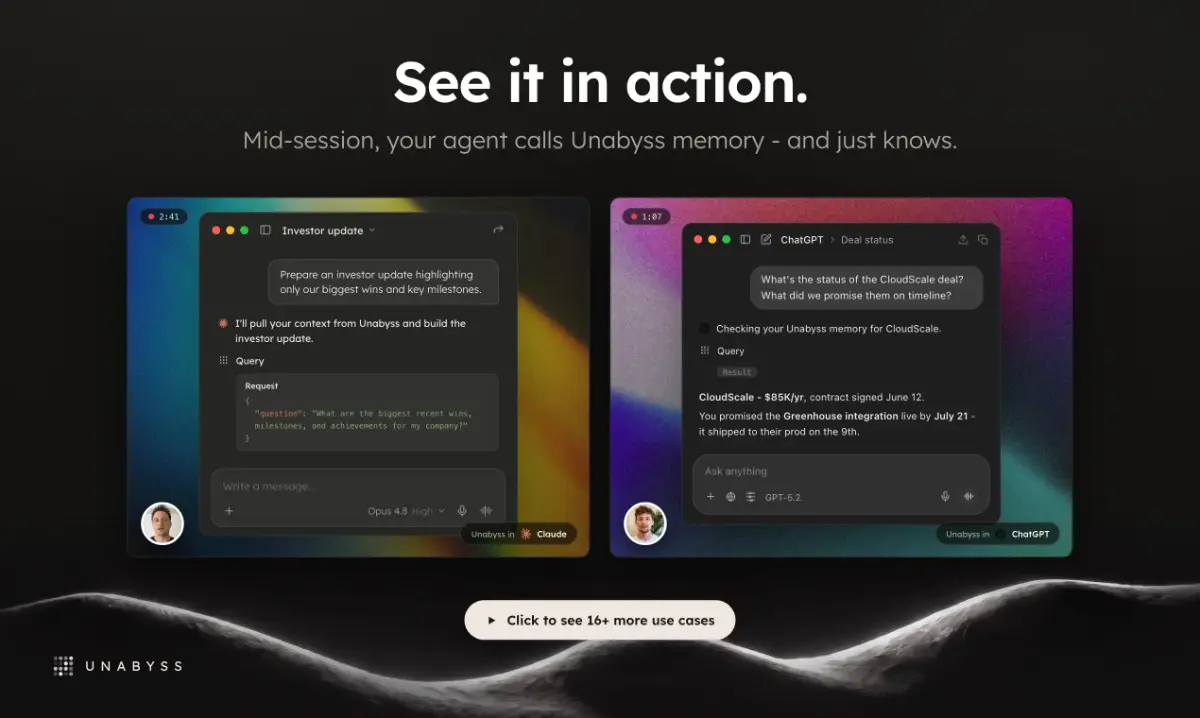
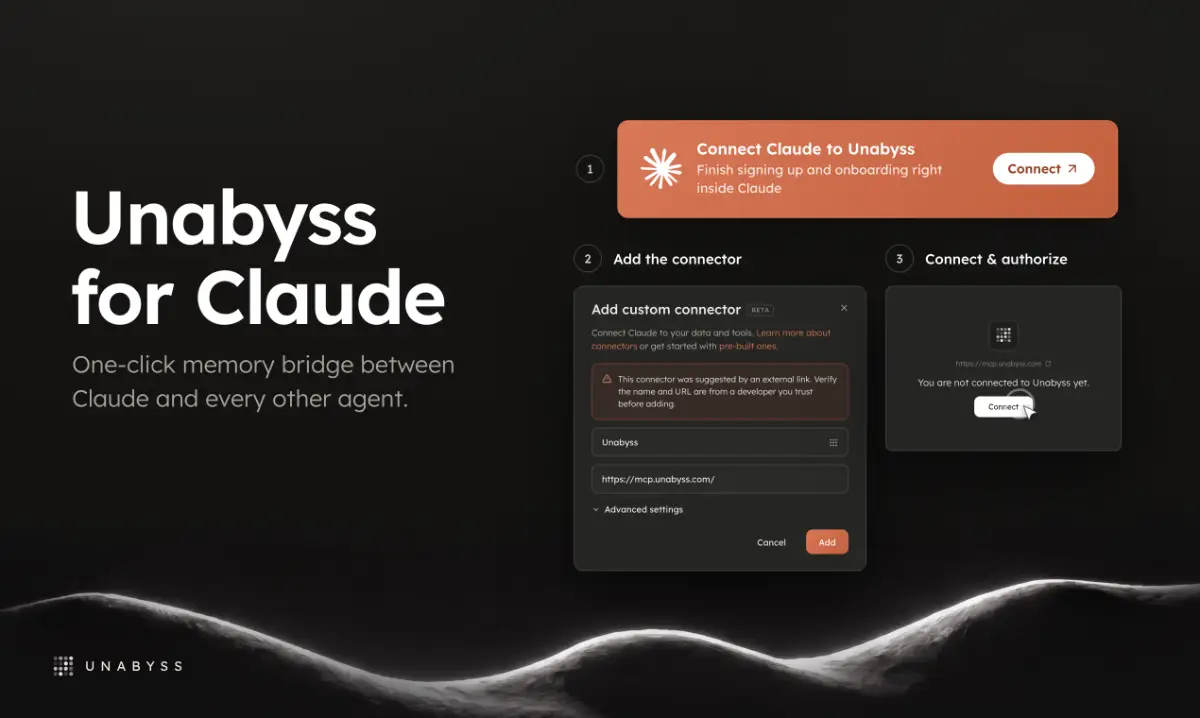
Pulls context from your email, Drive, GitHub, Notion, meeting notes and other AI agents into one shared memory that follows you across Claude, GPT and other tools.

Domain registered 4 months ago

What to know
How it works
Feeds Claude memories pulled from your other AI agents and everyday apps — email, Drive, GitHub, Notion, meeting recorders and 20+ more — and saves new memories so other tools like GPT and Cursor stay in sync with the same context.
What's different
Shares one memory across all your AI tools at once instead of wiring each tool into Claude individually.
Best for
People using multiple AI assistants (Claude, GPT, Cursor) who want consistent context across them.

Watched for 11 days · last checked today
Details →

recall

Live

Tool that turns your notes, PDFs, or Notion pages into spaced-repetition flashcards written by AI.

What to know
How it works
AI reads a document via MCP and writes atomic Q&A cards, reviewed with FSRS scheduling
Best for
Students/learners who want automated flashcard creation instead of manual card-writing

Watched for 5 days · last checked today
Details →

A pre-built n8n workflow that reads unread Gmail, classifies messages with Google Gemini as Sales, Support, HR, or Spam, and routes them via Notion and Telegram.

What to know
How it works
An n8n workflow that reads unread Gmail, classifies each message as Sales, Support, HR, or Spam using Google Gemini, and routes it to the right place via Notion and Telegram.
What's different
Adds human review and error handling so it works beyond a basic demo.
Best for
Companies wanting to automate email triage and routing.

Watched for 14 days · last checked 2d ago

Details →

AI coworkers that connect Slack, GitHub, Linear, Notion, Asana, and Google Workspace to synthesize scattered feedback and manage tickets for a whole team.

What to know
How it works
Reads across a team's connected tools to build shared context, draft specs and documents, and manage tickets.
Best for
Teams whose planning knowledge is scattered across many tools and chats.

Watched for 7 days · last checked 1d ago

Details →

A free Notion template with 100+ organized journaling prompts, for people who find a blank page the hardest part of journaling.

Free
What to know
How it works
Notion template organizing prompts for reflection and writing
Pricing
free

Watched for 6 days · last checked today

Details →

Dokyo

Live

Gives teams a privacy-focused, Europe-hosted workspace for docs and notes instead of Notion.

Watched for 1 day · last checked 1d ago

Details →

Slack bot that turns a thread's decisions into a structured Notion doc when someone reacts with an emoji, instead of manual copy-paste documentation.

Domain registered 17 days ago

What to know
How it works
Watches for an emoji reaction, extracts decisions and action items, writes them to Notion.
Best for
Teams that make decisions in Slack threads and forget to document them.

Watched for 5 days · last checked today

Details →

A Notion template for habit tracking that uses a weekly score instead of streaks so one missed day doesn't break the system.

What to know
How it works
One-page Notion system with 4-6 habit cap, weekly scoring, and a 2-minute Sunday reset ritual
What's different
Weekly score (80% = win) instead of streaks that collapse after one miss

Watched for 6 days · last checked today

Details →

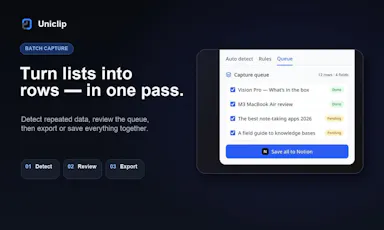
A browser side panel for clipping web pages and data, then saving them into Notion, Obsidian, Markdown, CSV or JSON.

Domain registered 1 month ago

What to know
How it works
Clips articles/screenshots/elements, detects repeated list data, saves to a local queue before export

Watched for 6 days · last checked today

Details →

Prebuilt IFTTT recipes that plug Grok, Gemini and Perplexity into apps you already use — summarize meetings, transcribe audio, or route AI replies into Slack or Drive.

Domain registered 17 years ago

What to know
How it works
Prebuilt IFTTT recipes that plug AI tools like Grok, Gemini, and Perplexity into apps you already use — summarizing meetings when they end, transcribing audio, generating images on a schedule, and routing AI responses into apps like Google Drive, Notion, Slack, or SMS. Set up once and it runs whenever the trigger conditions are met.
Best for
Developers, content creators, or anyone wanting to automate AI-related tasks across their existing apps without building anything custom.

Watched for 12 days · last checked 6d ago

Details →

A tool that turns YouTube tutorials into structured notes — synchronized transcripts, multilingual subtitles, AI summaries, chapters, and mind maps — and syncs them to Notion.

Domain registered 14 days ago

Can export my data
What to know
How it works
paste a video link to generate transcripts, summaries, chapters, and timestamped notes, exportable and syncable to Notion.

Watched for 7 days · last checked 5d ago

Details →

A set of markdown files and a Notion workbook that turns any AI chat tool into a pitch deck consultant covering investor psychology and slide copywriting, for startup founders preparing to raise funding.

Domain registered 4 years ago

Pay onceNo subscription
What to know
How it works
Upload included markdown files to an AI tool to get a pitch deck consultant with a diagnostic engine and a Notion workbook.
Pricing
$297, lifetime access.

Watched for 7 days · last checked 6d ago

Details →

Weeve

Live

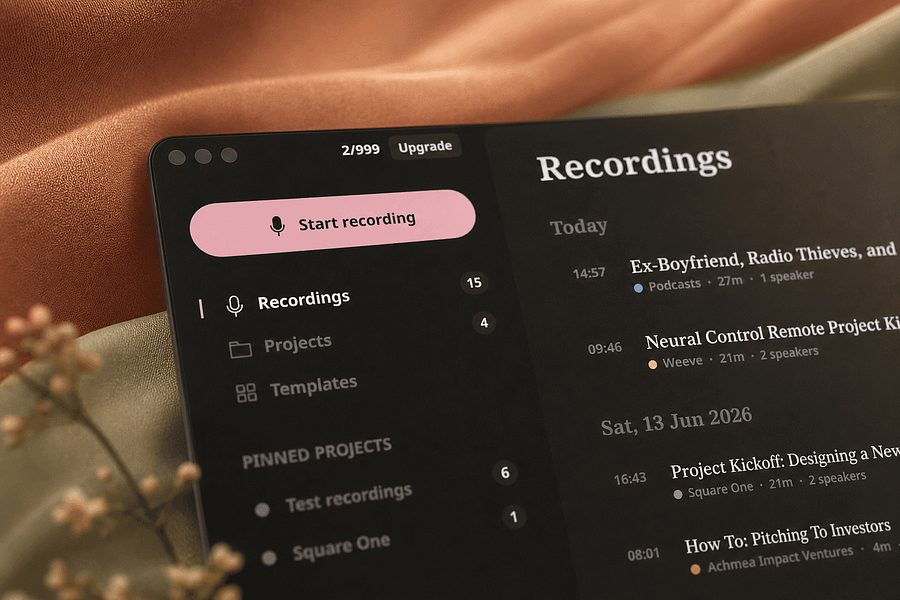
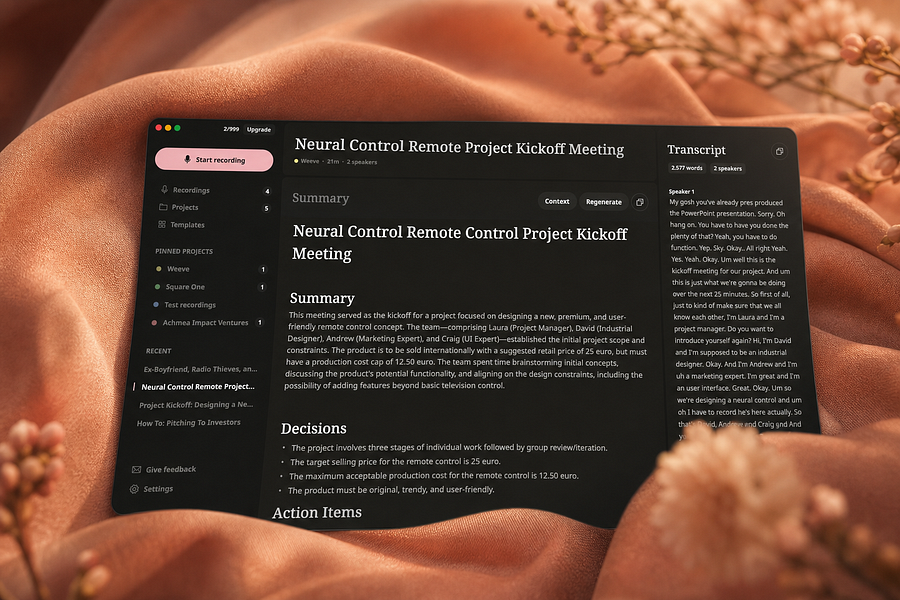
Records, transcribes, and summarizes meetings entirely on your Mac so audio never leaves the device, for people who want private meeting notes.

FreeWorks offlineCan export my data
What to know
How it works
Identifies speakers live and captures decisions and action items on-device
What's different
Works fully offline, keeping audio and AI processing on your Mac
Pricing
Free, Pro, and Team plans
Best for
People and teams wanting private meeting transcripts without cloud processing

Watched for 4 days · last checked 4d ago

Details →

Gives ChatGPT persistent memory by saving tasks, goals, and knowledge graphs across conversations, exportable to Notion.

Domain registered 7 months ago

Can export my data
What to know
How it works
Automatically saves anything planned or discussed in ChatGPT — tasks, goals, journal entries, knowledge graphs — and keeps it available across every conversation, on a web dashboard, and via Notion export, with smart deduplication and visual knowledge graphs.
What's different
Works without leaving ChatGPT, unlike separate task-tracking apps.

Watched for 8 days · last checked 6d ago

Details →

Runs your product development cycle inside Notion, with AI agents handling triaging, routing and summarizing from customer feedback through to a merged pull request. For product and engineering teams already living in Notion.

What to know
How it works
Runs the product development cycle inside Notion, from customer feedback to a merged pull request, with AI agents handling triaging, routing, and summarizing.
What's different
Keeps humans making judgment calls while agents handle the repetitive triage and routing work.
Best for
Product and engineering teams that already run their workflow inside Notion.

Watched for 17 days · last checked 11d ago

Details →

A no-code builder that turns documents and websites into a deployable AI chatbot.

What to know
How it works
Connects data sources like a website, PDFs, Notion, or a database, which sync and index instantly; set the bot's persona and behavioral boundaries; deploy anywhere with one line of script.
What's different
Positioned for teams without engineering resources to spare, promising setup in an afternoon instead of months.

Watched for 9 days · last checked 7d ago

Details →

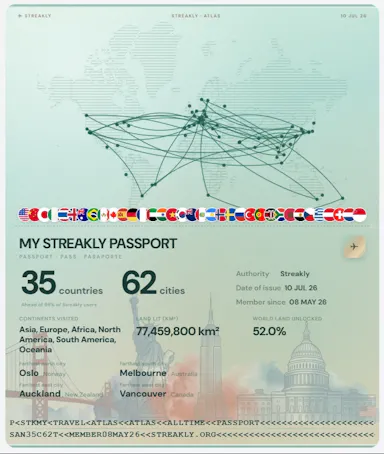
A habit-tracking heatmap and travel atlas you embed inside Notion pages; a general personal-tracking tool, not developer-specific despite the GitHub-style visuals.

Domain registered 2 months ago

Free
What to know
How it works
A GitHub-style habit heatmap embedded directly inside Notion — click cells to log — plus a travel atlas tracking visited cities with country and world views and landmark posters.
What's different
Embeds inside existing Notion pages rather than being a standalone app.
Pricing
Free.
Best for
Notion users who want habit tracking and travel history embedded in their existing pages.

Watched for 13 days · last checked 10d ago

Details →

A Notion template for logging workouts and tracking macros on mobile. Despite the 'AI-Powered' name, it's a static dashboard with buttons, not an AI feature.

What to know
How it works
A dark-mode Notion template for mobile devices with one-click buttons to log workouts, track target macros, and manage a calorie budget from the gym floor.
What's different
Despite the 'AI-Powered' name, it is a static Notion dashboard with pre-built buttons rather than an AI feature.
Best for
People who currently track workouts and macros in messy spreadsheets or pay for a dedicated gym app.

Watched for 16 days · last checked 2d ago

Details →

Builds a personal Identity Graph from your goals and habits, pulling in Notion, Oura and ChatGPT data, to generate adaptive daily plans. A self-improvement app for individuals.

Domain registered 9 months ago

What to know
How it works
Builds an evolving 'Identity Graph' from your goals, actions and reflections, pulling in Oura, Notion and ChatGPT data, then generates adaptive daily plans calibrated to your capacity.
What's different
Plans scale with life changes and preserve momentum on hard days rather than staying static.
Best for
Ambitious individuals doing self-improvement who already track goals or habits in Notion or Oura.

Watched for 13 days · last checked 7d ago

Details →

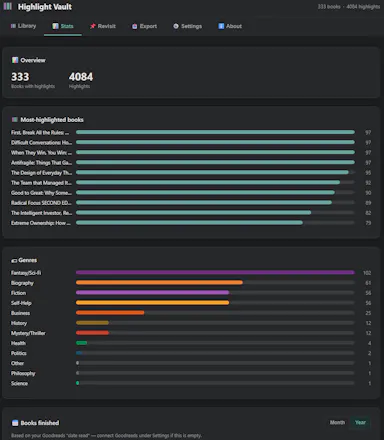
Pulls your Kindle highlights into a searchable local library and can sync them to Notion or Obsidian - a one-time purchase for readers who want to actually use their highlights.

Works offlinePay onceNo subscriptionCan export my data
What to know
How it works
Pulls the highlights and notes you've made on Kindle into a searchable, browsable local library, with quote cards, 'on this day' resurfacing, and reading stats.
What's different
No cloud account needed, and auto-syncs to Notion (with Genre/Rating/Status columns and cover art) or an Obsidian vault.
Pricing
One-time purchase, no subscription.
Best for
Readers who want to actually revisit and use the highlights they've made on Kindle.

Watched for 12 days · last checked 6d ago

Details →

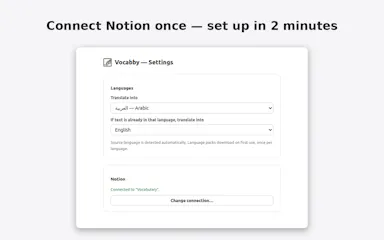
Lets language learners save highlighted words and translations to their own Notion database instead of a locked-in vocab app.

Works offline
What to know
How it works
Translation runs on-device in Chrome, so nothing you read leaves your machine.

Watched for 1 day · last checked today

Details →

Lets Notion users see tasks and reminders on their Android home screen instead of opening the Notion app each time.

Watched for 1 day · last checked today

Details →

A lightning-fast offline note capture popup (hotkey-triggered, opens in 20ms) for jotting quick thoughts before moving them into Notion or Obsidian, instead of fighting the friction of a full note app.

FreeNo sign-upWorks offlinePay once
What to know
How it works
Win+Alt+O opens a popup in under 20ms; stays in system tray, no internet or account needed
Best for
People who need to dump quick thoughts without loading a full note-taking app

Watched for 2 days · last checked 2d ago

Details →

A Notion operating layer that gives Claude or ChatGPT persistent memory of a founder's business state, so the AI doesn't lose context between sessions.

Free
What to know
How it works
Current-state page, decisions log, and session checklists the AI reads each session.
Pricing
$39 one-time; free version also available.

Watched for 2 days · last checked 1d ago

Details →

Turns Notion databases into shareable charts in seconds without spreadsheets or code.

What to know
How it works
connect Notion database, generate chart

Watched for 2 days · last checked 1d ago

Details →

A Notion CRM template for freelancers with lead tracking, a follow-up tracker and ready-to-use outreach scripts — free to duplicate, pitched as a cheaper alternative to HoneyBook or Dubsado.

Free
What to know
How it works
A Notion template for freelancers combining lead tracking with a daily follow-up tracker and a 'Prompt Vault' of ready-to-use outreach, proposal, and objection-handling scripts.
What's different
Lives inside Notion, so it's free to duplicate with no monthly fee, unlike HoneyBook or Dubsado; pairs lead tracking with follow-up prompts unlike generic Notion CRM templates.
Pricing
Free to duplicate, no monthly fee.
Best for
Freelancers already using Notion who want a CRM template that also pushes them to follow up and gives them outreach scripts.

Watched for 15 days · last checked 9d ago

Details →

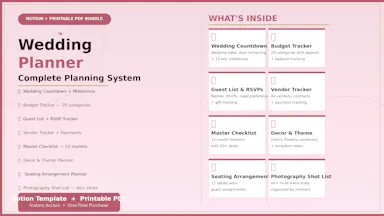
Sells Notion-based wedding planning templates covering budget, guest list and checklist tracking.

What to know
How it works
Notion planners plus printable PDF checklists and trackers
Best for
Engaged couples organizing a wedding in Notion

Watched for 4 days · last checked 3d ago

Details →

A minimalist Notion template for tracking income, expenses, and savings in about two minutes a day.

What to know
How it works
A minimalist Notion template with sections for income, fixed expenses, other expenses, and savings, meant to be updated in about two minutes a day.
Best for
Anyone wanting a simple budget planner without complicated formulas.

Watched for 4 days · last checked 3d ago

Details →

A subscription cost tracker you fill in by hand — no bank link, no account, nothing shared — shows your monthly burn and renewals as a Notion template or standalone app.

No sign-up
What to know
How it works
You manually enter what you pay for each subscription; it shows your monthly burn, upcoming renewals, and which categories are draining your budget.
What's different
No bank account connection required — everything is typed in by hand.
Best for
People who want to track subscription spend without linking a bank account, as a Notion template or standalone download.

Watched for 17 days · last checked 11d ago

Details →

A pre-built Notion template with CRM, client portals, invoicing and SOPs for freelancers and micro-agencies to run their whole operation.

What to know
How it works
Duplicate a pre-loaded Notion system with sample data, then swap in your own clients
Pricing
Works fully on Notion's free plan
Best for
Freelancers and micro-agencies without a dedicated ops tool

Watched for 6 days · last checked 4d ago

Details →

A tool that turns spoken feedback and screen annotations into structured, developer-ready tickets with user stories and acceptance criteria, sent directly to Jira, Linear, or Notion.

Domain registered 1 month ago

What to know
How it works
Capture your screen, speak feedback, and add visual annotations; the AI structures it into a ticket with user stories, acceptance criteria, screenshots, and technical context, then sends it to Jira, Linear, or Notion.
Best for
Teams turning feedback or bug reports into tickets without manually writing them up.

Watched for 11 days · last checked 8d ago

Details →

A Notion template for freelancers that combines a lead pipeline, client CRM, project tracker, and finance ledger for running a freelance business in one workspace.

What to know
How it works
Provides a Lead Pipeline for prospects, a Client CRM, a Project Tracker for deliverables, and a Finance Ledger for invoices and income, all inside Notion.
Pricing
One-time $47 upgrade from the free ClientFlow AI template, no subscription.

Watched for 11 days · last checked 8d ago

Details →

Turns AI chatbot conversations into formatted PDF, Word, Google Docs or Notion pages instead of manual copy-pasting — for anyone who saves AI chats regularly.

Can export my data
What to know
How it works
Exports selected messages or entire AI chatbot conversations into formatted documents — PDF, Word, Google Docs, or Notion — instead of manual copy-pasting, with options to customize font family, size, and text color before exporting.
What's different
Direct export into Notion and Google Docs alongside PDF/Word, with formatting controls applied before export.
Best for
Anyone who regularly saves AI chat conversations and wants them as clean, shareable documents.

Watched for 13 days · last checked 11d ago

Details →

A text expander with AI polish that turns saved shortcuts into full messages inside Gmail, LinkedIn, Slack, Notion and other apps you already use.

What to know
How it works
An AI-powered text expander: you save your most-used messages as shortcuts, and it expands them into full text inside apps like Gmail, LinkedIn, Slack, Notion and Google Docs, with variables for personalization and AI to polish the wording.
What's different
Works across many apps at once (Gmail, LinkedIn, Slack, Notion, Docs, CRMs) rather than being tied to a single tool.
Best for
People who retype the same messages across several web apps and want one shortcut library that follows them everywhere.

Watched for 15 days · last checked 2d ago

Details →

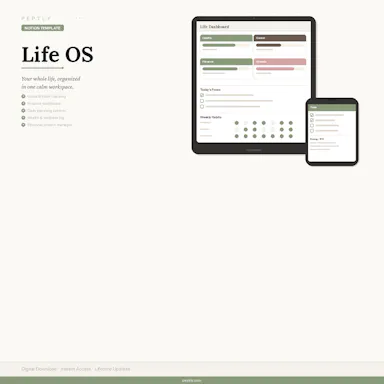
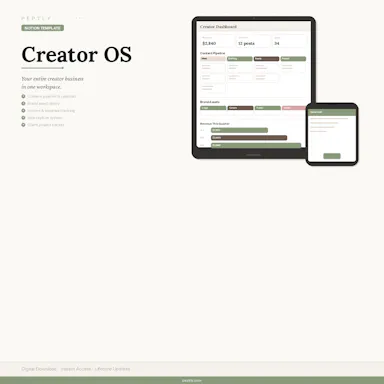
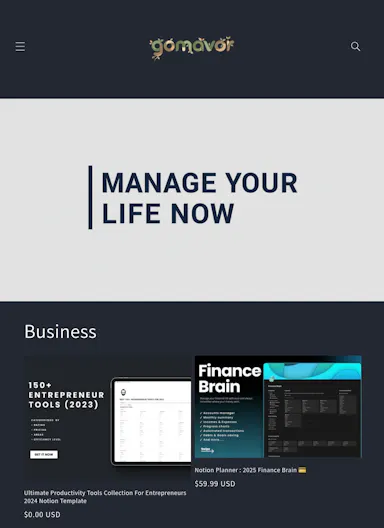
A bundle of Notion templates and workbooks — Life OS, Creator OS and more — for creators, students and entrepreneurs to organize content, clients and launches in one place.

What to know
How it works
A bundle of Notion-based templates and workbooks — Life OS, Creator OS, Content Planning and more — for organizing personal life, content, and client work.
Pricing
The full bundle of current Peptly products is priced at $147, versus over $280 if purchased individually.
Best for
Creators, students, and entrepreneurs who already use Notion and want a pre-built system instead of building one from scratch.

Watched for 16 days · last checked 2d ago

Details →

Trains an AI support agent on your docs, help center, Notion and Google Drive so it instantly answers repetitive customer questions without a human, a business support tool, not a consumer app.

What to know
How it works
Ingests a company's website, help center, Notion workspace, PDFs or Google Drive content, stays in sync as content changes, and answers customer questions from that content within seconds, without a human in the loop.
What's different
Answers come only from the ingested content rather than generic AI guesses, and it auto-refreshes when source docs change.
Best for
Teams whose support staff repeatedly answer the same questions and want an agent trained only on their own docs.

Watched for 18 days · last checked 11d ago

Details →

A Notion template for freelancers to run client work, projects, tasks and invoices in one place — built for freelancing generally, not any single profession despite listing several.

What to know
How it works
A Notion template that lets freelancers manage clients, projects, tasks, invoices and proposals in one workspace instead of juggling multiple apps.
What's different
Built to work across freelance disciplines rather than for one specific profession.
Best for
Freelancers (designers, developers, writers, marketers, consultants) who already use Notion and want one system for running their business.

Watched for 18 days · last checked 2d ago

Details →

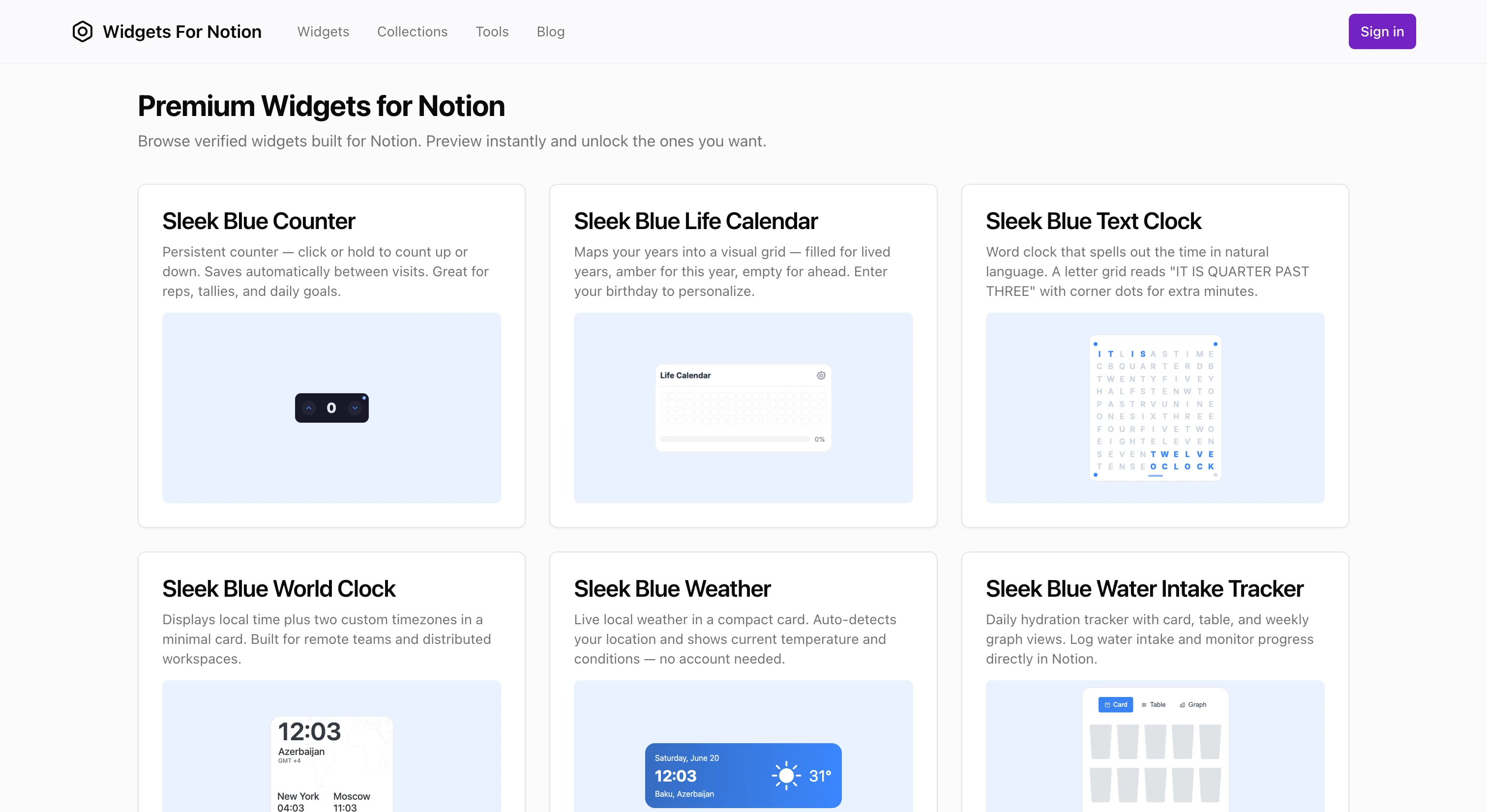
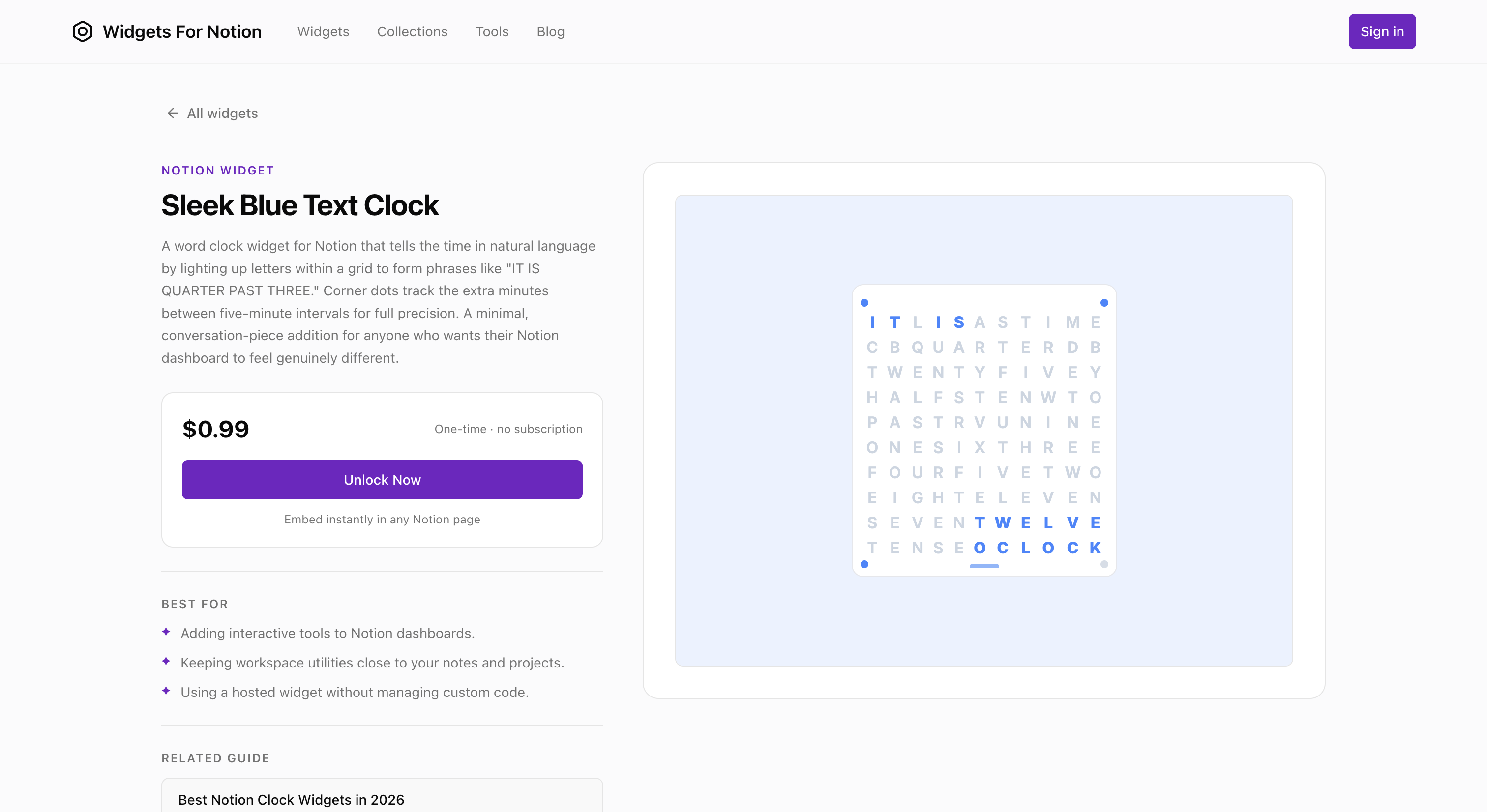
Provides Notion widgets, either generated with AI or picked from a library of more than 50 ready-made free ones, for Notion users who want custom widgets instead of building them manually.

Free
What to know
How it works
Provides Notion widgets, either generated with AI or picked from a library of more than 50 ready-made ones.
Pricing
Free widgets available.
Best for
Notion users who want custom widgets instead of building them manually.

Watched for 15 days · last checked 2d ago

Details →

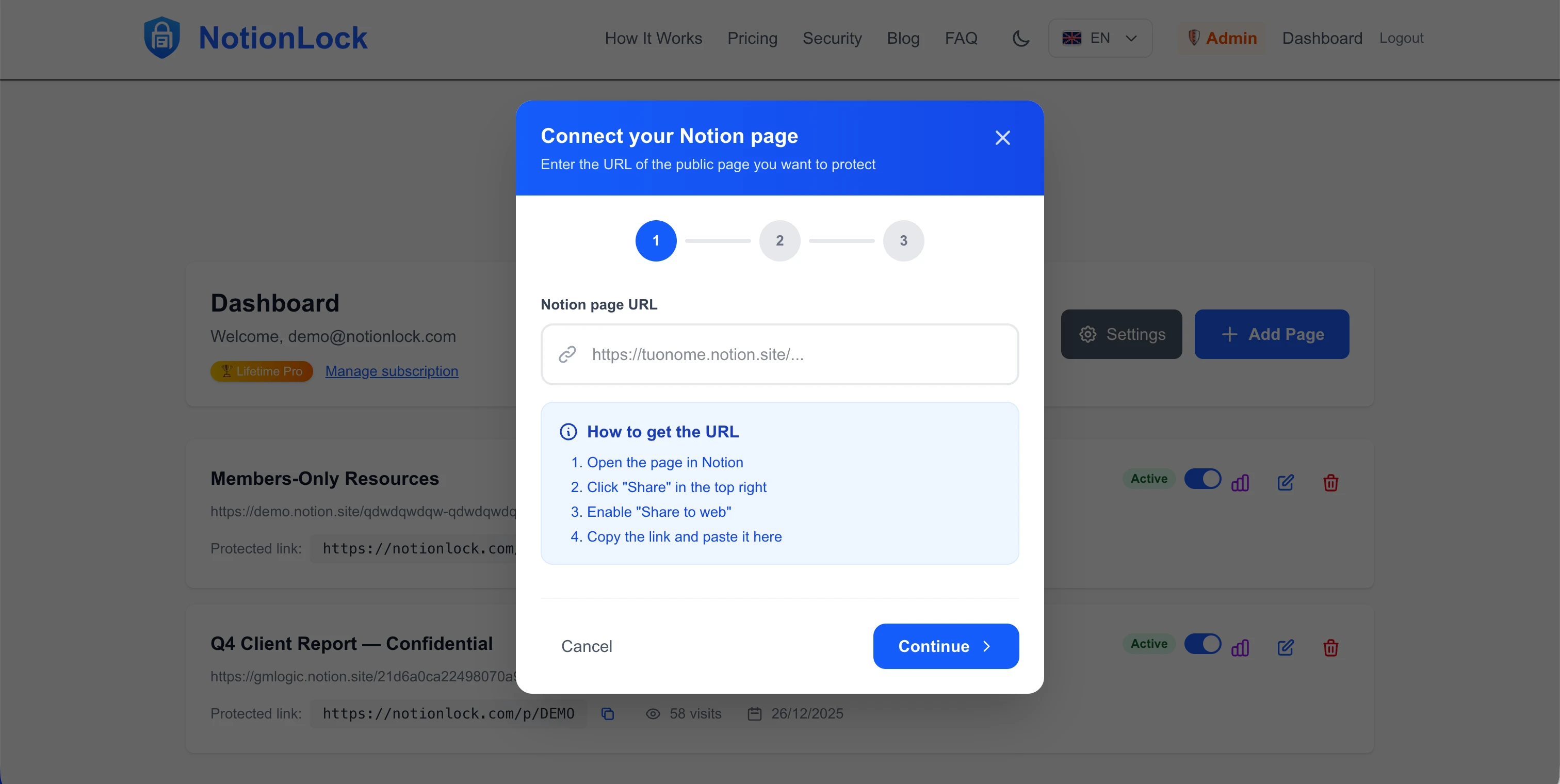
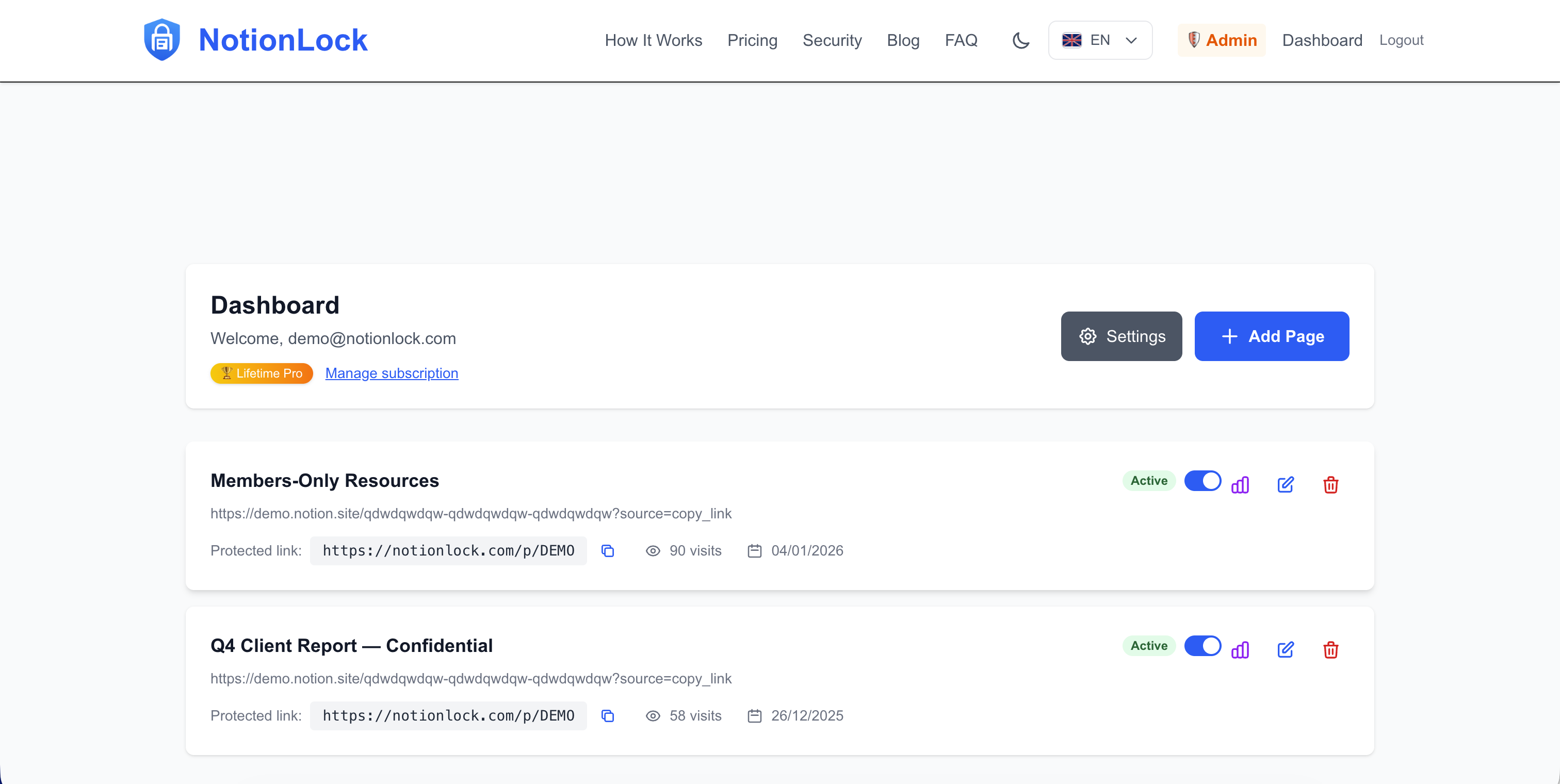
Adds a password lock to any public Notion page in about 30 seconds, for anyone sharing a Notion doc who wants basic access control.

What to know
How it works
Adds a password lock to any public Notion page in about 30 seconds.
Best for
Anyone sharing a public Notion page who wants basic access control without building auth.

Watched for 15 days · last checked 2d ago

Details →

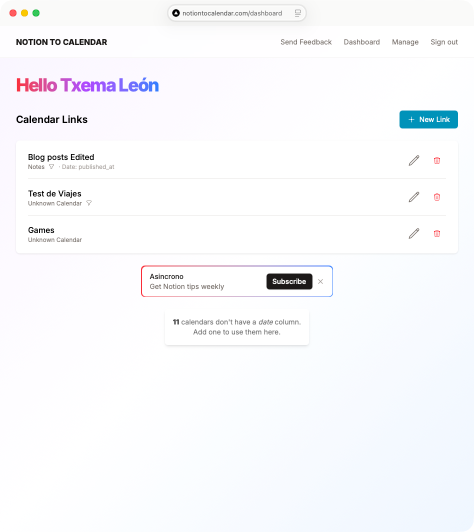
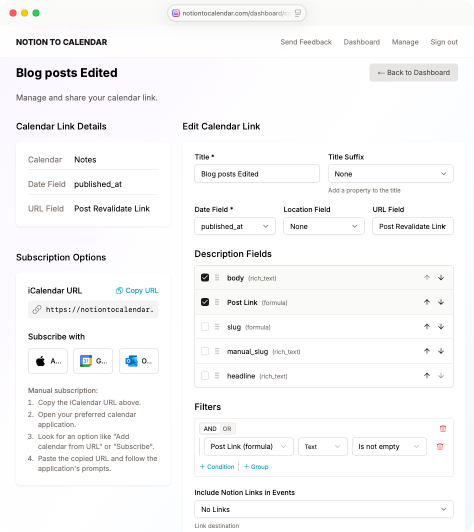
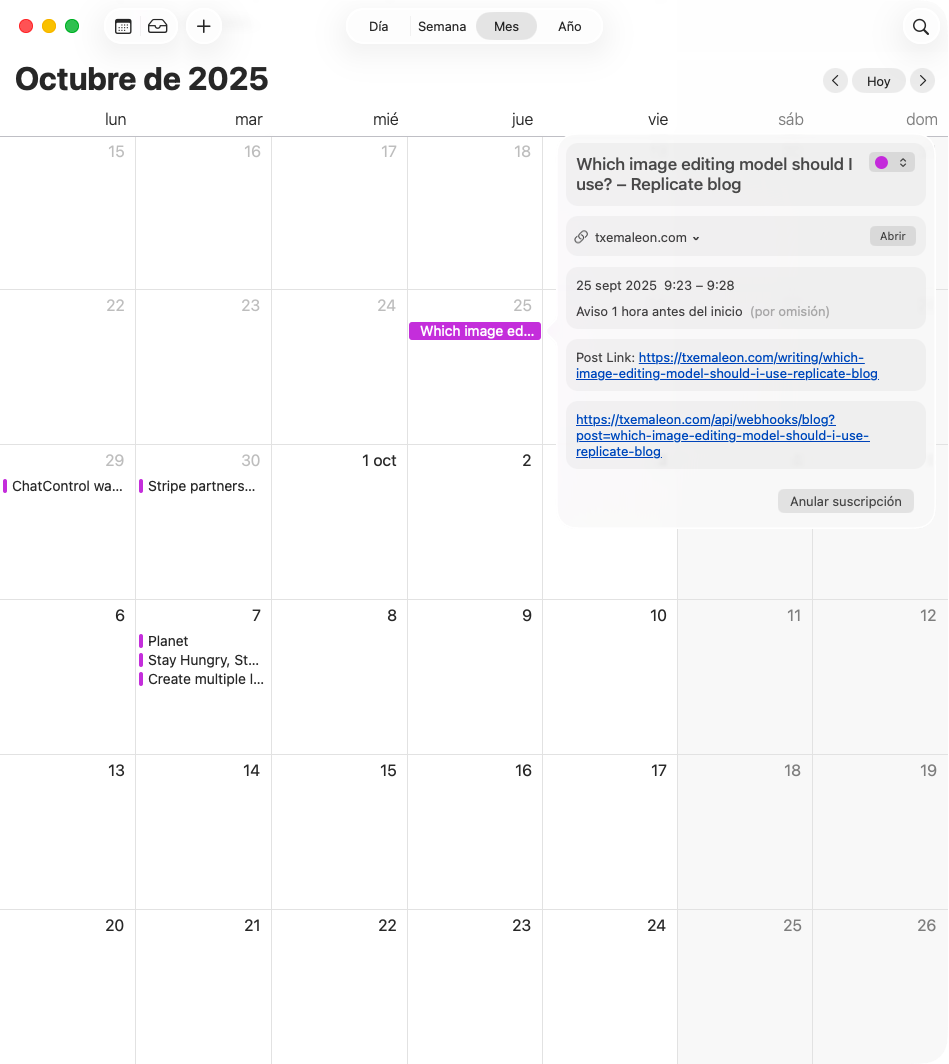
Syncs events from your Notion databases into any calendar app you already use.

What to know
How it works
Syncs events from your Notion databases into any calendar app you already use.
Best for
Notion users who track events in a database and want them visible in their regular calendar app.

Watched for 18 days · last checked 8d ago

Details →

The Tab Dump

Not responding

Close your browser. Keep your research. The 1-click Notion

Free
What to know
How it works
A Chrome extension paired with a pre-made Notion board: it saves all your open tabs in one click, then lets you sort each into 'Save Forever' or 'Delete Tomorrow' so you can close your browser.
What's different
Ships as a ready-made Notion template plus extension rather than a from-scratch setup, with a 2-minute setup video.
Pricing
Includes a free template.
Best for
People who keep dozens of research tabs open and want to close their browser without losing track of them.

Watched for 9 days · last checked today

Details →

Tier

Live

The AI accountability coach that reaches out first

Domain registered 2 months ago

What to know
How it works
An AI accountability coach that proactively reaches out to the user first, rather than requiring them to open an app to check in.
Best for
People who want proactive nudges from an accountability coach instead of self-initiated check-ins.

Watched for 12 days · last checked 1d ago

Details →

AI agent that manages a connected Notion workspace and Google Calendar via text or voice, scoped and verified per action.

What to know
How it works
Manages a connected Notion workspace and Google Calendar by text or voice to find, create, update, or organize pages, tasks, and events; every action is scoped to connected accounts and verified after execution.
Watch out
Users bring their own OpenRouter key and choose their preferred model.

Watched for 3 days · last checked 2d ago

Details →

A Notion template for tracking job applications, interview rounds, and follow-ups in a Kanban pipeline.

Free
What to know
How it works
A Notion template that tracks every job application in one place, logs interview rounds linked to each company, and gives a Kanban pipeline view with a dedicated Ghosted status.
Pricing
About $3.60 one-time; requires a free Notion account.
Best for
Job seekers tracking multiple applications across tabs and chats.

Watched for 8 days · last checked 6d ago

Details →

Jab

Live

A tool that reads your goals from Notion, Sheets, or Airtable and sends a daily WhatsApp message on your pace toward them.

What to know
How it works
Reads your goals directly from Notion, Google Sheets, or Airtable and sends one WhatsApp message every morning with your pace, gap, and one priority for the day.
What's different
Meets you in WhatsApp instead of requiring you to open a dashboard.

Watched for 8 days · last checked 6d ago

Details →

A general wellness and productivity planner covering habits, mindfulness and weekly routines — pitched at almost everyone, not any specific role.

What to know
How it works
A printable/editable planner covering weekly focus mapping, daily focus routines, a distraction log, deep work time blocks, habit tracking, and a 30-day consistency tracker.
Best for
Anyone wanting a structured paper or digital planner to reduce distractions and track habits.

Watched for 18 days · last checked today

Details →

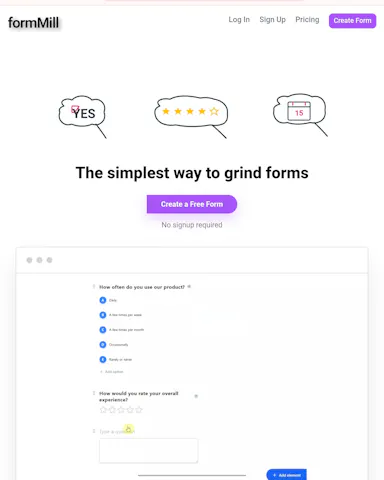
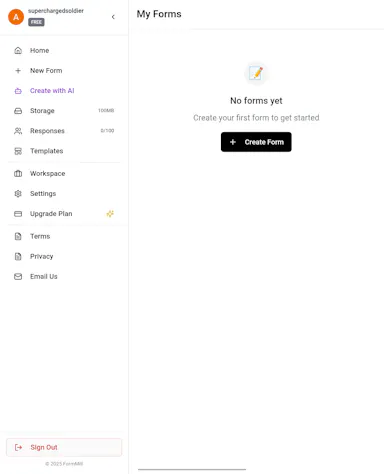
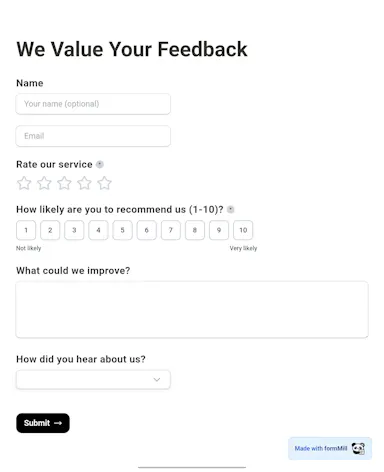
A free-tier online form builder with 23 field types, positioned as a lower-cost alternative to paywalled builders.

Free
What to know
How it works
Builds forms with 23 field types (short answers, file uploads, ratings, signatures, audio/video embeds, date/time) for lead generation, onboarding, surveys, job applications, and quizzes, in a Notion-inspired interface.
What's different
Positioned against paywalled builders that lock advanced features behind pricing tiers.
Pricing
Free, unlimited forms.

Watched for 3 days · last checked 3d ago

Details →

Offline on-device speech to text for Mac and Windows

No sign-upWorks offlineData stays with you

First seen today · last checked today
Details →

Records what you say and turns it into an organized project log automatically on your own device. Aimed at solo builders and founders who have no one else tracking their progress.

FreeWorks offlinePay onceNo subscription
What to know
How it works
Records spoken audio and turns it into an organized project history and devlog automatically, processed on your own device.
What's different
Runs fully on-device rather than relying on manual note-taking or a cloud service.
Pricing
Free to use with full functionality, no subscription; a paid Pro tier unlocks Labs and unlimited weekly processing.
Best for
Solo builders and founders who track their own progress by talking rather than writing, with no one else keeping a project record for them.

Watched for 18 days · last checked 2d ago

Details →

Turns a language-learning goal into a structured study plan synced with Notion and Google Calendar.

What to know
How it works
Takes your target language, level, exam, location, schedule, and deadline, evaluates feasibility, finds verified resources, and builds a structured study plan synced to Notion and Google Calendar.
Best for
Language learners wanting a personalized, trackable study plan.

Watched for 3 days · last checked 2d ago

Details →

Turns selected research PDFs into an auditable literature review matrix with quote-verified claims and multi-format export.

Can export my data
What to know
How it works
Turns selected research PDFs into an auditable literature review matrix with custom extraction fields, verifying every claim against an exact quote and page, and generating cross-paper themes, agreements, and gaps.
What's different
Exports reviewed evidence to PDF, Word, Excel, Obsidian, Zotero, or Notion.
Best for
Researchers doing systematic literature reviews.

Watched for 3 days · last checked 2d ago

Details →

Desktop and mobile AI coding agent that runs locally so code, keys, and tools stay on your machine, with native GitHub, Jira, Linear, Notion, and Slack integrations.

What to know
How it works
Runs a desktop agent locally on the user's machine so code, keys, and tools stay on-device, with agentic use also available from a phone on iOS and Android, and native integrations with GitHub, Jira, Linear, Notion, and Slack.
What's different
Runs locally instead of uploading the repo to the cloud or using it for training, unlike most AI coding agents.
Best for
Developers who want an AI coding agent that keeps code and keys local.

Watched for 10 days · last checked 7d ago

Details →

Turns a client project into one Amazon-style tracking link showing what's done, in progress and next, so freelancers and agencies stop fielding WhatsApp, Slack and email update pings.

FreeNo sign-up
What to know
How it works
Turns each client project into a shareable, Amazon-style tracking link showing what's done, in progress, and next, with an expected delivery date. Project stages are set up once and the tracker auto-advances on schedule.
What's different
Clients view progress via a link with no login, app or account required, replacing status-update pings over WhatsApp, Slack or email.
Pricing
Tagged as free, no account or credit card required.
Best for
Freelancers and agencies who want to stop fielding manual client status update messages.

Watched for 18 days · last checked 11d ago

Details →

A curated collection of affiliate Notion templates.

What to know
How it works
A curated collection of affiliate Notion templates.
Best for
People looking for Notion templates.

Watched for 15 days

Details →

Tools that work with Notion — the short answers

Every number here comes from our own daily check — not from a vendor list.

Tools that work with Notion — how many are there?
Tablif is tracking 56 of them. 52 answered our check today, and 3 we couldn't reach — we don't claim those are dead.
Which ones are still maintained?
Tablif knocks on every door once a day and records the answer. 52 of these 56 responded on the latest run, so that number is what "still here" means on this page — not a review score.
Are any of them free?
11 of the live ones say so in their own words, and 4 let you start without making an account. Tablif records the claim the product makes; we don't verify pricing.
What's the newest one?
SnailText — Tablif first saw it today.
Did a person actually look at these?
53 of them Tablif opened and read, then wrote a one-line summary in our own words instead of reusing the founder's tagline. The rest carry keyword labels we haven't confirmed by reading yet — and we say so rather than hiding it.