Tools that run models locally with Ollama

We're tracking 37 of these, and 34 are still live today. 2 we couldn't reach — we don't claim those are dead.

Watching this group for 18 days · how we check

This week14 new arrivals1 stopped answering

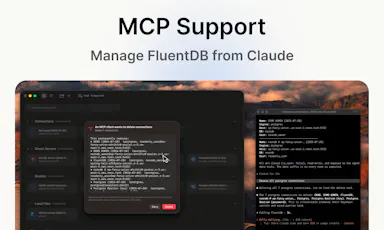
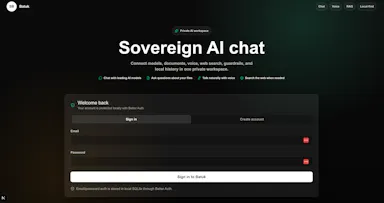
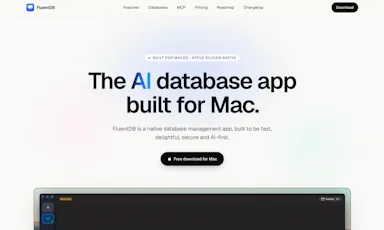
An AI-assisted SQL client for developers who want query help without sending their actual data to a cloud model.

Data stays with you
What to know
How it works
Models see your schema, not your data; every AI-generated SQL query requires approval by default.
Best for
Developers using Postgres/MySQL/SQLite/SQL Server on Mac.
Watch out
Mac-only for now.

Watched for 2 days · last checked 2d ago
Details →

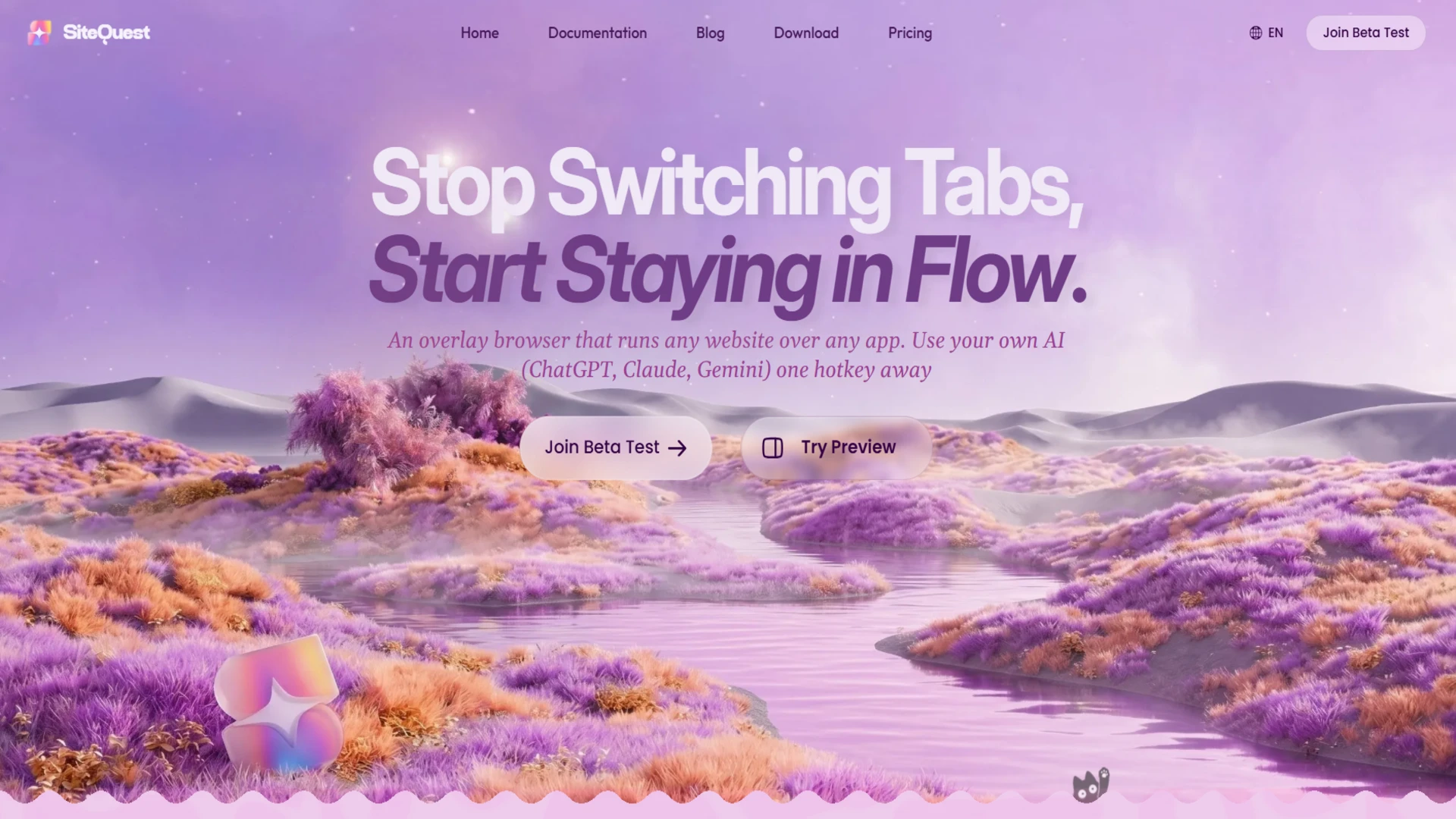
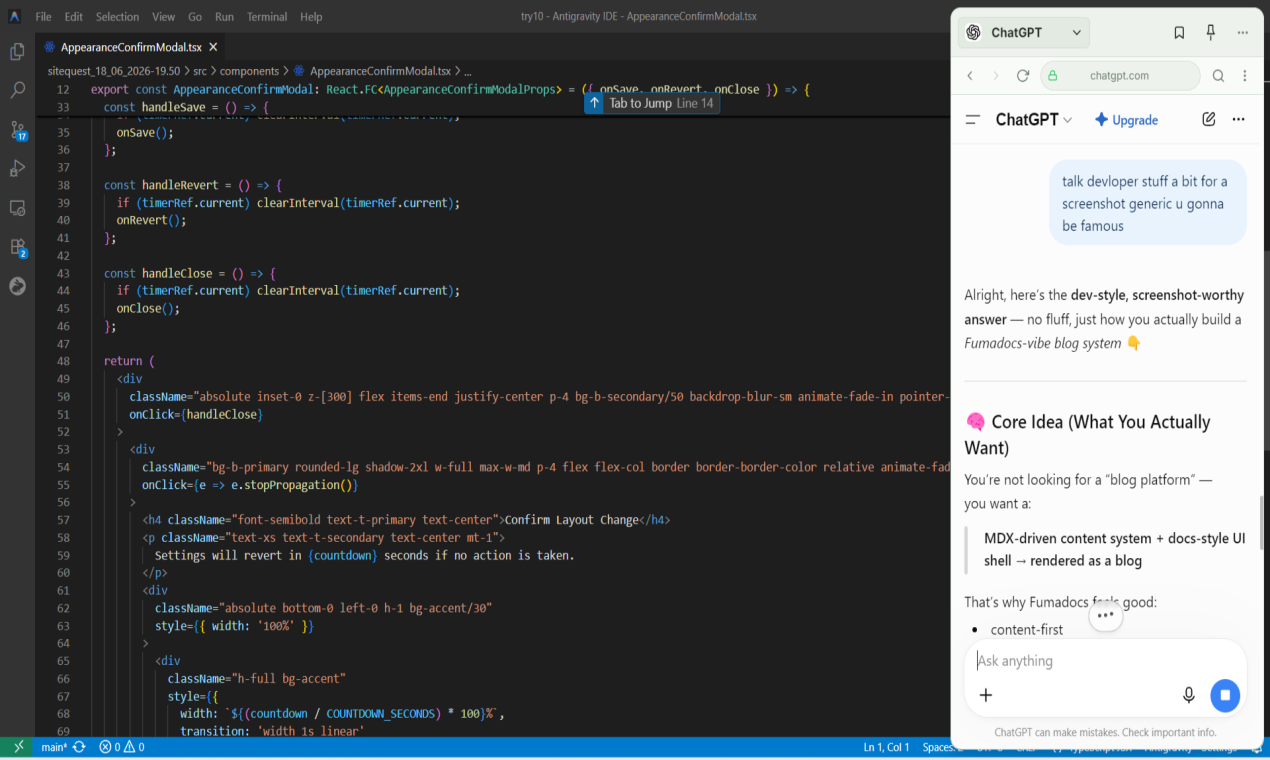
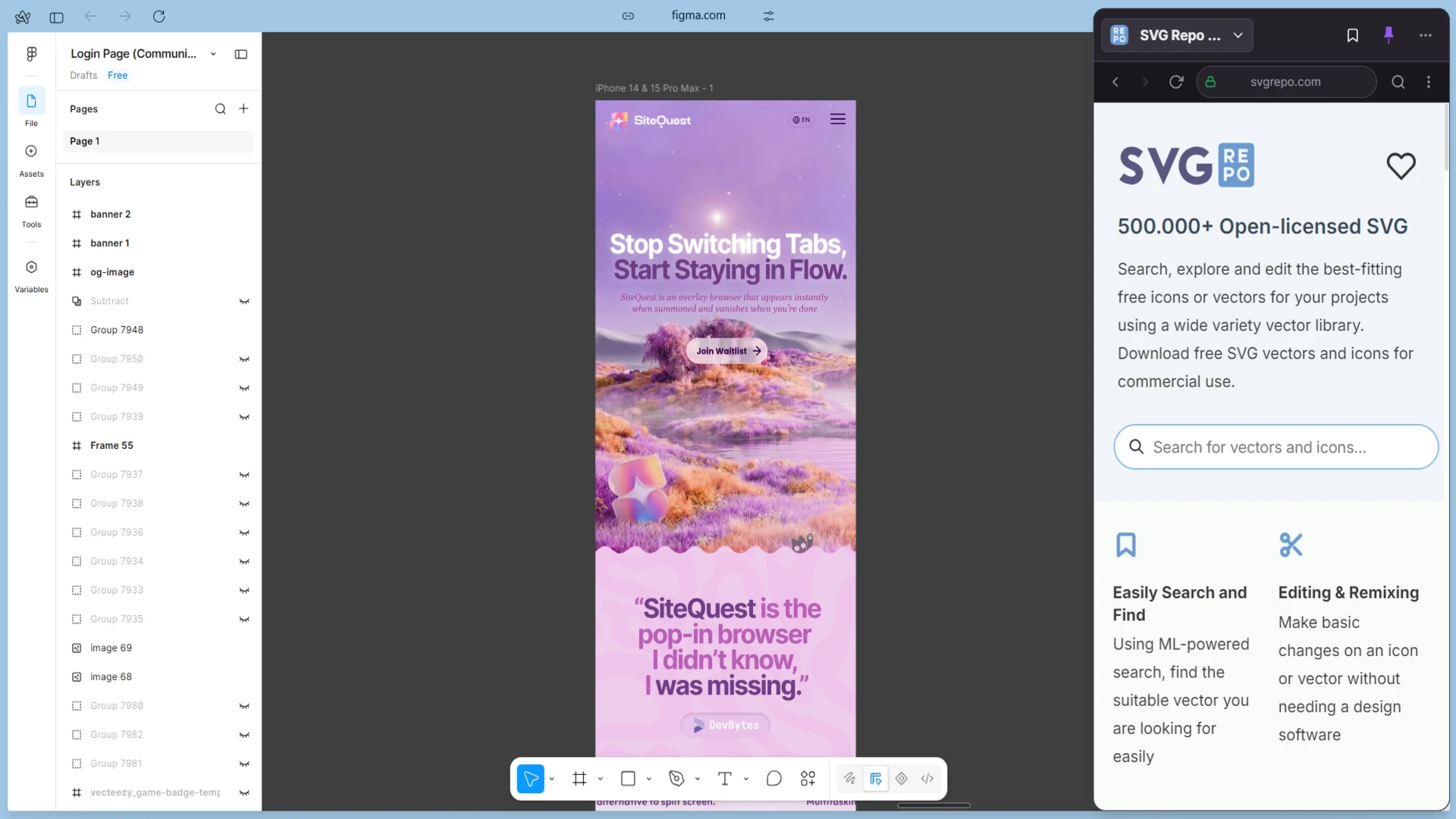
A desktop overlay browser for Windows and macOS that pops up over any app with a hotkey, so you can check a site or AI tool without switching windows.

What to know
How it works
global hotkey opens a browser overlay on top of your current app
What's different
works alongside your existing browser rather than replacing it; supports local Ollama or cloud AI

Watched for 5 days · last checked today

Details →

A local-first trading journal with an offline AI coach that reviews your trades and notes to flag costly habits, for traders who don't want their data on someone else's server.

No sign-upWorks offlineNo tracking
What to know
How it works
stores trades and notes in a single local file; AI coach runs against a local model (Ollama, LM Studio)
What's different
open source so the no-cloud claim is verifiable, plus a 'Leak Finder' that prices out bad habits
Best for
prop-firm traders needing drawdown and payout tracking

Watched for 5 days · last checked today

Details →

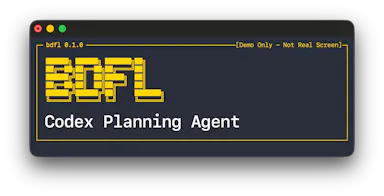
Open-source terminal supervisor that manages planning and worker AI agents for Codex, Claude Code, and Ollama sessions.

Open source
What to know
How it works
An open-source terminal supervisor where a planning agent proposes versioned plans you approve, then isolated worker agents implement the work while it handles scheduling, review, and recovery.

Watched for 4 days · last checked today

Details →

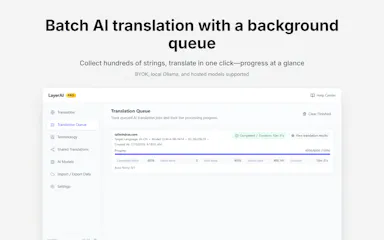
A Chrome extension that batch-translates web pages with AI drafts you finalize and reuse, using BYOK or local Ollama.

Works offline
What to know
How it works
A local-first Chrome extension that collects text, batch-drafts AI translations, and auto-applies your finalized translations on revisit.
What's different
Keeps editable translation assets, glossary control, a background queue for large sites, and supports BYOK or local Ollama.

Watched for 5 days · last checked today

Details →

A visual builder that gives AI agents (Claude Code, GPT, Ollama) approval-gated control of your phone's apps.

What to know
How it works
A visual builder that gives AI agents (Claude Code, GPT, Ollama) control of your real phone apps, requiring your approval on every action.

Watched for 4 days · last checked today

Details →

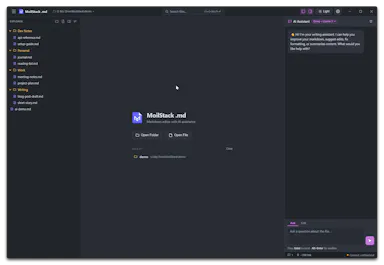
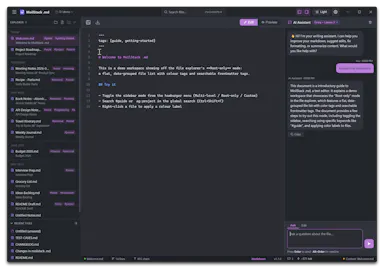
A desktop Markdown editor with AI-assisted editing, built-in Ollama integration, and automatic local backups.

Domain registered 6 months ago

What to know
How it works
Markdown editing with live preview, built-in AI editing, and automatic backups on the desktop.
Best for
People wanting a private-feeling Markdown editor with AI editing help.
Watch out
The tagline advertises OpenAI integration alongside Ollama, which sits at odds with the description's claim that everything runs privately with no cloud accounts.

Watched for 7 days · last checked 1d ago

Details →

A lightweight proxy that sits in front of coding-agent tool calls to block repetitive failing calls, mutate strategy when the agent is stuck, and compress bloated tool outputs, working across Claude, OpenAI, DeepSeek, Ollama, and OpenCode.

What to know
How it works
Runs as a background proxy (installed via pip) that detects and blocks repetitive failing tool calls, mutates strategy on loops, and compresses tool outputs, with a real-time dashboard and savings report.
Best for
developers running coding agents who want to cut token waste and loops.

Watched for 18 days · last checked today

Details →

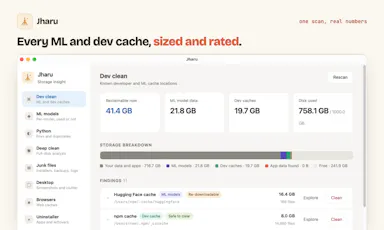
Free disk cleaner for your AI model and dev caches

FreeOpen sourceNo tracking
What to know
How it works
AI model önbellekleri ve geliştirici çöplerini tanıyıp gigabaytlarca yer açar; telemetri yok, kalıcı silme yok.
What's different
Ücretli CleanMyMac'e karşı ücretsiz alternatif.

First seen today · last checked today

Details →

A free tool that checks whether a given GPU can run specific local LLMs and estimates VRAM usage and cloud-vs-local cost.

Domain registered 8 months ago

Free
What to know
How it works
compares GPU specs against 75+ models and includes setup guides for tools like Ollama and LM Studio
Pricing
free
Best for
people deciding whether their hardware can run a local LLM

Watched for 11 days · last checked 5d ago

Details →

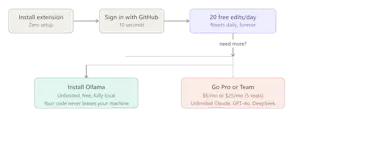
A free, lighter AI coding assistant built for indie developers and small teams as an alternative to Cursor and Copilot, running fully private and local via Ollama.

Free
What to know
How it works
Multi-file agent mode, inline edits, semantic codebase search, and AI commit messages, running fully private and unlimited via Ollama.
Pricing
20 real AI edits/day forever free; Pro $6/mo or Team $25/mo for more.
Best for
Indie developers and small teams who want an AI coding assistant without enterprise pricing or throttled quotas.

Watched for 12 days · last checked 6d ago

Details →

Tells you which local LLMs your specific GPU or Mac can actually run before you download a model, based on VRAM/memory and quantization.

What to know
How it works
Checks hardware specs against model requirements for tools like Ollama, LM Studio, llama.cpp, vLLM
Best for
People running local LLMs who don't want to guess at hardware fit

Watched for 6 days · last checked 5d ago

Details →

A lightweight Windows utility monitors and manages GPU memory temperature during AI inference or gaming, for owners of high-performance laptops trying to avoid thermal throttling.

Domain registered 5 months ago

FreeNo subscription
What to know
How it works
Monitors GPU memory junction temperature via low-level hardware telemetry and applies software-defined duty-cycling (millisecond-level pulse throttling) to prevent thermal-driven performance drops during AI inference or gaming.
What's different
Targets memory junction temperature specifically, which standard tools like MSI Afterburner only tune for the GPU core, not the memory hotspot that triggers emergency throttling.
Pricing
Pulse Throttling is free.
Best for
Owners of high-performance gaming or AI laptops running sustained local inference (Stable Diffusion, llama.cpp, Ollama) who see performance drop from memory overheating.

Watched for 9 days · last checked 9d ago

Details →

A local-first macOS AI workspace that combines chat, a shared canvas, browser, terminal, and widgets in one place, letting you connect your own API keys for various AI providers.

What to know
How it works
Each session keeps its own context and tools while results stay visible on a shared canvas; connects to OpenAI-compatible APIs, OpenRouter, DeepSeek, Gemini, Ollama, and more with your own credentials.
Watch out
Public preview, macOS only, and described as local-first rather than fully offline since it can call external AI APIs.

Watched for 11 days · last checked 8d ago

Details →

PopGuy

Live

A Mac text-selection toolbar that improves, translates, defines, or runs custom AI actions on selected text, using your own AI key or fully local models via Ollama.

FreeNo subscription
What to know
How it works
Select text in any Mac app, use the floating toolbar to run built-in or custom AI actions, either with your own API key or 100% locally through Ollama or built-in models.
Pricing
Free tier included; one-time $15 Pro upgrade, no subscription.

Watched for 12 days · last checked 8d ago

Details →

A self-hosted, open-source AI coding agent that runs on your local Ollama models and can be driven from Slack, Telegram, Discord, or the web, with human-in-the-loop plan approval before it edits code.

FreeData stays with youOpen sourceSelf-hosted
What to know
How it works
Uses a ReAct architecture with human-in-the-loop plan approval, deterministic edits, and PR creation; supports DeepSeek, Llama, Qwen, Mistral, OpenAI, Claude, and Gemini models.
Pricing
Free and open source.

Watched for 12 days · last checked 9d ago

Details →

Turns your website, PDFs and docs into a RAG-powered AI chatbot deployed in minutes — answers sourced only from your own content, captures leads 24/7, and can self-host with Ollama for full data privacy.

Self-hosted

First seen today

Details →

Detects and blocks risky use of AI tools (ChatGPT, local LLMs, desktop AI apps) on company devices before sensitive data leaves the endpoint, for MSPs and IT teams.

What to know
How it works
Browser extension classifies risky pastes to AI sites; Windows agent blocks desktop AI apps via existing RMM; multi-tenant dashboard for auditing
Best for
MSPs and IT teams managing AI usage risk across client devices
Watch out
Windows agent only currently

Watched for 6 days · last checked today

Details →

Benchmark database showing which open-weight AI models run on which consumer GPUs, with install recipes and a GPU advisor.

Domain registered 2 months ago

FreeNo sign-up
What to know
How it works
Provides honest benchmarks for 84 open-weight AI models across 27 consumer GPUs from RTX 3060 to Apple Silicon, each pair rated as runs, tight fit, or won't fit with real speed and VRAM numbers, plus 800+ step-by-step install recipes for llama.cpp, Ollama, ComfyUI, and MLX, and a GPU Advisor.
What's different
No invented numbers.
Pricing
Free under CC BY-SA, no signup.

Watched for 9 days · last checked 3d ago

Details →

An open-source Mac app that runs local AI mini-apps, including a private finance analyzer that redacts data before AI sees it.

FreeOpen source
What to know
How it works
Runs AI mini-apps locally on Mac; the lead app is a private CFO that turns bank/card CSV or PDF exports into spend reports (trends, subscriptions, duplicate charges) with account numbers redacted before any AI sees them. Also includes a music DJ with karaoke, a Mac health scanner, and cross-agent memory shared with Claude Code and Codex.
Pricing
Open source; free hosted tier, or bring your own OpenAI-compatible/Ollama model.
Watch out
macOS only.

Watched for 8 days · last checked 6d ago

Details →

Willow

Live

A local-first Mac AI agent you own outright for a one-time fee, using your own API key or a fully offline Ollama model, built for technical builders.

Domain registered 1 month ago

Works offlineNo subscription
What to know
How it works
A local-first desktop AI agent that runs on your Mac, can drive the browser and desktop, and completes multi-step tasks while data stays on-device.
What's different
A one-time lifetime fee instead of a subscription, with your own API key/model or a fully offline Ollama setup.
Pricing
€299 lifetime, no subscription.
Best for
Technical builders who want to own their AI agent outright rather than rent a cloud subscription.

Watched for 14 days · last checked 8d ago

Details →

A desktop coding harness built specifically around open-weight models like DeepSeek, Qwen and Kimi, instead of bolting them onto a Claude or GPT-first interface as an afterthought.

FreeWorks offline
What to know
How it works
A desktop AI coding harness built around open-weight models (DeepSeek, Qwen, Kimi, MiniMax) instead of Claude/GPT, using a structural + lexical code-retrieval engine (Blueprint) that builds a real dependency graph of the codebase rather than embeddings or a vector DB.
What's different
Built specifically for open-weight models' weaker context discipline, instead of treating them as an afterthought behind a Claude/GPT-first interface.
Pricing
Free.
Best for
Developers who want to use open-weight models like DeepSeek, Qwen, or Kimi for coding with retrieval built for their limitations.
Watch out
Depends on local tools like Ollama and MCP — offline/no-cloud setup requires configuring those dependencies yourself.

Watched for 18 days · last checked 2d ago

Details →

A guide site teaching setup of Claude Code, Codex, OpenRouter, and local LLMs like Ollama.

Domain registered 2 months ago

Free
What to know
How it works
Beginner-friendly guides covering how to install Ollama, run LLMs locally, and set up Claude Code, Codex, and OpenRouter.
Pricing
Free.

Watched for 9 days · last checked 6d ago

Details →

A self-hosted agent that lets you talk to any REST API in plain English through its MCP layer, using your own LLM such as Ollama — built for developers.

Open sourceSelf-hosted
What to know
How it works
A self-hosted agent with an MCP layer that lets you talk to any REST API in natural language, using your own LLM (e.g. Ollama) instead of a hosted one.
What's different
Bring-your-own-LLM and fully self-hosted, so API credentials and data stay under your control.
Best for
Developers who want to interact with REST APIs conversationally while keeping their own LLM and data ownership.

Watched for 18 days · last checked 3d ago

Details →

A native Android AI chat app that keeps your conversation history stored locally on the device instead of the cloud.

No sign-upData stays with youOpen sourceSelf-hosted
What to know
How it works
A native Android AI chat app.
What's different
Chat history is stored locally on the device rather than in the cloud.
Best for
Android users who want an AI chat app without their conversations stored in the cloud.

Watched for 18 days · last checked 10d ago

Details →

A free, open-source desktop app for AI character chat, roleplay and long-form writing, where your data stays in a local database even with a cloud AI backend.

FreeWorks offlineOpen source
What to know
How it works
A desktop AI workspace for character chat, multi-character roleplay, and long-form writing with RAG, LoreBooks, and MCP tools and plugins; you bring your own backend, such as OpenAI-compatible APIs, OpenRouter, LM Studio, Ollama, or KoboldCpp, while chats, characters, projects, and knowledge are stored in a local SQLite database.
What's different
Keeps your data in a local database even when you connect a cloud AI backend, and is free and open source.
Pricing
Free and open source.
Best for
Writers and roleplayers who want to choose their own AI backend while keeping their data local. Native builds are available for macOS, Windows, and Linux.

Watched for 14 days · last checked 3d ago

Details →

An open-source mock-interview app that can run entirely on your own local LLM for privacy - setup and model choice will suit technical users most.

Domain registered 8 months ago

Works offlineOpen source
What to know
How it works
Runs mock interview practice with voice conversations and instant feedback, using OpenAI, Anthropic, Gemini, Groq, or a local Ollama model for fully offline use.
What's different
Can run entirely on a local LLM via Ollama for complete privacy and offline use, unlike cloud-only interview tools.
Best for
Technical users comfortable choosing and configuring their own AI model, including those who want offline privacy.

Watched for 13 days · last checked 7d ago
Details →

Connects your Obsidian vault to any AI provider (OpenAI, Anthropic, Ollama or compatible) for chat over your notes, semantic search, auto-generated Zettelkasten notes and custom commands.

What to know
How it works
Connects an Obsidian vault to any AI provider (OpenAI, Anthropic, Ollama, or any OpenAI-compatible endpoint) to chat with your notes via RAG, run semantic search, auto-generate atomic Zettelkasten notes, and run custom commands.
What's different
Works with any AI provider including locally-run Ollama models, not locked to one vendor.
Best for
Obsidian users practicing the Zettelkasten note-taking method who want AI-assisted search and note generation over their own vault.

Watched for 16 days · last checked 10d ago
Details →

A voice-to-text app that transcribes on-device and optionally cleans up grammar with a user-chosen AI, positioned as a free alternative to Wispr Flow.

FreeWorks offlineOpen source
What to know
How it works
Transcribes speech on-device (Parakeet/Whisper/Cohere), then optionally uses a chosen AI (Gemini, OpenAI, OpenRouter or local Ollama) to remove filler words and fix grammar; API keys stay in the Keychain.
What's different
Positioned as a free alternative to Wispr Flow, fully offline if you skip the AI cleanup step.
Pricing
Free, open-source.
Best for
People wanting private voice-to-text across any app.

Watched for 3 days · last checked 1d ago

Details →

Open-source agentic AI fuzzer that finds bugs across languages and generates verified security patches automatically.

Open source
What to know
How it works
Uses a multi-agent LLM swarm to analyze source code or decompiled binaries, synthesize payloads, reproduce crashes and generate verified security patches automatically.
What's different
Supports C/C++, Rust, Python, Go, JS/TS and multiple LLM providers including Gemini, Claude, OpenAI and Ollama.
Pricing
Free, open-source.
Best for
Security researchers and developers doing automated fuzzing and patching.

Watched for 3 days · last checked 1d ago

Details →

Oryn

Live

A desktop AI coding agent for Windows that writes code from plain-language instructions, using your own AI key or a fully local Ollama model.

Works offlinePay onceNo subscription
What to know
How it works
Reads your codebase and writes code from plain-language task descriptions on Windows.
What's different
Works with your own AI key or fully local via Ollama.
Pricing
One-time payment, no subscription.
Best for
Developers on Windows who want a desktop AI coding agent.
Watch out
Windows only.

Watched for 18 days · last checked 4d ago

Details →

Eudora

Live

Logs and HMAC-verifies every AI agent action with an approval workflow, so enterprises can prove AI governance under the EU AI Act and DORA to auditors.

What to know
How it works
Logs every AI agent action with a timestamp, human owner attribution, and HMAC integrity verification, routing agents through an approval workflow before they reach production and generating compliance reports for EU AI Act Article 50 and DORA audit mandates.
What's different
Also does DLP scanning to catch credentials and PII before the model sees them, plus real-time policy enforcement and prompt injection detection.
Best for
Enterprises that must demonstrate AI agent governance to regulators and auditors under the EU AI Act or DORA.
Watch out
Works with OpenAI, Anthropic, Google Gemini, Azure OpenAI, and Ollama — check it covers whichever model providers your agents actually run on.

Watched for 18 days · last checked 10d ago

Details →

A Windows app that auto-sorts, renames and routes your Downloads, Screenshots and Documents using local AI via Ollama — nothing leaves your device.

Data stays with you
What to know
How it works
A Windows desktop app that watches selected folders and automatically renames, sorts and routes files using local AI, with duplicate detection and undo-safe operations.
What's different
Runs entirely on-device through Ollama rather than sending files to the cloud.
Best for
Windows users with messy Downloads, Screenshots or Documents folders who want automatic organization without a cloud service.
Watch out
Requires a local Ollama installation to power the AI features.

Watched for 14 days · last checked 3d ago

Details →

An open-source, fully on-prem GraphRAG framework combining knowledge-graph reasoning with governed AI agents that cite every answer, for teams that can't send data to the cloud.

Open sourceSelf-hosted
What to know
How it works
An open-source, on-prem GraphRAG framework combining tree-search navigation with knowledge-graph reasoning so an LLM answers multi-hop questions and cites every claim to its source; VeritasGraph Studio wires the knowledge graph into governed AI agents with guardrails, memory, tools and MCP bridges.
What's different
Runs 100% on-prem via Ollama with no data egress, and ships an MCP server plus a deterministic policy engine.
Pricing
Open-source.
Best for
Teams that need multi-hop, source-cited RAG answers but can't send data to the cloud.

Watched for 15 days · last checked 3d ago

Details →

An agentic data engineering platform that connects to your database, writes and runs PySpark/SQL, and includes a visual DAG builder.

What to know
How it works
An agent connects to a database, inspects schemas, writes PySpark or SQL, executes it on Spark, streams logs back, and debugs its own failures; also includes a visual drag-and-drop DAG builder, Kafka streaming, Apache Camel API integration, RAG knowledge bases, and native MCP support, letting users bring their own model (Claude, GPT, Gemini, Groq, or local via Ollama).
What's different
Goes beyond generating a code snippet — it actually runs and debugs the code itself.

Watched for 9 days

Details →

A privacy-first AI workspace combining Gemini and Ollama with local RAG for chatting over your own documents.

Nothing to installData stays with you
What to know
How it works
Combines Google Gemini, Ollama, and Local RAG into one application so users can chat with their own documents, switch between cloud and local AI models, and build reusable prompt libraries.
What's different
Keeps data under user control via browser-based storage and backup.

Watched for 10 days · last checked today

Details →

Tools that run models locally with Ollama — the short answers

Every number here comes from our own daily check — not from a vendor list.

Tools that run models locally with Ollama — how many are there?
Tablif is tracking 37 of them. 34 answered our check today, and 2 we couldn't reach — we don't claim those are dead.
Which ones are still maintained?
Tablif knocks on every door once a day and records the answer. 34 of these 37 responded on the latest run, so that number is what "still here" means on this page — not a review score.
Are any of them free?
12 of the live ones say so in their own words, and 3 let you start without making an account. Tablif records the claim the product makes; we don't verify pricing.
Any open-source options?
12 of the live ones on Tablif mention being open source.
What's the newest one?
Jharu -A disk cleaner that can think. — Tablif first saw it today.
Did a person actually look at these?
37 of them Tablif opened and read, then wrote a one-line summary in our own words instead of reusing the founder's tagline. The rest carry keyword labels we haven't confirmed by reading yet — and we say so rather than hiding it.