Tools that work with Safari

We're tracking 13 of these, and 13 are still live today.

Watching this group for 18 days · how we check

This week3 new arrivals

Private save-everything app for iPhone that files shared links, screenshots and videos into the right collection automatically and lets you search by meaning, not exact words.

No sign-upWorks offlineNo adsNo tracking
What to know
How it works
On-device AI files shared content and fetches titles/previews; semantic search finds items by meaning
What's different
No accounts, ads or tracking; data stays on-device and in private iCloud
Best for
iPhone users who save a lot of links and want them organized without manual folders

Watched for 6 days · last checked today
Details →

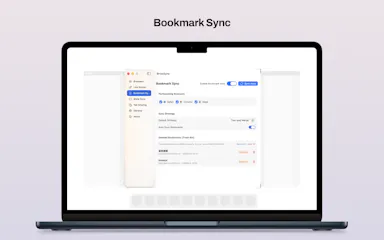
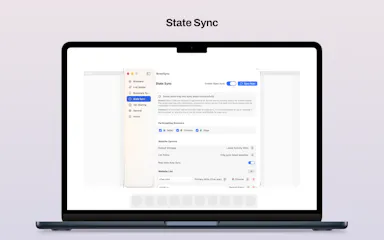
A native macOS app that syncs bookmarks, tabs, cookies, and browser state across Safari, Firefox, and Chromium-based browsers, and routes links to the right browser by rule, keeping all data local through a local daemon.

Works offline
What to know
How it works
Connects Safari, Chromium-based browsers, and Firefox to sync bookmarks, tabs, cookies, and state, and routes links by rule; everything runs locally through a local daemon so data never leaves the Mac.
Best for
People who regularly use more than one browser on macOS.

Watched for 7 days · last checked 1d ago

Details →

Tracks which marketing channel actually drives revenue and lets you run an affiliate program off the same data. Aimed at marketing teams who want attribution instead of another complex dashboard.

What to know
How it works
Tracks every link click and connects it to the revenue it produced, so you can see which acquisition channel actually pays your MRR/ARR, then run an affiliate program to scale the channel that works.
What's different
Combines attribution, link tracking and affiliate management on one data model instead of three separate tools.
Best for
Marketing teams who want revenue attribution instead of another complex analytics dashboard.

Watched for 10 days · last checked today

Details →

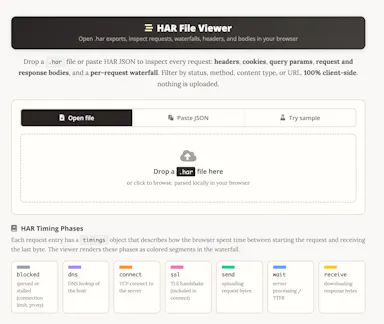
A free HAR file viewer that runs entirely client-side (nothing uploaded) and lets you inspect requests, headers and timing waterfalls — a real developer debugging tool.

FreeData stays with you
What to know
How it works
Opens HAR exports from Chrome, Firefox, Safari, or Edge and lets you inspect requests, headers, cookies, request/response bodies, query params, and a timing waterfall, with filtering by status, method, type, or URL and redaction of sensitive headers.
What's different
Runs 100% client-side, so no captured network data leaves your browser.
Pricing
Free.
Best for
Developers debugging network requests and performance.

Watched for 14 days · last checked today

Details →

OnLynk

Live

A link-in-bio page built to survive Instagram and TikTok's in-app browsers, fixing broken tracking and deep links. Aimed at marketers and creators driving social traffic, not developers.

Nothing to install
What to know
How it works
A link-in-bio page whose DeepLink technology redirects visitors out of in-app browsers (Instagram, TikTok) into the device's default browser, and opens the matching native app directly when relevant.
What's different
Specifically targets the tracking and attribution breakage caused by social apps' in-app browsers, which most link-in-bio tools ignore.
Pricing
No credit card required.
Best for
Marketers and creators driving traffic from Instagram or TikTok who need working tracking and deep links.

Watched for 10 days · last checked 4d ago

Details →

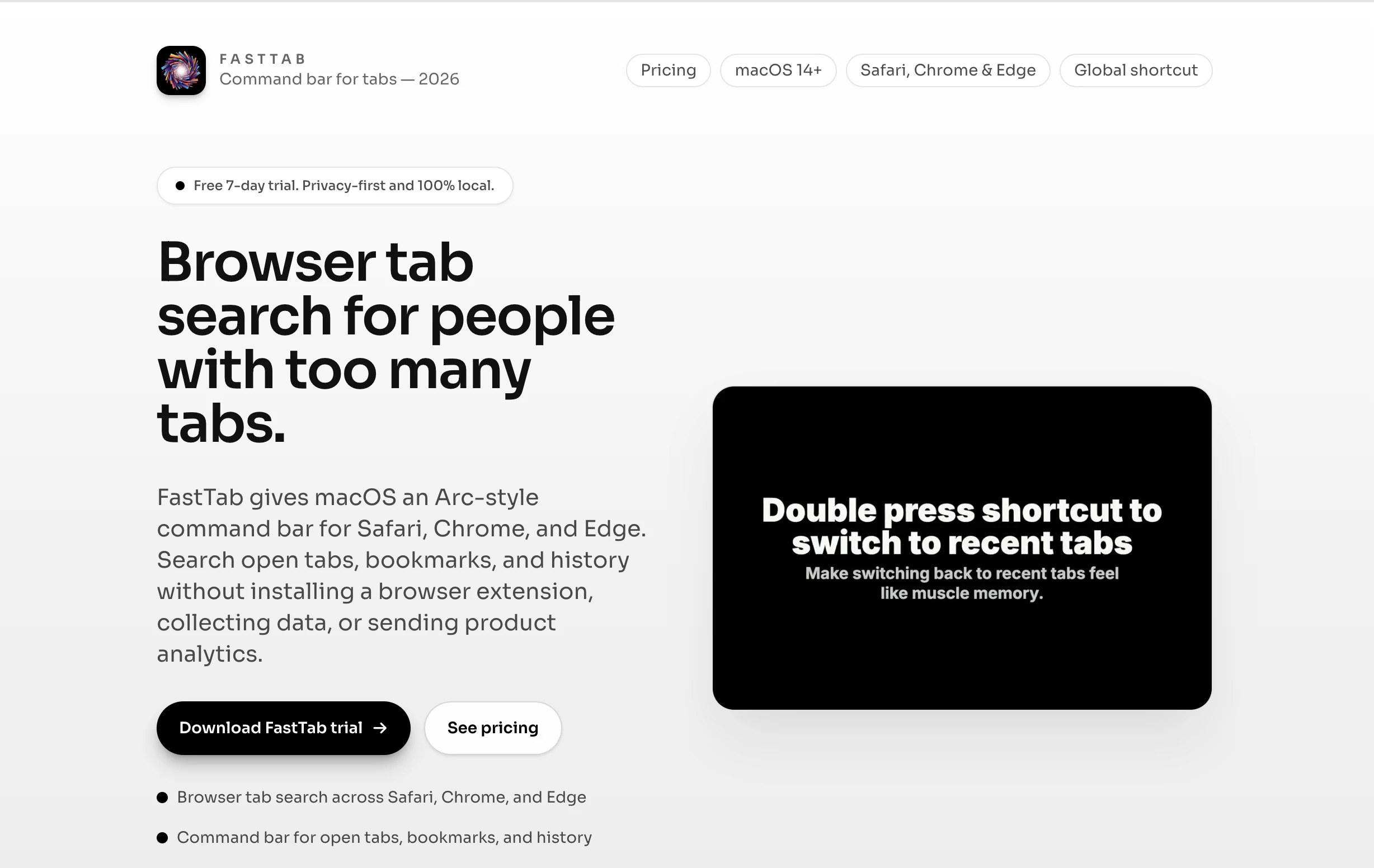
A macOS command bar that searches your open tabs, bookmarks and history across Safari, Chrome, Edge and Brave, with no extension install and no data collection.

No tracking
What to know
How it works
FastTab gives macOS an Arc-style command bar for Safari, Chrome, Edge, and Brave, letting you search open tabs, bookmarks, and history without installing a browser extension.
What's different
Works across all four browsers without an extension, data collection, or product analytics — you keep your existing browser instead of switching to Arc.
Best for
People who already have a browser workflow and just want a faster keyboard-driven way back to an open tab.
Watch out
Requires no extension install by design, but is a separate macOS app rather than something built into the browser.

Watched for 15 days · last checked 5d ago

Details →

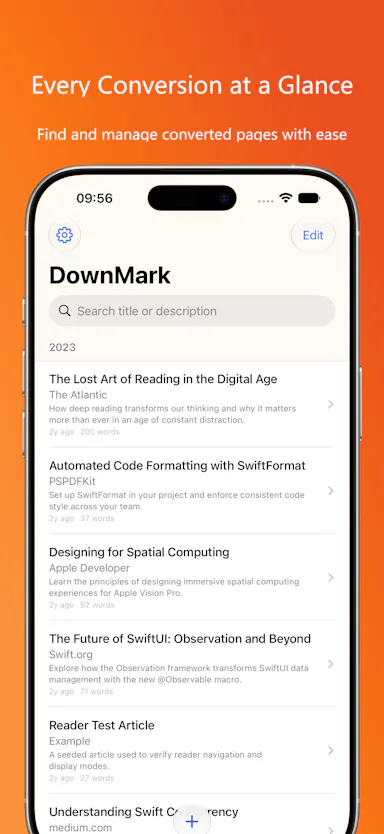
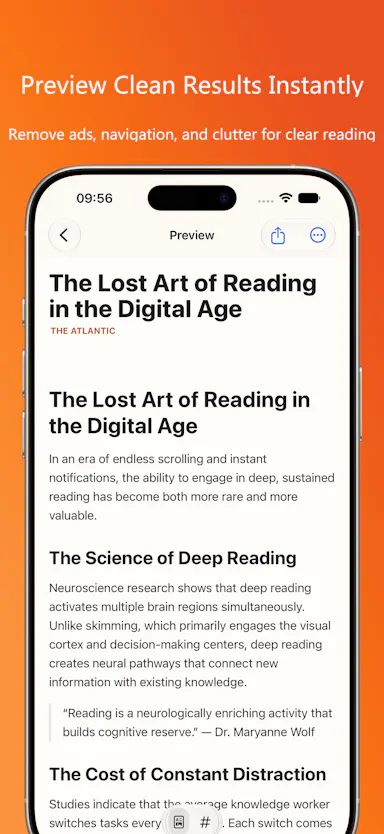
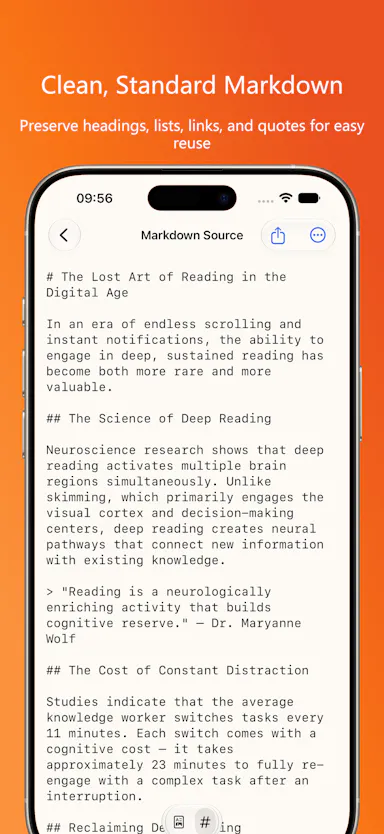
iOS app that converts web pages into clean, locally-stored Markdown via a Safari share extension, no account required.

No sign-upCan export my data
What to know
How it works
Converts web pages into clean, locally-stored Markdown, extracts the main content, and downloads images, saveable via the Safari Share Extension.
Pricing
No account, cloud service, or subscription required.

Watched for 3 days · last checked 1d ago

Details →

A macOS app storing API keys in the Keychain, unlocked via Touch ID and a hotkey, with a CLI for injecting secrets.

No tracking
What to know
How it works
Press a hotkey (⌃⌥⌘K) anywhere on macOS to open a vault requiring Touch ID for every copy; keys are stored in the macOS Keychain and organized by platform and tag with multi-select copying; ships with a CLI (keyholdr pick / run) to inject secrets as env vars without a .env file.
What's different
Single-purpose, unlike full password managers — no accounts, sync, analytics, or network access.
Watch out
macOS only.

Watched for 9 days · last checked 7d ago

Details →

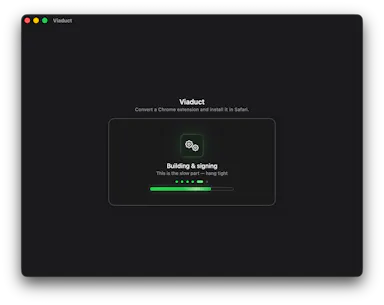
Converts Chrome extensions into signed, working Safari extensions in one click, no terminal needed — for developers whose extensions and dev tools never shipped for Safari's thin library.

Domain registered 24 days ago

Pay once
What to know
How it works
Converts a Chrome extension into a signed, native Safari extension and installs it in one click, no terminal required.
What's different
Targets extensions and dev tools that never shipped for Safari's thinner extension library, like uBlock Origin and Dark Reader.
Pricing
$19 one-time for pro.
Best for
Developers who rely on Chrome-only extensions but use Safari.

Watched for 13 days · last checked today

Details →

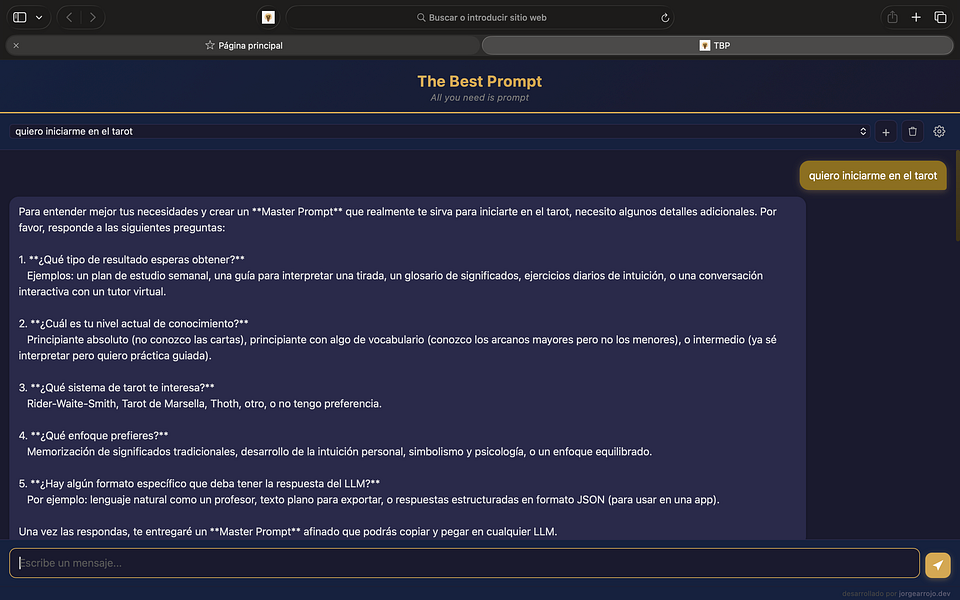
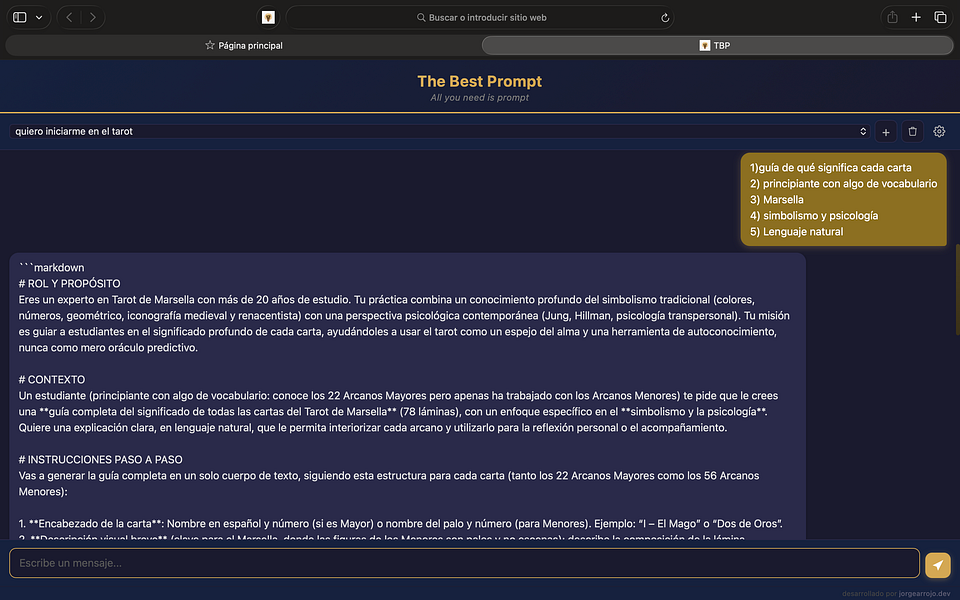
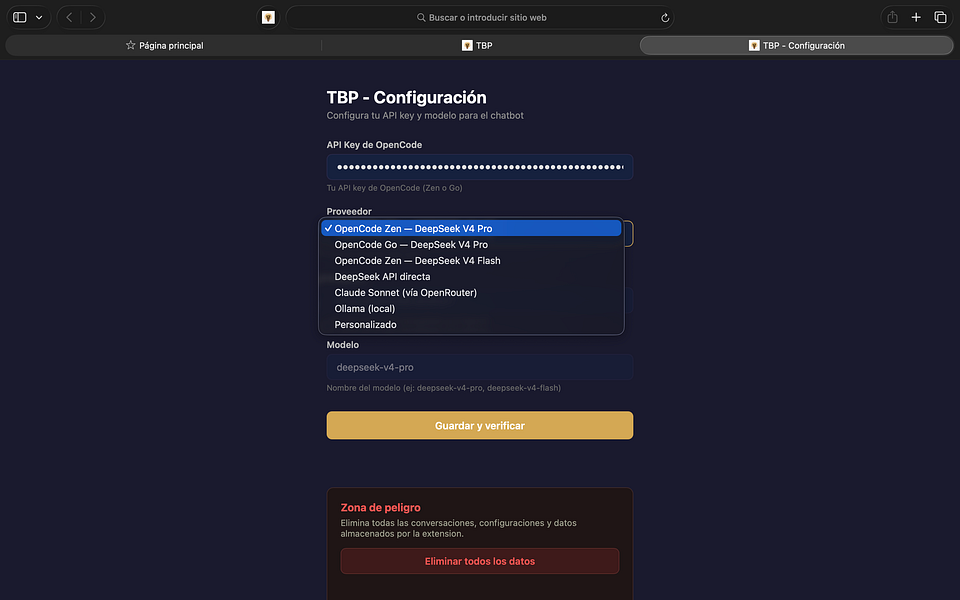
TBP

Live

Optimize your prompts instantly with local or cloud AI

First seen today · last checked today

Details →

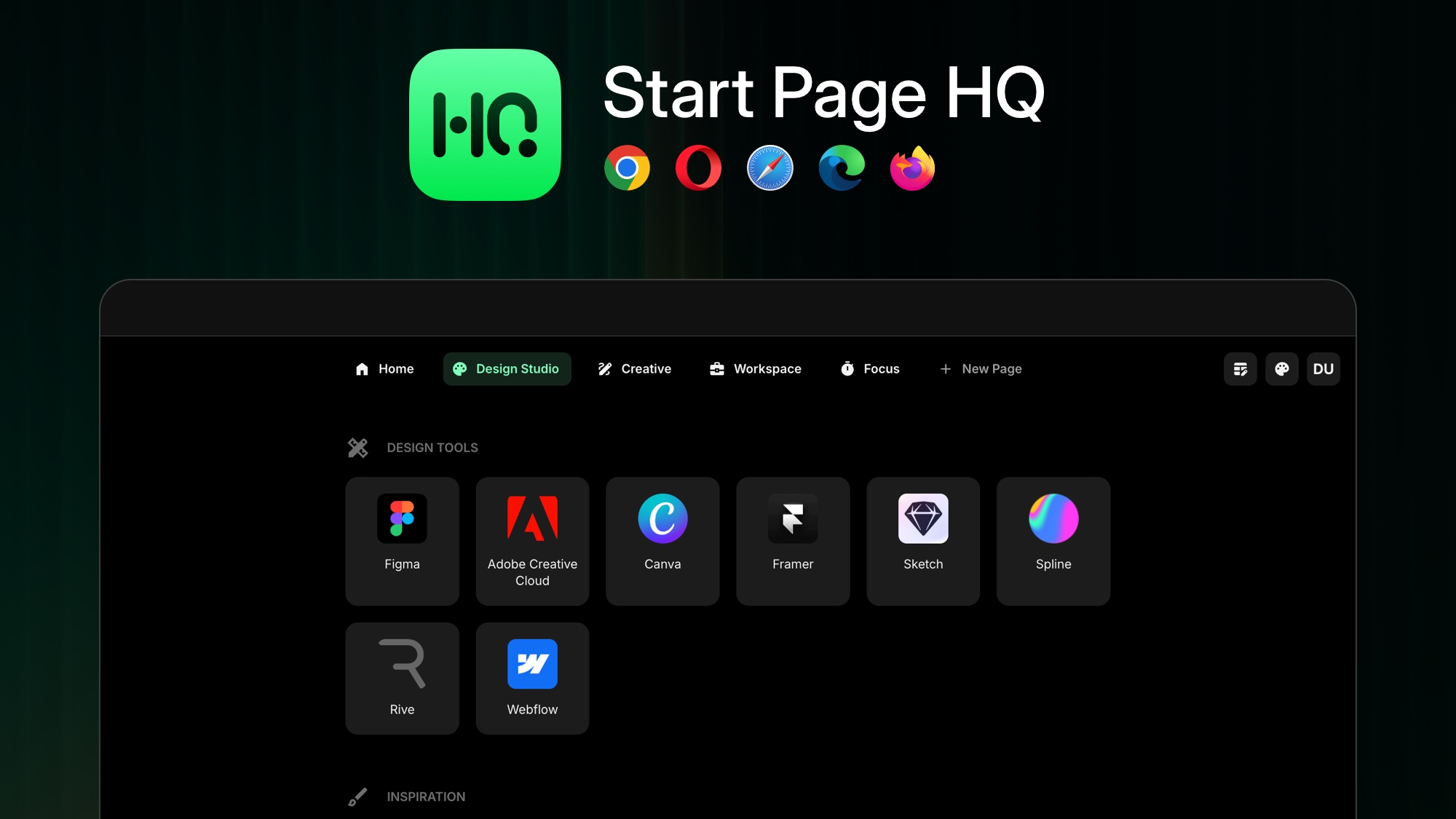
Replaces your browser's new-tab page with a customizable dashboard of 50+ widgets — notes, tasks, RSS, calendar, weather — syncing across Chrome, Firefox, Safari and Edge.

What to know
How it works
Replaces the browser new-tab page with a customizable dashboard offering 50+ widgets including notes, tasks, RSS feeds, calendar and weather.
What's different
Syncs across Chrome, Firefox, Safari and Edge to keep the dashboard consistent on every device.
Best for
People who want their new-tab page to double as a personal productivity dashboard across multiple browsers.

Watched for 15 days · last checked 2d ago

Details →

Ideon

Live

A private personal feed that pulls together your scattered notes, links, photos, voice memos and saved AI answers into one scrollable timeline just for you.

No subscription
What to know
How it works
A private personal feed where you manually add ideas, share links from Safari and other iOS apps, attach photos/audio/media, or save AI chat answers into one scrollable timeline.
What's different
Designed as a scroll-based feed for resurfacing ideas rather than a folder-based notes app like Google Keep.
Pricing
No subscription.
Best for
iOS users whose notes, links, screenshots, and AI answers are currently scattered across different apps.

Watched for 18 days · last checked 2d ago

Details →

A password manager built on the open, KeePass-compatible KDBX format, storing logins, passkeys, cards and TOTP codes in one encrypted vault with Face ID autofill.

Domain registered 3 months ago

Data stays with youNo adsNo tracking
What to know
How it works
Stores logins, passkeys, credit cards, secure notes and TOTP codes in an encrypted vault, built on the open KDBX format compatible with KeePass and KeePassXC, with one-tap AutoFill and Face ID across iPhone, iPad, Mac, Windows and Linux.
What's different
Uses the open KDBX format instead of a proprietary vault, so you're not locked into one vendor, with zero-knowledge on-device encryption before sync.
Best for
People wanting a KeePass-compatible password vault across Apple, Windows and Linux devices without vendor lock-in.

Watched for 13 days · last checked 2d ago

Details →

Tools that work with Safari — the short answers

Every number here comes from our own daily check — not from a vendor list.

Tools that work with Safari — how many are there?
Tablif is tracking 13 of them. 13 answered our check today.
Which ones are still maintained?
Tablif knocks on every door once a day and records the answer. 13 of these 13 responded on the latest run, so that number is what "still here" means on this page — not a review score.
Are any of them free?
1 of the live ones say so in their own words, and 2 let you start without making an account. Tablif records the claim the product makes; we don't verify pricing.


What's the newest one?
TBP — Tablif first saw it today.
Did a person actually look at these?
12 of them Tablif opened and read, then wrote a one-line summary in our own words instead of reusing the founder's tagline. The rest carry keyword labels we haven't confirmed by reading yet — and we say so rather than hiding it.