Tools for developersWorks with Chrome

27 match your filters — 27 of them answered our check today.

Watching this group for 20 days · how we check

This week9 new arrivals

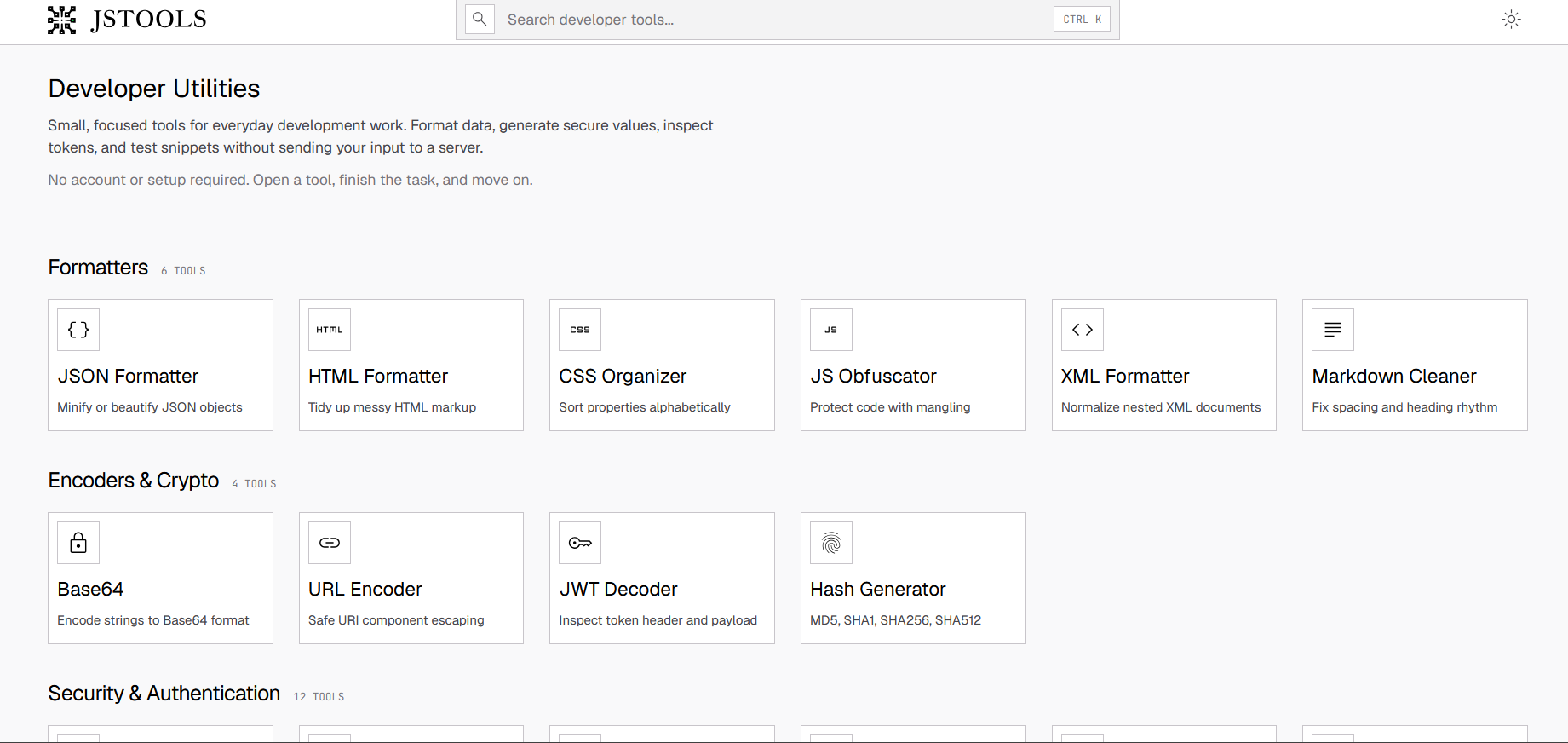
Free browser-based suite of developer utilities (JSON/HTML validation, Base64, JWT inspection, password generation) that avoids uploading data.

FreeNo sign-upData stays with you
What to know
How it works
Most processing happens client-side so code, tokens, and credentials aren't sent to a server
Pricing
free, no account
Best for
Developers needing quick formatting/encoding utilities without exposing sensitive data

Watched for 4 days · last checked today
Details →

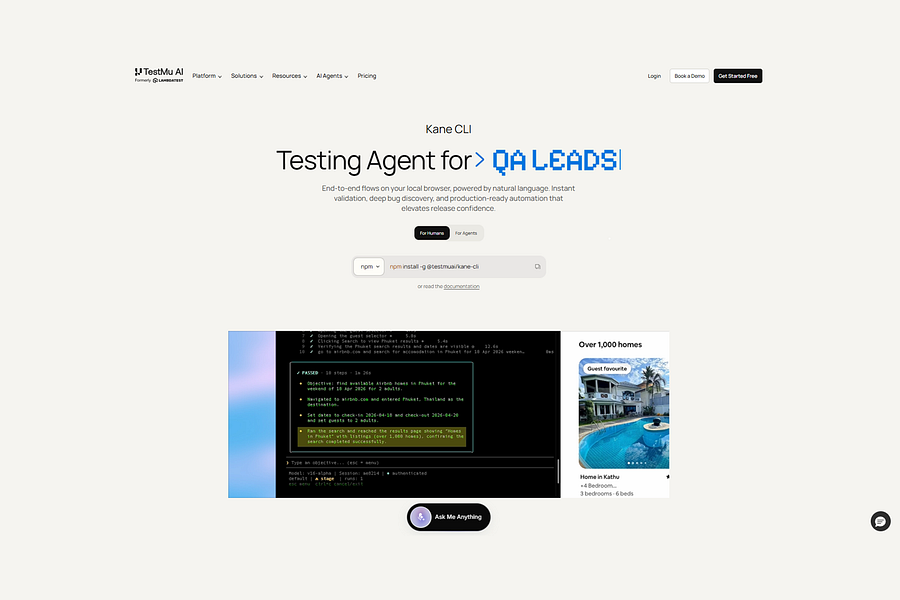
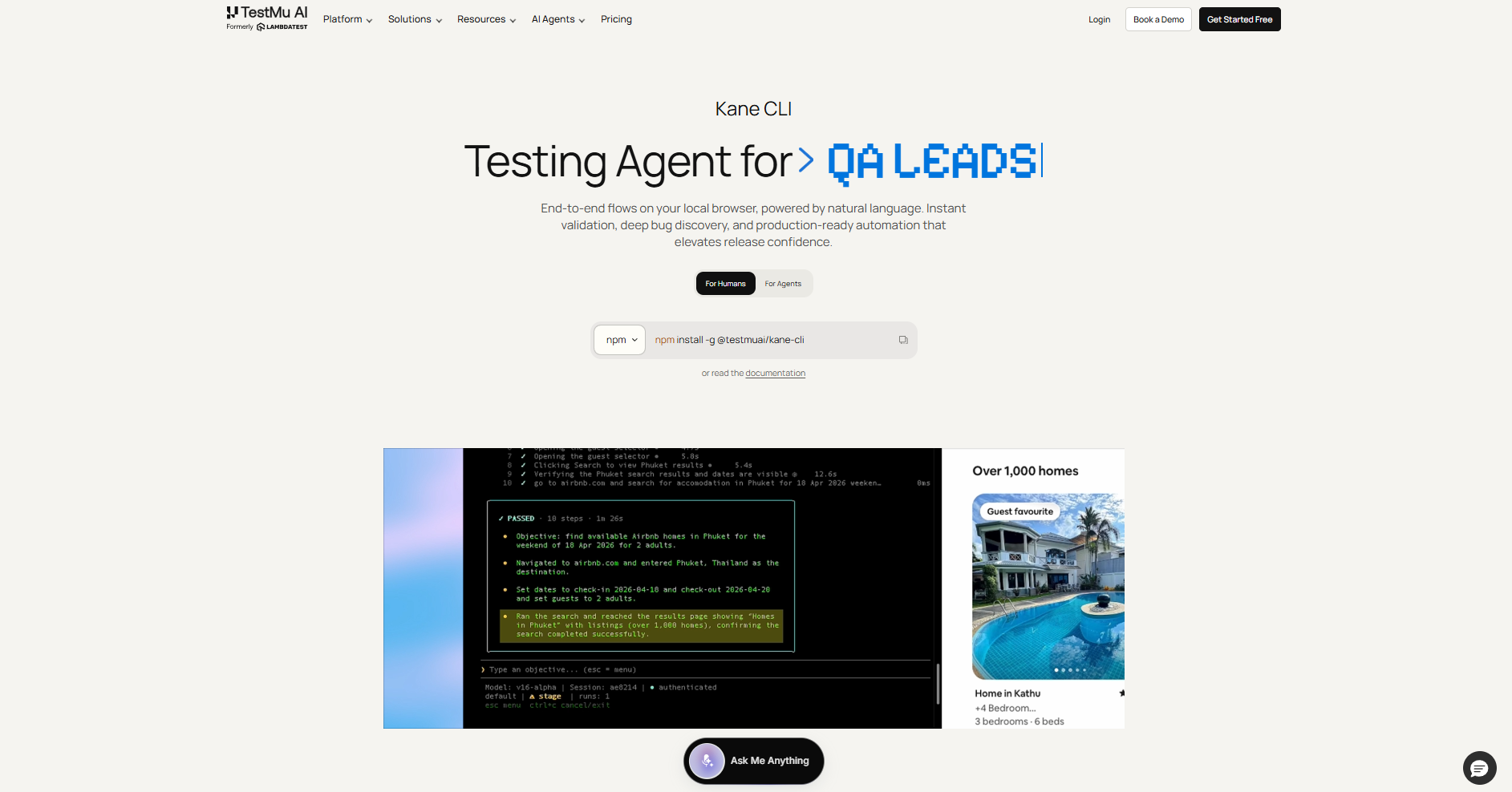
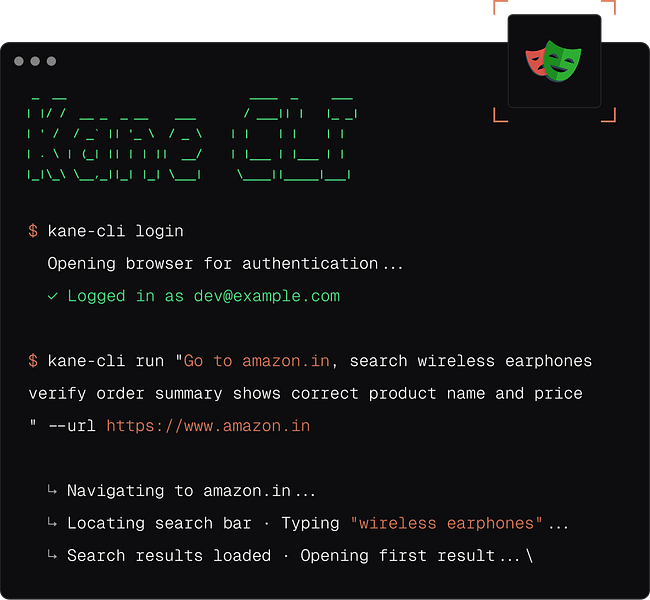
Runs browser tests described in plain English instead of code, for developers and QA engineers who don't want to write or maintain selectors.

What to know
How it works
Describe a browser flow in plain English and it runs in real Chrome, verifying each step
What's different
No selectors or test scripts to maintain
Best for
Developers and QA engineers, and AI coding agents needing structured test output

Watched for 4 days · last checked 4d ago

Details →

A free, open-source Chrome DevTools extension for testing APIs — capture, inspect, edit, and replay HTTP requests without an external proxy, plus a quick header and secrets audit.

FreeOpen source
What to know
How it works
A Chrome DevTools extension that captures, inspects, edits, and replays HTTP/HTTPS requests without an external proxy, plus a Quick Security Check that audits headers and flags secrets or PII.
What's different
Works without needing to route traffic through an external proxy, unlike typical API testing setups.
Pricing
Free and open-source.
Best for
Developers testing API security directly inside Chrome DevTools.

Watched for 10 days · last checked today

Details →

Notate

Live

A free Chrome extension that turns a click on a broken webpage element into a structured bug report (with screenshot, browser/OS context, console errors) pushed straight to Linear or Jira, instead of a back-and-forth email/Slack explanation.

FreeNo sign-up
What to know
How it works
Click to pin an element, captures CSS selector, coordinates, browser/OS/viewport/console errors, one click sends to tracker
What's different
Works anywhere Chrome can open a page, including localhost and behind VPN, no dashboard/account needed

Watched for 2 days · last checked 2d ago

Details →

A swap network where indie makers trade honest reviews on each other's live store listings, for developers who need real reviews on Chrome Web Store or Product Hunt.

FreeData stays with you
What to know
How it works
List your product, review one from the pool, get one back
What's different
reviews verified by a real person, not bots
Pricing
free
Best for
indie developers needing store credibility

Watched for 6 days · last checked today

Details →

A Chrome extension that finds and bulk-downloads images from any webpage in one click.

What to know
How it works
Detects every image on a webpage and lets you preview, filter, and download them individually or in bulk with one click.
Best for
Designers, marketers, developers, students, and anyone saving web images quickly.

Watched for 8 days · last checked 2d ago

Details →

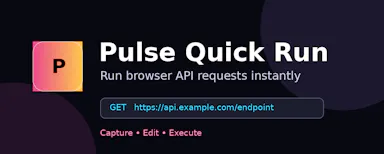
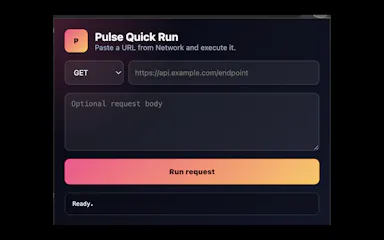
Replays Chrome Network requests locally so developers can debug APIs without sending request data to a hosted workspace, instead of using cloud-based API clients.

Works offline
What to know
How it works
Copy any Network request as cURL, import into Pulse, edit and rerun locally; supports collections, JSON paths, diffs, validation tests, exports.
What's different
Local-first, no data sent to a hosted workspace.
Best for
Developers debugging from Chrome DevTools.

Watched for 2 days · last checked 1d ago

Details →

Extro

Live

Next.js for Chrome extensions

What to know
How it works
A framework for building Chrome extensions with file-based extension surfaces, automatic Manifest V3 generation, React Fast Refresh, routing, and TypeScript, set up with one command.
What's different
Brings a modern-web-framework developer experience (a la Next.js) to Chrome extension development.
Best for
Developers building Chrome extensions who want a modern DX instead of raw Manifest V3 boilerplate.

Watched for 9 days · last checked 3d ago

Details →

Captures a bug's console/network logs and a screenshot from Chrome's side panel, drafts the report with AI, and sends it to your tracker — free, no signup.

FreeNo sign-up
What to know
How it works
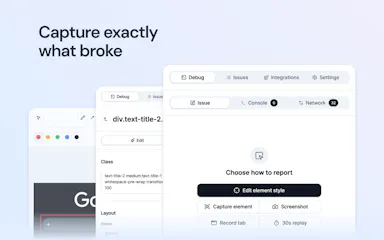
Captures a bug's console/network logs, environment details and a screenshot from Chrome's side panel, lets you tweak CSS live for before/after comparisons, and drafts the report with AI before sending it to your tracker.
Pricing
Free, no account required.
Best for
Developers or QA reporting bugs who want logs and environment context captured automatically instead of typed by hand.

Watched for 13 days · last checked 7d ago

Details →

Pseudo

Live

A Chrome extension for LeetCode practice that turns your described approach into code with your own LLM key, without the AI quietly fixing your mistakes. For developers training for interviews.

Open source
What to know
How it works
A Chrome extension for LeetCode practice: describe your algorithm approach in natural language and it generates code with your chosen LLM exactly as described, right or wrong, plus an experimental 'Resource Units' metric for AI usage.
What's different
Does not silently improve or fix your described approach the way other AI coding tools do — the generated code reflects your reasoning as-is, mistakes included.
Best for
Developers training for coding interviews who want to practice their own problem-solving rather than let AI solve it for them.
Watch out
Requires bringing your own LLM API key (BYOK); there is no backend.

Watched for 14 days · last checked 8d ago

Details →

A free Chrome extension that catches API keys, tokens and credit-card numbers before they get pasted into an LLM chat — for developers and vibe coders who copy-paste into AI tools daily.

Free
What to know
How it works
A Chrome extension that catches API keys, tokens, and 16-digit credit card numbers before they're pasted into an LLM, removing them locally and restoring them safely when needed.
What's different
A 'zero retention' architecture — the data is never stored or logged and only ever sits in local RAM.
Pricing
Free.
Best for
Developers and vibe coders who regularly paste code or text into AI chat tools.
Watch out
The zero-retention, local-only architecture is a vendor claim and not described as independently verified.

Watched for 18 days · last checked 10d ago

Details →

A Chrome extension that runs a Pomodoro timer alongside your Linear and GitHub tickets and Google Calendar, then turns tracked time into a standup-ready report. Built for developers tracking real focus time.

Domain registered 1 month ago

Works offline
What to know
How it works
A Chrome extension and web app that auto-detects your Linear and GitHub tickets as you browse, runs a Pomodoro timer measuring real focused time per task, tracks your top 3 priorities and recurring habits, and pulls in Google Calendar to count meeting time. Everything logged rolls up into a daily/weekly standup-ready report.
What's different
Local-first and pulls directly from Linear, GitHub, and Google Calendar so time tracking doesn't require manual copy-paste.
Best for
Developers who want an automatic, standup-ready record of real focused work time.

Watched for 10 days · last checked 4d ago

Details →

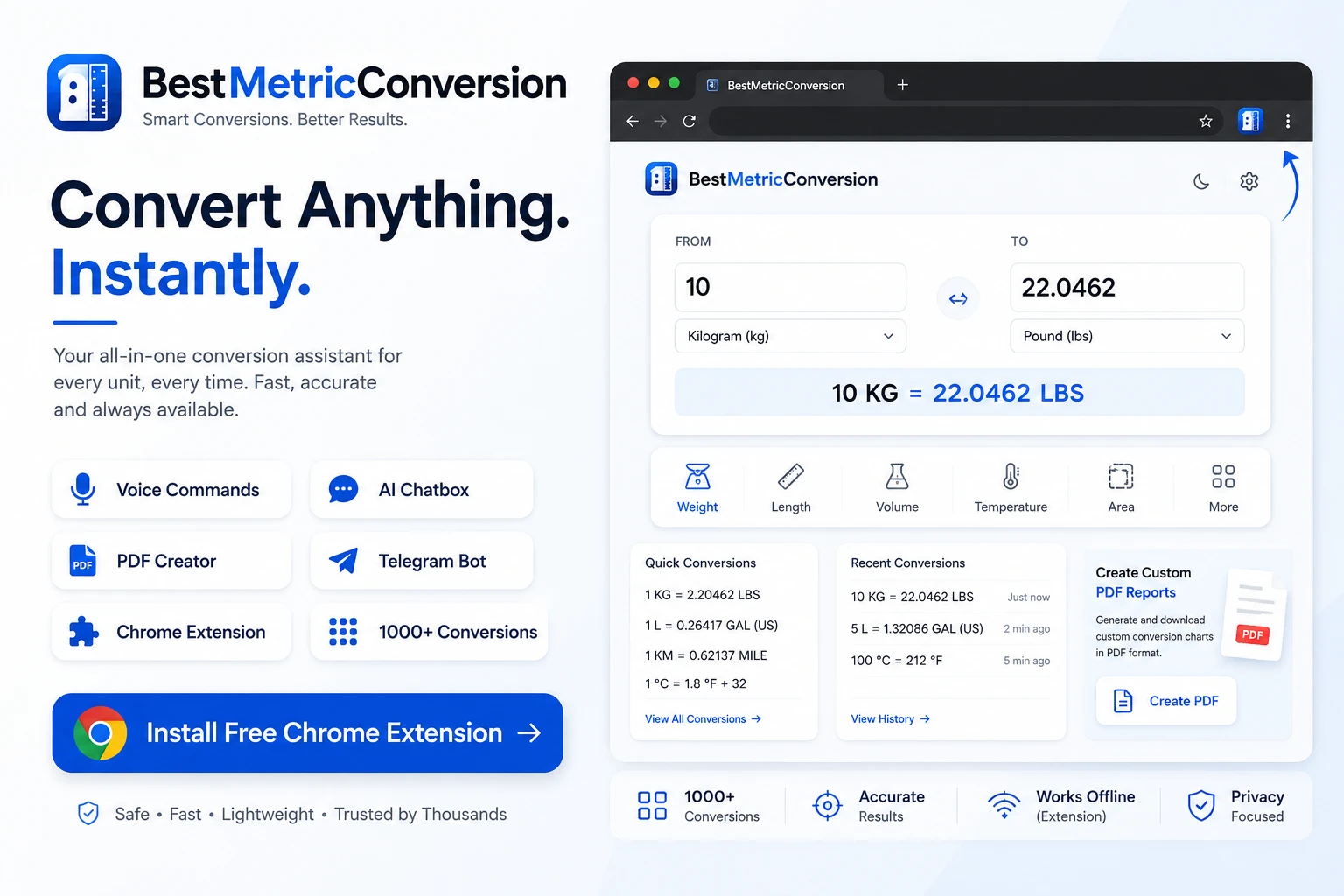
A broad unit-converter site (weight, length, temperature and more) with a Telegram bot, browser extensions and an AI conversion chatbox, aimed at students, engineers and everyday users alike.

What to know
How it works
A unit converter site covering weight, length, volume, temperature, pressure, speed, data storage, time and more, with an AI conversion chatbox, voice commands, a Telegram bot and browser extensions.
What's different
Adds AI chat, voice commands and shareable/PDF conversion outputs on top of standard unit conversion.
Best for
Students, engineers, developers and travelers who need frequent unit conversions across many categories.

Watched for 17 days · last checked 11d ago

Details →

A Chrome extension that lets you click to blur API keys or client data on screen before recording a demo — built for DevRel tutorials and agency reports.

What to know
How it works
A Chrome extension that lets you click on any element on a live web page to blur sensitive data — like an API key or client figures — before you start recording.
What's different
Blurs on the live page before recording starts, instead of requiring after-the-fact editing to hide sensitive data.
Best for
DevRel people recording tutorials and agency owners sending client screen recordings who need to hide production keys or client data on screen.

Watched for 18 days · last checked today

Details →

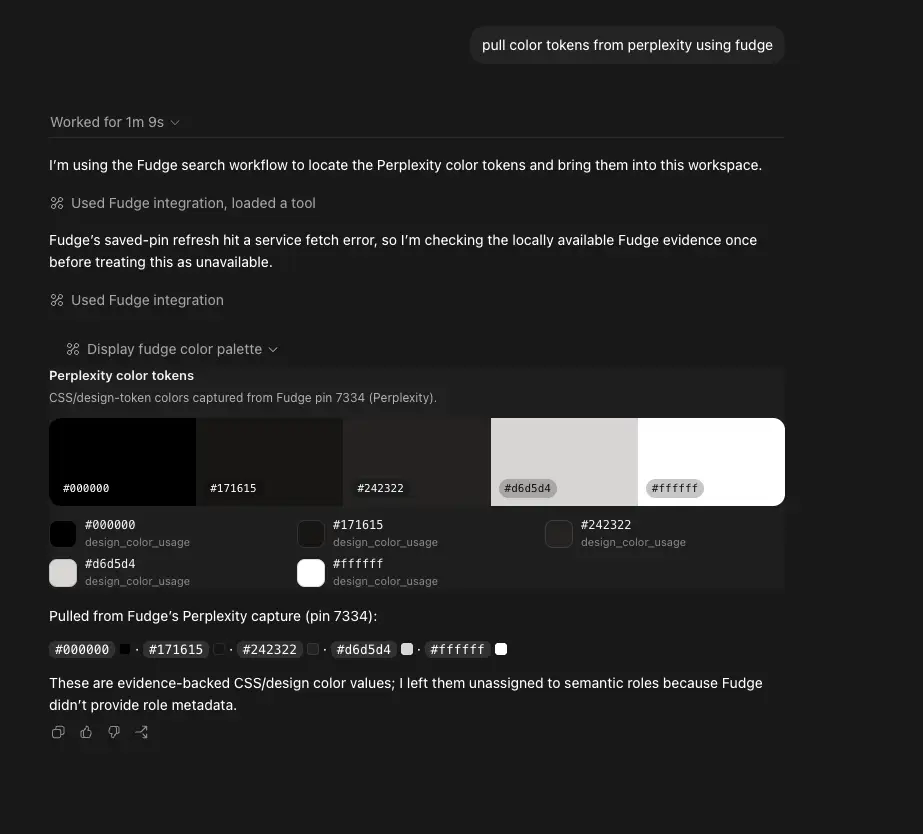
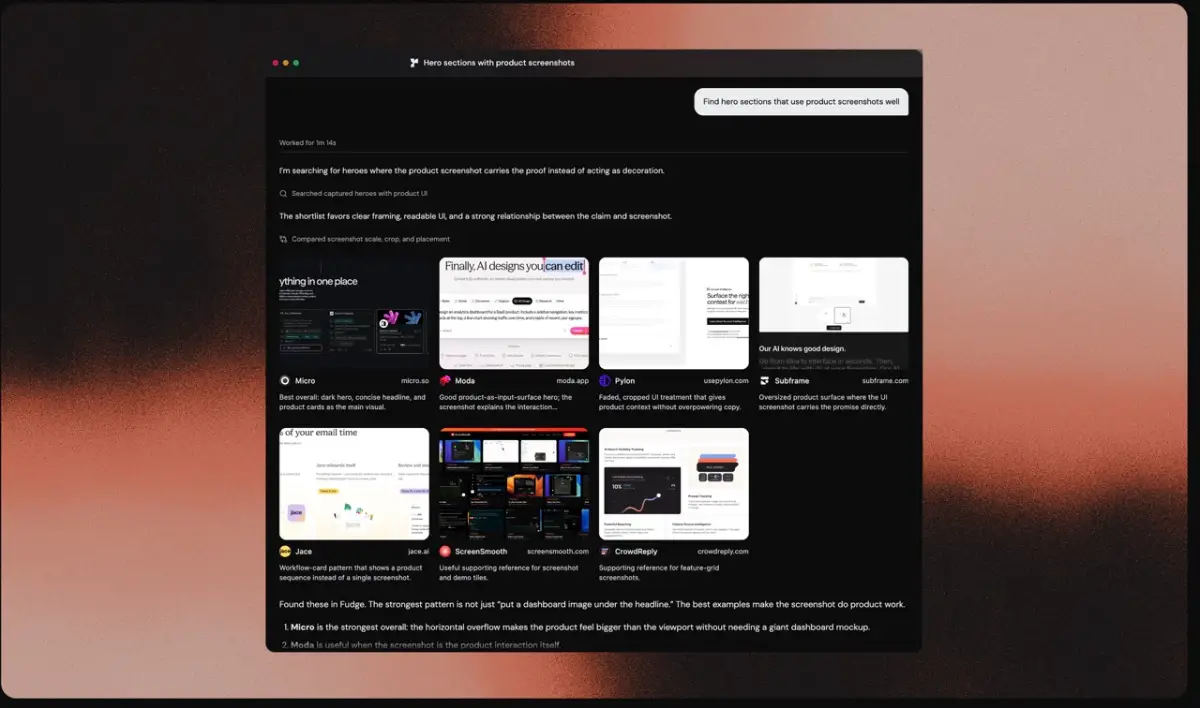
Lets AI coding agents pull real design references — fonts, colors, layouts — from thousands of live sites instead of guessing, via a local MCP server and Chrome extension.

Works offline
What to know
How it works
A design reference engine that lets AI coding agents search nearly 10,000 real websites by fonts, colors, components, layouts and visual similarity, running locally through MCP.
What's different
Grounds an AI agent's design choices in real, measured references and screenshots instead of asking it to invent a 'modern, premium' look from scratch.
Best for
Developers using AI coding agents who want evidence-based design references, with a Chrome extension to save ones they like.

Watched for 14 days · last checked 8d ago

Details →

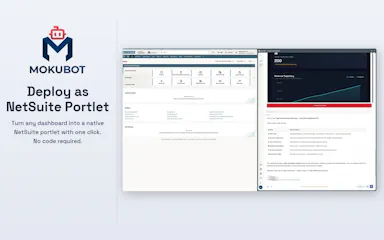
A Chrome side-panel agent that writes SuiteQL, builds NetSuite dashboards and deploys SuiteScript from plain English — a technical tool for developers working inside NetSuite.

Nothing to install
What to know
How it works
Runs as a Chrome side panel on your existing NetSuite session and, from plain English, writes SuiteQL, builds saved searches/workflows/dashboards, creates records in bulk, and generates and deploys SuiteScript.
What's different
Executes the work directly inside NetSuite rather than just generating output you still have to act on yourself, with no setup or API keys needed and read-only defaults with granular permission controls.
Best for
Developers and admins working inside NetSuite who want tasks that normally take an hour done in minutes.

Watched for 17 days · last checked 11d ago

Details →

A Chrome extension that takes full-page screenshots entirely in your browser, with no uploads or accounts.

Works offlineData stays with youNo tracking
What to know
How it works
Auto-stitches long pages and hides cookie banners/popups before capture
What's different
Runs 100% locally, no server or account needed
Pricing
Not stated
Best for
Developers and designers who need clean full-page captures privately

Watched for 4 days · last checked 3d ago

Details →

A free Chrome extension that shows a live token/context bar above Claude, ChatGPT, and Gemini input boxes so you don't get cut off mid-session.

FreeNo sign-up
What to know
How it works
Displays context window usage, rate limits, reset countdowns, and cost live above the input box
Pricing
Free, no account, no API key
Best for
Developers who use multiple AI chat tools daily and hit context limits

Watched for 6 days · last checked 4d ago

Details →

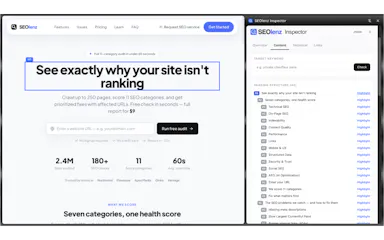
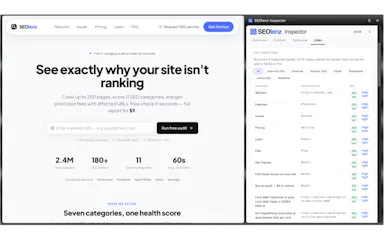
A Chrome extension that inspects a webpage's on-page and technical SEO — titles, meta tags, headings, canonical URLs, structured data — without leaving the browser.

What to know
How it works
Reads and displays SEO elements of the current page instantly in the browser.
Best for
SEO professionals, developers, and marketers auditing pages quickly.

Watched for 6 days · last checked 4d ago

Details →

A Chrome extension that scans pages you visit and flags matching Homebrew packages you can install. Aimed at developers who use Homebrew on macOS, positioned as privacy-first.

Data stays with you
What to know
How it works
A Chrome extension that scans the pages you browse and detects matching Homebrew formulae and casks as you go.
What's different
Positioned as privacy-first, with the description noting it avoids uploading data.
Best for
Developers on macOS who use Homebrew and want relevant packages surfaced while browsing.

Watched for 13 days · last checked 10d ago

Details →

A Chrome extension that bundles a screenshot or recording with console logs, network requests and environment info into one bug report, entirely on your machine. Built for developers and QA.

Domain registered 1 month ago

Works offlineData stays with youCan export my data
What to know
How it works
A Chrome extension that captures a screenshot or video recording along with console logs, network requests and environment info, bundling them into one paste-ready bug report; can export a video to webm or a full HTML report.
What's different
Runs 100% locally — nothing leaves your machine.
Best for
Developers and QA testers who need a complete, shareable bug report without manually collecting logs and screenshots.

Watched for 14 days · last checked 2d ago

Details →

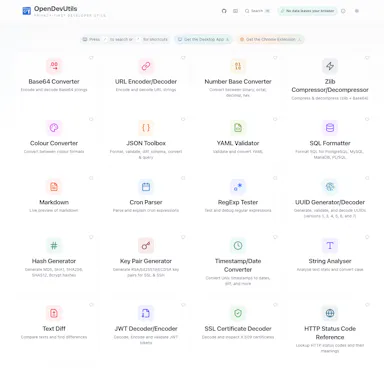
Privacy-first developer utilities — JWT decode, JSON format, Base64, UUIDs, timestamps, diff, cron, regex, SQL formatting — as a web app, desktop app or Chrome extension, all running locally.

Data stays with you
What to know
How it works
A set of developer utilities — JWT decoding, JSON formatting, Base64 conversion, UUID generation, timestamp conversion, text diff, cron parsing, regex testing, SQL formatting — available as a web app, desktop app or Chrome extension.
What's different
All processing happens locally on your device; no data is uploaded.
Best for
Developers who want quick utility tools without sending pasted data to a server.

Watched for 16 days · last checked 2d ago

Details →

A Chrome extension that saves workplace English phrases into a searchable bilingual phrase library with redaction of sensitive info.

Domain registered 10 months ago

What to know
How it works
Highlight any sentence with a Chrome extension from GitHub, Slack, Jira, docs, or email, save it with a native-language translation, and generate TTS audio to practice; sensitive company names, repos, links, tickets, emails, and secrets are auto-redacted before saving.
Pricing
Free plan included.
Best for
Bilingual software engineers building a workplace English phrase library.

Watched for 9 days · last checked 7d ago

Details →

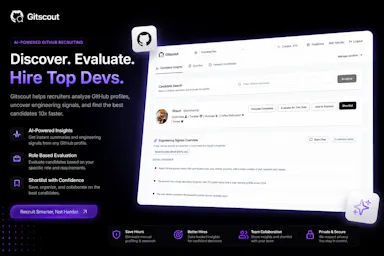
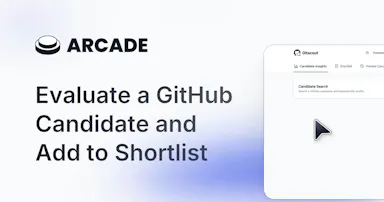
A Chrome extension that summarizes a GitHub user's public activity into structured insights for recruiters and hiring teams.

Domain registered 2 months ago

What to know
How it works
A Chrome extension that summarizes a GitHub user's public activity into structured insights like technical focus, contribution history, and collaboration patterns directly on GitHub profiles.
Watch out
Does not make hiring decisions or replace technical interviews.

Watched for 10 days · last checked 7d ago

Details →

Copy code blocks from any website in one click.

No sign-upNo tracking

First seen today · last checked today

Details →

A Chrome extension for saving and one-click switching between multiple login sessions on the same site.

Data stays with youNo tracking
What to know
How it works
Saves and restores multiple login sessions for the same website, letting you switch accounts with one click, stored locally with no cloud sync.
Best for
Developers, freelancers, marketers and QA engineers managing multiple accounts on the same site.

Watched for 3 days · last checked 2d ago

Details →

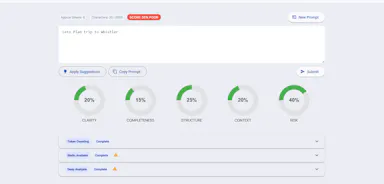
Free tool that scores AI prompts across five dimensions and suggests structured improvements to reduce trial-and-error.

Free
What to know
How it works
Scores a prompt across five dimensions and provides step-by-step improvements, token insights, and deep analysis to reduce trial-and-error in AI outputs, available as a Chrome extension.
Pricing
Free.
Best for
Creators and developers refining vague AI prompts.

Watched for 9 days · last checked 7d ago

Details →