Tools for developers — PDFs
54 match your filters — 50 of them answered our check today.
Watching this group for 20 days · how we check
This week23 new arrivals2 stopped answering
Narrow it down


Builds a shareable portfolio page from your resume PDF and GitHub repos in under 30 seconds.
What to know▼
- How it works
- Uploads resume, pulls experience via AI, syncs GitHub to pick best repos, generates a shareable link
- Best for
- Developers who need a quick portfolio link when applying to jobs
- Watch out
- Resume parsing is still described as imperfect
Watched for 6 days · last checked today


Turns a GitHub profile into a narrative developer profile for recruiters, for developers who want more than a repo list on their resume.
What to know▼
- How it works
- Analyzes repos, languages, and contribution history to write a narrative profile
- What's different
- no signup needed, compares two profiles side by side, exports as PDF
- Best for
- developers and students job-hunting with a GitHub history
Watched for 6 days · last checked today


RaaDoc
LiveFree toolkit of 55+ PDF, image and developer utilities that process files locally in the browser without uploading them.
Domain registered 10 days ago
What to know▼
- How it works
- 52 of 56 tools run entirely client-side, no server upload
- Pricing
- free, no signup, no daily limits
Watched for 6 days · last checked today


DocCrush
LiveA converter that turns PDFs, Word, PowerPoint, Excel, and images into clean, structured Markdown with OCR for scanned pages, built for developers feeding documents into AI/RAG pipelines.
Domain registered 12 days ago
What to know▼
- How it works
- Converts PDF, Word, PowerPoint, Excel, and images to Markdown, with OCR for scans, table preservation, image extraction, and batch processing.
- Best for
- Developers building RAG pipelines or AI apps that need documents as clean Markdown.
Watched for 7 days · last checked 1d ago


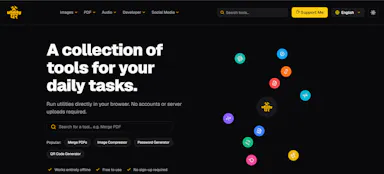
UtilityGhar
LiveA free collection of 150+ browser-based utility tools including a QR code generator, PDF merger, image compressor, and SEO analyzer, no signup required.
What to know▼
- How it works
- 150+ free online tools covering image, PDF, audio, developer, and social media utilities, used directly in the browser.
- Pricing
- Completely free, no signup.
Watched for 7 days · last checked 1d ago


InsightXiv
LiveLets Chinese-speaking researchers read and understand AI papers with translated guides instead of relying only on English sources.
What to know▼
- How it works
- Search literature, read PDFs, ask follow-up questions, and keep reading notes in one place.
Watched for 1 day · last checked today


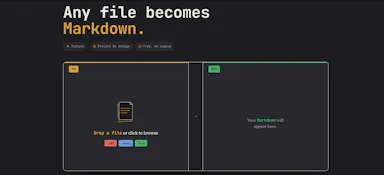
Flashdown
LiveConverts PDF, DOCX or TXT files to clean Markdown entirely in your browser, no upload or signup needed - built for developers and technical writers who keep notes in plain text.
Domain registered 15 days ago
What to know▼
- How it works
- Drop in a PDF, DOCX or TXT file and it converts to clean Markdown in seconds, entirely inside the browser tab — no file upload to a server.
- What's different
- Runs fully client-side with no upload, no signup and no server involved.
- Best for
- Developers, technical writers, and Obsidian/Notion/Logseq users who keep notes in plain text.
Watched for 12 days · last checked 6d ago


PDFPipe
LiveA flat-priced HTML-to-PDF conversion API with a 500-document free tier, for developers automating document generation.
Domain registered 1 month ago
What to know▼
- How it works
- A production-ready API for converting HTML content or URLs into PDF documents.
- Pricing
- Flat pricing with a free tier of 500 documents per month.
- Best for
- Developers automating document generation.
Watched for 8 days · last checked 8d ago

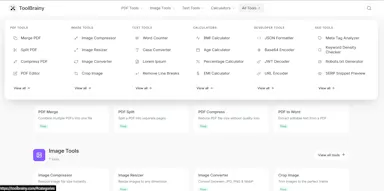
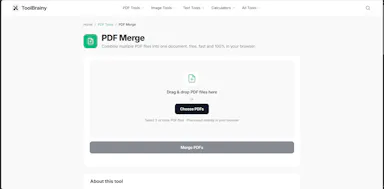
ToolBrainy
LiveA grab-bag of free browser-based utilities - word counter, PDF compressor, BMI calculator, JSON formatter - with no signup. A general toolbox, not built around one job.
What to know▼
- How it works
- A collection of free browser-based utilities: word counter, PDF compressor, BMI calculator, JSON formatter, and other developer/creator/student tools.
- Pricing
- Free, no signup required, works in the browser.
- Best for
- Developers, creators, and students who need a quick one-off tool without installing anything or making an account.
Watched for 17 days · last checked 11d ago



DevToolbox
LiveA free collection of 47+ browser-based developer and data tools (JSON/XML formatting, PDF and image compression, resume and invoice parsing, SEO analysis, screenshots, file sharing), many also available as an API.
What to know▼
- How it works
- Browser-based tools for formatting, compressing, parsing, and analyzing files and data; many expose APIs for integration into your own applications.
- Pricing
- Free.
- Best for
- Developers, designers, and data teams needing quick utility tools.
Watched for 11 days · last checked 5d ago


MarkFlow
LiveA free browser tool that turns Markdown - including tables, LaTeX math and Mermaid diagrams - into a Word document in seconds, despite the tagline calling it a PDF converter.
Domain registered 7 months ago
What to know▼
- How it works
- A free browser tool that converts Markdown into a formatted Word (.docx) document, with a live side-by-side editor preview; no sign-up or software install required.
- What's different
- Preserves tables, LaTeX math (inline and display), Mermaid diagrams as real visuals, and syntax-highlighted code blocks that many converters break.
- Pricing
- Free.
- Best for
- People converting technical or academic Markdown documents (with math, diagrams, or code) into Word without losing formatting.
- Watch out
- The tagline calls it a Markdown-to-PDF converter, but it actually exports to Word (.docx).
Watched for 14 days · last checked 8d ago

MyToolsHub
LiveA free hub of 100+ browser-based tools spanning PDFs, images, SEO and developer utilities, no sign-up or downloads required. A general toolkit with a dedicated developer section, not built for one profession.
What to know▼
- How it works
- A browser-based hub of 100+ tools for PDFs, images, text, developer utilities, SEO, calculators and generators, with no downloads or sign-up.
- What's different
- Runs entirely in the browser with no account or install, covering many task categories in one place.
- Pricing
- Free.
- Best for
- Students, developers, creators and professionals who want quick access to varied everyday tools without setting up accounts.
Watched for 16 days · last checked 10d ago



wellsent
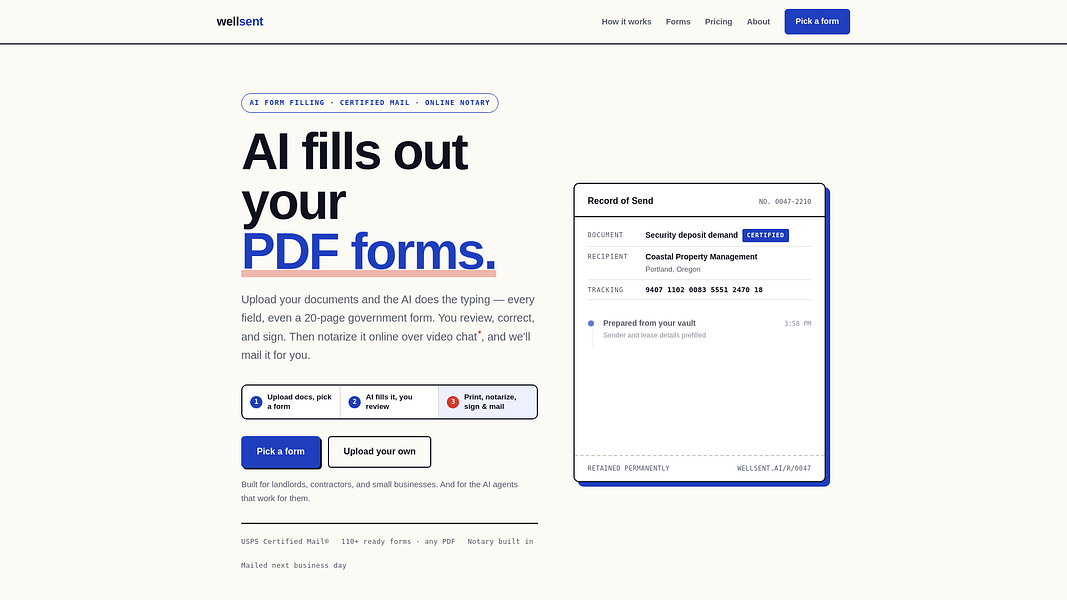
LiveAI fills out PDF forms, then handles online notarization and certified USPS mail with tracking — usable by individuals, businesses, or developers through its own API.
Domain registered 18 days ago
What to know▼
- How it works
- AI fills out PDF forms for you to review and correct, then handles online notarization and sends the document via USPS Certified Mail with tracking; details are saved in a vault to prefill future forms, and an API lets developers trigger the same flow.
- What's different
- Combines AI form-filling, notarization, and certified mail delivery into one flow instead of separate services.
- Best for
- Individuals, businesses, or developers who need to fill, notarize, and mail official documents.
Watched for 13 days · last checked 2d ago
SmartToolsHub
LiveA free collection of browser-based PDF and utility tools that process everything locally so files never leave your device — a mix of general and developer tools.
What to know▼
- How it works
- A set of browser-based PDF and utility tools — merge, split, convert, plus general developer tools — that process files entirely client-side, so nothing uploads to a server.
- What's different
- 100% local processing is the stated privacy angle: files never leave your device, unlike server-side PDF tools.
- Pricing
- Free, no registration.
- Best for
- Anyone who needs quick PDF merging/splitting/converting without creating an account or uploading files to a third party.
Watched for 20 days · last checked 2d ago
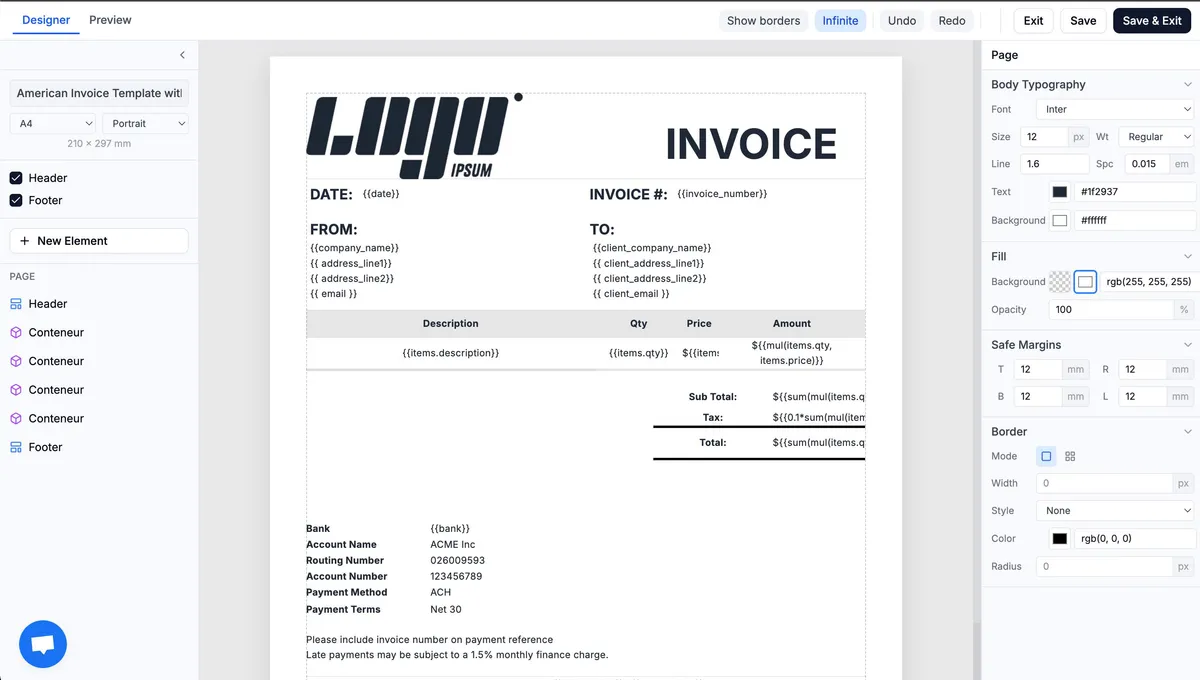
TemplateFox
LiveGenerates PDFs like invoices and certificates from WYSIWYG templates via API or Zapier instead of manual document assembly.
What to know▼
- Pricing
- free tier: 100 PDFs/month, then paid plans
Watched for 1 day · last checked 1d ago

CalcLeaf
Live170+ free browser-based calculators, text, PDF, and dev tools that run entirely client-side with nothing sent to a server, instead of ad-heavy online tool sites.
What to know▼
- Watch out
- Built and maintained solo.
Watched for 2 days · last checked 1d ago


CalcoWorks
LiveA free all-in-one toolkit bundling PDF editing, resume building, image compression and developer utilities in one site.
Domain registered 22 days ago
What to know▼
- How it works
- Collection of standalone tools (PDF, resume, image, API mocking, calculators) in one place
- Pricing
- Free, no signup or install
- Best for
- Developers, students and professionals wanting many small tools without separate apps
Watched for 4 days · last checked 3d ago


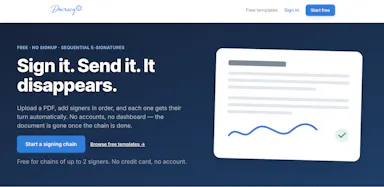
Free e-signature tool for one-off, low-stakes agreements where signers don't need accounts, and the document deletes itself after everyone signs.
What to know▼
- How it works
- upload a PDF, add signers in order, each signs their turn automatically, document disappears once complete
- Pricing
- free for chains up to 2 signers
- Watch out
- has an MCP connector for developer/agent use, but core product is a simple signing flow
Watched for 4 days · last checked 2d ago



ToolsVerse
LiveFree bundle of 150+ browser-based tools (PDF editing, image compression, file conversion, QR codes) with no downloads or sign-ups.
Domain registered 15 days ago
What to know▼
- Pricing
- free
- Best for
- students, professionals, creators, and developers needing quick one-off tools
Watched for 4 days · last checked 2d ago


KolmoPDF
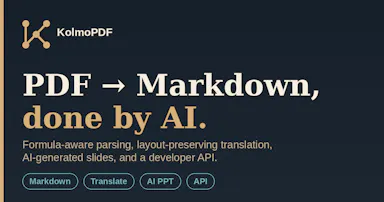
LiveConverts PDFs, including formulas, tables and code blocks, into clean Markdown with layout-preserving translation and an AI slide generator, plus a developer API for automating conversions.
What to know▼
- How it works
- Converts PDFs to clean Markdown while preserving formulas, tables and code blocks, and offers layout-preserving translation plus an AI slide (PPT) generator; also exposes a developer API.
- Pricing
- Has a free tier to start.
- Best for
- Developers and teams who need to automate PDF-to-Markdown conversion, including documents with math or code, via an API.
Watched for 16 days · last checked 10d ago


A free toolbox of 160+ browser-based developer and design tools (PDF editor, compressor, JSON formatter, QR generator) with no signup or upload.
What to know▼
- Pricing
- free
- Best for
- Developers and designers needing quick utility tools without uploading files
Watched for 5 days · last checked 4d ago


Doczen
LiveA free browser-based PDF toolkit for merging, converting, compressing, editing and signing documents without installing software.
Domain registered 2 months ago
What to know▼
- How it works
- Runs in-browser for merge, split, compress, sign, convert and more
- Pricing
- free
- Best for
- Students, professionals and developers handling PDFs regularly
Watched for 5 days · last checked 4d ago


ZenonDoc
LiveA free browser toolkit of 251+ utilities for compressing, converting and editing PDFs, images, video and text.
Domain registered 25 days ago
What to know▼
- Pricing
- free
- Best for
- Developers and general users needing quick file conversion tools without signup
Watched for 5 days · last checked 4d ago


A single app bundling 50+ small utilities — PDF, image, text, QR, calculator, converter, and developer tools — to avoid installing separate apps.
What to know▼
- How it works
- All tools accessed from one interface instead of separate single-purpose apps.
- Best for
- Students, developers, and creators who want a general-purpose toolkit in one place.
Watched for 6 days · last checked 4d ago



pdf2api
LiveConverts old or PDF-based API documentation into an OpenAPI spec, Postman collection and client SDKs automatically, saving developers from manually transcribing messy legacy docs.
What to know▼
- How it works
- You drop in legacy or PDF-based API documentation and it produces a clean OpenAPI spec, a ready-to-import Postman collection, and client SDKs, without manual transcription.
- Best for
- Developers integrating against old, messy or poorly-documented APIs who want machine-readable specs instead of transcribing docs by hand.
Watched for 18 days · last checked 2d ago

BroBroGo
LiveA free collection of 100+ browser-based tools for JSON, PDFs, and everyday dev tasks that run entirely locally with no file uploads or accounts.
Domain registered 1 month ago
What to know▼
- How it works
- 100+ tools localized into 68 languages run locally in the browser with no accounts and no file uploads.
- Pricing
- 100% free.
Watched for 11 days · last checked 8d ago


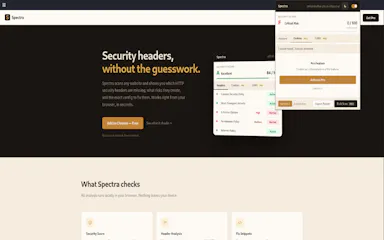
Spectra
LiveA browser tool for developers, pentesters, and security researchers that audits a website's security headers, cookies, and CORS configuration and reports issues instantly.
What to know▼
- How it works
- Install it and open any site to see security misconfigurations and how to fix them; Pro tier adds cookie auditing, CORS analysis, bulk scanning across 30 domains, and PDF reports.
- Pricing
- Pay once, keep it forever (Pro tier unlocks additional features).
- Best for
- Developers, pentesters, and security researchers checking site security quickly.
Watched for 11 days · last checked 8d ago



Fora Ai
LiveAn AI-powered code vulnerability scanner that lets developers paste code or upload a project ZIP for a severity-ranked report and AI-suggested fixes, with a limited free trial and unlimited scans on a paid Pro tier.
What to know▼
- How it works
- Paste code, upload files, or scan a ZIP project to get a security score, severity-ranked vulnerabilities, and AI-generated fixes.
- Pricing
- 10 free AI scans per new user, then Pro for unlimited scans and PDF reports.
Watched for 12 days · last checked 8d ago


A free browser-based toolkit combining AI image, PDF, and developer utilities like background removal, image enhancement, and document processing, for creators and developers instead of installing multiple separate tools.
What to know▼
- How it works
- Provides AI image tools, PDF utilities, and developer tools directly in the browser, including background removal, image enhancement, document processing, and code formatting.
- Pricing
- free
- Best for
- creators, developers, and professionals wanting quick browser-based tools
Watched for 13 days · last checked 9d ago


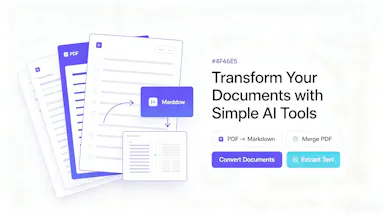


PDF to Markdown
LiveConverts PDFs to Markdown entirely in your browser with no upload or signup, aimed at personal-knowledge-management users and developers building text chunks for RAG pipelines.
What to know▼
- How it works
- Converts PDFs to Markdown entirely inside your browser, with no upload or signup required.
- What's different
- Processes files locally rather than through a cloud API, and outputs clean structured text chunks instead of flat broken plain text.
- Best for
- Obsidian/Notion users bringing documents into their notes, AI/RAG developers needing clean text chunks, and privacy-sensitive professionals like lawyers or researchers handling confidential files.
Watched for 15 days · last checked 2d ago

Free browser-based converters for turning Markdown and documents into PDF, DOCX, HTML, slides and more, no signup, nothing stored. Built for developers, students and documentation teams.
What to know▼
- How it works
- Free browser-based tools that convert Markdown and documents into PDF, DOCX, HTML, slides, images, and tables without installing software.
- Pricing
- Free, no signup required.
- Best for
- Developers, writers, students, and documentation teams who need quick document exports without installing conversion software.
Watched for 16 days · last checked 2d ago
FreelanceFlow
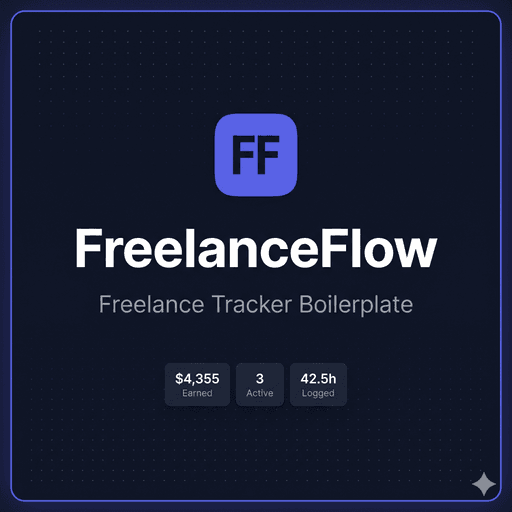
LiveA self-hosted client, project and invoice tracker you deploy yourself for a one-time $49 instead of paying HoneyBook or Bonsai monthly. Built for developer-comfortable freelancers, not a no-code SaaS pick.
What to know▼
- How it works
- Manage clients, projects, and invoices in one place: track billable hours, generate invoice PDFs, and monitor monthly revenue with a built-in chart. Self-hosted on your own Railway + Supabase stack, built with React 19, Express 5, PostgreSQL, and Drizzle ORM, deployable in under 15 minutes.
- What's different
- Sold as a one-time $49 purchase with full source code (MIT licensed) instead of paying HoneyBook ($19/month) or Bonsai ($25/month) recurring fees.
- Pricing
- One-time $49 purchase, no recurring fees.
- Best for
- Freelance developers, designers, and consultants at $0-$5k/month who want a real CRM before paying for Bonsai.
Watched for 18 days · last checked 11d ago

Fliktools
Not respondingA free privacy-first browser toolkit of 87+ tools spanning PDF, image, AI writing, wellness and developer utilities, all processed locally.
What to know▼
- How it works
- All tools run locally in-browser, files never uploaded
- Pricing
- free forever, no paid tier
- Best for
- Anyone wanting quick utility tools without files leaving their device
Watched for 5 days · last checked today



Pritset Enhanced
LiveAPI and platform for generating PDFs from DOCX templates at scale, with template management and usage stats.
What to know▼
- How it works
- Generates PDFs from DOCX templates through an API, with template management, usage statistics, and onboarding.
- Best for
- Developers generating documents at scale.
Watched for 3 days · last checked 2d ago


Toolszy
LiveFree browser-based toolkit with calculators, converters, text and image utilities, PDF merge, and developer tools.
Domain registered 10 days ago
What to know▼
- How it works
- Offers calculators, converters, text and image utilities, PDF merge, QR and password generators, and developer tools, working in the browser with no signup.
- Pricing
- Free.
Watched for 9 days · last checked 3d ago



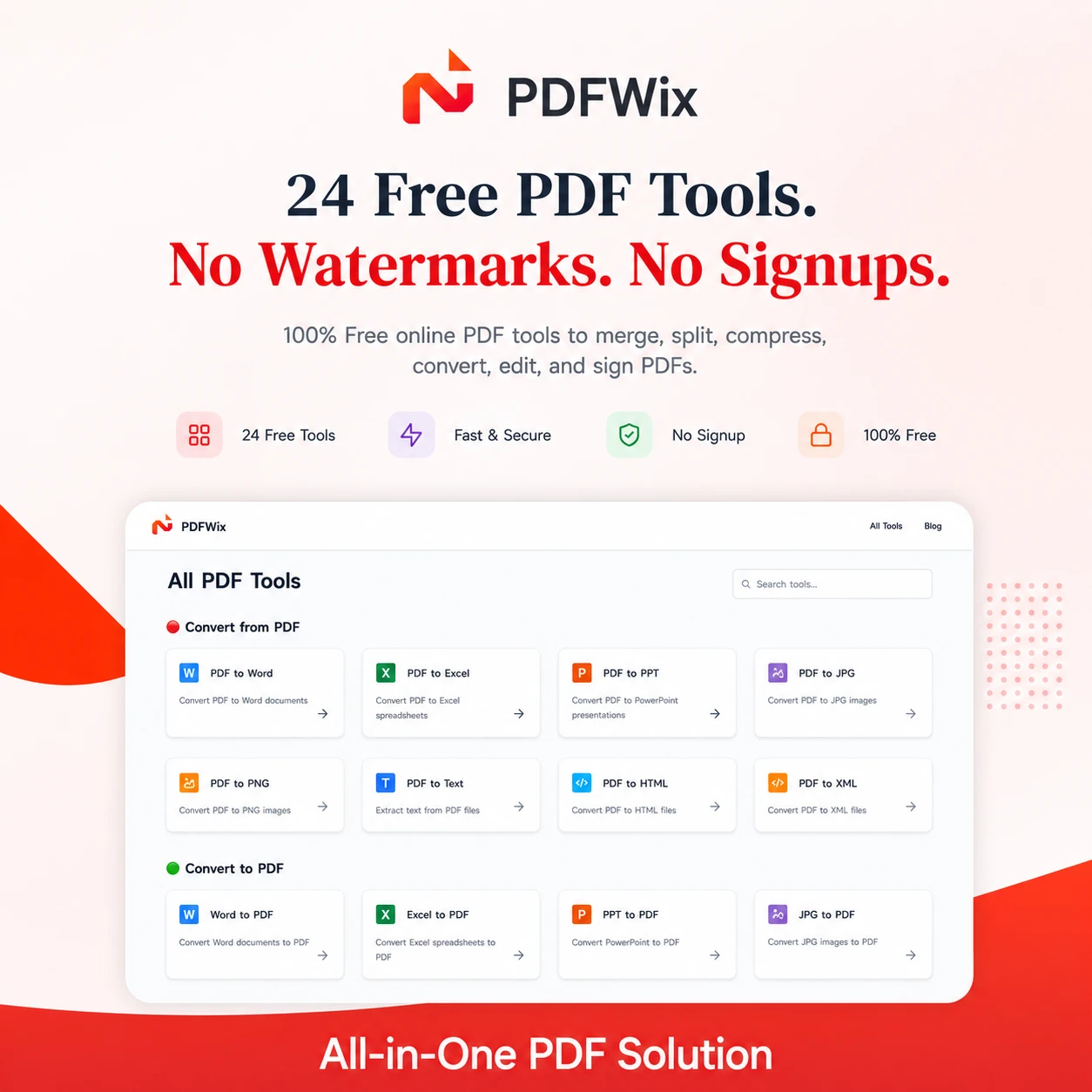
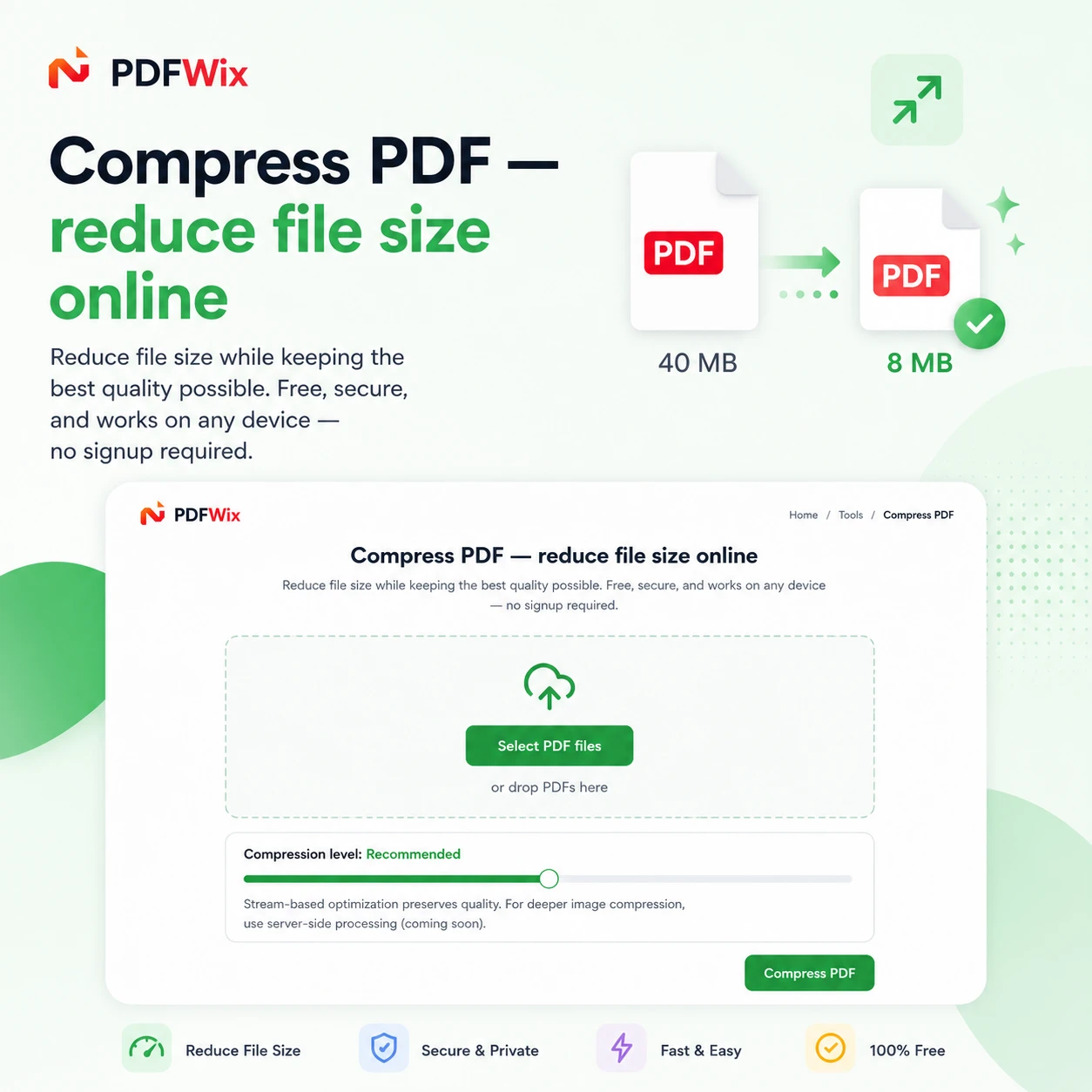
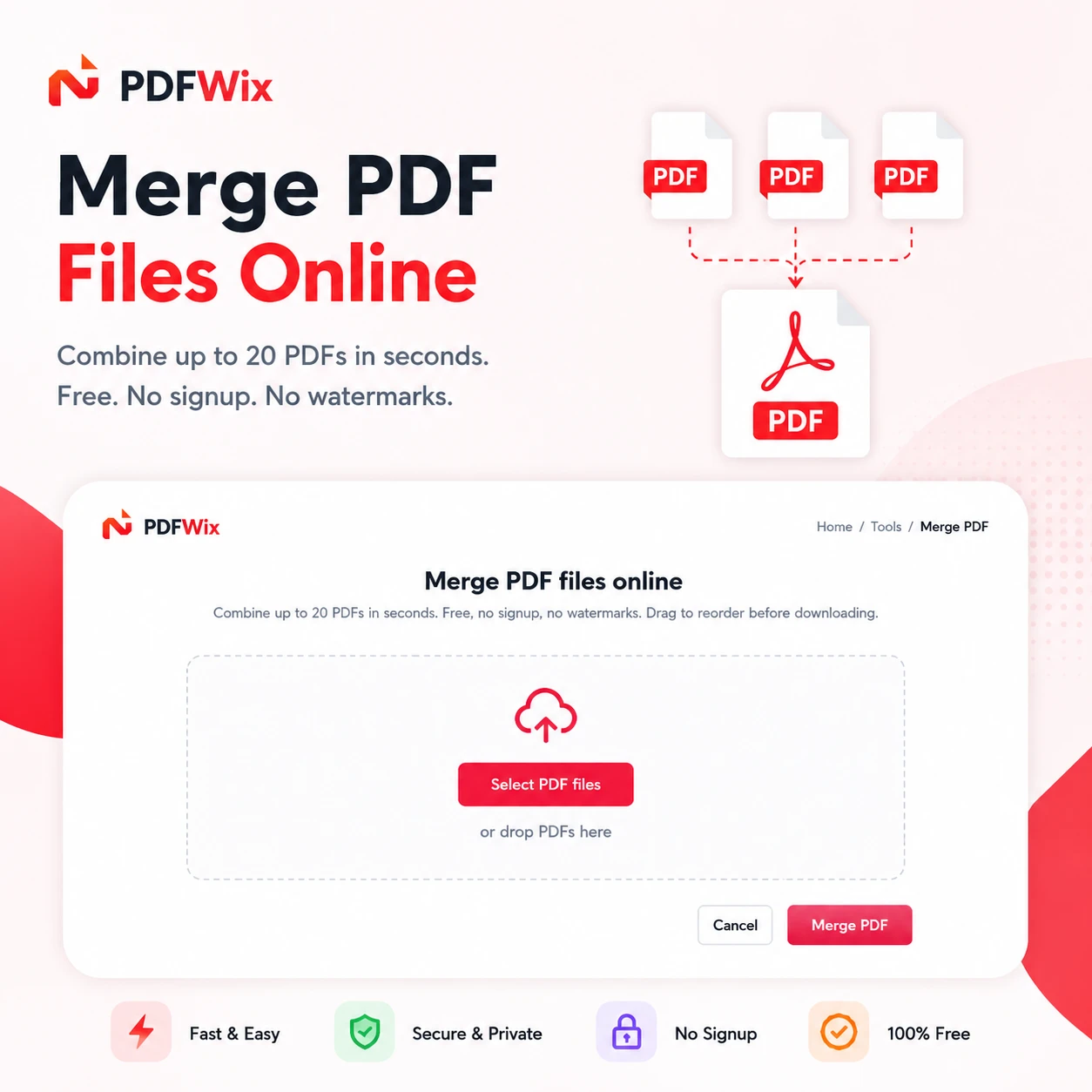
PDFWix
LiveSuite of 24 free online PDF tools covering merging, splitting, compressing, converting, and editing.
Domain registered 2 months ago
What to know▼
- How it works
- Browser-based PDF toolkit (merge, split, convert, sign, redact, protect, and more) running mostly via WebAssembly so files never leave the device.
- What's different
- No daily task caps (unlike iLovePDF's 2/day limit), no watermarks, no forced account creation.
- Pricing
- Free, no signup, no daily limits.
- Best for
- Anyone needing PDF editing on Windows, Mac, iPhone, Android, or Chromebook without installing software.
Watched for 8 days · last checked 8d ago


A free bundle of 332 small web utility tools pitched as secure and privacy-first, though the listing gives no detail on what each tool does or how it handles data.
What to know▼
- How it works
- A bundle of 332 free web utility tools, pitched as privacy-first.
- Pricing
- Free.
Watched for 15 days · last checked 9d ago



Dev Nexus
LiveA free all-in-one privacy-friendly toolkit for developers covering PDF, image, JSON, and text tasks.
What to know▼
- How it works
- An all-in-one workspace for converting PDFs, optimizing images, formatting JSON, previewing HTML/CSS, encoding/decoding data, validating URLs, and manipulating text.
- Pricing
- Free.
- Best for
- Developers doing everyday utility tasks without switching between dozens of sites.
Watched for 8 days · last checked 6d ago


A collection of 400+ free browser-based calculators, converters, and file tools that run locally without uploading your files.
Domain registered 20 days ago
What to know▼
- How it works
- Provides 400+ calculators, converters, device and screen tests, text, image, and PDF tools, and generators, all running locally in the browser.
- What's different
- Files never leave your device.
- Pricing
- Free.
Watched for 10 days · last checked 4d ago



CrispToolHub
LiveA hub of 170+ free browser-based tools (PDF, image, resume/ATS and more) that run client-side, so files never leave your device. A broad utility site, not a specialized tool for one profession.
What to know▼
- How it works
- A hub of 170+ browser-based tools across 16 categories, including a PDF toolkit (compress/merge/split), an AI resume builder with ATS scoring, and financial calculators for India (GST, PPF, EPF) and the US (401k, HSA).
- What's different
- Processing happens locally in the browser via WebAssembly, so files never reach a server, and there is no sign-up, daily limit, or watermark.
- Pricing
- Free, no account required.
- Best for
- Anyone needing quick PDF, resume/ATS, or financial calculations without installing software or creating an account.
Watched for 14 days · last checked 2d ago

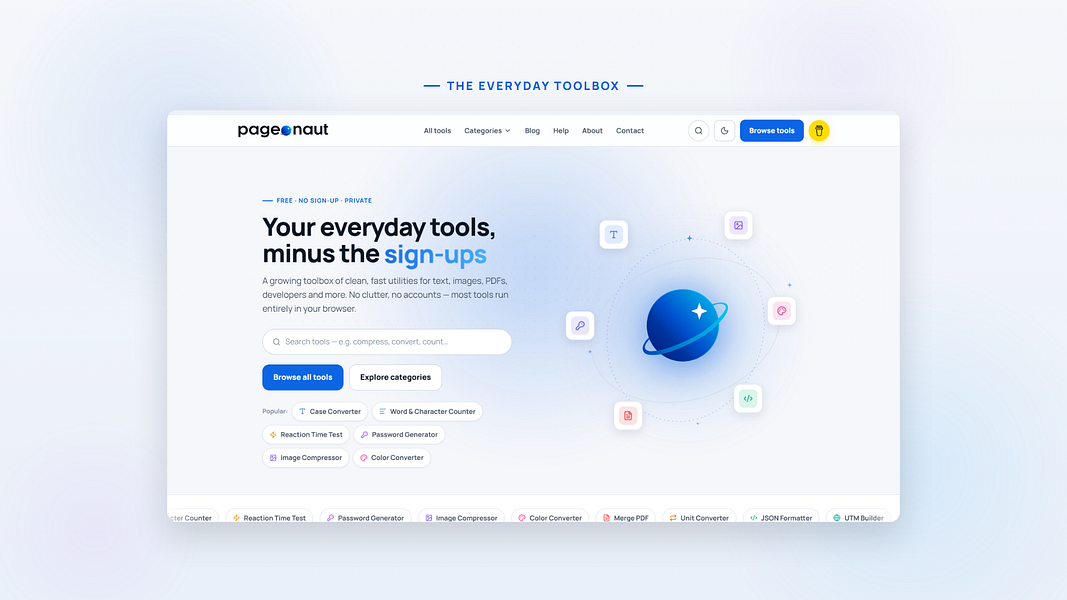
Pageonaut
LiveA free, no-signup collection of quick browser utilities — text, image, PDF and calculator tools plus a developer-helpers section — that mostly runs client-side so files don't leave your device.
Domain registered 9 months ago
What to know▼
- How it works
- A growing collection of free, no-signup browser utilities for text, image, PDF, and developer tasks; most tools run entirely in the browser so files and text never leave the device, with any cloud processing clearly labeled.
- What's different
- Most processing happens client-side rather than uploading files to a server.
- Pricing
- Free.
- Best for
- People who need a quick one-off text, image, PDF, or dev task done without installing software or creating an account.
Watched for 10 days · last checked 10d ago
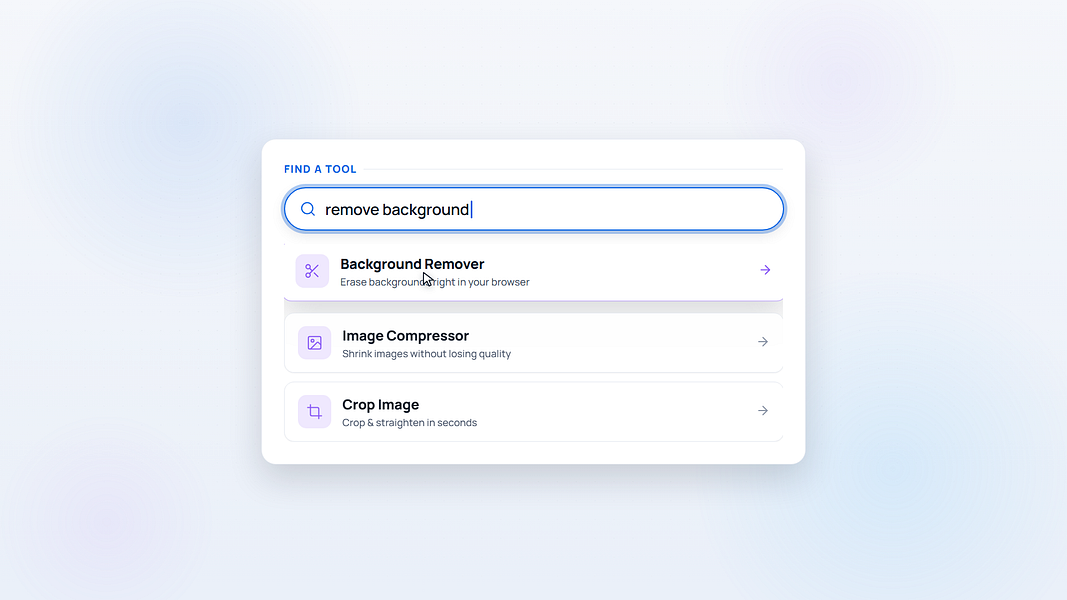


SimplyUtils
LiveFree browser-based tools for developers and creators
First seen today · last checked today

ToolBuddy
LiveA browser-based toolkit for compressing images, organizing PDFs, and formatting data with no uploads required.
What to know▼
- How it works
- Compresses images, organizes PDFs, processes game assets, and formats data directly in the browser with no uploads required.
- Best for
- Creators and developers.
Watched for 3 days · last checked 2d ago

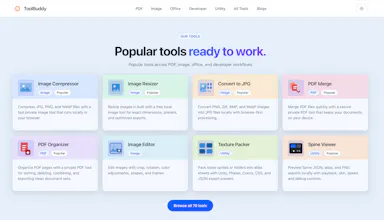


MyToolsKart
LiveA free hub of 75+ browser-based tools (PDF, image, developer, finance) that process files locally without uploads.
What to know▼
- How it works
- 75+ tools across PDF, image, developer, AI and finance categories, running almost entirely in the browser so files aren't uploaded.
- Pricing
- Free, no sign-up.
- Best for
- People wanting a broad set of private, no-watermark tools.
Watched for 3 days · last checked 2d ago


Vihaya
LiveAll-in-one app for engineering students bundling notes, an AI study assistant, project ideas and campus events.
What to know▼
- How it works
- Bundles curated notes and past-year questions, an AI study assistant that reads PDFs/images, 1000+ project ideas with team collaboration, campus event discovery, calculators and a resume builder.
- Pricing
- Free.
- Best for
- Engineering students, built by students, cross-platform on Android, iOS, web and desktop.
Watched for 3 days · last checked 2d ago


ToolBox Pro
LiveFree/paid collection of online PDF, image, text and developer tools.
What to know▼
- How it works
- Offers PDF, image, text, and developer tools online.
- Pricing
- Free and Pro tiers.
- Best for
- Developers and professionals needing quick online utilities.
Watched for 3 days · last checked 2d ago


DukoTools
Live100+ free offline browser tools spanning PDF, image, developer, finance and niche calculators, no ads or signup.
What to know▼
- How it works
- 100+ free offline tools spanning PDF, image, developer, finance, and niche categories, including a Zakat calculator, Pakistani electricity bill calculator, CNIC validator, cricket run rate calculator, and QR clipboard sync.
- What's different
- Works offline as a PWA, available in 5 languages.
- Pricing
- Free, no ads, no signup.
Watched for 3 days · last checked 1d ago


GetAge247
LiveFree collection of everyday web tools like age/BMI calculators, an image resizer, and a resume builder.
Domain registered 1 month ago
What to know▼
- How it works
- Offers 12 web tools including an age calculator, BMI calculator, image resizer, word counter, JSON formatter, resume builder, QR code generator, loan calculator, password generator, JPG to PDF converter, and currency converter, plus 20 blogs.
- Pricing
- Completely free, no signup required.
- Best for
- Students, freelancers, developers, writers, and everyday users.
Watched for 10 days · last checked 7d ago



TatraTools
LiveA free browser toolbox for everyday file tasks: image conversion, favicon generation, PDF-to-image, and downloading video or audio from YouTube, TikTok, Instagram or Facebook. No signup or install.
Domain registered 3 months ago
What to know▼
- How it works
- A browser-based toolbox offering image and file conversion, image editing, favicon generation, PDF-to-image conversion, and video/audio downloads from platforms like YouTube, TikTok, Instagram, and Facebook.
- What's different
- No account creation or installation required, positioned against converters that are slow, ad-heavy, or require signup.
- Pricing
- Free.
- Best for
- Developers, creators, marketers, and students who need quick file conversion or downloads without signing up.
Watched for 12 days · last checked 2d ago

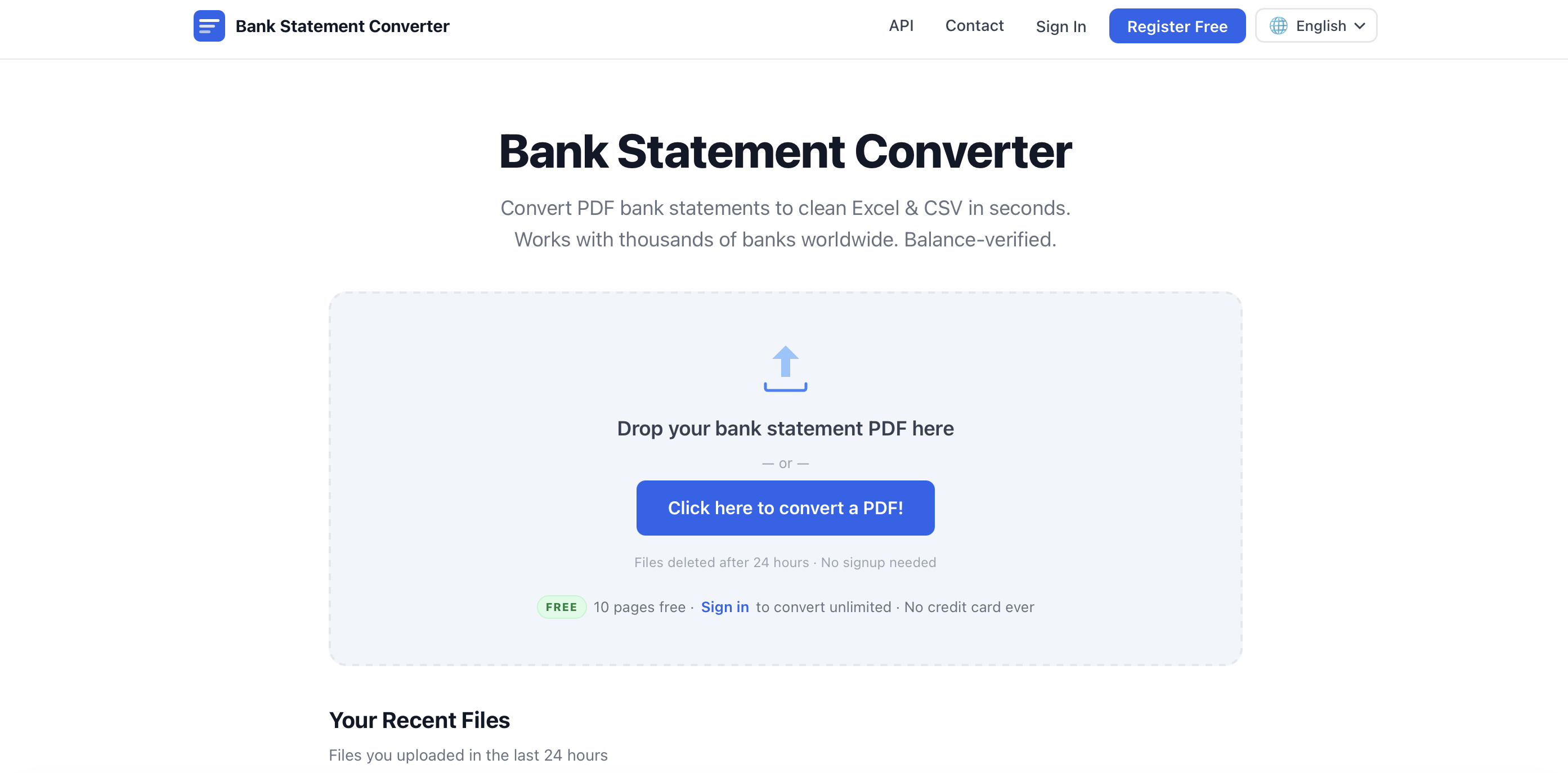
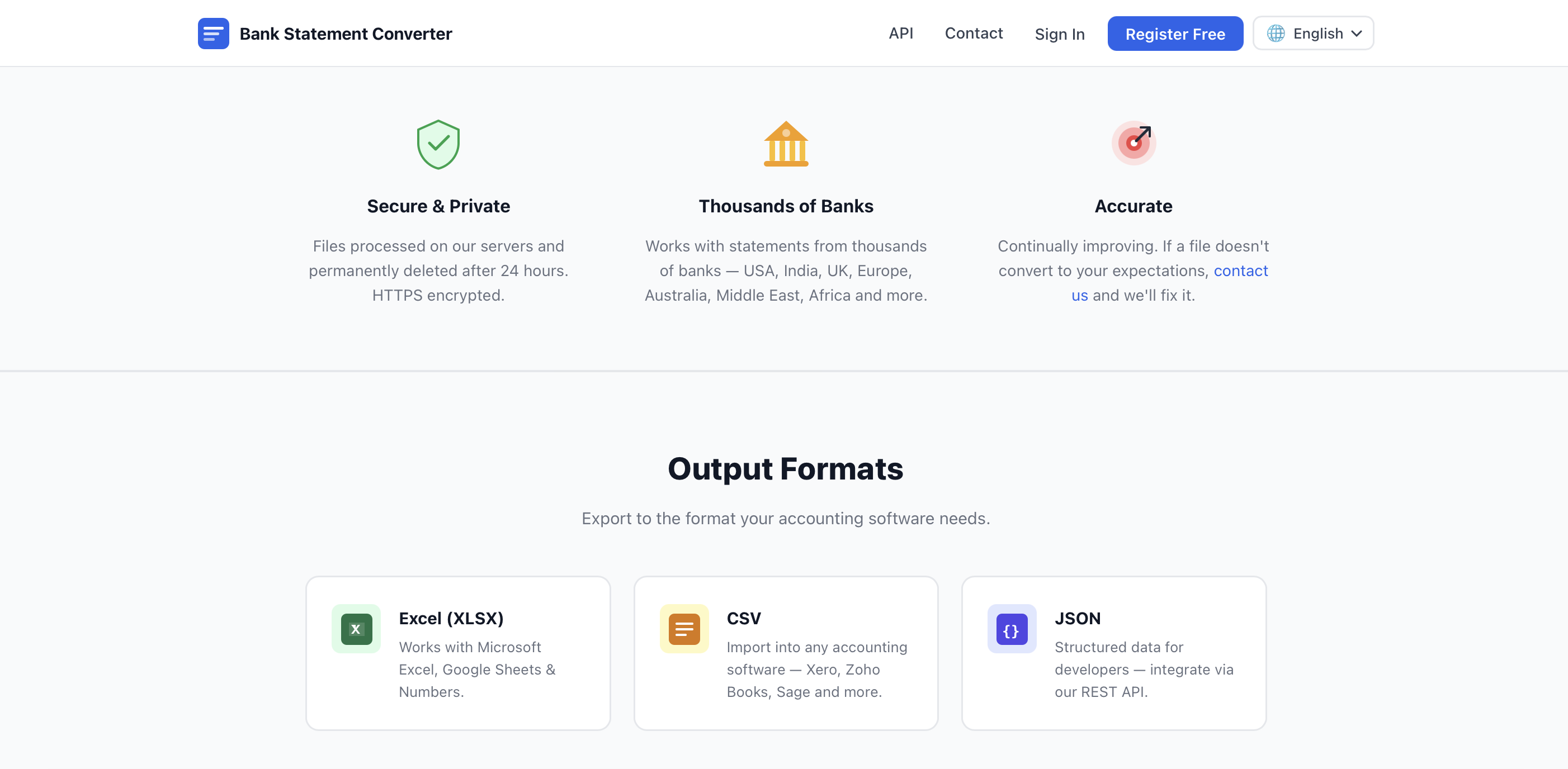
Uploads bank statement PDFs and converts them into Excel, CSV, QBO, OFX or QIF files in seconds, no account needed. Built for accountants and bookkeepers who'd otherwise retype statements by hand.
What to know▼
- How it works
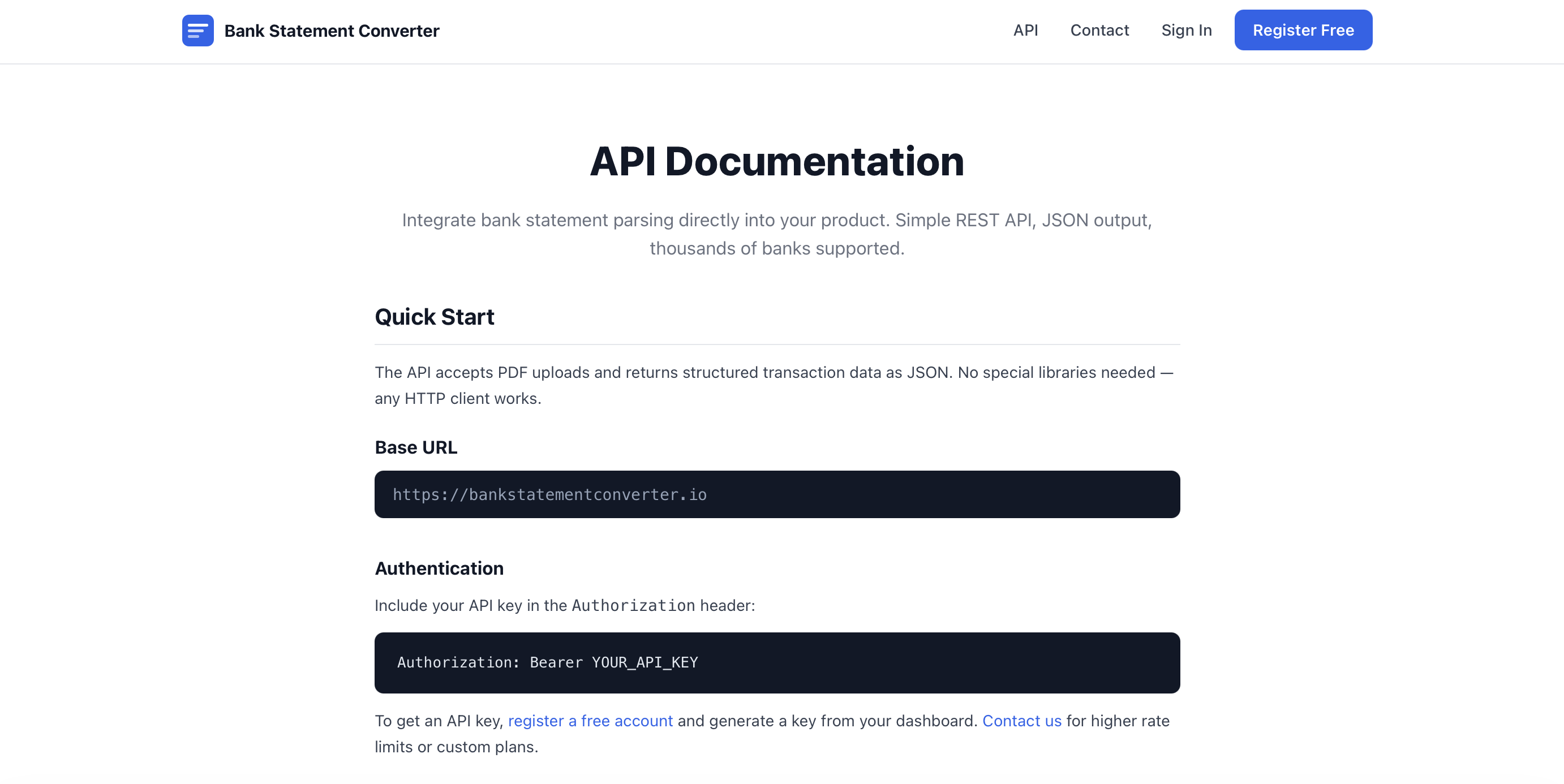
- Converts uploaded PDF bank statements into Excel, CSV, JSON, QBO, OFX or QIF files, supporting both digital and scanned PDFs via built-in OCR, including password-protected statements. A REST API is available for programmatic access.
- What's different
- Works with 10,000+ banks worldwide and handles scanned as well as digital PDFs.
- Pricing
- Free, no account required, no page limits or fees.
- Best for
- Accountants, bookkeepers and small business owners who'd otherwise retype bank statement transactions by hand.
Watched for 18 days · last checked 3d ago






Krynn Tools
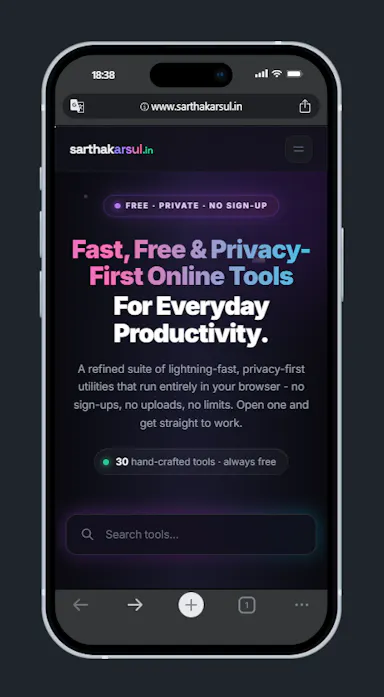
Not respondingA collection of 100+ free browser tools for PDF editing, image editing, and AI writing, with no signup.
What to know▼
- How it works
- Provides over 100 free browser-based tools for PDF editing, image editing, and AI writing, including compress, merge, split, convert, sign, protect, watermark, crop, resize, background removal, and more.
- What's different
- No signup and no file upload required — everything runs in the browser.
- Pricing
- Free.
Watched for 12 days · last checked today
