Tools for studentsPDFs

50 match your filters — 46 of them answered our check today.

Watching this group for 20 days · how we check

This week20 new arrivals

Figviz

Live

Turns a sentence, topic or PDF into a labeled science or math diagram in seconds, with free PNG export, built for STEM teachers prepping lessons and their students.

FreeCan export my data
What to know
How it works
Turns a sentence, topic or PDF into a labeled, classroom-ready diagram for biology, chemistry, physics or K-12 math, with print-ready PNG export.
Pricing
Free to start, with 150+ free tools.
Best for
STEM teachers preparing lesson figures and students who need a quick labeled diagram.

Watched for 17 days · last checked 6d ago

Details →

A Chrome extension offering AI text-to-speech with synced highlighting for reading PDFs, websites, and EPUBs, positioned as a cheaper alternative to $100+/year TTS tools.

What to know
How it works
100+ AI voices, synchronized text highlighting, adjustable reading speed, works across PDFs/websites/EPUBs.
What's different
Priced well under the $100+/year competitors.
Best for
Students and professionals who want to listen instead of read.

Watched for 2 days · last checked 2d ago

Details →

Klipzo

Live

Gives students and developers 130+ free browser-based file tools instead of uploading files to third-party servers.

FreeData stays with you

Watched for 1 day · last checked 1d ago

Details →

Reads worksheets, PDFs, books and homework aloud with natural voices, follow-along highlighting and word help — a study tool for students, not yet live (launching end of July 2026).

What to know
How it works
Reads worksheets, PDFs, books, notes, and homework aloud with natural voices, follow-along highlighting, word help, and other study tools.
Best for
Students working through reading-heavy homework and study materials.
Watch out
Not live yet — the product page states it's launching end of July 2026.

Watched for 17 days · last checked today

Details →

A free browser-based collection of PDF, image, and document tools (convert, merge, split, compress) instead of installing separate software.

Free
What to know
How it works
Convert, merge PDFs, split documents, compress files, convert images to PDF, all in-browser
Pricing
Free, no install
Best for
Students, professionals, businesses, teachers

Watched for 2 days · last checked 2d ago

Details →

In-PDF reading assistant that translates, researches and captures notes without leaving the document.

Domain registered 13 days ago

What to know
How it works
select text inside any PDF to translate or look up instantly, or capture pages with diagrams intact
Best for
language learners, students and researchers reading foreign-language or technical PDFs

Watched for 6 days · last checked today

Details →

Turns your notes, photos, or PDFs into voice flashcards stored in your own Google Sheets, built for language learning and exam prep with a hands-free listen mode.

What to know
How it works
Turns notes, photos, or PDFs into voice flashcards; you can speak your answers for instant feedback or study hands-free in Listen mode, and decks are stored in your own Google Sheets.
What's different
Decks live in your own Google Sheets rather than a proprietary database, and studying can be entirely voice-based.
Best for
Language learners and exam-prep students who want hands-free, voice-based flashcard review.

Watched for 11 days · last checked 5d ago

Details →

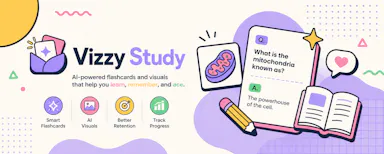
Turns notes or a PDF into an illustrated flashcard deck automatically, paid per deck instead of a subscription — for students who like visual study aids.

Domain registered 1 month ago

No subscription
What to know
How it works
Turns pasted notes or an uploaded PDF into a flashcard deck automatically, and an optional VizMagic mode has AI generate a whimsical illustration for each card; tracks a Mastery Score and study progress over time.
What's different
Illustrates each flashcard to help concepts stick, and charges per deck rather than a subscription.
Pricing
Pay-per-deck credits, no subscription.
Best for
Visual learners and students who want illustrated flashcards generated automatically from their notes or PDFs.

Watched for 11 days · last checked 5d ago

Details →

Studix

Live

An AI study assistant that turns an uploaded PDF into summaries, quizzes, flashcards, mind maps, and explanations for students revising before exams.

Domain registered 1 month ago

What to know
How it works
Upload a PDF and instantly generate summaries, quizzes, flashcards, mind maps, and explanations.
What's different
Combines multiple AI learning features in one place instead of separate tools.
Best for
Students revising before exams.

Watched for 7 days · last checked 6d ago

Details →

Scores your resume against ATS filters and suggests AI rewrites, aimed at students, career switchers, and job hunters preparing job applications.

What to know
How it works
Upload a resume as PDF or Word to get an instant ATS-style score and keyword match analysis, paste in a job description for match analysis, and get AI-powered rewrite suggestions.
Best for
Students, career switchers, and job hunters preparing applications to beat ATS filters.

Watched for 13 days · last checked 7d ago

Details →

A grab-bag of free browser-based utilities - word counter, PDF compressor, BMI calculator, JSON formatter - with no signup. A general toolbox, not built around one job.

FreeNo sign-upNothing to install
What to know
How it works
A collection of free browser-based utilities: word counter, PDF compressor, BMI calculator, JSON formatter, and other developer/creator/student tools.
Pricing
Free, no signup required, works in the browser.
Best for
Developers, creators, and students who need a quick one-off tool without installing anything or making an account.

Watched for 17 days · last checked 11d ago

Details →

Helps thesis students generate structured chapters with verified citations from uploaded academic PDFs instead of manual formatting.

Watched for 1 day · last checked today

Details →

An all-in-one AI job-search toolkit for building ATS-friendly resumes, checking ATS compatibility, and optimizing LinkedIn, instead of separate resume and career tools.

Free
What to know
How it works
Free resume builder, ATS checker, CV review, cover letter generator, LinkedIn optimizer, job research, and interview prep.
Best for
Job seekers and students.

Watched for 2 days · last checked 1d ago

Details →

Generates a personalized lesson connecting a new topic to something you already know, built from one person's own study method - only the demo is free, not the full product.

What to know
How it works
You choose a topic and an 'anchor' — something you already know — and it generates a structured knowledge tree with parallel explanations connecting the new topic to the familiar one. You can upload PDFs, articles or YouTube videos to personalize the lesson.
What's different
Digitizes the founder's own personal study method of learning new things by analogy to things already understood.
Pricing
The demo is free; the description implies the full product is not.
Best for
Students trying to learn a new topic quickly by relating it to something familiar.

Watched for 15 days · last checked 9d ago
Details →

A browser notebook for writing, drawing, annotating PDFs and editing presentations in one place, no install needed. Built for students and educators, though usable by any professional.
Nothing to install
What to know
How it works
A browser-based digital notebook for writing, drawing, annotating PDFs, editing presentations and organizing notes in one place, with no install required.
Best for
Students, educators and professionals who want a single note-taking tool that works across devices without installing software.

Watched for 15 days · last checked 9d ago

Details →

A free all-in-one toolkit bundling PDF editing, resume building, image compression and developer utilities in one site.

Domain registered 22 days ago

FreeNo sign-upNothing to install
What to know
How it works
Collection of standalone tools (PDF, resume, image, API mocking, calculators) in one place
Pricing
Free, no signup or install
Best for
Developers, students and professionals wanting many small tools without separate apps

Watched for 4 days · last checked 3d ago

Details →

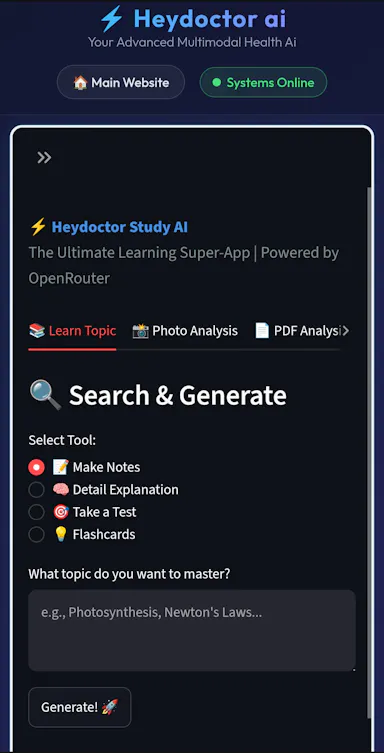
A multimodal study app for students that turns uploaded textbook photos and PDFs into generated notes.

What to know
How it works
uploads of textbook photos/PDFs get analyzed into smart notes
Best for
students studying from textbook material

Watched for 4 days · last checked 2d ago

Details →

AI tool that turns your notes or PDFs into flashcards and quizzes instantly, with an exam-countdown study plan mode.

Domain registered 1 month ago

What to know
How it works
upload notes or PDFs to get 20 auto-generated flashcards plus multiple-choice quizzes
What's different
Exam Crunch Mode builds a daily study plan based on your exam date, tracks streaks
Pricing
start free, no credit card
Best for
college and high school students, certification exam prep

Watched for 4 days · last checked 2d ago

Details →

Free bundle of 150+ browser-based tools (PDF editing, image compression, file conversion, QR codes) with no downloads or sign-ups.

Domain registered 15 days ago

Free
What to know
Pricing
free
Best for
students, professionals, creators, and developers needing quick one-off tools

Watched for 4 days · last checked 2d ago

Details →

An OCR-based CGPA calculator for Anna University students that scans a marksheet and extracts grades to plan academic and placement outcomes.

What to know
How it works
OCR engine extracts course codes, credits, and grades from a marksheet photo or PDF with manual fallback for low-confidence reads.
Best for
Anna University students tracking CGPA and placement eligibility.

Watched for 4 days · last checked 3d ago

Details →

Doczen

Live

A free browser-based PDF toolkit for merging, converting, compressing, editing and signing documents without installing software.

Domain registered 2 months ago

FreeNothing to install
What to know
How it works
Runs in-browser for merge, split, compress, sign, convert and more
Pricing
free
Best for
Students, professionals and developers handling PDFs regularly

Watched for 5 days · last checked 4d ago

Details →

Converts uploaded PDFs, notes, and photos into AI-generated flashcards, quizzes, and study notes for students preparing for exams.

What to know
How it works
AI turns uploaded study material into notes/flashcards/quizzes
Best for
students

Watched for 6 days · last checked 5d ago

Details →

A single app bundling 50+ small utilities — PDF, image, text, QR, calculator, converter, and developer tools — to avoid installing separate apps.

What to know
How it works
All tools accessed from one interface instead of separate single-purpose apps.
Best for
Students, developers, and creators who want a general-purpose toolkit in one place.

Watched for 6 days · last checked 4d ago

Details →

Turn any PDF or YouTube video into a study system

Free
What to know
How it works
Reads PDFs, YouTube lectures and notes, then generates flashcards, quizzes, summaries, and an AI chat for asking questions about the material.
What's different
Built on seven cognitive-science methods with SM-2 spaced repetition to aid retention, rather than just generating one-off summaries.
Pricing
Free to start.
Best for
Students turning PDFs or lecture videos into a structured study system.

Watched for 18 days · last checked 2d ago

Details →

Converts uploaded PDF textbooks and notes into spaced-repetition flashcards for exam study, on web or iOS.

Domain registered 3 months ago

What to know
How it works
Turns PDF textbooks, lecture notes, and question banks into Q&A, fill-in-the-blank, multiple-choice, and case-style flashcards, then uses SM-2 spaced repetition to resurface weak cards; available on web and native iOS app with synced decks.
Pricing
Free to start with 20 credits, no card required.
Best for
High-volume exam prep, but usable for any subject in a PDF.

Watched for 10 days · last checked 7d ago

Details →

A free AI resume builder that imports your LinkedIn profile, matches your CV against job descriptions, scores it for ATS compatibility, and provides PDF editing tools for job seekers.

Free
What to know
How it works
imports a LinkedIn profile, generates an ATS-friendly resume, scores it against target job descriptions, and offers PDF editing/preview tools
Best for
students, freelancers, and professionals building or tuning a resume for a specific job

Watched for 11 days · last checked 8d ago

Details →

An AI study workspace for students that turns uploaded PDFs, slides, and audio lectures into study guides, quizzes, flashcards, and summaries.

What to know
How it works
builds structured study guides, AI-graded quizzes, LaTeX flashcards, a step-by-step problem solver, essay writing help, and lecture transcription from uploaded course material

Watched for 11 days · last checked 8d ago

Details →

CryptX

Live

AI-powered PDF search tool that lets you upload documents and jump directly to relevant passages instead of scrolling manually, for students and researchers.

What to know
How it works
Upload one or more PDFs, search for exact words or phrases, and jump directly to the matching page instead of scrolling.
Best for
Students, researchers, and professionals working with large PDF documents.
Watch out
An AI chat assistant for the uploaded PDFs is still in development, not yet available.

Watched for 11 days · last checked 8d ago

Details →

PDFino

Live

A browser-based PDF editor (merge, split, sign, OCR) marketed as privacy-first, plus beta AI resume and contract-review tools. A general PDF toolkit useful to students and freelancers, not built exclusively for them.

Data stays with you
What to know
How it works
A browser-based PDF toolkit for editing, merging, splitting, compressing, converting, signing, protecting and OCR-ing PDFs, plus beta AI Resume Analyzer and Contract Review tools.
What's different
Marketed as privacy-first, working directly in the browser without installing software.
Best for
Students, professionals and freelancers who need common PDF tasks done without installing desktop software.

Watched for 17 days · last checked 2d ago

Details →

Free browser-based converters for turning Markdown and documents into PDF, DOCX, HTML, slides and more, no signup, nothing stored. Built for developers, students and documentation teams.

FreeNo sign-up
What to know
How it works
Free browser-based tools that convert Markdown and documents into PDF, DOCX, HTML, slides, images, and tables without installing software.
Pricing
Free, no signup required.
Best for
Developers, writers, students, and documentation teams who need quick document exports without installing conversion software.

Watched for 16 days · last checked 2d ago

Details →

PRISM

Live

A classroom workspace built by a teacher, bundling lessons, whiteboards, timers and other class tools in one place.

Domain registered 2 months ago

What to know
How it works
A classroom workspace bundling lessons, whiteboards, timers and other class tools in one place.
What's different
Built by a teacher, based on classroom use rather than generic productivity software.
Best for
Teachers who want lesson materials, whiteboards and timers in a single workspace instead of separate tools.

Watched for 12 days · last checked today

Details →

Lynote

Live

Free browser tools for detecting AI-written text and images, plus a humanizer to rewrite text past detectors, and separate YouTube transcript and summary tools. No sign-up needed, but a bundle of loosely related utilities.

Domain registered 8 months ago

FreeNo sign-upCan export my data
What to know
How it works
A set of free, no-signup browser tools: an AI text detector with sentence-level highlighting across 50+ languages, an AI humanizer that rewrites text to get past detectors like GPTZero and Originality.ai, an AI image detector using C2PA/EXIF metadata, and separate YouTube transcript and video-summary generators.
Pricing
Free tier available with no account required to start.
Best for
Students, teachers, and marketers who want quick, no-signup checks on AI-generated text or images, or fast YouTube transcripts.
Watch out
The stated '99% accuracy' for the AI detector is the vendor's own claim, and the bundled humanizer is explicitly built to help text evade other detection tools.

Watched for 13 days · last checked 7d ago

Details →

PDFWix

Live

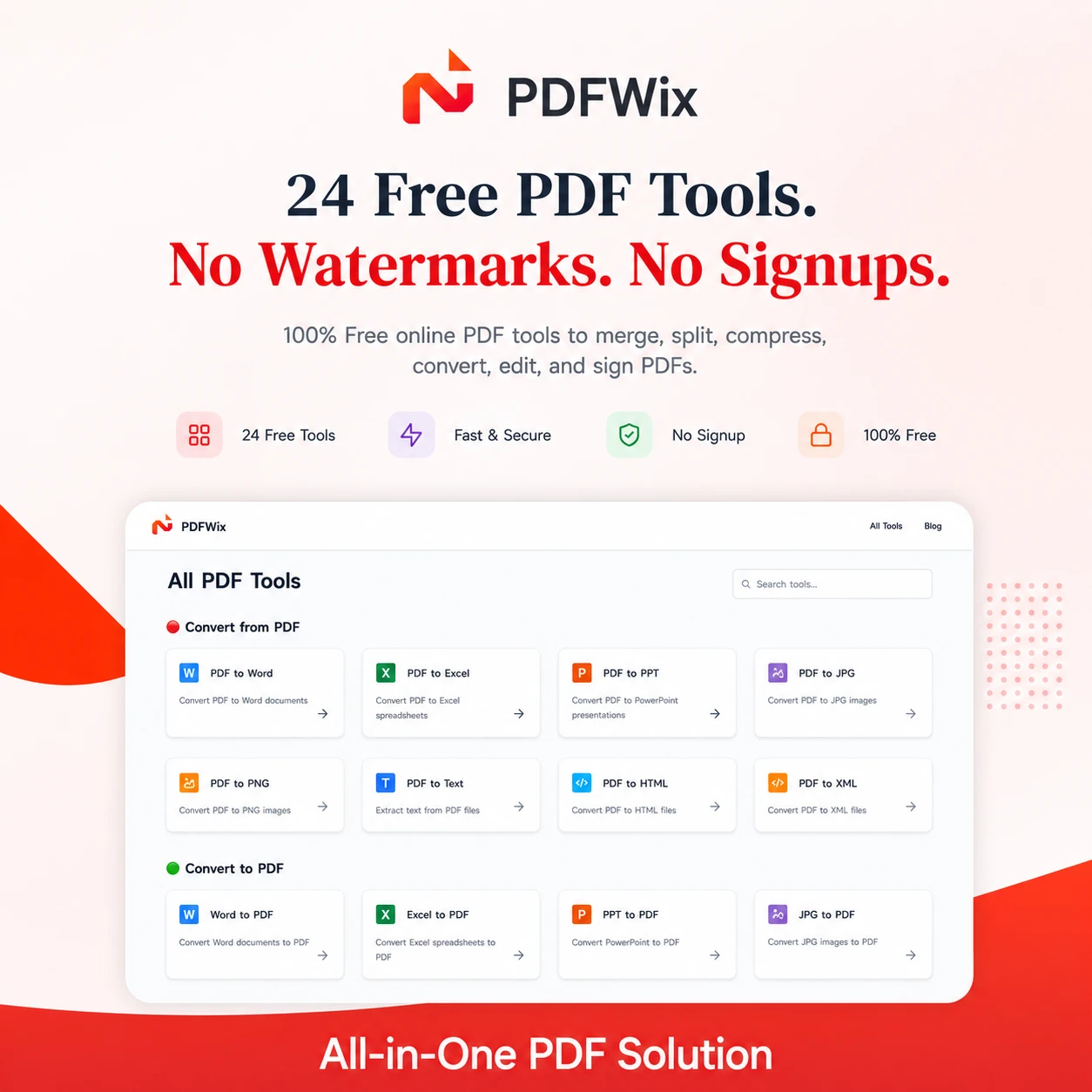
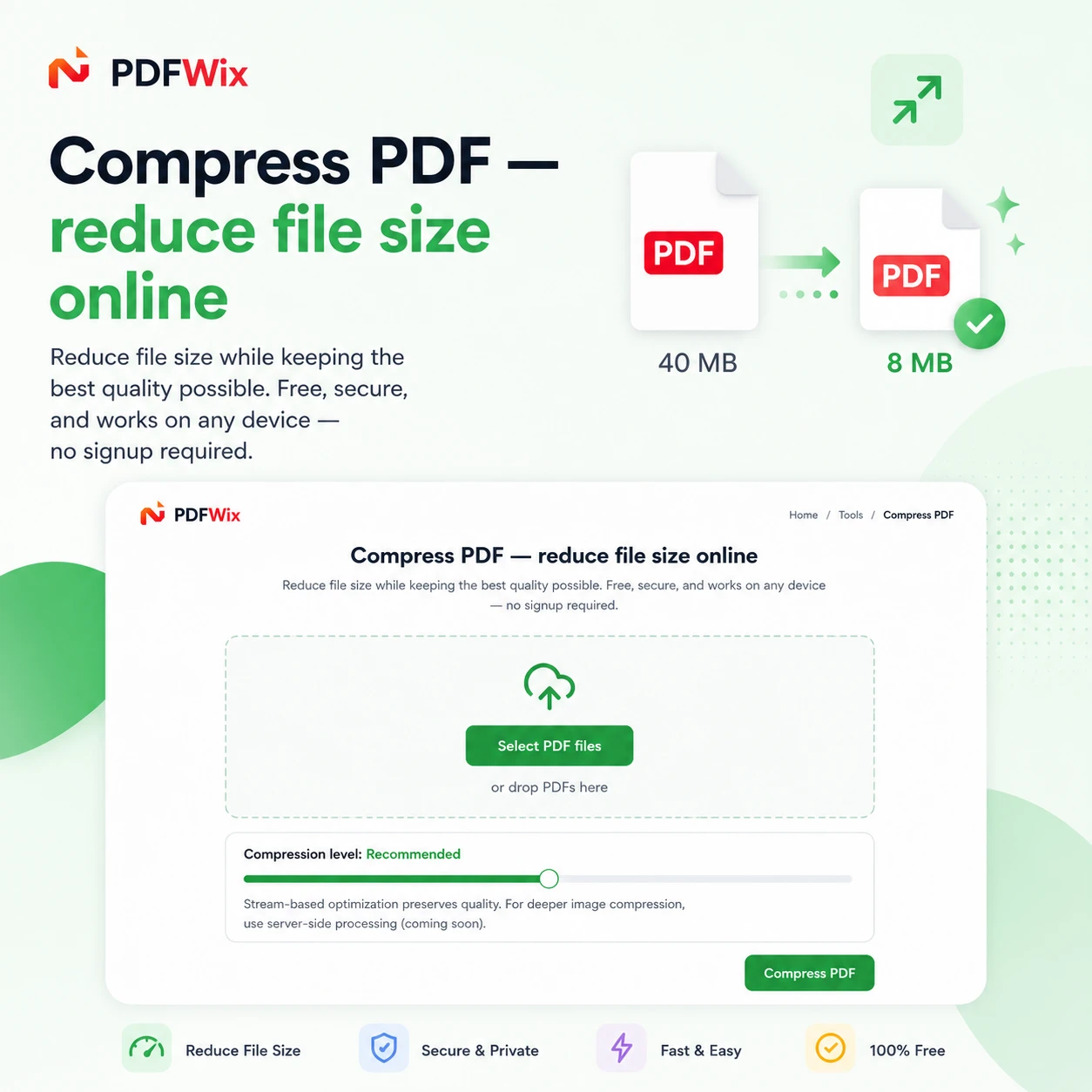
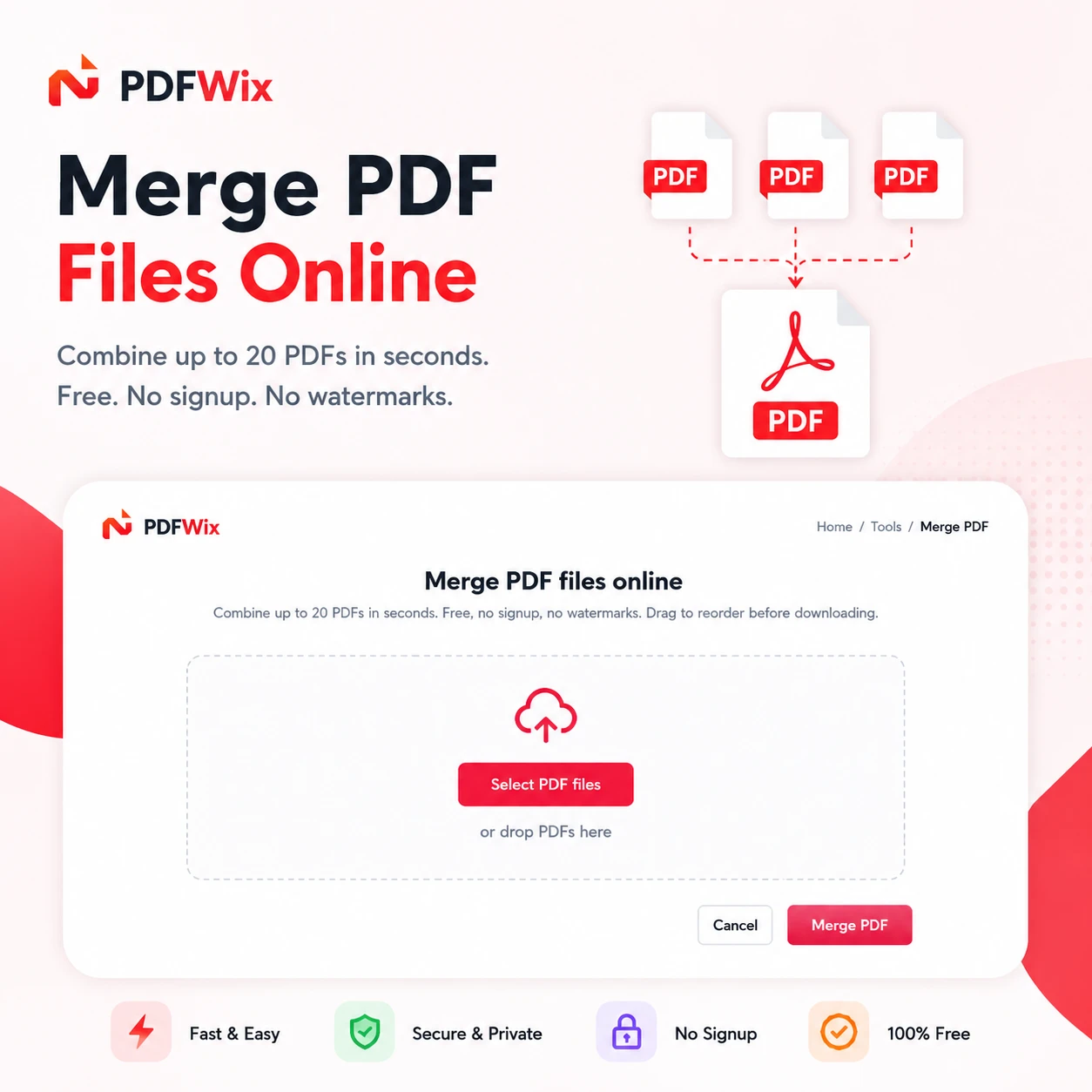
Suite of 24 free online PDF tools covering merging, splitting, compressing, converting, and editing.

Domain registered 2 months ago

FreeNo sign-upNothing to install
What to know
How it works
Browser-based PDF toolkit (merge, split, convert, sign, redact, protect, and more) running mostly via WebAssembly so files never leave the device.
What's different
No daily task caps (unlike iLovePDF's 2/day limit), no watermarks, no forced account creation.
Pricing
Free, no signup, no daily limits.
Best for
Anyone needing PDF editing on Windows, Mac, iPhone, Android, or Chromebook without installing software.

Watched for 8 days · last checked 8d ago

Details →

Turns a teacher's PDF or link-based curriculum into swipeable AI-generated classroom games.

Free
What to know
How it works
Teachers upload their curriculum (PDFs or links) and the tool turns it into swipeable, AI-generated classroom games with instant engagement insights.
Pricing
Free.
Best for
Teachers wanting to boost classroom engagement without building games manually.

Watched for 8 days · last checked 2d ago

Details →

A free bundle of 332 small web utility tools pitched as secure and privacy-first, though the listing gives no detail on what each tool does or how it handles data.

FreeNo sign-upData stays with youNo ads
What to know
How it works
A bundle of 332 free web utility tools, pitched as privacy-first.
Pricing
Free.

Watched for 15 days · last checked 9d ago

Details →

Extracts text via OCR from scanned documents, then lets AI summarize them, flag contract risks, and translate into 51 languages — all on your Android phone.

Domain registered 4 months ago

FreeData stays with youNo subscriptionCan export my data
What to know
How it works
Scans documents on an Android phone, extracts text via OCR (Google ML Kit), and lets AI summarize them, extract key facts, flag contract risks, generate to-do lists, chat with the document, or translate into 51 languages.
What's different
Goes beyond producing a plain PDF — the AI layer analyzes and translates the scanned content directly on the device.
Pricing
Scanning and OCR are free for everyone; deeper AI features (summaries, contract-risk analysis, translation) are part of a Premium tier billed without a subscription.
Best for
Android users, including freelancers and students, who want to digitize and understand documents like invoices, contracts and notes.

Watched for 14 days · last checked 8d ago

Details →

A free browser tool that turns Markdown - including tables, LaTeX math and Mermaid diagrams - into a Word document in seconds, despite the tagline calling it a PDF converter.

Domain registered 7 months ago

FreeNo sign-upNothing to install
What to know
How it works
A free browser tool that converts Markdown into a formatted Word (.docx) document, with a live side-by-side editor preview; no sign-up or software install required.
What's different
Preserves tables, LaTeX math (inline and display), Mermaid diagrams as real visuals, and syntax-highlighted code blocks that many converters break.
Pricing
Free.
Best for
People converting technical or academic Markdown documents (with math, diagrams, or code) into Word without losing formatting.
Watch out
The tagline calls it a Markdown-to-PDF converter, but it actually exports to Word (.docx).

Watched for 14 days · last checked 8d ago

Details →

A free hub of 100+ browser-based tools spanning PDFs, images, SEO and developer utilities, no sign-up or downloads required. A general toolkit with a dedicated developer section, not built for one profession.

FreeNo sign-upNothing to installData stays with you
What to know
How it works
A browser-based hub of 100+ tools for PDFs, images, text, developer utilities, SEO, calculators and generators, with no downloads or sign-up.
What's different
Runs entirely in the browser with no account or install, covering many task categories in one place.
Pricing
Free.
Best for
Students, developers, creators and professionals who want quick access to varied everyday tools without setting up accounts.

Watched for 16 days · last checked 10d ago

Details →

A free browser-based PDF toolkit (merge, split, compress, convert) requiring no installation or signup.

FreeNothing to install
What to know
How it works
Merges, splits, compresses, converts, organizes, rotates, and edits PDF files directly in the browser, no installation or sign-up.
Pricing
Free.
Best for
Students, professionals, and businesses.

Watched for 3 days · last checked 1d ago

Details →

An AI study tool for students that turns lectures, PDFs, and slides into notes, flashcards, and quizzes across web and mobile.

What to know
How it works
Turns lectures, PDFs, slides and videos into personalized notes, flashcards and quizzes to help solve homework and prepare for exams.
Best for
Students, available on Web, iOS, Android and Chrome.

Watched for 3 days · last checked 1d ago

Details →

Vihaya

Live

All-in-one app for engineering students bundling notes, an AI study assistant, project ideas and campus events.

Free
What to know
How it works
Bundles curated notes and past-year questions, an AI study assistant that reads PDFs/images, 1000+ project ideas with team collaboration, campus event discovery, calculators and a resume builder.
Pricing
Free.
Best for
Engineering students, built by students, cross-platform on Android, iOS, web and desktop.

Watched for 3 days · last checked 2d ago

Details →

Resuby

Live

Resume builder with 25+ ATS-friendly templates, AI bullet-point suggestions and pixel-perfect PDF export, free across web/iOS/Android.

FreeCan export my data
What to know
How it works
Pick from 25+ ATS-friendly resume templates, get AI suggestions for bullet points, skills, and summaries, and export a pixel-perfect PDF with cloud sync across devices.
Pricing
Free, on Android, iOS, and the web.

Watched for 3 days · last checked 1d ago

Details →

Turns uploaded lecture recordings and PDFs into flashcards, MCQs and adaptive study aids targeting weak spots.

What to know
How it works
Upload lecture recordings and PDFs and AI builds flashcards, MCQs, high-yield facts, and mnemonics, with adaptive learning that targets weak spots.
Best for
Students.

Watched for 3 days · last checked 2d ago

Details →

Free collection of everyday web tools like age/BMI calculators, an image resizer, and a resume builder.

Domain registered 1 month ago

FreeNo sign-up
What to know
How it works
Offers 12 web tools including an age calculator, BMI calculator, image resizer, word counter, JSON formatter, resume builder, QR code generator, loan calculator, password generator, JPG to PDF converter, and currency converter, plus 20 blogs.
Pricing
Completely free, no signup required.
Best for
Students, freelancers, developers, writers, and everyday users.

Watched for 10 days · last checked 7d ago

Details →

A free browser toolbox for everyday file tasks: image conversion, favicon generation, PDF-to-image, and downloading video or audio from YouTube, TikTok, Instagram or Facebook. No signup or install.

Domain registered 3 months ago

FreeNothing to install
What to know
How it works
A browser-based toolbox offering image and file conversion, image editing, favicon generation, PDF-to-image conversion, and video/audio downloads from platforms like YouTube, TikTok, Instagram, and Facebook.
What's different
No account creation or installation required, positioned against converters that are slow, ad-heavy, or require signup.
Pricing
Free.
Best for
Developers, creators, marketers, and students who need quick file conversion or downloads without signing up.

Watched for 12 days · last checked 2d ago

Details →

Converts PDFs to Markdown entirely in your browser with no upload or signup, aimed at personal-knowledge-management users and developers building text chunks for RAG pipelines.

What to know
How it works
Converts PDFs to Markdown entirely inside your browser, with no upload or signup required.
What's different
Processes files locally rather than through a cloud API, and outputs clean structured text chunks instead of flat broken plain text.
Best for
Obsidian/Notion users bringing documents into their notes, AI/RAG developers needing clean text chunks, and privacy-sensitive professionals like lawyers or researchers handling confidential files.

Watched for 15 days · last checked 2d ago

Details →

Turns medical lecture PDFs into AI-generated summaries, flashcards, and USMLE-style practice questions.

What to know
How it works
Upload a lecture PDF or notes and it generates summaries of complex medical topics, spaced repetition flashcards, USMLE-style MCQ exam questions, and offers a 24/7 AI medical tutor.
Pricing
Free to start, no credit card required.
Best for
Medical students wanting less time organizing materials and more time studying.

Watched for 13 days

Details →

A growing collection of free browser-based tools like QR codes, PDF merging, password generation, and VAT calculators.

Domain registered 1 month ago

FreeNothing to install
What to know
How it works
A growing collection of free browser-based tools including QR code creation, PDF merging, password generation, and VAT calculation.
Pricing
Free, no software to install.
Best for
Entrepreneurs, freelancers, students, and businesses who want quick productivity tools.

Watched for 14 days · last checked 5d ago

Details →