We check every product on this page once a day and record whether it still answers.
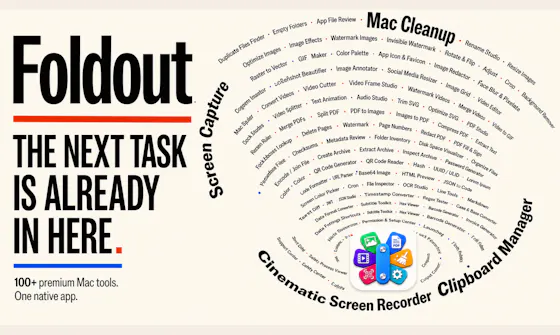
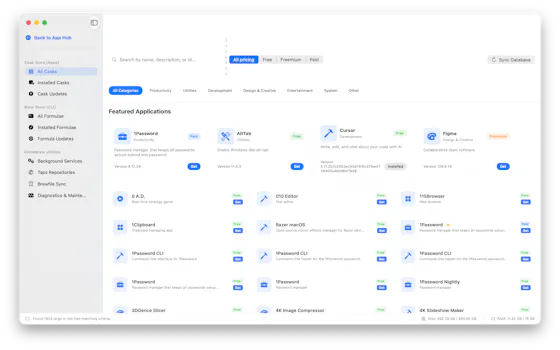
A macOS app that organizes files with custom rules, dry-run previews, undo, and duplicate cleanup, keeping everything local instead of uploading it.
Data stays with you
What to know▼
How it works
Organizes files on macOS using editable, rule-based automation, live folder monitoring, duplicate review, Trash policies and app leftover cleanup. Every change can be previewed with a Dry Run before applying, and applied actions can be undone from snapshots.
What's different
Everything runs locally rather than uploading files, and every action is reversible via snapshots.
Best for
Mac users who want automated file organization but don't want an opaque, unreversible cleanup tool.
We check every product on this page once a day and record whether it still answers.
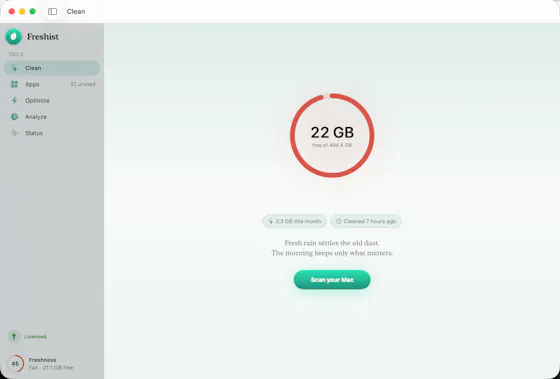
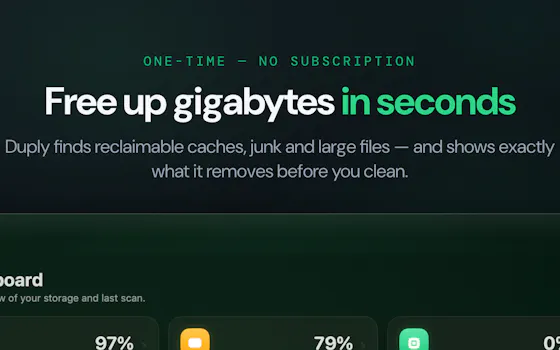
A native Mac cleanup app that bundles junk removal, uninstaller, optimizer, analyzer and monitor, showing every file before deleting it. One-time $9 purchase, not a subscription.
Pay onceNo subscriptionNo tracking
What to know▼
How it works
A native macOS maintenance app bundling five tools — clean, uninstall, optimize, analyze and monitor — and shows every file before deleting anything.
What's different
No telemetry, and files are shown before any action is taken on them.
Pricing
One-time $9 purchase, no subscription.
Best for
Mac users who want a transparent cleanup tool without committing to a subscription.
We check every product on this page once a day and record whether it still answers.
A Mac utility that clears Xcode DerivedData, Gradle caches, npm build artifacts and old simulators with one click, for developers running low on disk space.
What to know▼
How it works
A Mac utility that removes Xcode DerivedData, Gradle caches, npm build artifacts and old simulators with a single click.
Best for
Developers on Mac who are running low on disk space from accumulated build artifacts and caches.
We check every product on this page once a day and record whether it still answers.
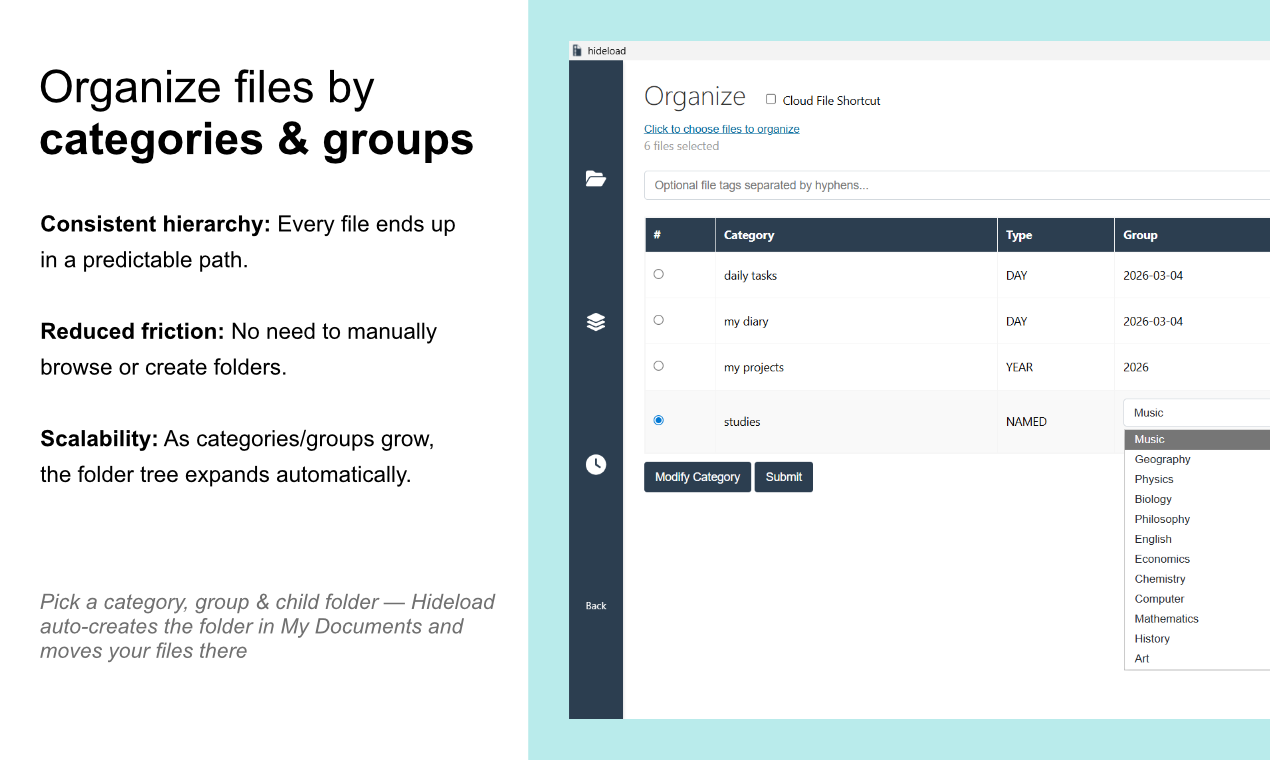
Automatically sorts a Mac's Desktop and Downloads into folders and renames cryptic filenames, processed entirely on-device with no cloud upload or subscription.
Works offlineData stays with youNo subscription
What to know▼
How it works
Automatically organizes a Mac's Desktop and Downloads folders into custom categories and renames cryptic filenames like IMG_1234 or scan_002 into readable names, using on-device AI.
What's different
Processes files entirely on-device with no cloud upload, so file organization doesn't leave the machine.
Pricing
Free 30-day trial; no subscription.
Best for
Mac users with cluttered Desktop/Downloads folders who don't want their file names or contents sent to the cloud.
We check every product on this page once a day and record whether it still answers.
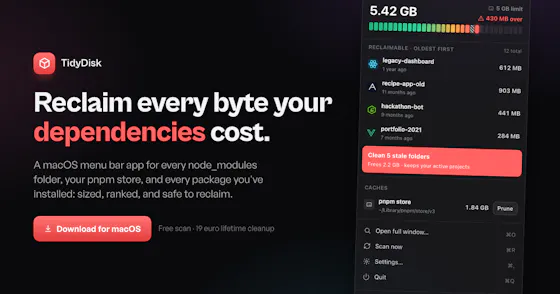
Scans your Mac for node_modules folders and package caches eating disk space, with one-click cleanup to Trash. Scanning is free; cleanup needs a one-time fee.
FreeOpen sourcePay once
What to know▼
How it works
Lives in the macOS menu bar and shows what dev projects cost in disk space: every node_modules folder, the pnpm store, and every installed package with versions and security advisories. One-click cleanup always moves files to Trash rather than deleting with rm -rf.
Pricing
Scanning is free forever; one-click cleanup is a one-time 19 euro lifetime license at the founding price.
Best for
Developers whose Mac disk is filling up with node_modules and package caches across projects.
We check every product on this page once a day and record whether it still answers.
A Windows desktop app that automatically sorts messy folders into categories like Images, Documents and Archives with one click.
What to know▼
How it works
Choose a folder and SmartSort Auto automatically organizes its contents into categories like Images, Videos, Documents, Audio, Archives and Installers.
Best for
Windows users with messy, unsorted folders who want a one-click cleanup.
We check every product on this page once a day and record whether it still answers.
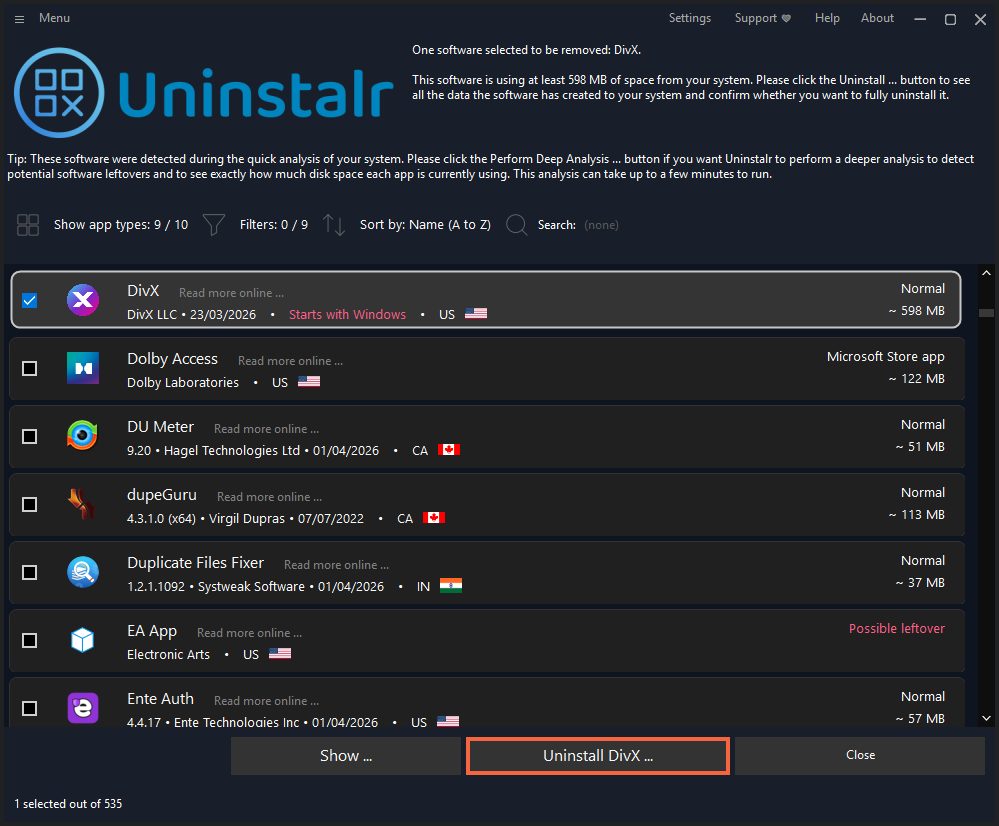
Bulk-uninstalls Windows apps automatically, including ones that don't support silent uninstall, without further user interaction.
What to know▼
How it works
Bulk-uninstalls many Windows apps at once, including ones that don't support silent uninstallation, using a custom uninstallation engine that removes them without further user interaction.
What's different
Works on apps that don't natively support silent uninstall.
Best for
Windows users who want to remove multiple apps at once without clicking through each uninstaller.
We check every product on this page once a day and record whether it still answers.
A menu-bar Mac cleaner that clears junk files, caches and duplicates and frees RAM, in 20 languages; it's a one-time $19 purchase with a free trial, not a free app.
Pay once
What to know▼
How it works
A lightweight macOS menu-bar app that clears junk files, caches, duplicates and forgotten large files, frees RAM, and tunes performance, available in 20 languages.
Pricing
One-time $19 purchase, free to try.
Best for
Mac users who want to reclaim disk space and improve performance without a subscription cleaner.
We check every product on this page once a day and record whether it still answers.
A Mac cleanup utility that scans caches, duplicates and large files and lets you review each one before deleting — a straightforward storage tool, not a power-user disk suite.
What to know▼
How it works
A Mac utility that scans for caches, temporary files, large and old files, and duplicates, and lets you review results before deleting; also uninstalls apps along with leftover files.
What's different
Presents cleanup results in a structured, easy-to-review interface rather than a complex power-user tool.
Best for
Mac users who want a simple storage cleanup, not a full disk-management suite.
We check every product on this page once a day and record whether it still answers.
On-device Android photo cleaner — groups duplicates and similar shots, finds blurry/dark photos, surfaces old screenshots and clutter, flags oversized videos; no cloud upload, no account, only one ad.
Tools for cleaning up files and disk space — the short answers
Every number here comes from our own daily check — not from a vendor list.
Tools for cleaning up files and disk space — how many are there?
Tablif is tracking 37 of them. 37 answered our check today.
Which ones are still maintained?
Tablif knocks on every door once a day and records the answer. 37 of these 37 responded on the latest run, so that number is what "still here" means on this page — not a review score.
Are any of them free?
8 of the live ones say so in their own words, and 3 let you start without making an account. Tablif records the claim the product makes; we don't verify pricing.
Any open-source options?
5 of the live ones on Tablif mention being open source.
What's the newest one?
Drezze Disk Cleaner — Tablif first saw it today.
Did a person actually look at these?
37 of them Tablif opened and read, then wrote a one-line summary in our own words instead of reusing the founder's tagline. The rest carry keyword labels we haven't confirmed by reading yet — and we say so rather than hiding it.