We check every product on this page once a day and record whether it still answers.
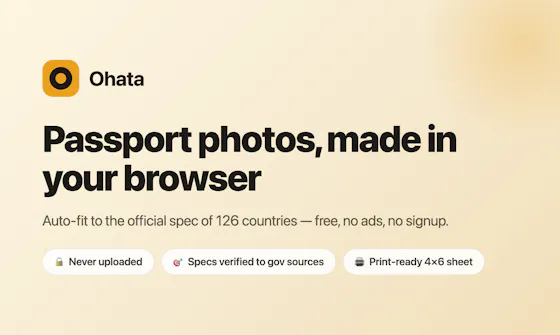
A free, local, no-account browser tool for bulk color-editing, resizing, cropping, and renaming large batches of photos at once.
FreeNo sign-upNothing to install
What to know▼
How it works
Adjusts brightness, contrast, saturation, vibrance, and sharpness in bulk; crops, rotates, and resizes with one photo applied to all then fine-tuned individually; batch-renames with auto-numbering and downloads as a zip.
We check every product on this page once a day and record whether it still answers.
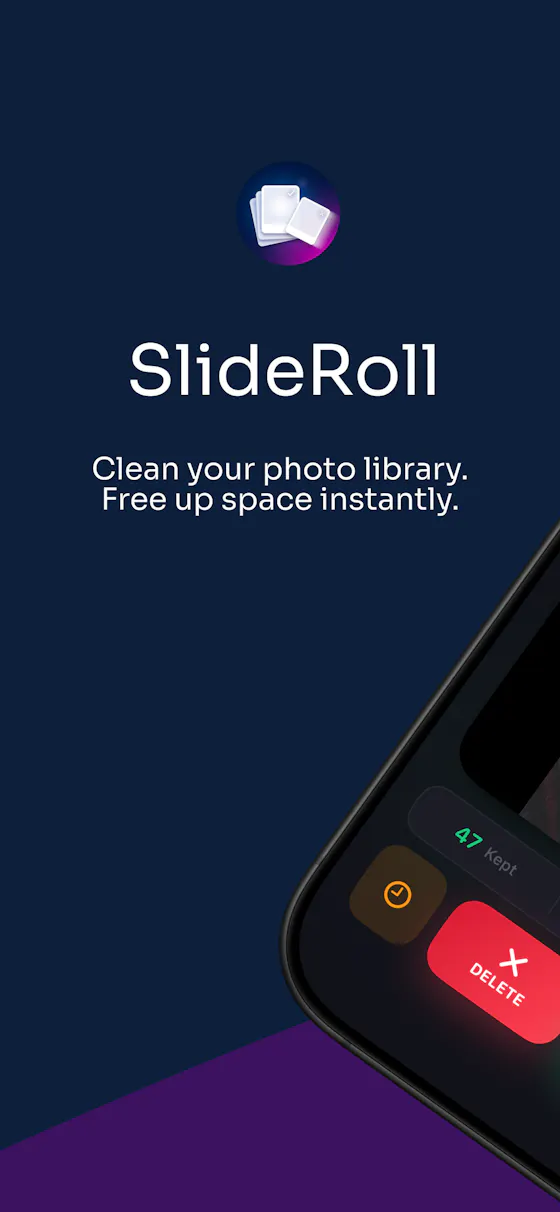
Swipe through your camera roll to keep or delete photos, entirely on-device — no account, no uploads, no cloud scanning. Free to try, in 12 languages.
No sign-upWorks offlineData stays with you
What to know▼
How it works
Swipe through your camera roll — right to keep, left to delete, up to decide later — with Smart Albums, duplicate detection, monthly review and progress tracking to clear storage.
What's different
Runs 100% on-device with no account, no uploads, and no photo tracking.
Pricing
Free to try.
Best for
Anyone wanting to quickly clear phone storage by swiping through photos, in one of 12 supported languages.
We check every product on this page once a day and record whether it still answers.
An iPhone and iPad app that upscales, sharpens and denoises photos entirely on-device so nothing is uploaded to a server - for casual users, not professional photo editors.
No sign-upWorks offlineData stays with you
What to know▼
How it works
An iPhone and iPad app that upscales, sharpens, denoises, and deblurs photos using on-device AI enhancement, with a before/after comparison before saving the result back to Photos.
What's different
All processing happens on-device — no server upload, account, ad, or subscription is required.
Pricing
No subscription and no account required (per the product's own description).
Best for
People restoring old, blurry, or low-resolution personal photos who want to keep them off the cloud.
We check every product on this page once a day and record whether it still answers.
A Windows desktop app that uses offline AI to sort, filter and de-duplicate large photo batches, for photographers, designers and other creators — no cloud needed after install.
Works offline
What to know▼
How it works
A Windows desktop tool that uses built-in offline AI filters to detect faces, blurry or dark photos, duplicates, people, elements and landscapes, letting photographers and creators sort large photo collections without internet after install.
Pricing
Free 7-day trial.
Best for
Photographers, designers and creators sorting large photo batches who want to keep files off the cloud.
We check every product on this page once a day and record whether it still answers.
Turns a still image into a wobbly animated GIF or video by letting you paint which area should move, entirely in your browser without uploading the image.
Works offlineCan export my data
What to know▼
How it works
Paint the area to animate, pick a motion style, export as GIF/MP4/WebM
We check every product on this page once a day and record whether it still answers.
A photo gallery cleanup app where you swipe to keep or delete photos, with a Smart Clean mode that finds duplicates and burst shots processed locally on your device.
FreeWorks offlineNo ads
What to know▼
How it works
Swipe right to keep, left to delete; Smart Clean scans for exact duplicates, burst shots, and low-detail photos in one pass.
What's different
Everything runs locally on-device; no photos are uploaded.
Pricing
Free to use, with a Pro tier unlocking Smart Clean's advanced modes.
We check every product on this page once a day and record whether it still answers.
Cuts you out of a photo or video and drops you into a new scene with captions and stickers, processed on your own device rather than uploaded to a server.
No sign-upWorks offline
What to know▼
How it works
Cuts you out of a photo or video and drops you into a new scene, then lets you add captions and stickers before sharing.
What's different
Processing happens on-device rather than uploading photos to a server, and no login is required.
Best for
People who want to make reaction-style photo or video edits without creating an account.
We check every product on this page once a day and record whether it still answers.
An offline Windows app bundling 30+ AI media tools — upscaling, restoration, object removal, audio separation — for photo, video and audio editing, starting at ₹999/year.
Works offline
What to know▼
How it works
A Windows desktop app bundling 30+ AI media tools for upscaling, restoration, object removal and audio separation, running entirely offline.
What's different
Runs 100% offline rather than processing media in the cloud.
Pricing
Starting ₹999/year.
Best for
Windows users who want offline AI photo, video and audio editing tools without cloud processing.
We check every product on this page once a day and record whether it still answers.
A simple app that turns your phone's camera roll into a swipeable feed you scroll through, double-tapping to favorite the photos worth keeping.
No sign-upWorks offline
What to know▼
How it works
Turns your camera roll into a one-photo-at-a-time scrollable feed; scrolling past a photo keeps it in your camera roll, double-tapping favorites it into a dedicated Vertical Favorites album. You can filter by album, sort by size, or pick a specific month, and it remembers where you left off.
What's different
Everything runs 100 percent on-device with no account, cloud, or server, and deletions have a safety net so nothing is removed right away.
Best for
People who want to quickly review and favorite photos from a large camera roll without organizing folders manually.
We check every product on this page once a day and record whether it still answers.
Batch-removes backgrounds from product photos entirely offline, sized for Amazon, Shopify, Instagram or Facebook. Free trial covers 100 images; unlimited use is $6/year.
Works offlineCan export my data
What to know▼
How it works
Batch-removes backgrounds from 100+ product photos entirely offline, with background replacement and export presets sized for Amazon, Shopify, Instagram or Facebook.
What's different
Runs offline with no per-image fee, unlike per-image services like remove.bg.
Pricing
Free trial covers single-image cleanup plus 100 batch removals; Pro license is $6/year for unlimited batch processing.
Best for
E-commerce sellers who need to batch-process product photo backgrounds without paying per image.
We check every product on this page once a day and record whether it still answers.
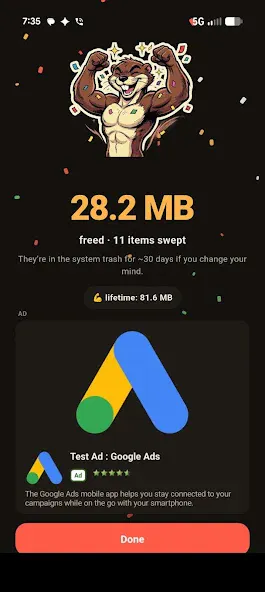
On-device Android photo cleaner — groups duplicates and similar shots, finds blurry/dark photos, surfaces old screenshots and clutter, flags oversized videos; no cloud upload, no account, only one ad.