Tools that are freeWorks with Obsidian

4 match your filters — 4 of them answered our check today.

Watching this group for 20 days · how we check

This week3 new arrivals

Cairn

Live

A native iPhone/iPad task app that turns Markdown checklists already stored in an Obsidian vault or folder into Today, Upcoming, and Inbox views, instead of a separate proprietary task database.

Domain registered 3 years ago

FreeNo sign-up
What to know
How it works
Reads and writes tasks directly to the user's existing Markdown files, with no account, database, ads, or analytics.
Pricing
Free.
Best for
People who already keep tasks as Markdown in Obsidian and want native iOS views.

Watched for 7 days · last checked 1d ago

Details →

Weeve

Live

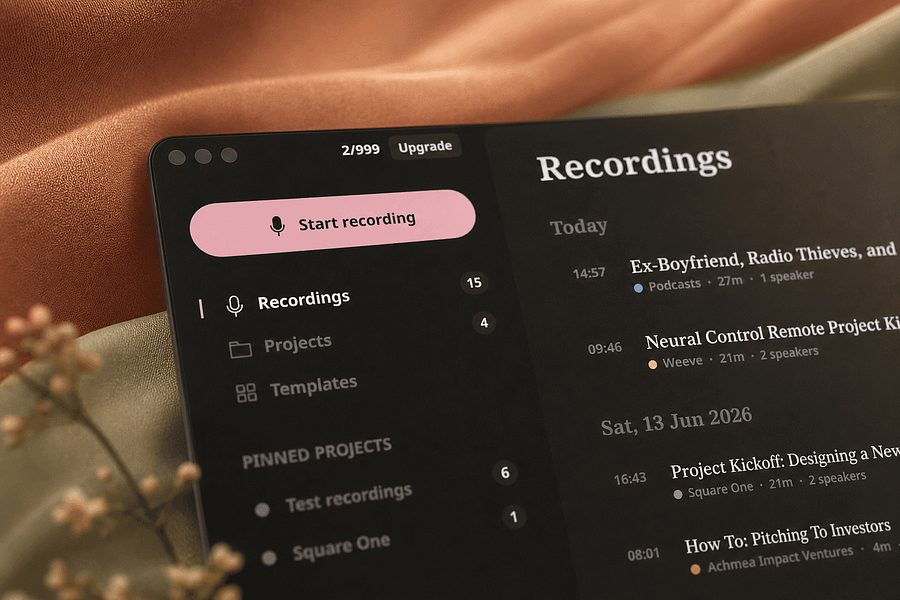
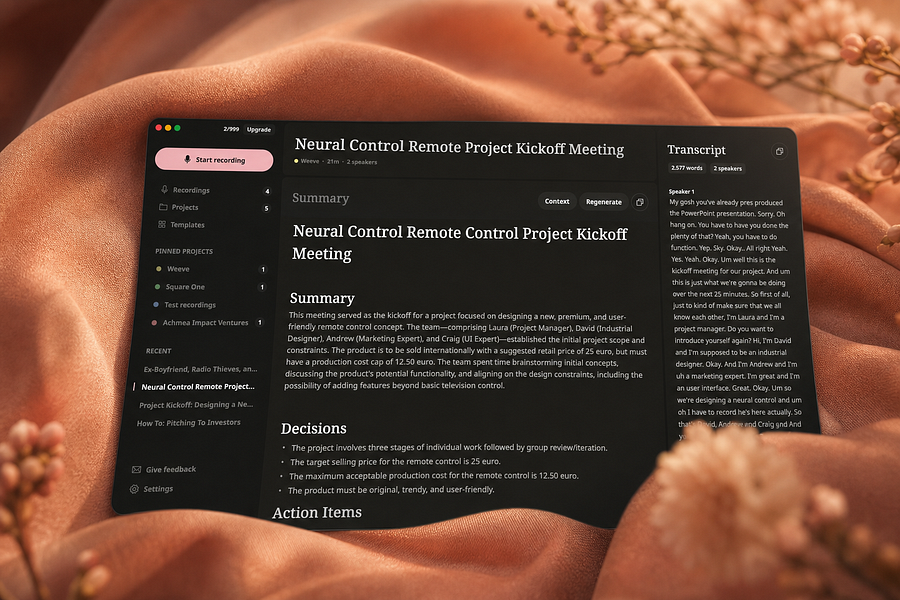
Records, transcribes, and summarizes meetings entirely on your Mac so audio never leaves the device, for people who want private meeting notes.

FreeWorks offlineCan export my data
What to know
How it works
Identifies speakers live and captures decisions and action items on-device
What's different
Works fully offline, keeping audio and AI processing on your Mac
Pricing
Free, Pro, and Team plans
Best for
People and teams wanting private meeting transcripts without cloud processing

Watched for 4 days · last checked 4d ago

Details →

Records what you say and turns it into an organized project log automatically on your own device. Aimed at solo builders and founders who have no one else tracking their progress.

FreeWorks offlinePay onceNo subscription
What to know
How it works
Records spoken audio and turns it into an organized project history and devlog automatically, processed on your own device.
What's different
Runs fully on-device rather than relying on manual note-taking or a cloud service.
Pricing
Free to use with full functionality, no subscription; a paid Pro tier unlocks Labs and unlimited weekly processing.
Best for
Solo builders and founders who track their own progress by talking rather than writing, with no one else keeping a project record for them.

Watched for 18 days · last checked 2d ago

Details →

A lightning-fast offline note capture popup (hotkey-triggered, opens in 20ms) for jotting quick thoughts before moving them into Notion or Obsidian, instead of fighting the friction of a full note app.

FreeNo sign-upWorks offlinePay once
What to know
How it works
Win+Alt+O opens a popup in under 20ms; stays in system tray, no internet or account needed
Best for
People who need to dump quick thoughts without loading a full note-taking app

Watched for 2 days · last checked 2d ago

Details →