Tools that are freeWorks with Zoom

10 match your filters — 10 of them answered our check today.

Watching this group for 20 days · how we check

This week2 new arrivals

Narrow it down

A USB desk light plus free app that shows red/green based on your real Teams, Zoom, Slack or Discord status — for people tired of manually toggling do-not-disturb.

Domain registered 4 years ago

Free
What to know
How it works
A USB desk light that mirrors your real presence — green when free, red when on a call — by watching Teams, Zoom, Slack and Discord at once.
What's different
Described as the only commercial busy light that also watches Discord, alongside Teams, Zoom and Slack.
Pricing
Free desktop app; hardware is $39.99.
Best for
People who want automatic do-not-disturb signaling instead of manually toggling status.

Watched for 13 days · last checked today

Details →

All-in-one AI media studio bundling video, image, and editing tools (face swap, scene chaining) to replace multiple subscriptions.

FreeCan export my data
What to know
How it works
Chains scenes into short AI films and offers video-to-video editing like object placement and face replace
What's different
Bundles many AI media tools under one interface instead of separate subscriptions
Best for
Content creators and marketers wanting one tool instead of many AI subscriptions

Watched for 4 days · last checked 4d ago

Details →

migmig

Live

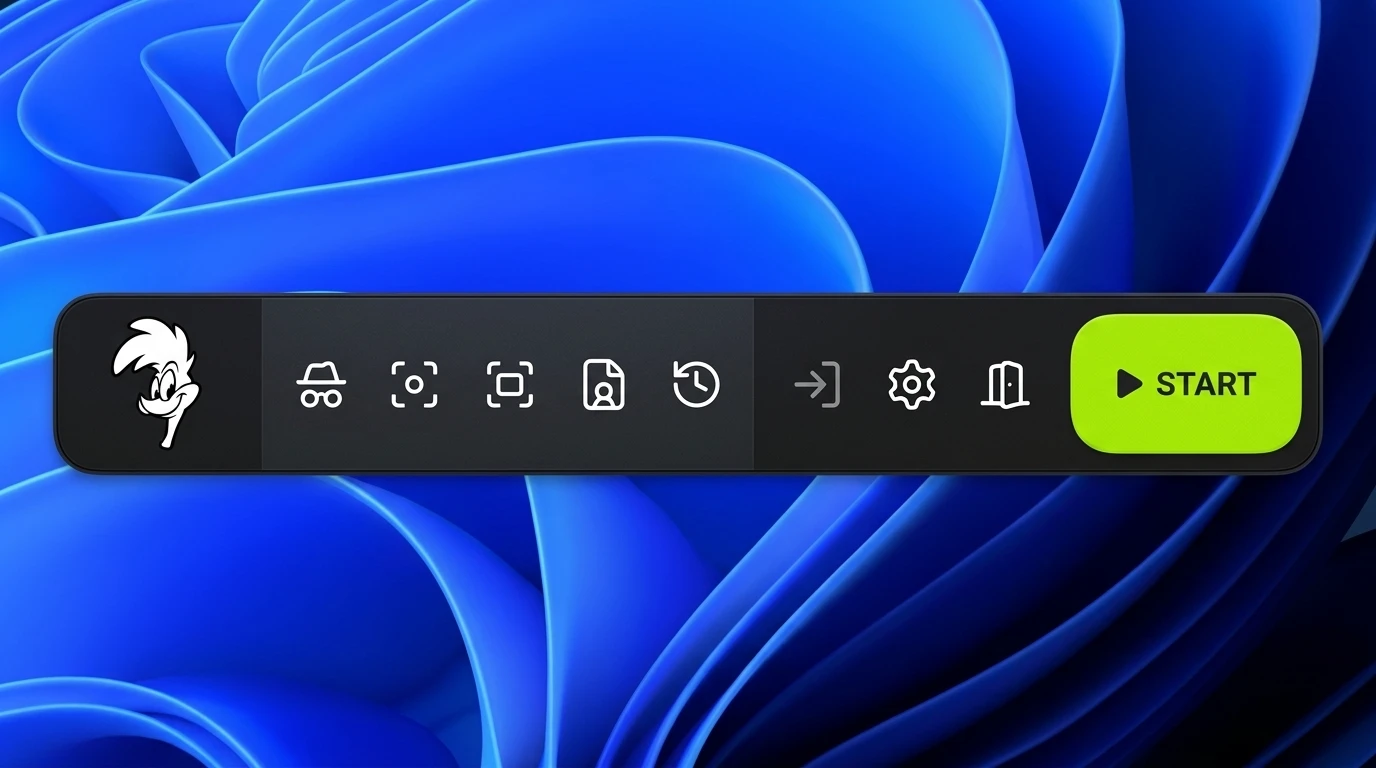
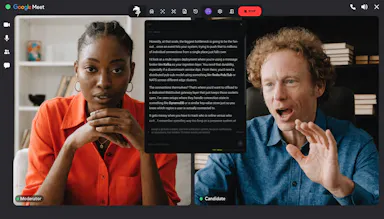
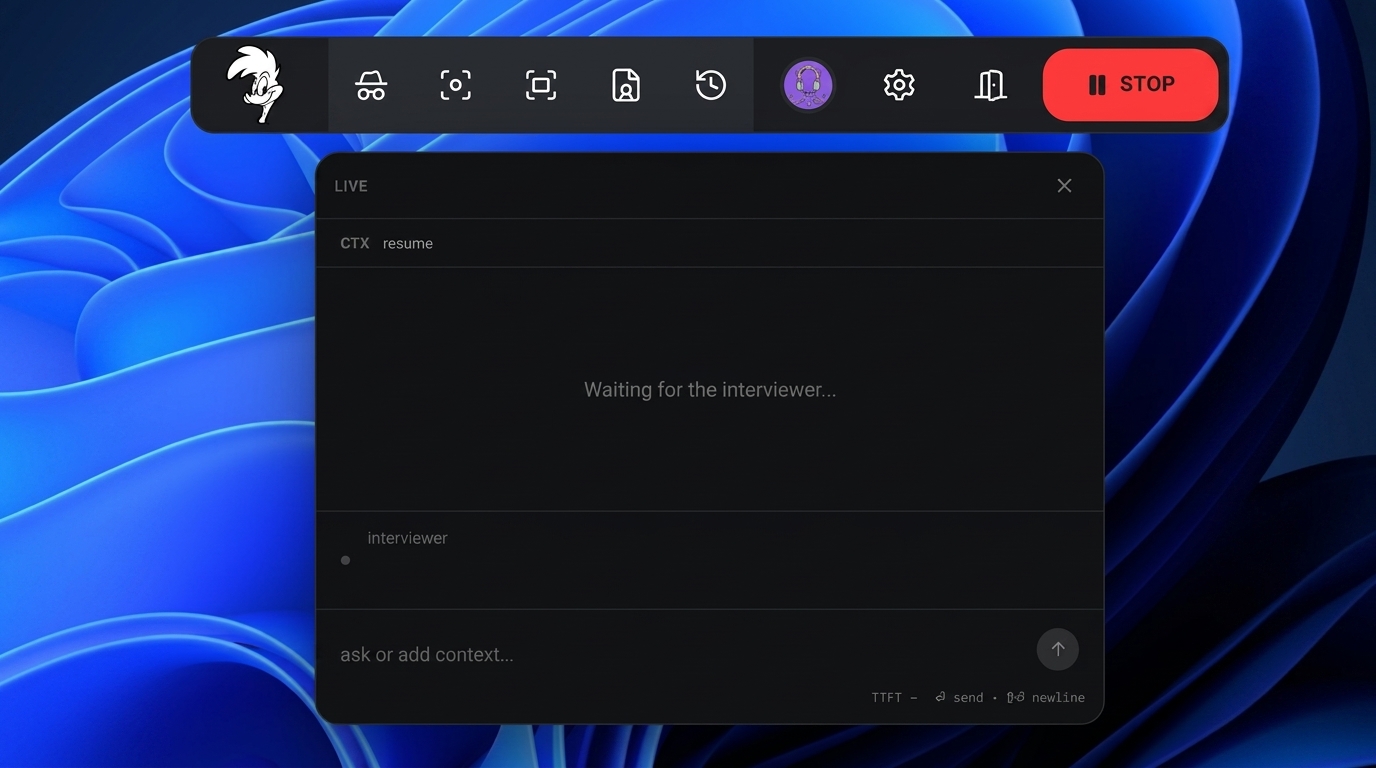
A stealth AI copilot that listens during live video interviews (Zoom, Meet, Teams) and feeds you real-time transcription and suggested answers; free Windows download.

Free
What to know
How it works
An AI copilot for live video interviews that provides real-time transcription (target ~150ms) and structured suggested answers, running in stealth mode on Zoom, Google Meet and Teams.
What's different
Runs invisibly during the call in stealth mode rather than as a visible overlay.
Pricing
Free Windows download.
Best for
People interviewing over Zoom, Google Meet or Teams who want live answer prompts during the call.

Watched for 14 days · last checked 2d ago

Details →

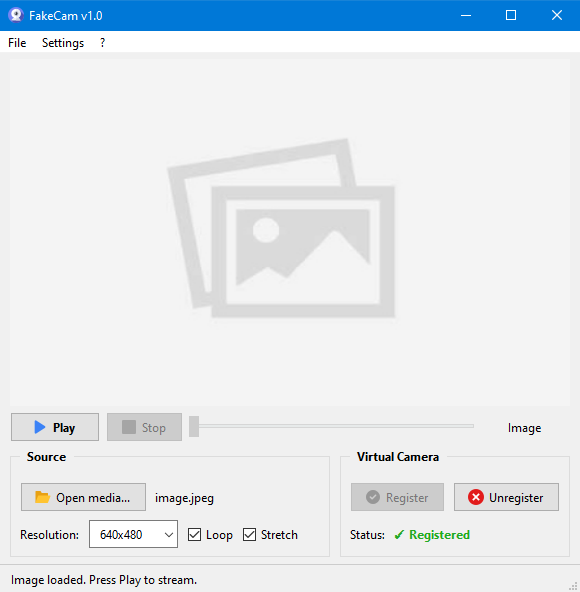
A lightweight Windows app that streams a video or image file as your webcam feed into Zoom, Teams, Skype, Discord or Telegram, running fully offline with no account or tracking.

FreeNo sign-upWorks offlineNo subscription
What to know
How it works
A lightweight virtual webcam app for Windows that streams a video or image file as your camera feed into apps like Zoom, Teams, Skype, Discord and Telegram.
What's different
Runs entirely locally with no account, subscription, ads or tracking — download and run, 25MB portable, works offline.
Pricing
Free for Windows.
Best for
Windows users who want a virtual webcam feed for video call apps without an account or bloatware.

Watched for 18 days · last checked 2d ago

Details →

Corder

Live

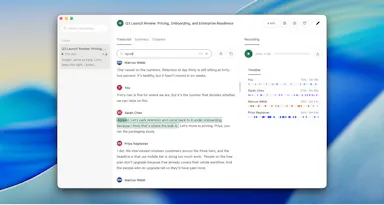
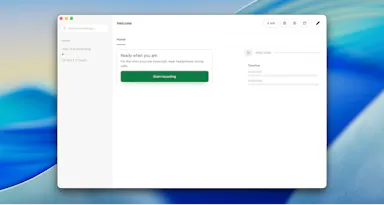
Records your Mac's mic and system audio directly with no bot joining the call, and transcribes on-device so recordings never leave your machine. Free to start, no account needed.

Domain registered 2 months ago

FreeNo sign-upWorks offline
What to know
How it works
Records your Mac's microphone and system audio as two separate tracks at the OS level, so nothing joins the call as a bot — works in Zoom, Meet, Teams, Discord or any browser tab. Transcription runs on-device.
What's different
No bot tile appears in the meeting, so it works even where bot-based recorders are blocked, and transcripts never leave your Mac.
Pricing
Free, no account needed to start.
Best for
People in companies that block meeting-recorder bots who still want private, local transcripts.

Watched for 13 days · last checked 7d ago

Details →

Records what you say and turns it into an organized project log automatically on your own device. Aimed at solo builders and founders who have no one else tracking their progress.

FreeWorks offlinePay onceNo subscription
What to know
How it works
Records spoken audio and turns it into an organized project history and devlog automatically, processed on your own device.
What's different
Runs fully on-device rather than relying on manual note-taking or a cloud service.
Pricing
Free to use with full functionality, no subscription; a paid Pro tier unlocks Labs and unlimited weekly processing.
Best for
Solo builders and founders who track their own progress by talking rather than writing, with no one else keeping a project record for them.

Watched for 18 days · last checked 2d ago

Details →

Replay

Live

A one-time-purchase Mac app that records and transcribes video calls on-device without bots joining or data leaving the machine, for people who want to own a private, searchable meeting archive.

Domain registered 1 month ago

FreeWorks offlinePay onceNo subscription
What to know
How it works
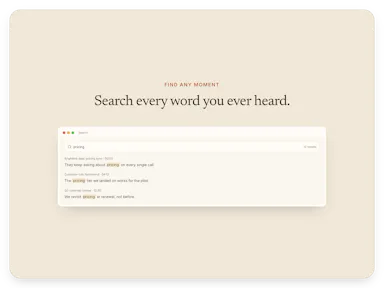
Records meetings from Zoom, Meet, Teams or Webex on a Mac and transcribes them on-device, learning speaker names across meetings, without bots joining calls or data touching the cloud; saves transcripts as video, JSON and Markdown.
Pricing
One-time purchase, free to try.
Best for
People who want a private, searchable meeting record they own, without a subscription.

Watched for 12 days · last checked 9d ago

Details →

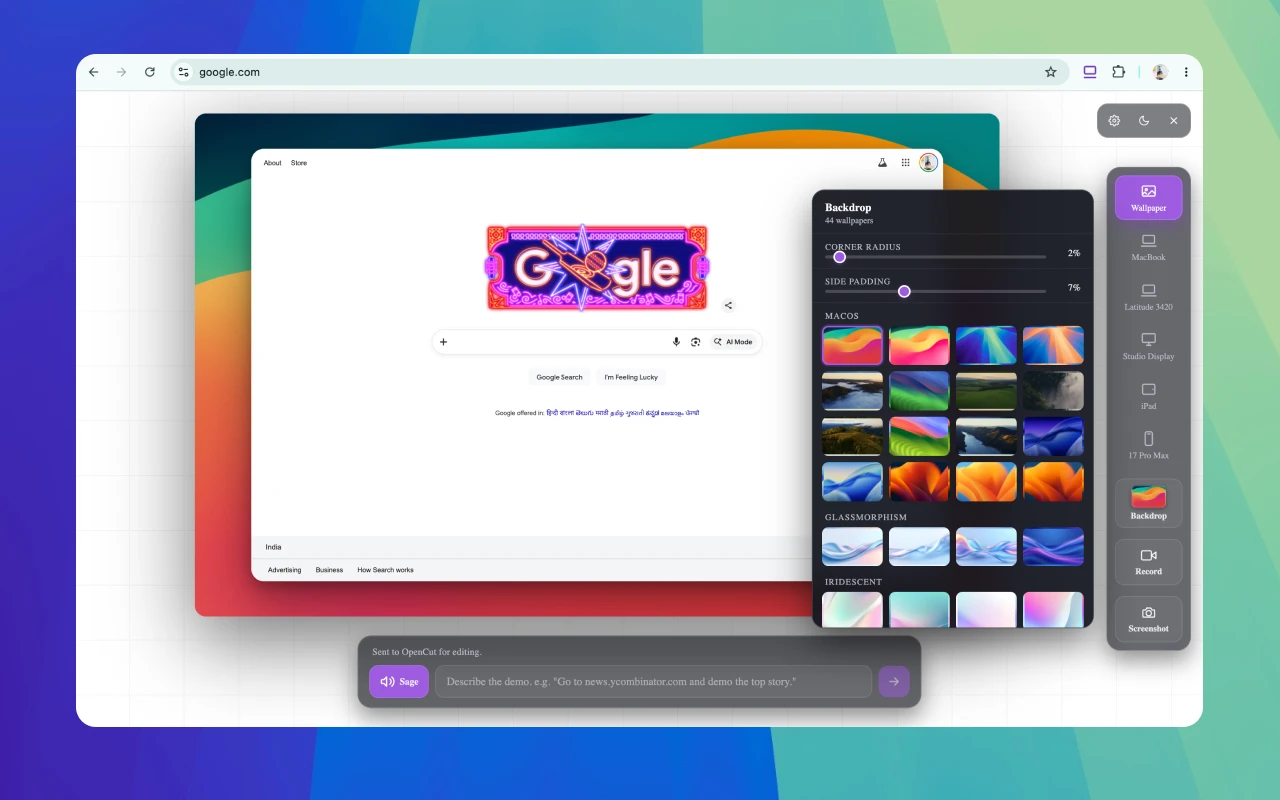
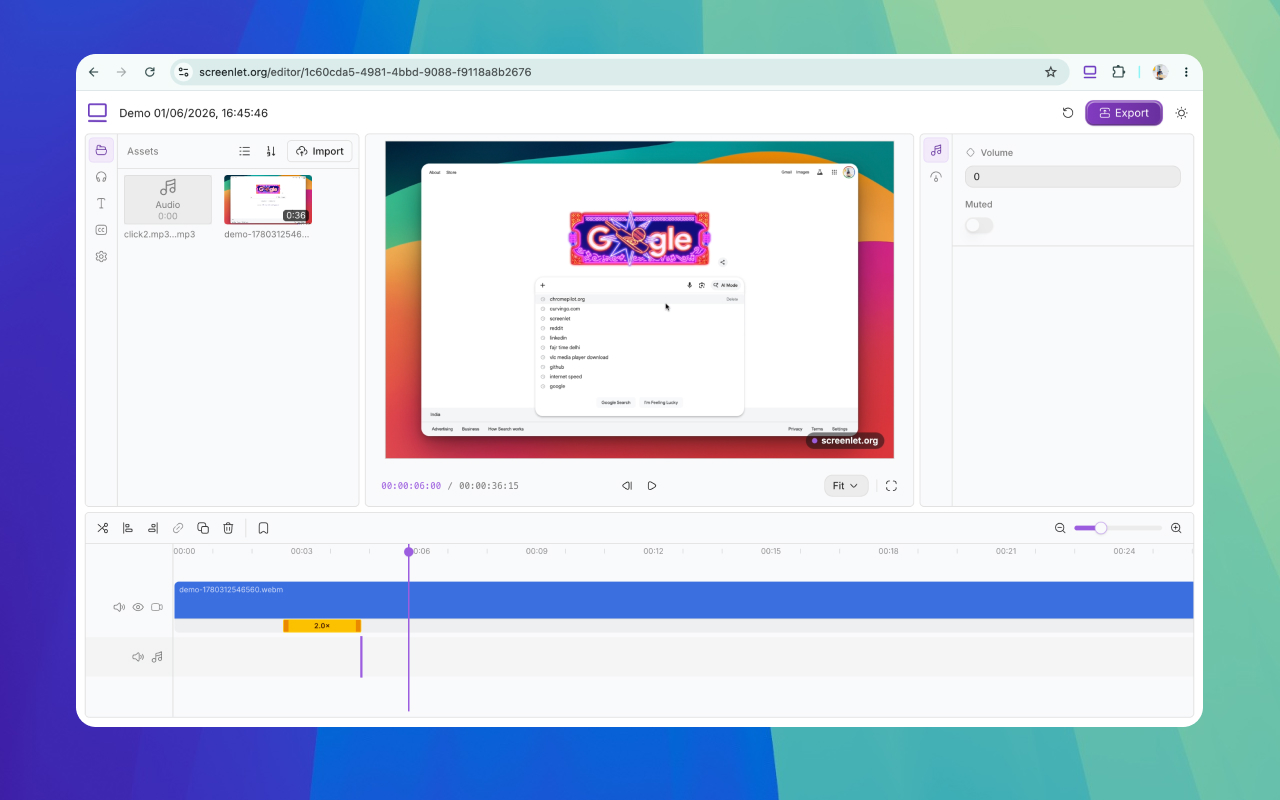
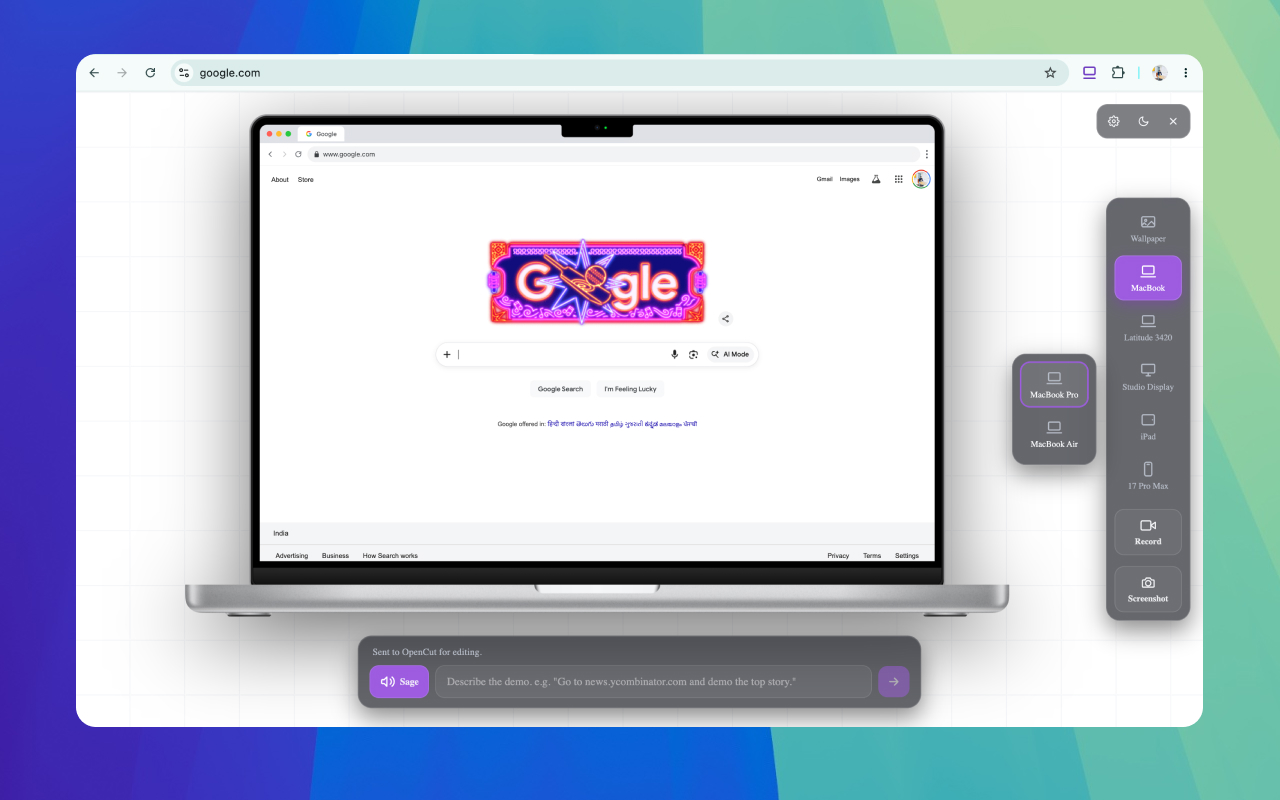
A free Chrome extension for screen-recording demos and tutorials, with device mockups, webcam overlay, zoom and AI narration, no watermark on exports.

Free
What to know
How it works
A browser extension for recording demos and tutorials with real device mockups to frame the recording, plus webcam overlays, voiceovers, zoom effects, and AI narration.
Pricing
Free to use, with no watermarks on exported videos.
Best for
People making product demos or tutorials who want polished, framed screen recordings without paying.

Watched for 14 days · last checked 2d ago

Details →

A free desktop app that checks your camera, mic, speakers, and network before a video call.

Free
What to know
How it works
Checks camera, microphone, speakers, room noise, and network connection with one click before a video call and gives a simple ready/almost-set/fix-this verdict.
What's different
Audio and video are processed locally and never stored or sent anywhere.
Pricing
Free.

Watched for 3 days · last checked 3d ago

Details →

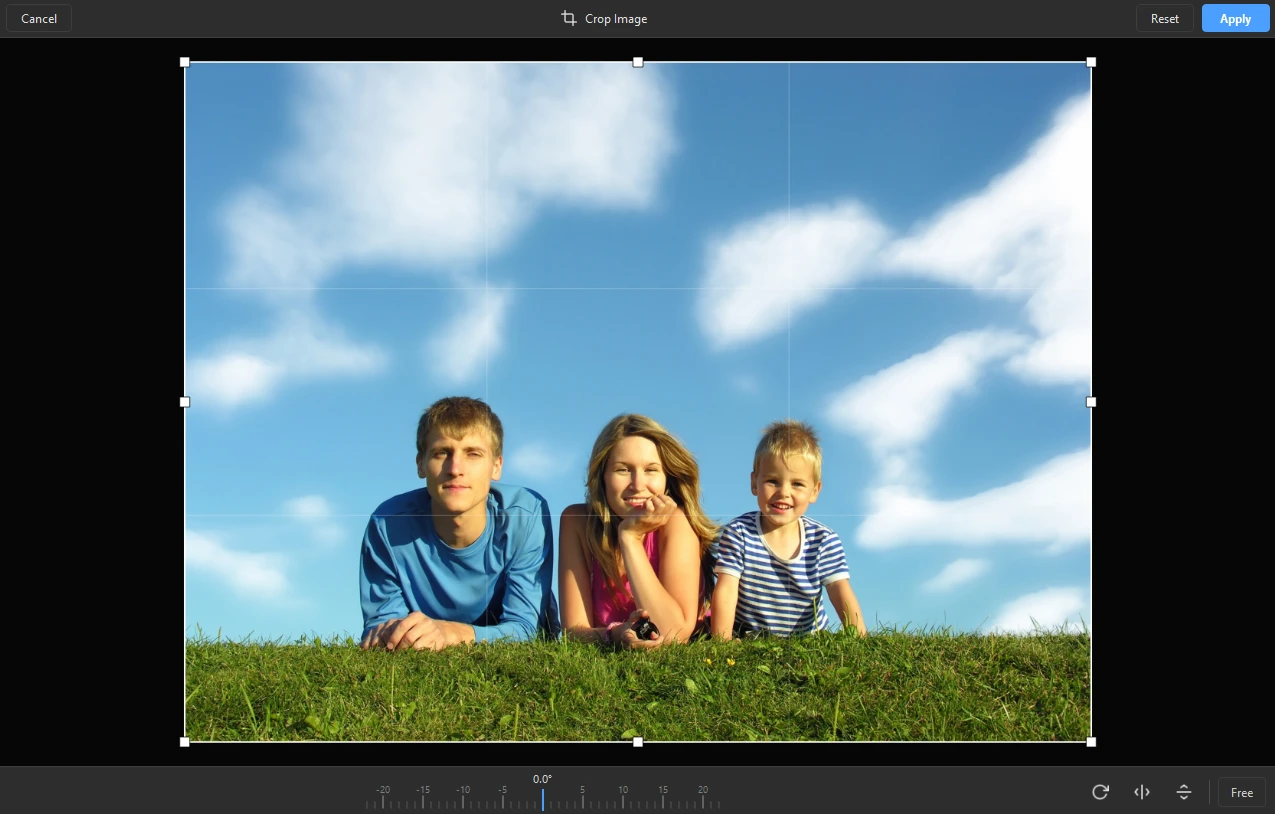
A fast Windows image viewer that opens everyday and modern formats like HEIC, WebP, AVIF and RAW instantly, with basic rotate and crop tools built in.

Free
What to know
How it works
A fast Windows image viewer that opens JPEG, PNG, AVIF, HEIC, WebP, JPEG XL and RAW camera files instantly, with filmstrip browsing, 100% zoom, rotate/crop, EXIF metadata, and an interactive map for shot locations; can also turn a folder into a slideshow with transitions and music, exported as video.
Best for
Windows users who want fast browsing across a wide range of image formats without a bloated editor.

Watched for 18 days · last checked 2d ago

Details →