Tools that are freeMeetings

21 match your filters — 21 of them answered our check today.

Watching this group for 20 days · how we check

This week6 new arrivals

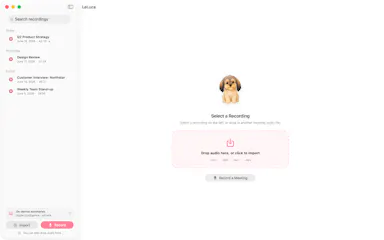
LeLuca

Live

Records and transcribes Mac meetings entirely on-device, then turns them into searchable AI notes, for people who don't want audio leaving their machine.

FreeWorks offlineData stays with youCan export my data
What to know
How it works
records mic+system audio, transcribes locally with Whisper, generates TL;DR/decisions/action items
What's different
100% on-device transcription, optional bring-your-own ChatGPT/Claude for notes
Pricing
free on Mac App Store
Best for
Mac users who need private meeting notes

Watched for 4 days · last checked today

Details →

Lets Chrome users open saved bookmarks with a keyboard shortcut instead of digging through bookmark menus.

FreeWorks offlineOpen source
What to know
How it works
Type a short code to open a page or a whole folder as a tab group; on-device AI adds tags and semantic search by default.
Pricing
free, open source

Watched for 1 day · last checked 1d ago

Details →

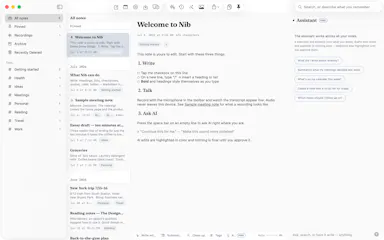
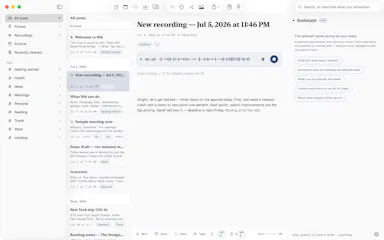
Nib

Live

A notes app for iPhone, iPad, and Mac that records and transcribes on-device, then turns meeting audio and handwritten notes into structured minutes with decisions and to-dos you approve as diffs.

FreeWorks offlineData stays with youNo ads
What to know
How it works
On-device transcription keeps audio local; AI restructures transcripts into minutes with editable, diff-based approval.
Pricing
Recording, transcription, and search are free; cloud AI features require Pro.
Best for
People who want private, on-device meeting notes.

Watched for 7 days · last checked 1d ago

Details →

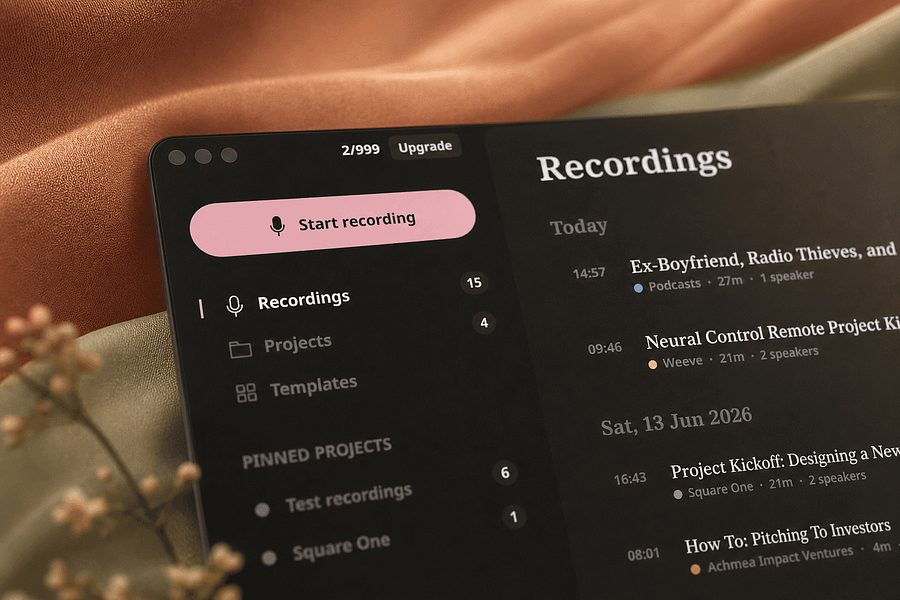
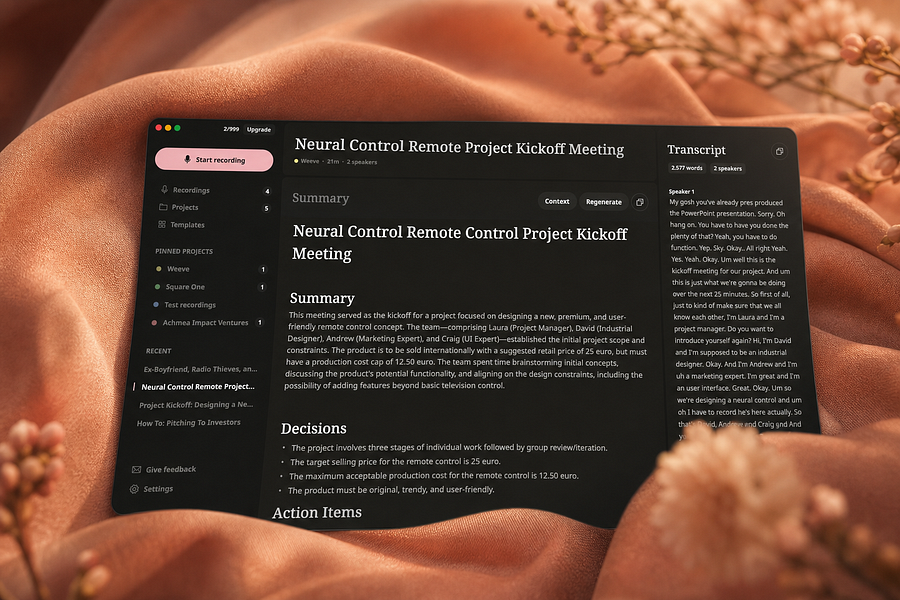
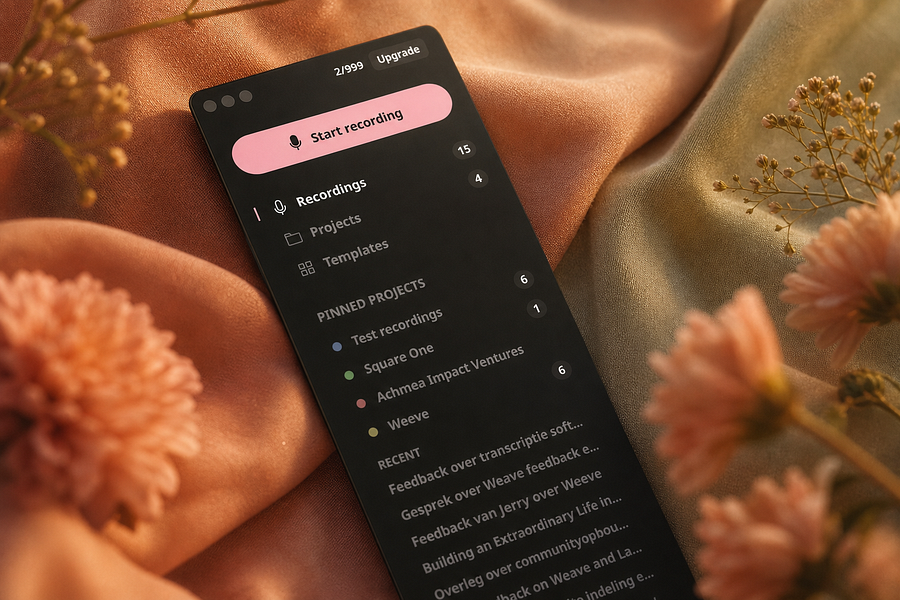
Weeve

Live

Records, transcribes, and summarizes meetings entirely on your Mac so audio never leaves the device, for people who want private meeting notes.

FreeWorks offlineCan export my data
What to know
How it works
Identifies speakers live and captures decisions and action items on-device
What's different
Works fully offline, keeping audio and AI processing on your Mac
Pricing
Free, Pro, and Team plans
Best for
People and teams wanting private meeting transcripts without cloud processing

Watched for 4 days · last checked 4d ago

Details →

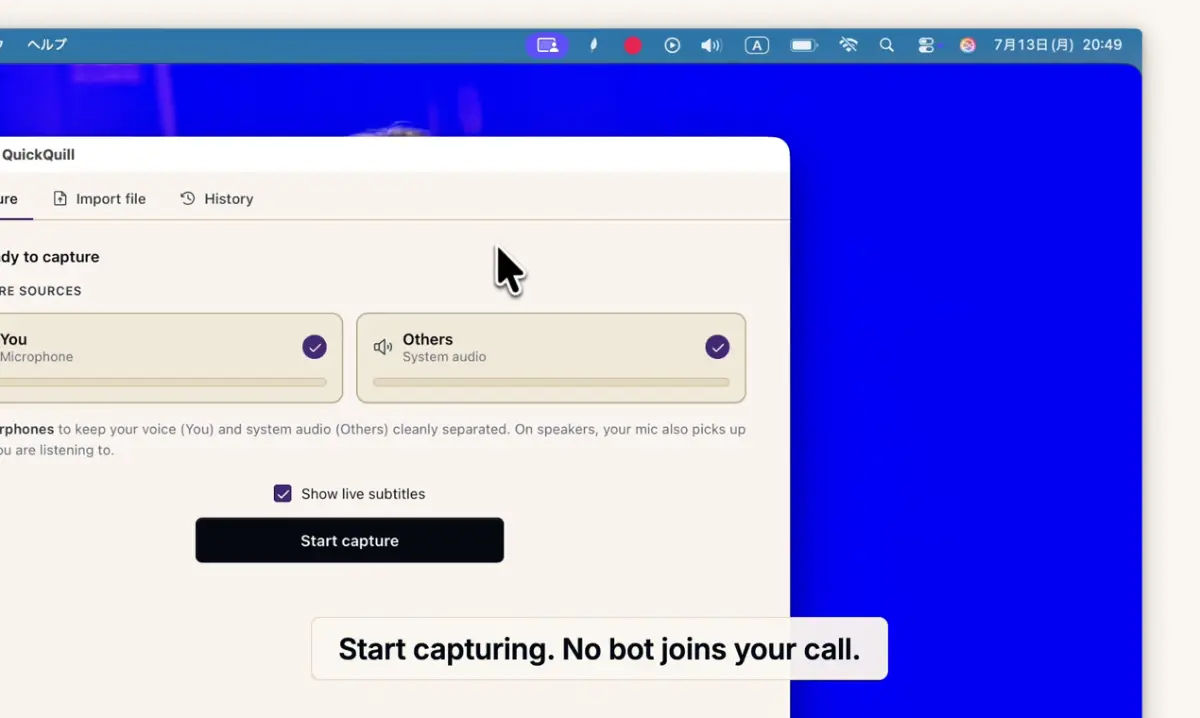
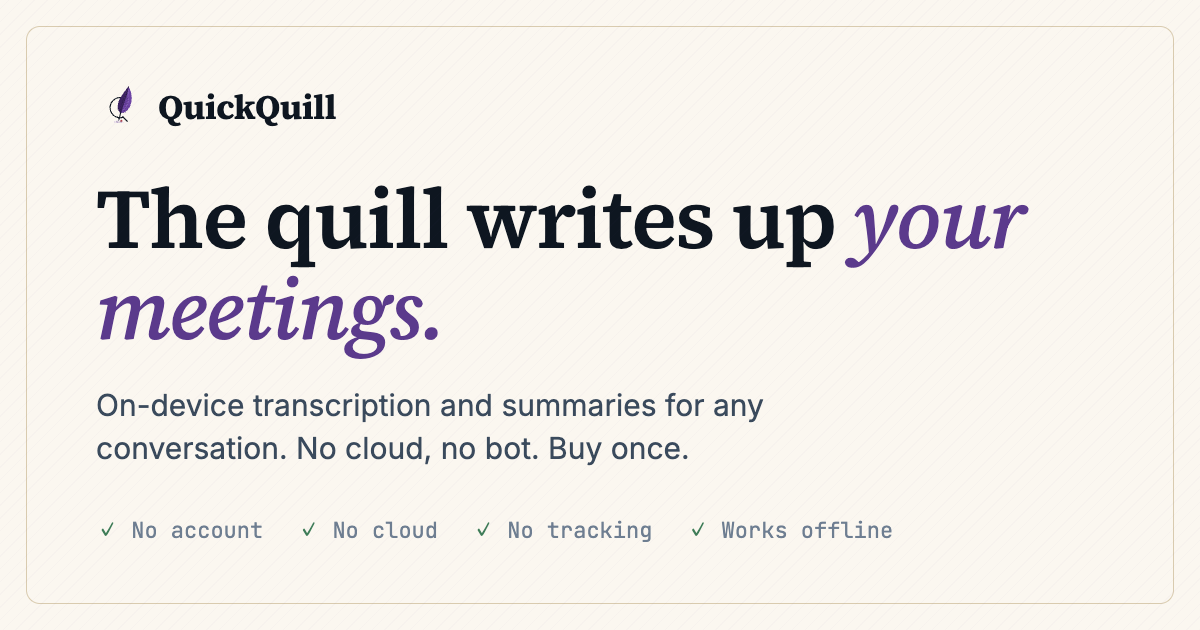
Records meetings on Mac and generates transcripts, summaries and live translated subtitles, entirely on-device. Dictation is free forever; the full meeting workflow costs a one-time $49.

Domain registered 1 month ago

FreeNo sign-upWorks offlinePay once
What to know
How it works
Records meetings and produces transcripts and summaries entirely on-device, with nothing sent to the cloud; it also shows live subtitles with translation while recording, and offers push-to-talk dictation usable in any app.
What's different
Continues working with Wi-Fi off and requires no bot joining the call, since everything runs on-device.
Pricing
Dictation is free forever; the full meeting workflow is a one-time $49 purchase. No account or subscription required.
Best for
Mac users who want private, on-device meeting notes without a cloud service.
Watch out
Requires macOS 26 on Apple Silicon, so it won't run on older Macs or other operating systems.

Watched for 12 days · last checked 6d ago

Details →

Humla

Live

A Mac app that records and transcribes meetings entirely on-device, no bot joins the call. Free and open source, with optional cloud or self-hosted sync for teams.

FreeWorks offlineOpen sourceNo tracking
What to know
How it works
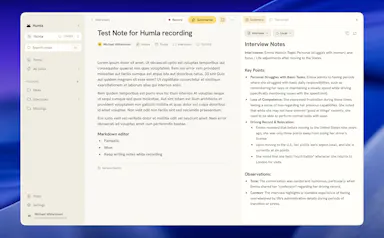
Records mic and call audio directly through macOS with no bot joining the meeting, then transcribes, labels speakers, and writes a summary that fuses your notes with the transcript. Runs fully on-device using Whisper on Apple Silicon, or with your own AI key.
What's different
No bot joins the call, and it can run entirely on-device with local SQLite storage and no telemetry.
Pricing
Free and MIT-licensed, with optional paid team sync via Humla Cloud or self-hosting.
Best for
Mac users who want private, on-device meeting transcription without a bot joining their calls.

Watched for 13 days · last checked 7d ago

Details →

Tackly

Live

Map your thoughts in real time with AI.

Free
What to know
How it works
Toplantı, sesli not veya yapıştırılan transkripti canlı olarak yapılandırılmış düğümlere haritalar.

First seen today · last checked today

Details →

A free, open-source Windows tray app that nudges you to stand up and move every hour -- a general workplace wellness reminder, not developer-specific software.

FreeOpen source
What to know
How it works
A tiny Windows tray app that reminds you to stand up and move every round hour, on your own schedule.
Pricing
Free and open source.
Best for
Windows users who sit at a desk and want a general movement reminder, not a developer-specific tool.

Watched for 17 days · last checked today
Details →

Corder

Live

Records your Mac's mic and system audio directly with no bot joining the call, and transcribes on-device so recordings never leave your machine. Free to start, no account needed.

Domain registered 2 months ago

FreeNo sign-upWorks offline
What to know
How it works
Records your Mac's microphone and system audio as two separate tracks at the OS level, so nothing joins the call as a bot — works in Zoom, Meet, Teams, Discord or any browser tab. Transcription runs on-device.
What's different
No bot tile appears in the meeting, so it works even where bot-based recorders are blocked, and transcripts never leave your Mac.
Pricing
Free, no account needed to start.
Best for
People in companies that block meeting-recorder bots who still want private, local transcripts.

Watched for 13 days · last checked 7d ago

Details →

Record meetings from your Apple Watch, then get transcripts, bilingual translation and AI follow-up notes on iPhone. Some processing stays on-device, but it isn't fully cloud-free.

FreeWorks offline
What to know
How it works
Record meetings from your Apple Watch, organize them on iPhone, or run a live meeting with captions and bilingual translation; afterward it generates transcripts, translations, meeting notes, tags, and AI follow-up.
What's different
Optional on-device AI keeps supported processing local rather than sending everything to the cloud.
Pricing
Free with in-app purchases.
Best for
Apple Watch and iPhone users who take notes during meetings.
Watch out
Only some processing runs on-device via the optional setting — it is not fully cloud-free.

Watched for 14 days · last checked 8d ago

Details →

MayAI

Live

An AI copilot for meetings and interviews that runs quietly in the background, giving live suggestions during the conversation and a summary afterward.

Free
What to know
How it works
runs during a live call, offering real-time suggestions and generating a summary once the meeting or interview ends.

Watched for 13 days · last checked 7d ago

Details →

AI assistant that turns notes, voice memos, and meetings into summaries, tasks, and a synced calendar.

FreeCan export my data

First seen today · last checked today

Details →

Records what you say and turns it into an organized project log automatically on your own device. Aimed at solo builders and founders who have no one else tracking their progress.

FreeWorks offlinePay onceNo subscription
What to know
How it works
Records spoken audio and turns it into an organized project history and devlog automatically, processed on your own device.
What's different
Runs fully on-device rather than relying on manual note-taking or a cloud service.
Pricing
Free to use with full functionality, no subscription; a paid Pro tier unlocks Labs and unlimited weekly processing.
Best for
Solo builders and founders who track their own progress by talking rather than writing, with no one else keeping a project record for them.

Watched for 18 days · last checked 2d ago

Details →

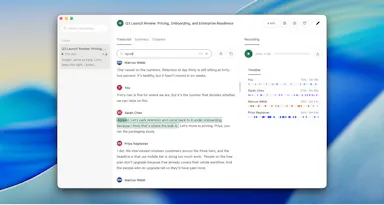
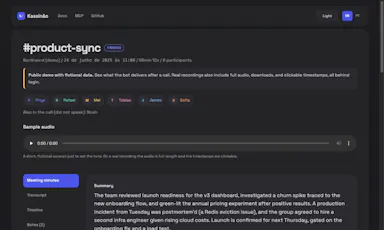
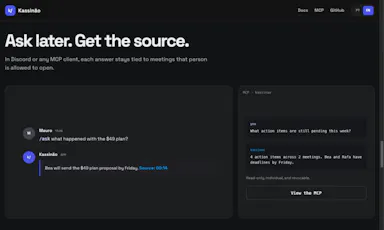

Self-hosted Discord bot that records calls per speaker and turns them into transcripts, meeting notes, and action items, queryable in Discord or via MCP, for teams and developers wanting private, searchable meeting memory, instead of manual note-taking or cloud recorder services.

FreeOpen sourceSelf-hosted
What to know
How it works
Discord bot that records each speaker's audio track during calls, then generates named transcripts, meeting notes, decisions, and action items; queryable inside Discord or via an MCP-capable AI assistant. Self-hosted, AGPL open source.
Pricing
Free.

Watched for 11 days · last checked 8d ago

Details →

Replay

Live

A one-time-purchase Mac app that records and transcribes video calls on-device without bots joining or data leaving the machine, for people who want to own a private, searchable meeting archive.

Domain registered 1 month ago

FreeWorks offlinePay onceNo subscription
What to know
How it works
Records meetings from Zoom, Meet, Teams or Webex on a Mac and transcribes them on-device, learning speaker names across meetings, without bots joining calls or data touching the cloud; saves transcripts as video, JSON and Markdown.
Pricing
One-time purchase, free to try.
Best for
People who want a private, searchable meeting record they own, without a subscription.

Watched for 12 days · last checked 9d ago

Details →

A macOS dictation app that inserts transcribed speech into any app via a hotkey; free local transcription through Apple Speech, with paid higher-accuracy and AI formatting options.

FreeWorks offline
What to know
How it works
A macOS dictation app: press a hotkey, speak, and the transcribed text is inserted directly into whatever app is active. Optional AI templates can then reformat the transcript into meeting notes, action items, summaries or to-do lists.
What's different
Supports both free local transcription via Apple Speech and higher-accuracy transcription via OpenAI Whisper, letting users choose speed/privacy versus accuracy.
Pricing
Free local dictation through Apple Speech; higher-accuracy Whisper transcription and AI formatting are paid options.
Best for
macOS users who want to dictate notes, emails or meeting summaries directly into any app without breaking their workflow.

Watched for 18 days · last checked 11d ago

Details →

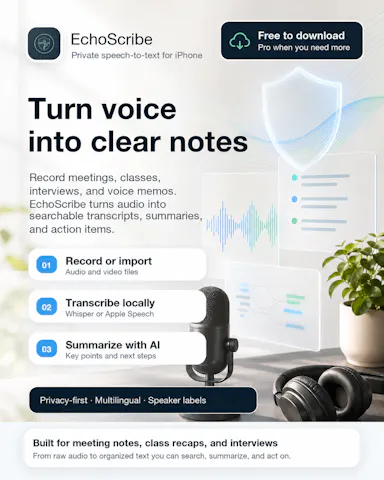
Transcribes meetings, interviews, and recordings on-device using local Whisper models, with speaker labels and a local AI summarizer.

FreeWorks offlineCan export my data
What to know
How it works
Records or imports audio/video and transcribes it on-device using local Whisper models, with speaker labels, editing, export, and a local AI assistant for summaries and action items.
Pricing
Free to download, with optional Pro access.
Best for
Sensitive, privacy-conscious meeting or interview transcription.

Watched for 8 days · last checked 6d ago

Details →

A meeting-intelligence tool that turns transcripts into structured reports and follow-ups.

Free
What to know
How it works
Converts raw meeting transcripts into structured executive reports, actionable tasks, and professional follow-ups using AI.

Watched for 9 days · last checked 7d ago

Details →

Extracts text via OCR from scanned documents, then lets AI summarize them, flag contract risks, and translate into 51 languages — all on your Android phone.

Domain registered 4 months ago

FreeData stays with youNo subscriptionCan export my data
What to know
How it works
Scans documents on an Android phone, extracts text via OCR (Google ML Kit), and lets AI summarize them, extract key facts, flag contract risks, generate to-do lists, chat with the document, or translate into 51 languages.
What's different
Goes beyond producing a plain PDF — the AI layer analyzes and translates the scanned content directly on the device.
Pricing
Scanning and OCR are free for everyone; deeper AI features (summaries, contract-risk analysis, translation) are part of a Premium tier billed without a subscription.
Best for
Android users, including freelancers and students, who want to digitize and understand documents like invoices, contracts and notes.

Watched for 14 days · last checked 8d ago

Details →

A connections app centered on reaching someone with a single 'knock,' per its tagline 'One Knock. Every Connection' — the listing does not specify the mechanism beyond that.

FreeOpen sourceNo ads

Watched for 18 days · last checked today
Details →

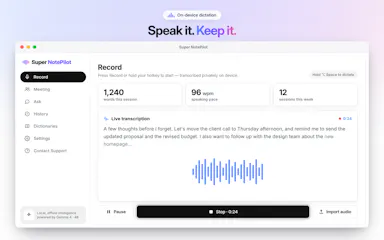
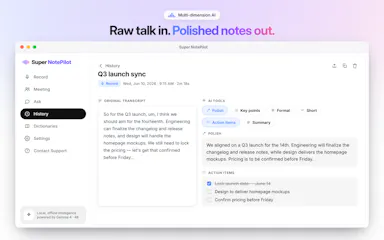
On-device AI dictation and meeting notetaker for Mac and iOS that works offline without an account.

Domain registered 1 month ago

FreeNo sign-upWorks offlineNo subscription
What to know
How it works
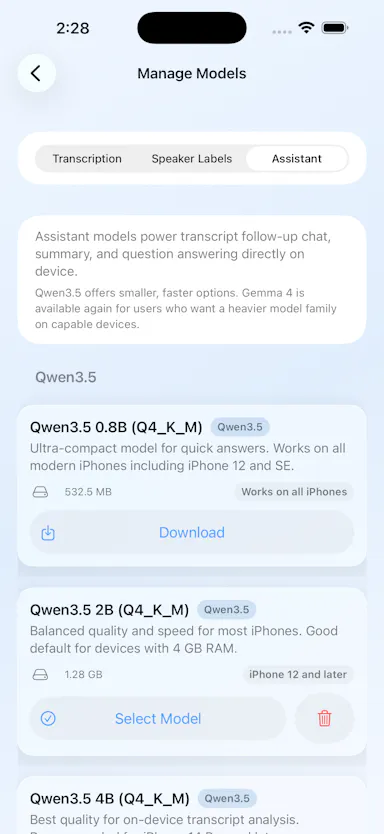
Runs 100% on-device using Gemma and Whisper for push-to-talk dictation into any app, live meeting transcripts, AI rewriting, and asking questions across notes.
What's different
No cloud, no account, no subscription.
Pricing
Free for macOS and iOS.
Watch out
Windows and Android support are coming soon, not yet available.

Watched for 10 days · last checked 7d ago

Details →