Tools you can use without making an accountDesktop macos

2 match your filters — 2 of them answered our check today.

Watching this group for 22 days · how we check

This weekno new arrivals

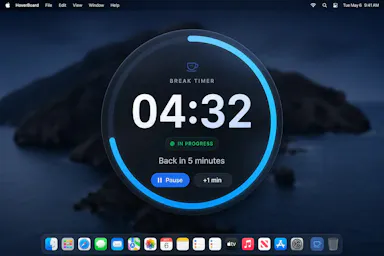
A macOS menu bar app that gives presenters five hotkey-triggered tools — draw, freeze-and-explain, whiteboard, break timer, and cursor highlight — over Zoom, Meet, or Teams.

Domain registered 1 month ago

No sign-upWorks offlineData stays with you
What to know
How it works
Runs as a native macOS menu bar app with global hotkeys for its five presenting tools; keeps data on the Mac with no account or cloud.
Best for
People presenting over video calls who want lightweight on-screen annotation tools.

Watched for 14 days · last checked 8d ago

Details →

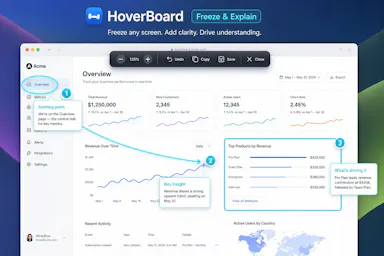
A free screen recording app for Windows, macOS, Linux, and web that automatically zooms the cursor on clicks, processing everything on-device without upload.

FreeNo sign-upWorks offlineData stays with you
What to know
How it works
Highlights the cursor and auto-zooms on clicks during recording, with no upload or account required to start.
Pricing
Free.
Best for
People who want a directed-looking screen recording without manual editing or cloud upload.

Watched for 14 days · last checked 8d ago
Details →