Tools you can use without making an accountScreenshots

22 match your filters — 20 of them answered our check today.

Watching this group for 20 days · how we check

This week10 new arrivals1 stopped answering

Reviso

Live

A visual commenting tool for WordPress: clients click directly on the live page to leave feedback instead of sending screenshots or emails. Built for web designers and agencies.

FreeNo sign-upData stays with you
What to know
How it works
Clients click any element on a live WordPress page and pin a comment there with no login or account; the site owner sees and resolves pins natively inside Bricks, Elementor, or the Gutenberg editor. Includes threaded replies, status tracking, automatic screenshots, PDF sign-off certificates, AI feedback summaries, and Slack/Discord/webhook integrations.
What's different
Built to live inside the page builder itself rather than a separate feedback dashboard, and stores all feedback in the user's own WordPress database.
Pricing
Has a free tier.
Best for
Web designers and agencies collecting client feedback and sign-off on WordPress sites.

Watched for 12 days · last checked today

Details →

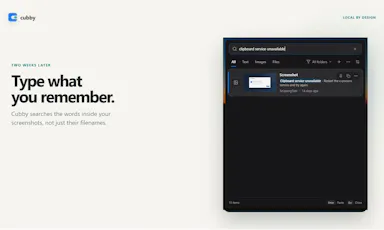
Windows clipboard history tool that lets you search past screenshots by the text visible inside them, all stored locally.

No sign-upWorks offline
What to know
How it works
Offline OCR indexes screenshot text so it's searchable; encrypted local storage
What's different
No account, cloud, or telemetry, unlike most clipboard managers

Watched for 4 days · last checked today
Details →

Notate

Live

A free Chrome extension that turns a click on a broken webpage element into a structured bug report (with screenshot, browser/OS context, console errors) pushed straight to Linear or Jira, instead of a back-and-forth email/Slack explanation.

FreeNo sign-up
What to know
How it works
Click to pin an element, captures CSS selector, coordinates, browser/OS/viewport/console errors, one click sends to tracker
What's different
Works anywhere Chrome can open a page, including localhost and behind VPN, no dashboard/account needed

Watched for 2 days · last checked 2d ago

Details →

An open-source, template-based design tool for building App Store and Play Store screenshots, feature graphics, and preview videos entirely in your browser or desktop app, with no account or upload required.

Domain registered 13 days ago

FreeNo sign-upData stays with youOpen source
What to know
How it works
pick a template, drop in your app screens, and export every required store size, including MP4 previews
What's different
an optional AI agent can build the whole listing from raw screenshots
Best for
app developers and designers preparing store listings

Watched for 7 days · last checked 6d ago

Details →

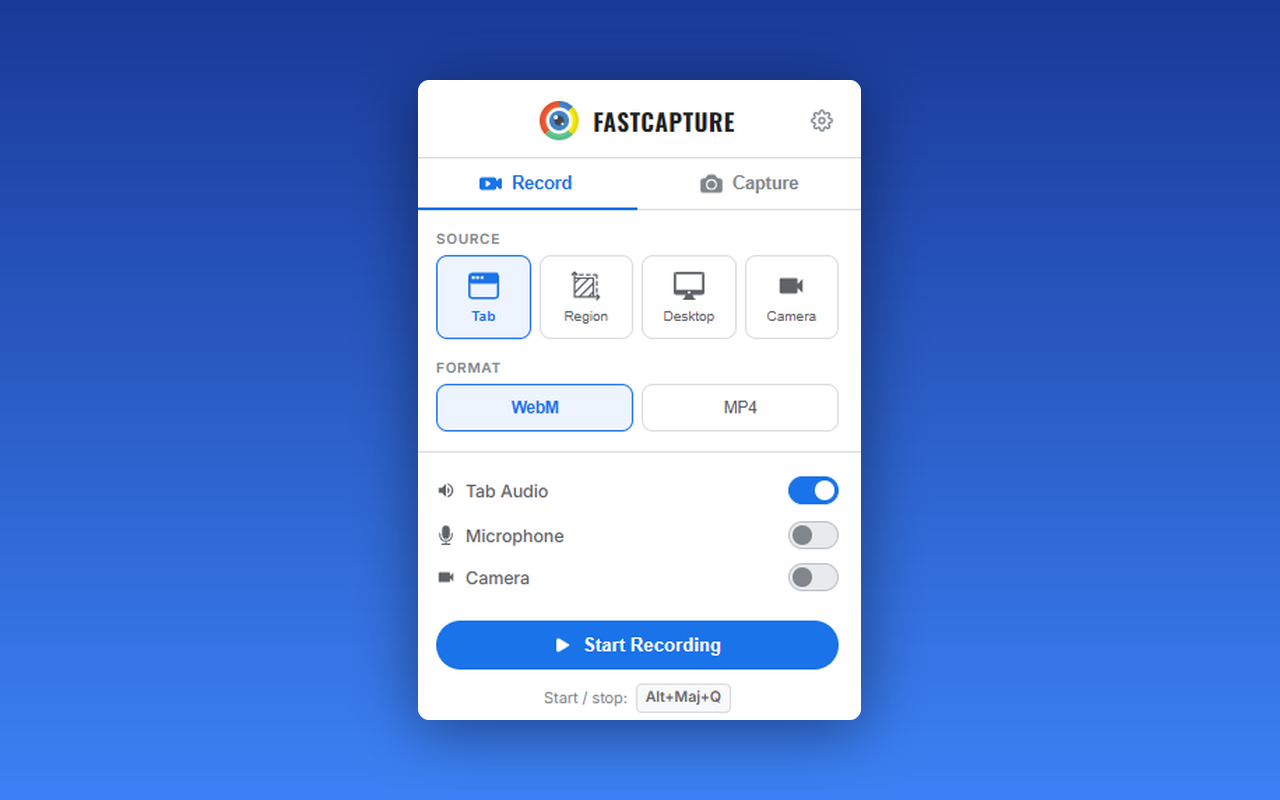
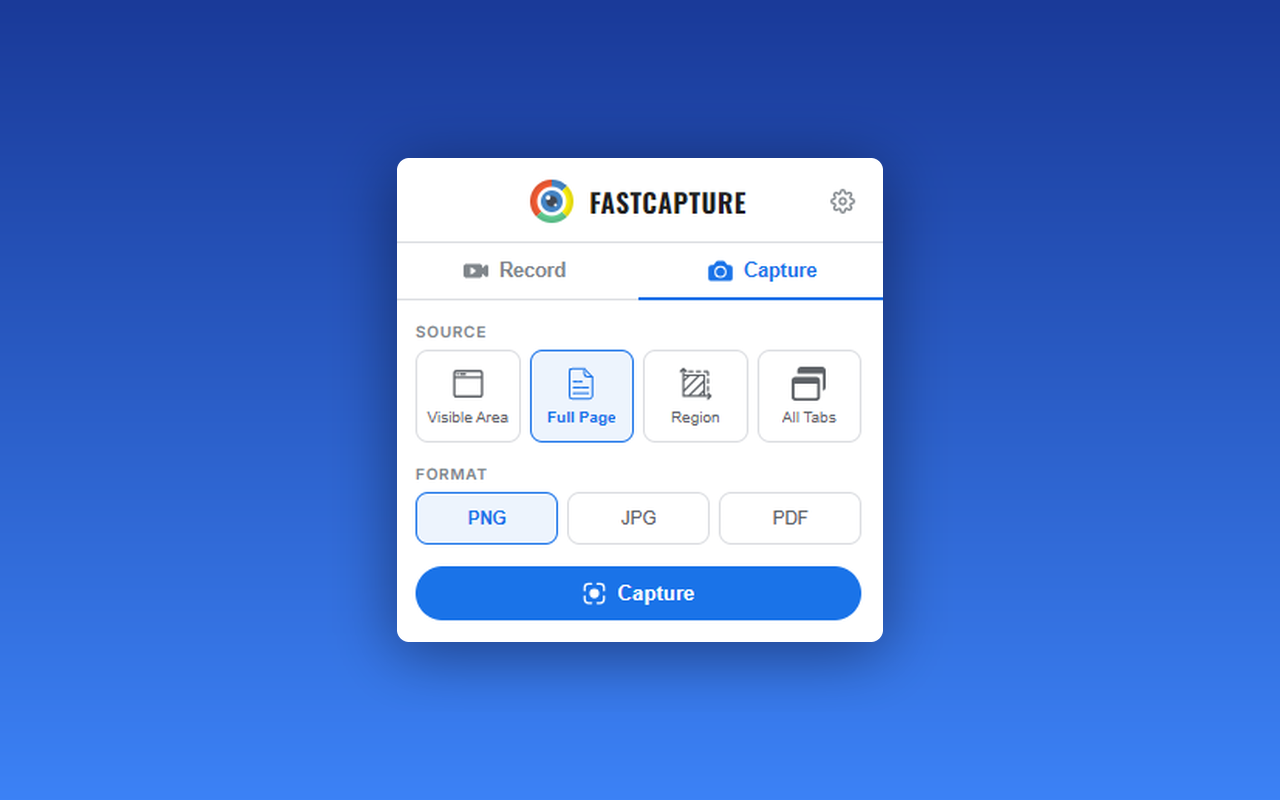
A free Chrome extension for screen and webcam recording, screenshots, and on-page annotation that runs entirely in your browser with no signup or uploads.

FreeNo sign-upWorks offlineData stays with you
What to know
How it works
A Chrome extension for recording your screen or webcam, taking full-page and region screenshots, and annotating directly on the page.
What's different
No signup, no watermark, no upload — everything runs locally in the browser.
Pricing
Free.
Best for
Anyone who wants quick screen capture and annotation without creating an account or uploading footage anywhere.

Watched for 18 days · last checked 9d ago

Details →

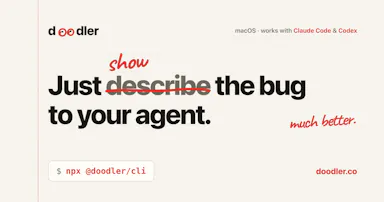
A free, on-device tool that lets you draw and talk over your screen so your AI coding agent sees exactly what you mean — built for Claude Code, Cursor and Codex users.

FreeNo sign-upWorks offline
What to know
How it works
Draw directly on your screen and talk while your coding agent watches, then get back annotated screenshots, a voice transcript, and a timeline of what you pointed at, all combined together.
What's different
Runs 100% on-device and works with Claude Code, Codex, and Cursor.
Pricing
Free, no account required.
Best for
Developers who need to show an AI coding agent a visual bug or layout idea instead of describing it in words.

Watched for 13 days · last checked 7d ago

Details →

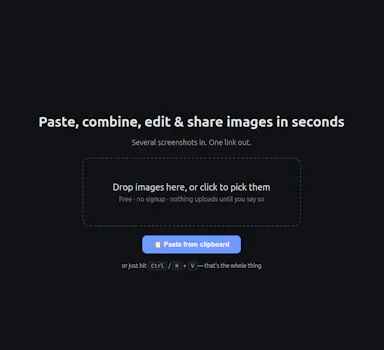
A free, no-signup screenshot editor that runs entirely in your browser with nothing uploaded, letting you paste, annotate, crop and remove backgrounds in seconds.

FreeNo sign-upData stays with you
What to know
How it works
Paste a screenshot into the browser, edit it, and get a shareable link instantly — stack multiple screenshots into one image, annotate, crop, and remove backgrounds with AI running locally.
What's different
The background-removal AI runs 100% in the browser, so images are never uploaded — full resolution with no watermark.
Pricing
Free, no signup.
Best for
People who want to quickly edit and share a screenshot without an account or upload step.

Watched for 13 days · last checked 7d ago

Details →

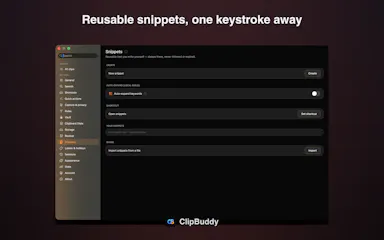
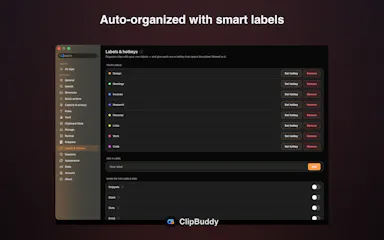
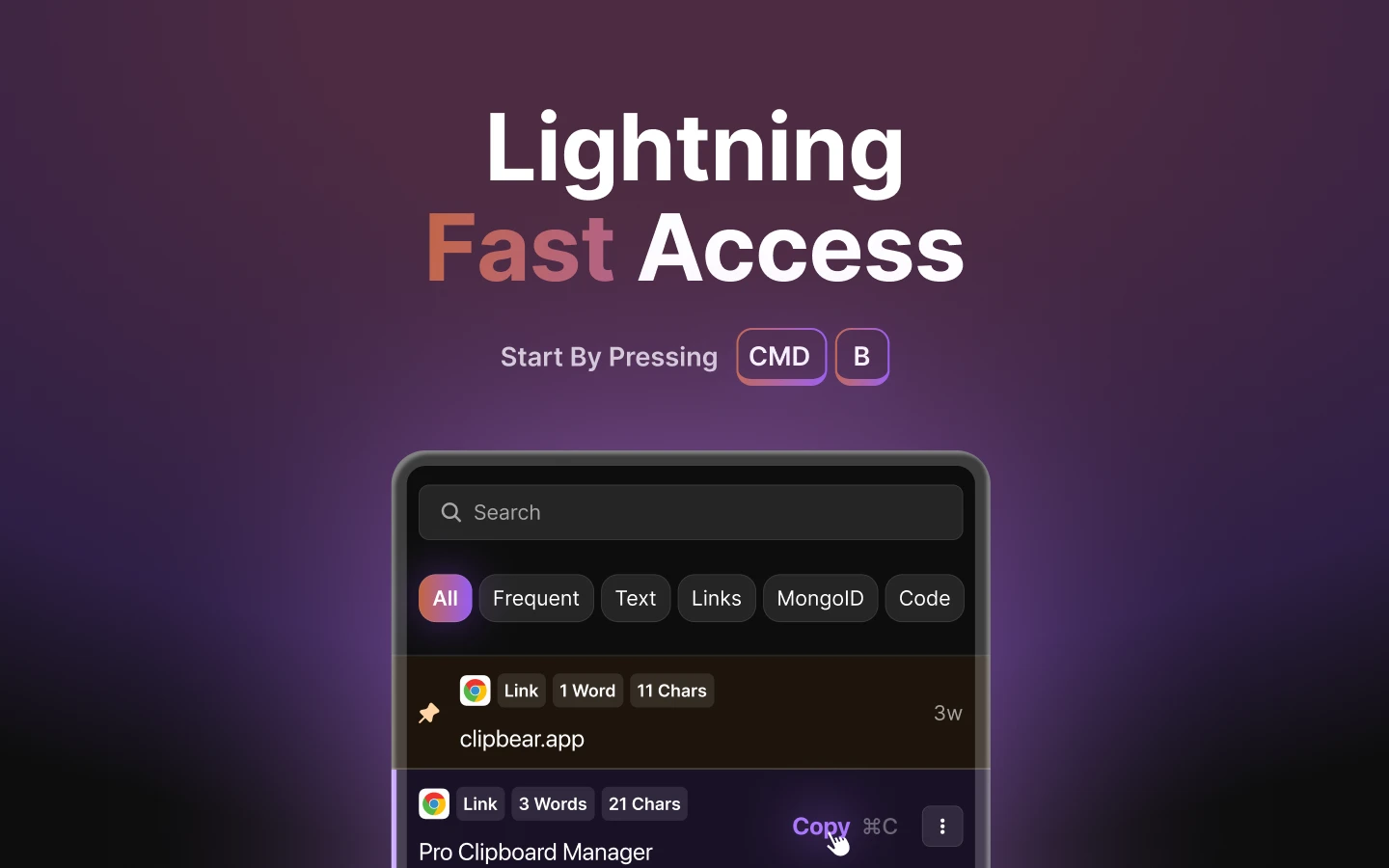
A native macOS clipboard manager that lets you search your entire copy history by meaning and OCR text out of screenshots, instead of cloud clipboard tools that leave your Mac.

No sign-upWorks offline
What to know
How it works
Search by meaning, OCR screenshots, reusable snippets, Stack & Slots organization, built-in dev tools.
Pricing
Free to start; Pro unlocks full toolkit.

Watched for 2 days · last checked 1d ago

Details →

Free browser tool that adds device frames, gradients, and shadows to screenshots without uploading them anywhere.

FreeNo sign-upOpen sourceCan export my data
What to know
How it works
Runs entirely in-browser via html2canvas, no server uploads
What's different
100% client-side processing, open source
Pricing
free, no signup

Watched for 4 days · last checked 2d ago

Details →

Turns a few screenshots into a clickable product demo exported as one self-contained HTML file, no upload or hosting needed.

FreeNo sign-upData stays with youPay once
What to know
How it works
Draw hotspots on screenshots, link them, export a single HTML file
What's different
No account or upload required
Pricing
Free up to 3 steps, $89 once for more

Watched for 6 days · last checked 5d ago

Details →

A Chrome screenshot and annotation tool that runs entirely locally with five capture modes and eight annotation tools, instead of uploading screenshots to a cloud service.

FreeNo sign-upWorks offlineData stays with you
What to know
How it works
Captures screenshots (visible, full page, region, element, timed) and adds annotations such as arrows, shapes, text, and blur, locally in the browser.
Pricing
Free tier with all modes and tools, no watermark; Pro is a $39 one-time purchase for extra formats and history.
Watch out
About 50KB, built with vanilla JS.

Watched for 13 days · last checked 9d ago

Details →

Scans receipts and bank screenshots on your iPhone using on-device ML to auto-categorize spending, with nothing sent to a server. A personal budgeting tool, not a business expense system.

No sign-upWorks offline
What to know
How it works
Scans receipts, order confirmations and banking-app screenshots on an iPhone using Apple's on-device ML, and turns them into categorized, charted spending with one tap to confirm.
What's different
Runs entirely on-device with no account, aggregator, or cloud — financial data never touches a server. It also learns merchant-to-category mappings and retags past transactions.
Best for
iPhone users tracking personal spending who don't want their financial data leaving their device.

Watched for 18 days · last checked 9d ago

Details →

A free macOS app that captures, annotates and merges multiple screenshots into a single PDF, or exports PNG and JPEG, working fully offline with no account required.

FreeNo sign-upWorks offline
What to know
How it works
A free macOS app that captures a screen area, lets you annotate it, and merges multiple screenshots into a single PDF, also exporting as PNG or JPEG.
Pricing
Free.
Best for
Mac users who want to turn screenshots into a shareable PDF without an account or internet connection.
Watch out
Works fully offline with no account, so nothing is uploaded to a server.

Watched for 18 days · last checked 2d ago

Details →

A tool that lets you snip a screenshot and add one note, saving both as a file bundle an AI assistant can read directly, instead of retyping context for the AI each time.

FreeNo sign-upWorks offlineNo subscription
What to know
How it works
Snips a screen region, saves a note baked into the PNG metadata plus a Markdown sidecar and a rolling index file, and works fully offline with no account or telemetry.
Pricing
Free core; one-time $9.99 for Pro, no subscription.

Watched for 18 days · last checked 9d ago

Details →

Inpainty

Not responding

Lets you edit the text inside a screenshot directly in your browser — AI detects text blocks, you rewrite them, and it regenerates matching the original font and color — without needing Photoshop.

FreeNo sign-up
What to know
How it works
AI detects text regions in an image, regenerates edited text matching original formatting
Pricing
Free, no signup

Watched for 5 days · last checked today
Details →

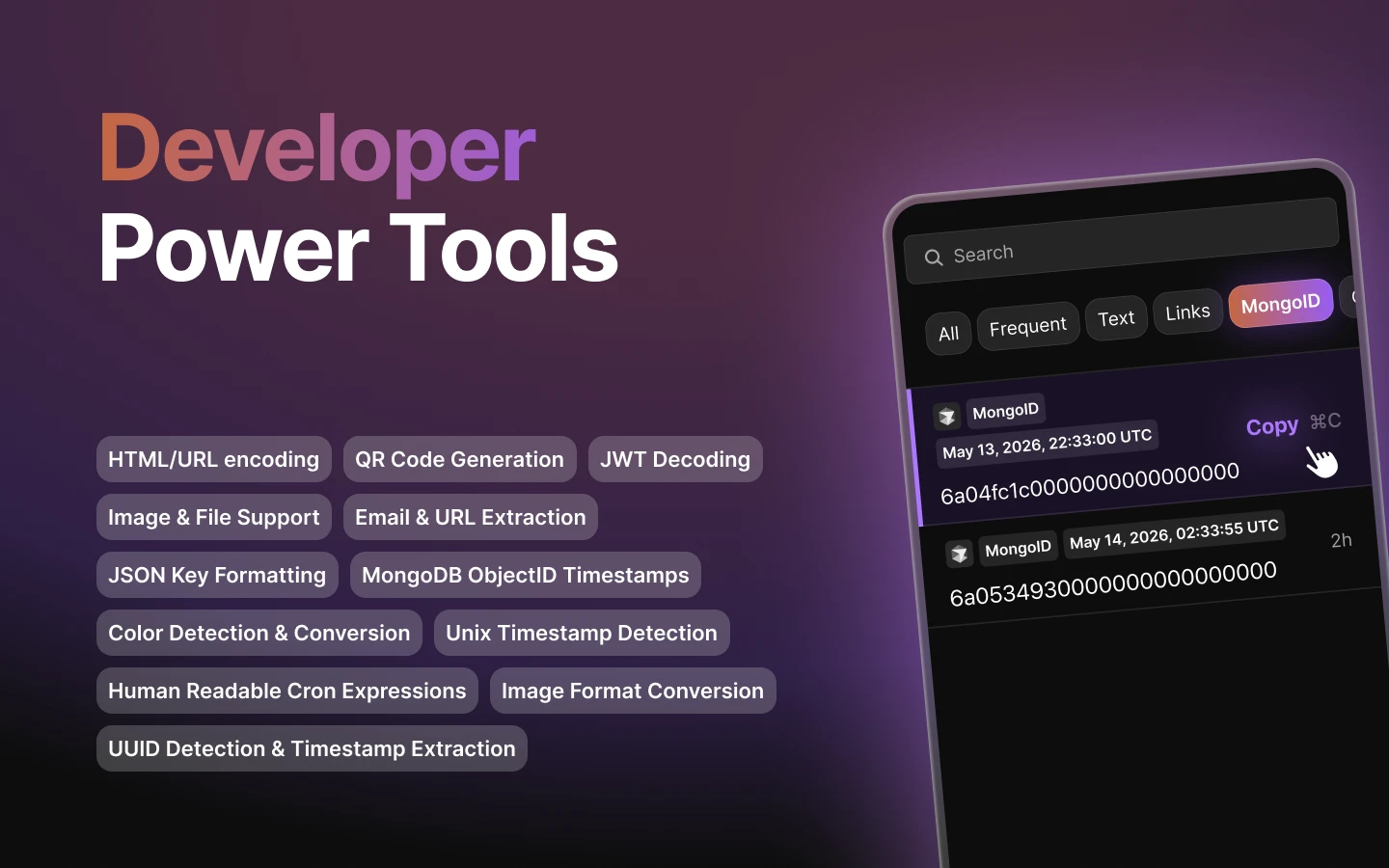
Mac clipboard manager tuned for developer content such as code snippets.

FreeNo sign-upWorks offline
What to know
How it works
Mac clipboard manager tuned for developer content such as code snippets.
Best for
Developers.

Watched for 8 days · last checked 2d ago

Details →

A browser tool that frames screenshots with gradients and shadows and exports a launch-ready image, with nothing uploaded.

Domain registered 2 years ago

FreeNo sign-upCan export my data
What to know
How it works
Users drop in a raw screenshot, wrap it in a gradient background with padding and drop shadow, and export a launch-ready PNG, entirely in the browser.
What's different
Nothing uploaded, no account, no watermark.
Pricing
Free.
Best for
Makers creating X launch posts, changelogs, docs, and App Store shots.

Watched for 9 days · last checked today
Details →

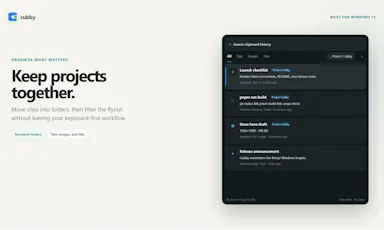
A native Windows overlay app that combines clipboard history, encrypted clips, and other utilities in one hotkey-accessible tool, aimed at power users who want to stop juggling separate apps.

FreeNo sign-upWorks offlineNo tracking
What to know
How it works
A native Windows overlay app that bundles five tools into one hotkey-accessible panel: clipboard history search, text-expansion snippets, screen capture with OCR, and others.
What's different
Combines multiple utilities (clipboard manager, text expander, screen capture) into one unified overlay instead of running them as separate apps.
Pricing
Free.
Best for
Windows power users who currently juggle separate clipboard, snippet, and screenshot tools.
Watch out
Runs locally with no cloud sync — clips stay on one machine unless the app supports cross-device sync elsewhere.

Watched for 18 days · last checked 2d ago

Details →

A free browser-based image toolkit (converter, compressor, background remover, upscaler) that processes files locally without upload.

FreeNo sign-upData stays with you
What to know
How it works
Bundles ten browser-based image tools (format converter, compressor, AI background remover, resizer with social presets, cropper, rotator, image-to-PDF, AI upscaler, watermark tool, screenshot beautifier) using Canvas API and WebAssembly.
What's different
Images never leave the device; no upload, account, or per-file limits; supports batch processing.
Pricing
Free.

Watched for 3 days · last checked 3d ago

Details →

Free browser tool that stitches and aligns pasted screenshots into a single image with no upload.

FreeNo sign-up
What to know
How it works
Paste images and snap-align them with magnetic guides into a single stitched PNG screenshot collage.
Pricing
Free, zero upload, no account required.

Watched for 3 days · last checked 2d ago

Details →

parry

Live

An AI assistant that turns a message you paste, screenshot or speak into four ready-to-send replies in a tone you pick.

No sign-up
What to know
How it works
You paste, screenshot, or speak a message, pick a tone, and it generates four ready-to-send reply options you can copy and send or regenerate.
What's different
Automatically figures out whether you're replying to someone or asking for writing help, so there's no mode to switch, and lets you create custom tones.
Pricing
No account or credit card required.
Best for
People who want quick reply options for texts, DMs, dating apps, work emails, Slack, or negotiations.

Watched for 18 days · last checked 2d ago

Details →

A Chrome extension that records screen, webcam, and audio in one click and generates a shareable link with no account.

FreeNo sign-upNothing to install
What to know
How it works
A Chrome extension that records screen, webcam, and audio in one click and generates a shareable link, with built-in screenshot annotation (blur, highlight, draw, crop).
Pricing
Free to try.
Watch out
No account or app install needed.

Watched for 3 days · last checked 3d ago

Details →