Tools that don't mention AIWorks with Zoom

17 match your filters — 17 of them answered our check today.

Watching this group for 20 days · how we check

This week7 new arrivals

Narrow it down

Desktop teleprompter for presenters that overlays a click-through script on any app while staying invisible in screen recordings.

Domain registered 10 months ago

Works offline
What to know
How it works
Floating click-through script overlay with voice-activated auto-scroll
What's different
Invisible in screen recordings and to viewers, unlike normal teleprompters
Best for
People presenting demos, webinars, or interviews on camera

Watched for 5 days · last checked today

Details →

Turns the MacBook notch into a Dynamic Island showing your next meeting with a live countdown and one-click Join for Meet/Zoom.

Domain registered 12 days ago

Pay once
What to know
How it works
reads macOS-synced calendars, expands around the notch before calls
Pricing
$6.99 one-time, 14-day trial

Watched for 6 days · last checked today
Details →

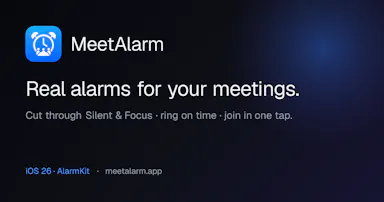
Turns calendar meetings into full-screen iOS alarms that ring through Silent/Focus with one-tap join, instead of missing meetings from silenced notifications, with your calendar never leaving the device.

No sign-upData stays with youNo tracking

Watched for 2 days · last checked 1d ago

Details →

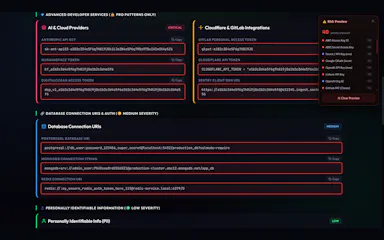
A browser extension that auto-detects and blurs sensitive on-screen info like API keys and passwords during video calls.

What to know
How it works
Detects and blurs sensitive text live during screen shares on Meet/Zoom/Teams
What's different
Custom blur zones, hover-to-reveal, site whitelisting

Watched for 6 days · last checked 5d ago

Details →

A USB desk light plus free app that shows red/green based on your real Teams, Zoom, Slack or Discord status — for people tired of manually toggling do-not-disturb.

Domain registered 4 years ago

Free
What to know
How it works
A USB desk light that mirrors your real presence — green when free, red when on a call — by watching Teams, Zoom, Slack and Discord at once.
What's different
Described as the only commercial busy light that also watches Discord, alongside Teams, Zoom and Slack.
Pricing
Free desktop app; hardware is $39.99.
Best for
People who want automatic do-not-disturb signaling instead of manually toggling status.

Watched for 13 days · last checked today

Details →

Windows app that translates any system audio (YouTube, Zoom, games) in real time with live subtitles.

What to know
How it works
Translates any audio playing on a Windows computer in real time — YouTube, courses, Zoom, livestreams, games — with translated voice over the softened original and live subtitles in 70+ languages.
Pricing
Product Hunt users get 50% off with code HUNT50.

Watched for 3 days · last checked 3d ago

Details →

A free desktop app that checks your camera, mic, speakers, and network before a video call.

Free
What to know
How it works
Checks camera, microphone, speakers, room noise, and network connection with one click before a video call and gives a simple ready/almost-set/fix-this verdict.
What's different
Audio and video are processed locally and never stored or sent anywhere.
Pricing
Free.

Watched for 3 days · last checked 3d ago

Details →

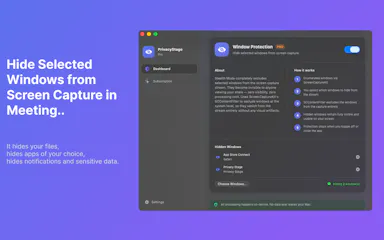
A Mac app that lets you hide specific windows from screen shares while still using them.

Works offline
What to know
How it works
A Mac app that lets you hide specific windows from screen shares while still using them, with a clean presentation desktop and notification guard, working via virtual camera with any meeting app.
Watch out
Everything runs locally on the Mac.

Watched for 10 days · last checked 4d ago

Details →

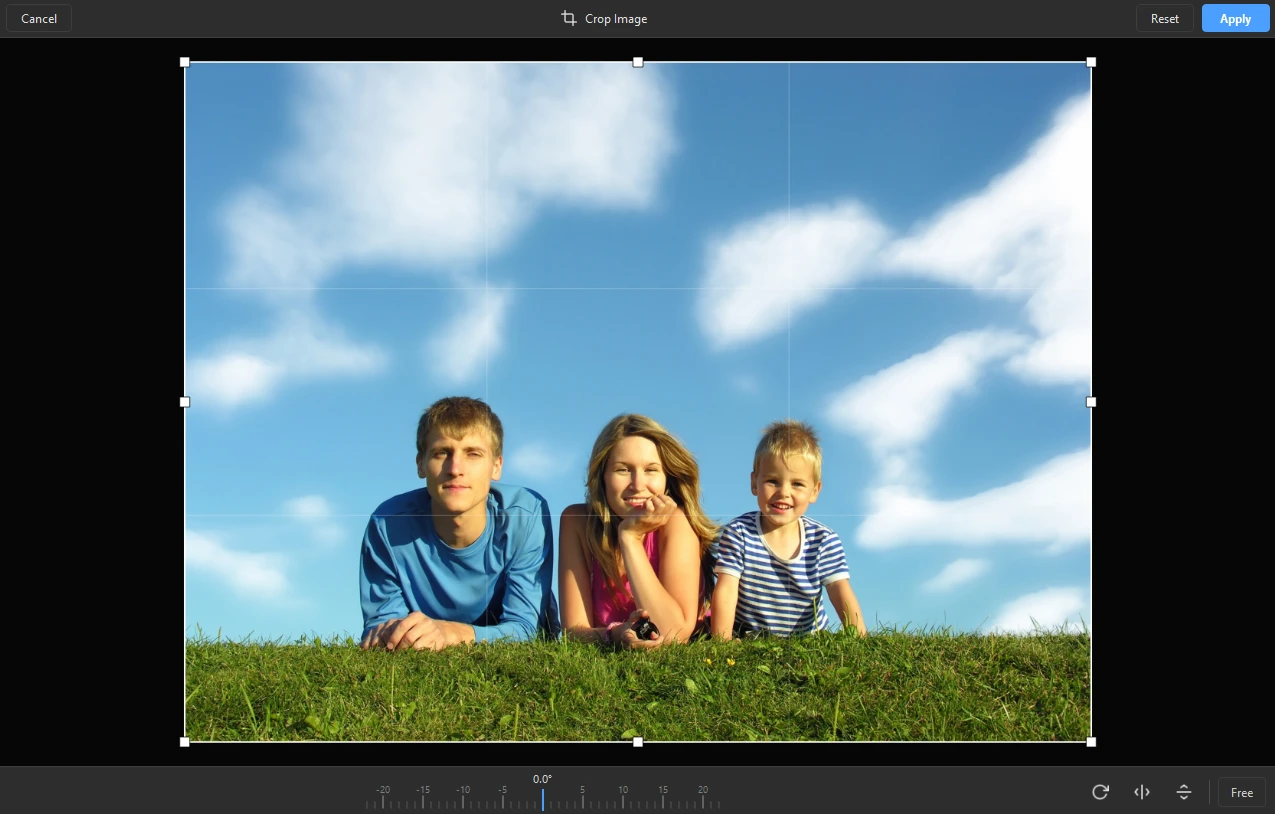
A fast Windows image viewer that opens everyday and modern formats like HEIC, WebP, AVIF and RAW instantly, with basic rotate and crop tools built in.

Free
What to know
How it works
A fast Windows image viewer that opens JPEG, PNG, AVIF, HEIC, WebP, JPEG XL and RAW camera files instantly, with filmstrip browsing, 100% zoom, rotate/crop, EXIF metadata, and an interactive map for shot locations; can also turn a folder into a slideshow with transitions and music, exported as video.
Best for
Windows users who want fast browsing across a wide range of image formats without a bloated editor.

Watched for 18 days · last checked 2d ago

Details →

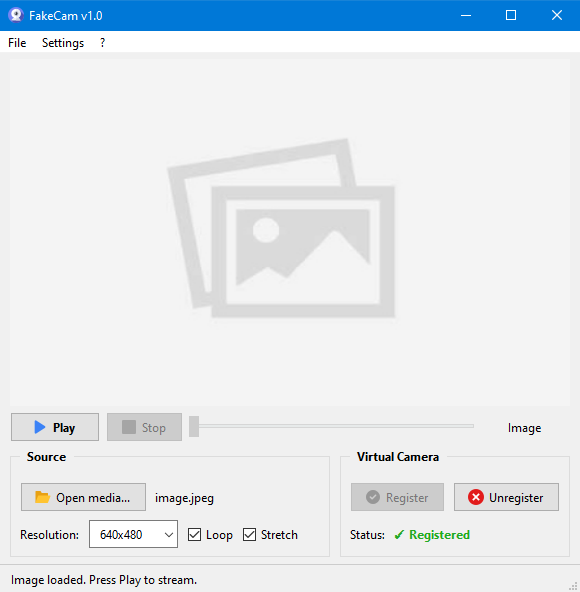
A lightweight Windows app that streams a video or image file as your webcam feed into Zoom, Teams, Skype, Discord or Telegram, running fully offline with no account or tracking.

FreeNo sign-upWorks offlineNo subscription
What to know
How it works
A lightweight virtual webcam app for Windows that streams a video or image file as your camera feed into apps like Zoom, Teams, Skype, Discord and Telegram.
What's different
Runs entirely locally with no account, subscription, ads or tracking — download and run, 25MB portable, works offline.
Pricing
Free for Windows.
Best for
Windows users who want a virtual webcam feed for video call apps without an account or bloatware.

Watched for 18 days · last checked 2d ago

Details →

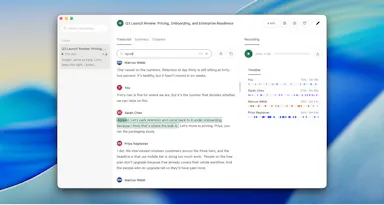
Records and transcribes calls across Google Meet, Zoom, WhatsApp, Teams, Webex, Telegram and Discord without a bot joining or a recording announcement, then gives you searchable transcripts and summaries.

What to know
How it works
Records and transcribes calls across Google Meet, Zoom, WhatsApp, Microsoft Teams, Webex, Telegram, and Discord, producing automatic transcripts, summaries, searchable notes, key points, and a shareable team link.
What's different
No bot joins the call and no recording announcement is made, unlike most meeting-recorder tools.
Best for
People who need call records across many different platforms in one place.
Watch out
It explicitly records without a bot joining and without a recording announcement, which raises consent considerations for other call participants.

Watched for 12 days · last checked 6d ago

Details →

Corder

Live

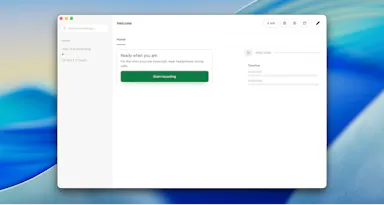
Records your Mac's mic and system audio directly with no bot joining the call, and transcribes on-device so recordings never leave your machine. Free to start, no account needed.

Domain registered 2 months ago

FreeNo sign-upWorks offline
What to know
How it works
Records your Mac's microphone and system audio as two separate tracks at the OS level, so nothing joins the call as a bot — works in Zoom, Meet, Teams, Discord or any browser tab. Transcription runs on-device.
What's different
No bot tile appears in the meeting, so it works even where bot-based recorders are blocked, and transcripts never leave your Mac.
Pricing
Free, no account needed to start.
Best for
People in companies that block meeting-recorder bots who still want private, local transcripts.

Watched for 13 days · last checked 7d ago

Details →

Parley

Live

A private Mac overlay that gives solo SaaS founders live help during real Zoom sales and discovery calls, not a scripted teleprompter or practice mode.

What to know
How it works
A Mac app that gives solo/indie SaaS founders live, real-time help during their own Zoom discovery and sales calls.
What's different
Assists during the actual live call rather than acting as a scripted teleprompter or a practice mode with a fake buyer.
Best for
Solo or indie SaaS founders who run their own sales calls and freeze on pricing objections.

Watched for 18 days · last checked 2d ago

Details →

A screen-recording tool that automatically zooms into clicks and adds captions to produce polished demo videos without manual editing.

Can export my data
What to know
How it works
Automatically zooms into every click in a screen recording, adds word-by-word subtitles, detects and can speed up typing, shows on-screen keyboard shortcuts, and records facecam, mic, and system audio plus background music.
What's different
Removes the need for manual post-production editing.
Watch out
Exports are watermarked unless on the paid version.

Watched for 3 days · last checked 3d ago

Details →

Opsler

Live

Offline-first scheduling, dispatch and invoicing software for field service contractors and trades, with no per-transaction payment processing fees taken by the platform.

Domain registered 6 months ago

Works offline
What to know
How it works
An offline-first Progressive Web App for field service management: technicians manage jobs, check inventory, and build estimates without a connection, syncing once they hit cellular service. Includes Good/Better/Best tiered quoting for estimates.
What's different
0% payment processing fees — businesses can use their own processor or peer-to-peer QR codes instead of standard card fees.
Pricing
Flat pricing model with zero feature-gating.
Best for
Field service contractors and trades who often work without reliable connectivity.

Watched for 11 days · last checked 11d ago

Details →

A virtual microphone that plays sound clips and music into Zoom, Meet, Discord and other web calls alongside your voice. A general-purpose audio routing tool, not tied to one platform.

Works offline
What to know
How it works
Creates a selectable virtual microphone in the browser that mixes your real mic with audio clips — sound effects, music, intros, pre-recorded speech — and feeds that mix into web calls.
What's different
Works inside browser-based call tools like Google Meet, Zoom, Discord, Microsoft Teams and Whereby without installing desktop software or a separate virtual audio cable app.
Best for
Anyone who wants to play sound clips or music into a video call alongside their voice.

Watched for 16 days · last checked 9d ago

Details →

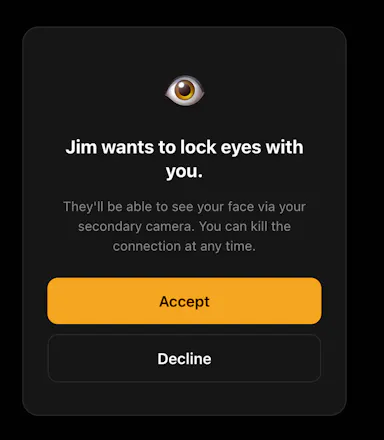
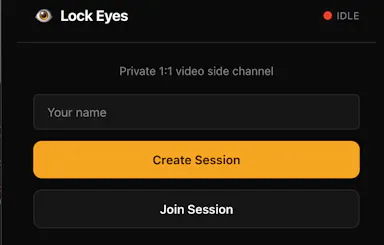
A private side-channel video window you can open inside any Zoom, Meet or Teams call, invisible to everyone else on the call, no accounts needed, just a 4-letter code.

No sign-up
What to know
How it works
Opens a small, always-on private video window inside an existing Zoom, Meet, or Teams call using a second camera, visible only to the one person you share a 4-letter code with.
What's different
Runs as an invisible side-channel to everyone else on the call rather than a separate meeting tool, with no accounts or integrations required.
Best for
People who want a private glance with one specific person during a group call without anyone else noticing.

Watched for 17 days · last checked 9d ago

Details →