Tools without a subscriptionDesktop app

105 match your filters — 99 of them answered our check today.

Watching this group for 18 days · how we check

This week31 new arrivals1 stopped answering

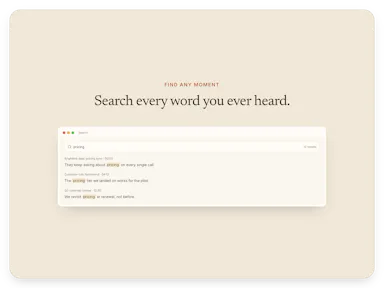
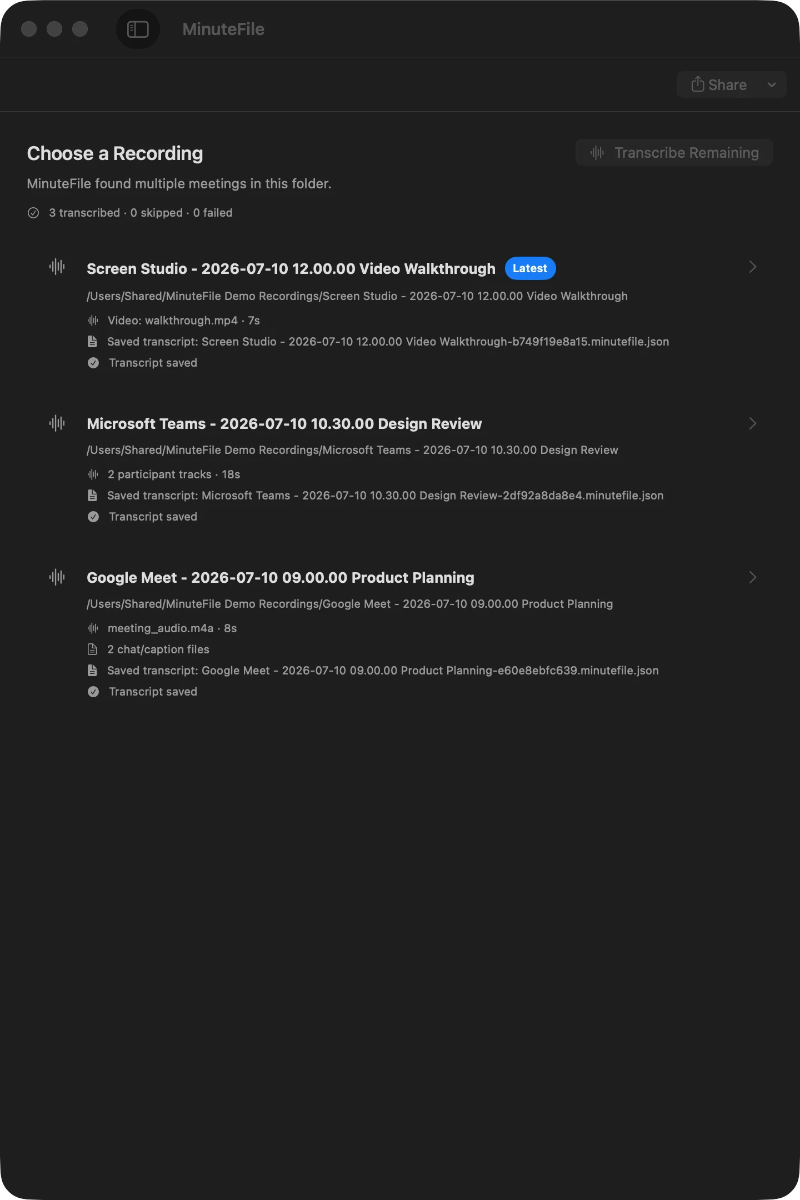
Turns local meeting recording folders into private, searchable transcripts on your Mac — everything stays on your machine, with no account, no upload, no meeting bot, and no subscription.

No sign-upData stays with youNo subscription
What to know
How it works
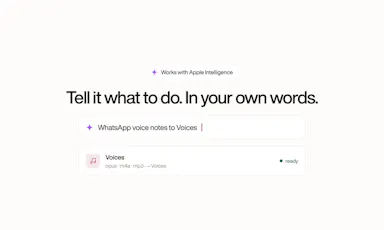
Turns local meeting recording folders on your Mac into private, searchable transcripts.
What's different
Everything stays on your machine — no account, upload, meeting bot, or subscription required.
Pricing
No account or subscription required.
Best for
Mac users who record meetings locally and want searchable transcripts without sending recordings to the cloud.

Watched for 14 days · last checked 2d ago
Details →

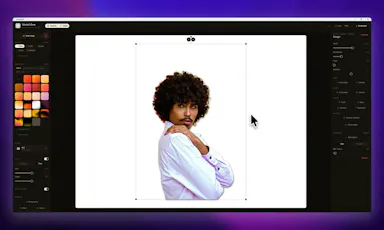
A Windows screenshot tool that adds designed backgrounds, annotation, and on-device background removal, built as a CleanShot X equivalent for Windows users.

Works offlineNo subscription
What to know
How it works
Captures a region, applies a styled backdrop and annotations, and removes backgrounds using on-device AI that never uploads images.
Pricing
$9 one-time, lifetime license, no subscription, 30-day money-back guarantee.
Watch out
Built and maintained by a single solo developer.

Watched for 7 days · last checked 1d ago

Details →

A desktop image upscaler that reconstructs existing detail instead of using generative AI, running fully offline for a one-time payment instead of a subscription.

Domain registered 4 months ago

FreeNo sign-upWorks offlinePay once
What to know
How it works
Runs offline after activation (under 150 MB with models included), CPU-optimized for Apple Silicon and also works on Windows, with batch processing and no per-image limits.
What's different
Positions itself against generative AI upscalers by avoiding hallucinated detail and producing the same result every run.
Pricing
10 free images, no signup, no watermark; early-bird one-time price $39/€39.
Best for
people who want consistent image upscaling without uploading photos to the cloud.

Watched for 12 days · last checked today

Details →

A voice-following teleprompter for live calls/webinars that adapts scroll speed to your actual speech instead of a fixed rate or foot pedal.

Works offlinePay onceNo subscription
What to know
How it works
Listens to your voice and scrolls to match, works live inside Zoom/Meet/Teams/OBS and stays hidden during screen-share.
What's different
On-device processing, one-time price instead of subscription.
Pricing
One-time price, no subscription.

Watched for 2 days · last checked 2d ago

Details →

An audio tag editor for macOS and iOS that automatically fixes missing artist/album metadata using acoustic fingerprint matching.

4.2112 ratings on the App Store

FreePay onceNo subscription
What to know
How it works
Listens to audio files and matches metadata and album art via acoustic fingerprinting
Pricing
Lifetime access free for launch period, then presumably paid

Watched for 5 days · last checked today

Details →

Oats

Live

A free, fully on-device meeting note-taker that transcribes and blends your typed notes without ever sending audio to the cloud or requiring an account, unlike most paid cloud notetakers.

FreeNo sign-upWorks offlineNo subscription
What to know
How it works
On-device transcription blended with your typed notes into a write-up; optional bring-your-own model key or fully offline.
What's different
Most competitors still upload audio to their cloud and cost $18+/mo; this doesn't and is free.
Pricing
Free.

Watched for 2 days · last checked 2d ago

Details →

A personal AI assistant that runs fully on your own machine via local models, chatting through Telegram with Gmail/Calendar access.

Open sourceNo subscription
What to know
How it works
local models handle chat, memory and web search; cloud used only as a fallback
What's different
requires human approval for actions and runs in a Docker sandbox
Pricing
no subscription, open source (Apache 2.0)
Best for
Windows users wanting a private, local AI assistant

Watched for 5 days · last checked today

Details →

Tidy

Live

Mac menu-bar app that auto-archives and renames screenshots, ejects/trashes installers, and sorts Downloads, all on-device.

Domain registered 16 days ago

Works offlinePay onceNo subscription
What to know
How it works
on-device OCR and Apple Intelligence rename and sort new files
What's different
only touches new files, never deletes
Pricing
$9 one-time, no subscription

Watched for 6 days · last checked today

Details →

Tusk

Live

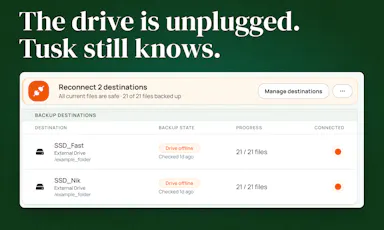
Mac backup app for photographers/video editors that tracks every file by checksum across many drives.

FreeNo subscription
What to know
How it works
Checksums files across all destinations so you know what's on any drive, even offline ones
Pricing
$49 lifetime at launch, 14-day free trial
Best for
Photographers and video editors with footage scattered across many external drives

Watched for 5 days · last checked today

Details →

Gives every Mac notification its own sound by app, channel, person, or keyword, so you know who's pinging before you look.

Domain registered 22 months ago

Works offlinePay onceNo subscription
What to know
How it works
rules by app/channel/person/keyword, 70+ sounds or your own
Pricing
$19.99 one-time, lifetime, free trial

Watched for 6 days · last checked today

Details →

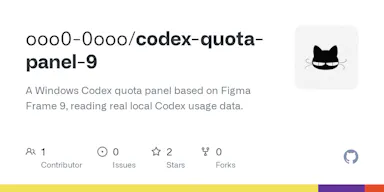
A free open-source Windows dashboard that shows your Codex usage quota, reset timers, and token counts at a glance.

FreeOpen sourceNo subscription
What to know
How it works
Displays weekly quota, reset time, reset-credit cards, and lifetime token usage for Codex
Pricing
Free and open-source

Watched for 4 days · last checked today

Details →

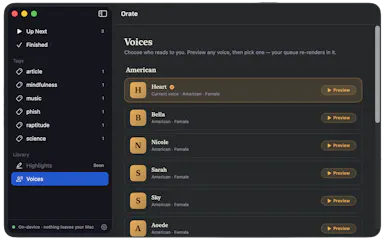
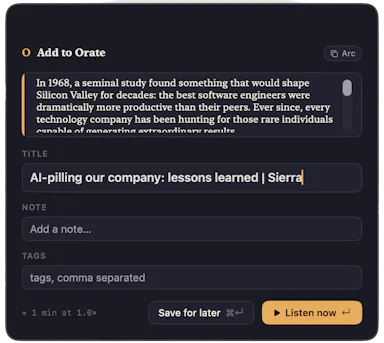
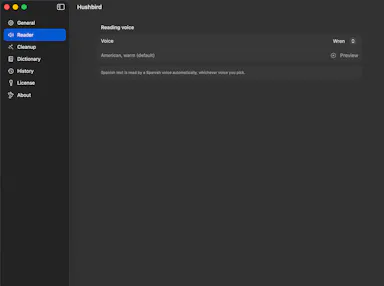
Select text anywhere on your Mac and it reads it aloud in a natural voice, queued like a podcast, with on-device text-to-speech.

No sign-upWorks offlinePay onceNo subscription
What to know
How it works
hotkey reads selected text aloud, queued for later listening
What's different
TTS runs fully on-device, offline, no account
Pricing
$4.99 one-time, 14-day trial

Watched for 6 days · last checked today

Details →

A one-time-purchase Mac email client for people who want IMAP/SMTP email with on-device AI summaries and no subscription or cloud dependency.

Domain registered 20 years ago

Works offlinePay onceNo subscription
What to know
How it works
Native Mac app with chat-style threads and on-device summarization.
Pricing
$29 one-time, no subscription.
Best for
Mac users who want privacy-focused email without recurring fees.

Watched for 4 days · last checked today

Details →

A file converter for images, video, audio, PDFs and documents that runs on your device or in-browser so files are never uploaded, with an optional paid Mac app for heavier batch and OCR jobs.

FreeData stays with youNo subscription
What to know
How it works
Converts images, video, audio, PDFs and documents directly on your device in the browser, so files are never uploaded to a server.
What's different
A Mac app is available for heavy formats, batch processing, and OCR, powered by dedicated conversion engines.
Pricing
Free in-browser; the Mac app is a separate paid option. No subscriptions.
Best for
People converting files who don't want them leaving their device.

Watched for 10 days · last checked 4d ago

Details →

A one-time-purchase Windows desktop app for bulk-checking URLs and exporting SEO/QA audit reports.

Domain registered 1 month ago

Pay onceNo subscriptionCan export my data
What to know
How it works
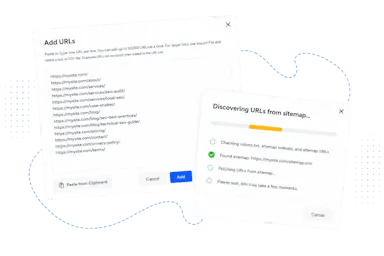
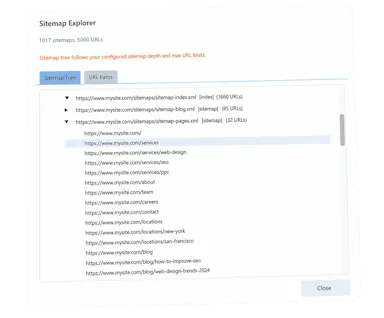
Bulk-checks HTTP status codes, redirects, page titles, meta descriptions, canonical URLs, robots.txt, TLS certificates, and XML sitemaps; imports from CSV, TXT, websites, or sitemaps and exports detailed reports.
Pricing
One-time purchase with lifetime updates.
Watch out
Native Windows application.

Watched for 8 days · last checked 2d ago

Details →

A one-click film-negative-to-positive converter for Mac and Windows that removes the orange mask and batch-converts scanned 35mm and medium-format rolls, instead of using Lightroom.

No subscription
What to know
How it works
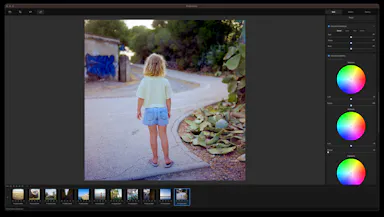
Converts and inverts scanned negatives, corrects the orange mask, and batch-processes whole rolls of film.
Pricing
€19.99 one-time, no subscription.
Best for
Film photographers scanning their own negatives who don't want a Lightroom subscription.

Watched for 7 days · last checked 1d ago

Details →

A native chromatic tuner for Mac and iPhone with historical temperaments and offline precision tuning, built for serious musicians as a one-time purchase.

Domain registered 2 months ago

Works offlinePay onceNo subscription
What to know
How it works
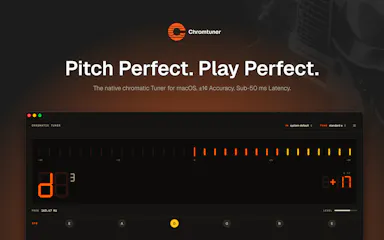
A native chromatic tuner for macOS and iPhone with YIN-based pitch detection accurate to ±0.14 cents, 8 historical temperaments, LED and strobe display modes, and instrument presets for guitar, bass, violin, ukulele, and more.
What's different
Supports 8 historical temperaments alongside standard tuning and works fully offline.
Pricing
One-time purchase, lifetime updates.
Best for
Musicians who want precision tuning, including historical temperaments, without a subscription.

Watched for 11 days · last checked 5d ago

Details →

Laura

Live

A one-time-purchase software synthesizer plugin for musicians who want deep sound design without a subscription.

Domain registered 2 months ago

No subscriptionNo tracking
What to know
How it works
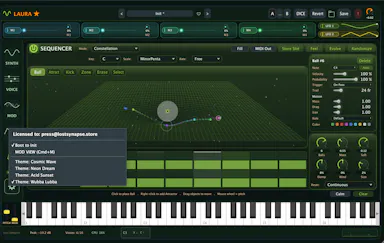
A polysynth VST3/AU/Standalone plugin for macOS and Windows combining wavetable (with a full editor), FM, classic analog, and fractal synthesis, with a four-mode sequencer, a mod matrix with MSEG, a 15-module FX rack, and 283 factory presets.
What's different
Fractal oscillators and a built-in wavetable editor alongside multiple synthesis engines in one plugin.
Pricing
One-time $69 through August 11 (normally $149), lifetime license, no subscription.
Best for
Musicians and sound designers who want deep synthesis options without a subscription.

Watched for 9 days · last checked 3d ago

Details →

Mac dictation app that turns speech into text system-wide via a hotkey, runs locally for privacy, and is sold as a one-time purchase instead of a subscription.

No subscription
What to know
How it works
System-wide dictation on macOS activated by a customizable push-to-talk key, converting speech to text in any app.
What's different
Runs entirely locally on the Mac for privacy.
Pricing
Lifetime license, one-time purchase.
Watch out
macOS only.

Watched for 8 days · last checked 2d ago

Details →

A local-first bookmark and file library for Mac that saves links, images and PDFs with on-device AI sorting, for a one-time payment. For individuals who want a private personal archive, not team use.

Works offlinePay onceNo subscription
What to know
How it works
A local-first personal library on Mac that saves links, images and PDFs, with on-device AI sorting them automatically.
Pricing
One-time payment.
Best for
Individuals wanting a private personal archive, not a team tool.

Watched for 17 days · last checked 9d ago

Details →

A native Mac email app where your local AI agent can read and draft emails but never send or delete anything, kept private and on-device. One-time $9.99, not a subscription.

Works offlinePay onceNo subscription
What to know
How it works
A native macOS email app where a local AI agent (like Claude, Cursor, or Codex) can read your inbox and draft emails, but is structurally prevented from ever sending or deleting anything.
What's different
Read-and-draft-only by design, and fully local with no cloud processing.
Pricing
Free to try, then a one-time $9.99 for unlimited server drafts — no subscription.
Best for
People who want AI help with email but don't want to hand an agent the ability to send or delete messages.

Watched for 11 days · last checked 5d ago

Details →

EQK

Live

A Mac app with a per-song adaptive AI equalizer, per-app EQ profiles, headphone correction from 3,985+ AutoEq profiles, and a built-in FLAC player — runs 100% locally with no subscription or tracking.

Domain registered 3 months ago

FreeWorks offlineNo subscriptionNo tracking
What to know
How it works
An equalizer that re-tunes itself per song in real time using AI, with per-app EQ profiles, headphone correction from 3,985+ AutoEq profiles, a per-app limiter, full signal-chain metering, and a built-in FLAC player with synced lyrics — all via native macOS audio capture.
What's different
Adjusts dynamically per song rather than using one static EQ curve, and needs no virtual audio drivers.
Pricing
Free, no subscription.
Best for
Mac users who want tailored, per-app audio tuning and headphone correction.

Watched for 12 days · last checked 6d ago

Details →

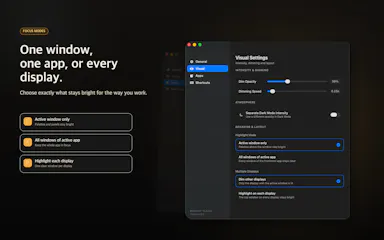
A macOS app that dims every window except the one you're actively working in, for people who lose focus to visual clutter.

Pay onceNo subscription
What to know
How it works
Dims inactive windows, highlights the active one
Pricing
One-time purchase, no subscription
Best for
Developers, writers, designers on macOS

Watched for 5 days · last checked 4d ago

Details →

Flyout

Live

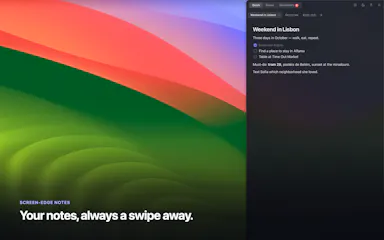
A native Mac rich-text notes app that slides out from the screen edge on a shortcut, keeps everything as local Markdown that never leaves your machine, and sells as a one-time lifetime license.

No subscription
What to know
How it works
A native macOS rich-text editor that flies out from the screen edge on a shortcut (⌥⌘N) or edge nudge, supporting checklists, reminders, folders, images and code blocks, with iCloud sync; notes are stored as plain Markdown.
What's different
Native macOS app, not Electron, and notes never touch the maker's servers — sync happens via iCloud.
Pricing
Lifetime license with a 7-day free trial; no subscription.
Best for
Mac users who want a quick-access notes app that stays local and exports as plain Markdown.

Watched for 13 days · last checked 7d ago

Details →

A local Windows security suite with antivirus, AI ransomware detection, a DNS shield, VPN, identity monitoring, and a telemetry blocker that stops manufacturers from phoning home.

No sign-upWorks offlineData stays with youNo subscription
What to know
How it works
100% local, one-time payment, no cloud, no subscription, no account required; data never leaves the machine.
Watch out
blocks telemetry from Microsoft, AMD, HP, NVIDIA, and Intel.

Watched for 7 days · last checked 6d ago

Details →

Anshin

Live

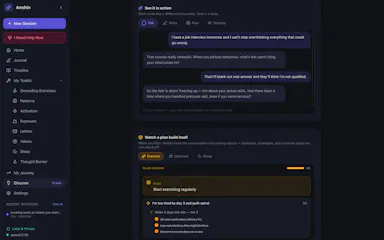
A self-reflection app that runs entirely on your Mac with guided journaling, mood tracking, and structured reflection tools, storing everything encrypted on-device with no account, cloud, or subscription.

Domain registered 4 months ago

No sign-upWorks offlineNo subscription
What to know
How it works
Offers Guided Talk, Write, Plan, and Breathe modes plus Thought Records, Mood Tracking, a Values Compass, a Worry Jar, and a Grounding Toolkit, learning patterns across sessions.
Pricing
$39 once.
Watch out
Data is stored encrypted on-device only.

Watched for 7 days · last checked 6d ago

Details →

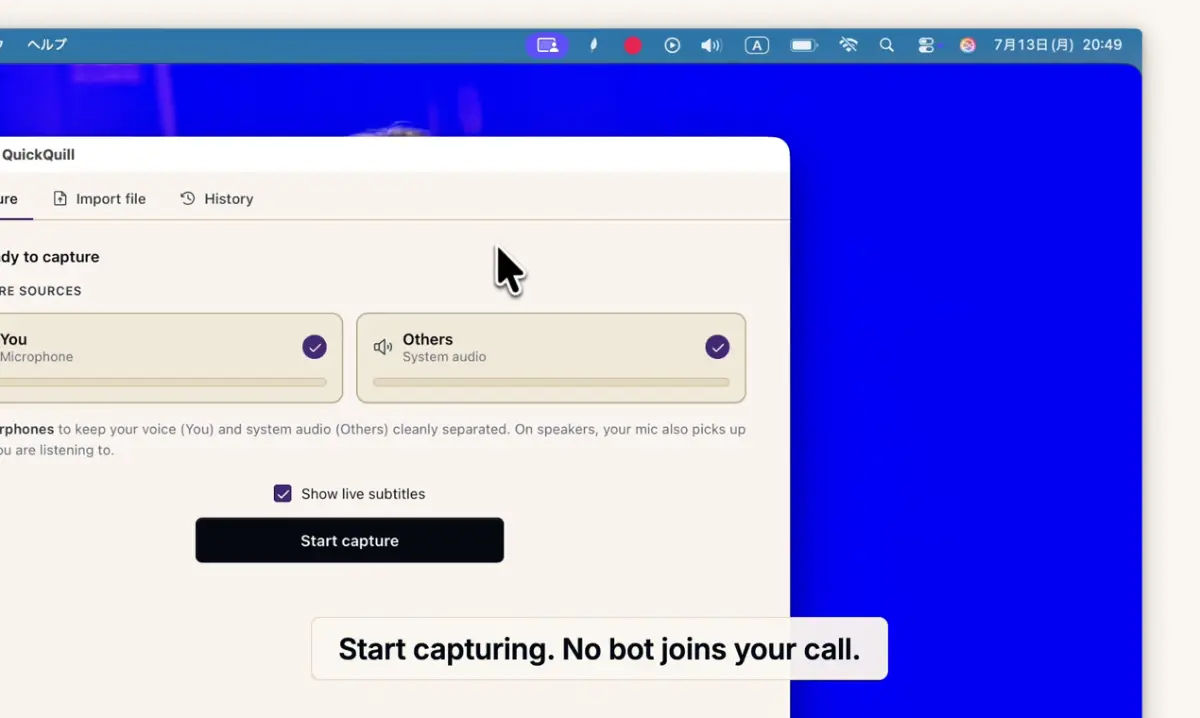
Records meetings on Mac and generates transcripts, summaries and live translated subtitles, entirely on-device. Dictation is free forever; the full meeting workflow costs a one-time $49.

Domain registered 1 month ago

FreeNo sign-upWorks offlinePay once
What to know
How it works
Records meetings and produces transcripts and summaries entirely on-device, with nothing sent to the cloud; it also shows live subtitles with translation while recording, and offers push-to-talk dictation usable in any app.
What's different
Continues working with Wi-Fi off and requires no bot joining the call, since everything runs on-device.
Pricing
Dictation is free forever; the full meeting workflow is a one-time $49 purchase. No account or subscription required.
Best for
Mac users who want private, on-device meeting notes without a cloud service.
Watch out
Requires macOS 26 on Apple Silicon, so it won't run on older Macs or other operating systems.

Watched for 12 days · last checked 6d ago

Details →

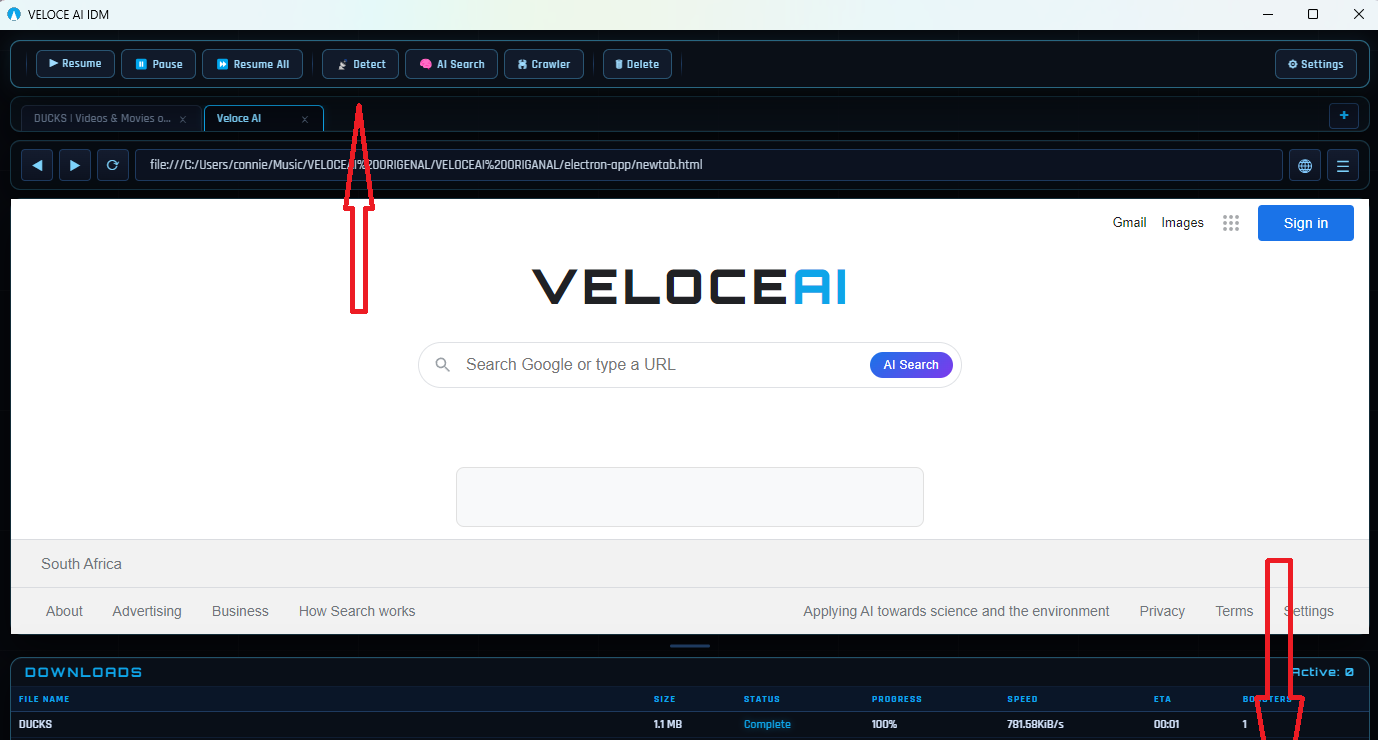
A Windows download manager that uses an AI engine to manage parallel connections and speed up downloads, sold as a cheaper one-time-payment alternative to IDM.

Pay onceNo subscription
What to know
How it works
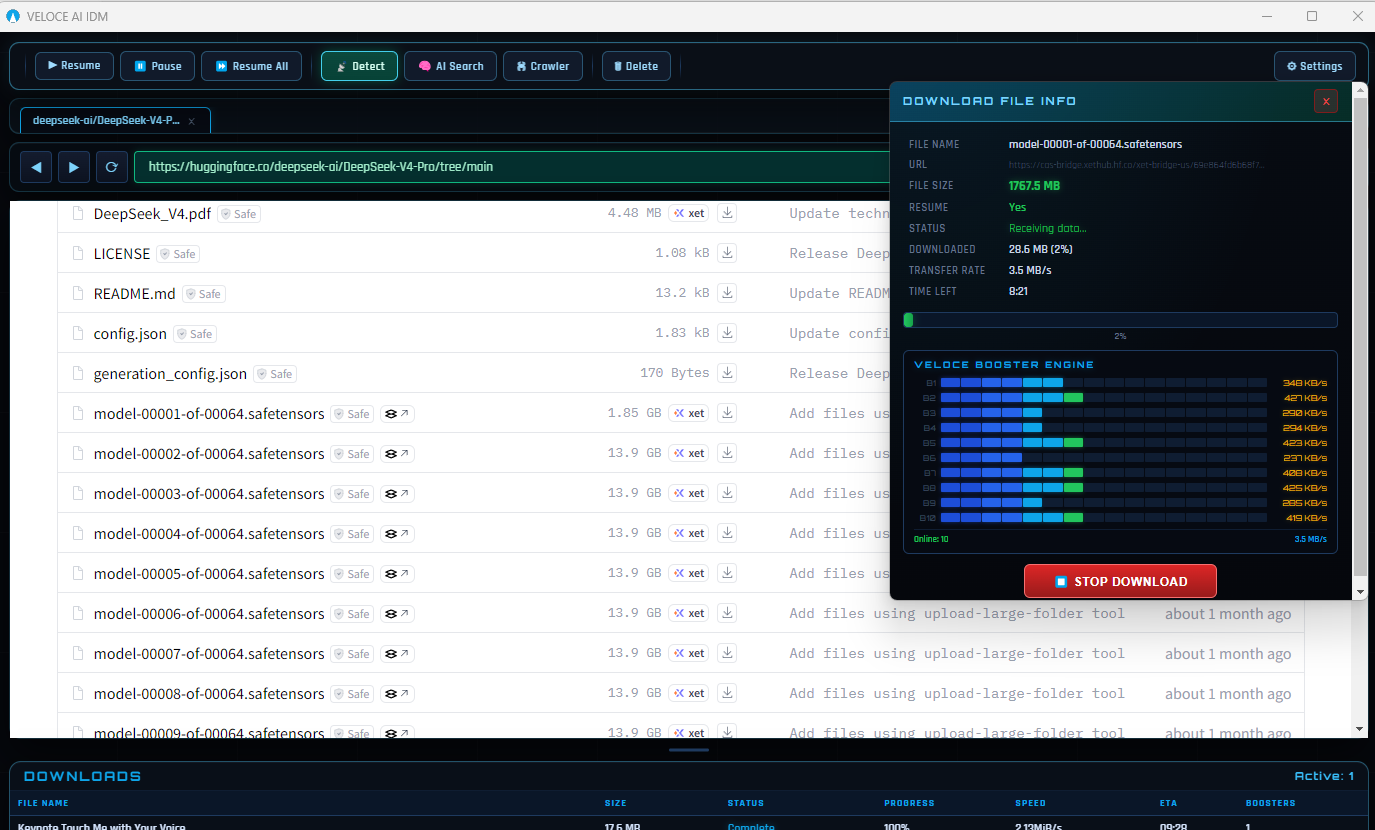
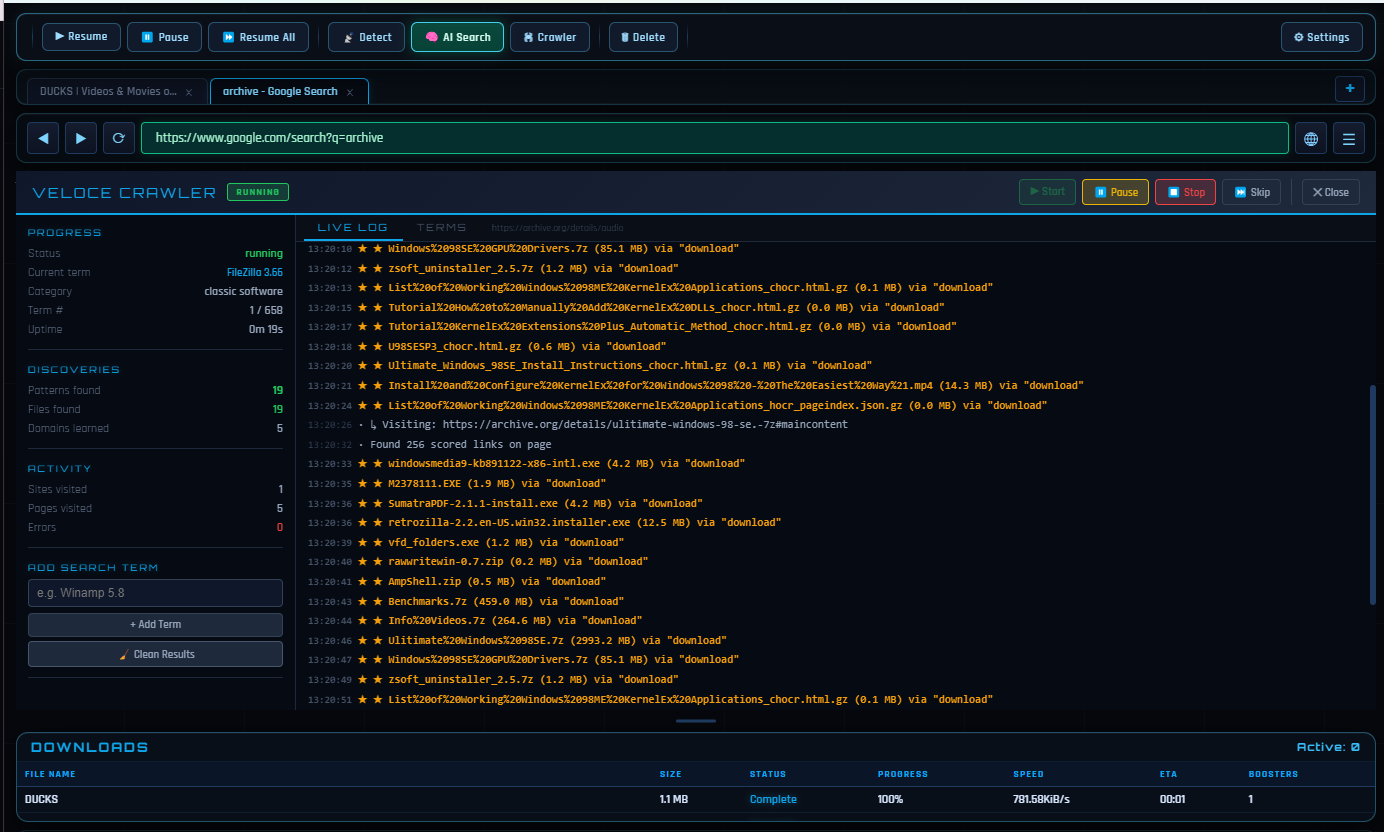
A Windows download manager that runs a real-time AI engine monitoring 32 adaptive connections per download, detecting and replacing slow tunnels automatically; includes a built-in Chromium browser and an AI File Finder that searches archives like GitHub and Archive.org for hard-to-find files.
What's different
Positioned as a cheaper, AI-driven replacement for older fixed-segmentation download managers like IDM, at roughly 5x lower cost.
Pricing
$5 one-time for lifetime access with future updates; free 3-day trial, no credit card required.
Best for
Windows users who download frequently and want faster, adaptive downloads plus a tool to find files that normal search engines miss.
Watch out
Built and maintained by a solo developer, according to the listing.

Watched for 11 days · last checked 5d ago

Details →

A Windows network scanner with 26 IT tools for discovering, monitoring and managing devices — a free tier exists, but the full toolset is a $79 one-time Pro purchase, aimed at IT admins.

No subscription
What to know
How it works
Scans your network to discover, monitor and manage every connected device, with 26 IT tools, real-time radar, an encrypted credential vault, and 1,451 hostname patterns for identification.
Pricing
Free tier available; Pro is a $79 one-time purchase with no subscription.
Best for
IT admins and power users managing devices on a Windows network.

Watched for 13 days · last checked 7d ago

Details →

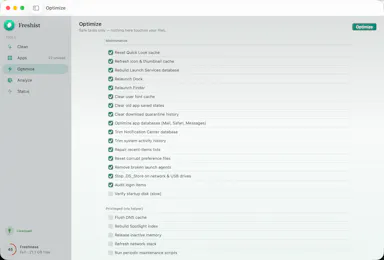
A native Mac cleanup app that bundles junk removal, uninstaller, optimizer, analyzer and monitor, showing every file before deleting it. One-time $9 purchase, not a subscription.

Domain registered 23 days ago

Pay onceNo subscriptionNo tracking
What to know
How it works
A native macOS maintenance app bundling five tools — clean, uninstall, optimize, analyze and monitor — and shows every file before deleting anything.
What's different
No telemetry, and files are shown before any action is taken on them.
Pricing
One-time $9 purchase, no subscription.
Best for
Mac users who want a transparent cleanup tool without committing to a subscription.

Watched for 12 days · last checked 6d ago

Details →

Willow

Live

A local-first Mac AI agent you own outright for a one-time fee, using your own API key or a fully offline Ollama model, built for technical builders.

Domain registered 1 month ago

Works offlineNo subscription
What to know
How it works
A local-first desktop AI agent that runs on your Mac, can drive the browser and desktop, and completes multi-step tasks while data stays on-device.
What's different
A one-time lifetime fee instead of a subscription, with your own API key/model or a fully offline Ollama setup.
Pricing
€299 lifetime, no subscription.
Best for
Technical builders who want to own their AI agent outright rather than rent a cloud subscription.

Watched for 14 days · last checked 8d ago

Details →

A macOS menu bar app showing multiple time zones, meeting times and a mini calendar at a glance, with click-to-set time conversion. One-time purchase, not a subscription.

Data stays with youPay onceNo subscription
What to know
How it works
A macOS menu bar app showing multiple time zones and a mini calendar day view at a glance, with click-to-set time conversion and airport-code zone search.
What's different
DST-proof UTC offset zones and auto-hiding zones when you travel — handles edge cases that usually break simple time-zone widgets.
Pricing
One-time purchase with a free 7-day trial — not a subscription.
Best for
People who regularly schedule meetings across time zones and want a persistent menu bar reference instead of a web converter.

Watched for 18 days · last checked 2d ago

Details →

OCDify

Live

Automatically sorts a Mac's Desktop and Downloads into folders and renames cryptic filenames, processed entirely on-device with no cloud upload or subscription.

Works offlineData stays with youNo subscription
What to know
How it works
Automatically organizes a Mac's Desktop and Downloads folders into custom categories and renames cryptic filenames like IMG_1234 or scan_002 into readable names, using on-device AI.
What's different
Processes files entirely on-device with no cloud upload, so file organization doesn't leave the machine.
Pricing
Free 30-day trial; no subscription.
Best for
Mac users with cluttered Desktop/Downloads folders who don't want their file names or contents sent to the cloud.

Watched for 11 days · last checked 5d ago

Details →

A Mac app that turns long videos into short vertical clips with subtitles and AI-generated titles, descriptions, and hashtags, processing everything on-device instead of uploading to the cloud.

FreeWorks offlinePay onceNo subscription
What to know
How it works
Runs entirely locally on Apple Silicon Macs and works offline, so footage is never uploaded to a server.
Pricing
Free to use; a one-time $49 Pro payment removes the watermark, no subscription.

Watched for 12 days · last checked 8d ago

Details →

A macOS menu bar color picker for developers that copies colors directly in Tailwind, SCSS or SwiftUI format.

Domain registered 1 month ago

FreeNo subscription
What to know
How it works
Pick a color from anywhere, copy in your target code format, paste
Pricing
4 formats free, 8 formats for $19 lifetime (Pro)
Best for
Developers who copy colors from design into Tailwind/SCSS/SwiftUI code

Watched for 5 days · last checked 4d ago

Details →

A one-time-payment macOS tool for quickly setting up an audio patch for streaming, podcasting or live music, without a subscription; the marketing copy is rough around the edges.

Pay onceNo subscription
What to know
How it works
A macOS audio patch tool that sets up a sound chain with effects for streaming, podcasting, or playing music live in seconds; a how-to video is emailed after purchase.
Pricing
One-time payment, currently 50% off, no subscription.
Watch out
Requires macOS 14 Sonoma or later; setup instructions are delivered by email, so check spam if it doesn't arrive.

Watched for 16 days · last checked 10d ago

Details →

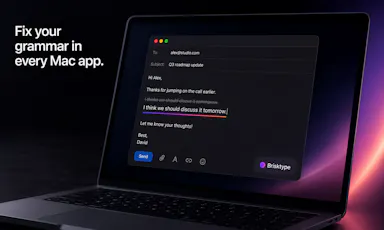
An on-device AI writing assistant for Mac that fixes grammar and expands text snippets across every app without sending your text to the cloud, sold as a one-time $39 purchase with no account required.

Domain registered 30 days ago

No sign-upWorks offlineNo subscription
What to know
How it works
Runs entirely on-device using local AI to fix grammar, expand snippets, and finish sentences inside any Mac app.
Pricing
One-time $39 payment, no subscription.
Best for
Mac users who want AI writing help without cloud data transmission or recurring fees.

Watched for 11 days · last checked 5d ago

Details →

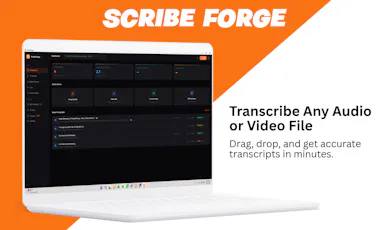
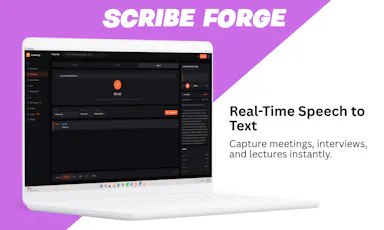
Transcribes audio and video, including YouTube, to text locally using Whisper AI, with no cloud upload, no subscription, and a one-time payment. Good for unlimited, private transcription without ongoing fees.

Works offlinePay onceNo subscription
What to know
How it works
Transcribes audio and video, including YouTube videos, playlists and live microphone input, to text entirely on your computer using Whisper AI, in 100+ languages.
What's different
Runs fully offline with no cloud upload, unlimited usage and no subscription.
Pricing
One-time payment, no subscription.
Best for
People who want unlimited, private transcription without ongoing fees or uploading audio to a cloud service.

Watched for 18 days · last checked 2d ago

Details →

A Mac-only local AI agent with shell, git and screen-reading tools, running offline on Apple Silicon or via your own OpenAI, Anthropic or Gemini key, with no account or subscription.

No sign-upWorks offlinePay onceNo subscription
What to know
How it works
A local AI agent for Mac that ships with its own multimodal model and runs offline on Apple Silicon, offering voice mode and agentic tools for files, shell, git, screen reading, memory and code graphs, plus a presentation builder in 14 languages; you can bring your own OpenAI, Anthropic or Gemini key for more power.
What's different
Distributed through the Mac App Store as a fully local agent — no account, subscription, cloud, or telemetry required.
Pricing
Pay once, or use the free tier forever.
Best for
Mac developers who want an agentic AI assistant with shell/git access that runs offline by default.

Watched for 14 days · last checked 2d ago

Details →

Converts speech to text entirely on your Windows PC — no cloud, no account required, works even with WiFi off. For users who want dictation without sending audio anywhere.

No sign-upWorks offlineData stays with youPay once
What to know
How it works
Converts speech to text directly on a Windows PC using one shortcut: hold, speak, release, and the text lands wherever your cursor is, in any app.
What's different
Works entirely offline with no cloud processing, no account, and no subscription — it keeps working even with WiFi off.
Pricing
One-time payment, no subscription.
Best for
Windows users who want dictation in any app (email, chat, notes, code editors) without their voice data leaving the device.

Watched for 16 days · last checked 10d ago

Details →

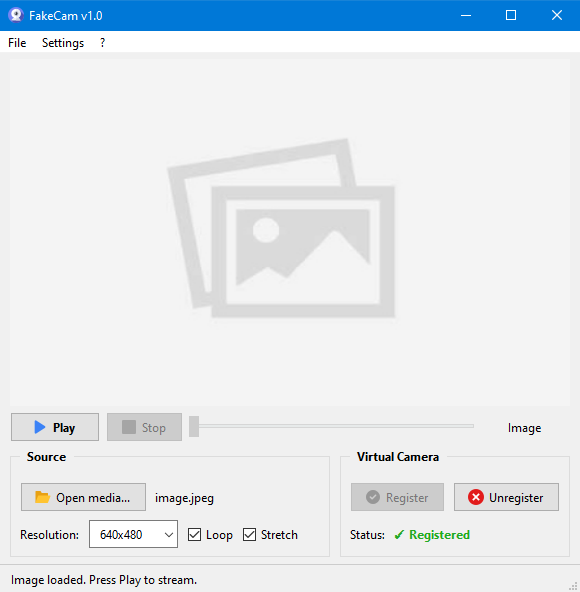
A lightweight Windows app that streams a video or image file as your webcam feed into Zoom, Teams, Skype, Discord or Telegram, running fully offline with no account or tracking.

FreeNo sign-upWorks offlineNo subscription
What to know
How it works
A lightweight virtual webcam app for Windows that streams a video or image file as your camera feed into apps like Zoom, Teams, Skype, Discord and Telegram.
What's different
Runs entirely locally with no account, subscription, ads or tracking — download and run, 25MB portable, works offline.
Pricing
Free for Windows.
Best for
Windows users who want a virtual webcam feed for video call apps without an account or bloatware.

Watched for 18 days · last checked 2d ago

Details →

Feeds any audio file through 37 sound-shaping modules to generate hours of unique ambient atmosphere, running fully offline on Mac or Windows with no subscription.

FreeNo sign-upWorks offlinePay once
What to know
How it works
Takes any audio file, stretches, layers and reshapes it into long, evolving ambient soundscapes using 37 sound-shaping modules and 18 presets. Includes a seed system to reproduce or vary a render.
What's different
Runs fully native and offline on macOS and Windows with no account, subscription or cloud upload, and every render is unique with no looping.
Pricing
No subscription, tagged as free / one-time payment.
Best for
Musicians and sound designers who want long, non-repeating ambient atmospheres exportable for music, games, film or meditation.

Watched for 18 days · last checked 11d ago

Details →

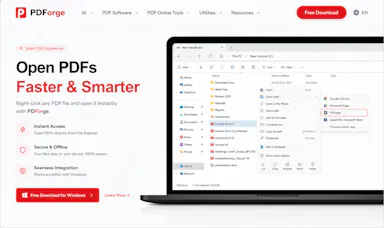
A native Windows/Mac desktop PDF editor (edit, sign, annotate, organize) that keeps files fully offline on your device and is sold as a one-time purchase, not a subscription.

Domain registered 1 month ago

Works offlinePay onceNo subscription
What to know
How it works
A native desktop app for Windows 11 and macOS to edit, sign, annotate and organize PDFs, with all editing happening offline on the device.
What's different
Local-first: files never leave your device, and it's sold as a one-time purchase rather than a subscription.
Pricing
Free trial, then one-time payment (positioned as an Adobe Acrobat subscription alternative).
Best for
Windows/Mac users who want a privacy-respecting PDF editor without a recurring subscription.

Watched for 14 days · last checked 2d ago
Details →

Rivlet

Live

A free Windows download manager that splits files across connections for faster downloads, with no ads, telemetry or subscription. Pitches itself as a modern, better-looking alternative to IDM.

FreeNo subscriptionNo adsNo tracking
What to know
How it works
Splits each download across multiple connections to finish large files faster, and connects to Chrome or Edge to grab downloads including full-res video in one click, with control over quality and save location.
What's different
No ads, telemetry or subscription, and a modern light/dark interface, positioned against older download managers like IDM.
Pricing
Free.
Best for
Windows 11 users who want faster downloads without ads or a subscription.

Watched for 12 days · last checked 6d ago

Details →

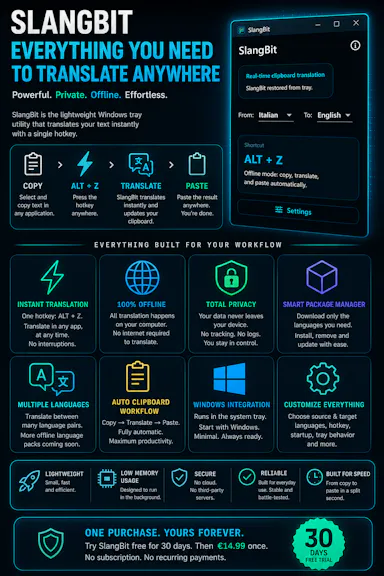
Select text in any Windows app, press Alt+Z, and get it translated using local AI models — nothing leaves your device. No subscription; 30-day free trial.

Domain registered 1 month ago

Works offlineData stays with youNo subscription
What to know
How it works
Select text in any Windows app and press Alt+Z to have it translated locally and pasted back automatically.
What's different
Runs entirely offline using local AI models, so text never leaves the device.
Pricing
No subscriptions; includes a 30-day free trial.
Best for
Windows users who want in-place translation without switching apps or sending text to the cloud.

Watched for 12 days · last checked 6d ago

Details →

A desktop HTTP testing and automation tool for developers, with request chaining, OpenAPI support and cURL generation. Runs fully offline, free, with no ads or subscription.

FreeWorks offlineNo subscriptionNo ads
What to know
How it works
A desktop HTTP testing environment for creating, automating and validating HTTP workflows, with OpenAPI support, request chaining, dynamic parameters, advanced response validation, and cURL generation.
What's different
Completely free and offline, with no ads, subscriptions, or feature restrictions, plus native ARM support.
Pricing
Free, with no ads, subscriptions, or feature restrictions.
Best for
Developers building and validating HTTP request workflows and APIs.

Watched for 13 days · last checked 7d ago

Details →

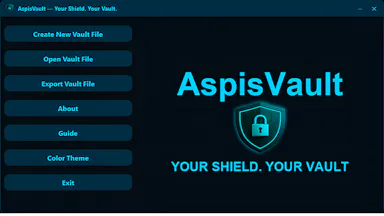
A local, offline security toolkit for encrypting files and managing credentials with no cloud, no accounts and no telemetry — for privacy-conscious users who want full control of their data.

Domain registered 4 months ago

No sign-upWorks offlineData stays with youNo subscription
What to know
How it works
A local, zero-telemetry security suite for encrypting files and managing credentials with AES-256-GCM, runnable entirely offline via installer or portable USB, with no cloud, accounts or subscriptions.
What's different
Fully offline with no cloud middleman, no accounts, and no hidden subscriptions.
Best for
Privacy-conscious users who want to encrypt files and manage credentials without any cloud dependency.

Watched for 13 days · last checked 7d ago

Details →

Cloak

Live

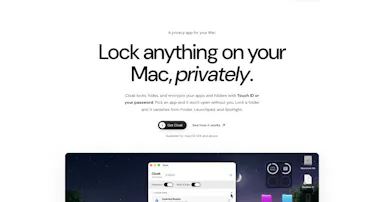
Locks, hides and encrypts apps and folders on your Mac with Touch ID or a password, entirely offline, for a one-time purchase instead of a subscription.

Domain registered 1 month ago

No sign-upWorks offlinePay onceNo subscription
What to know
How it works
Locks, hides and encrypts apps and folders on macOS using Touch ID or a password.
What's different
Runs 100% locally with no account and no cloud, and is sold as a one-time purchase rather than a subscription.
Pricing
One-time purchase.
Best for
Mac users who want specific apps and folders locked away from other people using the same machine.

Watched for 13 days · last checked 7d ago

Details →

Tulip

Live

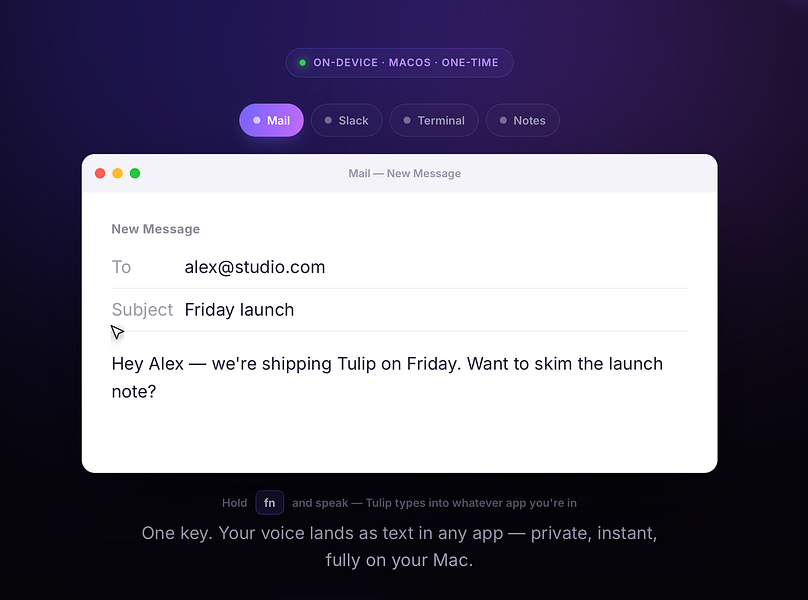
Hold a key and dictate into any Mac app; speech-to-text runs entirely on-device so nothing is sent to a server. One-time purchase, not a subscription.

Works offlinePay onceNo subscription
What to know
How it works
Hold the fn key on a Mac, speak, and release to drop clean, punctuated dictated text at your cursor in any app; speech-to-text runs entirely on-device on Apple Silicon and works offline.
What's different
Processes audio fully on-device and never sends it to a server, unlike cloud-based dictation tools.
Pricing
One-time purchase for a lifetime license usable on up to three Macs, with a 2-day free trial and a year of updates included.
Best for
Mac users who want fast, private dictation into any app without a subscription.

Watched for 13 days · last checked 2d ago

Details →

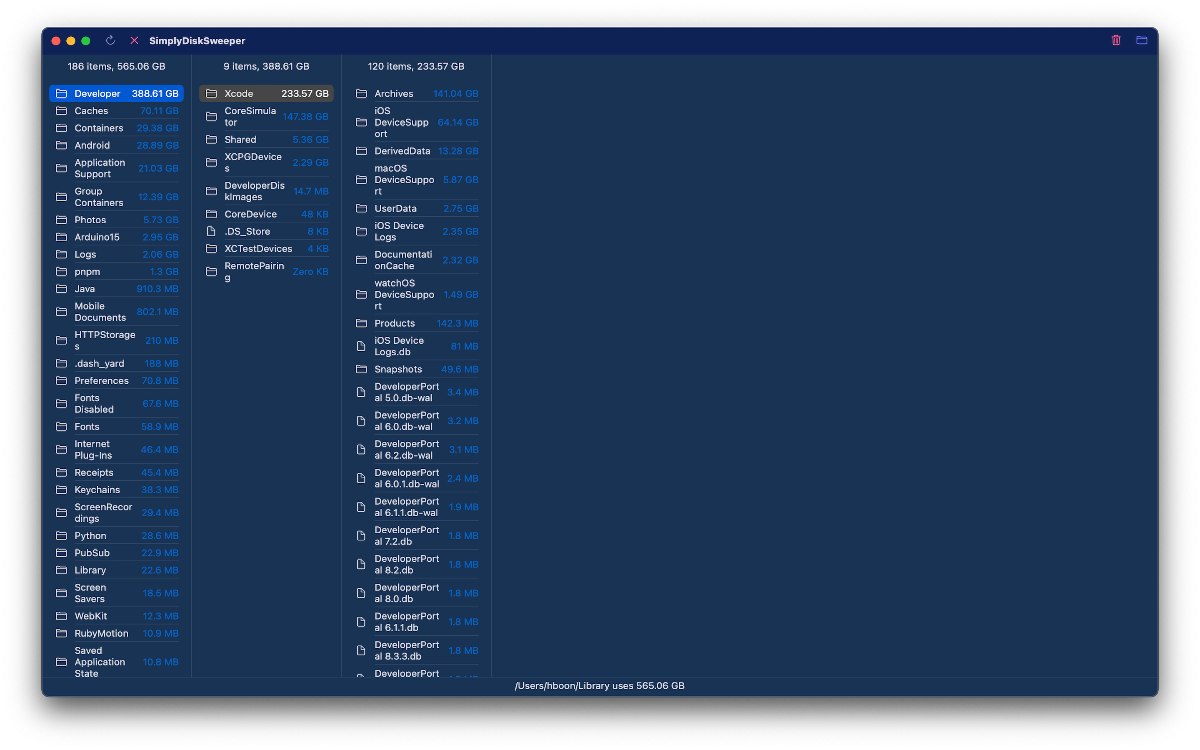
Scans your Mac for node_modules folders and package caches eating disk space, with one-click cleanup to Trash. Scanning is free; cleanup needs a one-time fee.

FreeOpen sourcePay onceNo subscription
What to know
How it works
Lives in the macOS menu bar and shows what dev projects cost in disk space: every node_modules folder, the pnpm store, and every installed package with versions and security advisories. One-click cleanup always moves files to Trash rather than deleting with rm -rf.
Pricing
Scanning is free forever; one-click cleanup is a one-time 19 euro lifetime license at the founding price.
Best for
Developers whose Mac disk is filling up with node_modules and package caches across projects.

Watched for 18 days · last checked 2d ago

Details →

A local-first AI platform bundling chat, a coding agent, a terminal and uncensored open models, with no cloud or accounts. For technical users, not really a mobile app despite the Android companion.

No sign-upWorks offlineOpen sourceNo subscription
What to know
How it works
A local-first AI platform bundling end-to-end encrypted P2P chat, a bare-metal terminal with real PTY shell access, autonomous coding agents, hybrid RAG, and bundled uncensored Qwen/Gemma models, with a native Android companion app for LAN discovery.
What's different
Runs fully offline with no cloud, accounts, or subscriptions, and ships uncensored model variants with no filters.
Pricing
Open-source (AGPL-3.0).
Best for
Technical users on Linux or Windows who want a self-hosted AI toolkit with no cloud dependency.
Watch out
Ships uncensored models with zero filters — outputs are not moderated.

Watched for 18 days · last checked 2d ago

Details →

Hovor

Live

Voice dictation for Mac and iPhone that runs fully on-device so your voice never leaves your hardware, with multilingual support and a lifetime-purchase option instead of a subscription.

Works offlineData stays with youNo subscription
What to know
How it works
Hold a hotkey, speak, and structured text lands where your cursor is in any app on Mac and iPhone, using on-device models that fix punctuation and structure and support multilingual speech, a personal dictionary, snippets and workflows.
What's different
On-device processing means your voice never leaves your hardware.
Pricing
Free tier included, plus lifetime unlocks instead of a forced subscription.
Best for
Mac and iPhone users who want private, offline voice dictation across apps.

Watched for 18 days · last checked 2d ago

Details →

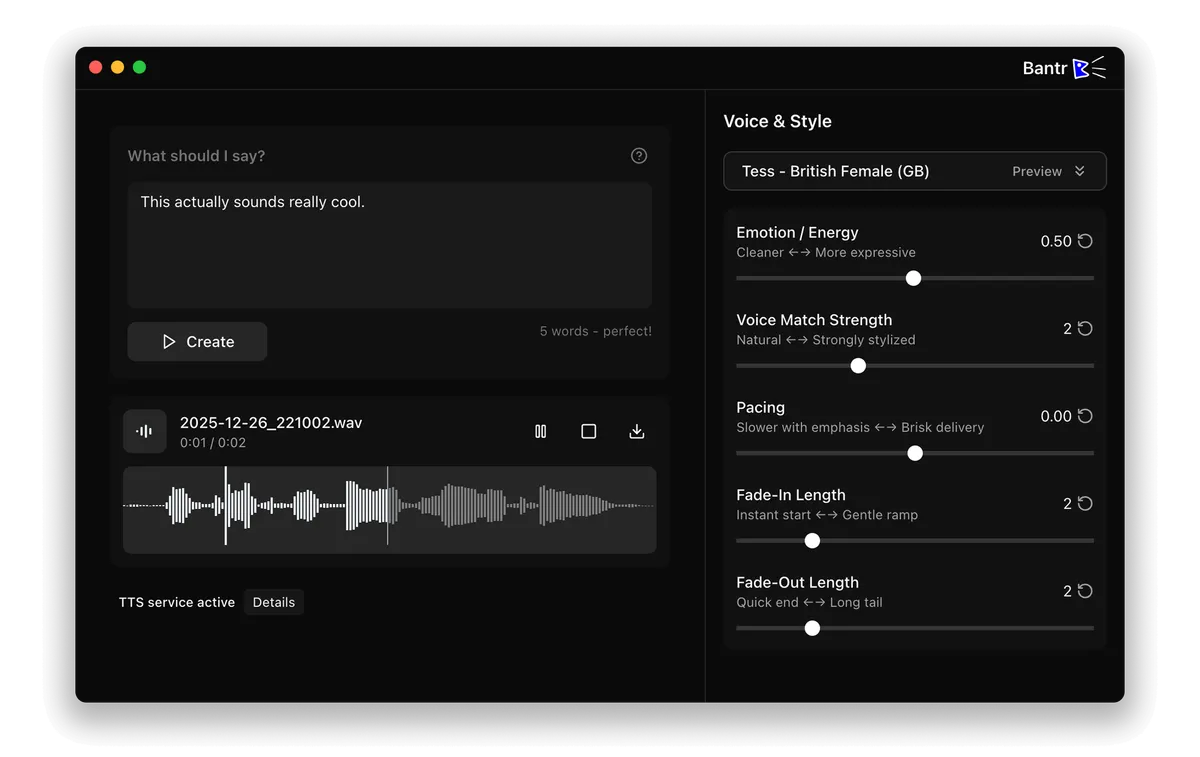
Offline Mac text-to-speech app with 150+ voices, one-time purchase instead of a cloud subscription TTS service.

No sign-upWorks offlineNo subscription
What to know
How it works
runs entirely on-device via Apple's MLX framework
Pricing
buy once, no subscription

Watched for 1 day · last checked 1d ago

Details →

Records what you say and turns it into an organized project log automatically on your own device. Aimed at solo builders and founders who have no one else tracking their progress.

FreeWorks offlinePay onceNo subscription
What to know
How it works
Records spoken audio and turns it into an organized project history and devlog automatically, processed on your own device.
What's different
Runs fully on-device rather than relying on manual note-taking or a cloud service.
Pricing
Free to use with full functionality, no subscription; a paid Pro tier unlocks Labs and unlimited weekly processing.
Best for
Solo builders and founders who track their own progress by talking rather than writing, with no one else keeping a project record for them.

Watched for 18 days · last checked 2d ago

Details →

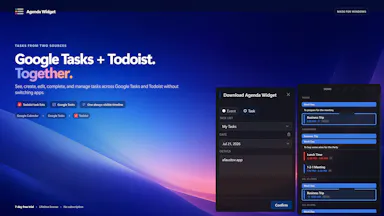
Keeps Google Calendar, Google Tasks and Todoist visible in a compact always-on Windows desktop timeline, instead of switching between browser tabs to check your day.

Pay onceNo subscription
What to know
How it works
Dark/light/transparent themes, always-on-top or desktop widget.
Pricing
7-day free trial, then $9.99 one-time purchase, no subscription.

Watched for 2 days · last checked 1d ago

Details →

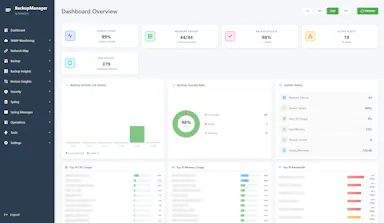
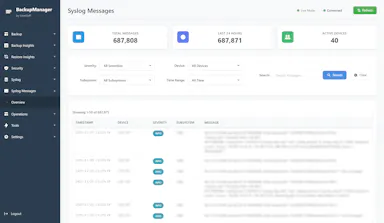
Free self-hosted Windows tool that backs up network device configs and monitors SNMP/syslog for network engineers managing multi-vendor hardware.

Domain registered 8 months ago

FreeWorks offlineNo subscriptionSelf-hosted
What to know
How it works
backs up configs for 30+ device types across 7 vendors, SNMP monitoring, built-in syslog server, LLDP-based topology mapping
Pricing
free forever, no cloud or subscription
Best for
network engineers managing Cisco/Juniper/HP/Dell/Arista gear
Watch out
provided as-is with no warranty

Watched for 5 days · last checked 3d ago

Details →

Nparla

Live

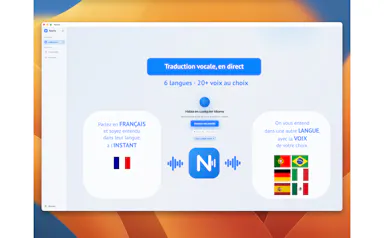
A native Mac app that translates your voice in real time during Zoom or Meet calls, entirely on-device across six languages, for a one-time purchase with no subscription.

Works offlineData stays with youPay onceNo subscription
What to know
How it works
Translates your voice in real time during calls: you speak in your language and the other person hears a natural voice in theirs, with a virtual microphone that plugs into Zoom, Google Meet and Teams.
What's different
Runs 100% on-device on Apple Silicon, so voice never leaves the Mac; supports Spanish, English, German, Italian, French and Portuguese.
Pricing
One-time purchase, no subscription.
Best for
People in international meetings who need real-time spoken translation across the six supported languages.
Watch out
Limited to six supported languages and requires Apple Silicon for the on-device processing.

Watched for 17 days · last checked 11d ago

Details →

A joke Mac menu-bar app: a frog that reacts when you scream, rant or sigh after a bad day. No advice, no tracking, just a reaction toy. $5 one-time.

Pay onceNo subscription
What to know
How it works
A Mac menu bar app that reacts to your voice in real time — scream, rant or sigh and a frog companion responds differently to each, with multiple frog personalities.
Pricing
$5 one-time, no subscription.
Best for
People who want a lightweight venting toy after a bad day, without advice or tracking.

Watched for 17 days · last checked 11d ago

Details →

A Windows desktop app for signing PDFs by hand, entirely offline, so sensitive documents never touch the cloud.

Domain registered 7 days ago

Works offlineData stays with youPay onceNo subscription
What to know
How it works
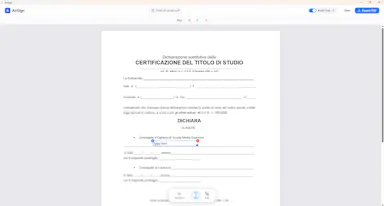
Drag and drop a PDF/image, draw a signature, add text — all processed locally
What's different
Zero cloud upload, one-time purchase instead of subscription
Pricing
One-time purchase
Best for
Professionals who don't want to upload contracts to third-party e-signature sites

Watched for 6 days · last checked 5d ago

Details →

Turns speech into punctuated text anywhere on a Mac with one key press, and reads text back, fully on-device.

Domain registered 24 days ago

No sign-upWorks offlinePay onceNo subscription
What to know
How it works
Press a key, speak, text appears at the cursor; also reads text aloud
What's different
No cloud, no account, no subscription
Pricing
$39.99 one-time

Watched for 6 days · last checked 4d ago

Details →

A French rental-property management app storing all tenant, lease, and receipt data locally on-device with no cloud or subscription.

Domain registered 1 month ago

Works offlinePay onceNo subscriptionNo tracking
What to know
How it works
Encrypted local storage on your device, works offline, no server or account
What's different
One-click ALUR-compliant receipts, signed leases with timestamped photos
Pricing
19.99 EUR one-time; free on Linux
Best for
French landlords wanting rental management without sending data to a cloud

Watched for 6 days · last checked 5d ago

Details →

A macOS menu-bar app that stops accidental Command-Q app quits by intercepting the keystroke with configurable rules per app.

Domain registered 1 month ago

FreeNo sign-upPay onceNo subscription
What to know
How it works
Sets per-app rules (confirm, hold, double-press, allow, never-quit) to intercept Command-Q
Pricing
free protects one app forever; $9.99 one-time for unlimited rules
Best for
Mac users who frequently quit apps by accident
Watch out
macOS only

Watched for 6 days · last checked 5d ago

Details →

A native Mac and iPad app for quickly generating AI app-icon and thumbnail ideas — you supply your own AI key and pay the provider directly, for a one-time $2.99.

Pay onceNo subscription
What to know
How it works
A native Mac and iPad app where you type an idea, pick a style, and get generated app-icon or thumbnail directions back, using your own AI key from Google, OpenAI or Hugging Face.
What's different
You bring your own AI key and pay the provider's real cost directly instead of a subscription, credits, or per-image fee; keys stay in your Keychain.
Pricing
$2.99 one-time purchase, covers both Mac and iPad.
Best for
Designers and developers generating app icons and thumbnails who want to avoid recurring generation fees.

Watched for 18 days · last checked 2d ago

Details →

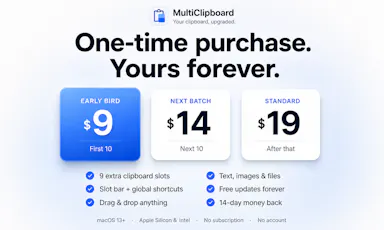
Adds nine clipboard slots to macOS so you can copy several things and paste any of them back later — a native, one-time-purchase utility.

Pay onceNo subscription
What to know
How it works
Adds nine clipboard slots to macOS, reachable with one shortcut, so you can copy several things and paste any of them back.
What's different
Native macOS utility that keeps everything local rather than routing clipboard data through a cloud service.
Pricing
One-time purchase, no subscription.
Best for
macOS users who regularly need to copy and paste more than one item at a time.

Watched for 18 days · last checked 2d ago

Details →

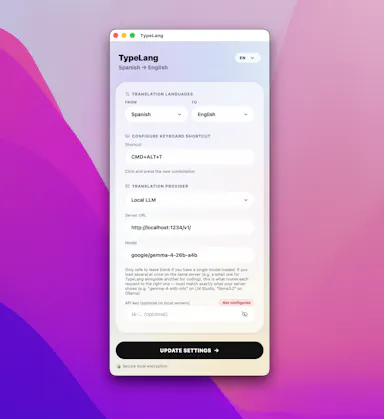
A free, open-source macOS menu-bar app that translates whatever you're typing into natural, professional language and pastes it back at your cursor.

FreeNo sign-upOpen sourceNo subscription
What to know
How it works
Type in your own language, press a shortcut, and the fluent translation is auto-pasted; use your own API key (Claude, GPT, Gemini) or run fully local via LM Studio.
Pricing
Free and open source, no subscription.
Best for
People writing in a non-native language across any macOS app.

Watched for 11 days · last checked 8d ago

Details →

PopGuy

Live

A Mac text-selection toolbar that improves, translates, defines, or runs custom AI actions on selected text, using your own AI key or fully local models via Ollama.

FreeNo subscription
What to know
How it works
Select text in any Mac app, use the floating toolbar to run built-in or custom AI actions, either with your own API key or 100% locally through Ollama or built-in models.
Pricing
Free tier included; one-time $15 Pro upgrade, no subscription.

Watched for 12 days · last checked 8d ago

Details →

Replay

Live

A one-time-purchase Mac app that records and transcribes video calls on-device without bots joining or data leaving the machine, for people who want to own a private, searchable meeting archive.

Domain registered 1 month ago

FreeWorks offlinePay onceNo subscription
What to know
How it works
Records meetings from Zoom, Meet, Teams or Webex on a Mac and transcribes them on-device, learning speaker names across meetings, without bots joining calls or data touching the cloud; saves transcripts as video, JSON and Markdown.
Pricing
One-time purchase, free to try.
Best for
People who want a private, searchable meeting record they own, without a subscription.

Watched for 12 days · last checked 8d ago

Details →

A Mac app that brings back the old Launchpad-style app grid via hotkey or gesture; free to try, with a one-time payment unlocking the full Pro version.

Domain registered 4 months ago

Pay onceNo subscription
What to know
How it works
Brings back the classic Launchpad-style app grid on modern macOS, opened with a hotkey or trackpad gesture, with apps organized your way.
Pricing
Free to try; Pro is a one-time purchase with lifetime updates.
Best for
Mac users who miss the classic Launchpad app grid.

Watched for 13 days · last checked 2d ago

Details →

A Mac clipboard history tool that keeps text, images, colors and file paths stored locally, with no cloud sync and no subscription fee.

Works offlineNo subscription
What to know
How it works
A Mac clipboard history app that saves copied text, links, images, screenshots, colors and file paths, then lets you search and paste them back with a global shortcut and numbered quick paste.
Pricing
No subscription.
Best for
Mac users who want clipboard history stored locally without syncing to the cloud.

Watched for 13 days · last checked 11d ago

Details →

A macOS menu bar app that pins your current task in view so you don't lose focus. Local-first with no account, subscription or tracking.

Domain registered 14 months ago

No sign-upWorks offlineNo subscriptionNo tracking
What to know
How it works
A lightweight macOS menu bar app that keeps your current task pinned in view at all times, local-first and keyboard-friendly.
Pricing
No account, no subscription.
Best for
People who get easily distracted and want their current task always visible in the menu bar.

Watched for 13 days · last checked 11d ago

Details →

Gleam

Live

Wraps app screenshots in device frames and backgrounds, exporting every size needed for iPhone, iPad, Android and Mac stores in one click. A one-time-purchase desktop app (not mobile), runs fully offline.

Domain registered 19 days ago

Works offlinePay onceNo subscription
What to know
How it works
Takes a plain app screenshot and wraps it in device frames, backgrounds, and text layers, exporting every size required for iPhone, iPad, Android, and Mac app stores from one project in one click.
What's different
Runs completely offline on macOS, Windows, or Linux, keeping data private, unlike browser-based mockup tools.
Pricing
$19 one-time payment, no subscription.
Best for
App developers preparing store screenshots who want to skip manually recreating frames in Figma or Photoshop.

Watched for 13 days · last checked 11d ago

Details →

Makes PDFs and scans searchable with fully offline OCR on Mac, no cloud upload, no subscription, a privacy-first alternative to cloud-based OCR tools.

Works offlineNo subscription
What to know
How it works
Makes PDFs, scans and documents searchable using OCR that runs entirely offline on a Mac.
What's different
100% offline with no subscription, unlike cloud-based OCR tools.
Pricing
No subscription (one-time, implied by 'without a subscription').
Best for
Mac users who want to OCR documents without sending them to the cloud.

Watched for 14 days · last checked 2d ago
Details →

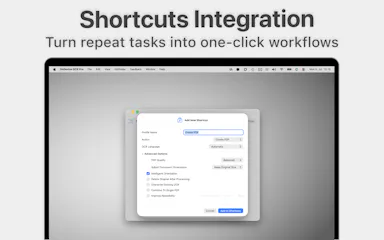
A native Mac file converter that compresses images, video, audio and PDFs entirely on-device with Shortcuts and Finder integration, for people who don't want files touching the cloud.

Works offlineData stays with youPay onceNo subscription
What to know
How it works
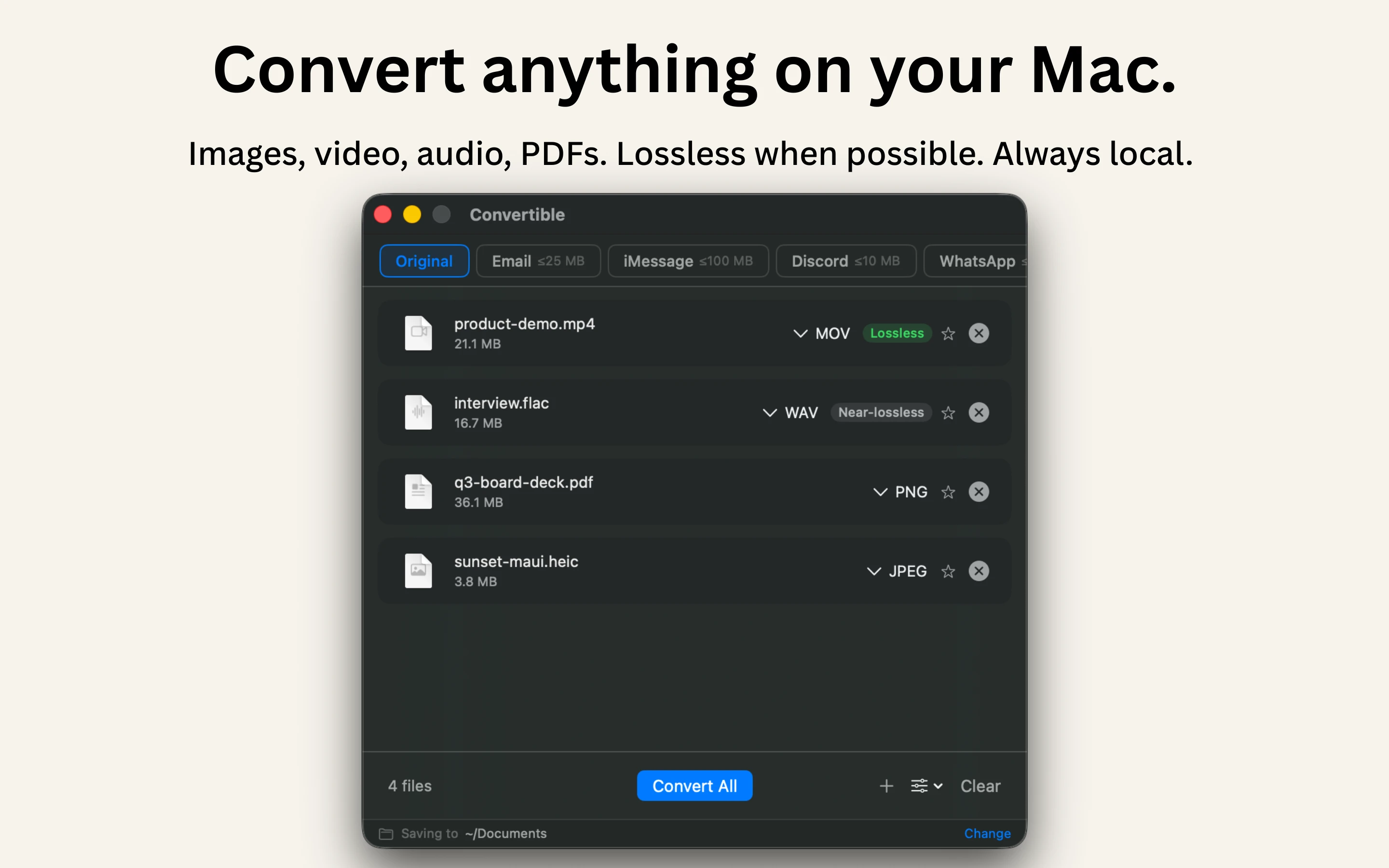
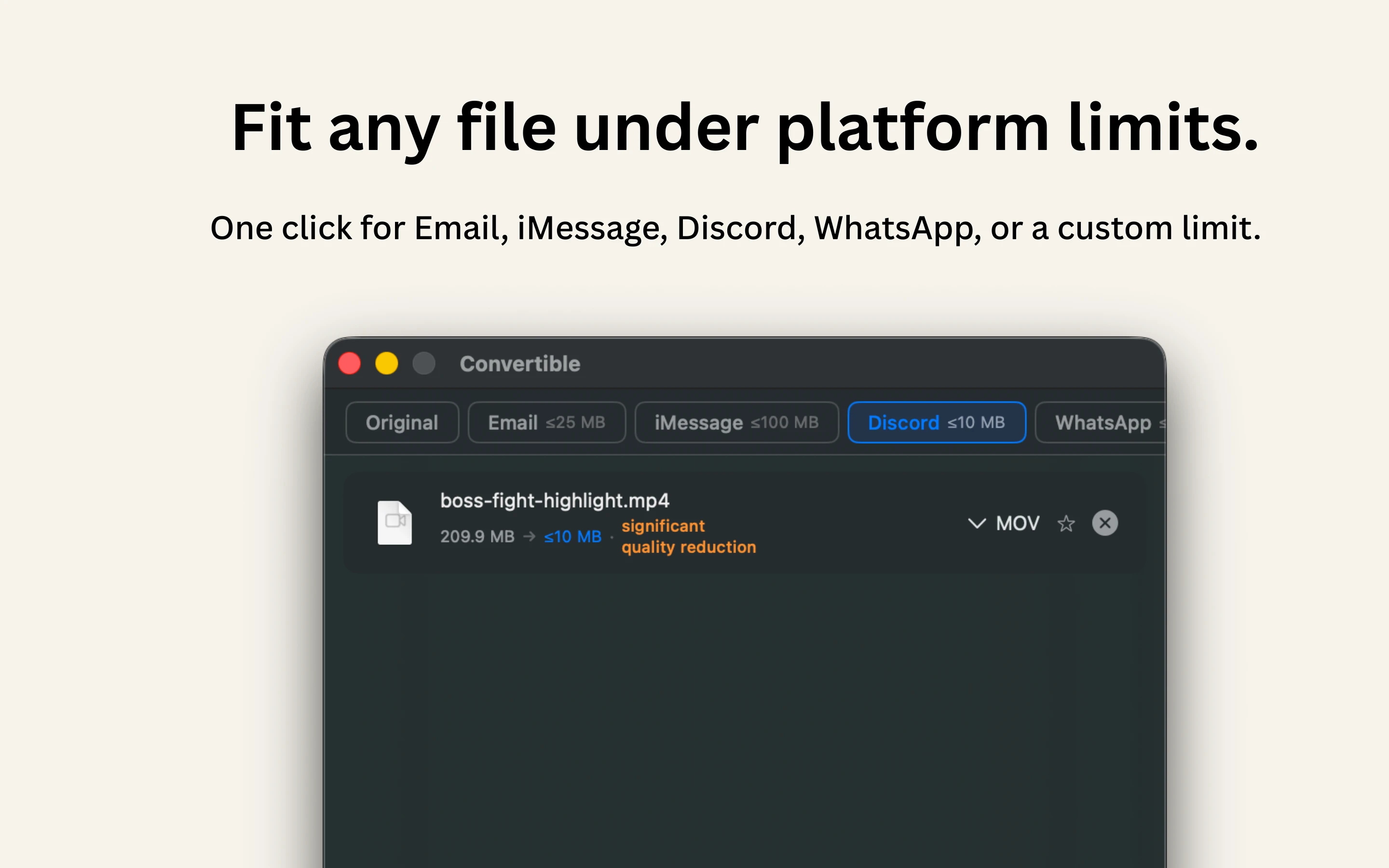
Converts and compresses images, video, audio and PDFs entirely on-device on Mac, including hard-to-open formats like MKV, WebM and HEIC, and can shrink files to a target size limit in one click.
What's different
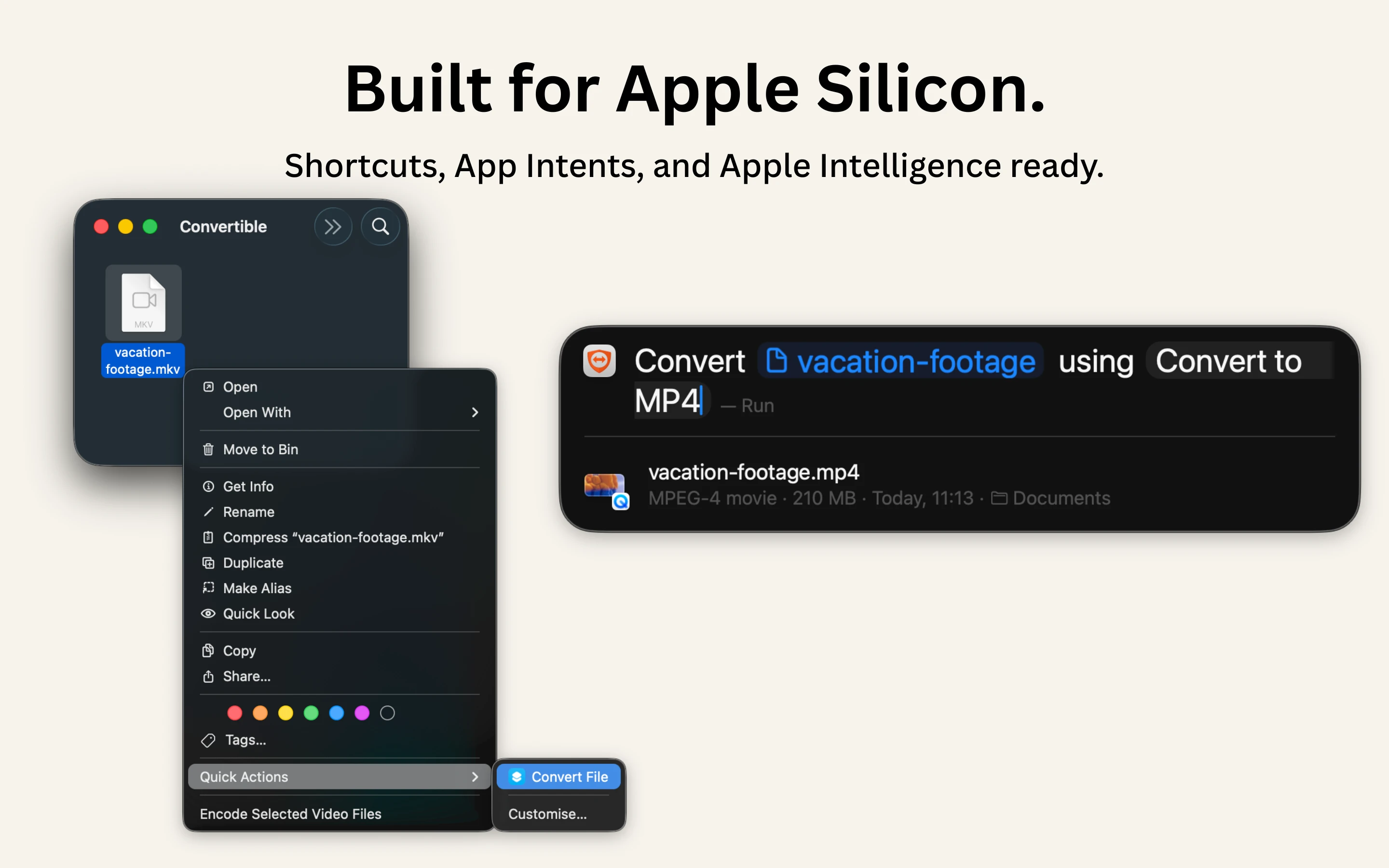
Runs 100% locally with no cloud upload or telemetry, and integrates with Shortcuts, Finder's right-click menu, Spotlight and scheduled automations.
Pricing
One-time purchase, no subscription.
Best for
Mac users who want to convert or compress files without sending them to the cloud.

Watched for 15 days · last checked 2d ago

Details →

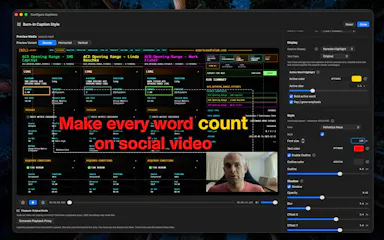
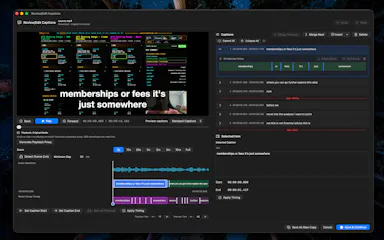
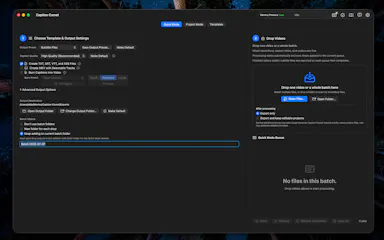
Generates and burns video captions entirely on your Mac using local AI, no cloud upload, no subscription, one-time purchase after a 30-day free trial.

No sign-upWorks offlinePay onceNo subscription
What to know
How it works
Generates, edits and burns video captions locally on a Mac using on-device AI, with Quick Mode for batch-processing multiple videos of mixed codecs/resolutions and Project mode for adjusting timing word by word. Supports karaoke, word-build and custom caption styles, exporting SRT, VTT, ASS, MKV or burned-in video.
What's different
Runs fully offline with no cloud upload, account or subscription, on any Apple Silicon Mac including 8GB models.
Pricing
Free 30-day trial, then a one-time purchase, no subscription.
Best for
Mac-based video creators who want captions generated and burned in without uploading footage to the cloud.

Watched for 17 days · last checked 2d ago

Details →

A Mac desktop app that mirrors your Android phone's Google Messages, letting you reply from macOS notifications and auto-copy 2FA codes -- not a mobile app itself.

No subscription
What to know
How it works
A macOS app that pairs with an Android phone and mirrors Google Messages, giving you real Mac notifications you can reply to, an unread dock badge, and recent chats in the menu bar.
What's different
Auto-copies 2FA codes to your clipboard the moment they arrive, and lets you set a custom chat wallpaper.
Pricing
$12.99 one-time purchase, no subscription, with a free 3-day trial.
Best for
Android phone + Mac users who don't have iMessage and are tired of texting from a browser tab.

Watched for 15 days · last checked 2d ago

Details →

A drag-and-drop website builder that runs as a desktop app and exports real React code, with no cloud account or subscription. For people who want visual building without losing code ownership.

Works offlineNo subscriptionCan export my data
What to know
How it works
A drag-and-drop website builder that runs as a desktop app, letting you build pages visually from pre-built React components and export clean code to your framework of choice.
What's different
Local-first with no cloud account or subscription, and it exports real, ownable React code instead of locking you into a hosted builder.
Pricing
No subscription mentioned — described as no-cloud, no-lock-in.
Best for
Developers who want to build UI visually without giving up code ownership or a self-hosted workflow.

Watched for 17 days · last checked 1d ago

Details →

Lastcard

Not responding

A macOS app that copies camera cards to multiple drives after a shoot and verifies every byte, then produces a DIT report producers accept. Built for working filmmakers on paid jobs, not general students.

Domain registered 19 days ago

Works offlinePay onceNo subscription
What to know
How it works
A macOS app for offloading camera cards after a shoot: copies cards to several drives at once and verifies every byte by reading back from disk rather than RAM, then produces a DIT report (ASC MHL 2.0, PDF or CSV) that producers accept.
What's different
One-time price in a niche where the market leader charges a subscription, with real byte-for-byte verification rather than a plain copy.
Pricing
One-time purchase, no subscription; works fully offline; requires macOS 12+; 14-day trial.
Best for
Filmmakers, videographers, photographers and DITs offloading camera cards on paid jobs.

Watched for 10 days · last checked today

Details →

A product framed around health impacts of work (no further detail provided).

Domain registered 15 days ago

Pay onceNo subscription
What to know
How it works
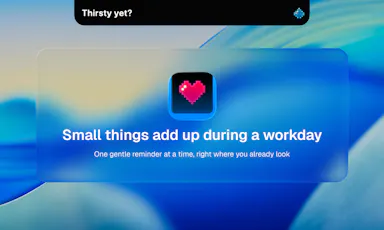
Sits quietly in the Mac's notch and nudges you to stand, drink water, blink, or stretch during long desk sessions.
What's different
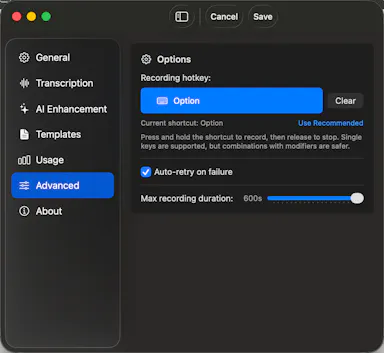
No dock icon, no logging, no dashboards — just quiet nudges.
Pricing
One-time payment, lifetime access, no subscription.
Watch out
Mac only.

Watched for 8 days · last checked today

Details →

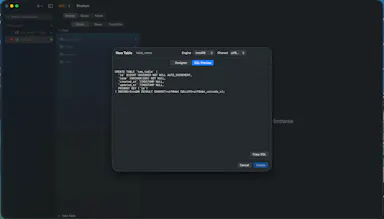
A native, non-Electron macOS GUI for browsing and editing MySQL, MariaDB, PostgreSQL, and SQLite databases.

Pay onceNo subscription
What to know
How it works
A native Swift macOS database GUI for MySQL, MariaDB, PostgreSQL, and SQLite, with a visual table browser, schema designer, query editor with autocomplete, iCloud sync, and one-click import from TablePlus.
Pricing
One-time purchase, no subscription; free during beta.

Watched for 10 days · last checked 2d ago

Details →

Reminds solo Mac users on-device to take real breaks instead of generic timers that ignore meetings and calls.

Works offlineNo subscription
What to know
What's different
waits through meetings/calls/screen recordings and never requests Accessibility permission
Pricing
7-day free trial, then $3.99 one-time

Watched for 1 day · last checked 1d ago

Details →

Zoro

Live

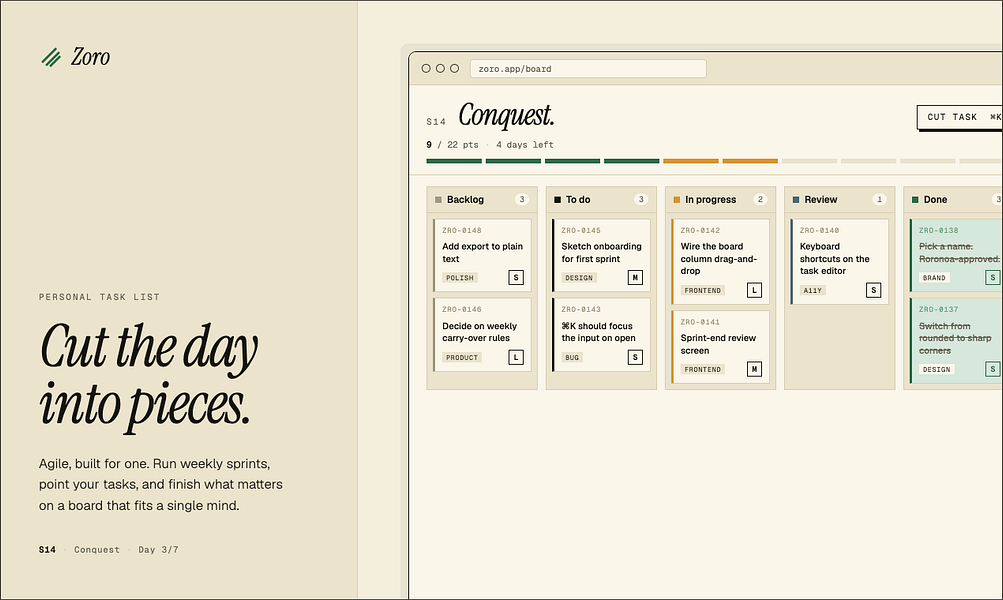
A one-time-purchase task app for solo workers that applies agile concepts like backlog, priority, and kanban to personal work, syncing via CloudKit with no account or server.

Domain registered 2 months ago

FreeNo sign-upData stays with youNo subscription
What to know
How it works
Syncs across iOS, macOS, and web through CloudKit only, with no signup and no backend server.
Pricing
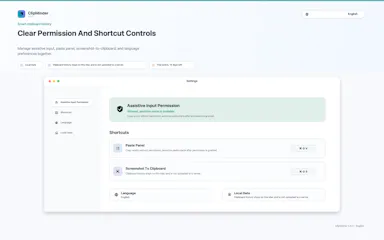
One-time purchase of $59.99 for lifetime use.

Watched for 7 days · last checked 1d ago

Details →

Native Mac and Windows console that builds, tests, signs, and publishes apps across 27 distribution destinations without cloud or account.

No sign-upWorks offlineNo subscription
What to know
How it works
Point it at a folder and it auto-detects 25 toolchains; one build fans out to 27 distribution destinations including App Store, Play, and Vercel, all handled from a native Mac and Windows console including build, test, signing, and release.
What's different
Runs 100% locally with no account, cloud, or subscription required.
Best for
Developers who need to ship apps across many platforms without cloud dependency.
Watch out
iOS and Android companion apps are included but the core console runs on Mac and Windows.

Watched for 9 days · last checked 3d ago

Details →

Rekody

Live

Free on-device macOS dictation app that types text at the cursor via a hold-to-talk hotkey.

Domain registered 3 months ago

FreeNo sign-upWorks offlineOpen source
What to know
How it works
Hold Option + Space and speak, and text lands at your cursor in any app, with a personal dictionary that learns your words.
Pricing
Free.
Watch out
On-device by default, no account or subscription; the CLI is open source (MIT).

Watched for 3 days · last checked 3d ago

Details →

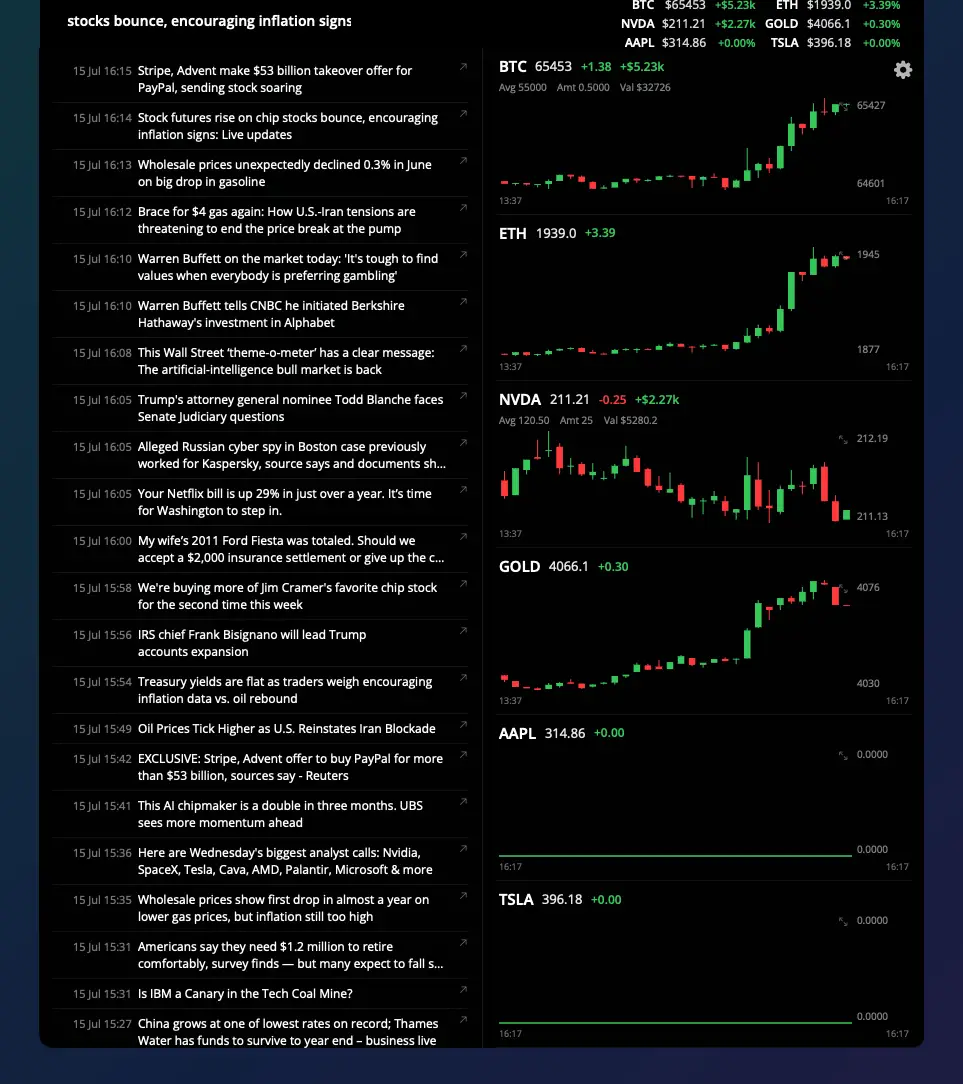
Shows live stock and crypto ticker prices in a MacBook's notch, for traders who want their watchlist visible without opening an app.

Domain registered 2 months ago

FreeNo sign-upNo subscription
What to know
How it works
Notch shows watchlist P&L on one side, scrolling news on the other
What's different
click a ticker for a candlestick chart with indicators
Pricing
7-day trial, then free forever with limits; Pro $5/mo or $40 lifetime

Watched for 6 days · last checked today

Details →

A native Mac app that does local AI semantic photo search, storing embeddings on-device so search works even with drives disconnected.

Pay onceNo subscription
What to know
How it works
A native macOS app that does local AI semantic photo search using CoreML, storing embedding vectors and previews on-device so search still works with external drives disconnected. Includes a 'Semantic Bridge' to find the conceptual link between two images and 'Constellation' auto-grouping.
What's different
No data ever leaves the computer.
Watch out
macOS only.

Watched for 3 days · last checked 3d ago

Details →

A spatial nature-sound mixer (rain, fire, ocean, wind, birds) for Mac and iPhone with iCloud sync, an ambient sound app for focus or relaxation.

FreeNo sign-upWorks offlinePay once
What to know
How it works
Lets you drag sound layers — rain, ocean, fire, wind, birds, thunder and more — onto a canvas and position them spatially around you; with supported AirPods, head tracking anchors the soundscape to the room.
What's different
Places sound layers in three-dimensional space rather than playing a single flat loop, and supports AirPods head tracking.
Pricing
One-time purchase, no subscription.
Best for
Mac and iPhone users who want an ambient soundscape for focus, rest or sleep.

Watched for 16 days · last checked 5d ago

Details →

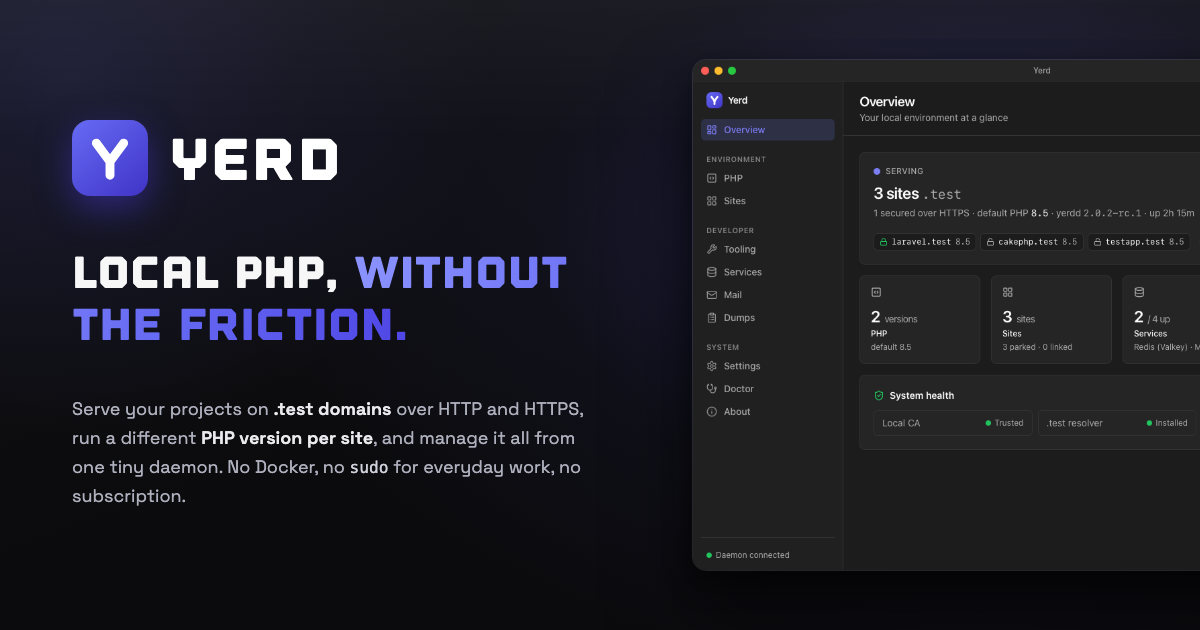
Yerd

Live

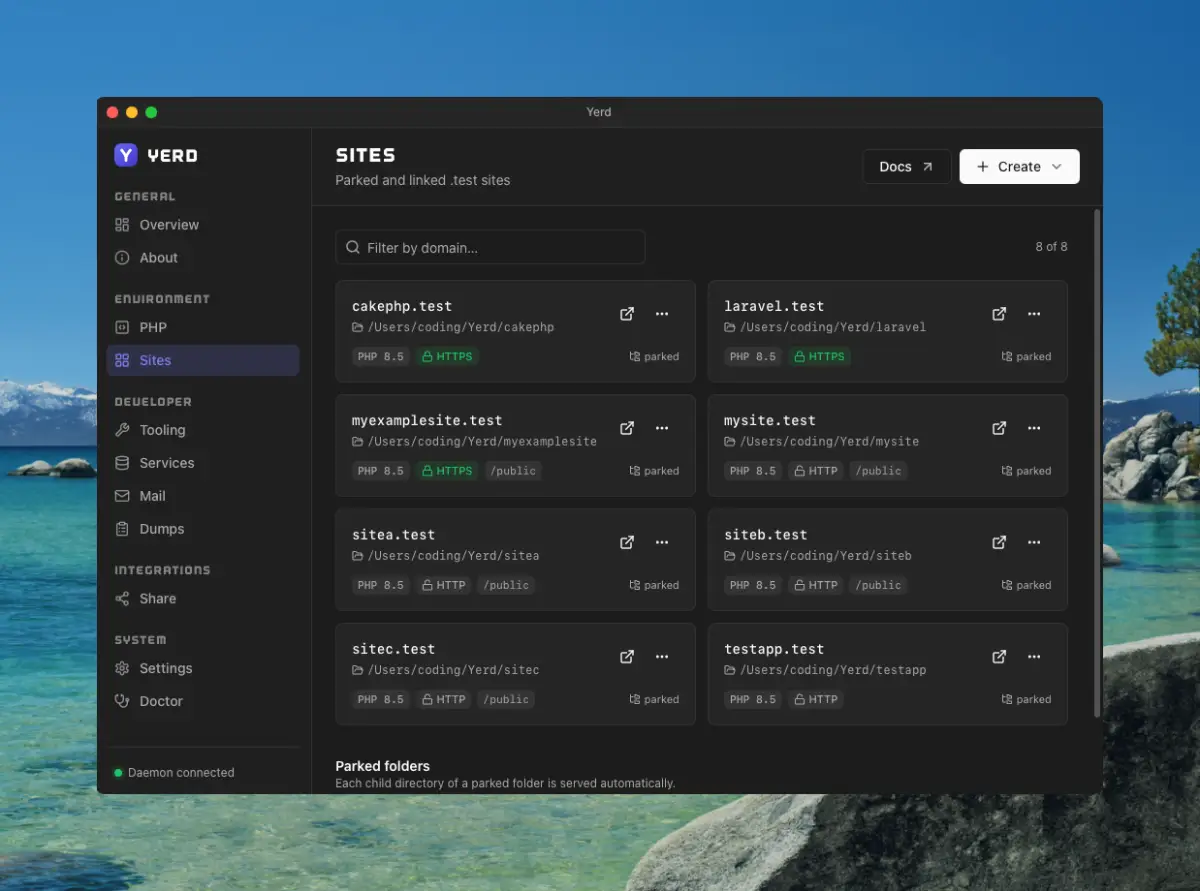
An open-source, Docker-free local PHP environment for macOS and Linux — automatic HTTPS, per-site PHP versions, zero-config sites. A direct alternative to Laravel Herd for developers.

Open sourceNo subscription
What to know
How it works
A local PHP development environment: park a folder and every project inside becomes instantly live at .test; issues per-site HTTPS certificates automatically; installs multiple PHP versions side by side, pinned per site; runs MySQL, MariaDB, PostgreSQL, Redis and an SMTP catcher as native processes supervised by one daemon; streams Laravel dump()/dd(), queries, jobs and requests to a dedicated window.
What's different
Open-source, rootless and Docker-free — a direct alternative to Laravel Herd, MIT licensed with every feature included.
Pricing
Open-source, no subscription.
Best for
macOS and Linux developers running local PHP/Laravel projects who want to avoid Docker.

Watched for 18 days · last checked 2d ago

Details →

A Mac hold-to-talk voice typing tool that transcribes on-device for privacy.

Domain registered 4 months ago

FreeWorks offlineNo subscription
What to know
How it works
Hold Option, speak, release, and text appears at the cursor; SenseVoice transcription runs on-device for free, offline, private use, or bring your own OpenAI Whisper or SiliconFlow key for cloud accuracy.
What's different
Strong on mixed Chinese-English transcription.
Pricing
Free to start; one-time Pro purchase plus optional AI Plus.
Watch out
Requires macOS 14.6 or later.

Watched for 9 days · last checked 6d ago

Details →

Melia

Live

A native Linux desktop email client that connects straight to your IMAP/SMTP mail servers with no cloud relay, middleman account or telemetry, as an alternative to Thunderbird or Evolution.

FreeWorks offlineData stays with youPay once
What to know
How it works
A native Linux desktop email client that connects directly to your mail servers over IMAP and SMTP, storing everything locally in a SQLite database and syncing credentials through the OS keyring so it works fully offline.
What's different
No cloud relay, middleman account, or telemetry — mail stays on your own machine, unlike hosted alternatives.
Pricing
Free for one account with full functionality; a one-time $10 unlock removes the account cap.
Best for
Linux desktop users looking for a native alternative to Thunderbird, Evolution, Geary or Mailspring.

Watched for 18 days · last checked today

Details →

A Mac menu-bar app that uploads dropped files straight to your own Cloudflare R2 bucket and copies a shareable link to your clipboard.

Domain registered 16 days ago

No subscription
What to know
How it works
Drag a file onto the Mac menu bar app and it uploads to your own Cloudflare R2 bucket, converts web-unfriendly formats, and copies a share page link to your clipboard.
What's different
No middleman or subscription; links keep working even if the app goes away.
Pricing
No subscription.
Watch out
macOS only.

Watched for 10 days · last checked 7d ago

Details →

A Windows app that turns real screen actions into annotated step-by-step guides with local OCR and no cloud upload, aimed at IT support, helpdesk and training teams.

Works offlineNo subscriptionCan export my data
What to know
How it works
A local-first Windows app for turning real desktop actions into professional visual guides: it captures clicks and active windows with consent, offers a structured editor, annotations, blur, and local OCR, and exports to PDF, DOCX, HTML, PowerPoint, or Markdown.
What's different
Keeps screenshots, OCR, and documents entirely local on the user's PC, with no SaaS account and no keystroke logging, unlike cloud-based alternatives.
Pricing
Available on Microsoft Store with a one-time lifetime license.
Best for
IT support, helpdesk, QA, operations, and training teams that need step-by-step documentation from real desktop actions.

Watched for 18 days · last checked today

Details →

Ncored

Live

A desktop PDF editor built to stay smooth on huge CAD and construction drawing exports from AutoCAD, Revit and ArchiCAD, running fully offline so drawings never leave your machine.

FreeNo sign-upWorks offlineNo subscription
What to know
How it works
A desktop PDF editor for Windows and Mac built to stay smooth on scroll, zoom and pan across heavy AutoCAD, Revit and ArchiCAD exports and project sets of 50-200MB or more. It runs locally on the user's machine.
What's different
Targets the specific failure mode of general PDF tools — stalling and stuttering on dense CAD/construction drawings with heavy vector line work and hatches — and processes files fully offline.
Best for
Architects, structural/civil engineers, MEP professionals and construction teams working with large, heavy drawing sets.

Watched for 18 days · last checked 2d ago

Details →

A Windows utility that puts a customizable neon glow border around the currently focused window.

Pay onceNo subscription
What to know
How it works
Puts a soft neon glow around whichever window has focus on Windows, with 3 themes and 6 glow animations, adjustable brightness/thickness/spread.
Pricing
One-time purchase, no subscription; free trial on the Microsoft Store.
Best for
People running multiple terminals side by side, like parallel AI coding agents or streaming setups.

Watched for 3 days · last checked 1d ago

Details →

A Windows digital audio workstation with recording, MIDI editing, VST3 support, and AI stem separation, sold as one-time purchase.

No subscription
What to know
How it works
A Windows digital audio workstation with recording, MIDI editing, VST3 support, AI stem separation, audio-to-MIDI and vocal tuning.
Pricing
One-time lifetime license.
Best for
Musicians and producers on Windows wanting a one-time-purchase DAW.

Watched for 3 days · last checked 2d ago

Details →

macOS menu-bar app that throws a full-screen alert before calendar meetings, for people who lose track of time in deep focus work.

Pay onceNo subscriptionNo tracking
What to know
How it works
Full-screen takeover with event title and countdown before each meeting
Pricing
One-time payment, no subscription
Best for
People who miss meetings while heads-down in focused work

Watched for 5 days · last checked 5d ago

Details →

Oryn

Live

A desktop AI coding agent for Windows that writes code from plain-language instructions, using your own AI key or a fully local Ollama model.

Works offlinePay onceNo subscription
What to know
How it works
Reads your codebase and writes code from plain-language task descriptions on Windows.
What's different
Works with your own AI key or fully local via Ollama.
Pricing
One-time payment, no subscription.
Best for
Developers on Windows who want a desktop AI coding agent.
Watch out
Windows only.

Watched for 18 days · last checked 4d ago

Details →

A lightweight Windows utility monitors and manages GPU memory temperature during AI inference or gaming, for owners of high-performance laptops trying to avoid thermal throttling.

Domain registered 5 months ago

FreeNo subscription
What to know
How it works
Monitors GPU memory junction temperature via low-level hardware telemetry and applies software-defined duty-cycling (millisecond-level pulse throttling) to prevent thermal-driven performance drops during AI inference or gaming.
What's different
Targets memory junction temperature specifically, which standard tools like MSI Afterburner only tune for the GPU core, not the memory hotspot that triggers emergency throttling.
Pricing
Pulse Throttling is free.
Best for
Owners of high-performance gaming or AI laptops running sustained local inference (Stable Diffusion, llama.cpp, Ollama) who see performance drop from memory overheating.

Watched for 9 days · last checked 9d ago

Details →

A local-first clipboard and screenshot manager for Mac that keeps a searchable visual history of everything you copy, tagged by source app and time.

Domain registered 9 months ago

Works offlinePay onceNo subscription
What to know
How it works
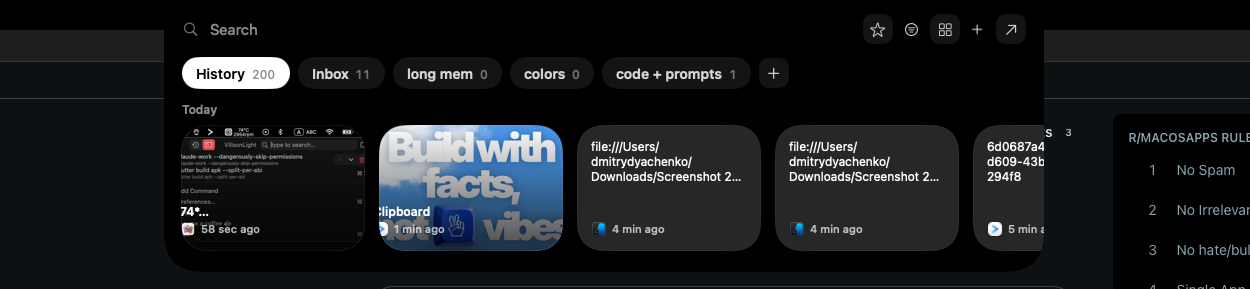
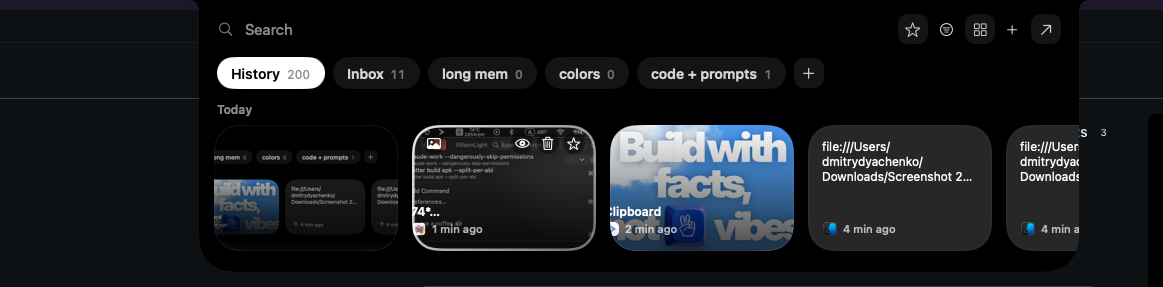
A local-first clipboard and screenshot manager for Mac that keeps a searchable visual history of everything copied, tagged by source app and time, accessible from a menu-bar dropdown. Colors show as live swatches, screenshots are searchable by the text inside them, and sensitive items like passwords are detected and skipped.
What's different
Fully offline with nothing synced to a server, versus clipboard tools that rely on cloud sync.
Pricing
One-time purchase with lifetime updates, no subscription.
Best for
Mac users who want quick access to clipboard and screenshot history without cloud storage.

Watched for 10 days · last checked 10d ago

Details →

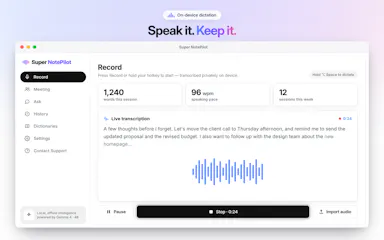
On-device AI dictation and meeting notetaker for Mac and iOS that works offline without an account.

Domain registered 1 month ago

FreeNo sign-upWorks offlineNo subscription
What to know
How it works
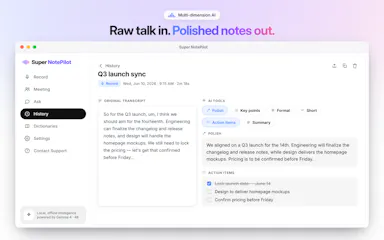
Runs 100% on-device using Gemma and Whisper for push-to-talk dictation into any app, live meeting transcripts, AI rewriting, and asking questions across notes.
What's different
No cloud, no account, no subscription.
Pricing
Free for macOS and iOS.
Watch out
Windows and Android support are coming soon, not yet available.

Watched for 10 days · last checked 7d ago

Details →

Mithar

Live

A desktop AI agent that handles lead gen, follow-up emails, proposals and SEO for you, aimed at solo founders and small agencies wanting enterprise automation without enterprise pricing.

No subscription
What to know
How it works
An agentic AI desktop app that automates lead generation, sales pipeline follow-ups, personalized emails, AI-generated proposals, SEO analysis, and a RAG knowledge base built from your own documents.
Pricing
Currently in beta; the first 50 users get lifetime pricing.
Best for
Solo founders, freelancers and small agencies who want enterprise-level automation without enterprise pricing.

Watched for 17 days · last checked 1d ago

Details →

Live desktop orbs for Claude, Codex & Antigravity

FreeWorks offlineNo subscription

First seen today

Details →

Opus Clip| Turn videos into viral TikToks, Reels & Shorts

FreeWorks offlineNo subscriptionCan export my data

First seen today

Details →

The beautiful Mac break reminder that stays out of your way

Works offlinePay onceNo subscription

First seen today

Details →