Tools without a subscriptionWorks with Chrome

9 match your filters — 8 of them answered our check today.

Watching this group for 18 days · how we check

This week1 new arrival

Narrow it down

A free Chrome extension that converts PDFs to editable Excel spreadsheets in one click. Text PDFs are parsed locally, while scanned or image PDFs use cloud-based AI table extraction.

FreeNo sign-upNo subscription
What to know
How it works
A Chrome extension that converts a PDF into an editable Excel spreadsheet in one click; text-based PDFs are parsed instantly and locally, while scanned or image PDFs go through AI-powered table extraction over HTTPS.
Pricing
Free, no login or subscription, no size limits.
Best for
Anyone who needs a quick, no-signup way to turn PDF tables into editable spreadsheets.
Watch out
Text PDFs stay local, but scanned or image-based PDFs are sent over HTTPS for cloud AI extraction rather than processed on-device.

Watched for 10 days · last checked 4d ago

Details →

A free Chrome extension that boosts individual tab volume up to 600% with per-tab memory and a built-in equalizer, all processed locally on your device.

FreeData stays with youNo subscriptionNo ads
What to know
How it works
A Chrome extension that boosts the volume of individual tabs up to 600%, with per-tab volume memory, a built-in equalizer, and keyboard shortcuts, processing audio locally on-device.
Pricing
Free forever, no ads or subscriptions.
Best for
People who need louder audio on specific Chrome tabs with quiet source audio.

Watched for 13 days · last checked 7d ago

Details →

Rivlet

Live

A free Windows download manager that splits files across connections for faster downloads, with no ads, telemetry or subscription. Pitches itself as a modern, better-looking alternative to IDM.

FreeNo subscriptionNo adsNo tracking
What to know
How it works
Splits each download across multiple connections to finish large files faster, and connects to Chrome or Edge to grab downloads including full-res video in one click, with control over quality and save location.
What's different
No ads, telemetry or subscription, and a modern light/dark interface, positioned against older download managers like IDM.
Pricing
Free.
Best for
Windows 11 users who want faster downloads without ads or a subscription.

Watched for 12 days · last checked 6d ago

Details →

Focora

Live

A free Chrome extension combining a site blocker, Pomodoro timer and task list, with automatic site categorization and no blocking cap or subscription.

Domain registered 10 months ago

FreeNo sign-upNo subscription
What to know
How it works
A free Chrome extension combining a distraction-site blocker, Pomodoro timer and task manager, with a local-only mode that keeps data in the browser.
What's different
Automatically categorizes the sites you visit so you can see where your time went, instead of manually choosing what to block; no cap on the number of blocked sites and no subscription.
Pricing
Free, no subscription.
Best for
People wanting to block distracting sites and track time without a paywall or site-blocking limit.

Watched for 13 days · last checked 2d ago

Details →

Victor

Live

A browser extension that reads the page you're on automatically so you can ask questions about it right away, without copy-pasting.

Domain registered 9 days ago

No sign-upNo subscription
What to know
How it works
Works across Chrome, Edge, and Firefox; highlight text to ask about it; reads PDFs natively.
What's different
Reads the page automatically instead of requiring copy-paste like other AI extensions.
Pricing
No account, no API key, no subscription.
Best for
People who want quick AI Q&A on whatever page they're reading.

Watched for 6 days · last checked 5d ago

Details →

A Chrome screenshot and annotation tool that runs entirely locally with five capture modes and eight annotation tools, instead of uploading screenshots to a cloud service.

FreeNo sign-upWorks offlineData stays with you
What to know
How it works
Captures screenshots (visible, full page, region, element, timed) and adds annotations such as arrows, shapes, text, and blur, locally in the browser.
Pricing
Free tier with all modes and tools, no watermark; Pro is a $39 one-time purchase for extra formats and history.
Watch out
About 50KB, built with vanilla JS.

Watched for 13 days · last checked 9d ago

Details →

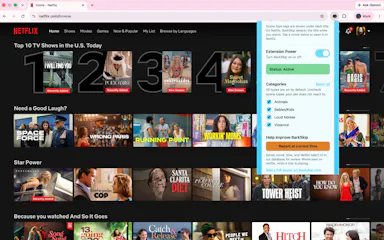
A Chrome extension that mutes and skips barking dogs, doorbells and other trigger sounds in Netflix shows so a reactive dog stays calm. Free for five movies, then a one-time $15 unlock, no subscription.

Pay onceNo subscription
What to know
How it works
A Chrome extension that automatically detects and skips or mutes mapped trigger sounds — barking dogs, doorbells, loud noises — while watching Netflix, so a noise-reactive dog stays calm.
What's different
Uses a hand-mapped catalog of trigger moments rather than generic audio filtering.
Pricing
Free for 5 flagship movies, then a $15 one-time fee for the full catalog; no subscription.
Best for
People with noise-reactive dogs who want to watch Netflix without pausing to mute triggering sounds.
Watch out
Only works on Netflix, and only for movies that have been hand-mapped into the catalog.

Watched for 17 days · last checked 8d ago

Details →

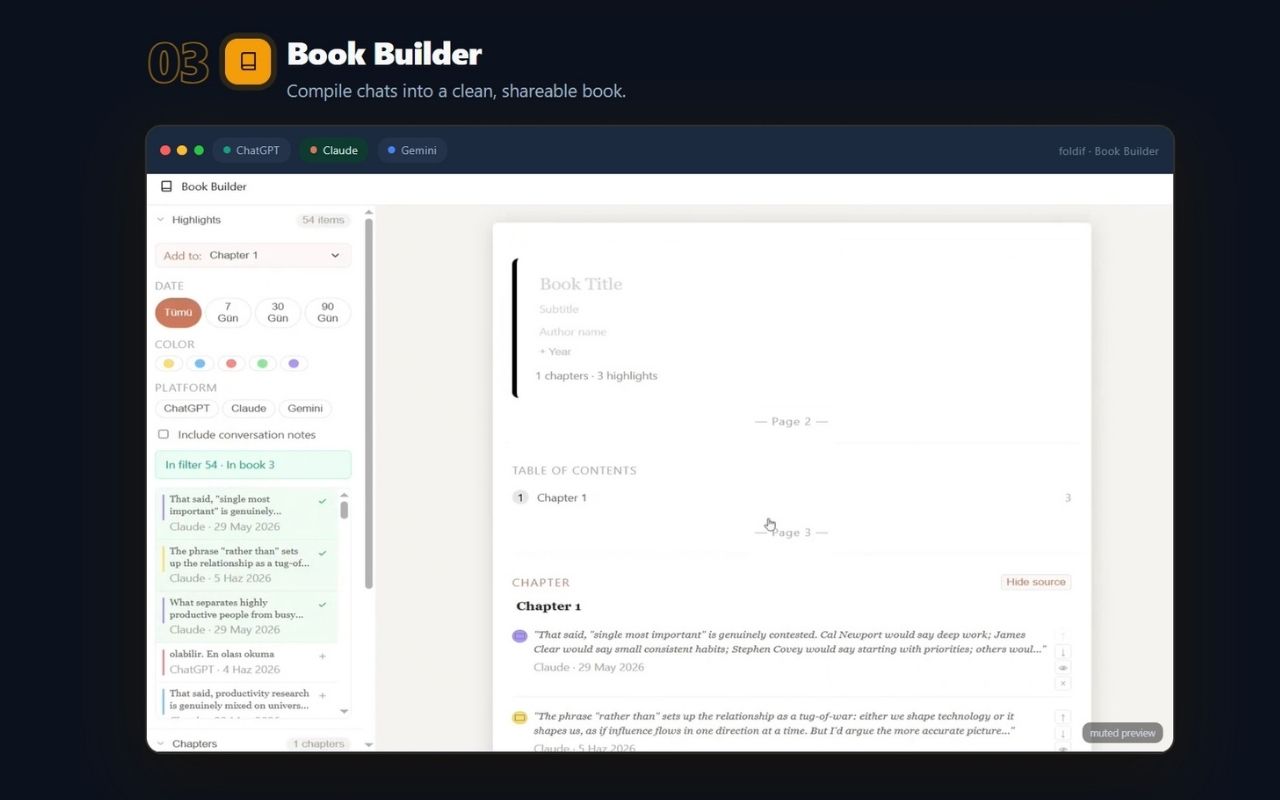
Foldif

Live

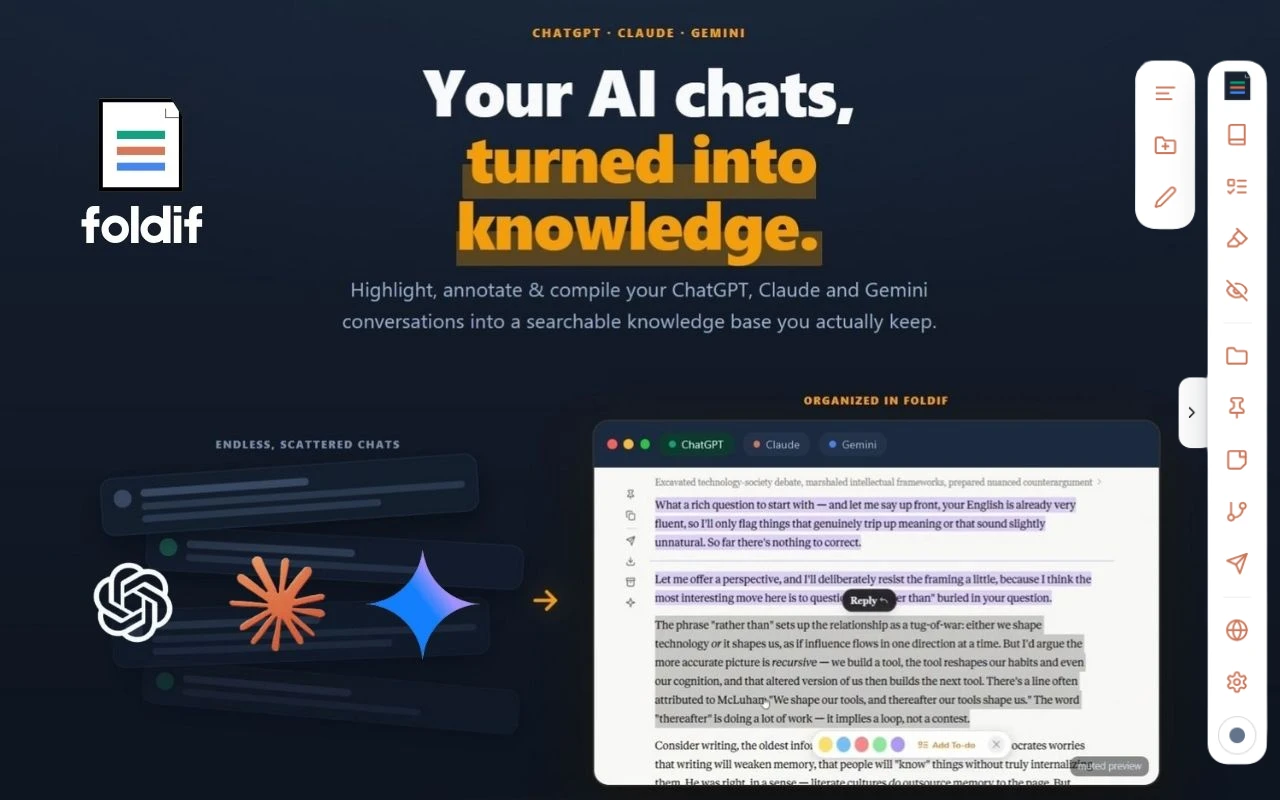
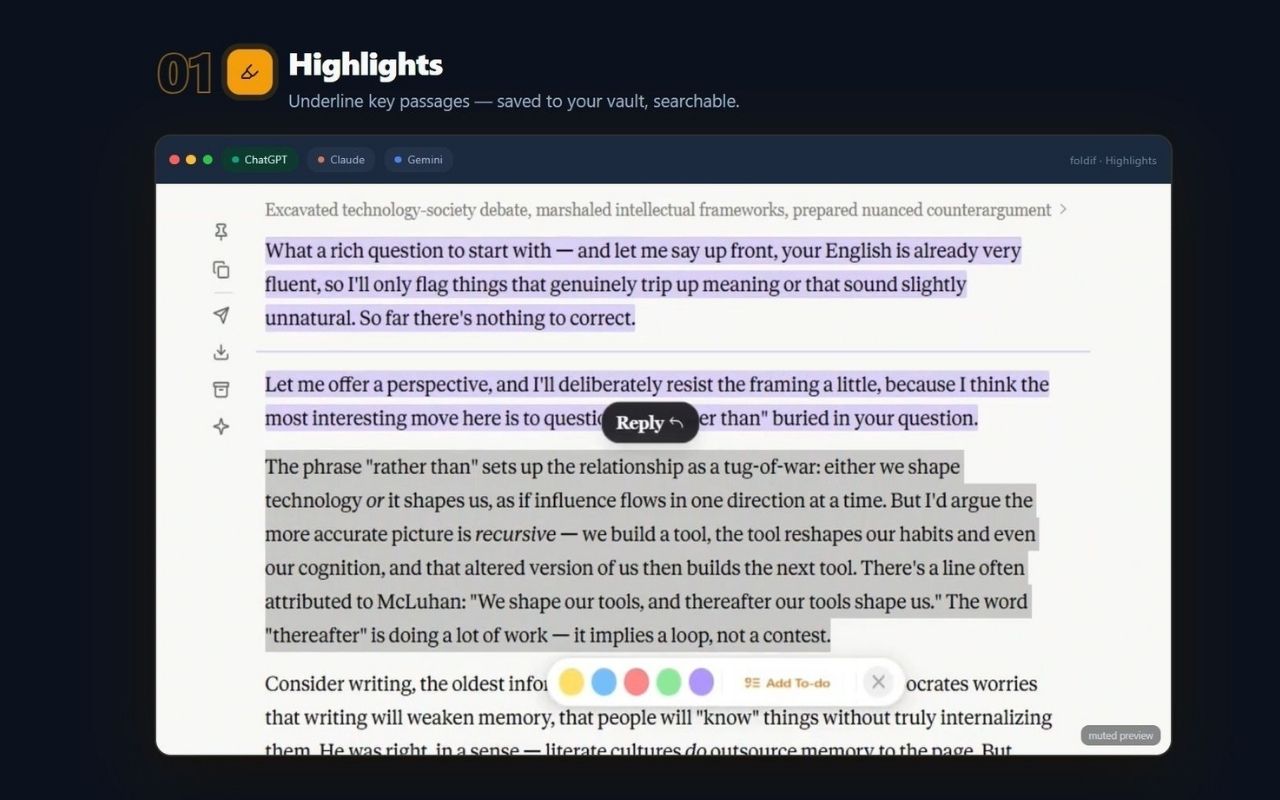
Keeps the good parts of your AI chats. It sits on top of ChatGPT, Claude and Gemini in the browser, lets you highlight answers and annotate them in the margin, then pulls the keepers into a document you can export.

No subscription
What to know
How it works
Installs as a browser extension (Chrome, Edge, Brave, Arc) and adds highlighting and margin notes directly on the chat pages you already use. Selections collect into a "book" you can export as PDF, HTML, Markdown or PNG.
What's different
Covers three assistants rather than one — a thread can move between ChatGPT, Claude and Gemini. Notes stay on the page where you made them instead of in a separate app you have to remember to open.
Pricing
Free tier: no credit card, no time limit. Pro is $89/year or $249 lifetime; the first 100 buyers get a $79 one-time Founder Lifetime.
Best for
People who use more than one AI assistant every day and keep losing good answers in the scroll-back — researchers, writers, and students who turn answers into flashcards.
Watch out
Needs an account. Storage is local by default and cloud sync is opt-in and encrypted (the site says AES-256-GCM), but sync still means the data leaves your machine. Every claim here is the product's own — we have not verified the encryption.

Watched for 18 days · last checked today

Details →

Snip any tab region to GIF & HD WebM. 100% on-device.

FreeWorks offlineNo subscriptionCan export my data

First seen today

Details →