Tools without a subscriptionScreenshots

9 match your filters — 9 of them answered our check today.

Watching this group for 18 days · how we check

This week2 new arrivals

Tidy

Live

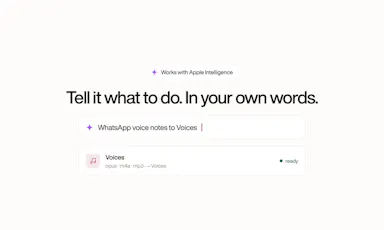
Mac menu-bar app that auto-archives and renames screenshots, ejects/trashes installers, and sorts Downloads, all on-device.

Domain registered 16 days ago

Works offlinePay onceNo subscription
What to know
How it works
on-device OCR and Apple Intelligence rename and sort new files
What's different
only touches new files, never deletes
Pricing
$9 one-time, no subscription

Watched for 6 days · last checked today

Details →

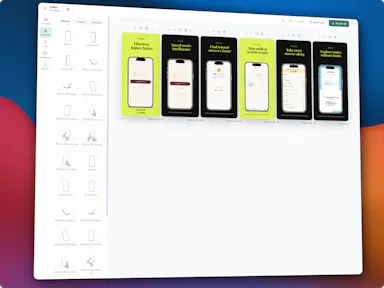
Generates App Store/Google Play screenshots, AI-translated metadata in 30+ languages, and a landing page with legal pages, so solo developers can finish store listing assets in one place.

No subscription
What to know
How it works
Device-framed screenshots, AI-generated metadata in 30+ languages, landing page with Privacy Policy/Terms included.
Pricing
Start free, then a one-time upgrade with no subscription.

Watched for 2 days · last checked 1d ago

Details →

A browser tool that captures full-length screenshots of pages with lazy-loaded content, then lets you annotate and export as PNG or PDF, instead of a screenshot that stops at the visible fold.

Domain registered 17 days ago

No subscriptionCan export my data
What to know
How it works
Pre-scrolls the entire page before capturing so lazy-loaded content is included, stitches it into one screenshot, and offers built-in annotation.
Pricing
$19.99 one-time, lifetime licence
Best for
capturing long web pages accurately

Watched for 13 days · last checked 10d ago

Details →

A Mac clipboard history tool that keeps text, images, colors and file paths stored locally, with no cloud sync and no subscription fee.

Works offlineNo subscription
What to know
How it works
A Mac clipboard history app that saves copied text, links, images, screenshots, colors and file paths, then lets you search and paste them back with a global shortcut and numbered quick paste.
Pricing
No subscription.
Best for
Mac users who want clipboard history stored locally without syncing to the cloud.

Watched for 13 days · last checked 11d ago

Details →

Gleam

Live

Wraps app screenshots in device frames and backgrounds, exporting every size needed for iPhone, iPad, Android and Mac stores in one click. A one-time-purchase desktop app (not mobile), runs fully offline.

Domain registered 19 days ago

Works offlinePay onceNo subscription
What to know
How it works
Takes a plain app screenshot and wraps it in device frames, backgrounds, and text layers, exporting every size required for iPhone, iPad, Android, and Mac app stores from one project in one click.
What's different
Runs completely offline on macOS, Windows, or Linux, keeping data private, unlike browser-based mockup tools.
Pricing
$19 one-time payment, no subscription.
Best for
App developers preparing store screenshots who want to skip manually recreating frames in Figma or Photoshop.

Watched for 13 days · last checked 11d ago

Details →

A Chrome screenshot and annotation tool that runs entirely locally with five capture modes and eight annotation tools, instead of uploading screenshots to a cloud service.

FreeNo sign-upWorks offlineData stays with you
What to know
How it works
Captures screenshots (visible, full page, region, element, timed) and adds annotations such as arrows, shapes, text, and blur, locally in the browser.
Pricing
Free tier with all modes and tools, no watermark; Pro is a $39 one-time purchase for extra formats and history.
Watch out
About 50KB, built with vanilla JS.

Watched for 13 days · last checked 9d ago

Details →

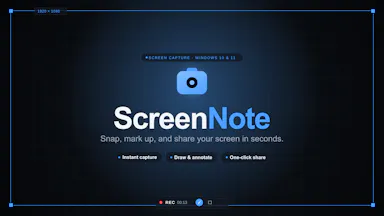
A tool that lets you snip a screenshot and add one note, saving both as a file bundle an AI assistant can read directly, instead of retyping context for the AI each time.

FreeNo sign-upWorks offlineNo subscription
What to know
How it works
Snips a screen region, saves a note baked into the PNG metadata plus a Markdown sidecar and a rolling index file, and works fully offline with no account or telemetry.
Pricing
Free core; one-time $9.99 for Pro, no subscription.

Watched for 18 days · last checked 9d ago

Details →

Tool for creating polished App Store and Google Play screenshots from templates with device frames and batch export.

No subscriptionCan export my data
What to know
How it works
Provides ready-to-use templates, iPhone and Android device frames, custom text/fonts/colors/backgrounds, high-resolution export, and batch generation for App Store and Google Play screenshots.
Pricing
Free to start; Pro available as a one-time lifetime purchase.
Watch out
No design skills required.

Watched for 9 days · last checked 6d ago

Details →

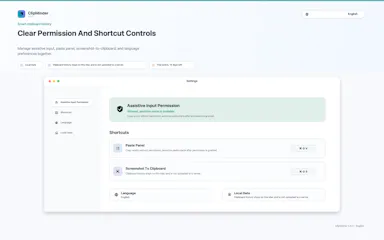
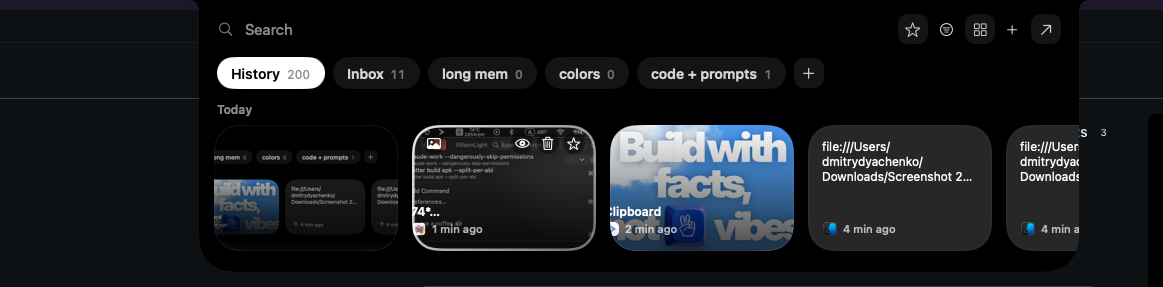
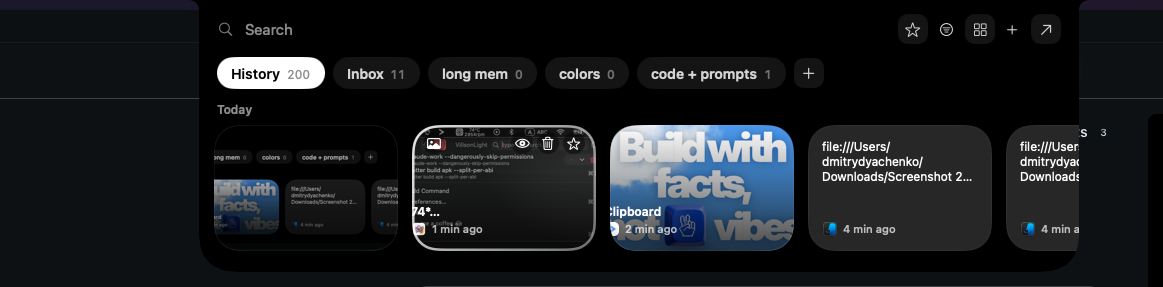
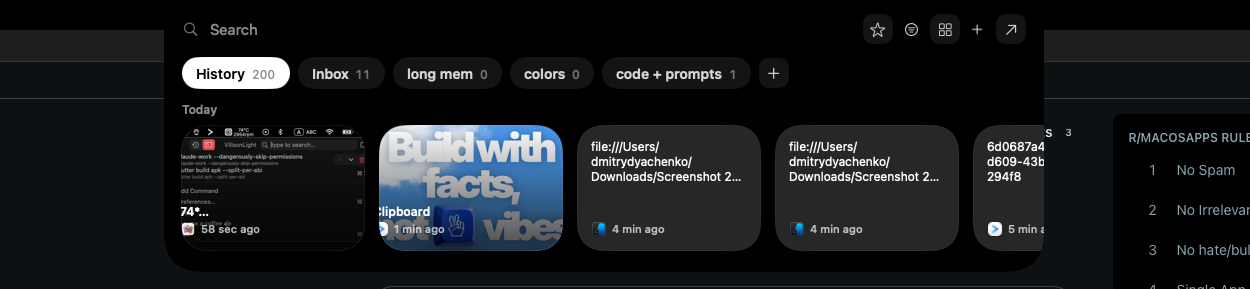
A local-first clipboard and screenshot manager for Mac that keeps a searchable visual history of everything you copy, tagged by source app and time.

Domain registered 9 months ago

Works offlinePay onceNo subscription
What to know
How it works
A local-first clipboard and screenshot manager for Mac that keeps a searchable visual history of everything copied, tagged by source app and time, accessible from a menu-bar dropdown. Colors show as live swatches, screenshots are searchable by the text inside them, and sensitive items like passwords are detected and skipped.
What's different
Fully offline with nothing synced to a server, versus clipboard tools that rely on cloud sync.
Pricing
One-time purchase with lifetime updates, no subscription.
Best for
Mac users who want quick access to clipboard and screenshot history without cloud storage.

Watched for 10 days · last checked 10d ago

Details →