Tools that work offline, on your own deviceDesktop app

200 match your filters — 198 of them answered our check today.

Watching this group for 20 days · how we check

This week105 new arrivals3 stopped answering

Desktop teleprompter for presenters that overlays a click-through script on any app while staying invisible in screen recordings.

Domain registered 10 months ago

Works offline
What to know
How it works
Floating click-through script overlay with voice-activated auto-scroll
What's different
Invisible in screen recordings and to viewers, unlike normal teleprompters
Best for
People presenting demos, webinars, or interviews on camera

Watched for 5 days · last checked today

Details →

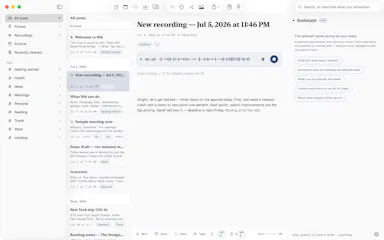
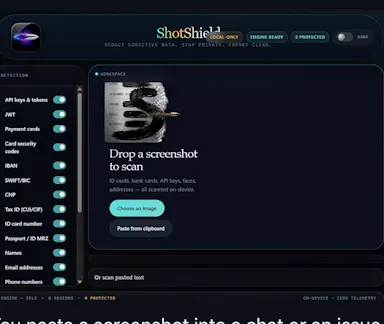
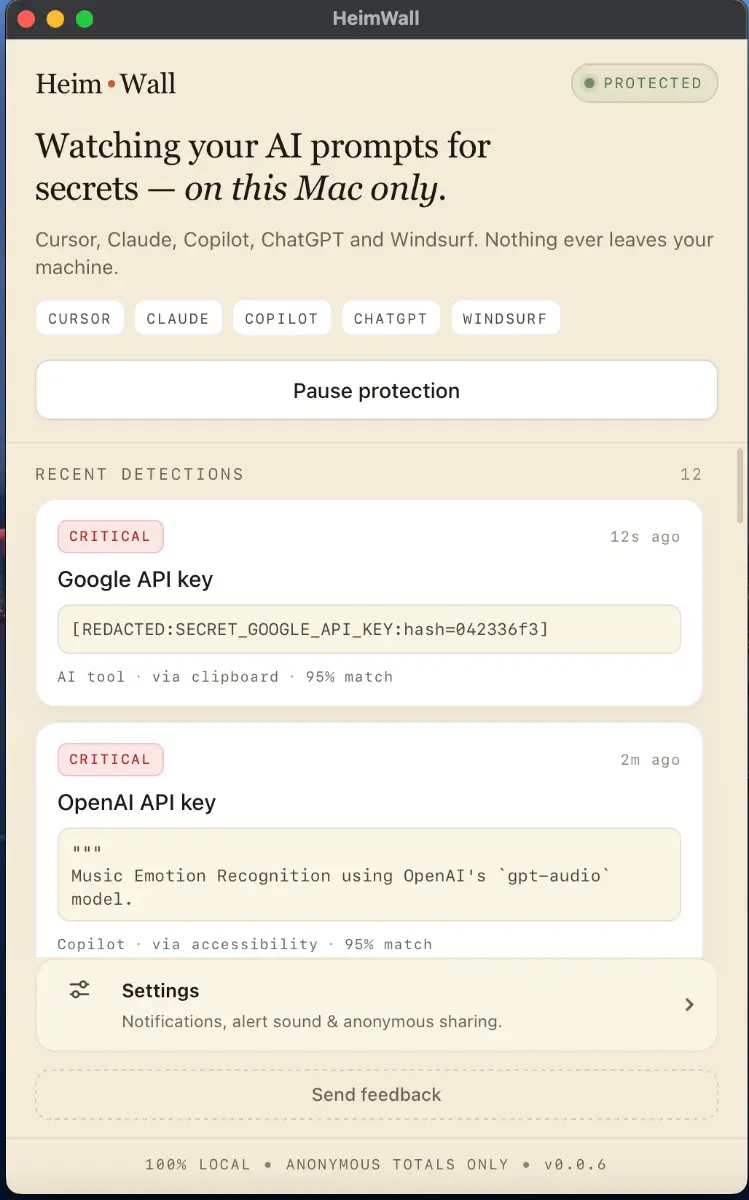
Local macOS scanner that blocks secrets and PII from leaking into AI coding-tool prompts, for engineers who don't want to rely on cloud DLP.

Domain registered 4 months ago

FreeWorks offline
What to know
How it works
A macOS app that scans prompts in real time before they reach AI coding tools like Cursor, Claude Code, and Copilot, flagging leaked API keys, credentials, and PII using 47 local detection rules in under 50ms.
What's different
Detection happens on-device before data leaves the machine, and uses soft notifications instead of hard blocks so it doesn't interrupt the coding flow.
Pricing
Free 15MB macOS application for engineers; an early-access dashboard is offered separately for organizations.
Best for
Engineers using AI coding assistants who want to avoid pasting live secrets into prompts.

Watched for 9 days · last checked 2d ago

Details →

Skim

Live

Free, open-source, minimal, local-first email client for Windows with a native Rust core and optional bring-your-own-key AI drafting.

FreeWorks offlineOpen sourceNo tracking
What to know
How it works
native Rust/Tauri core, ~5MB installer, instant full-text search
What's different
minimal by design, zero telemetry, bring your own AI key
Pricing
free (MIT)
Best for
Windows users wanting a fast local email client

Watched for 6 days · last checked today

Details →

A Mac app that watches your posture, eye strain, and stress via webcam while you work and nudges you before it becomes a problem.

Works offlineData stays with you
What to know
How it works
On-device computer vision monitors posture, eye health, and stress signals during screen work
What's different
Focuses on how screen time affects your body, not just how long you've used the screen
Best for
People doing long hours of screen-based work (coding, writing, meetings)
Watch out
Mac only currently, Windows launching soon

Watched for 6 days · last checked today

Details →

drifty

Live

An automatic, no-manual-timer time tracker for Mac that uses AI to distinguish focus from distraction and nudges you back on task.

Works offline
What to know
How it works
Automatically tracks activity and context, visualizes workflow, detects sustained distraction and nudges you back.
Pricing
Runs locally for privacy, with optional cloud use.
Best for
Individuals wanting visibility into where their workday goes without manual timers.

Watched for 2 days · last checked 2d ago

Details →

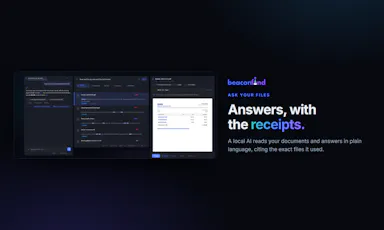
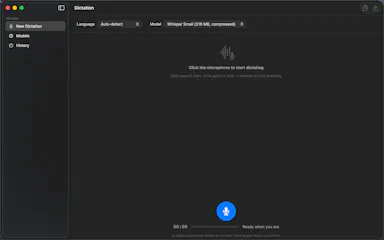
Real-time offline dictation and speech-to-text for meetings and notes on Mac that keeps everything private and processed locally instead of in the cloud.

Works offline
What to know
How it works
Provides realtime AI dictation and speech-to-text for meetings and notes, running privately and offline on Mac.

Watched for 7 days · last checked 1d ago

Details →

Analyzes contracts with AI that runs entirely on your device, so documents never leave your machine or reach a cloud server.

Works offline
What to know
How it works
Analyzes contracts using AI that runs locally on your device, so documents never leave your machine or reach a cloud server.
What's different
Fully offline processing instead of sending documents to a cloud service.
Best for
Anyone reviewing sensitive contracts who wants to keep documents off the cloud.

Watched for 18 days · last checked today

Details →

Typer

Live

Ask your Mac anything. Free AI, no cloud, no account

Domain registered 6 months ago

FreeNo sign-upWorks offline
What to know
How it works
A local AI assistant on Mac that answers questions without sending data to the cloud or requiring an account.
Pricing
Free.

Watched for 9 days · last checked today

Details →

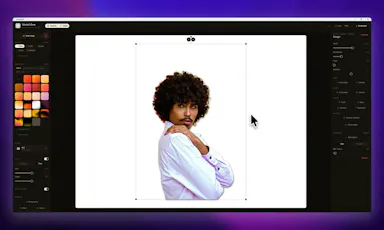
A Windows screenshot tool that adds designed backgrounds, annotation, and on-device background removal, built as a CleanShot X equivalent for Windows users.

Works offlineNo subscription
What to know
How it works
Captures a region, applies a styled backdrop and annotations, and removes backgrounds using on-device AI that never uploads images.
Pricing
$9 one-time, lifetime license, no subscription, 30-day money-back guarantee.
Watch out
Built and maintained by a single solo developer.

Watched for 7 days · last checked 1d ago

Details →

A desktop image upscaler that reconstructs existing detail instead of using generative AI, running fully offline for a one-time payment instead of a subscription.

Domain registered 4 months ago

FreeNo sign-upWorks offlinePay once
What to know
How it works
Runs offline after activation (under 150 MB with models included), CPU-optimized for Apple Silicon and also works on Windows, with batch processing and no per-image limits.
What's different
Positions itself against generative AI upscalers by avoiding hallucinated detail and producing the same result every run.
Pricing
10 free images, no signup, no watermark; early-bird one-time price $39/€39.
Best for
people who want consistent image upscaling without uploading photos to the cloud.

Watched for 12 days · last checked today

Details →

LeLuca

Live

Records and transcribes Mac meetings entirely on-device, then turns them into searchable AI notes, for people who don't want audio leaving their machine.

FreeWorks offlineData stays with youCan export my data
What to know
How it works
records mic+system audio, transcribes locally with Whisper, generates TL;DR/decisions/action items
What's different
100% on-device transcription, optional bring-your-own ChatGPT/Claude for notes
Pricing
free on Mac App Store
Best for
Mac users who need private meeting notes

Watched for 4 days · last checked today

Details →

A native macOS music player for people who want their own audio library organized and playing offline, not streaming.

Domain registered 1 month ago

Works offline
What to know
How it works
Reads local files and metadata to organize your library
What's different
plays nearly any format, deep macOS integration
Best for
macOS users with local music libraries

Watched for 6 days · last checked today

Details →

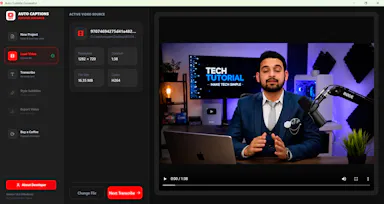
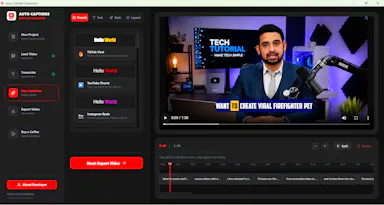
Adds live captions and offline subtitle generation for meetings, calls, and local videos in one macOS app.

Domain registered 10 months ago

Works offline
What to know
How it works
captions system audio live and generates/exports subtitles for local video files
What's different
timecode lookup jumps back to the relevant moment instead of replaying the whole session

Watched for 4 days · last checked today

Details →

A voice-following teleprompter for live calls/webinars that adapts scroll speed to your actual speech instead of a fixed rate or foot pedal.

Works offlinePay onceNo subscription
What to know
How it works
Listens to your voice and scrolls to match, works live inside Zoom/Meet/Teams/OBS and stays hidden during screen-share.
What's different
On-device processing, one-time price instead of subscription.
Pricing
One-time price, no subscription.

Watched for 2 days · last checked 2d ago

Details →

A macOS menu-bar app that turns your own local video files into live wallpapers, fully offline and open-source with no account or cloud step.

No sign-upWorks offlineOpen sourceNo tracking
What to know
How it works
A macOS menu bar app that turns local video files into live desktop wallpapers, and converts/patches videos for macOS's native lock screen wallpaper support.
What's different
Fully open-source, offline and private — no accounts, cloud or telemetry — unlike commercial live-wallpaper alternatives.
Best for
macOS users who want live wallpapers from their own video files without sending anything to the cloud.

Watched for 13 days · last checked 2d ago

Details →

Pandia

Live

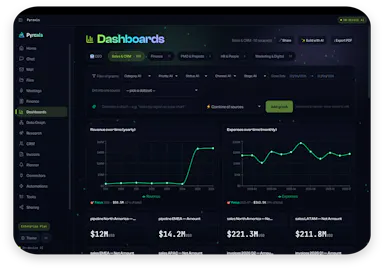
Native desktop app for opening and editing multi-gigabyte JSON files instantly, for developers who hit size limits in browser-based JSON viewers.

FreeWorks offlineData stays with youOpen source
What to know
How it works
Opens huge files with no upload, shows JSON as Tree, Code, Grid, Graph, or Compare views, generates types for 9 languages.
What's different
Handles multi-gigabyte files offline where most JSON tools choke or require upload.
Pricing
Free
Watch out
Desktop-only (macOS, Windows, Linux).

Watched for 5 days · last checked today

Details →

AVE

Live

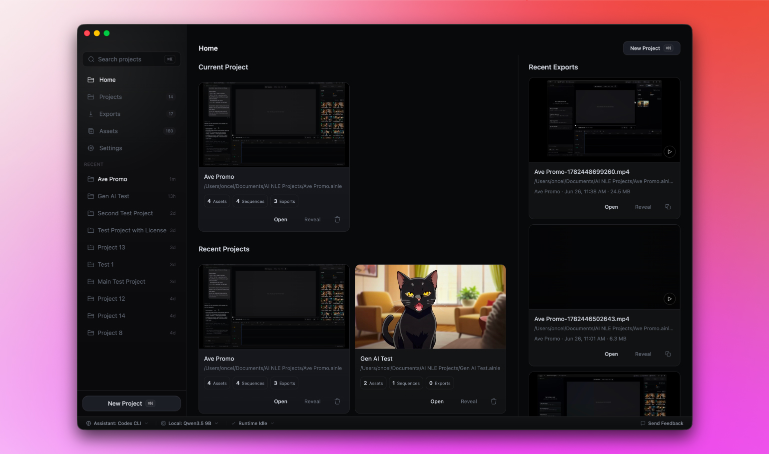
Local-first AI video editor for Mac that searches footage by what's shown or said and assembles it into a timeline.

Domain registered 2 months ago

Works offline
What to know
How it works
Imports footage, analyzes transcripts and visual notes, and lets you search clips by what appears or is said, then assemble them into a timeline.
What's different
Local-first — the project stays on your Mac by default.

Watched for 4 days · last checked today

Details →

A local-first, paid-once daily planner for people who keep their life in plain text files, currently available on macOS.

Domain registered 1 month ago

Works offlineCan export my data
What to know
How it works
A local-first planner using plain text files, with daily/time-based planning and a today-focused view.
Pricing
Paid once.
Best for
People who keep their life in plain text files, currently on macOS.

Watched for 12 days · last checked 2d ago

Details →

A free voice-to-structured-markdown notes app that runs entirely offline on Mac/iOS using a local LLM, for people who don't want their dictation sent to the cloud.

FreeWorks offline
What to know
How it works
Global dictation shortcut, live markdown editor with on-the-fly LLM fixes, all local.
Pricing
Free.
Watch out
Local LLM only — no cloud/API-key option mentioned, unlike some competitors.

Watched for 2 days · last checked 2d ago

Details →

Oats

Live

A free, fully on-device meeting note-taker that transcribes and blends your typed notes without ever sending audio to the cloud or requiring an account, unlike most paid cloud notetakers.

FreeNo sign-upWorks offlineNo subscription
What to know
How it works
On-device transcription blended with your typed notes into a write-up; optional bring-your-own model key or fully offline.
What's different
Most competitors still upload audio to their cloud and cost $18+/mo; this doesn't and is free.
Pricing
Free.

Watched for 2 days · last checked 2d ago

Details →

Bundle of 100+ Mac utility tools (cleanup, PDFs, file conversion) in one native app instead of installing separate apps for each.

Domain registered 1 month ago

Works offline
What to know
How it works
all processing happens on-device
Best for
Mac users who'd otherwise collect many small single-purpose utilities
Watch out
Mac only

Watched for 6 days · last checked today

Details →

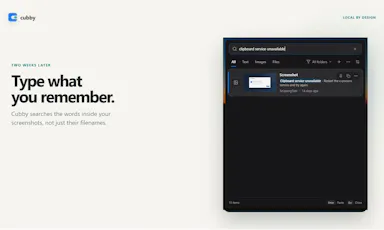
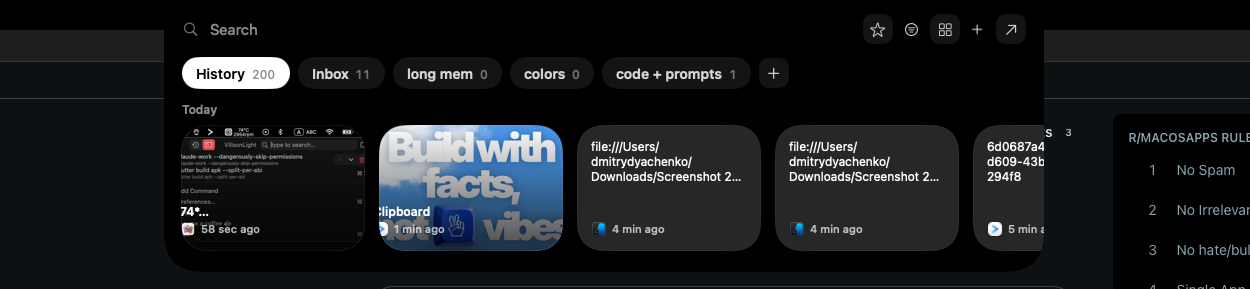
Windows clipboard history tool that lets you search past screenshots by the text visible inside them, all stored locally.

No sign-upWorks offline
What to know
How it works
Offline OCR indexes screenshot text so it's searchable; encrypted local storage
What's different
No account, cloud, or telemetry, unlike most clipboard managers

Watched for 4 days · last checked today

Details →

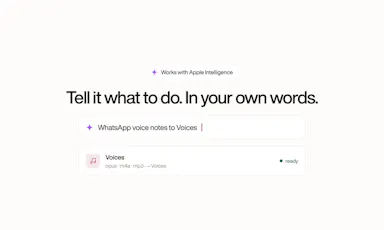
Free open-source Mac dictation app that types cleaned-up text into any app entirely on-device, no account needed.

FreeNo sign-upWorks offlineOpen source
What to know
How it works
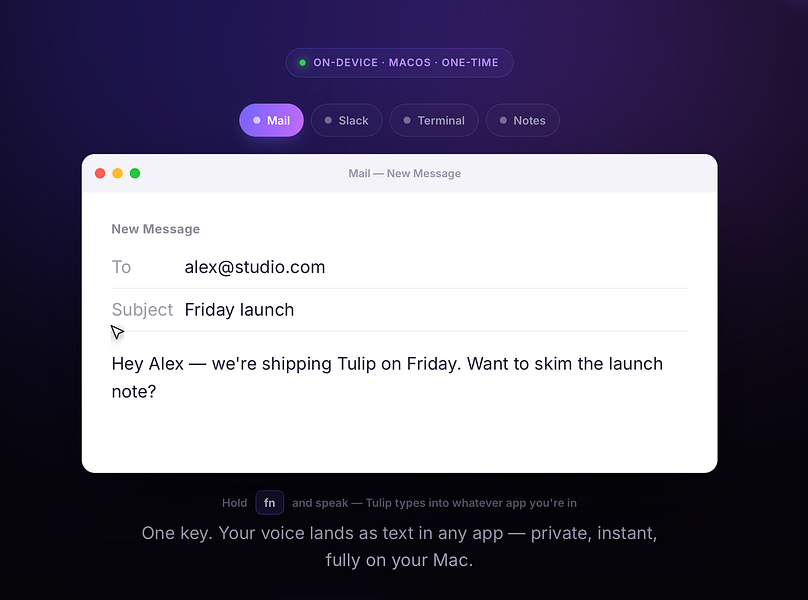
Hold a key, speak, on-device model transcribes and cleans up fillers/self-corrections
What's different
100% on-device, no account or server required
Pricing
Free, MIT-licensed

Watched for 4 days · last checked today

Details →

Lets people encrypt files with PGP without a GnuPG install instead of using command-line-only tools.

Works offlineOpen sourceNo tracking
What to know
What's different
compatible with GPG, Kleopatra, and Thunderbird
Pricing
free, MIT license

Watched for 1 day · last checked 1d ago

Details →

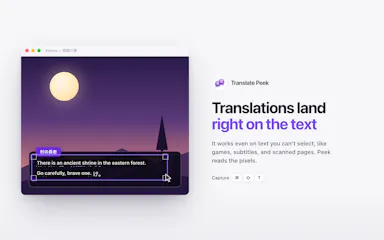
Lets Mac users translate on-screen text like manga or menus in place instead of retyping it into a separate translator, fully offline.

Works offline
What to know
What's different
strong Japanese, Korean, and Chinese support; live mode keeps translating a changing region in real time

Watched for 1 day · last checked 1d ago

Details →

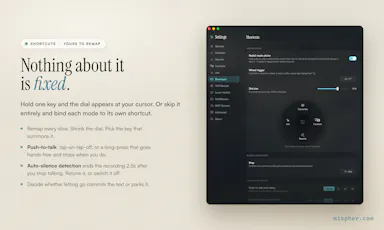
A Mac dictation tool that turns speech into clean text anywhere via a hotkey, with recognition running locally, evolving into an on-device AI assistant you can hand tasks to. No cloud or account required.

Domain registered 1 month ago

FreeNo sign-upWorks offline
What to know
How it works
Hold a key, speak a sentence, and it appears as text in any Mac app; select existing text, press a key, and say what's wrong with it to have it rewritten in place. Speech recognition runs entirely on the Mac.
What's different
No audio ever leaves the device -- recognition and rewriting both run locally.
Pricing
Free trial.
Best for
Mac users who think faster than they type and want to dictate or fix text without leaving their current app.

Watched for 10 days · last checked 4d ago

Details →

Nudge

Live

A free, no-account, peer-to-peer file-sharing tool that works browser-to-browser across any device, unlike AirDrop which is locked to Apple hardware.

FreeNo sign-upWorks offline
What to know
How it works
Browser-to-browser WebRTC transfer with peer-to-peer encryption.
What's different
Cross-platform (Android, Windows, Mac, iOS) unlike AirDrop.
Pricing
Free, unlimited file size, no account.

Watched for 2 days · last checked 2d ago

Details →

Tidy

Live

Mac menu-bar app that auto-archives and renames screenshots, ejects/trashes installers, and sorts Downloads, all on-device.

Domain registered 16 days ago

Works offlinePay onceNo subscription
What to know
How it works
on-device OCR and Apple Intelligence rename and sort new files
What's different
only touches new files, never deletes
Pricing
$9 one-time, no subscription

Watched for 6 days · last checked today

Details →

A local-first trading journal with an offline AI coach that reviews your trades and notes to flag costly habits, for traders who don't want their data on someone else's server.

No sign-upWorks offlineNo tracking
What to know
How it works
stores trades and notes in a single local file; AI coach runs against a local model (Ollama, LM Studio)
What's different
open source so the no-cloud claim is verifiable, plus a 'Leak Finder' that prices out bad habits
Best for
prop-firm traders needing drawdown and payout tracking

Watched for 5 days · last checked today
Details →

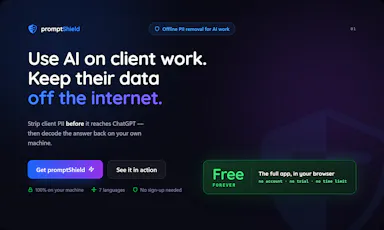
Strips names, emails and other identifying details from documents before you paste them into AI tools, then restores the real values — built for solo professionals, not dev teams.

FreeWorks offline
What to know
How it works
Anonymizes names, emails, IBANs, and other sensitive details in a document across 7 languages before you paste it into any AI tool, then decodes the AI's response to restore the real values — entirely offline.
What's different
Built as a two-minute desktop install for a solo professional, unlike enterprise PII tools that assume a dev team wiring APIs and SDKs into cloud pipelines.
Pricing
Free forever for individuals.
Best for
Solo professionals handling client documents who need to use AI tools without exposing identifying details.

Watched for 17 days · last checked today

Details →

Gives every Mac notification its own sound by app, channel, person, or keyword, so you know who's pinging before you look.

Domain registered 22 months ago

Works offlinePay onceNo subscription
What to know
How it works
rules by app/channel/person/keyword, 70+ sounds or your own
Pricing
$19.99 one-time, lifetime, free trial

Watched for 6 days · last checked today

Details →

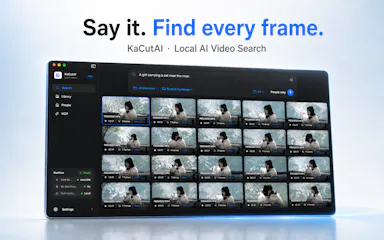
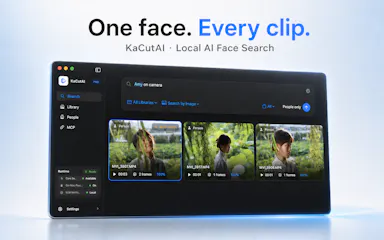
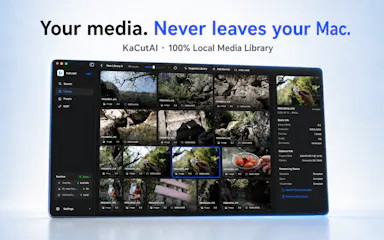
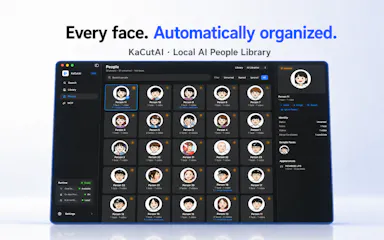
A local, on-device AI search engine for Mac that finds specific moments across your videos, photos and audio by natural-language description instead of filenames.

Works offline
What to know
How it works
Search your media library with natural language (a person, scene, conversation, or on-screen text); powered by on-device AI.
Best for
Creators with large local media libraries.

Watched for 2 days · last checked 1d ago

Details →

Generates private text-to-speech voiceovers locally on a Windows PC in 23 languages, for creators who don't want to upload scripts to a cloud service.

Domain registered 9 months ago

Works offlineCan export my data
What to know
How it works
Runs locally on your PC, no per-character cloud fees
What's different
private, offline processing, no script upload
Best for
creators making voiceovers for videos, courses, or games

Watched for 6 days · last checked today

Details →

A local-first Mac workspace that keeps prompts, notes, and project context together between AI coding sessions, so you don't re-explain the project each time.

Works offline
What to know
How it works
Stores prompts, tasks, and IDE context locally, syncable via iCloud
Best for
developers using AI coding tools across multiple sessions

Watched for 6 days · last checked today

Details →

A free, open-source MCP server that lets AI agents safely read and write your Things 3 tasks, plus adds Kanban, matrix and time-blocking views Things 3 lacks.

FreeNo sign-upWorks offlineOpen source
What to know
How it works
reads are read-only, writes go only through Things' official URL scheme so agents can't corrupt data
Pricing
free, open source (MIT), no cloud or account
Best for
Things 3 users on macOS who want AI task management without risking their data

Watched for 5 days · last checked today
Details →

A zero-knowledge document and photo vault that encrypts sensitive files like passports and wills locally on your device with no cloud account.

Domain registered 2 months ago

No sign-upWorks offlineNo tracking
What to know
How it works
Hardware-encrypted local vault; recovery via a held passphrase or a trusted circle, no company-side reset
Watch out
No password reset possible since the provider never holds a key

Watched for 4 days · last checked today

Details →

Windows tool that shows what's consuming your disk space before deleting anything, with a 7-day undo window for anything removed.

Works offline
What to know
How it works
Scans multiple drives, labels consequences of deletion, simulates cleanup before running it
What's different
Deleted files go to a 7-day Safe Undo Vault instead of being removed immediately
Watch out
Runs locally with no telemetry sent

Watched for 4 days · last checked today

Details →

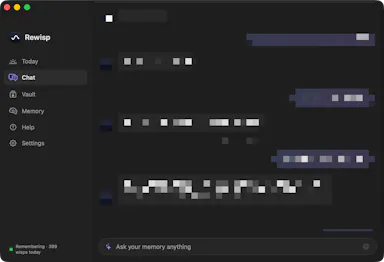
Rewisp

Live

An on-device Mac app that reads your screen to build a searchable memory of what you saw, chase reminders, and track changes, instead of a cloud note-taking or reminder app.

Works offline
What to know
How it works
Reads your screen text on-device, remembers it, catches promises like 'I'll send it Friday' and reminds you, answers 'what changed since Tuesday?', and searches by meaning; fills forms from saved details (never passwords).
What's different
Fully private — screenshots are never saved, only extracted text stays on the Mac.
Watch out
Mac only; delivers one quiet 9 PM summary each day.

Watched for 8 days · last checked 2d ago

Details →

A Windows app that enforces regular work breaks with a full-screen overlay across all monitors, running 100% locally with no account, network, or tracking.

Domain registered 14 days ago

No sign-upWorks offlineNo tracking
What to know
How it works
Full-screen overlay on every monitor after focused work, with three protection levels up to hard-to-skip, entirely local.
Best for
People who keep skipping breaks and need a hard-to-avoid enforcement mechanism.

Watched for 7 days · last checked 1d ago

Details →

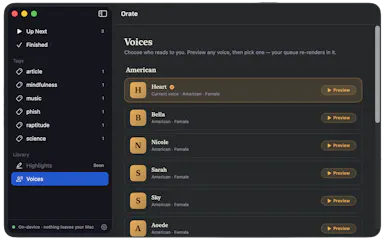
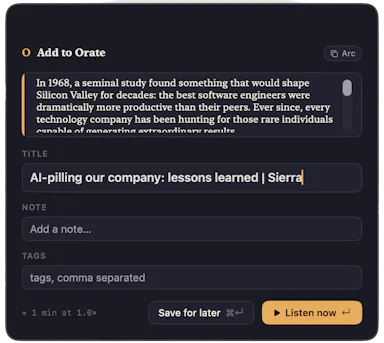
Select text anywhere on your Mac and it reads it aloud in a natural voice, queued like a podcast, with on-device text-to-speech.

No sign-upWorks offlinePay onceNo subscription
What to know
How it works
hotkey reads selected text aloud, queued for later listening
What's different
TTS runs fully on-device, offline, no account
Pricing
$4.99 one-time, 14-day trial

Watched for 6 days · last checked today

Details →

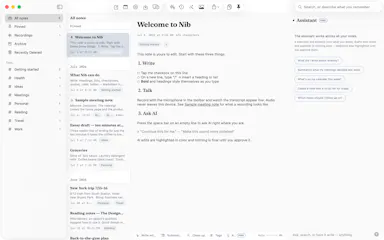
Nib

Live

A notes app for iPhone, iPad, and Mac that records and transcribes on-device, then turns meeting audio and handwritten notes into structured minutes with decisions and to-dos you approve as diffs.

FreeWorks offlineData stays with youNo ads
What to know
How it works
On-device transcription keeps audio local; AI restructures transcripts into minutes with editable, diff-based approval.
Pricing
Recording, transcription, and search are free; cloud AI features require Pro.
Best for
People who want private, on-device meeting notes.

Watched for 7 days · last checked 1d ago

Details →

Mac app for privacy-conscious users to see and block what each installed app sends over the network.

Domain registered 4 months ago

No sign-upWorks offline
What to know
How it works
Monitors outgoing connections per app, flags trackers, blocks with one click
What's different
Runs 100% locally, no account required
Best for
Mac users who want visibility into which apps phone home

Watched for 5 days · last checked today

Details →

A lightweight, fully offline Mac photo viewer for people who just want to browse folders fast without importing into a library.

Works offline
What to know
How it works
Opens a folder of photos instantly without importing into a library, offering instant paging, non-destructive rotate/crop, slideshows, picture-in-picture video, and drag-and-drop file management, fully offline.
What's different
Only accesses folders you explicitly add (unlike Photos.app) and needs zero setup (unlike Lightroom); fully offline, App Sandboxed, with no data collection.
Best for
Mac users who want to browse photo folders quickly without building a library.

Watched for 9 days · last checked 3d ago

Details →

A one-time-purchase Mac email client for people who want IMAP/SMTP email with on-device AI summaries and no subscription or cloud dependency.

Domain registered 20 years ago

Works offlinePay onceNo subscription
What to know
How it works
Native Mac app with chat-style threads and on-device summarization.
Pricing
$29 one-time, no subscription.
Best for
Mac users who want privacy-focused email without recurring fees.

Watched for 4 days · last checked today

Details →

A desktop app for running and organizing multiple coding agents (Claude Code, Codex, Gemini CLI) per project, each with its own terminal and git worktree.

Works offline
What to know
How it works
runs many agents per project, each with own chat/terminal/worktree/role; chains agents into teams
What's different
local-first desktop cockpit
Best for
developers running several coding agents across projects

Watched for 4 days · last checked today

Details →

Caxton

Live

A native Mac editor built to open and search huge files (multi-GB logs, million-row CSVs) that crash typical editors.

Works offlineNo tracking
What to know
How it works
Memory-maps files instead of loading them into memory
What's different
Finds 1.6M matches in 1.3s, handles 2M-row CSVs as a real grid
Watch out
macOS only, no Electron/cloud/telemetry

Watched for 6 days · last checked today

Details →

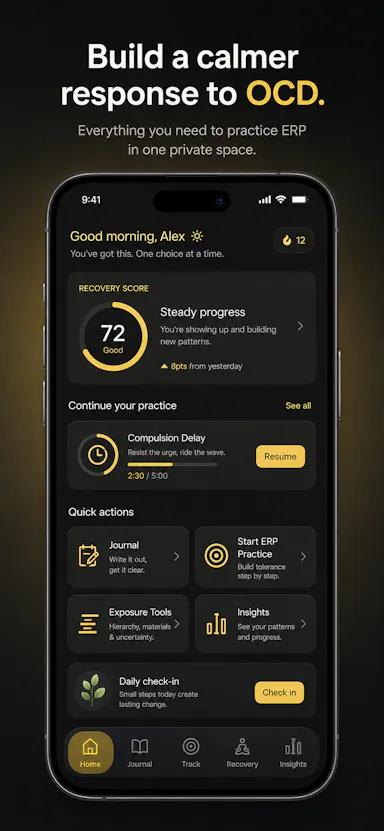
Private OCD/ERP tracker across desktop and mobile that logs obsessions, compulsions, triggers and exposure practice with no cloud sync.

Domain registered 20 days ago

No sign-upWorks offlineData stays with youNo ads
What to know
How it works
Tracks obsessions, compulsions, mood and exposure exercises across iOS/Android/desktop
What's different
No accounts, no cloud sync — data stays on-device
Best for
People doing ERP therapy who want a private tracking journal

Watched for 6 days · last checked today

Details →

A local Windows app bundling agent automation, a code editor and a local LLM runner as a one-price replacement for a stack of $100/month cloud tools.

Works offline
What to know
How it works
Bundles AI agents (via Krew), trigger-based automation, a code editor, a local LLM runner, DNS protection, and a content studio into one local Windows app.
What's different
Replaces roughly 8 separate $100/month cloud tools with one price and nothing sent to the cloud.
Watch out
Windows only.

Watched for 8 days · last checked 2d ago

Details →

Tracks and converts LLM API spend across OpenAI, Anthropic and Gemini locally, instead of trusting a cloud dashboard with your usage data.

FreeWorks offlineOpen source
What to know
Pricing
Free and open source.
Best for
Developers juggling multiple LLM provider SDKs and costs.

Watched for 2 days · last checked 1d ago

Details →

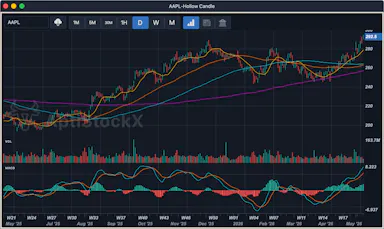
A local-first desktop stock charting app for Windows, macOS, and Linux that keeps your data, watchlists, and credentials on your machine.

Domain registered 21 years ago

Works offline
What to know
How it works
Native charting app storing charts, watchlists, and provider credentials locally
Best for
Traders who want charting data kept off the cloud

Watched for 5 days · last checked today

Details →

Kaptur

Live

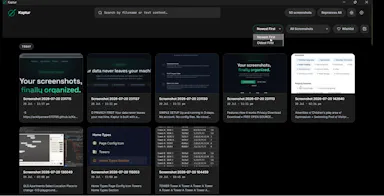
Local screenshot manager for Windows that OCRs every screenshot so you can search them by text later, with nothing uploaded to the cloud.

Works offlineData stays with you
What to know
How it works
Watches folders, extracts text via OCR, makes screenshots searchable.
What's different
100% local, no cloud upload or subscription.
Watch out
Windows only.

Watched for 5 days · last checked today

Details →

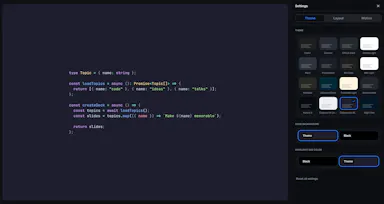
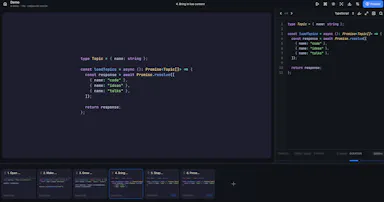
Lets developers build animated code presentations offline instead of using codeslides.app.

FreeWorks offlineOpen source
What to know
Pricing
free and open source

Watched for 1 day · last checked today

Details →

Lets Mac users copy any on-screen text, QR code, or barcode instead of retyping it manually.

No sign-upWorks offline
What to know
How it works
Also imports images/PDFs, searches capture history, translates on-device, and reads text aloud.
Pricing
one private purchase, no subscription

Watched for 1 day · last checked today

Details →

A Windows app that auto-replies to a person's Telegram contacts from their real account, transcribing voice notes and reading photos, instead of the user answering manually.

Works offline
What to know
How it works
Runs locally on Windows, reads incoming Telegram messages, transcribes voice notes, analyzes photos, and sends replies with a typing indicator and natural delay.
Pricing
One-time license from about $1, with a 7-day free trial.
Best for
People fielding many Telegram client messages who want automated replies that look human.
Watch out
Replies are sent from the user's real account without recipients being told it's automated.

Watched for 7 days · last checked 1d ago

Details →

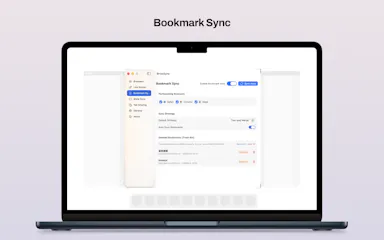
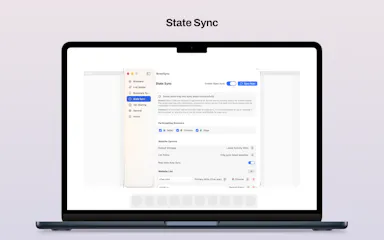
A native macOS app that syncs bookmarks, tabs, cookies, and browser state across Safari, Firefox, and Chromium-based browsers, and routes links to the right browser by rule, keeping all data local through a local daemon.

Works offline
What to know
How it works
Connects Safari, Chromium-based browsers, and Firefox to sync bookmarks, tabs, cookies, and state, and routes links by rule; everything runs locally through a local daemon so data never leaves the Mac.
Best for
People who regularly use more than one browser on macOS.

Watched for 7 days · last checked 1d ago

Details →

A Mac dictation app that turns your voice, screenshots, and screen recordings into a clean AI-ready Markdown prompt for Claude Code, Cursor, or ChatGPT, running fully offline via local Whisper.

Domain registered 2 months ago

Works offline
What to know
How it works
Local Whisper and open models on a Mac turn voice, screenshots, and screen recordings into a clean Markdown prompt.
Best for
Developers using Claude Code, Cursor, or ChatGPT who want offline, private dictation without per-token billing.

Watched for 7 days · last checked 1d ago

Details →

Offline desktop API testing client (REST, GraphQL, gRPC) that keeps all your requests and tokens on your machine instead of a vendor cloud.

FreeWorks offlineData stays with youOpen source
What to know
How it works
runs 100% offline, stores collections in local SQLite and tokens in the OS keychain
Pricing
free, open source (MIT)
Best for
developers who don't want API collections synced to a third-party cloud

Watched for 6 days · last checked today

Details →

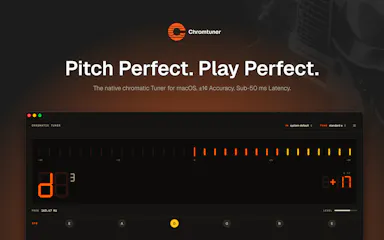
A native chromatic tuner for Mac and iPhone with historical temperaments and offline precision tuning, built for serious musicians as a one-time purchase.

Domain registered 2 months ago

Works offlinePay onceNo subscription
What to know
How it works
A native chromatic tuner for macOS and iPhone with YIN-based pitch detection accurate to ±0.14 cents, 8 historical temperaments, LED and strobe display modes, and instrument presets for guitar, bass, violin, ukulele, and more.
What's different
Supports 8 historical temperaments alongside standard tuning and works fully offline.
Pricing
One-time purchase, lifetime updates.
Best for
Musicians who want precision tuning, including historical temperaments, without a subscription.

Watched for 11 days · last checked 5d ago

Details →

A local-first bookmark and file library for Mac that saves links, images and PDFs with on-device AI sorting, for a one-time payment. For individuals who want a private personal archive, not team use.

Works offlinePay onceNo subscription
What to know
How it works
A local-first personal library on Mac that saves links, images and PDFs, with on-device AI sorting them automatically.
Pricing
One-time payment.
Best for
Individuals wanting a private personal archive, not a team tool.

Watched for 17 days · last checked 9d ago

Details →

A native Mac email app where your local AI agent can read and draft emails but never send or delete anything, kept private and on-device. One-time $9.99, not a subscription.

Works offlinePay onceNo subscription
What to know
How it works
A native macOS email app where a local AI agent (like Claude, Cursor, or Codex) can read your inbox and draft emails, but is structurally prevented from ever sending or deleting anything.
What's different
Read-and-draft-only by design, and fully local with no cloud processing.
Pricing
Free to try, then a one-time $9.99 for unlimited server drafts — no subscription.
Best for
People who want AI help with email but don't want to hand an agent the ability to send or delete messages.

Watched for 11 days · last checked 5d ago

Details →

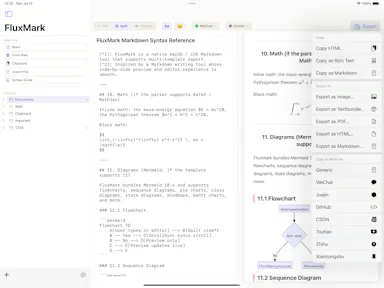
A Markdown editor that writes once and publishes the same piece to eight different platforms.

Works offlineCan export my data
What to know
How it works
live preview markdown editor with platform-specific templates and one-tap multi-platform publishing
What's different
20 themes, exports to HTML/PDF/PNG/Markdown, works offline
Best for
content teams, developers writing docs, and personal writers on iPhone/iPad/Mac

Watched for 4 days · last checked 3d ago

Details →

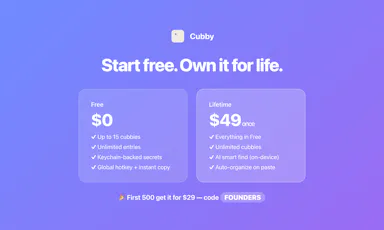
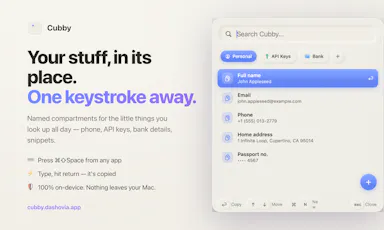
Cubby

Live

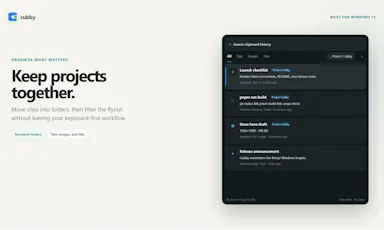
Mac menu-bar quick-access vault for keys, snippets and personal details, searchable on-device with nothing synced off the machine.

Works offline
What to know
How it works
Lives in the Mac menu bar; a hotkey opens a panel of named compartments (phone, API keys, bank details, snippets) where typing and pressing return copies the value, with on-device AI search by meaning.
Watch out
100% local — nothing leaves your Mac.

Watched for 8 days · last checked 2d ago

Details →

DevFob

Live

Mirrors your Claude Code / Codex agent sessions to your iPhone and Apple Watch so you can approve prompts and permission gates remotely over your local network.

Domain registered 1 month ago

No sign-upWorks offline
What to know
How it works
phone talks to your Mac over LAN, end-to-end encrypted, no cloud
What's different
auto-switches Claude accounts before rate limits stall a run, keeps Mac awake lid-closed
Pricing
$15 once, free companion apps, 14-day trial

Watched for 5 days · last checked 3d ago

Details →

Dictro

Live

On-device voice dictation for Mac that never sends audio to the cloud, for privacy-conscious people who don't want their voice leaving their machine.

Domain registered 18 days ago

Works offline
What to know
How it works
An on-device AI dictation app for Apple Silicon Macs — speak naturally and get polished, typed text in any Mac app.
What's different
Processes speech entirely on-device rather than sending audio to the cloud.
Best for
Privacy-conscious people who don't want their voice data leaving their machine.

Watched for 9 days · last checked 3d ago

Details →

Turns a live webpage into a cinematic AI-produced motion-design video locally on your Mac, replacing manual motion design work or hired freelancers.

Works offlineCan export my data
What to know
How it works
Captures a real webpage — its actual fonts and brand — and has an AI agent turn it into a cinematic video with camera work, kinetic type, sound effects, and music, run locally on your Mac.
What's different
Runs local-first on your own Mac using your own Claude Code or Codex agent, rather than a cloud rendering pipeline.
Best for
People who want a launch video produced in minutes instead of the weeks a manual motion-design process takes.

Watched for 9 days · last checked 3d ago

Details →

EQK

Live

A Mac app with a per-song adaptive AI equalizer, per-app EQ profiles, headphone correction from 3,985+ AutoEq profiles, and a built-in FLAC player — runs 100% locally with no subscription or tracking.

Domain registered 3 months ago

FreeWorks offlineNo subscriptionNo tracking
What to know
How it works
An equalizer that re-tunes itself per song in real time using AI, with per-app EQ profiles, headphone correction from 3,985+ AutoEq profiles, a per-app limiter, full signal-chain metering, and a built-in FLAC player with synced lyrics — all via native macOS audio capture.
What's different
Adjusts dynamically per song rather than using one static EQ curve, and needs no virtual audio drivers.
Pricing
Free, no subscription.
Best for
Mac users who want tailored, per-app audio tuning and headphone correction.

Watched for 12 days · last checked 6d ago

Details →

Breva

Live

Turns your Mac trackpad into a breathing-exercise guide with audio and haptic cues, works fully offline with no account, for quick personal reset breaks.

No sign-upWorks offline
What to know
How it works
Turns a Mac's trackpad into a breathing-exercise guide: pick a pattern, set a session length, and follow a soft expanding orb with optional audio and haptic cues.
What's different
Works fully locally with no account, aimed at short resets without reaching for a phone.
Best for
Mac users wanting a quick, private breathing break during work without opening a phone app.

Watched for 13 days · last checked 7d ago

Details →

A Windows dictation tool for power users, running local models or your own API key to cloud AI, with voice search and 100+ language support.

Works offline
What to know
How it works
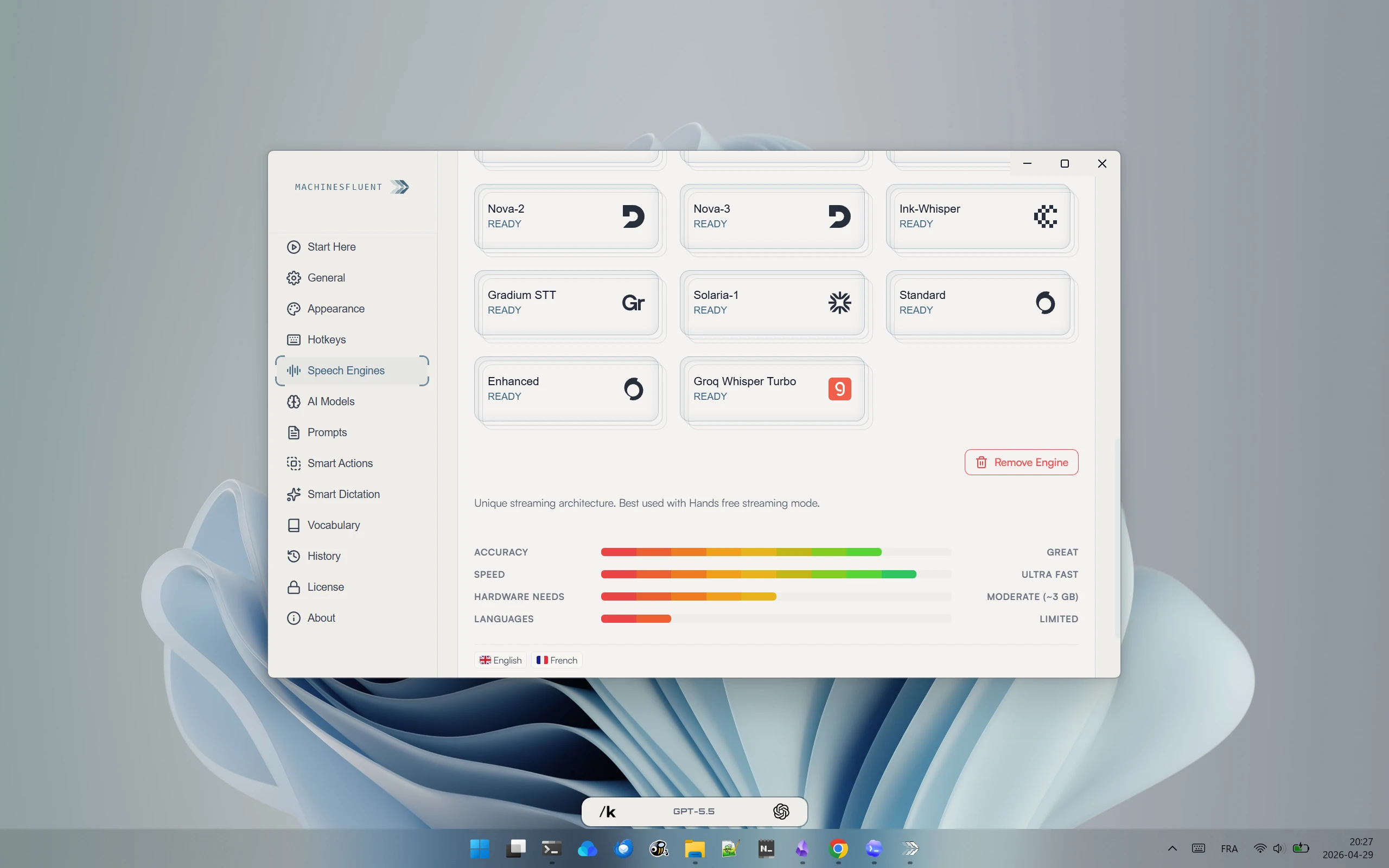
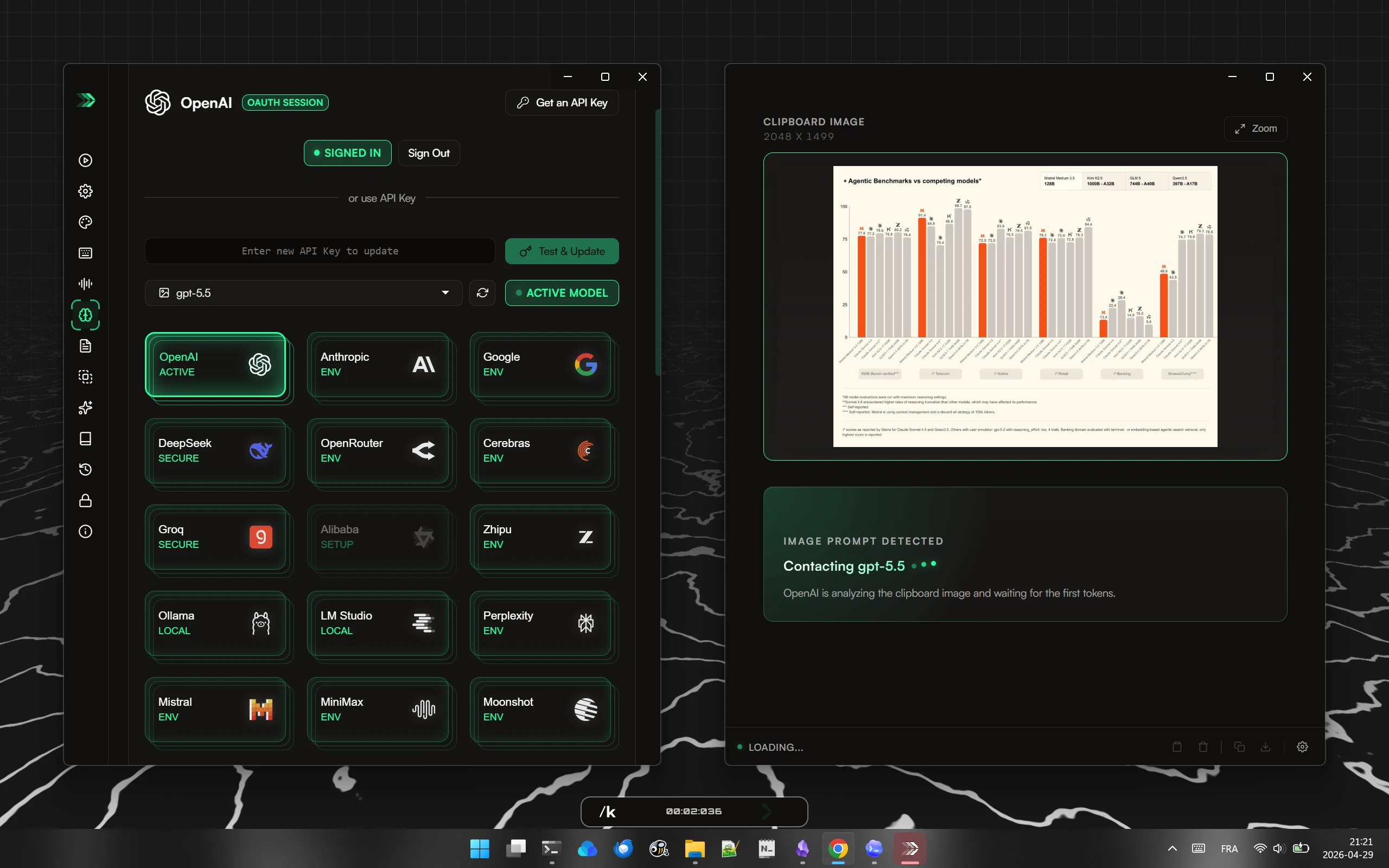
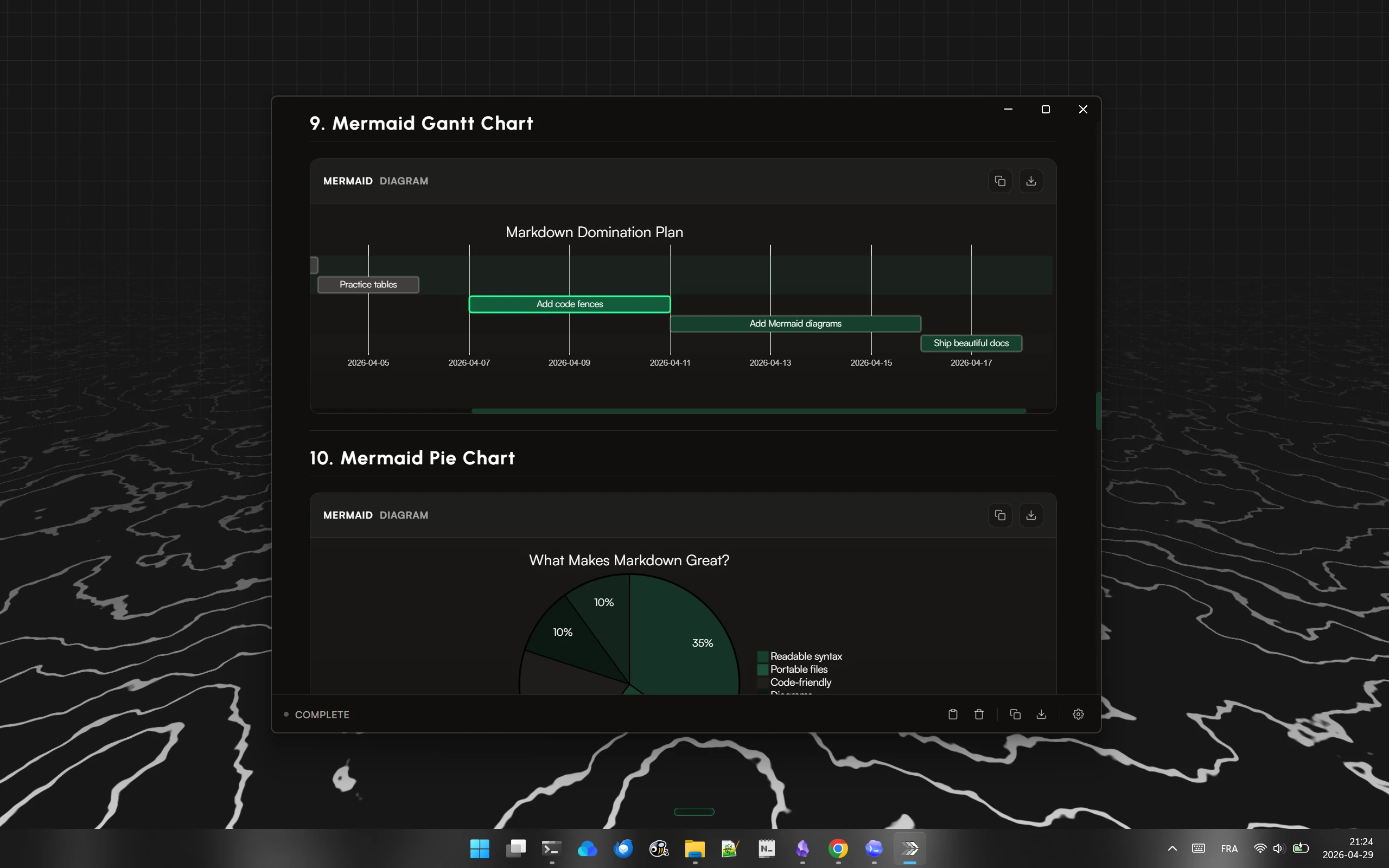
AI dictation for Windows that can run fully offline with local models (Ollama, LM Studio) or use cloud models via your own API key or OAuth sign-in, combining transcription and language models with custom prompts. Can process clipboard content including images, search the web by voice, and summarize long text into rich responses including diagrams, in 100+ languages.
What's different
Lets you switch between offline local models and cloud models, and bring your own key to access many different AI providers, rather than being locked to one.
Pricing
Free, no account required, open source, no subscription.
Best for
Windows power users who want flexible, privacy-conscious dictation across many apps and languages.

Watched for 18 days · last checked today

Details →

An offline AI companion app for people who want an ongoing personalized chat relationship without their conversations ever leaving their own computer.

Domain registered 2 months ago

Works offlineData stays with you
What to know
How it works
A desktop AI companion for Mac and Windows that runs entirely offline, remembering past interactions and learning about the user over time to build a personalized relationship.
What's different
All processing happens locally on the machine rather than in the cloud.
Pricing
No recurring subscription fees.
Best for
People who want an ongoing personalized AI companion without their conversations leaving their computer.

Watched for 9 days · last checked 9d ago

Details →

A local Windows security suite with antivirus, AI ransomware detection, a DNS shield, VPN, identity monitoring, and a telemetry blocker that stops manufacturers from phoning home.

No sign-upWorks offlineData stays with youNo subscription
What to know
How it works
100% local, one-time payment, no cloud, no subscription, no account required; data never leaves the machine.
Watch out
blocks telemetry from Microsoft, AMD, HP, NVIDIA, and Intel.

Watched for 7 days · last checked 6d ago

Details →

A free menu-bar Mac app that proofreads and rephrases selected text on-device with a global hotkey, without an account, tracking, or cloud upload by default.

Domain registered 24 days ago

FreeNo sign-upWorks offlineNo tracking
What to know
How it works
on-device proofreading via a global hotkey or the Services menu, showing exactly what changed; works offline even on Intel Macs, with cloud only if you add your own custom endpoint.
Pricing
free on the Mac App Store.

Watched for 7 days · last checked 6d ago

Details →

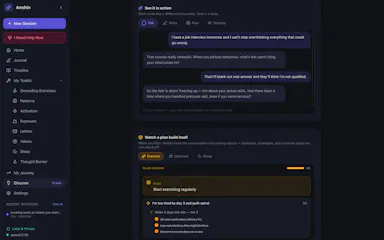
Anshin

Live

A self-reflection app that runs entirely on your Mac with guided journaling, mood tracking, and structured reflection tools, storing everything encrypted on-device with no account, cloud, or subscription.

Domain registered 4 months ago

No sign-upWorks offlineNo subscription
What to know
How it works
Offers Guided Talk, Write, Plan, and Breathe modes plus Thought Records, Mood Tracking, a Values Compass, a Worry Jar, and a Grounding Toolkit, learning patterns across sessions.
Pricing
$39 once.
Watch out
Data is stored encrypted on-device only.

Watched for 7 days · last checked 6d ago

Details →

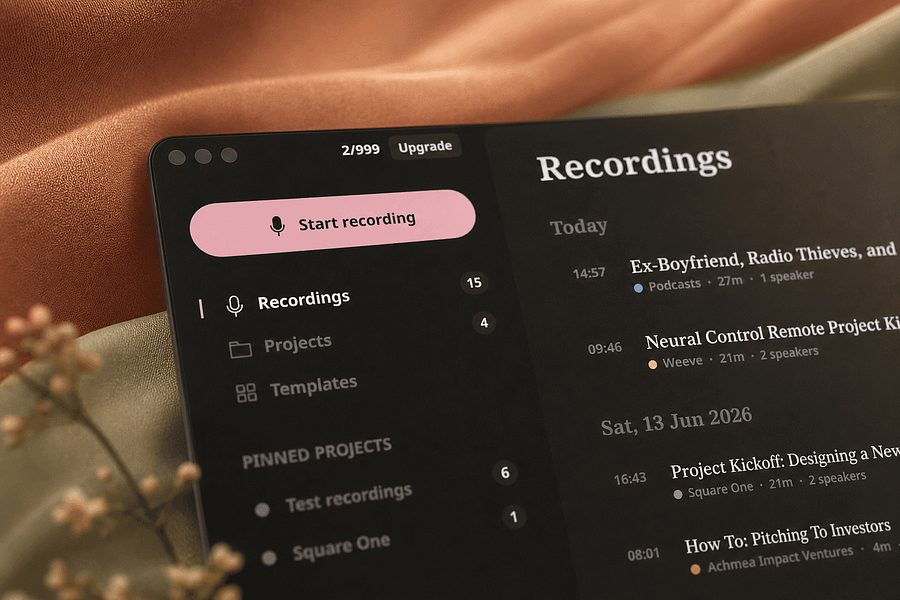
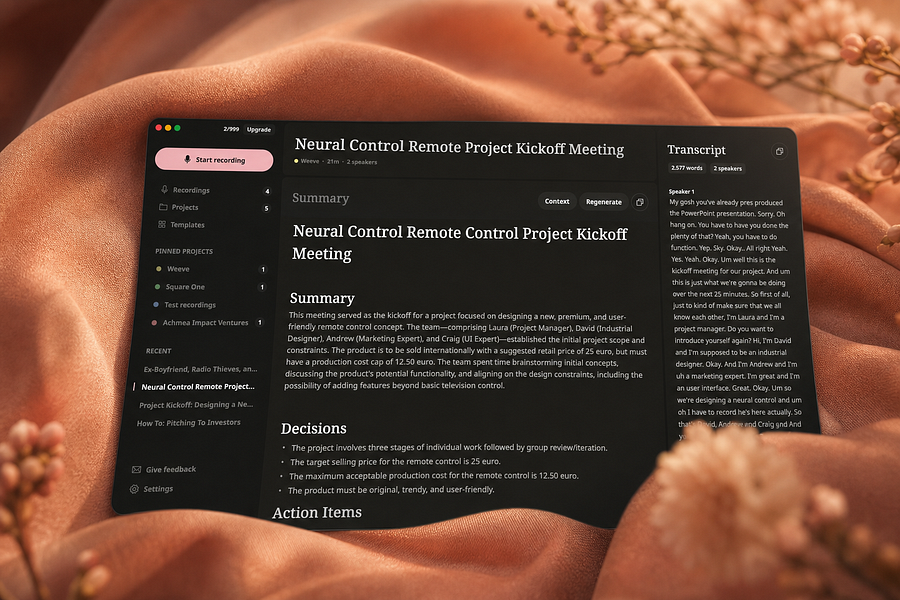
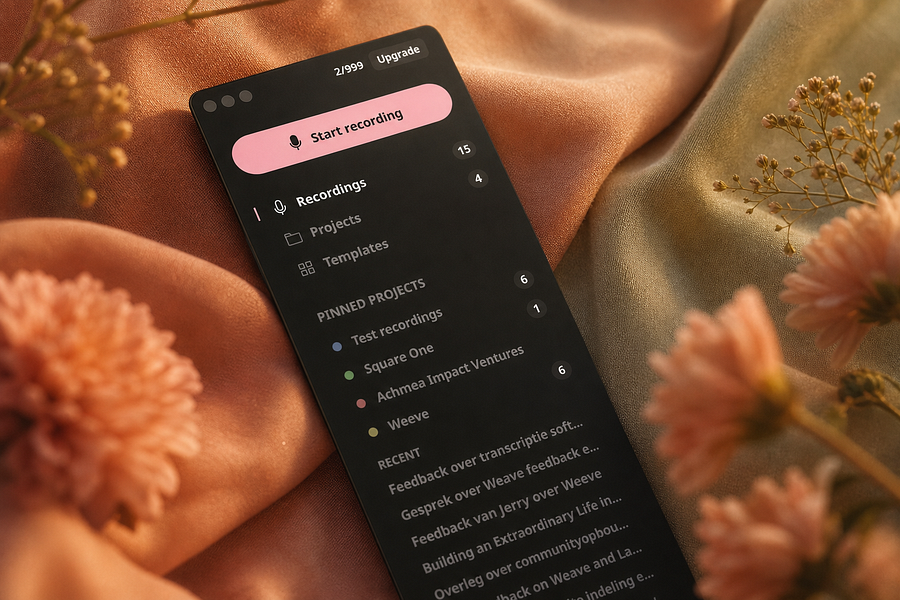
Weeve

Live

Records, transcribes, and summarizes meetings entirely on your Mac so audio never leaves the device, for people who want private meeting notes.

FreeWorks offlineCan export my data
What to know
How it works
Identifies speakers live and captures decisions and action items on-device
What's different
Works fully offline, keeping audio and AI processing on your Mac
Pricing
Free, Pro, and Team plans
Best for
People and teams wanting private meeting transcripts without cloud processing

Watched for 4 days · last checked 4d ago

Details →

Records meetings on Mac and generates transcripts, summaries and live translated subtitles, entirely on-device. Dictation is free forever; the full meeting workflow costs a one-time $49.

Domain registered 1 month ago

FreeNo sign-upWorks offlinePay once
What to know
How it works
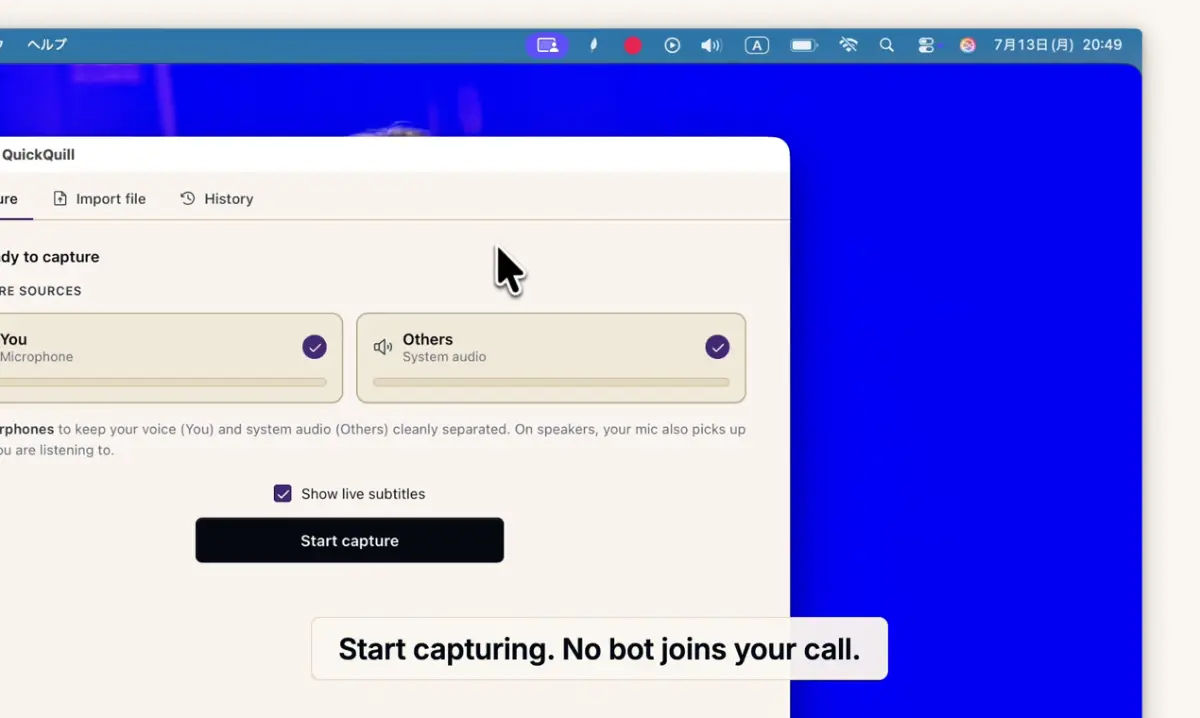
Records meetings and produces transcripts and summaries entirely on-device, with nothing sent to the cloud; it also shows live subtitles with translation while recording, and offers push-to-talk dictation usable in any app.
What's different
Continues working with Wi-Fi off and requires no bot joining the call, since everything runs on-device.
Pricing
Dictation is free forever; the full meeting workflow is a one-time $49 purchase. No account or subscription required.
Best for
Mac users who want private, on-device meeting notes without a cloud service.
Watch out
Requires macOS 26 on Apple Silicon, so it won't run on older Macs or other operating systems.

Watched for 12 days · last checked 6d ago

Details →

A local-first call transcription and note-taking app for Mac that transcribes and generates notes entirely on-device, instead of sending call audio to a cloud service.

Domain registered 16 days ago

Works offline
What to know
How it works
Runs transcription and intelligence generation on Apple Silicon; audio exists only in volatile memory and is destroyed once structured notes are produced.
What's different
No audio is ever recorded to disk or sent to the cloud, by design.

Watched for 7 days · last checked 6d ago

Details →

AI Noise Cancellation for your meetings and calls.

Domain registered 1 month ago

Works offline
What to know
How it works
A real-time, on-device noise and echo cancellation app for Windows and Linux that creates a clean virtual microphone for apps like Zoom, Google Meet, Teams, and Discord.
What's different
Audio is processed entirely on-device and never uploaded.
Pricing
Free to start, no sign-in required.
Best for
People who want background noise removed from calls without sending audio to the cloud.

Watched for 9 days · last checked 3d ago

Details →

Transcribes audio and video entirely on your Apple Silicon Mac, no cloud upload and no minute limits — for anyone who needs private dictation or transcript editing without sending recordings off-device.

Works offline
What to know
How it works
Transcribes audio and video entirely on-device on Apple Silicon Macs, with synced playback for review, custom vocabulary, quick dictation anywhere, and merging/organizing transcripts.
What's different
No cloud uploads and no minute limits, unlike cloud transcription services.
Best for
Mac users who need private dictation or transcript editing without sending recordings off-device.

Watched for 17 days · last checked 11d ago

Details →

Humla

Live

A Mac app that records and transcribes meetings entirely on-device, no bot joins the call. Free and open source, with optional cloud or self-hosted sync for teams.

FreeWorks offlineOpen sourceNo tracking
What to know
How it works
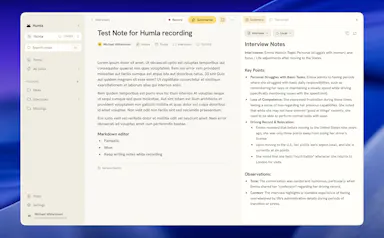
Records mic and call audio directly through macOS with no bot joining the meeting, then transcribes, labels speakers, and writes a summary that fuses your notes with the transcript. Runs fully on-device using Whisper on Apple Silicon, or with your own AI key.
What's different
No bot joins the call, and it can run entirely on-device with local SQLite storage and no telemetry.
Pricing
Free and MIT-licensed, with optional paid team sync via Humla Cloud or self-hosting.
Best for
Mac users who want private, on-device meeting transcription without a bot joining their calls.

Watched for 13 days · last checked 7d ago

Details →

A desktop entity-resolution tool that matches and deduplicates records in a CSV locally on your machine, free up to 100k records, with an MCP server for AI coding assistants.

FreeNo sign-upWorks offline
What to know
How it works
Loads a CSV and resolves duplicate records live using the same real-time matching engine as Tilores' cloud product, running entirely on your machine; a local MCP server also lets Claude Code, Codex and other AI assistants search, import and steer it against your data.
What's different
Skips the usual enterprise entity-resolution sales process (demo, contract) — nothing leaves your laptop, and it's free up to 100k records.
Pricing
Free up to 100,000 records.
Best for
Teams who want to deduplicate and match records locally, including via AI coding assistants, without a cloud enterprise contract.

Watched for 10 days · last checked 4d ago

Details →

A macOS menu-bar app that translates on-screen text and system audio in real time using on-device OCR and local speech recognition, for videos, meetings, or games.

Works offlineData stays with you
What to know
How it works
Lets you drag-select a screen area for an on-device OCR translation overlay, or capture system audio for live, locally-recognized speech translation, supporting 15+ languages.
Best for
Mac users who want instant translation of on-screen content or audio without switching windows.

Watched for 7 days · last checked 7d ago

Details →

A private, offline peer-to-peer file transfer app for iPhone, iPad, and Mac that sends large batches of photos and videos directly between devices at original quality, instead of AirDrop's stalled transfers or cloud-sharing links.

No sign-upWorks offline
What to know
How it works
Encrypted device-to-device transfer that resumes interrupted sends, keeps the screen awake during long transfers, and works from the iOS Share Sheet.
What's different
No cloud upload, no account, and no expiring links.

Watched for 7 days · last checked 6d ago

Details →

Local-first data recovery software for Windows and macOS that scans internal, external, USB, and SD drives and previews recoverable files before restoring.

Domain registered 4 months ago

FreeWorks offline
What to know
How it works
Scans drives across NTFS, FAT32, exFAT, and APFS filesystems and lets you preview files before recovering them.
Pricing
Free to restore up to 500 MB before paying.
Best for
People recovering lost files from a drive without sending data to a cloud service.

Watched for 12 days · last checked 6d ago

Details →

Private, offline task manager for iPhone, iPad, Mac, and Apple Watch that syncs only through your own iCloud, for people who want their tasks to stay on-device instead of a vendor's cloud.

Works offline
What to know
How it works
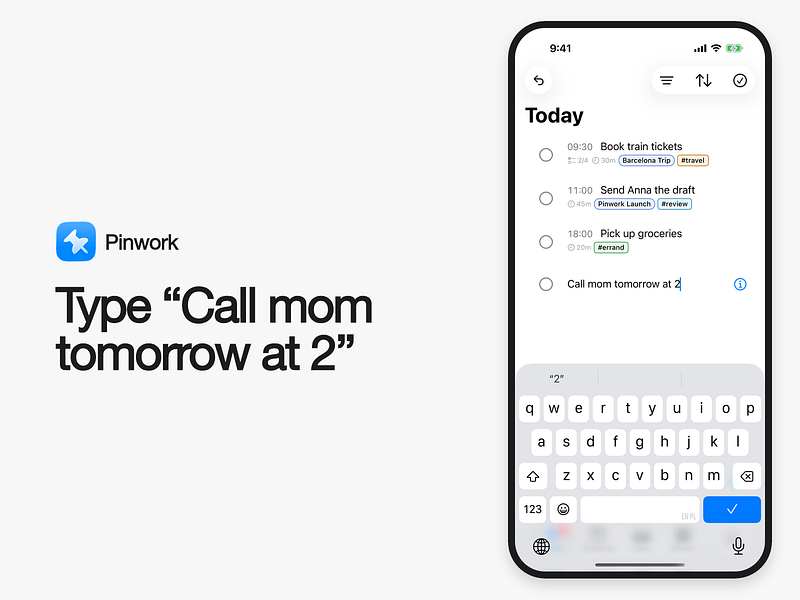
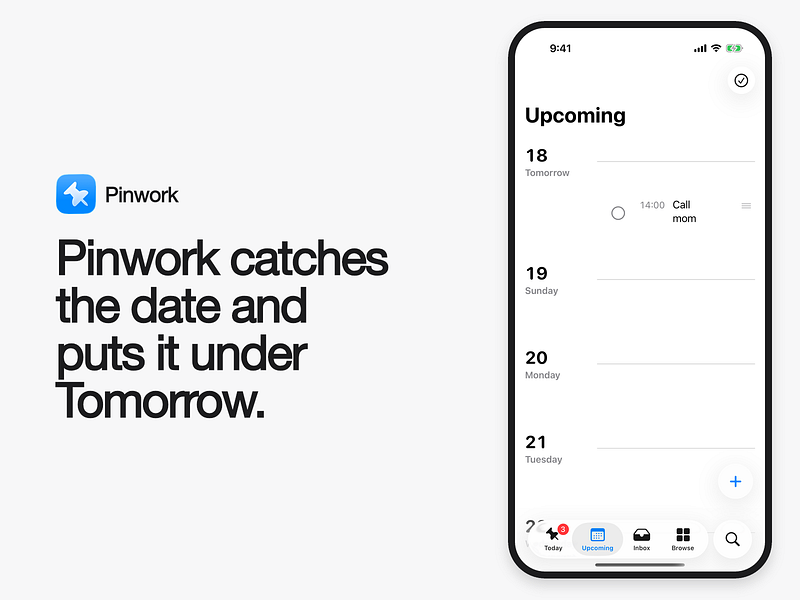
Works offline with no account required; tasks stay on your devices and sync through your private iCloud. Add tasks with natural language, dictation, Siri, or the Action Button.
What's different
Supports Calendar, widgets, Shortcuts, Spotlight, AppleScript, deep links, Raycast, and Alfred.
Best for
People who want a personal task manager without a company account or server.

Watched for 7 days · last checked 7d ago

Details →

Picmal

Live

A Mac app for converting and compressing images, video and audio files entirely offline on your device, with no cloud upload.

Works offline
What to know
How it works
A Mac app for converting and compressing images, video and audio files, with support for creating multiple output files from different media types.
What's different
Works entirely offline, so files never leave the device.
Best for
Mac users who need a local media conversion and compression toolkit without uploading files to the cloud.

Watched for 18 days · last checked 2d ago

Details →

A desktop companion app that generates real-time subtitles for VLC and MPV entirely offline using a local speech engine, with no internet connection or uploads required.

Works offline
What to know
How it works
Generates real-time subtitles for VLC and MPV entirely offline, using a local Vosk acoustic engine, with calibration sliders for syncing audio to captions.
What's different
No internet connection or uploads required — subtitle generation runs fully on-device.
Best for
People who want live captions for local video playback without sending audio to a cloud service.

Watched for 15 days · last checked 1d ago

Details →

A native Mac app for viewing and editing local Markdown files — READMEs, docs, notes — entirely offline, no GitHub connection required.

Works offline
What to know
How it works
A native macOS app that opens local Markdown and plain-text files (.md, .markdown, .mdown, .mkd, .txt), lets you browse folders of related documents, renders them in a dedicated viewer, and provides source editing, search, task-list updates and typography controls.
What's different
Documents are processed entirely locally on the Mac — no account and no upload of Markdown content.
Best for
People working with local Markdown notes, READMEs, technical documentation or project specs on macOS.

Watched for 16 days · last checked 10d ago

Details →

OCDify

Live

Automatically sorts a Mac's Desktop and Downloads into folders and renames cryptic filenames, processed entirely on-device with no cloud upload or subscription.

Works offlineData stays with youNo subscription
What to know
How it works
Automatically organizes a Mac's Desktop and Downloads folders into custom categories and renames cryptic filenames like IMG_1234 or scan_002 into readable names, using on-device AI.
What's different
Processes files entirely on-device with no cloud upload, so file organization doesn't leave the machine.
Pricing
Free 30-day trial; no subscription.
Best for
Mac users with cluttered Desktop/Downloads folders who don't want their file names or contents sent to the cloud.

Watched for 11 days · last checked 5d ago

Details →

A Mac app that turns long videos into short vertical clips with subtitles and AI-generated titles, descriptions, and hashtags, processing everything on-device instead of uploading to the cloud.

FreeWorks offlinePay onceNo subscription
What to know
How it works
Runs entirely locally on Apple Silicon Macs and works offline, so footage is never uploaded to a server.
Pricing
Free to use; a one-time $49 Pro payment removes the watermark, no subscription.

Watched for 12 days · last checked 8d ago

Details →

Melia

Live

A native Linux desktop email client that connects straight to your IMAP/SMTP mail servers with no cloud relay, middleman account or telemetry, as an alternative to Thunderbird or Evolution.

FreeWorks offlineData stays with youPay once
What to know
How it works
A native Linux desktop email client that connects directly to your mail servers over IMAP and SMTP, storing everything locally in a SQLite database and syncing credentials through the OS keyring so it works fully offline.
What's different
No cloud relay, middleman account, or telemetry — mail stays on your own machine, unlike hosted alternatives.
Pricing
Free for one account with full functionality; a one-time $10 unlock removes the account cap.
Best for
Linux desktop users looking for a native alternative to Thunderbird, Evolution, Geary or Mailspring.

Watched for 18 days · last checked today

Details →

A Windows app that turns real screen actions into annotated step-by-step guides with local OCR and no cloud upload, aimed at IT support, helpdesk and training teams.

Works offlineNo subscriptionCan export my data
What to know
How it works
A local-first Windows app for turning real desktop actions into professional visual guides: it captures clicks and active windows with consent, offers a structured editor, annotations, blur, and local OCR, and exports to PDF, DOCX, HTML, PowerPoint, or Markdown.
What's different
Keeps screenshots, OCR, and documents entirely local on the user's PC, with no SaaS account and no keystroke logging, unlike cloud-based alternatives.
Pricing
Available on Microsoft Store with a one-time lifetime license.
Best for
IT support, helpdesk, QA, operations, and training teams that need step-by-step documentation from real desktop actions.

Watched for 18 days · last checked today
Details →

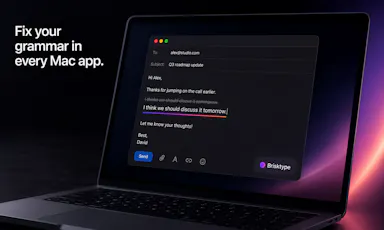
An on-device AI writing assistant for Mac that fixes grammar and expands text snippets across every app without sending your text to the cloud, sold as a one-time $39 purchase with no account required.

Domain registered 30 days ago

No sign-upWorks offlineNo subscription
What to know
How it works
Runs entirely on-device using local AI to fix grammar, expand snippets, and finish sentences inside any Mac app.
Pricing
One-time $39 payment, no subscription.
Best for
Mac users who want AI writing help without cloud data transmission or recurring fees.

Watched for 11 days · last checked 5d ago

Details →

A free, open-source resume builder with a live side-by-side preview and ATS-friendly PDF export that runs entirely in your browser instead of behind a paywall.

FreeWorks offlineData stays with youOpen source
What to know
How it works
granular typography and color controls, everything processed locally; standalone Windows apps also available
Pricing
free
Best for
job seekers who want a private, no-paywall resume builder

Watched for 11 days · last checked 5d ago

Details →

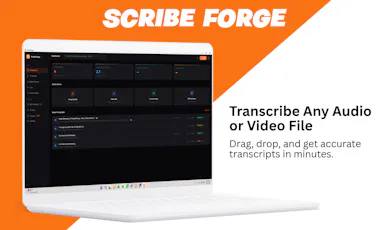
Transcribes audio and video, including YouTube, to text locally using Whisper AI, with no cloud upload, no subscription, and a one-time payment. Good for unlimited, private transcription without ongoing fees.

Works offlinePay onceNo subscription
What to know
How it works
Transcribes audio and video, including YouTube videos, playlists and live microphone input, to text entirely on your computer using Whisper AI, in 100+ languages.
What's different
Runs fully offline with no cloud upload, unlimited usage and no subscription.
Pricing
One-time payment, no subscription.
Best for
People who want unlimited, private transcription without ongoing fees or uploading audio to a cloud service.

Watched for 18 days · last checked 2d ago

Details →

A local MCP server that gives AI assistants like Claude, Cursor and ChatGPT tools to act on your Mac — iMessage, Teams, WhatsApp, Mail, files — with nothing sent to the cloud.

FreeWorks offlineData stays with you
What to know
How it works
A local Model Context Protocol server running on a Mac that gives AI assistants like Claude, Cursor and ChatGPT 143 tools to act on iMessage, local Microsoft Teams chats, WhatsApp, Apple Mail, Calendar, Contacts, Notes, Reminders, Finder files, OneDrive, Outlook and Office documents.
What's different
Runs 100% locally with no cloud connection, reaching apps like iMessage and local Teams chats that cloud-based connectors can't access.
Pricing
Free.
Best for
Mac users who want their AI assistant to act across native apps like iMessage and Mail without sending data to the cloud.

Watched for 18 days · last checked 2d ago

Details →

A local-first desktop video editor for recording screen, camera and remote podcasts and editing by transcript, sold as a one-time license instead of a subscription.

Works offlinePay once
What to know
How it works
A local-first desktop video editor for recording screen, camera and remote podcasts, with editing by transcript, captions, and direct publishing.
What's different
Runs locally rather than in the cloud, and follows a one-time license model instead of a subscription.
Pricing
One-time license instead of a subscription.
Best for
Creators who want a local, transcript-based video editor without a recurring subscription.

Watched for 15 days · last checked 2d ago

Details →

IAXT

Live

A free macOS menu-bar app that logs everything your AI coding agent (Claude Code, Cursor, Aider, Codex) did in a session, entirely local with no account or cloud.

FreeNo sign-upWorks offline
What to know
How it works
A menu-bar app that passively records what AI coding agents like Claude Code, Cursor, Aider and Codex do on your Mac, every command, file touched, package installed, git operation, and launch agent, then presents it in an Action Log with confidence and severity tiers per agent, with any row copyable as context for another LLM.
Pricing
Free.
Best for
Developers using AI coding agents who want a record of exactly what those agents changed on their machine.

Watched for 18 days · last checked today

Details →

A Mac-only local AI agent with shell, git and screen-reading tools, running offline on Apple Silicon or via your own OpenAI, Anthropic or Gemini key, with no account or subscription.

No sign-upWorks offlinePay onceNo subscription
What to know
How it works
A local AI agent for Mac that ships with its own multimodal model and runs offline on Apple Silicon, offering voice mode and agentic tools for files, shell, git, screen reading, memory and code graphs, plus a presentation builder in 14 languages; you can bring your own OpenAI, Anthropic or Gemini key for more power.
What's different
Distributed through the Mac App Store as a fully local agent — no account, subscription, cloud, or telemetry required.
Pricing
Pay once, or use the free tier forever.
Best for
Mac developers who want an agentic AI assistant with shell/git access that runs offline by default.

Watched for 14 days · last checked 2d ago

Details →

Converts speech to text entirely on your Windows PC — no cloud, no account required, works even with WiFi off. For users who want dictation without sending audio anywhere.

No sign-upWorks offlineData stays with youPay once
What to know
How it works
Converts speech to text directly on a Windows PC using one shortcut: hold, speak, release, and the text lands wherever your cursor is, in any app.
What's different
Works entirely offline with no cloud processing, no account, and no subscription — it keeps working even with WiFi off.
Pricing
One-time payment, no subscription.
Best for
Windows users who want dictation in any app (email, chat, notes, code editors) without their voice data leaving the device.

Watched for 16 days · last checked 10d ago

Details →

Compresses images and video (JPG, PNG, TIFF, MP4, GIF) entirely on your device with no upload to a server — for Mac, Windows and Linux, privacy-focused.

Works offlineData stays with you
What to know
How it works
Compresses JPG, PNG, TIFF, MP4 and GIF files, processing them locally on-device rather than uploading them to a server, via web tools or a dedicated offline desktop app for Mac, Windows and Linux.
What's different
Local, privacy-focused processing rather than server-side upload-based compression.
Best for
Anyone who wants to compress images or video without sending files to a third-party server.

Watched for 18 days · last checked 11d ago

Details →

KiffOS

Live

A native macOS app for running fully local, sovereign AI agents on Apple Silicon with verified/governed agent actions.

Works offline
What to know
How it works
A native macOS desktop app that runs AI agents entirely on-device, with their actions verified locally rather than relying on cloud services.
What's different
Positioned around full local sovereignty — no cloud dependency for running or verifying agent actions.
Best for
Apple Silicon Mac users who want to run AI agents without sending data to the cloud.
Watch out
Requires Apple Silicon and macOS 11 or later — not available on Intel Macs or older systems.

Watched for 18 days · last checked 2d ago

Details →

Ncored

Live

A desktop PDF editor built to stay smooth on huge CAD and construction drawing exports from AutoCAD, Revit and ArchiCAD, running fully offline so drawings never leave your machine.

FreeNo sign-upWorks offlineNo subscription
What to know
How it works
A desktop PDF editor for Windows and Mac built to stay smooth on scroll, zoom and pan across heavy AutoCAD, Revit and ArchiCAD exports and project sets of 50-200MB or more. It runs locally on the user's machine.
What's different
Targets the specific failure mode of general PDF tools — stalling and stuttering on dense CAD/construction drawings with heavy vector line work and hatches — and processes files fully offline.
Best for
Architects, structural/civil engineers, MEP professionals and construction teams working with large, heavy drawing sets.

Watched for 18 days · last checked 2d ago

Details →

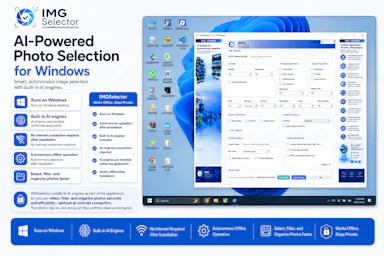
A Windows desktop app that uses offline AI to sort, filter and de-duplicate large photo batches, for photographers, designers and other creators — no cloud needed after install.

Works offline
What to know
How it works
A Windows desktop tool that uses built-in offline AI filters to detect faces, blurry or dark photos, duplicates, people, elements and landscapes, letting photographers and creators sort large photo collections without internet after install.
Pricing
Free 7-day trial.
Best for
Photographers, designers and creators sorting large photo batches who want to keep files off the cloud.

Watched for 18 days · last checked 2d ago

Details →

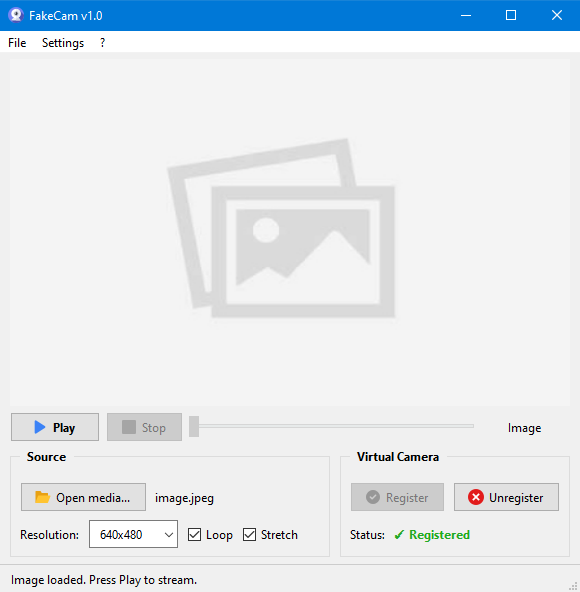
A lightweight Windows app that streams a video or image file as your webcam feed into Zoom, Teams, Skype, Discord or Telegram, running fully offline with no account or tracking.

FreeNo sign-upWorks offlineNo subscription
What to know
How it works
A lightweight virtual webcam app for Windows that streams a video or image file as your camera feed into apps like Zoom, Teams, Skype, Discord and Telegram.
What's different
Runs entirely locally with no account, subscription, ads or tracking — download and run, 25MB portable, works offline.
Pricing
Free for Windows.
Best for
Windows users who want a virtual webcam feed for video call apps without an account or bloatware.

Watched for 18 days · last checked 2d ago

Details →

Feeds any audio file through 37 sound-shaping modules to generate hours of unique ambient atmosphere, running fully offline on Mac or Windows with no subscription.

FreeNo sign-upWorks offlinePay once
What to know
How it works
Takes any audio file, stretches, layers and reshapes it into long, evolving ambient soundscapes using 37 sound-shaping modules and 18 presets. Includes a seed system to reproduce or vary a render.
What's different
Runs fully native and offline on macOS and Windows with no account, subscription or cloud upload, and every render is unique with no looping.
Pricing
No subscription, tagged as free / one-time payment.
Best for
Musicians and sound designers who want long, non-repeating ambient atmospheres exportable for music, games, film or meditation.

Watched for 18 days · last checked 11d ago

Details →

Diivo

Live

A local-first design-reference manager that stores boards as real folders and finds images by meaning with on-device AI, no cloud upload, one-time $29 payment.

Domain registered 2 months ago

Works offlinePay once
What to know
How it works
A local-first app for design references where boards are real folders on your disk, a Chrome clipper saves any image or video in one click, and on-device AI finds shots by meaning rather than by filename or tag.
What's different
Stores everything locally instead of uploading references to the cloud.
Pricing
Free 30-day trial with no card required, then a one-time $29 purchase.
Best for
Designers building and searching a personal library of visual references.

Watched for 12 days · last checked 6d ago

Details →

A local Windows file-search app that indexes without sending anything to the cloud or needing an account — built to stay fast even on older, resource-constrained PCs.

No sign-upWorks offline
What to know
How it works
A local-first desktop app that indexes files on Windows so you can search for them without digging through folders.
What's different
No cloud, no accounts, and built to run smoothly on older, resource-constrained hardware.
Best for
Windows users, including those on older PCs, who want fast local file search without sending data to the cloud.

Watched for 17 days · last checked today

Details →

A native Windows/Mac desktop PDF editor (edit, sign, annotate, organize) that keeps files fully offline on your device and is sold as a one-time purchase, not a subscription.

Domain registered 1 month ago

Works offlinePay onceNo subscription
What to know
How it works
A native desktop app for Windows 11 and macOS to edit, sign, annotate and organize PDFs, with all editing happening offline on the device.
What's different
Local-first: files never leave your device, and it's sold as a one-time purchase rather than a subscription.
Pricing
Free trial, then one-time payment (positioned as an Adobe Acrobat subscription alternative).
Best for
Windows/Mac users who want a privacy-respecting PDF editor without a recurring subscription.

Watched for 14 days · last checked 2d ago

Details →

Flowky

Live

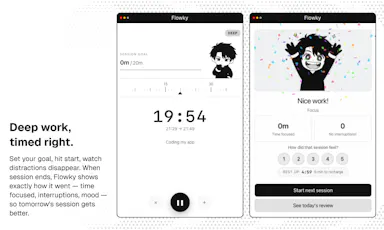
A native macOS focus timer that reacts when you drift off task, runs fully locally with no account needed.

No sign-upWorks offline
What to know
How it works
A native macOS focus timer that reacts when you drift off task, running fully locally with no account required.
Best for
Mac users who want a local, offline focus timer without creating an account.

Watched for 14 days · last checked 2d ago

Details →

A local-first desktop app for organizing runbooks, logs and architecture notes so you can hand an LLM the right context during an incident — built for engineering and ops teams.

Domain registered 1 month ago

Works offline
What to know
How it works
A local-first desktop app for organizing runbooks, logs, architecture notes and troubleshooting guides, then handing that context to your preferred LLM while controlling what gets shared during an incident.
What's different
Targets the accuracy problem caused by an LLM missing team-specific domain knowledge during incident response.
Best for
Engineering and ops teams using an LLM to help handle incidents.

Watched for 14 days · last checked 2d ago

Details →

A native macOS app for running AI agents fully offline with persistent memory and cryptographic identity — open-source infrastructure for developers building local agents, not a consumer chat app.

Works offlineOpen source
What to know
How it works
A native macOS harness for running AI agents fully offline, with persistent memory, autonomous execution and cryptographic identity, built in Swift.
What's different
Fully offline and open source, unlike cloud-based agent harnesses.
Pricing
Open source.
Best for
Developers building local AI agents on Mac who want offline execution and no cloud dependency.

Watched for 14 days · last checked 8d ago

Details →

Corder

Live

Records your Mac's mic and system audio directly with no bot joining the call, and transcribes on-device so recordings never leave your machine. Free to start, no account needed.

Domain registered 2 months ago

FreeNo sign-upWorks offline
What to know
How it works
Records your Mac's microphone and system audio as two separate tracks at the OS level, so nothing joins the call as a bot — works in Zoom, Meet, Teams, Discord or any browser tab. Transcription runs on-device.
What's different
No bot tile appears in the meeting, so it works even where bot-based recorders are blocked, and transcripts never leave your Mac.
Pricing
Free, no account needed to start.
Best for
People in companies that block meeting-recorder bots who still want private, local transcripts.

Watched for 13 days · last checked 7d ago

Details →

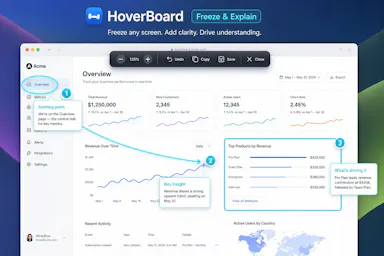
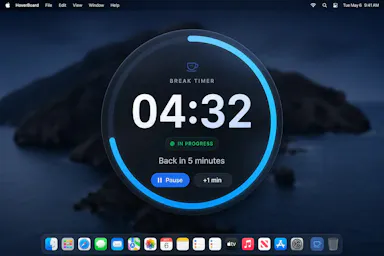
A macOS menu bar app that gives presenters five hotkey-triggered tools — draw, freeze-and-explain, whiteboard, break timer, and cursor highlight — over Zoom, Meet, or Teams.

Domain registered 1 month ago

No sign-upWorks offlineData stays with you
What to know
How it works
Runs as a native macOS menu bar app with global hotkeys for its five presenting tools; keeps data on the Mac with no account or cloud.
Best for
People presenting over video calls who want lightweight on-screen annotation tools.

Watched for 12 days · last checked 6d ago

Details →

A free Pashto typing test and practice tool, available online or as an offline Windows app, for improving Pashto keyboard speed and accuracy.

FreeWorks offline
What to know
How it works
Offers a browser-based typing test and a downloadable Windows typing trainer that works without internet.
Pricing
Free.
Best for
People learning or practicing Pashto-language typing.

Watched for 12 days · last checked 6d ago

Details →

A free screen recording app for Windows, macOS, Linux, and web that automatically zooms the cursor on clicks, processing everything on-device without upload.

FreeNo sign-upWorks offlineData stays with you
What to know
How it works
Highlights the cursor and auto-zooms on clicks during recording, with no upload or account required to start.
Pricing
Free.
Best for
People who want a directed-looking screen recording without manual editing or cloud upload.

Watched for 12 days · last checked 6d ago

Details →

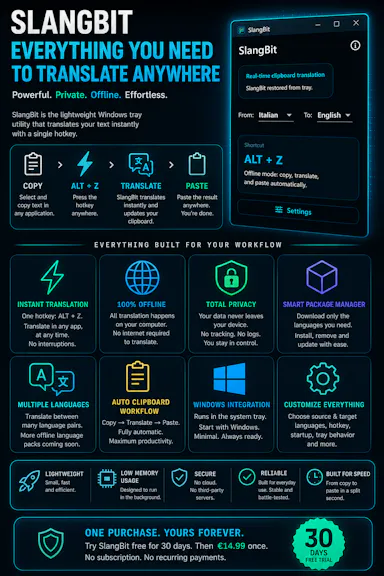
Select text in any Windows app, press Alt+Z, and get it translated using local AI models — nothing leaves your device. No subscription; 30-day free trial.

Domain registered 1 month ago

Works offlineData stays with youNo subscription
What to know
How it works
Select text in any Windows app and press Alt+Z to have it translated locally and pasted back automatically.
What's different
Runs entirely offline using local AI models, so text never leaves the device.
Pricing
No subscriptions; includes a 30-day free trial.
Best for
Windows users who want in-place translation without switching apps or sending text to the cloud.

Watched for 12 days · last checked 6d ago

Details →

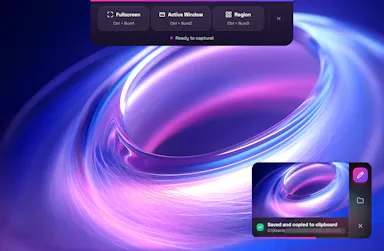
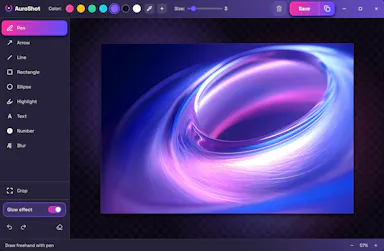
A lightweight Windows screenshot tool with fast capture, 10+ annotation tools and local-only storage, built for a clean everyday screenshot flow rather than heavy workflows.

Works offlineData stays with you
What to know
How it works
A Windows screenshot tool with fast capture modes for screen, window or selected area, plus 10+ annotation tools, automatic clipboard copy and local saving.
What's different
A floating capture panel designed not to steal focus from work or games, with local-first storage — screenshots stay on the device.
Best for
Windows users who want a clean, everyday screenshot flow without a heavy or noisy tool.

Watched for 12 days · last checked 6d ago

Details →

A macOS menu-bar app that watches your local AI coding agent and pops up a notification when it finishes or needs input, so developers don't have to keep checking the terminal.

Works offlineNo tracking
What to know
How it works
Aggregates hook events from your AI coding agents into the macOS menu bar, popping up a notification when an agent finishes, waits for input, or errors, with one click or ⌘N jumping back to the terminal.
What's different
Runs entirely locally with no telemetry.
Best for
Developers running AI coding agents who don't want to keep checking the terminal.

Watched for 13 days · last checked 7d ago

Details →

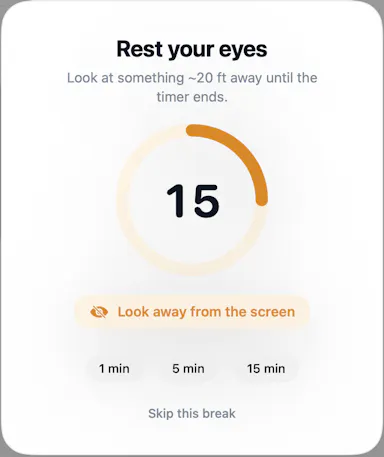
A macOS menu-bar app that reminds you to look away on a 20-20-20 schedule, with optional camera-verified breaks processed locally — no video ever leaves your Mac.

Works offlineData stays with you
What to know
How it works
A macOS menu-bar app that gives 20-20-20 eye-break reminders, blink and posture nudges, focus stats, and smarter display sleep, with optional camera-verified breaks.
What's different
Local-first and Apple-notarized; camera-verified breaks are processed on-device and no video is ever recorded.
Best for
Mac users who spend long stretches at a screen and want automatic eye-break reminders.

Watched for 13 days · last checked 7d ago

Details →

A desktop HTTP testing and automation tool for developers, with request chaining, OpenAPI support and cURL generation. Runs fully offline, free, with no ads or subscription.

FreeWorks offlineNo subscriptionNo ads
What to know
How it works
A desktop HTTP testing environment for creating, automating and validating HTTP workflows, with OpenAPI support, request chaining, dynamic parameters, advanced response validation, and cURL generation.
What's different
Completely free and offline, with no ads, subscriptions, or feature restrictions, plus native ARM support.
Pricing
Free, with no ads, subscriptions, or feature restrictions.
Best for
Developers building and validating HTTP request workflows and APIs.

Watched for 13 days · last checked 7d ago

Details →

A local, offline security toolkit for encrypting files and managing credentials with no cloud, no accounts and no telemetry — for privacy-conscious users who want full control of their data.

Domain registered 4 months ago

No sign-upWorks offlineData stays with youNo subscription
What to know
How it works
A local, zero-telemetry security suite for encrypting files and managing credentials with AES-256-GCM, runnable entirely offline via installer or portable USB, with no cloud, accounts or subscriptions.
What's different
Fully offline with no cloud middleman, no accounts, and no hidden subscriptions.
Best for
Privacy-conscious users who want to encrypt files and manage credentials without any cloud dependency.

Watched for 13 days · last checked 7d ago

Details →

Ortu

Live

A cross-platform clipboard manager with full history, search and secret masking for anyone who copy-pastes constantly - handy for developers managing API keys, but useful for any heavy copy-paste workflow.

No sign-upWorks offlineOpen source
What to know
How it works
Remembers everything you copy - text, images, files - across macOS, Windows and Linux, with full-text search, a paste stack, secret masking with encryption, and smart auto-grouping.
What's different
Runs 100% locally with no account, and is open source.
Pricing
Not stated beyond being open source.
Best for
Developers and anyone who copy-pastes constantly, including people managing API keys via clipboard.

Watched for 16 days · last checked 10d ago

Details →

An on-device dictation, rewriting, translation and local AI agent tool for Apple Silicon Macs - free and open-source (MIT), with no cloud, no accounts, and MCP support.

FreeWorks offlineOpen source
What to know
How it works
Runs on-device dictation, rewriting, and translation using multiple transcription models (Parakeet, CTC, Nemotron, Qwen3-ASR), plus a local agent that plans and calls tools like Apple Notes, clipboard, files, and MCP.
What's different
Fully local processing with no cloud and no accounts, and lets you swap or customize any underlying model or prompt.
Pricing
Free and open-source (MIT license).
Best for
Apple Silicon Mac users who want dictation and an AI agent without sending data to the cloud.
Watch out
Requires Apple Silicon and macOS 26; some listed models (Gemma 4, Qwen3.6, Ornith 1.0) are described as coming next, not yet available.

Watched for 17 days · last checked 11d ago

Details →

A free, open-source Mac flashcard app modeled on Anki but with zero setup — no account or cloud, cards stay on your Mac, fully keyboard-driven review.

FreeNo sign-upWorks offlineOpen source
What to know
How it works
Brings spaced-repetition flashcards to macOS with fully keyboard-driven review (Space to reveal, arrows to grade) and CSV import.
What's different
Zero setup compared to Anki — no account, no cloud, no scheduler to configure; cards stay on your Mac.
Pricing
Free and open source (MIT).
Best for
Mac users who want Anki's spaced-repetition power without its setup complexity.

Watched for 16 days · last checked 10d ago

Details →

Cloak

Live

Locks, hides and encrypts apps and folders on your Mac with Touch ID or a password, entirely offline, for a one-time purchase instead of a subscription.

Domain registered 1 month ago

No sign-upWorks offlinePay onceNo subscription
What to know
How it works
Locks, hides and encrypts apps and folders on macOS using Touch ID or a password.
What's different
Runs 100% locally with no account and no cloud, and is sold as a one-time purchase rather than a subscription.
Pricing
One-time purchase.
Best for
Mac users who want specific apps and folders locked away from other people using the same machine.

Watched for 13 days · last checked 7d ago

Details →

Caches your GitHub repo traffic stats — views, clones, release downloads — locally in a lightweight desktop app, since GitHub itself deletes that data after 14 days.

Works offlineData stays with you
What to know
How it works
A lightweight Tauri desktop app that caches your GitHub repository traffic data — views, clones and release downloads — locally so it persists beyond GitHub's own retention window.
What's different
GitHub deletes repository traffic data after 14 days; this app keeps it forever by storing it locally rather than in the cloud.
Best for
Developers and maintainers who want long-term visibility into their GitHub repo traffic.

Watched for 13 days · last checked 7d ago

Details →

A free, no-account, no-cloud plain-text task manager for macOS built around the todo.txt format, for people who already keep their to-dos in a text file.

FreeNo sign-upWorks offline
What to know
How it works
A native macOS app built around the plain-text todo.txt format, with keyboard shortcuts for everything and no cloud sync.
What's different
For people who already keep tasks in a .txt file — it's built to be faster than editing that file by hand, not to replace it with a database.
Pricing
Free.
Best for
macOS users who manage tasks in a plain text file and want a faster native interface for the same format.

Watched for 18 days · last checked 2d ago

Details →

Turns a text prompt or a pasted URL into editable React and Tailwind UI that runs entirely on your own Mac or PC, with export to Figma when you need it.

Domain registered 1 month ago

Works offlineCan export my data
What to know
How it works
Turns a plain-language prompt or a pasted URL into interactive React + Tailwind UI you can edit inline, running entirely on your own Mac or PC. Includes 140+ design systems, auto-generated journey maps, and measured specs/tokens/redlines, with export to Figma.
What's different
Runs entirely locally with no cloud dependency — designs stay on your machine — unlike hosted design-to-code tools.
Best for
Designers and developers who want to generate real, editable UI from a prompt without sending designs to the cloud.

Watched for 14 days · last checked 8d ago

Details →

Tulip

Live

Hold a key and dictate into any Mac app; speech-to-text runs entirely on-device so nothing is sent to a server. One-time purchase, not a subscription.

Works offlinePay onceNo subscription
What to know
How it works
Hold the fn key on a Mac, speak, and release to drop clean, punctuated dictated text at your cursor in any app; speech-to-text runs entirely on-device on Apple Silicon and works offline.
What's different
Processes audio fully on-device and never sends it to a server, unlike cloud-based dictation tools.
Pricing
One-time purchase for a lifetime license usable on up to three Macs, with a 2-day free trial and a year of updates included.
Best for
Mac users who want fast, private dictation into any app without a subscription.

Watched for 13 days · last checked 2d ago

Details →

A local-first AI platform bundling chat, a coding agent, a terminal and uncensored open models, with no cloud or accounts. For technical users, not really a mobile app despite the Android companion.

No sign-upWorks offlineOpen sourceNo subscription
What to know
How it works
A local-first AI platform bundling end-to-end encrypted P2P chat, a bare-metal terminal with real PTY shell access, autonomous coding agents, hybrid RAG, and bundled uncensored Qwen/Gemma models, with a native Android companion app for LAN discovery.
What's different
Runs fully offline with no cloud, accounts, or subscriptions, and ships uncensored model variants with no filters.
Pricing
Open-source (AGPL-3.0).
Best for
Technical users on Linux or Windows who want a self-hosted AI toolkit with no cloud dependency.
Watch out
Ships uncensored models with zero filters — outputs are not moderated.

Watched for 18 days · last checked 2d ago

Details →

Hovor

Live

Voice dictation for Mac and iPhone that runs fully on-device so your voice never leaves your hardware, with multilingual support and a lifetime-purchase option instead of a subscription.

Works offlineData stays with youNo subscription
What to know
How it works
Hold a hotkey, speak, and structured text lands where your cursor is in any app on Mac and iPhone, using on-device models that fix punctuation and structure and support multilingual speech, a personal dictionary, snippets and workflows.
What's different
On-device processing means your voice never leaves your hardware.
Pricing
Free tier included, plus lifetime unlocks instead of a forced subscription.
Best for
Mac and iPhone users who want private, offline voice dictation across apps.

Watched for 18 days · last checked 2d ago

Details →

Offline Mac text-to-speech app with 150+ voices, one-time purchase instead of a cloud subscription TTS service.

No sign-upWorks offlineNo subscription
What to know
How it works
runs entirely on-device via Apple's MLX framework
Pricing
buy once, no subscription

Watched for 1 day · last checked 1d ago

Details →

Gives Mac users one dashboard for every software update source instead of checking dozens of tools separately.

Works offline

Watched for 1 day · last checked 1d ago

Details →

Lets Outlook users recover OST mailbox data into PST format instead of losing access to corrupted files.

Works offlineCan export my data

Watched for 1 day · last checked 1d ago

Details →

Gives engineering teams git tracking, chat, and kanban boards in one offline desktop app instead of juggling separate tools.

Works offlineNo trackingCan export my data

Watched for 1 day · last checked today

Details →

Records what you say and turns it into an organized project log automatically on your own device. Aimed at solo builders and founders who have no one else tracking their progress.

FreeWorks offlinePay onceNo subscription
What to know
How it works
Records spoken audio and turns it into an organized project history and devlog automatically, processed on your own device.
What's different
Runs fully on-device rather than relying on manual note-taking or a cloud service.
Pricing
Free to use with full functionality, no subscription; a paid Pro tier unlocks Labs and unlimited weekly processing.
Best for
Solo builders and founders who track their own progress by talking rather than writing, with no one else keeping a project record for them.

Watched for 18 days · last checked 2d ago

Details →

A Windows app that scans local image files for adult and NSFW content entirely offline, with no cloud uploads. For individuals and enterprise IT wanting to audit stored images without sending them off-device.

Works offline
What to know
How it works
Scans JPG, JPEG, PNG, WEBP and BMP files across selected folders (recursively in Retail and Enterprise editions) using on-device AI models to detect explicit and nude images, with results reviewable in a gallery and exportable to CSV; GPU acceleration via NVIDIA CUDA or DirectML is used automatically when available.
What's different
Entirely offline with no cloud uploads or third-party processing of scanned images.
Pricing
Available as a free trial, a one-time Retail license, or an Enterprise subscription.
Best for
Individuals and enterprise IT teams on Windows 10/11 who want to audit stored images for adult content without sending them off-device.

Watched for 16 days · last checked 10d ago

Details →

A native macOS clipboard manager that lets you search your entire copy history by meaning and OCR text out of screenshots, instead of cloud clipboard tools that leave your Mac.

No sign-upWorks offline
What to know
How it works
Search by meaning, OCR screenshots, reusable snippets, Stack & Slots organization, built-in dev tools.
Pricing
Free to start; Pro unlocks full toolkit.

Watched for 2 days · last checked 1d ago

Details →

Offline, privacy-focused distraction-free Markdown writing app for Windows storing files locally.

Works offline
What to know
How it works
works offline, local file storage, Markdown support

Watched for 2 days · last checked 1d ago

Details →

A local-first Mac library for saved clipboard text, links, images, and files, accessible via a global picker instead of scattered clipboard managers.

Works offline
What to know
How it works
Organizes saved items by project and tag; retrieve via Quick Picker, menu bar, Spotlight, or macOS Services; reads clipboard only when explicitly saved.
What's different
Content stays on the Mac by default; explicit-save model avoids passive clipboard capture.
Pricing
Pro tier adds unlimited saving and optional private iCloud sync.

Watched for 2 days · last checked 1d ago

Details →

A local version-history safety net for chosen Windows folders that undoes accidental deletes, renames, and bad saves, without any cloud backup service.

FreeNo sign-upWorks offlineOpen source
What to know
How it works
Continuous version history for folders you choose, running fully locally.
Pricing
Free, open source.
Best for
Any Windows user worried about accidental file loss, not just developers.

Watched for 2 days · last checked 1d ago

Details →

Software webcam and mic blocker for Mac that replaces physical lens covers you might forget or that can crack your screen; runs locally with no telemetry, one-time purchase covers up to 3 Macs.

Works offlinePay once
What to know
How it works
One click software-covers your Mac's built-in camera and mutes the mic system-wide; it runs locally, collects no telemetry, and fails open so camera access restores if the app stops running.
What's different
Positioned as an alternative to plastic lens covers, which can crack a MacBook's display when the lid is closed.
Pricing
One-time license covering up to 3 Macs.
Best for
Mac users who want camera/mic privacy without a physical lens cover.

Watched for 15 days · last checked 9d ago

Details →

Extracts and translates text from screenshots on Mac entirely on-device, for people who don't want to upload images anywhere.

Domain registered 9 months ago

No sign-upWorks offlineData stays with youNo tracking
What to know
How it works
Uses macOS Vision locally; press a hotkey to extract text then translate/export
What's different
Runs fully local, no account or upload
Pricing
Free
Watch out
macOS only

Watched for 4 days · last checked 3d ago

Details →

A macOS menu bar app that shows how much of your paid Claude/ChatGPT usage quota you've used before it resets.

Domain registered 21 days ago

Works offline
What to know
How it works
Displays live usage windows, weekly capacity and reset times for AI subscriptions
What's different
Local-first, runs from the menu bar
Best for
People paying for Claude/ChatGPT/Codex who want to use their quota before it resets

Watched for 4 days · last checked 3d ago

Details →

Sanala

Live

A local-first AI Finnish tutor app with a YouTube extension that turns any video into an interactive lesson.

Works offline
What to know
How it works
Builds a learning route from your level and interests; Chrome extension adds dual subtitles and word-tap lookup to YouTube
What's different
Local progress tracking, no data exposure, live speaking practice
Best for
people learning Finnish

Watched for 4 days · last checked 2d ago

Details →

A fully local voice-to-text keyboard for macOS that types into any app — audio and text never leave your device, free for personal use.

FreeWorks offline
What to know
How it works
Hold a shortcut key and speak to type text into any macOS app via local speech recognition; audio and transcribed text stay on the device and are never sent to an external server.
Pricing
Free for personal use.
Best for
macOS users who want voice typing without their audio leaving their device.

Watched for 18 days · last checked 2d ago

Details →

Push-to-talk dictation for Mac that types your speech into any app and can also trigger voice commands, for people who want hands-free input without cloud transcription.

Works offlineData stays with you
What to know
How it works
hold a hotkey to speak, transcribed on-device
What's different
voice never leaves the machine, can act on commands not just dictate

Watched for 5 days · last checked 4d ago

Details →

A local-first 2FA authenticator for iPhone, Apple Watch, and Mac that generates TOTP codes on-device behind Face ID, as a privacy alternative to Google/Microsoft Authenticator.

FreeWorks offline
What to know
How it works
Generates TOTP codes on-device, secrets stored in Apple Keychain
What's different
Optional encrypted iCloud sync, no cloud dependency for core function
Pricing
Free

Watched for 5 days · last checked 4d ago

Details →

Vardek

Live

macOS app that recreates Corsair's Xeneon Edge widget dashboard (weather, crypto, F1, calendar) natively, since Corsair's own dashboard only works on Windows.

Domain registered 12 days ago

Works offlineNo tracking
What to know
How it works
native full-screen touch dashboard with a 9-widget 8x2 grid, compatible with community iCUE widgets as web folders
What's different
makes the Xeneon Edge usable on Mac, where it's otherwise a dead second monitor
Pricing
runs entirely on loopback with no cloud, accounts, or telemetry

Watched for 5 days · last checked 3d ago

Details →

Free self-hosted Windows tool that backs up network device configs and monitors SNMP/syslog for network engineers managing multi-vendor hardware.

Domain registered 8 months ago

FreeWorks offlineNo subscriptionSelf-hosted
What to know
How it works
backs up configs for 30+ device types across 7 vendors, SNMP monitoring, built-in syslog server, LLDP-based topology mapping
Pricing
free forever, no cloud or subscription
Best for
network engineers managing Cisco/Juniper/HP/Dell/Arista gear
Watch out
provided as-is with no warranty

Watched for 5 days · last checked 3d ago

Details →

A menu-bar app that turns your Claude Code/Codex/Gemini CLI token usage into a Pokémon-collecting game while tracking usage limits.

FreeWorks offlineOpen source
What to know
How it works
Reads local usage logs and hatches/evolves a Pokémon as you spend tokens
What's different
Runs entirely on-device, nothing sent anywhere
Pricing
free
Best for
Developers who want a fun way to watch their AI token usage

Watched for 5 days · last checked 4d ago

Details →

A native macOS PostgreSQL client for writing SQL, browsing schemas, and viewing explain plans locally.

Domain registered 2 months ago

Works offlineOpen source
What to know
How it works
Local-first SQL drafting with schema navigator, explain plans, and exports; supports Neon
Pricing
Open source

Watched for 5 days · last checked 4d ago

Details →

Nparla

Live

A native Mac app that translates your voice in real time during Zoom or Meet calls, entirely on-device across six languages, for a one-time purchase with no subscription.

Works offlineData stays with youPay onceNo subscription
What to know
How it works
Translates your voice in real time during calls: you speak in your language and the other person hears a natural voice in theirs, with a virtual microphone that plugs into Zoom, Google Meet and Teams.
What's different
Runs 100% on-device on Apple Silicon, so voice never leaves the Mac; supports Spanish, English, German, Italian, French and Portuguese.
Pricing
One-time purchase, no subscription.
Best for
People in international meetings who need real-time spoken translation across the six supported languages.
Watch out
Limited to six supported languages and requires Apple Silicon for the on-device processing.

Watched for 17 days · last checked 11d ago

Details →

A local Windows tray soundboard that routes meme sounds through your mic into Discord calls, games, and streams via VB-CABLE, with no cloud processing.

Works offline
What to know
How it works
A local Windows tray soundboard that lets you search, import and organize meme sounds, assign hotkeys, and route them through your mic into Discord calls, games or streams via VB-CABLE.
What's different
Runs locally with no cloud processing, and supports optional voice passthrough alongside the sound clips.
Best for
Streamers and gamers who want to trigger meme sounds through their mic during Discord calls or streams.

Watched for 17 days · last checked 11d ago

Details →

A Windows desktop app for signing PDFs by hand, entirely offline, so sensitive documents never touch the cloud.

Domain registered 7 days ago

Works offlineData stays with youPay onceNo subscription
What to know
How it works
Drag and drop a PDF/image, draw a signature, add text — all processed locally
What's different
Zero cloud upload, one-time purchase instead of subscription
Pricing
One-time purchase
Best for
Professionals who don't want to upload contracts to third-party e-signature sites

Watched for 6 days · last checked 5d ago

Details →

Ainto

Live

An open-source, offline-first macOS launcher for app search, clipboard history, snippets, and AI text commands billed to your own Claude Code plan.

Domain registered 3 months ago

No sign-upWorks offlineOpen sourceNo tracking
What to know
How it works
A native macOS launcher offering app search, clipboard history, snippets, and AI commands for selected text.
What's different
No telemetry, no accounts, and works offline except for AI commands.
Pricing
AI runs through an agent CLI (Claude Code) already on your Mac, billed to your own plan, no API key stored.
Watch out
AI commands require an agent CLI like Claude Code to be installed; macOS only.

Watched for 6 days · last checked 4d ago

Details →

Turns speech into punctuated text anywhere on a Mac with one key press, and reads text back, fully on-device.

Domain registered 24 days ago

No sign-upWorks offlinePay onceNo subscription
What to know
How it works
Press a key, speak, text appears at the cursor; also reads text aloud
What's different
No cloud, no account, no subscription
Pricing
$39.99 one-time

Watched for 6 days · last checked 4d ago

Details →

Batch-normalizes audio loudness to a target LUFS level entirely offline on Windows, without a DAW.

Domain registered 13 years ago

Works offline
What to know
How it works
Processes files locally to a chosen LUFS target
What's different
100% local, no cloud upload
Pricing
Windows desktop utility
Best for
Podcasters and musicians preparing files for streaming

Watched for 6 days · last checked 5d ago

Details →

A French rental-property management app storing all tenant, lease, and receipt data locally on-device with no cloud or subscription.

Domain registered 1 month ago

Works offlinePay onceNo subscriptionNo tracking
What to know
How it works
Encrypted local storage on your device, works offline, no server or account
What's different
One-click ALUR-compliant receipts, signed leases with timestamped photos
Pricing
19.99 EUR one-time; free on Linux
Best for
French landlords wanting rental management without sending data to a cloud

Watched for 6 days · last checked 5d ago

Details →

A fast file manager for macOS and Windows with built-in media previews and local compression/conversion tools.

Works offline
What to know
How it works
Preview images, PSDs, and videos instantly; compress/convert/edit media in the explorer
What's different
Everything runs locally, no extra apps needed
Best for
People juggling media files who want previews and edits without opening separate apps

Watched for 6 days · last checked 5d ago

Details →

A macOS journaling app that uses on-device AI to find patterns in your entries, with everything staying local.

Works offlineData stays with you
What to know
How it works
Uses Apple's on-device models to analyze journal entries locally; supports typed or spoken (voice-transcribed) entries
What's different
entirely offline, journal never leaves the Mac
Best for
people wanting private journaling with pattern insights without cloud AI
Watch out
macOS only

Watched for 6 days · last checked 5d ago

Details →

Ember

Live

A Mac notebook app that stores everything as plain local files and lets you plug in any AI model, including offline ones, instead of a locked-in cloud AI.

Works offline
What to know
How it works
Notes are saved as plain files on your Mac; you can point it at Claude, other cloud AIs, or a local offline model.
What's different
Not locked to one AI provider's cloud.
Best for
Mac users who want AI-assisted notes without their data or AI choice being locked to one company.
Watch out
Built solo by one developer, early stage.

Watched for 6 days · last checked 5d ago

Details →

A local-first notebook combining handwriting, rich documents and PDF markup in one workspace, for students and professionals tired of juggling multiple note apps.

Works offlineData stays with youNo adsNo tracking
What to know
How it works
A local-first notebook combining handwriting (ink, pens, highlighters, shapes, lasso selection), rich text boxes, tables, images, audio memos, and PDF import with searchable text, all on a multi-page canvas organized with folders and tags.
What's different
Combines handwriting, structured documents and PDF markup in one workspace instead of forcing a choice between separate apps, without ads or tracking SDKs.
Best for
Students, professionals and creators who currently juggle multiple note apps and want handwriting, documents and PDF annotation in one place.

Watched for 18 days · last checked 2d ago

Details →

A Face ID-style unlock tool for macOS that runs fully on-device using the built-in camera and Apple Neural Engine, for anyone whose hands are too full for Touch ID.

FreeWorks offlineNo tracking
What to know
How it works
Enrolls your face in seconds using ArcFace running on-device, with zero network calls or telemetry; password and face data stay encrypted locally, gated by Touch ID.
Pricing
Free and source-available.

Watched for 7 days · last checked 5d ago

Details →

An on-device iOS/macOS app that cleans up text copied from any AI chatbot before you paste it, processing everything locally with no cloud calls, accounts, or tracking.

Works offlineData stays with youNo tracking
What to know
How it works
Copy text from any AI chatbot, and the app cleans and reformats it entirely on-device before you paste it anywhere.
What's different
Uses Apple's local FoundationModels API for Apple Intelligence refinement, never the cloud.
Best for
iOS and macOS users who paste AI-chatbot output and want it correctly formatted without sending text to a cloud service.

Watched for 7 days · last checked 5d ago

Details →

A local-first clipboard and screenshot manager for Mac that keeps a searchable visual history of everything you copy, tagged by source app and time.

Domain registered 9 months ago

Works offlinePay onceNo subscription
What to know
How it works
A local-first clipboard and screenshot manager for Mac that keeps a searchable visual history of everything copied, tagged by source app and time, accessible from a menu-bar dropdown. Colors show as live swatches, screenshots are searchable by the text inside them, and sensitive items like passwords are detected and skipped.
What's different
Fully offline with nothing synced to a server, versus clipboard tools that rely on cloud sync.
Pricing
One-time purchase with lifetime updates, no subscription.
Best for
Mac users who want quick access to clipboard and screenshot history without cloud storage.

Watched for 10 days · last checked 10d ago

Details →

GDDKit

Live

A native, offline-first desktop app for writing, organizing, and exporting Game Design Documents instead of scattering notes across many browser tabs.

Domain registered 20 days ago

Works offline
What to know
How it works
Provides a dedicated desktop workspace for authoring and exporting GDDs, working fully offline.

Watched for 11 days · last checked 8d ago

Details →

Cross-platform hardware monitoring with real-time stats, history and benchmarking for Windows, Linux, macOS and Android, with all data processed locally and no telemetry upload.

Works offlineOpen source
What to know
How it works
Monitors CPU, GPU, memory, disk and network in real time, with historical analytics, process management, local benchmarking, and gaming session detection, across Windows, Linux, macOS (Apple Silicon), and Android.
What's different
All monitoring data is processed on-device with local SQLite storage; no telemetry or benchmark results are uploaded.
Best for
Users who want cross-platform hardware monitoring without sending data to the cloud.

Watched for 12 days · last checked 2d ago

Details →

Replay

Live

A one-time-purchase Mac app that records and transcribes video calls on-device without bots joining or data leaving the machine, for people who want to own a private, searchable meeting archive.

Domain registered 1 month ago

FreeWorks offlinePay onceNo subscription
What to know
How it works
Records meetings from Zoom, Meet, Teams or Webex on a Mac and transcribes them on-device, learning speaker names across meetings, without bots joining calls or data touching the cloud; saves transcripts as video, JSON and Markdown.
Pricing
One-time purchase, free to try.
Best for
People who want a private, searchable meeting record they own, without a subscription.

Watched for 12 days · last checked 8d ago

Details →

A Windows hotkey tool that OCRs and copies an IBAN, amount, date or invoice number off your screen, checksum-validating IBANs so you don't paste a wrong account; offline, $14 one-time.

No sign-upWorks offlinePay once
What to know
How it works
A Windows hotkey tool: drag a box over an IBAN, amount, date, or invoice number on screen, and it OCRs that region and copies the text, validating IBANs against their checksum before you paste them.
What's different
Checksum-validates IBANs so you don't paste a wrong account number, and runs 100% offline with no account.
Pricing
$14 one-time, with a 7-day free trial.
Best for
Anyone who regularly copies data like account numbers off invoices.

Watched for 13 days · last checked 11d ago

Details →

A Mac clipboard history tool that keeps text, images, colors and file paths stored locally, with no cloud sync and no subscription fee.

Works offlineNo subscription
What to know
How it works
A Mac clipboard history app that saves copied text, links, images, screenshots, colors and file paths, then lets you search and paste them back with a global shortcut and numbered quick paste.
Pricing
No subscription.
Best for
Mac users who want clipboard history stored locally without syncing to the cloud.

Watched for 13 days · last checked 11d ago

Details →

A macOS menu bar app that pins your current task in view so you don't lose focus. Local-first with no account, subscription or tracking.

Domain registered 14 months ago

No sign-upWorks offlineNo subscriptionNo tracking
What to know
How it works
A lightweight macOS menu bar app that keeps your current task pinned in view at all times, local-first and keyboard-friendly.
Pricing
No account, no subscription.
Best for
People who get easily distracted and want their current task always visible in the menu bar.

Watched for 13 days · last checked 11d ago

Details →

Gleam

Live

Wraps app screenshots in device frames and backgrounds, exporting every size needed for iPhone, iPad, Android and Mac stores in one click. A one-time-purchase desktop app (not mobile), runs fully offline.

Domain registered 19 days ago

Works offlinePay onceNo subscription
What to know
How it works
Takes a plain app screenshot and wraps it in device frames, backgrounds, and text layers, exporting every size required for iPhone, iPad, Android, and Mac app stores from one project in one click.
What's different
Runs completely offline on macOS, Windows, or Linux, keeping data private, unlike browser-based mockup tools.
Pricing
$19 one-time payment, no subscription.
Best for
App developers preparing store screenshots who want to skip manually recreating frames in Figma or Photoshop.

Watched for 13 days · last checked 11d ago

Details →

Makes PDFs and scans searchable with fully offline OCR on Mac, no cloud upload, no subscription, a privacy-first alternative to cloud-based OCR tools.

Works offlineNo subscription
What to know
How it works
Makes PDFs, scans and documents searchable using OCR that runs entirely offline on a Mac.
What's different
100% offline with no subscription, unlike cloud-based OCR tools.
Pricing
No subscription (one-time, implied by 'without a subscription').
Best for
Mac users who want to OCR documents without sending them to the cloud.

Watched for 14 days · last checked 2d ago

Details →

A native Mac file converter that compresses images, video, audio and PDFs entirely on-device with Shortcuts and Finder integration, for people who don't want files touching the cloud.

Works offlineData stays with youPay onceNo subscription
What to know
How it works
Converts and compresses images, video, audio and PDFs entirely on-device on Mac, including hard-to-open formats like MKV, WebM and HEIC, and can shrink files to a target size limit in one click.
What's different
Runs 100% locally with no cloud upload or telemetry, and integrates with Shortcuts, Finder's right-click menu, Spotlight and scheduled automations.
Pricing
One-time purchase, no subscription.
Best for
Mac users who want to convert or compress files without sending them to the cloud.

Watched for 15 days · last checked 2d ago

Details →

A macOS Quick Look and desktop viewer for molecular file formats like PDB and SDF, with built-in 3D and cheminformatics tools. Aimed at computational chemists doing research, not general software developers.

Works offlineOpen source
What to know
How it works
Adds Finder Quick Look previews on macOS for molecular file formats (PDB, mmCIF, SDF, MOL, XYZ) — press Space to preview — plus a desktop app with Mol* 3D viewing, RDKit grids and Ketcher for computational chemistry workflows.
What's different
Integrates directly into macOS Finder's Quick Look instead of requiring a separate viewer app to open each file.
Best for
Computational chemists doing research, not general software developers.

Watched for 15 days · last checked 2d ago

Details →

An offline Windows app bundling 30+ AI media tools — upscaling, restoration, object removal, audio separation — for photo, video and audio editing, starting at ₹999/year.

Works offline
What to know
How it works
A Windows desktop app bundling 30+ AI media tools for upscaling, restoration, object removal and audio separation, running entirely offline.
What's different
Runs 100% offline rather than processing media in the cloud.
Pricing
Starting ₹999/year.
Best for
Windows users who want offline AI photo, video and audio editing tools without cloud processing.

Watched for 16 days · last checked 2d ago

Details →

Generates and burns video captions entirely on your Mac using local AI, no cloud upload, no subscription, one-time purchase after a 30-day free trial.

No sign-upWorks offlinePay onceNo subscription
What to know
How it works
Generates, edits and burns video captions locally on a Mac using on-device AI, with Quick Mode for batch-processing multiple videos of mixed codecs/resolutions and Project mode for adjusting timing word by word. Supports karaoke, word-build and custom caption styles, exporting SRT, VTT, ASS, MKV or burned-in video.
What's different
Runs fully offline with no cloud upload, account or subscription, on any Apple Silicon Mac including 8GB models.
Pricing
Free 30-day trial, then a one-time purchase, no subscription.
Best for
Mac-based video creators who want captions generated and burned in without uploading footage to the cloud.

Watched for 17 days · last checked 2d ago

Details →

A free, open-source Windows app that auto-generates styled subtitles for your videos using offline Whisper or the cloud Groq API — aimed at YouTube Shorts, TikTok and Reels creators, not developers.

FreeWorks offlineOpen sourceCan export my data
What to know
How it works
A Windows desktop app that automatically transcribes videos into word-level subtitles using either offline OpenAI Whisper or the cloud-based Groq API, then burns captions into the video or exports as SRT/VTT.
What's different
Free and open-source, with styling presets built for YouTube Shorts, TikTok, and Instagram Reels formats.
Pricing
Free.
Best for
YouTube Shorts, TikTok, and Instagram Reels creators who need styled captions on their videos.
Watch out
Windows-only desktop app; cloud transcription option (Groq) requires sending video data off-device, unlike the offline Whisper option.

Watched for 17 days · last checked 2d ago

Details →

A Windows desktop app that tracks your activity locally and guards your focus, marketed as an AI-style assistant ('Jarvis') for staying on task.

Works offline
What to know
How it works
A Windows desktop companion that tracks your activity locally, guards your focus in a reversible way, and helps you recover context when you get distracted.
What's different
Local-first activity tracking rather than sending data to the cloud.
Best for
Windows users who want a focus assistant without their activity data leaving their machine.

Watched for 17 days · last checked 2d ago

Details →

A desktop app that scans your screenshots and blacks out sensitive data like API keys, card numbers and IDs before you share them, processed entirely on your machine. Useful for anyone who screenshots for support tickets or docs.

Works offlineOpen source
What to know
How it works
An on-device tool that scans screenshots and detects and redacts sensitive data — API keys, IBANs, payment cards, national IDs and emails — before you share them.
What's different
Processing happens entirely on your machine, built with TypeScript, Tauri and Tesseract OCR; nothing is uploaded.
Best for
Developers and anyone who shares screenshots for support tickets or documentation and wants to avoid accidentally exposing secrets or personal data.

Watched for 17 days · last checked 2d ago

Details →

A free macOS app that captures, annotates and merges multiple screenshots into a single PDF, or exports PNG and JPEG, working fully offline with no account required.

FreeNo sign-upWorks offline
What to know
How it works
A free macOS app that captures a screen area, lets you annotate it, and merges multiple screenshots into a single PDF, also exporting as PNG or JPEG.
Pricing
Free.
Best for
Mac users who want to turn screenshots into a shareable PDF without an account or internet connection.
Watch out
Works fully offline with no account, so nothing is uploaded to a server.

Watched for 18 days · last checked 2d ago

Details →

A drag-and-drop website builder that runs as a desktop app and exports real React code, with no cloud account or subscription. For people who want visual building without losing code ownership.

Works offlineNo subscriptionCan export my data
What to know
How it works
A drag-and-drop website builder that runs as a desktop app, letting you build pages visually from pre-built React components and export clean code to your framework of choice.
What's different
Local-first with no cloud account or subscription, and it exports real, ownable React code instead of locking you into a hosted builder.
Pricing
No subscription mentioned — described as no-cloud, no-lock-in.
Best for
Developers who want to build UI visually without giving up code ownership or a self-hosted workflow.

Watched for 17 days · last checked 1d ago

Details →

A macOS dictation app that inserts transcribed speech into any app via a hotkey; free local transcription through Apple Speech, with paid higher-accuracy and AI formatting options.

FreeWorks offline
What to know
How it works
A macOS dictation app: press a hotkey, speak, and the transcribed text is inserted directly into whatever app is active. Optional AI templates can then reformat the transcript into meeting notes, action items, summaries or to-do lists.
What's different
Supports both free local transcription via Apple Speech and higher-accuracy transcription via OpenAI Whisper, letting users choose speed/privacy versus accuracy.
Pricing
Free local dictation through Apple Speech; higher-accuracy Whisper transcription and AI formatting are paid options.
Best for
macOS users who want to dictate notes, emails or meeting summaries directly into any app without breaking their workflow.

Watched for 18 days · last checked 11d ago

Details →

A local-first desktop app that extracts details from PDF journal articles and builds a synthesis matrix comparing frameworks across papers. Built for researchers and PhD candidates doing literature reviews.

Works offline
What to know
How it works
Imports a PDF journal article and automatically extracts the title, authors, summary, research gap, theoretical frameworks, key constructs, methodology and findings into a structured card, then builds a synthesis matrix comparing constructs and frameworks across multiple papers.
What's different
Runs local-first on the desktop, so article data is not sent to the cloud.
Best for
Researchers, PhD candidates and academics doing literature reviews who need to compare frameworks across many papers.

Watched for 18 days · last checked 11d ago

Details →

A free, open-source, on-device dictation app for Mac — hold a key, speak, text appears in any app. No cloud, no accounts, no tracking; a private alternative to Wispr Flow.

FreeNo sign-upWorks offlineOpen source
What to know
How it works
A voice dictation app for macOS: hold a key, speak, and the words appear in any app, running entirely on the Apple Neural Engine (every Mac since the M1, 2020).
What's different
No cloud, no tracking, no accounts and no weekly limits, positioned as a private, on-device alternative to Wispr Flow. Supports custom vocabulary for jargon, names and technical terms.
Pricing
Free and open-source.
Best for
Mac users who want fast voice dictation without their speech leaving the device.

Watched for 18 days · last checked 9d ago

Details →

An AI assistant that runs fully offline on your own laptop — no cloud, no data leaving the device — for dashboards, CRM, meeting notes and business finances.

Works offline
What to know
How it works
An AI personal assistant that runs entirely on your own laptop to build dashboards, manage a CRM, summarize meetings, organize finances, and automate repetitive tasks.
What's different
Runs fully on-device with no cloud connection and no data leaving your machine.
Best for
People or small businesses who want AI assistance on sensitive business data without sending it to the cloud.

Watched for 18 days · last checked 9d ago

Details →

A free, open-source Windows utility that shows real battery health, automatically switches power-saver mode, and adds playful alerts — for any Windows laptop owner, not just developers.

FreeWorks offlineOpen sourceNo tracking
What to know
How it works
A Windows battery companion that shows real battery health (design capacity vs. current capacity), automatically switches power-saver mode, and adds emoji alerts.
What's different
Open-source, runs 100% locally with no tracking.
Pricing
Free forever.
Best for
Any Windows laptop owner who wants to see actual battery health, not just charge percentage.

Watched for 18 days · last checked 9d ago

Details →

A local-first desktop app for handling file workflows without sending files to the cloud.

Domain registered 1 month ago

Works offline
What to know
How it works
A local-first desktop app for handling file workflows without sending files to the cloud.
Watch out
Local-first, no-cloud desktop app.

Watched for 7 days · last checked 7d ago

Details →

Speech-to-text dictation for macOS that runs entirely on-device, so your voice never leaves your machine — for faster typing without cloud processing.

Works offline
What to know
How it works
On-device speech-to-text dictation for macOS.
What's different
Runs entirely on-device, so your voice never leaves your machine.
Best for
macOS users who want fast dictation without sending audio to the cloud.

Watched for 15 days · last checked 2d ago

Details →

Lastcard

Not responding

A macOS app that copies camera cards to multiple drives after a shoot and verifies every byte, then produces a DIT report producers accept. Built for working filmmakers on paid jobs, not general students.

Domain registered 19 days ago

Works offlinePay onceNo subscription
What to know
How it works
A macOS app for offloading camera cards after a shoot: copies cards to several drives at once and verifies every byte by reading back from disk rather than RAM, then produces a DIT report (ASC MHL 2.0, PDF or CSV) that producers accept.
What's different
One-time price in a niche where the market leader charges a subscription, with real byte-for-byte verification rather than a plain copy.
Pricing
One-time purchase, no subscription; works fully offline; requires macOS 12+; 14-day trial.
Best for
Filmmakers, videographers, photographers and DITs offloading camera cards on paid jobs.

Watched for 10 days · last checked today

Details →

MUTUM

Not responding

A local, offline AI-native macOS workspace for personal focus and reflection, with no cloud or subscriptions.

Works offline
What to know
How it works
Runs fully locally on Apple Silicon Macs, filtering out AI 'noise' to support self-reflection and quiet, focused work.
Best for
Individuals seeking a private, distraction-reduced space to think and create.
Watch out
Best on M-series Macs; the description doesn't mention Intel support.

Watched for 7 days · last checked today

Details →

Muster

Live

Desktop app that runs each AI coding-agent task in its own isolated git worktree with DB tooling and PR review, offline-first.

Domain registered 16 days ago

Works offline
What to know
How it works
Runs each AI coding-agent task in its own isolated git worktree, with database access through MCP, hunk review, PR creation, SSH, a five-engine DB studio, and Linear/Jira/GitHub imports.
Pricing
$39 one-time per device.
Watch out
Offline-first: code and credentials never leave your machine. Available on macOS, Linux, Windows.

Watched for 3 days · last checked 2d ago

Details →

Free offline macOS menu-bar app that tracks data usage per Wi-Fi network and hotspot.

FreeWorks offlineNo tracking
What to know
How it works
Shows live download/upload speeds and per-network and session data-usage totals from the Mac menu bar, with an alert before you hit your data cap.
Pricing
Free.
Watch out
Runs entirely locally; no analytics, accounts, or data collection.

Watched for 3 days · last checked 2d ago

Details →

Prism

Live

A native macOS AI workspace with local-first chat, writing assistance, and browser automation, extensible by developers via an MCP registry.

Works offline
What to know
How it works
A native macOS AI workspace with a multi-provider chat interface, local-first data handling, system-wide writing assistance, browser automation, file creation, and study tools that generate linked quizzes and flashcards.
What's different
Developers can extend it via an MCP registry, @-tools, and Prism Hosted capabilities.
Watch out
macOS only.

Watched for 8 days · last checked 2d ago

Details →

Private, fully offline Windows app that searches local files by meaning rather than filename.

Works offline
What to know
How it works
Press Ctrl+K to find Windows files by meaning rather than filename, using on-device AI.
Pricing
Free 14-day trial.
Watch out
100% private and offline.

Watched for 3 days · last checked 3d ago

Details →

Prizmi

Live

An AI assistant that drafts messages, organizes files, and fills out forms and flight check-ins on its own, installed on your computer for everyday tasks.

Works offlineData stays with you
What to know
How it works
You message Prizmi in plain language and it acts on your phone or computer — drafting texts and emails, organizing files, filling out web forms and flight check-ins, and running scheduled tasks — while proactively reaching out when it notices something matters.
What's different
Takes action directly on your connected devices rather than just answering questions, but never clicks Submit or Pay itself, keeping the user in control of final actions.
Best for
Anyone wanting a proactive assistant that runs tasks on their own Mac, Windows or Linux machine, described as built for grandparents through developers.

Watched for 18 days · last checked today

Details →

A free, no-account desktop markdown and text editor with live WYSIWYG formatting and clean markdown export, available now for Windows with macOS and Linux planned. A general writing tool, not developer-specific.

FreeNo sign-upWorks offlineCan export my data
What to know
How it works
A desktop markdown and text editor with WYSIWYG live formatting; edit inline or switch to raw source/preview, then export clean markdown.
Pricing
Free to download and use, including commercial use, no account required.
Best for
General writers who want a simple local markdown editor rather than developers specifically.
Watch out
Windows is available now; macOS and Linux builds are listed as coming soon, not yet available.

Watched for 18 days · last checked today

Details →

Lets Mac users orchestrate coding agents by voice instead of typing commands.

Works offline

Watched for 1 day · last checked 1d ago

Details →

Reminds solo Mac users on-device to take real breaks instead of generic timers that ignore meetings and calls.

Works offlineNo subscription
What to know
What's different
waits through meetings/calls/screen recordings and never requests Accessibility permission
Pricing
7-day free trial, then $3.99 one-time

Watched for 1 day · last checked 1d ago

Details →

A native (non-Electron) Git GUI for Mac and Windows built for speed and low memory use, positioned against GitKraken, SourceTree, Fork and Tower for developers who find those apps sluggish.

Domain registered 2 months ago

No sign-upWorks offline
What to know
How it works
A native Git GUI for macOS and Windows with a color-coded, virtualized commit graph and infinite scroll. Works fully offline and locally, with no account or cloud dependency.
What's different
Roughly 12 MB and launches in a fraction of a second, versus the 300–500 MB idle RAM and multi-second cold starts of Electron-based clients like GitKraken, SourceTree, Fork, and Tower.
Best for
Developers frustrated with the resource overhead of Electron-based Git clients.

Watched for 11 days · last checked 2d ago

Details →

Showing the first 200 of 1,042 — ordered by how strong the evidence is, then by standing. Narrow it with a filter to see the rest.