Tools that work offline, on your own deviceWorks with Whisper

20 match your filters — 18 of them answered our check today.

Watching this group for 20 days · how we check

This week4 new arrivals

Narrow it down

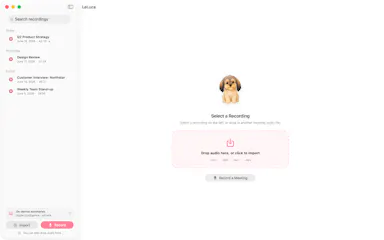
LeLuca

Live

Records and transcribes Mac meetings entirely on-device, then turns them into searchable AI notes, for people who don't want audio leaving their machine.

FreeWorks offlineData stays with youCan export my data
What to know
How it works
records mic+system audio, transcribes locally with Whisper, generates TL;DR/decisions/action items
What's different
100% on-device transcription, optional bring-your-own ChatGPT/Claude for notes
Pricing
free on Mac App Store
Best for
Mac users who need private meeting notes

Watched for 4 days · last checked today

Details →

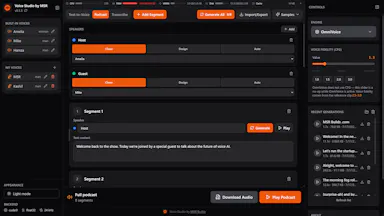
A self-hosted studio bundling several open-source TTS/voice engines and Whisper transcription as a local, offline alternative to ElevenLabs.

Works offlineOpen sourceSelf-hosted
What to know
How it works
A fully-offline local studio bundling multiple open-source TTS engines (VibeVoice, Kokoro, Chatterbox, OmniVoice, VoxCPM, Qwen3-TTS) plus Whisper voice-to-text.
What's different
Self-hosted, open-source alternative to ElevenLabs.

Watched for 8 days · last checked 2d ago

Details →

A Mac dictation app that turns your voice, screenshots, and screen recordings into a clean AI-ready Markdown prompt for Claude Code, Cursor, or ChatGPT, running fully offline via local Whisper.

Domain registered 2 months ago

Works offline
What to know
How it works
Local Whisper and open models on a Mac turn voice, screenshots, and screen recordings into a clean Markdown prompt.
Best for
Developers using Claude Code, Cursor, or ChatGPT who want offline, private dictation without per-token billing.

Watched for 7 days · last checked 1d ago

Details →

A free offline dictation tool that transcribes speech using local Whisper models and pastes the text anywhere, with no account or upload.

FreeWorks offline
What to know
How it works
Press a shortcut, speak, text is transcribed on-device and pasted
What's different
Offline Whisper transcription, no cloud upload
Pricing
Free for a limited time

Watched for 5 days · last checked 4d ago

Details →

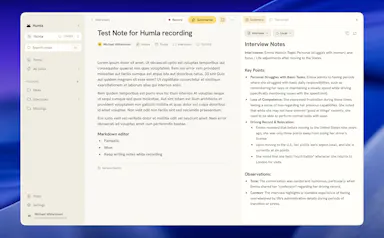
Humla

Live

A Mac app that records and transcribes meetings entirely on-device, no bot joins the call. Free and open source, with optional cloud or self-hosted sync for teams.

FreeWorks offlineOpen sourceNo tracking
What to know
How it works
Records mic and call audio directly through macOS with no bot joining the meeting, then transcribes, labels speakers, and writes a summary that fuses your notes with the transcript. Runs fully on-device using Whisper on Apple Silicon, or with your own AI key.
What's different
No bot joins the call, and it can run entirely on-device with local SQLite storage and no telemetry.
Pricing
Free and MIT-licensed, with optional paid team sync via Humla Cloud or self-hosting.
Best for
Mac users who want private, on-device meeting transcription without a bot joining their calls.

Watched for 13 days · last checked 7d ago

Details →

Runs speech and visual AI models locally to auto-generate YouTube chapter timestamps — free, no upload, no signup, built for YouTubers who don't want to type timestamps by hand.

FreeNo sign-upWorks offlineData stays with you
What to know
How it works
You upload a video and it uses Whisper for audio and Moment-DETR for visual analysis to detect natural chapter breaks, then outputs timestamps to paste into a YouTube description.
What's different
Cross-validates chapter breaks using both audio (Whisper) and visual detection, rather than relying on one signal; on a 68-minute test video it got 18 of 19 chapters correct.
Pricing
Free, no signup.
Best for
YouTubers who don't want to manually type out chapter timestamps.
Watch out
The 18/19 accuracy figure comes from a single 68-minute test video, not a broad benchmark.

Watched for 13 days · last checked 7d ago

Details →

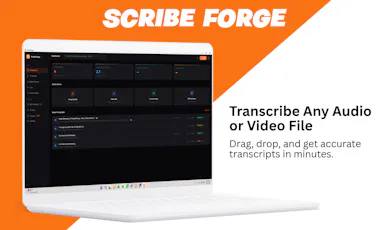
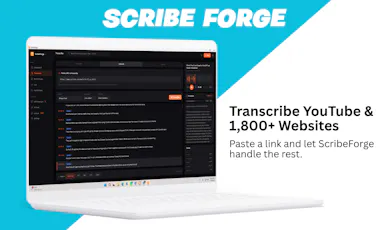
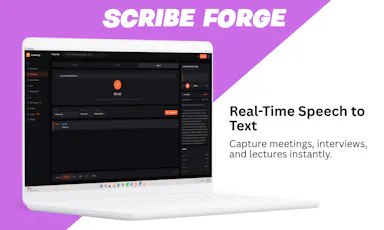
Transcribes audio and video, including YouTube, to text locally using Whisper AI, with no cloud upload, no subscription, and a one-time payment. Good for unlimited, private transcription without ongoing fees.

Works offlinePay onceNo subscription
What to know
How it works
Transcribes audio and video, including YouTube videos, playlists and live microphone input, to text entirely on your computer using Whisper AI, in 100+ languages.
What's different
Runs fully offline with no cloud upload, unlimited usage and no subscription.
Pricing
One-time payment, no subscription.
Best for
People who want unlimited, private transcription without ongoing fees or uploading audio to a cloud service.

Watched for 18 days · last checked 2d ago

Details →

A pure-Rust, on-device inference engine that runs small language models, speech-to-text, and text-to-speech fully offline on hardware from laptops to a Raspberry Pi.

Works offline
What to know
How it works
Runs chat, Whisper speech-to-text, and real-time text-to-speech fully on-device with one command to install and one line to run.
Watch out
No Python, Docker, or CUDA required.

Watched for 11 days · last checked 8d ago

Details →

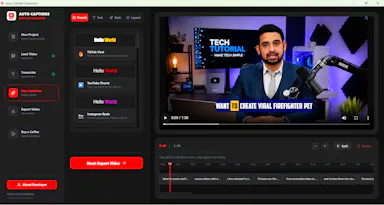
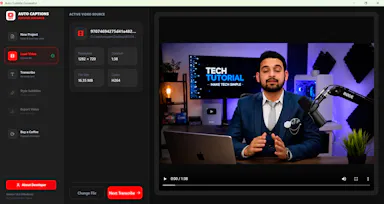
A free, open-source Windows app that auto-generates styled subtitles for your videos using offline Whisper or the cloud Groq API — aimed at YouTube Shorts, TikTok and Reels creators, not developers.

FreeWorks offlineOpen sourceCan export my data
What to know
How it works
A Windows desktop app that automatically transcribes videos into word-level subtitles using either offline OpenAI Whisper or the cloud-based Groq API, then burns captions into the video or exports as SRT/VTT.
What's different
Free and open-source, with styling presets built for YouTube Shorts, TikTok, and Instagram Reels formats.
Pricing
Free.
Best for
YouTube Shorts, TikTok, and Instagram Reels creators who need styled captions on their videos.
Watch out
Windows-only desktop app; cloud transcription option (Groq) requires sending video data off-device, unlike the offline Whisper option.

Watched for 17 days · last checked 2d ago

Details →

A macOS dictation app that inserts transcribed speech into any app via a hotkey; free local transcription through Apple Speech, with paid higher-accuracy and AI formatting options.

FreeWorks offline
What to know
How it works
A macOS dictation app: press a hotkey, speak, and the transcribed text is inserted directly into whatever app is active. Optional AI templates can then reformat the transcript into meeting notes, action items, summaries or to-do lists.
What's different
Supports both free local transcription via Apple Speech and higher-accuracy transcription via OpenAI Whisper, letting users choose speed/privacy versus accuracy.
Pricing
Free local dictation through Apple Speech; higher-accuracy Whisper transcription and AI formatting are paid options.
Best for
macOS users who want to dictate notes, emails or meeting summaries directly into any app without breaking their workflow.

Watched for 18 days · last checked 11d ago

Details →

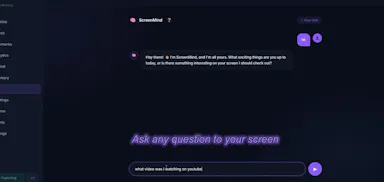
A local, privacy-first app that uses one on-device Gemma model to capture, transcribe, search, and automate your screen and audio history.

Works offlineOpen sourceNo tracking
What to know
How it works
Uses one local Gemma model on-device for screen vision, audio transcription, chat, and reasoning; captures only when content changes and lets you search or chat with your screen history in plain English.
What's different
Compared against Microsoft Recall (needs $1000+ hardware) and Screenpipe (needs separate OCR + Whisper + external LLM) — this runs one local model for everything.
Pricing
MIT licensed, pip install.
Watch out
Requires a 4GB GPU to run.

Watched for 8 days · last checked today

Details →

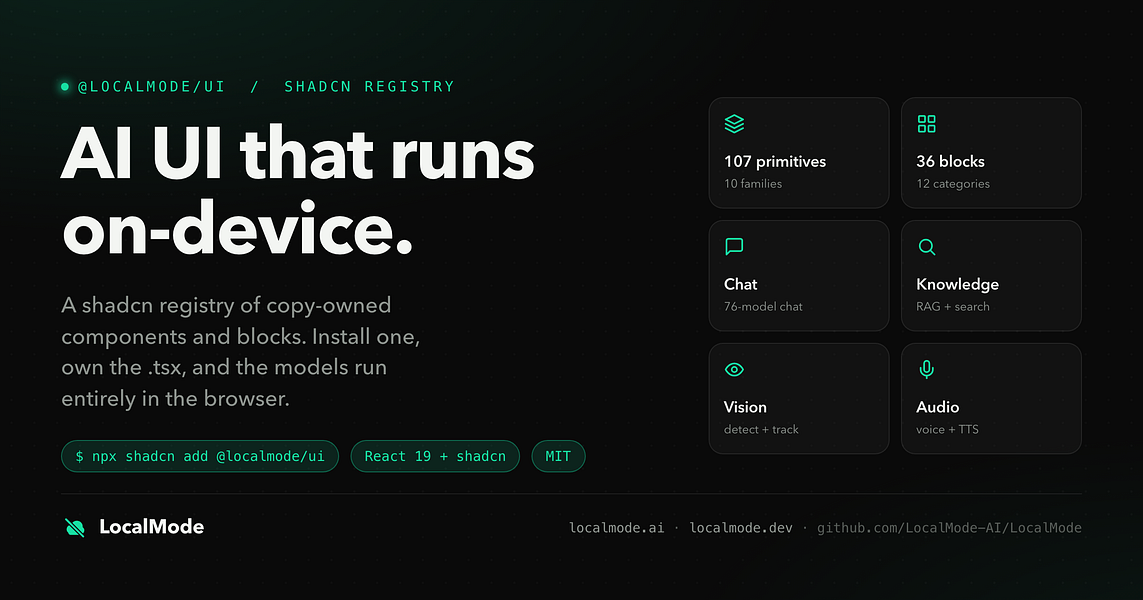
An open-source toolkit for building AI features — chat, RAG, speech, vision — that runs entirely in the browser with no servers and no data leaving the device. Built for developers.

Domain registered 7 months ago

Works offlineData stays with youOpen source
What to know
How it works
An open-source toolkit for running AI entirely in the browser: LLM chat across 76 models, RAG and vector search, Whisper and Kokoro speech, and vision, with no server or API key required. Runs on WebGPU with a WebAssembly fallback.
What's different
Data never leaves the device, and it ships a zero-dependency core plus a shadcn UI registry of 107 components and 36 installable blocks for building on top of it.
Pricing
Open source (MIT license).
Best for
Developers building browser-based AI features without standing up servers or managing API keys.

Watched for 12 days · last checked 1d ago

Details →

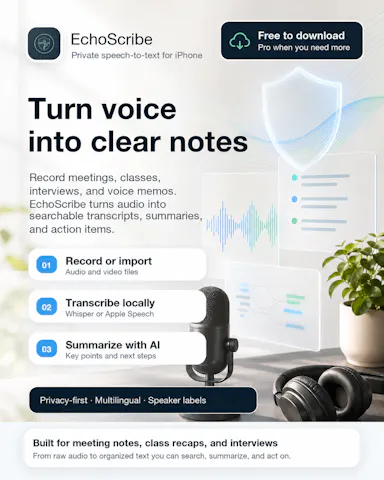
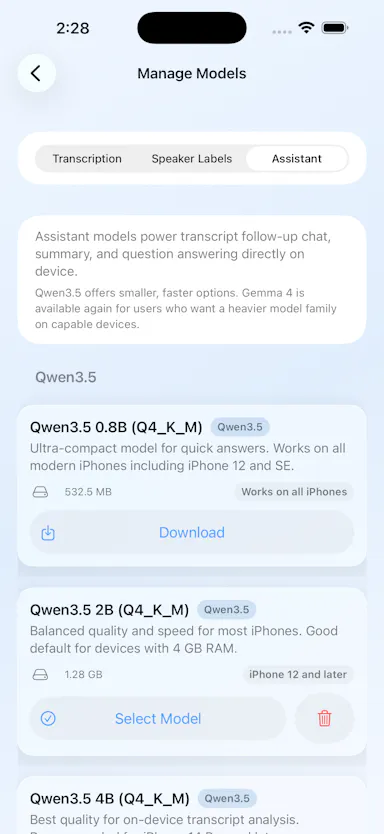
Transcribes meetings, interviews, and recordings on-device using local Whisper models, with speaker labels and a local AI summarizer.

FreeWorks offlineCan export my data
What to know
How it works
Records or imports audio/video and transcribes it on-device using local Whisper models, with speaker labels, editing, export, and a local AI assistant for summaries and action items.
Pricing
Free to download, with optional Pro access.
Best for
Sensitive, privacy-conscious meeting or interview transcription.

Watched for 8 days · last checked 6d ago

Details →

A desktop coding harness built specifically around open-weight models like DeepSeek, Qwen and Kimi, instead of bolting them onto a Claude or GPT-first interface as an afterthought.

FreeWorks offline
What to know
How it works
A desktop AI coding harness built around open-weight models (DeepSeek, Qwen, Kimi, MiniMax) instead of Claude/GPT, using a structural + lexical code-retrieval engine (Blueprint) that builds a real dependency graph of the codebase rather than embeddings or a vector DB.
What's different
Built specifically for open-weight models' weaker context discipline, instead of treating them as an afterthought behind a Claude/GPT-first interface.
Pricing
Free.
Best for
Developers who want to use open-weight models like DeepSeek, Qwen, or Kimi for coding with retrieval built for their limitations.
Watch out
Depends on local tools like Ollama and MCP — offline/no-cloud setup requires configuring those dependencies yourself.

Watched for 18 days · last checked 2d ago

Details →

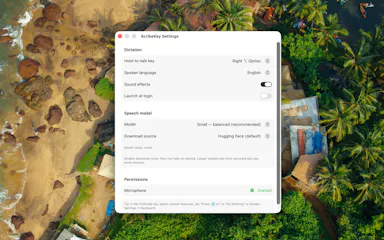
A Mac hold-to-talk voice typing tool that transcribes on-device for privacy.

Domain registered 4 months ago

FreeWorks offlineNo subscription
What to know
How it works
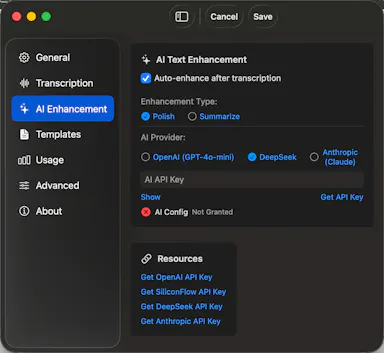
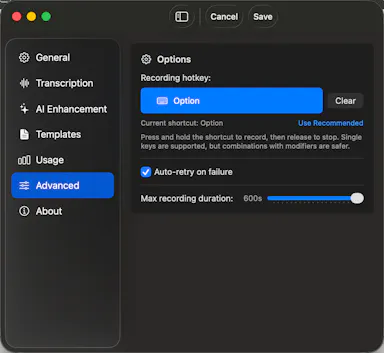
Hold Option, speak, release, and text appears at the cursor; SenseVoice transcription runs on-device for free, offline, private use, or bring your own OpenAI Whisper or SiliconFlow key for cloud accuracy.
What's different
Strong on mixed Chinese-English transcription.
Pricing
Free to start; one-time Pro purchase plus optional AI Plus.
Watch out
Requires macOS 14.6 or later.

Watched for 9 days · last checked 6d ago

Details →

Offline on-device speech to text for Mac and Windows

No sign-upWorks offlineData stays with you

First seen today · last checked today

Details →

A voice-to-text app that transcribes on-device and optionally cleans up grammar with a user-chosen AI, positioned as a free alternative to Wispr Flow.

FreeWorks offlineOpen source
What to know
How it works
Transcribes speech on-device (Parakeet/Whisper/Cohere), then optionally uses a chosen AI (Gemini, OpenAI, OpenRouter or local Ollama) to remove filler words and fix grammar; API keys stay in the Keychain.
What's different
Positioned as a free alternative to Wispr Flow, fully offline if you skip the AI cleanup step.
Pricing
Free, open-source.
Best for
People wanting private voice-to-text across any app.

Watched for 3 days · last checked 1d ago

Details →

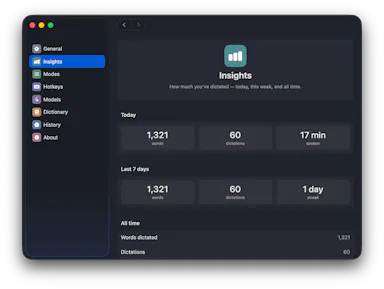
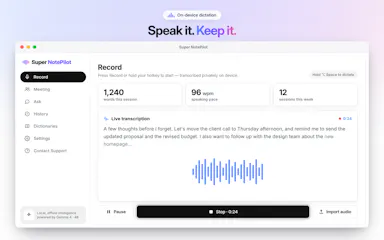
On-device AI dictation and meeting notetaker for Mac and iOS that works offline without an account.

Domain registered 1 month ago

FreeNo sign-upWorks offlineNo subscription
What to know
How it works
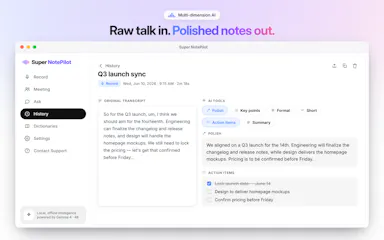
Runs 100% on-device using Gemma and Whisper for push-to-talk dictation into any app, live meeting transcripts, AI rewriting, and asking questions across notes.
What's different
No cloud, no account, no subscription.
Pricing
Free for macOS and iOS.
Watch out
Windows and Android support are coming soon, not yet available.

Watched for 10 days · last checked 7d ago

Details →

Opus Clip| Turn videos into viral TikToks, Reels & Shorts

FreeWorks offlineNo subscriptionCan export my data

First seen today
Details →