Tools that work offline, on your own deviceAudio & voice

81 match your filters — 78 of them answered our check today.

Watching this group for 20 days · how we check

This week34 new arrivals

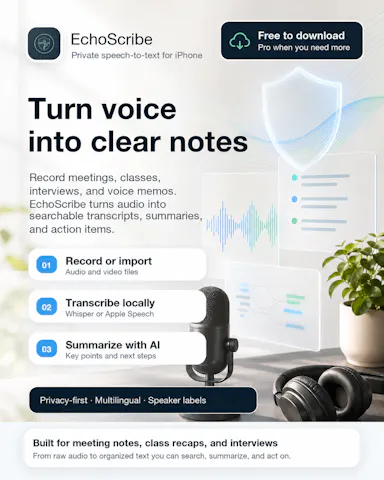
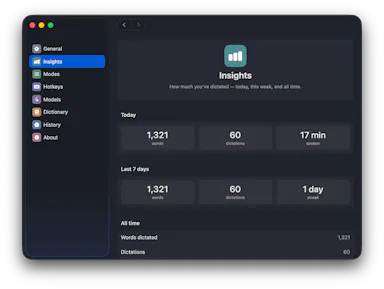
Real-time offline dictation and speech-to-text for meetings and notes on Mac that keeps everything private and processed locally instead of in the cloud.

Works offline
What to know
How it works
Provides realtime AI dictation and speech-to-text for meetings and notes, running privately and offline on Mac.

Watched for 7 days · last checked 1d ago
Details →

Lets people log expenses by speaking instead of manually entering line items into a spreadsheet.

Works offline
What to know
How it works
Voice input turns spending into a categorized expense in seconds; works offline and syncs across devices.

Watched for 1 day · last checked 1d ago

Details →

LeLuca

Live

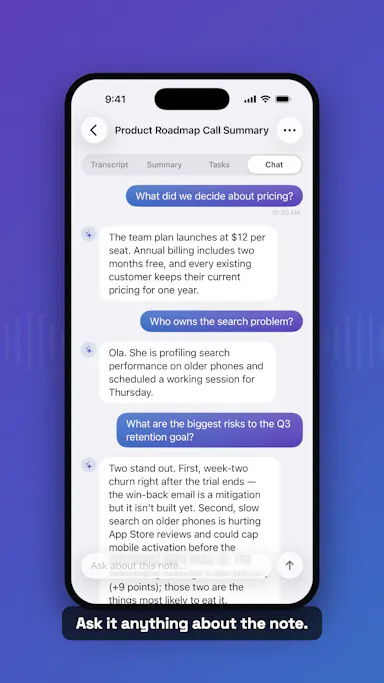
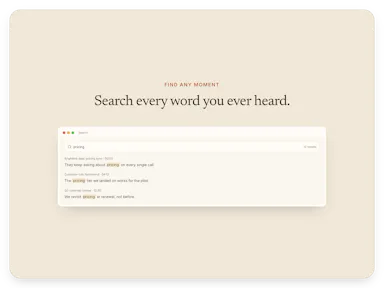
Records and transcribes Mac meetings entirely on-device, then turns them into searchable AI notes, for people who don't want audio leaving their machine.

FreeWorks offlineData stays with youCan export my data
What to know
How it works
records mic+system audio, transcribes locally with Whisper, generates TL;DR/decisions/action items
What's different
100% on-device transcription, optional bring-your-own ChatGPT/Claude for notes
Pricing
free on Mac App Store
Best for
Mac users who need private meeting notes

Watched for 4 days · last checked today

Details →

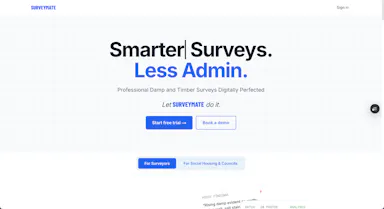
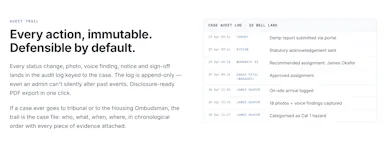
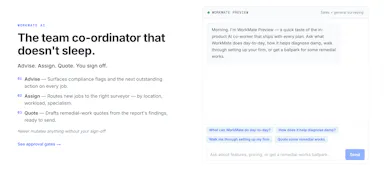
Turns on-site damp and timber survey inspections, captured via photos and voice dictation even offline, into finished reports with client portals and UK compliance tracking.

Domain registered 3 months ago

Works offline
What to know
How it works
Capture findings on-site with photo capture and voice dictation, even offline; AI analyzes the photos and generates branded reports with a client portal, job pipeline, and CRM.
Best for
UK surveyors doing damp and timber inspections who need Awaab's Law compliance built in.

Watched for 7 days · last checked 1d ago

Details →

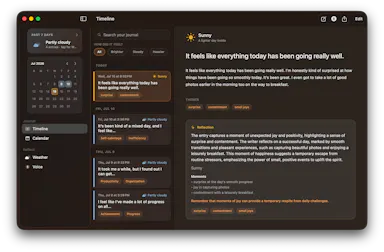
Transcribes short voice notes on-device into pattern dashboards, fully offline; data syncs end-to-end encrypted across devices, and you can plug in a local MCP server for your own AI agents.

Domain registered 1 month ago

Works offlineCan export my data
What to know
How it works
You speak a short voice note, it's transcribed on-device, and an offline dashboard surfaces patterns over time — repetition, distribution, spikes, changes, and correlations. Data syncs end-to-end encrypted across devices with keys you control, and can be exported/imported or connected to a local MCP server for your own agents to analyze.
What's different
Transcription and analysis happen entirely on-device with end-to-end encrypted sync, and data can be exported anytime to avoid lock-in.
Best for
People who want to track personal patterns from quick voice notes without their data leaving their control.

Watched for 11 days · last checked 5d ago

Details →

AVE

Live

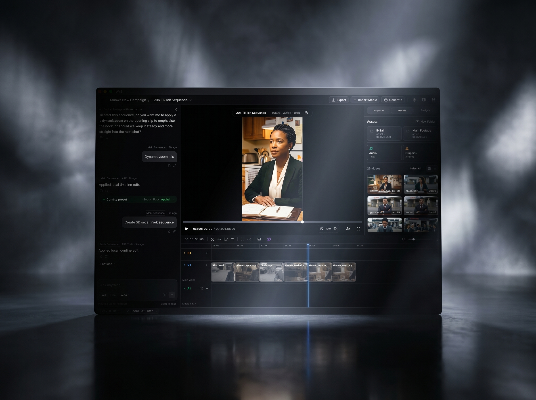
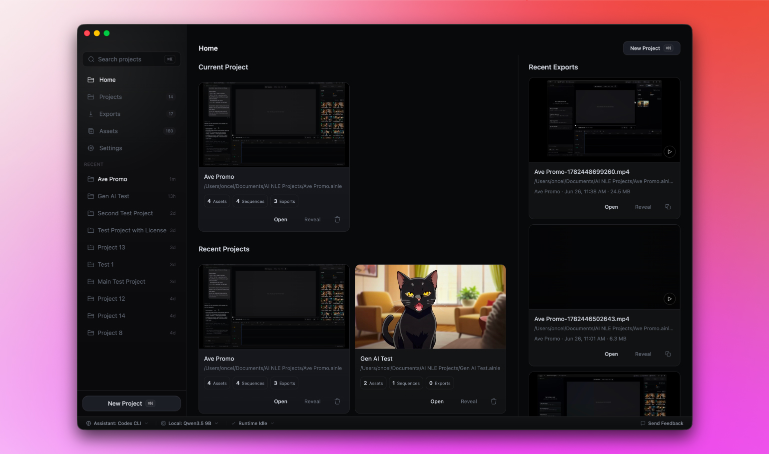
Local-first AI video editor for Mac that searches footage by what's shown or said and assembles it into a timeline.

Domain registered 2 months ago

Works offline
What to know
How it works
Imports footage, analyzes transcripts and visual notes, and lets you search clips by what appears or is said, then assemble them into a timeline.
What's different
Local-first — the project stays on your Mac by default.

Watched for 4 days · last checked today

Details →

A free voice-to-structured-markdown notes app that runs entirely offline on Mac/iOS using a local LLM, for people who don't want their dictation sent to the cloud.

FreeWorks offline
What to know
How it works
Global dictation shortcut, live markdown editor with on-the-fly LLM fixes, all local.
Pricing
Free.
Watch out
Local LLM only — no cloud/API-key option mentioned, unlike some competitors.

Watched for 2 days · last checked 2d ago

Details →

Oats

Live

A free, fully on-device meeting note-taker that transcribes and blends your typed notes without ever sending audio to the cloud or requiring an account, unlike most paid cloud notetakers.

FreeNo sign-upWorks offlineNo subscription
What to know
How it works
On-device transcription blended with your typed notes into a write-up; optional bring-your-own model key or fully offline.
What's different
Most competitors still upload audio to their cloud and cost $18+/mo; this doesn't and is free.
Pricing
Free.

Watched for 2 days · last checked 2d ago

Details →

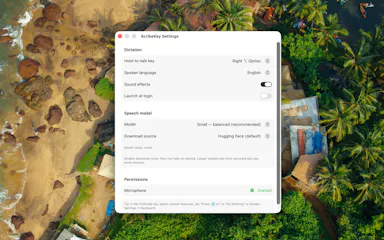
Free open-source Mac dictation app that types cleaned-up text into any app entirely on-device, no account needed.

FreeNo sign-upWorks offlineOpen source
What to know
How it works
Hold a key, speak, on-device model transcribes and cleans up fillers/self-corrections
What's different
100% on-device, no account or server required
Pricing
Free, MIT-licensed

Watched for 4 days · last checked today

Details →

A Mac dictation tool that turns speech into clean text anywhere via a hotkey, with recognition running locally, evolving into an on-device AI assistant you can hand tasks to. No cloud or account required.

Domain registered 1 month ago

FreeNo sign-upWorks offline
What to know
How it works
Hold a key, speak a sentence, and it appears as text in any Mac app; select existing text, press a key, and say what's wrong with it to have it rewritten in place. Speech recognition runs entirely on the Mac.
What's different
No audio ever leaves the device -- recognition and rewriting both run locally.
Pricing
Free trial.
Best for
Mac users who think faster than they type and want to dictate or fix text without leaving their current app.

Watched for 10 days · last checked 4d ago

Details →

Free online file converter that runs entirely in your browser so files never get uploaded to a server.

Domain registered 1 month ago

FreeNo sign-upWorks offlineData stays with you
What to know
How it works
converts PDFs, images, docs, audio and video locally via WebAssembly
What's different
no upload, works offline, no daily limits
Pricing
free

Watched for 6 days · last checked today

Details →

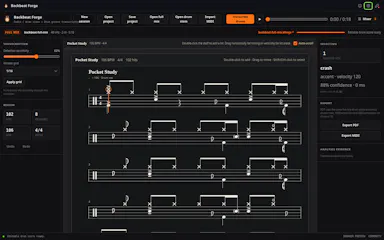
A tool that turns a drum audio track or mix into an editable drum score, replacing manual transcription by ear.

Works offlineCan export my data
What to know
How it works
Converts a full mix or isolated drum stem into a five-line drum score you can check against playback and hand-correct.
What's different
Runs entirely locally rather than processing audio in the cloud.
Best for
Musicians and transcribers who want a starting score instead of transcribing drum parts by hand.

Watched for 7 days · last checked 1d ago

Details →

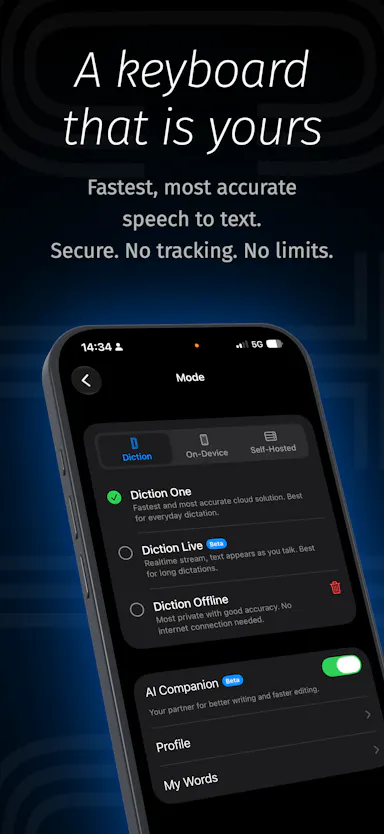
A voice-to-text iOS keyboard that transcribes and AI-edits your dictation on-device (or self-hosted), for anyone who wants fast private dictation without cloud processing.

Works offlineSelf-hosted
What to know
How it works
Speech-to-text keyboard works in any app; AI Companion edits as you dictate on command (e.g. translate, make formal).
What's different
Runs fully on-device or self-hosted, zero analytics, zero tracking.
Best for
Users needing fast typing without sending audio to the cloud.

Watched for 2 days · last checked 1d ago

Details →

Generates private text-to-speech voiceovers locally on a Windows PC in 23 languages, for creators who don't want to upload scripts to a cloud service.

Domain registered 9 months ago

Works offlineCan export my data
What to know
How it works
Runs locally on your PC, no per-character cloud fees
What's different
private, offline processing, no script upload
Best for
creators making voiceovers for videos, courses, or games

Watched for 6 days · last checked today

Details →

A self-hosted AI workspace for regulated industries that gives a ChatGPT-like experience without sending data outside your own infrastructure — for enterprises that must stay on-prem or air-gapped.

Works offlineSelf-hosted
What to know
How it works
Pairs Bolt, a local-first AI workspace that runs on the user's own machine, with Aeira, a governed retrieval and policy layer, so enterprises get a ChatGPT/Copilot-style experience while everything runs inside their own trust boundary (on-premises, VPC, or air-gapped).
What's different
You bring your own LLM (hosted frontier model behind your own key, a model in your VPC, or a local open-weight model Sparcle auto-detects) and PII is masked at the LLM boundary so the model only sees redacted context.
Best for
Regulated enterprises (subject to HIPAA, GDPR, DPDPA) that need AI productivity tools without sending data outside their infrastructure.

Watched for 18 days · last checked today

Details →

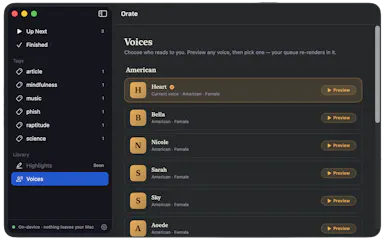
Select text anywhere on your Mac and it reads it aloud in a natural voice, queued like a podcast, with on-device text-to-speech.

No sign-upWorks offlinePay onceNo subscription
What to know
How it works
hotkey reads selected text aloud, queued for later listening
What's different
TTS runs fully on-device, offline, no account
Pricing
$4.99 one-time, 14-day trial

Watched for 6 days · last checked today

Details →

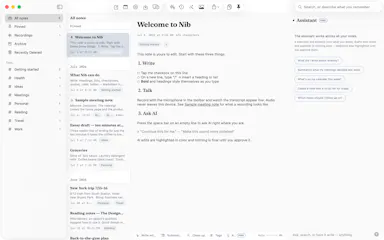
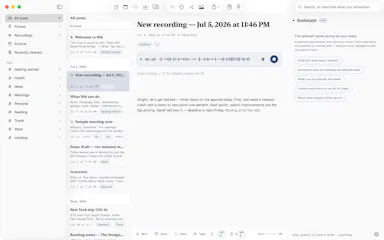
Nib

Live

A notes app for iPhone, iPad, and Mac that records and transcribes on-device, then turns meeting audio and handwritten notes into structured minutes with decisions and to-dos you approve as diffs.

FreeWorks offlineData stays with youNo ads
What to know
How it works
On-device transcription keeps audio local; AI restructures transcripts into minutes with editable, diff-based approval.
Pricing
Recording, transcription, and search are free; cloud AI features require Pro.
Best for
People who want private, on-device meeting notes.

Watched for 7 days · last checked 1d ago

Details →

An offline clinical assistant for homeopaths that maps patient symptoms to remedies using local, private AI models.

Works offlineOpen source
What to know
How it works
Uses local LLMs to repertorize cases and extract clinical rubrics from voice dictation and images
Pricing
Open source
Watch out
100% offline, no cloud data sharing

Watched for 6 days · last checked today

Details →

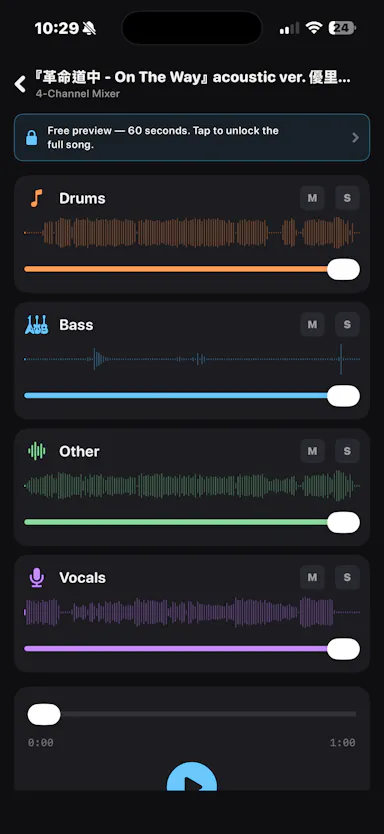
An iOS app that separates any audio track into 4 stems entirely on-device, for musicians who want stem separation without uploading tracks to the cloud.

Works offlineData stays with you

Watched for 2 days · last checked 1d ago

Details →

A Windows app that auto-replies to a person's Telegram contacts from their real account, transcribing voice notes and reading photos, instead of the user answering manually.

Works offline
What to know
How it works
Runs locally on Windows, reads incoming Telegram messages, transcribes voice notes, analyzes photos, and sends replies with a typing indicator and natural delay.
Pricing
One-time license from about $1, with a 7-day free trial.
Best for
People fielding many Telegram client messages who want automated replies that look human.
Watch out
Replies are sent from the user's real account without recipients being told it's automated.

Watched for 7 days · last checked 1d ago

Details →

A Mac dictation app that turns your voice, screenshots, and screen recordings into a clean AI-ready Markdown prompt for Claude Code, Cursor, or ChatGPT, running fully offline via local Whisper.

Domain registered 2 months ago

Works offline
What to know
How it works
Local Whisper and open models on a Mac turn voice, screenshots, and screen recordings into a clean Markdown prompt.
Best for
Developers using Claude Code, Cursor, or ChatGPT who want offline, private dictation without per-token billing.

Watched for 7 days · last checked 1d ago

Details →

Dictro

Live

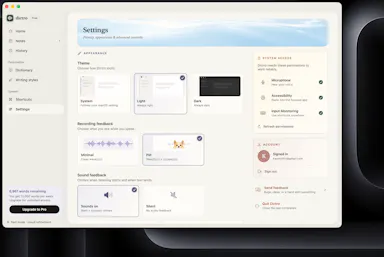
On-device voice dictation for Mac that never sends audio to the cloud, for privacy-conscious people who don't want their voice leaving their machine.

Domain registered 18 days ago

Works offline
What to know
How it works
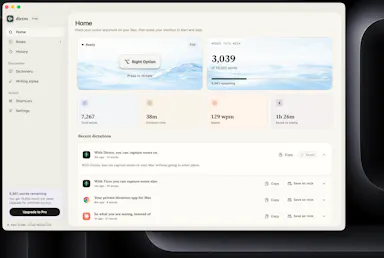
An on-device AI dictation app for Apple Silicon Macs — speak naturally and get polished, typed text in any Mac app.
What's different
Processes speech entirely on-device rather than sending audio to the cloud.
Best for
Privacy-conscious people who don't want their voice data leaving their machine.

Watched for 9 days · last checked 3d ago

Details →

A Windows dictation tool for power users, running local models or your own API key to cloud AI, with voice search and 100+ language support.

Works offline
What to know
How it works
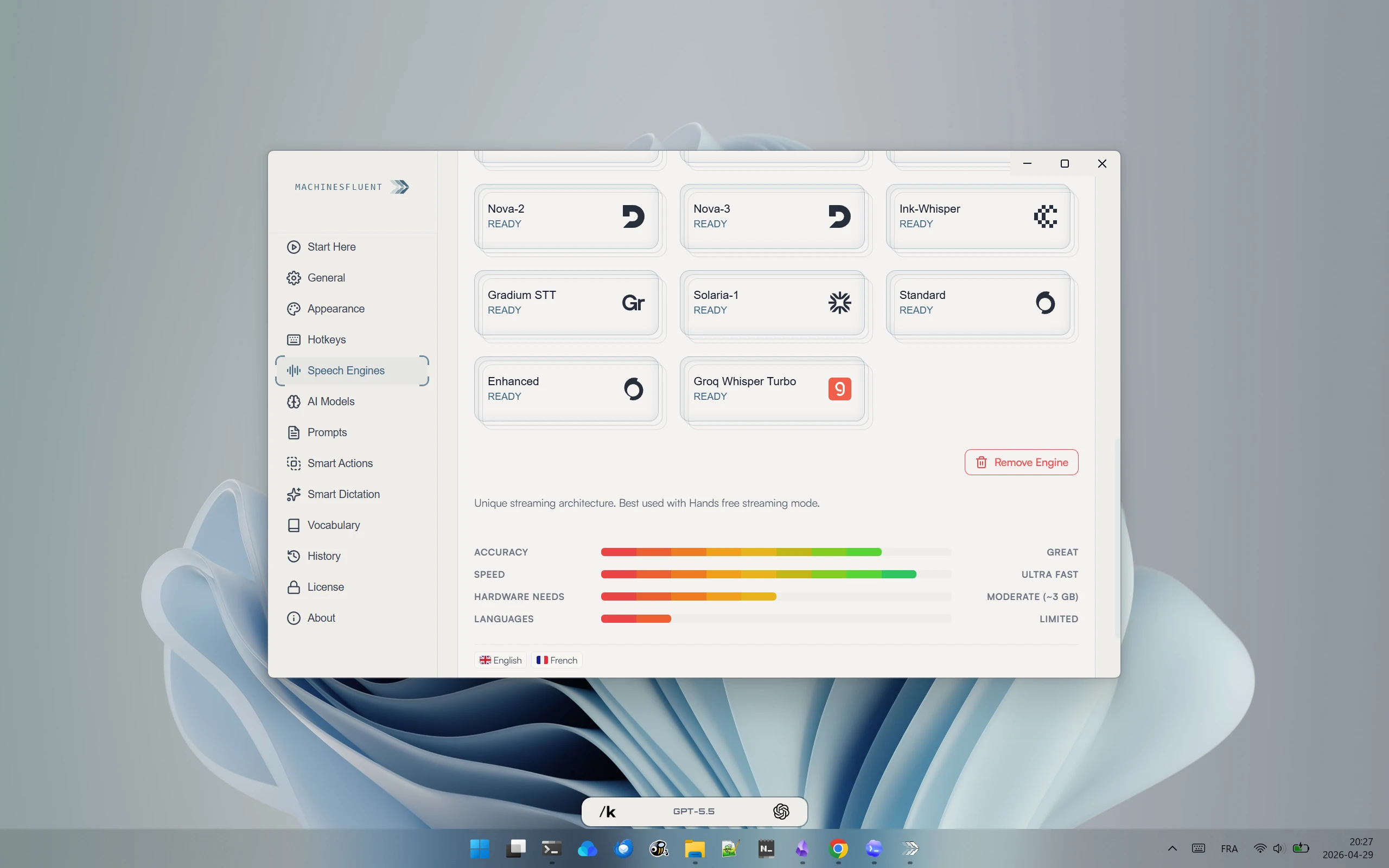
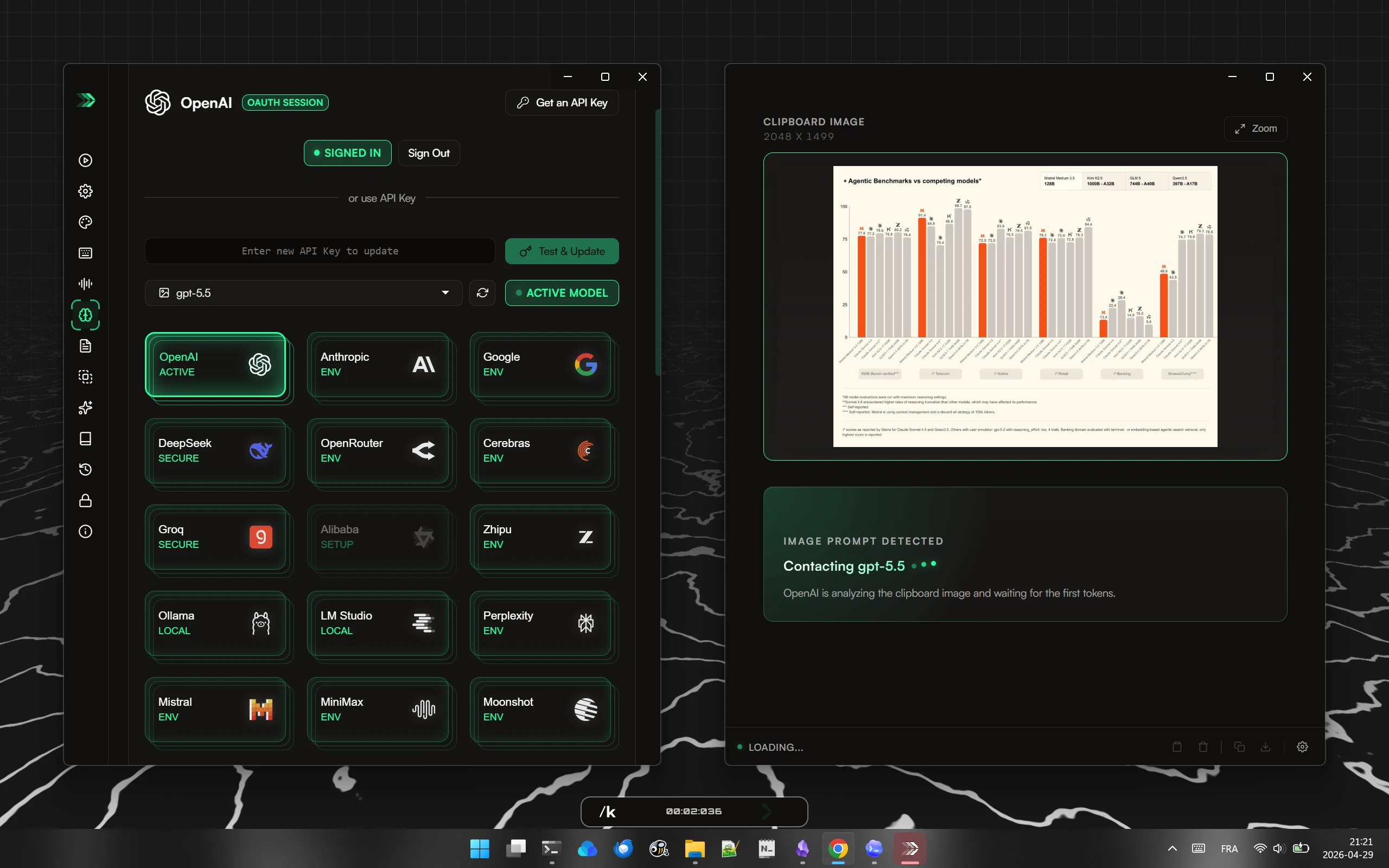
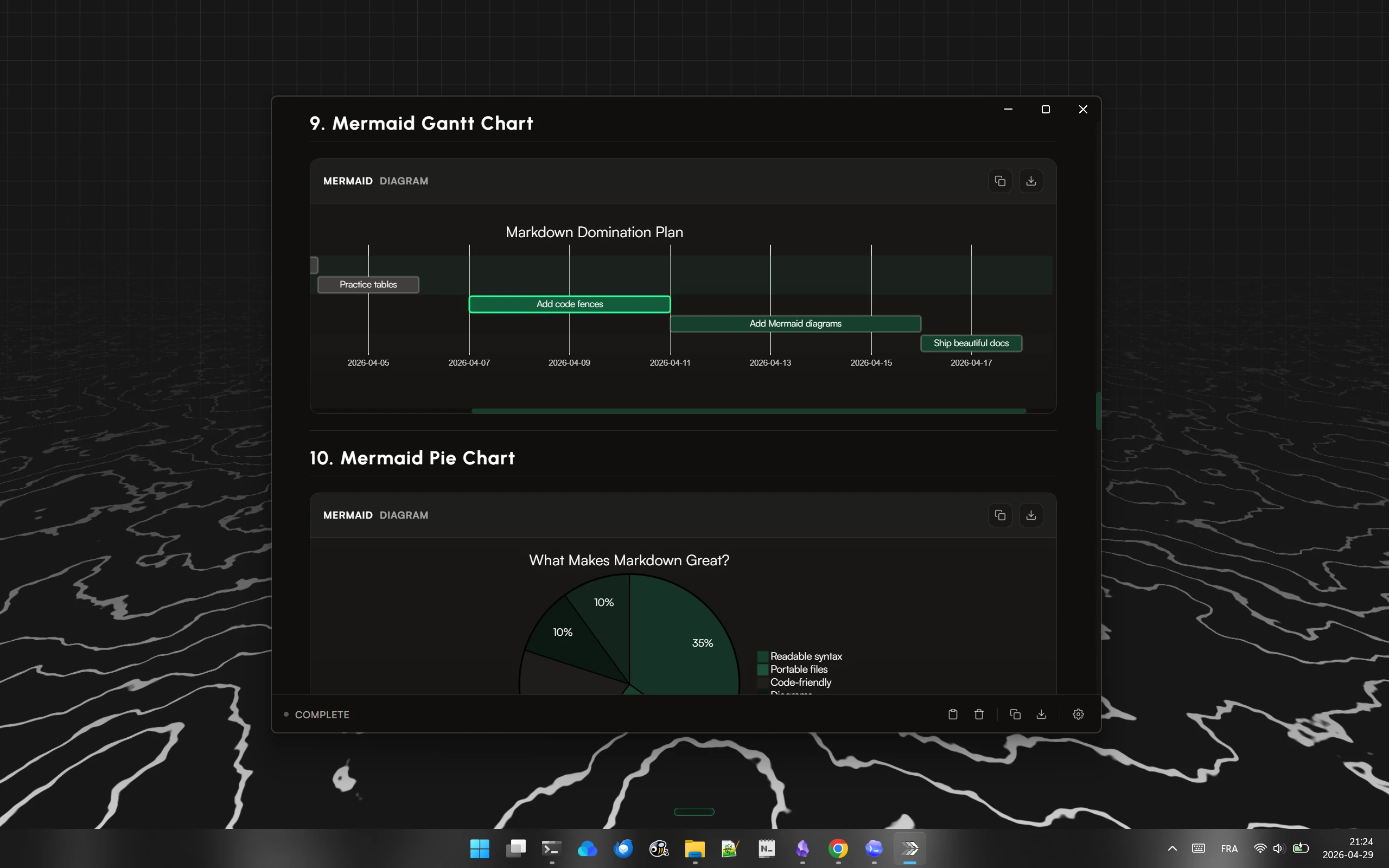
AI dictation for Windows that can run fully offline with local models (Ollama, LM Studio) or use cloud models via your own API key or OAuth sign-in, combining transcription and language models with custom prompts. Can process clipboard content including images, search the web by voice, and summarize long text into rich responses including diagrams, in 100+ languages.
What's different
Lets you switch between offline local models and cloud models, and bring your own key to access many different AI providers, rather than being locked to one.
Pricing
Free, no account required, open source, no subscription.
Best for
Windows power users who want flexible, privacy-conscious dictation across many apps and languages.

Watched for 18 days · last checked today

Details →

A free offline dictation tool that transcribes speech using local Whisper models and pastes the text anywhere, with no account or upload.

FreeWorks offline
What to know
How it works
Press a shortcut, speak, text is transcribed on-device and pasted
What's different
Offline Whisper transcription, no cloud upload
Pricing
Free for a limited time

Watched for 5 days · last checked 4d ago

Details →

Weeve

Live

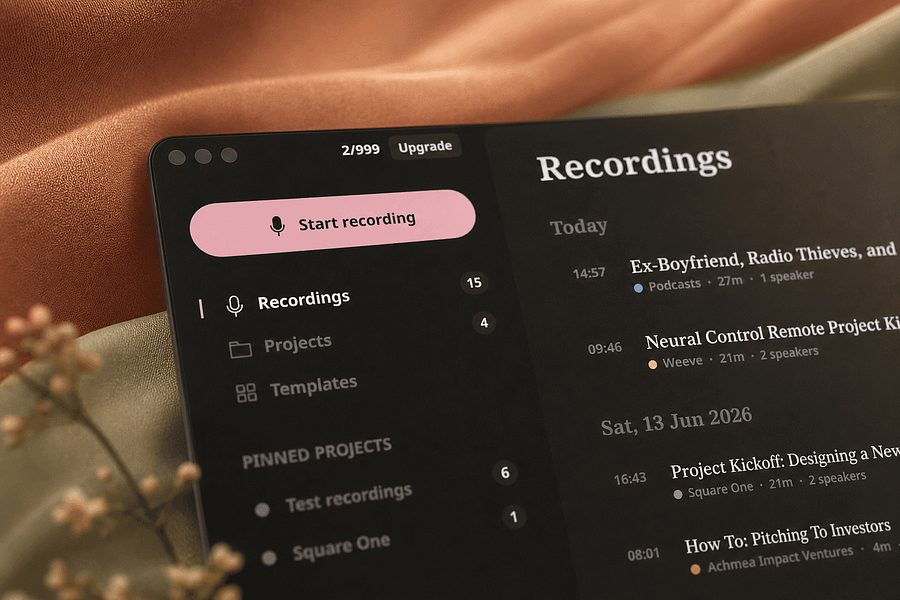
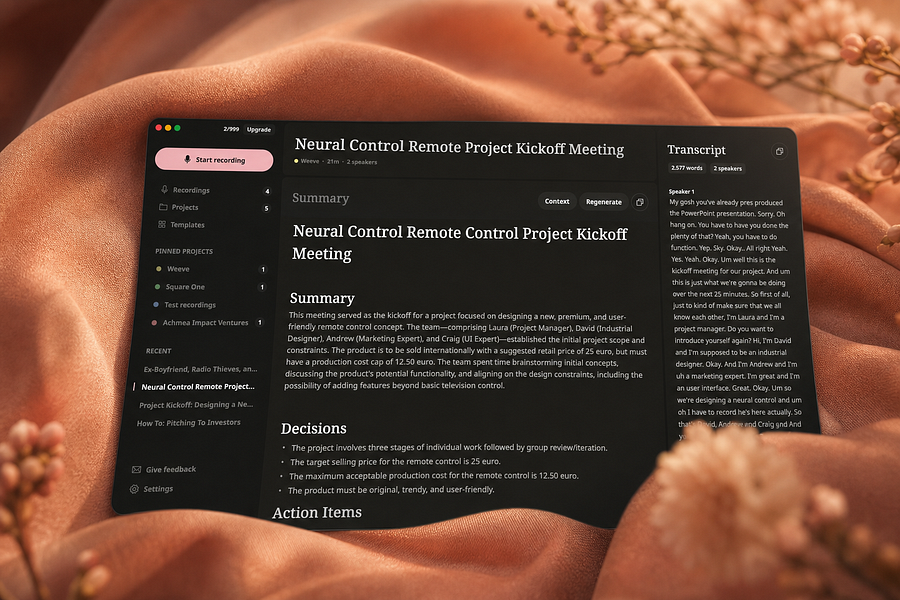
Records, transcribes, and summarizes meetings entirely on your Mac so audio never leaves the device, for people who want private meeting notes.

FreeWorks offlineCan export my data
What to know
How it works
Identifies speakers live and captures decisions and action items on-device
What's different
Works fully offline, keeping audio and AI processing on your Mac
Pricing
Free, Pro, and Team plans
Best for
People and teams wanting private meeting transcripts without cloud processing

Watched for 4 days · last checked 4d ago

Details →

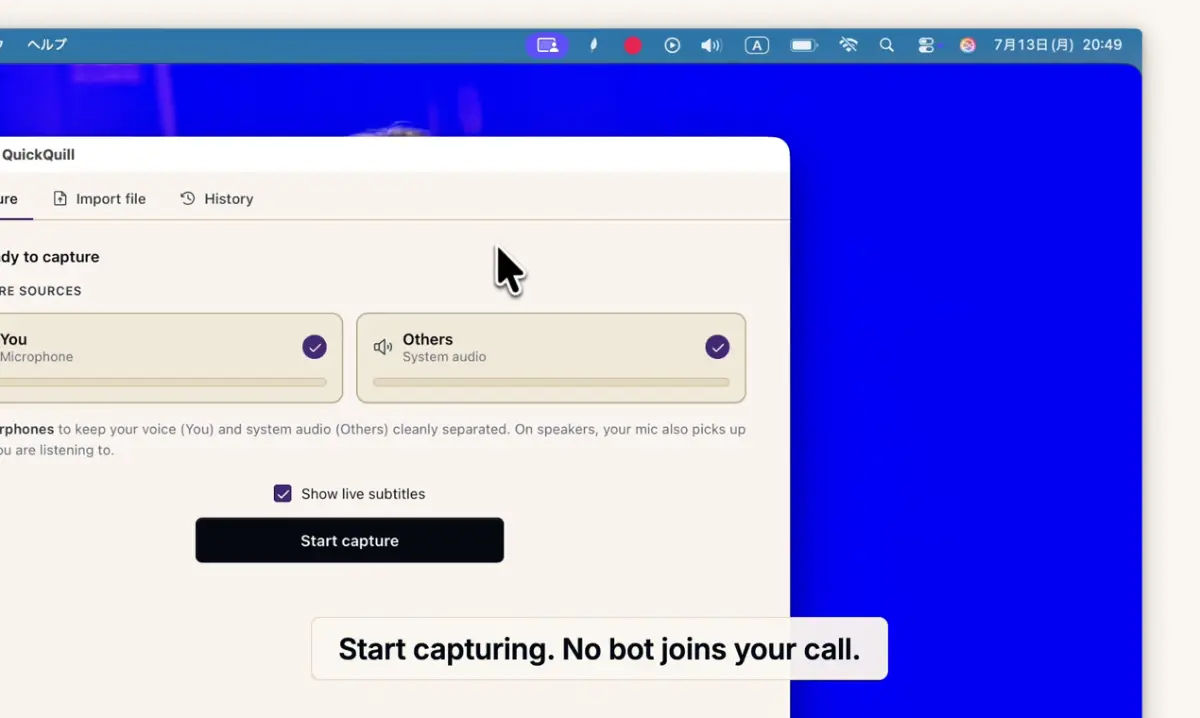
Records meetings on Mac and generates transcripts, summaries and live translated subtitles, entirely on-device. Dictation is free forever; the full meeting workflow costs a one-time $49.

Domain registered 1 month ago

FreeNo sign-upWorks offlinePay once
What to know
How it works
Records meetings and produces transcripts and summaries entirely on-device, with nothing sent to the cloud; it also shows live subtitles with translation while recording, and offers push-to-talk dictation usable in any app.
What's different
Continues working with Wi-Fi off and requires no bot joining the call, since everything runs on-device.
Pricing
Dictation is free forever; the full meeting workflow is a one-time $49 purchase. No account or subscription required.
Best for
Mac users who want private, on-device meeting notes without a cloud service.
Watch out
Requires macOS 26 on Apple Silicon, so it won't run on older Macs or other operating systems.

Watched for 12 days · last checked 6d ago

Details →

A local-first call transcription and note-taking app for Mac that transcribes and generates notes entirely on-device, instead of sending call audio to a cloud service.

Domain registered 16 days ago

Works offline
What to know
How it works
Runs transcription and intelligence generation on Apple Silicon; audio exists only in volatile memory and is destroyed once structured notes are produced.
What's different
No audio is ever recorded to disk or sent to the cloud, by design.

Watched for 7 days · last checked 6d ago

Details →

AI Noise Cancellation for your meetings and calls.

Domain registered 1 month ago

Works offline
What to know
How it works
A real-time, on-device noise and echo cancellation app for Windows and Linux that creates a clean virtual microphone for apps like Zoom, Google Meet, Teams, and Discord.
What's different
Audio is processed entirely on-device and never uploaded.
Pricing
Free to start, no sign-in required.
Best for
People who want background noise removed from calls without sending audio to the cloud.

Watched for 9 days · last checked 3d ago

Details →

Transcribes audio and video entirely on your Apple Silicon Mac, no cloud upload and no minute limits — for anyone who needs private dictation or transcript editing without sending recordings off-device.

Works offline
What to know
How it works
Transcribes audio and video entirely on-device on Apple Silicon Macs, with synced playback for review, custom vocabulary, quick dictation anywhere, and merging/organizing transcripts.
What's different
No cloud uploads and no minute limits, unlike cloud transcription services.
Best for
Mac users who need private dictation or transcript editing without sending recordings off-device.

Watched for 17 days · last checked 11d ago

Details →

Humla

Live

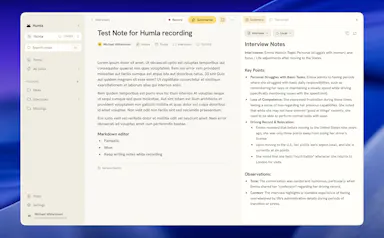
A Mac app that records and transcribes meetings entirely on-device, no bot joins the call. Free and open source, with optional cloud or self-hosted sync for teams.

FreeWorks offlineOpen sourceNo tracking
What to know
How it works
Records mic and call audio directly through macOS with no bot joining the meeting, then transcribes, labels speakers, and writes a summary that fuses your notes with the transcript. Runs fully on-device using Whisper on Apple Silicon, or with your own AI key.
What's different
No bot joins the call, and it can run entirely on-device with local SQLite storage and no telemetry.
Pricing
Free and MIT-licensed, with optional paid team sync via Humla Cloud or self-hosting.
Best for
Mac users who want private, on-device meeting transcription without a bot joining their calls.

Watched for 13 days · last checked 7d ago

Details →

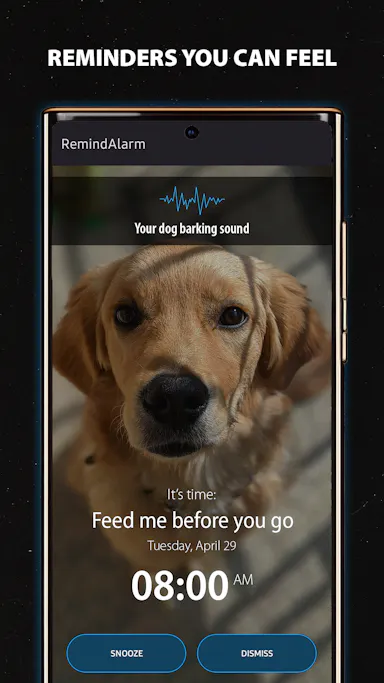
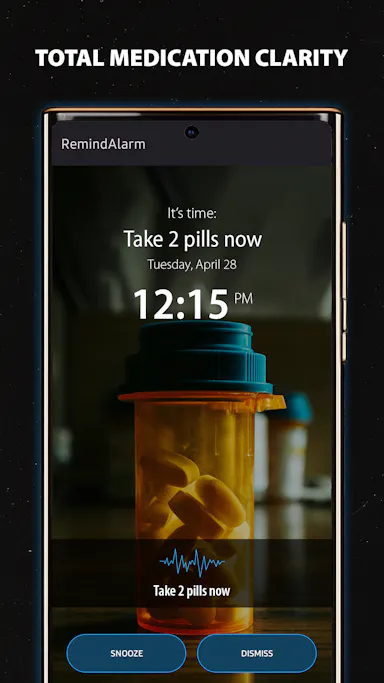
A one-time-purchase reminder app that uses photos and voice notes instead of plain text, shown on your lock screen, for everyday reminders like medication or shopping rather than a clinical tool.

Works offlineNo subscriptionNo ads
What to know
How it works
Create reminders using photos and optional voice recordings instead of plain text; they appear on your lock screen at the set time. Works offline.
What's different
Uses photos and voice instead of text notifications, which the product argues are easier to ignore.
Pricing
One-time purchase, no ads.
Best for
People with notification fatigue who need reminders for things like medication, shopping, or daily routines.

Watched for 15 days · last checked 9d ago

Details →

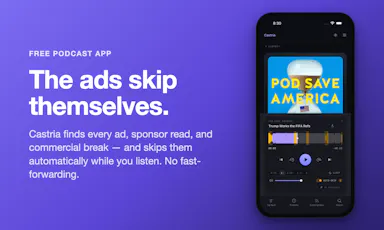
A podcast listening app that automatically detects and skips ads and sponsor reads, plus AI summaries, transcripts and offline downloads; free on iPhone, Android and web.

FreeWorks offline
What to know
How it works
Scans podcast episodes to find ads, sponsor reads, and commercial breaks and automatically skips them while you listen. Also provides AI summaries, searchable transcripts, and offline downloads.
What's different
Free automatic ad-skipping across podcasts, rather than a paid ad-free tier from individual podcast networks.
Pricing
100% free.
Best for
Podcast listeners on iPhone, Android, or web who want to skip ads without paying for ad-free subscriptions.

Watched for 11 days · last checked 5d ago

Details →

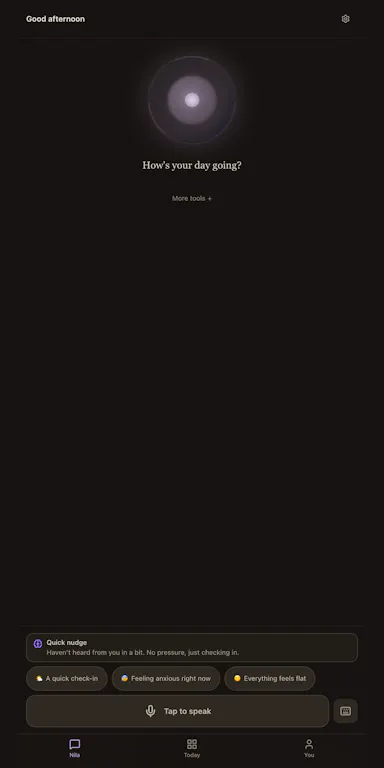
An Android app built around an AI companion for everyday emotional support, with crisis-safety checks and research-backed protocols. The model, transcription and data all stay on your phone.

No sign-upWorks offlineNo trackingCan export my data
What to know
How it works
An Android app built around an AI companion, Nila, for everyday emotional support by voice or text, with crisis-safety checks, a private diary, and clinician PDF export.
What's different
The AI model, transcription and all data stay fully on-device — no account, backend, or analytics by default.
Best for
People wary of sending emotional or mental-health data to a cloud service who still want an AI companion with structured, research-backed protocols like Relapse Prevention and Mindfulness.
Watch out
It is a support companion with crisis-safety checks, not a substitute for a licensed therapist.

Watched for 11 days · last checked 5d ago

Details →

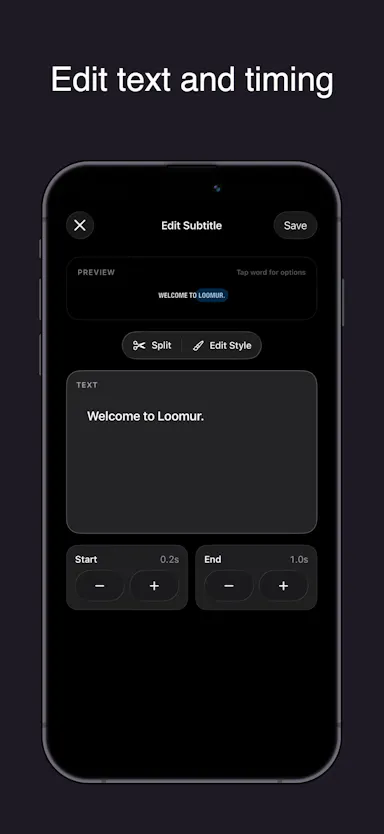
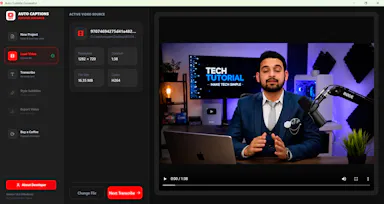
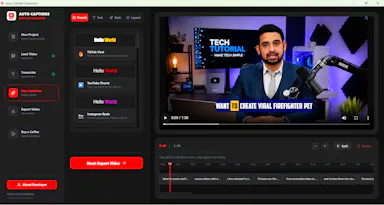
Auto-generates styled subtitles for short vertical videos directly on your iPhone using on-device AI — nothing is uploaded to a server.

Works offlineData stays with you
What to know
How it works
Generates stylish subtitles for short-form vertical videos directly on iPhone using on-device AI transcription; lets you edit text, highlight keywords, choose caption styles, and adjust placement before sharing.
What's different
Transcription happens entirely on-device, so no video is uploaded to a server.
Best for
Creators making stories, vlogs, or social content who want captions without uploading footage anywhere.

Watched for 17 days · last checked 8d ago

Details →

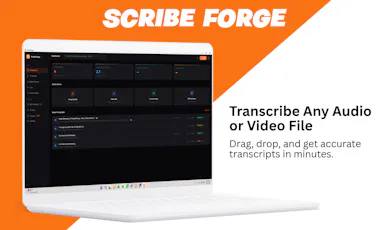
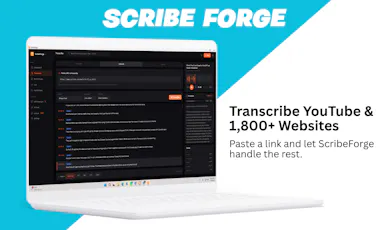
Transcribes audio and video, including YouTube, to text locally using Whisper AI, with no cloud upload, no subscription, and a one-time payment. Good for unlimited, private transcription without ongoing fees.

Works offlinePay onceNo subscription
What to know
How it works
Transcribes audio and video, including YouTube videos, playlists and live microphone input, to text entirely on your computer using Whisper AI, in 100+ languages.
What's different
Runs fully offline with no cloud upload, unlimited usage and no subscription.
Pricing
One-time payment, no subscription.
Best for
People who want unlimited, private transcription without ongoing fees or uploading audio to a cloud service.

Watched for 18 days · last checked 2d ago

Details →

A local-first desktop video editor for recording screen, camera and remote podcasts and editing by transcript, sold as a one-time license instead of a subscription.

Works offlinePay once
What to know
How it works
A local-first desktop video editor for recording screen, camera and remote podcasts, with editing by transcript, captions, and direct publishing.
What's different
Runs locally rather than in the cloud, and follows a one-time license model instead of a subscription.
Pricing
One-time license instead of a subscription.
Best for
Creators who want a local, transcript-based video editor without a recurring subscription.

Watched for 15 days · last checked 2d ago

Details →

Converts speech to text entirely on your Windows PC — no cloud, no account required, works even with WiFi off. For users who want dictation without sending audio anywhere.

No sign-upWorks offlineData stays with youPay once
What to know
How it works
Converts speech to text directly on a Windows PC using one shortcut: hold, speak, release, and the text lands wherever your cursor is, in any app.
What's different
Works entirely offline with no cloud processing, no account, and no subscription — it keeps working even with WiFi off.
Pricing
One-time payment, no subscription.
Best for
Windows users who want dictation in any app (email, chat, notes, code editors) without their voice data leaving the device.

Watched for 16 days · last checked 10d ago

Details →

A fully on-device AI app for Android — chat, vision, voice and image generation that runs offline with no cloud calls, translated into 11 languages.

Works offline
What to know
How it works
A fully on-device AI app for Android offering offline chat, vision, voice input, offline text-to-speech, file attachments, AI agents and on-device image generation, with CPU/GPU acceleration via Vulkan and OpenCL and UI translations in 11 languages.
What's different
Runs entirely on-device with no cloud calls.
Best for
Android users who want private AI features without sending data off their phone.

Watched for 18 days · last checked 2d ago

Details →

A desktop app that uses AI to convert recorded language-class lessons into vocabulary lists, grammar notes, and practice exercises.

Works offline
What to know
How it works
Record a lesson, then AI generates vocabulary, grammar notes, and exercises from it, usable offline or online.
Best for
Language learners wanting study material generated from their own class recordings.

Watched for 18 days · last checked 2d ago

Details →

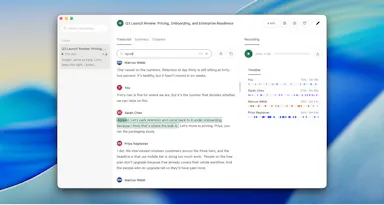
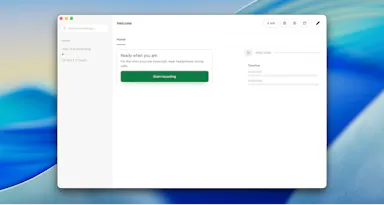
Corder

Live

Records your Mac's mic and system audio directly with no bot joining the call, and transcribes on-device so recordings never leave your machine. Free to start, no account needed.

Domain registered 2 months ago

FreeNo sign-upWorks offline
What to know
How it works
Records your Mac's microphone and system audio as two separate tracks at the OS level, so nothing joins the call as a bot — works in Zoom, Meet, Teams, Discord or any browser tab. Transcription runs on-device.
What's different
No bot tile appears in the meeting, so it works even where bot-based recorders are blocked, and transcripts never leave your Mac.
Pricing
Free, no account needed to start.
Best for
People in companies that block meeting-recorder bots who still want private, local transcripts.

Watched for 13 days · last checked 7d ago

Details →

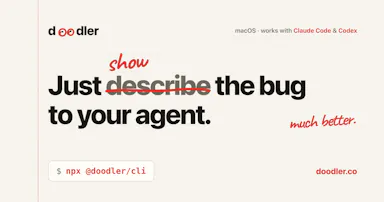
A free, on-device tool that lets you draw and talk over your screen so your AI coding agent sees exactly what you mean — built for Claude Code, Cursor and Codex users.

FreeNo sign-upWorks offline
What to know
How it works
Draw directly on your screen and talk while your coding agent watches, then get back annotated screenshots, a voice transcript, and a timeline of what you pointed at, all combined together.
What's different
Runs 100% on-device and works with Claude Code, Codex, and Cursor.
Pricing
Free, no account required.
Best for
Developers who need to show an AI coding agent a visual bug or layout idea instead of describing it in words.

Watched for 13 days · last checked 7d ago

Details →

Record meetings from your Apple Watch, then get transcripts, bilingual translation and AI follow-up notes on iPhone. Some processing stays on-device, but it isn't fully cloud-free.

FreeWorks offline
What to know
How it works
Record meetings from your Apple Watch, organize them on iPhone, or run a live meeting with captions and bilingual translation; afterward it generates transcripts, translations, meeting notes, tags, and AI follow-up.
What's different
Optional on-device AI keeps supported processing local rather than sending everything to the cloud.
Pricing
Free with in-app purchases.
Best for
Apple Watch and iPhone users who take notes during meetings.
Watch out
Only some processing runs on-device via the optional setting — it is not fully cloud-free.

Watched for 14 days · last checked 8d ago

Details →

An on-device dictation, rewriting, translation and local AI agent tool for Apple Silicon Macs - free and open-source (MIT), with no cloud, no accounts, and MCP support.

FreeWorks offlineOpen source
What to know
How it works
Runs on-device dictation, rewriting, and translation using multiple transcription models (Parakeet, CTC, Nemotron, Qwen3-ASR), plus a local agent that plans and calls tools like Apple Notes, clipboard, files, and MCP.
What's different
Fully local processing with no cloud and no accounts, and lets you swap or customize any underlying model or prompt.
Pricing
Free and open-source (MIT license).
Best for
Apple Silicon Mac users who want dictation and an AI agent without sending data to the cloud.
Watch out
Requires Apple Silicon and macOS 26; some listed models (Gemma 4, Qwen3.6, Ornith 1.0) are described as coming next, not yet available.

Watched for 17 days · last checked 11d ago

Details →

Tulip

Live

Hold a key and dictate into any Mac app; speech-to-text runs entirely on-device so nothing is sent to a server. One-time purchase, not a subscription.

Works offlinePay onceNo subscription
What to know
How it works
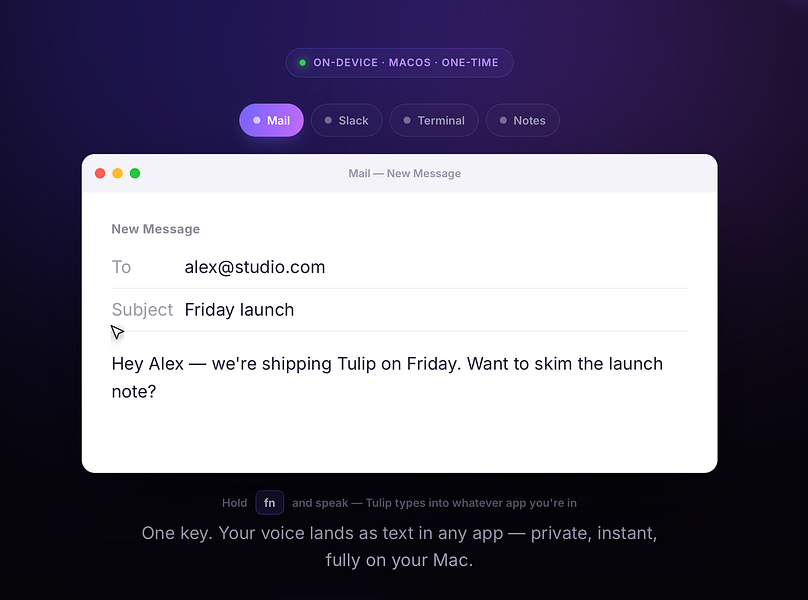
Hold the fn key on a Mac, speak, and release to drop clean, punctuated dictated text at your cursor in any app; speech-to-text runs entirely on-device on Apple Silicon and works offline.
What's different
Processes audio fully on-device and never sends it to a server, unlike cloud-based dictation tools.
Pricing
One-time purchase for a lifetime license usable on up to three Macs, with a 2-day free trial and a year of updates included.
Best for
Mac users who want fast, private dictation into any app without a subscription.

Watched for 13 days · last checked 2d ago

Details →

Hovor

Live

Voice dictation for Mac and iPhone that runs fully on-device so your voice never leaves your hardware, with multilingual support and a lifetime-purchase option instead of a subscription.

Works offlineData stays with youNo subscription
What to know
How it works
Hold a hotkey, speak, and structured text lands where your cursor is in any app on Mac and iPhone, using on-device models that fix punctuation and structure and support multilingual speech, a personal dictionary, snippets and workflows.
What's different
On-device processing means your voice never leaves your hardware.
Pricing
Free tier included, plus lifetime unlocks instead of a forced subscription.
Best for
Mac and iPhone users who want private, offline voice dictation across apps.

Watched for 18 days · last checked 2d ago

Details →

Munra

Live

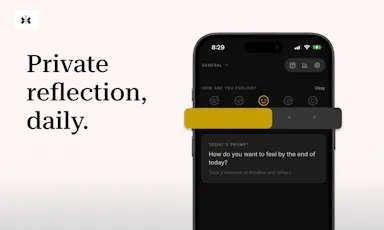
A private, offline journal for iOS with on-device encryption, mood check-ins, and an optional AI companion powered by your own API key, every feature is free.

FreeNo sign-upWorks offlineNo subscription
What to know
How it works
A private, offline-first journal for iOS with entries encrypted on-device only, a daily mood check-in, speech-to-text, writing streaks, and an optional AI companion that uses your own API key.
What's different
No account, no cloud sync and no subscription — the optional AI companion runs on your own API key rather than the app's backend.
Pricing
Every feature is free.
Best for
People who want to journal privately without their entries leaving their device or going through a subscription service.

Watched for 18 days · last checked 2d ago

Details →

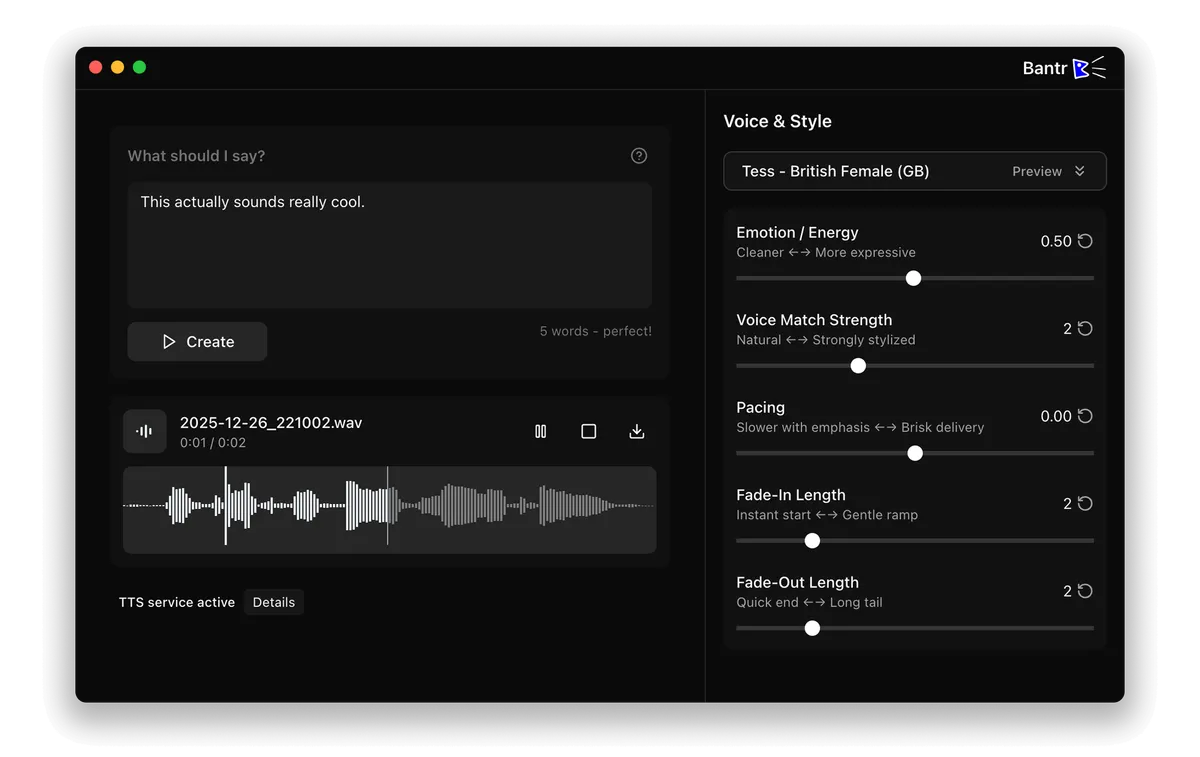
Offline Mac text-to-speech app with 150+ voices, one-time purchase instead of a cloud subscription TTS service.

No sign-upWorks offlineNo subscription
What to know
How it works
runs entirely on-device via Apple's MLX framework
Pricing
buy once, no subscription

Watched for 1 day · last checked 1d ago

Details →

Organizes and suggests music offline using on-device AI instead of streaming recommendations that need a connection.

Works offline

Watched for 1 day · last checked today

Details →

Jumali

Live

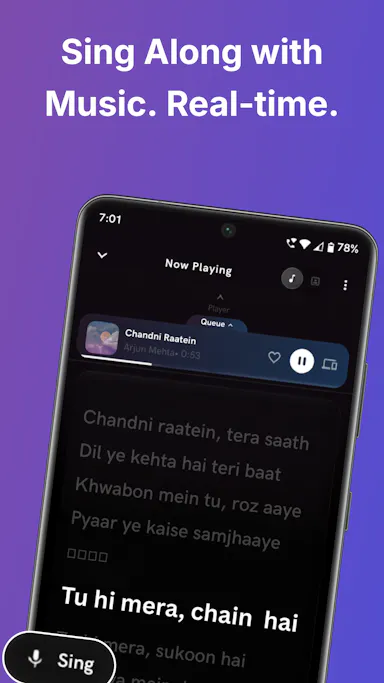
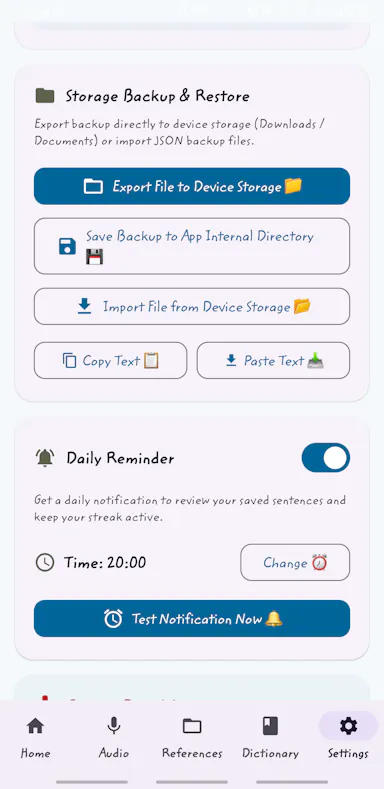
Lets language learners build vocabulary from real-life sentences with flashcards and pronunciation practice instead of generic course drills.

Works offline

Watched for 1 day · last checked today

Details →

Records what you say and turns it into an organized project log automatically on your own device. Aimed at solo builders and founders who have no one else tracking their progress.

FreeWorks offlinePay onceNo subscription
What to know
How it works
Records spoken audio and turns it into an organized project history and devlog automatically, processed on your own device.
What's different
Runs fully on-device rather than relying on manual note-taking or a cloud service.
Pricing
Free to use with full functionality, no subscription; a paid Pro tier unlocks Labs and unlimited weekly processing.
Best for
Solo builders and founders who track their own progress by talking rather than writing, with no one else keeping a project record for them.

Watched for 18 days · last checked 2d ago

Details →

A fully local voice-to-text keyboard for macOS that types into any app — audio and text never leave your device, free for personal use.

FreeWorks offline
What to know
How it works
Hold a shortcut key and speak to type text into any macOS app via local speech recognition; audio and transcribed text stay on the device and are never sent to an external server.
Pricing
Free for personal use.
Best for
macOS users who want voice typing without their audio leaving their device.

Watched for 18 days · last checked 2d ago

Details →

Push-to-talk dictation for Mac that types your speech into any app and can also trigger voice commands, for people who want hands-free input without cloud transcription.

Works offlineData stays with you
What to know
How it works
hold a hotkey to speak, transcribed on-device
What's different
voice never leaves the machine, can act on commands not just dictate

Watched for 5 days · last checked 4d ago

Details →

Murble

Live

Records, transcribes and summarizes voice notes entirely on-device for iPhone, with speaker labels and live translation, for privacy-conscious note-takers.

Domain registered 19 days ago

Works offlineNo tracking
What to know
How it works
On-device AI transcription and summarization, no server upload
What's different
No tracking, works offline

Watched for 5 days · last checked 3d ago

Details →

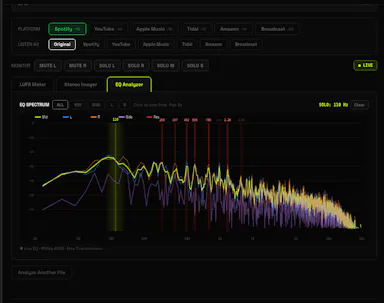
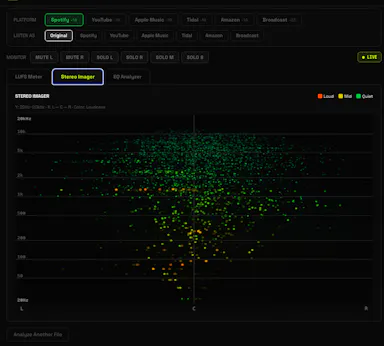
A free browser-based LUFS meter, stereo imager and EQ analyzer that processes audio locally with no upload or account, plus a preview mode simulating Spotify or YouTube playback. Built for musicians, not developers.

FreeNo sign-upNothing to installWorks offline
What to know
How it works
A browser-based audio mastering analyzer with real-time LUFS metering, stereo imaging, and EQ analysis with resonance detection, plus a preview mode that simulates how a track sounds on Spotify, YouTube, or Apple Music.
What's different
Processes audio 100% locally via the Web Audio API — no upload, account, or server involved.
Pricing
Free.
Best for
Musicians mastering tracks who want quick loudness and EQ checks without uploading audio anywhere.

Watched for 17 days · last checked 11d ago

Details →

Turns speech into punctuated text anywhere on a Mac with one key press, and reads text back, fully on-device.

Domain registered 24 days ago

No sign-upWorks offlinePay onceNo subscription
What to know
How it works
Press a key, speak, text appears at the cursor; also reads text aloud
What's different
No cloud, no account, no subscription
Pricing
$39.99 one-time

Watched for 6 days · last checked 4d ago

Details →

Batch-normalizes audio loudness to a target LUFS level entirely offline on Windows, without a DAW.

Domain registered 13 years ago

Works offline
What to know
How it works
Processes files locally to a chosen LUFS target
What's different
100% local, no cloud upload
Pricing
Windows desktop utility
Best for
Podcasters and musicians preparing files for streaming

Watched for 6 days · last checked 5d ago

Details →

A macOS journaling app that uses on-device AI to find patterns in your entries, with everything staying local.

Works offlineData stays with you
What to know
How it works
Uses Apple's on-device models to analyze journal entries locally; supports typed or spoken (voice-transcribed) entries
What's different
entirely offline, journal never leaves the Mac
Best for
people wanting private journaling with pattern insights without cloud AI
Watch out
macOS only

Watched for 6 days · last checked 5d ago

Details →

Automatically masters audio to Spotify's -14 LUFS loudness standard right in your browser, no upload or account needed — for musicians and producers self-releasing to streaming platforms.

No sign-upWorks offlineData stays with you
What to know
How it works
Drop a WAV, MP3 or FLAC file and it masters the audio to exactly -14 LUFS with -1 dBTP True Peak using deterministic DSP (ITU-R BS.1770-4), running entirely in the browser.
What's different
No server upload and no account required — processing happens 100% locally in the browser.
Best for
Musicians, producers and freelancers self-releasing tracks to Spotify, Apple Music, DistroKid, CD Baby, Tunecore or LANDR who want the loudness standard hit automatically.

Watched for 18 days · last checked 2d ago

Details →

A pure-Rust, on-device inference engine that runs small language models, speech-to-text, and text-to-speech fully offline on hardware from laptops to a Raspberry Pi.

Works offline
What to know
How it works
Runs chat, Whisper speech-to-text, and real-time text-to-speech fully on-device with one command to install and one line to run.
Watch out
No Python, Docker, or CUDA required.

Watched for 11 days · last checked 8d ago

Details →

Replay

Live

A one-time-purchase Mac app that records and transcribes video calls on-device without bots joining or data leaving the machine, for people who want to own a private, searchable meeting archive.

Domain registered 1 month ago

FreeWorks offlinePay onceNo subscription
What to know
How it works
Records meetings from Zoom, Meet, Teams or Webex on a Mac and transcribes them on-device, learning speaker names across meetings, without bots joining calls or data touching the cloud; saves transcripts as video, JSON and Markdown.
Pricing
One-time purchase, free to try.
Best for
People who want a private, searchable meeting record they own, without a subscription.

Watched for 12 days · last checked 8d ago

Details →

A free local VS Code/Cursor extension that turns your Claude Code session files into a browsable dashboard with full transcripts, tool calls, sub-agents and per-response token and cost tracking.

FreeWorks offline
What to know
How it works
A VS Code/Cursor/VSCodium extension that turns local Claude Code session files into a browsable workspace with full transcripts, tool calls, sub-agents, per-response token and cost tracking, an analytics dashboard, and a CLAUDE.md memory view.
What's different
100% local-first — nothing leaves your machine.
Pricing
Free.
Best for
Developers using Claude Code who want to review sessions, costs and tool calls without a CLI-only cost counter.

Watched for 13 days · last checked 11d ago

Details →

Transcribes your own audiobooks on-device into word-by-word karaoke captions, with a dyslexia/ADHD-friendly reading mode — nothing ever leaves your phone.

Works offlineData stays with you
What to know
How it works
Transcribes your own audiobooks entirely on-device into word-by-word karaoke-style captions, with a dyslexia/ADHD reading mode (OpenDyslexic font, reading overlay, adjustable text size, night mode) and quote capture to save and share passages as highlight cards.
What's different
On-device AI transcription only — no upload, no cloud, nothing leaves your phone.
Best for
Audiobook listeners, including those with dyslexia or ADHD, who want to follow along with synchronized text.

Watched for 15 days · last checked 2d ago

Details →

A free, open-source Windows app that auto-generates styled subtitles for your videos using offline Whisper or the cloud Groq API — aimed at YouTube Shorts, TikTok and Reels creators, not developers.

FreeWorks offlineOpen sourceCan export my data
What to know
How it works
A Windows desktop app that automatically transcribes videos into word-level subtitles using either offline OpenAI Whisper or the cloud-based Groq API, then burns captions into the video or exports as SRT/VTT.
What's different
Free and open-source, with styling presets built for YouTube Shorts, TikTok, and Instagram Reels formats.
Pricing
Free.
Best for
YouTube Shorts, TikTok, and Instagram Reels creators who need styled captions on their videos.
Watch out
Windows-only desktop app; cloud transcription option (Groq) requires sending video data off-device, unlike the offline Whisper option.

Watched for 17 days · last checked 2d ago

Details →

A macOS dictation app that inserts transcribed speech into any app via a hotkey; free local transcription through Apple Speech, with paid higher-accuracy and AI formatting options.

FreeWorks offline
What to know
How it works
A macOS dictation app: press a hotkey, speak, and the transcribed text is inserted directly into whatever app is active. Optional AI templates can then reformat the transcript into meeting notes, action items, summaries or to-do lists.
What's different
Supports both free local transcription via Apple Speech and higher-accuracy transcription via OpenAI Whisper, letting users choose speed/privacy versus accuracy.
Pricing
Free local dictation through Apple Speech; higher-accuracy Whisper transcription and AI formatting are paid options.
Best for
macOS users who want to dictate notes, emails or meeting summaries directly into any app without breaking their workflow.

Watched for 18 days · last checked 11d ago

Details →

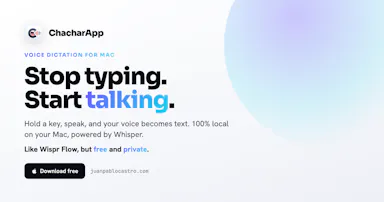
A free, open-source, on-device dictation app for Mac — hold a key, speak, text appears in any app. No cloud, no accounts, no tracking; a private alternative to Wispr Flow.

FreeNo sign-upWorks offlineOpen source
What to know
How it works
A voice dictation app for macOS: hold a key, speak, and the words appear in any app, running entirely on the Apple Neural Engine (every Mac since the M1, 2020).
What's different
No cloud, no tracking, no accounts and no weekly limits, positioned as a private, on-device alternative to Wispr Flow. Supports custom vocabulary for jargon, names and technical terms.
Pricing
Free and open-source.
Best for
Mac users who want fast voice dictation without their speech leaving the device.

Watched for 18 days · last checked 9d ago

Details →

Speech-to-text dictation for macOS that runs entirely on-device, so your voice never leaves your machine — for faster typing without cloud processing.

Works offline
What to know
How it works
On-device speech-to-text dictation for macOS.
What's different
Runs entirely on-device, so your voice never leaves your machine.
Best for
macOS users who want fast dictation without sending audio to the cloud.

Watched for 15 days · last checked 2d ago

Details →

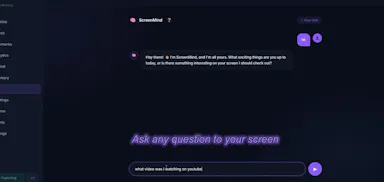
A local, privacy-first app that uses one on-device Gemma model to capture, transcribe, search, and automate your screen and audio history.

Works offlineOpen sourceNo tracking
What to know
How it works
Uses one local Gemma model on-device for screen vision, audio transcription, chat, and reasoning; captures only when content changes and lets you search or chat with your screen history in plain English.
What's different
Compared against Microsoft Recall (needs $1000+ hardware) and Screenpipe (needs separate OCR + Whisper + external LLM) — this runs one local model for everything.
Pricing
MIT licensed, pip install.
Watch out
Requires a 4GB GPU to run.

Watched for 8 days · last checked today

Details →

Lets Mac users orchestrate coding agents by voice instead of typing commands.

Works offline

Watched for 1 day · last checked 1d ago

Details →

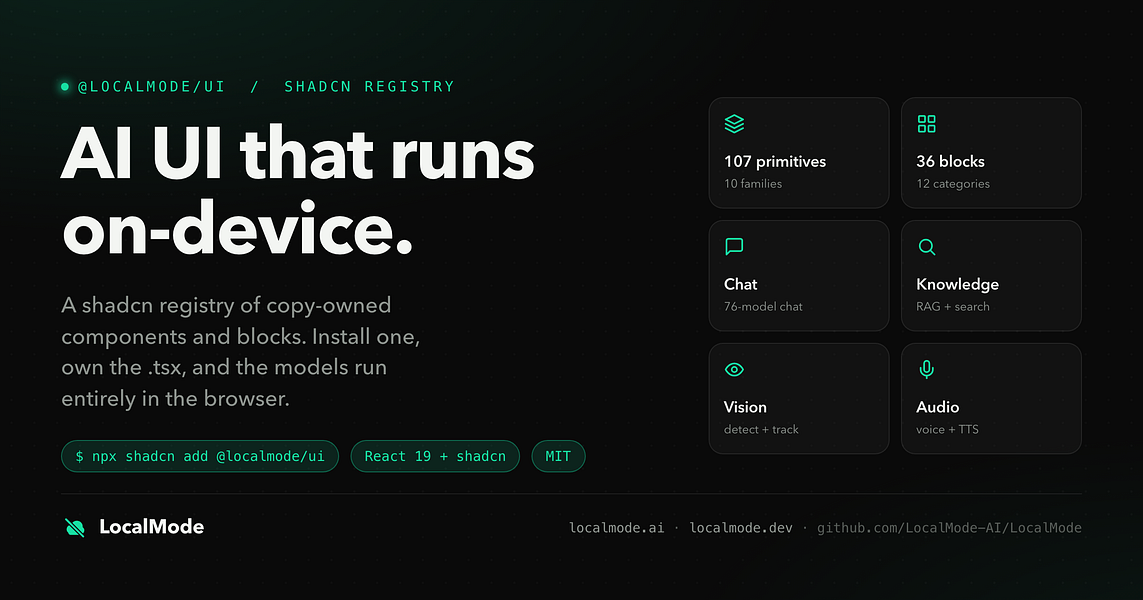
An open-source toolkit for building AI features — chat, RAG, speech, vision — that runs entirely in the browser with no servers and no data leaving the device. Built for developers.

Domain registered 7 months ago

Works offlineData stays with youOpen source
What to know
How it works
An open-source toolkit for running AI entirely in the browser: LLM chat across 76 models, RAG and vector search, Whisper and Kokoro speech, and vision, with no server or API key required. Runs on WebGPU with a WebAssembly fallback.
What's different
Data never leaves the device, and it ships a zero-dependency core plus a shadcn UI registry of 107 components and 36 installable blocks for building on top of it.
Pricing
Open source (MIT license).
Best for
Developers building browser-based AI features without standing up servers or managing API keys.

Watched for 12 days · last checked 1d ago
Details →

Sonora

Live

Offline Windows speech studio offering local text-to-speech, speech-to-text and system-wide dictation with a local API.

Works offlineData stays with you
What to know
How it works
A Windows speech studio offering multi-engine local TTS with custom voices, speech-to-text with speaker labels, global hotkey dictation into any field, and a localhost HTTP API for scripts and AI agents.
Watch out
Runs fully offline after models download; works on GPU or CPU.

Watched for 3 days · last checked 3d ago

Details →

Rekody

Live

Free on-device macOS dictation app that types text at the cursor via a hold-to-talk hotkey.

Domain registered 3 months ago

FreeNo sign-upWorks offlineOpen source
What to know
How it works
Hold Option + Space and speak, and text lands at your cursor in any app, with a personal dictionary that learns your words.
Pricing
Free.
Watch out
On-device by default, no account or subscription; the CLI is open source (MIT).

Watched for 3 days · last checked 3d ago

Details →

Transcribes meetings, interviews, and recordings on-device using local Whisper models, with speaker labels and a local AI summarizer.

FreeWorks offlineCan export my data
What to know
How it works
Records or imports audio/video and transcribes it on-device using local Whisper models, with speaker labels, editing, export, and a local AI assistant for summaries and action items.
Pricing
Free to download, with optional Pro access.
Best for
Sensitive, privacy-conscious meeting or interview transcription.

Watched for 8 days · last checked 6d ago

Details →

A free, open source, Descript alternative. Runs in-browser.

FreeWorks offlineOpen source

First seen today · last checked today

Details →

Records Google Meet calls locally on your computer, with no bot joining the call and nothing sent to a cloud server; the recording and transcript stay on your own PC and Drive.

Works offline
What to know
How it works
Records Google Meet calls entirely on your own machine, with no bot joining the call and nothing uploaded to a cloud server; video and transcript stay on your PC and your own Google Drive.
What's different
No bot in the call and no cloud upload, versus recorders that join as a participant and store recordings remotely.
Best for
People who want Google Meet recordings kept locally instead of sent to a third-party cloud.

Watched for 12 days · last checked 6d ago

Details →

Offline on-device speech to text for Mac and Windows

No sign-upWorks offlineData stays with you

First seen today · last checked today

Details →

A voice-to-text app that transcribes on-device and optionally cleans up grammar with a user-chosen AI, positioned as a free alternative to Wispr Flow.

FreeWorks offlineOpen source
What to know
How it works
Transcribes speech on-device (Parakeet/Whisper/Cohere), then optionally uses a chosen AI (Gemini, OpenAI, OpenRouter or local Ollama) to remove filler words and fix grammar; API keys stay in the Keychain.
What's different
Positioned as a free alternative to Wispr Flow, fully offline if you skip the AI cleanup step.
Pricing
Free, open-source.
Best for
People wanting private voice-to-text across any app.

Watched for 3 days · last checked 1d ago

Details →

Travvy

Live

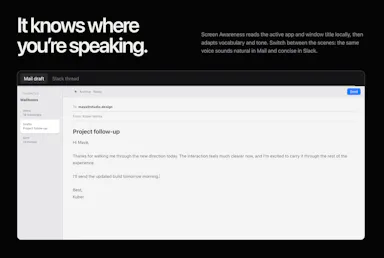
AI trip planner generating multi-day itineraries and self-guided audio tours with offline saving.

Works offline
What to know
How it works
Builds personalized multi-day trips and self-guided audio city tours around real places, with follow-up questions and offline saving.
What's different
Available in multiple languages on iOS and Android.
Pricing
First tour free.

Watched for 3 days · last checked 2d ago
Details →

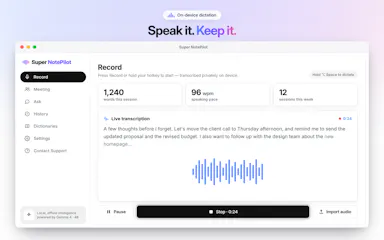
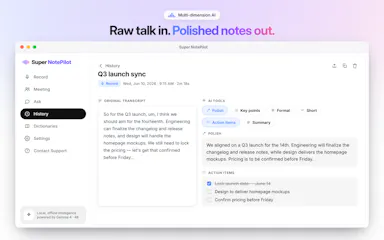
On-device AI dictation and meeting notetaker for Mac and iOS that works offline without an account.

Domain registered 1 month ago

FreeNo sign-upWorks offlineNo subscription
What to know
How it works
Runs 100% on-device using Gemma and Whisper for push-to-talk dictation into any app, live meeting transcripts, AI rewriting, and asking questions across notes.
What's different
No cloud, no account, no subscription.
Pricing
Free for macOS and iOS.
Watch out
Windows and Android support are coming soon, not yet available.

Watched for 10 days · last checked 7d ago

Details →

Opus Clip| Turn videos into viral TikToks, Reels & Shorts

FreeWorks offlineNo subscriptionCan export my data
First seen today

Details →

Dictation at the speed of thought

FreeWorks offline

First seen today

Details →

Open, organize, and explore almost any file

Works offline

First seen today

Details →