Tools that work offline, on your own deviceScreenshots

22 match your filters — 21 of them answered our check today.

Watching this group for 20 days · how we check

This week7 new arrivals

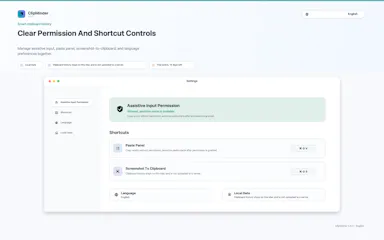
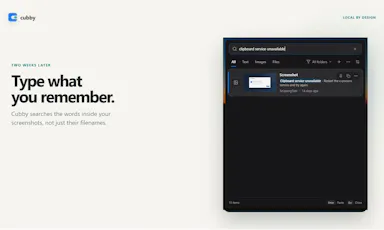
Windows clipboard history tool that lets you search past screenshots by the text visible inside them, all stored locally.

No sign-upWorks offline
What to know
How it works
Offline OCR indexes screenshot text so it's searchable; encrypted local storage
What's different
No account, cloud, or telemetry, unlike most clipboard managers

Watched for 4 days · last checked today
Details →

Tidy

Live

Mac menu-bar app that auto-archives and renames screenshots, ejects/trashes installers, and sorts Downloads, all on-device.

Domain registered 16 days ago

Works offlinePay onceNo subscription
What to know
How it works
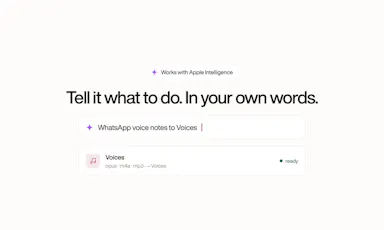
on-device OCR and Apple Intelligence rename and sort new files
What's different
only touches new files, never deletes
Pricing
$9 one-time, no subscription

Watched for 6 days · last checked today

Details →

Kaptur

Live

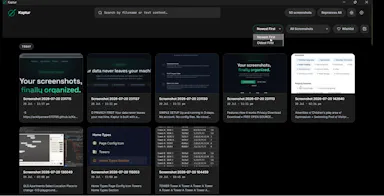
Local screenshot manager for Windows that OCRs every screenshot so you can search them by text later, with nothing uploaded to the cloud.

Works offlineData stays with you
What to know
How it works
Watches folders, extracts text via OCR, makes screenshots searchable.
What's different
100% local, no cloud upload or subscription.
Watch out
Windows only.

Watched for 5 days · last checked today

Details →

A Mac dictation app that turns your voice, screenshots, and screen recordings into a clean AI-ready Markdown prompt for Claude Code, Cursor, or ChatGPT, running fully offline via local Whisper.

Domain registered 2 months ago

Works offline
What to know
How it works
Local Whisper and open models on a Mac turn voice, screenshots, and screen recordings into a clean Markdown prompt.
Best for
Developers using Claude Code, Cursor, or ChatGPT who want offline, private dictation without per-token billing.

Watched for 7 days · last checked 1d ago

Details →

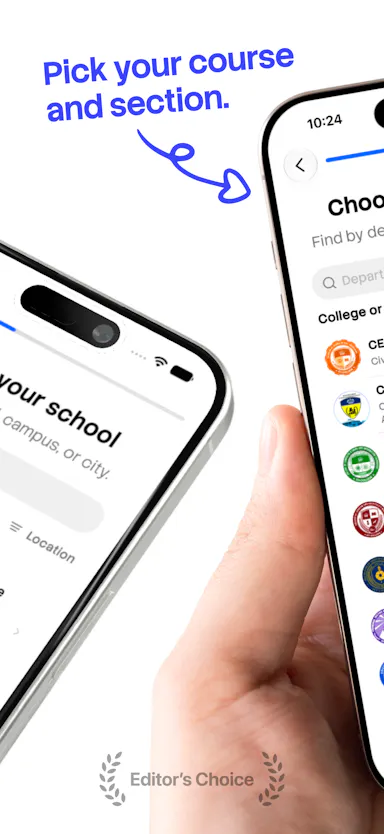
An offline-first planner for Philippine college students that turns timetable screenshots into a schedule with task and attendance tracking, reminders, and home-screen widgets.

Domain registered 6 months ago

Works offline
What to know
How it works
Turns timetable screenshots and published school timetables into an offline-first planner, with task and attendance tracking, reminders, and home/lock screen widgets.
Best for
Philippine college students.

Watched for 7 days · last checked 6d ago

Details →

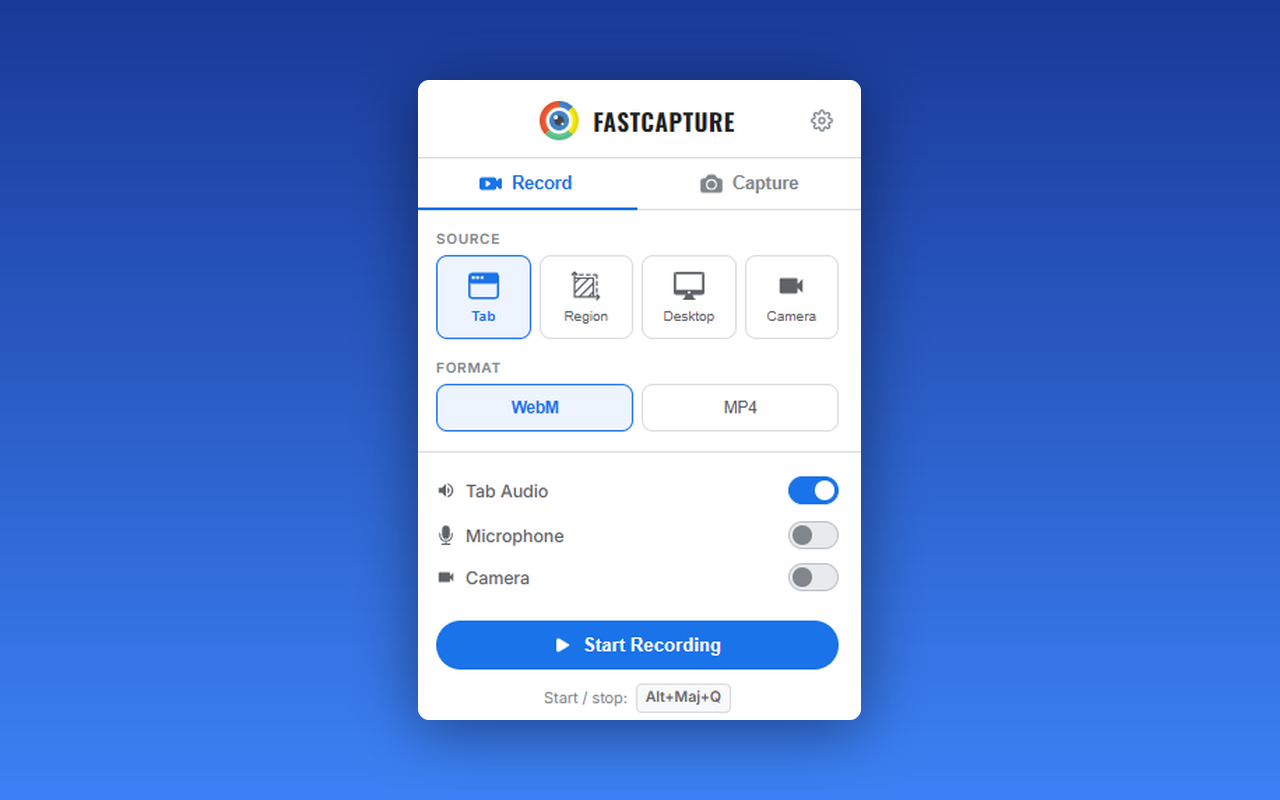
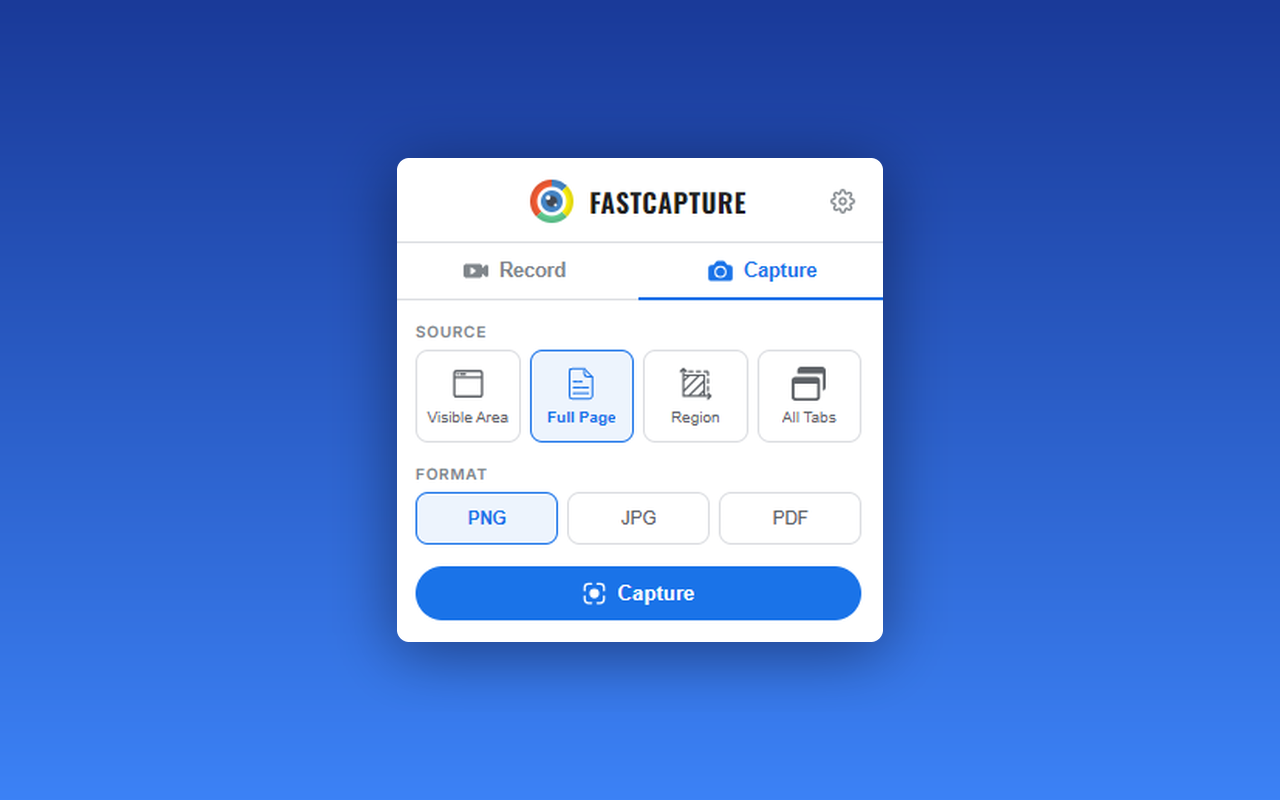
A free Chrome extension for screen and webcam recording, screenshots, and on-page annotation that runs entirely in your browser with no signup or uploads.

FreeNo sign-upWorks offlineData stays with you
What to know
How it works
A Chrome extension for recording your screen or webcam, taking full-page and region screenshots, and annotating directly on the page.
What's different
No signup, no watermark, no upload — everything runs locally in the browser.
Pricing
Free.
Best for
Anyone who wants quick screen capture and annotation without creating an account or uploading footage anywhere.

Watched for 18 days · last checked 9d ago

Details →

A local, privacy-first screenshot tool that captures an entire site at scale from a URL list across multiple breakpoints, instead of a cloud extension shooting one page at a time.

Works offline
What to know
How it works
Captures every page at every breakpoint from a pasted URL list or sitemap, auto-sorting shots into folders and storing a JSON metadata sidecar per capture; a file browser compares any two shots side-by-side or with a slider-wipe.
Best for
People needing bulk, local website screenshots instead of one-page-at-a-time cloud tools.

Watched for 18 days · last checked today

Details →

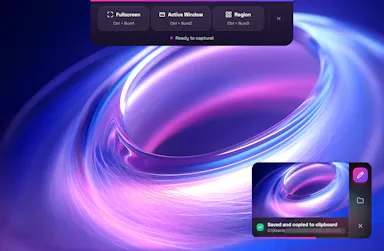
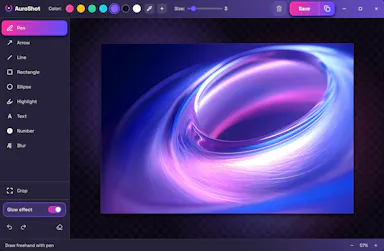
A lightweight Windows screenshot tool with fast capture, 10+ annotation tools and local-only storage, built for a clean everyday screenshot flow rather than heavy workflows.

Works offlineData stays with you
What to know
How it works
A Windows screenshot tool with fast capture modes for screen, window or selected area, plus 10+ annotation tools, automatic clipboard copy and local saving.
What's different
A floating capture panel designed not to steal focus from work or games, with local-first storage — screenshots stay on the device.
Best for
Windows users who want a clean, everyday screenshot flow without a heavy or noisy tool.
Watched for 12 days · last checked 6d ago

Details →

A free, on-device tool that lets you draw and talk over your screen so your AI coding agent sees exactly what you mean — built for Claude Code, Cursor and Codex users.

FreeNo sign-upWorks offline
What to know
How it works
Draw directly on your screen and talk while your coding agent watches, then get back annotated screenshots, a voice transcript, and a timeline of what you pointed at, all combined together.
What's different
Runs 100% on-device and works with Claude Code, Codex, and Cursor.
Pricing
Free, no account required.
Best for
Developers who need to show an AI coding agent a visual bug or layout idea instead of describing it in words.

Watched for 13 days · last checked 7d ago

Details →

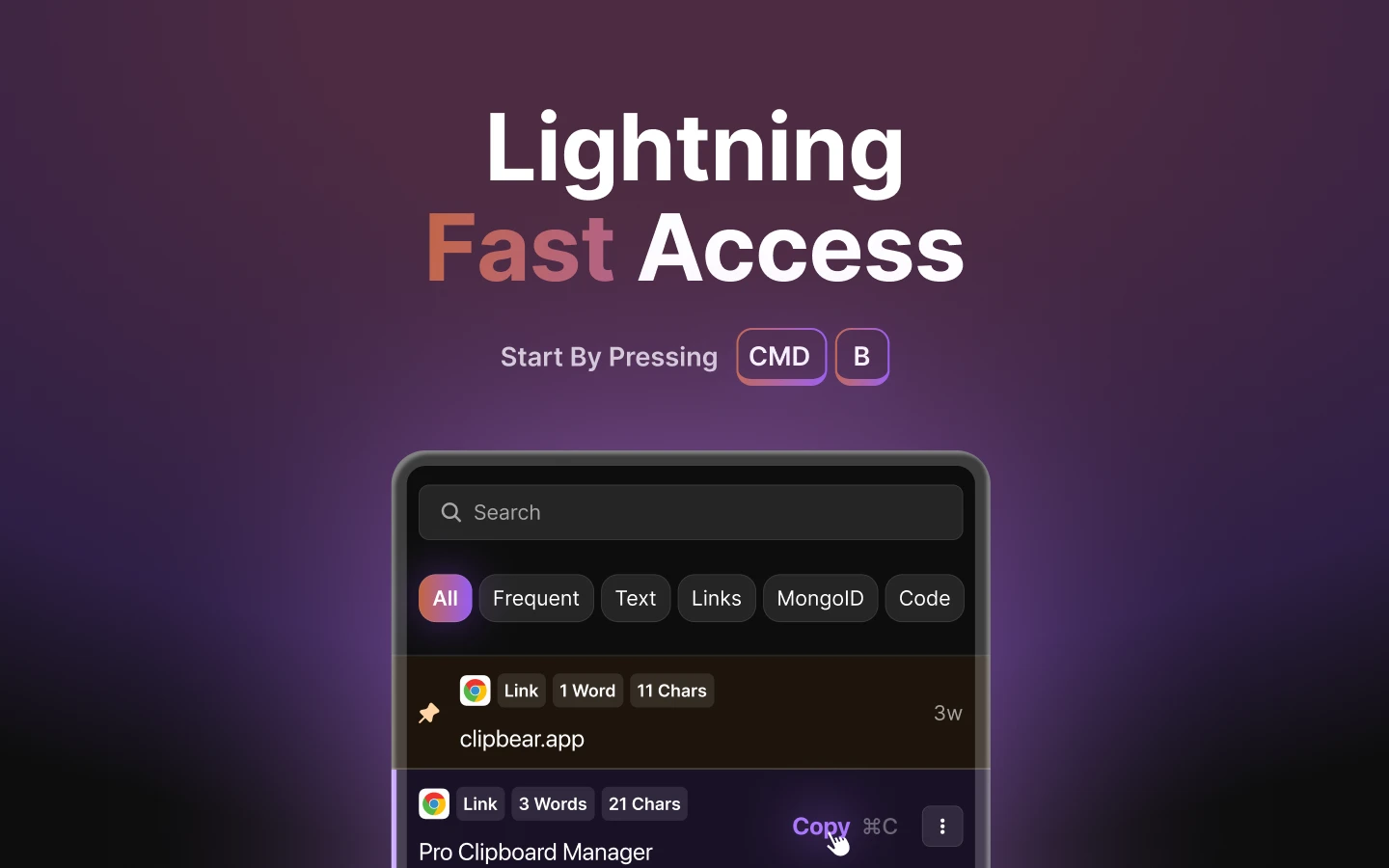
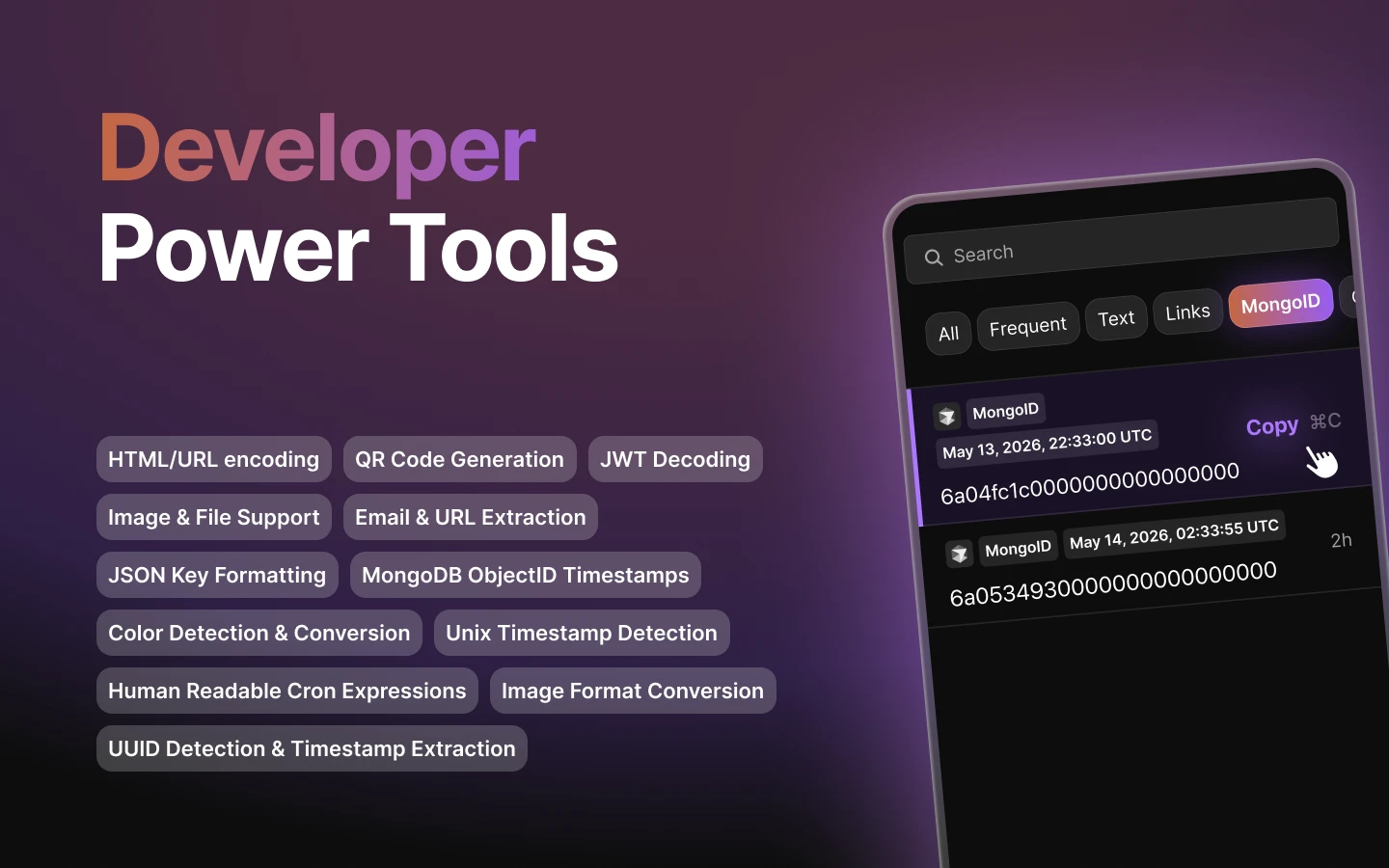
A native macOS clipboard manager that lets you search your entire copy history by meaning and OCR text out of screenshots, instead of cloud clipboard tools that leave your Mac.

No sign-upWorks offline
What to know
How it works
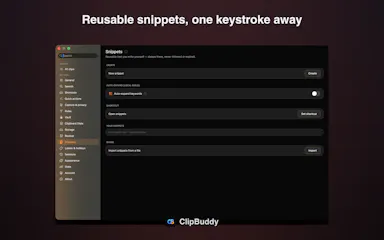
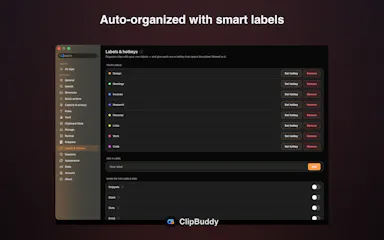
Search by meaning, OCR screenshots, reusable snippets, Stack & Slots organization, built-in dev tools.
Pricing
Free to start; Pro unlocks full toolkit.

Watched for 2 days · last checked 1d ago

Details →

A Chrome extension that takes full-page screenshots entirely in your browser, with no uploads or accounts.

Works offlineData stays with youNo tracking
What to know
How it works
Auto-stitches long pages and hides cookie banners/popups before capture
What's different
Runs 100% locally, no server or account needed
Pricing
Not stated
Best for
Developers and designers who need clean full-page captures privately

Watched for 4 days · last checked 3d ago

Details →

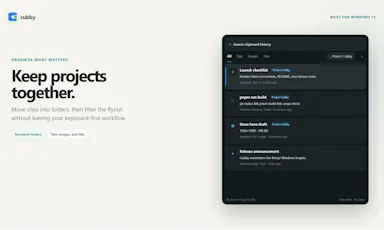
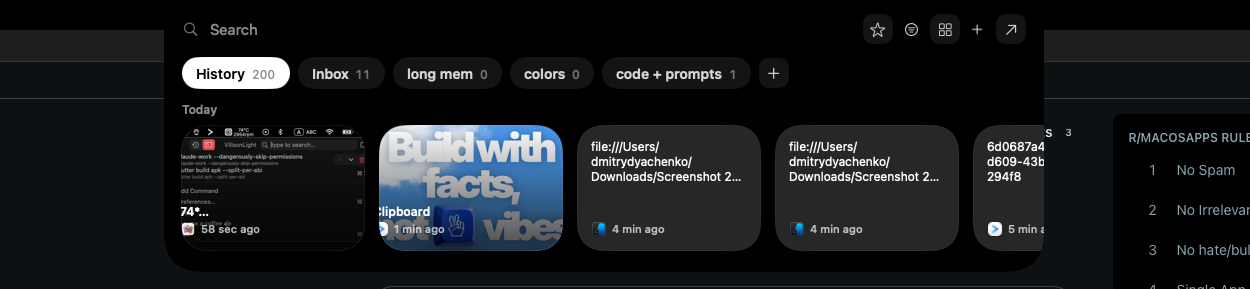
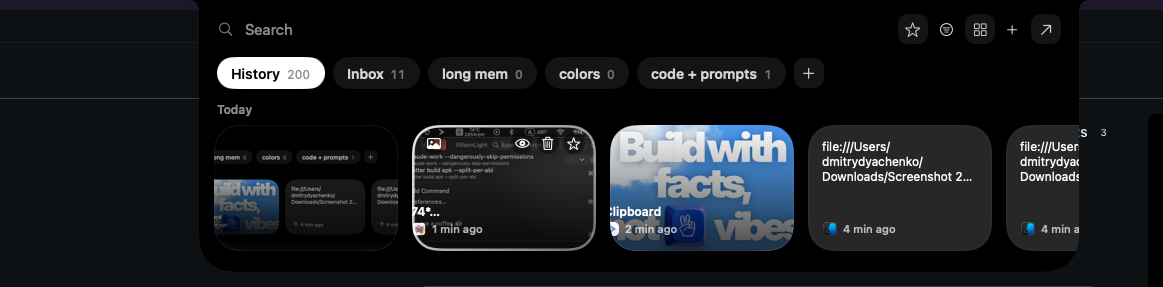
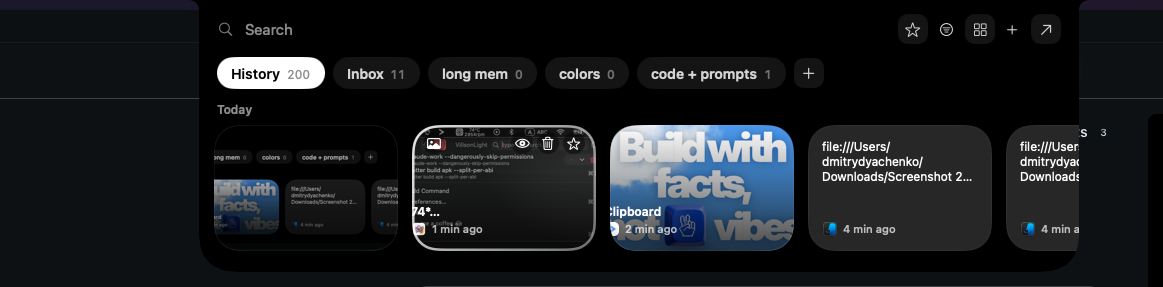
A local-first clipboard and screenshot manager for Mac that keeps a searchable visual history of everything you copy, tagged by source app and time.

Domain registered 9 months ago

Works offlinePay onceNo subscription
What to know
How it works
A local-first clipboard and screenshot manager for Mac that keeps a searchable visual history of everything copied, tagged by source app and time, accessible from a menu-bar dropdown. Colors show as live swatches, screenshots are searchable by the text inside them, and sensitive items like passwords are detected and skipped.
What's different
Fully offline with nothing synced to a server, versus clipboard tools that rely on cloud sync.
Pricing
One-time purchase with lifetime updates, no subscription.
Best for
Mac users who want quick access to clipboard and screenshot history without cloud storage.

Watched for 10 days · last checked 10d ago

Details →

A Mac clipboard history tool that keeps text, images, colors and file paths stored locally, with no cloud sync and no subscription fee.

Works offlineNo subscription
What to know
How it works
A Mac clipboard history app that saves copied text, links, images, screenshots, colors and file paths, then lets you search and paste them back with a global shortcut and numbered quick paste.
Pricing
No subscription.
Best for
Mac users who want clipboard history stored locally without syncing to the cloud.

Watched for 13 days · last checked 11d ago

Details →

Gleam

Live

Wraps app screenshots in device frames and backgrounds, exporting every size needed for iPhone, iPad, Android and Mac stores in one click. A one-time-purchase desktop app (not mobile), runs fully offline.

Domain registered 19 days ago

Works offlinePay onceNo subscription
What to know
How it works
Takes a plain app screenshot and wraps it in device frames, backgrounds, and text layers, exporting every size required for iPhone, iPad, Android, and Mac app stores from one project in one click.
What's different
Runs completely offline on macOS, Windows, or Linux, keeping data private, unlike browser-based mockup tools.
Pricing
$19 one-time payment, no subscription.
Best for
App developers preparing store screenshots who want to skip manually recreating frames in Figma or Photoshop.

Watched for 13 days · last checked 11d ago

Details →

A Chrome screenshot and annotation tool that runs entirely locally with five capture modes and eight annotation tools, instead of uploading screenshots to a cloud service.

FreeNo sign-upWorks offlineData stays with you
What to know
How it works
Captures screenshots (visible, full page, region, element, timed) and adds annotations such as arrows, shapes, text, and blur, locally in the browser.
Pricing
Free tier with all modes and tools, no watermark; Pro is a $39 one-time purchase for extra formats and history.
Watch out
About 50KB, built with vanilla JS.

Watched for 13 days · last checked 9d ago

Details →

A Chrome extension that bundles a screenshot or recording with console logs, network requests and environment info into one bug report, entirely on your machine. Built for developers and QA.

Domain registered 1 month ago

Works offlineData stays with youCan export my data
What to know
How it works
A Chrome extension that captures a screenshot or video recording along with console logs, network requests and environment info, bundling them into one paste-ready bug report; can export a video to webm or a full HTML report.
What's different
Runs 100% locally — nothing leaves your machine.
Best for
Developers and QA testers who need a complete, shareable bug report without manually collecting logs and screenshots.

Watched for 14 days · last checked 2d ago

Details →

Scans receipts and bank screenshots on your iPhone using on-device ML to auto-categorize spending, with nothing sent to a server. A personal budgeting tool, not a business expense system.

No sign-upWorks offline
What to know
How it works
Scans receipts, order confirmations and banking-app screenshots on an iPhone using Apple's on-device ML, and turns them into categorized, charted spending with one tap to confirm.
What's different
Runs entirely on-device with no account, aggregator, or cloud — financial data never touches a server. It also learns merchant-to-category mappings and retags past transactions.
Best for
iPhone users tracking personal spending who don't want their financial data leaving their device.

Watched for 18 days · last checked 9d ago

Details →

A free macOS app that captures, annotates and merges multiple screenshots into a single PDF, or exports PNG and JPEG, working fully offline with no account required.

FreeNo sign-upWorks offline
What to know
How it works
A free macOS app that captures a screen area, lets you annotate it, and merges multiple screenshots into a single PDF, also exporting as PNG or JPEG.
Pricing
Free.
Best for
Mac users who want to turn screenshots into a shareable PDF without an account or internet connection.
Watch out
Works fully offline with no account, so nothing is uploaded to a server.

Watched for 18 days · last checked 2d ago

Details →

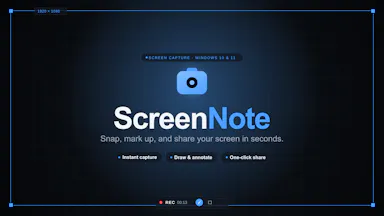
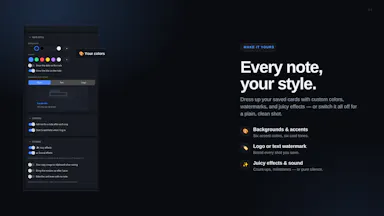
A tool that lets you snip a screenshot and add one note, saving both as a file bundle an AI assistant can read directly, instead of retyping context for the AI each time.

FreeNo sign-upWorks offlineNo subscription
What to know
How it works
Snips a screen region, saves a note baked into the PNG metadata plus a Markdown sidecar and a rolling index file, and works fully offline with no account or telemetry.
Pricing
Free core; one-time $9.99 for Pro, no subscription.

Watched for 18 days · last checked 9d ago

Details →

Mac clipboard manager tuned for developer content such as code snippets.

FreeNo sign-upWorks offline
What to know
How it works
Mac clipboard manager tuned for developer content such as code snippets.
Best for
Developers.

Watched for 8 days · last checked 2d ago

Details →

A native Windows overlay app that combines clipboard history, encrypted clips, and other utilities in one hotkey-accessible tool, aimed at power users who want to stop juggling separate apps.

FreeNo sign-upWorks offlineNo tracking
What to know
How it works
A native Windows overlay app that bundles five tools into one hotkey-accessible panel: clipboard history search, text-expansion snippets, screen capture with OCR, and others.
What's different
Combines multiple utilities (clipboard manager, text expander, screen capture) into one unified overlay instead of running them as separate apps.
Pricing
Free.
Best for
Windows power users who currently juggle separate clipboard, snippet, and screenshot tools.
Watch out
Runs locally with no cloud sync — clips stay on one machine unless the app supports cross-device sync elsewhere.

Watched for 18 days · last checked 2d ago

Details →