Vellium
LiveA free, open-source desktop app for AI character chat, roleplay and long-form writing, where your data stays in a local database even with a cloud AI backend.
FreeWorks offlineOpen source
What to know▼
- How it works
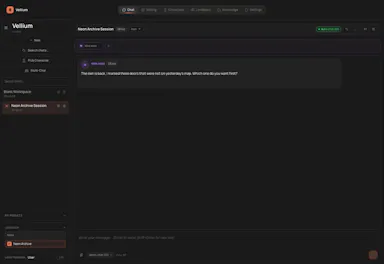
- A desktop AI workspace for character chat, multi-character roleplay, and long-form writing with RAG, LoreBooks, and MCP tools and plugins; you bring your own backend, such as OpenAI-compatible APIs, OpenRouter, LM Studio, Ollama, or KoboldCpp, while chats, characters, projects, and knowledge are stored in a local SQLite database.
- What's different
- Keeps your data in a local database even when you connect a cloud AI backend, and is free and open source.
- Pricing
- Free and open source.
- Best for
- Writers and roleplayers who want to choose their own AI backend while keeping their data local. Native builds are available for macOS, Windows, and Linux.
Watched for 16 days · last checked 4d ago