Tools that work with Firefox

We're tracking 16 of these, and 13 are still live today. 3 we couldn't reach — we don't claim those are dead.

Watching this group for 17 days · how we check

This week5 new arrivals

Automates re-pasting browser-extension store listing text into Chrome, Edge, and Firefox developer dashboards across 15-20 languages, instead of doing it by hand on every update.

What to know
How it works
Takes one local multilingual JSON and drives your own browser to fill store dashboards language by language, saving drafts only.
Watch out
Only saves drafts and uploads nothing — you still review and publish yourself.

Watched for 2 days · last checked 1d ago

Details →

A free browser extension that lets you highlight, annotate, and sticky-note any webpage without creating an account, for research or design feedback.

Domain registered 15 months ago

FreeNo sign-up
What to know
How it works
Highlight text, add sticky notes, draw, and add arrows to annotate and share any webpage.
Pricing
Free Chrome and Firefox extension, no account needed.
Best for
Deep research or design feedback.

Watched for 8 days · last checked 2d ago

Details →

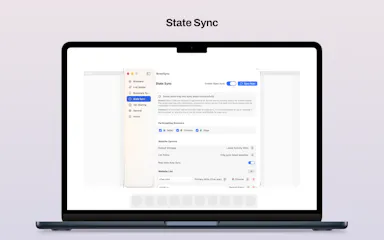
A native macOS app that syncs bookmarks, tabs, cookies, and browser state across Safari, Firefox, and Chromium-based browsers, and routes links to the right browser by rule, keeping all data local through a local daemon.

Works offline
What to know
How it works
Connects Safari, Chromium-based browsers, and Firefox to sync bookmarks, tabs, cookies, and state, and routes links by rule; everything runs locally through a local daemon so data never leaves the Mac.
Best for
People who regularly use more than one browser on macOS.

Watched for 7 days · last checked 1d ago

Details →

Victor

Live

A browser extension that reads the page you're on automatically so you can ask questions about it right away, without copy-pasting.

Domain registered 9 days ago

No sign-upNo subscription
What to know
How it works
Works across Chrome, Edge, and Firefox; highlight text to ask about it; reads PDFs natively.
What's different
Reads the page automatically instead of requiring copy-paste like other AI extensions.
Pricing
No account, no API key, no subscription.
Best for
People who want quick AI Q&A on whatever page they're reading.

Watched for 6 days · last checked 5d ago

Details →

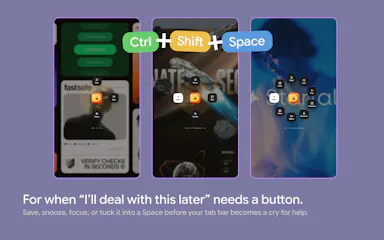
A bookmarks and tabs manager built for productivity

FreeWorks offline
What to know
How it works
Açık sekmeleri Spaces'e dönüştürür, linkleri erteler, tek kısayolla odaklanır; kaydedilen link/görev/notların göründüğü özelleştirilebilir yeni sekme sayfası sunar.

First seen today

Details →

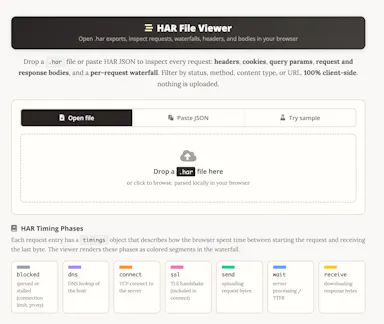
A free HAR file viewer that runs entirely client-side (nothing uploaded) and lets you inspect requests, headers and timing waterfalls — a real developer debugging tool.

FreeData stays with you
What to know
How it works
Opens HAR exports from Chrome, Firefox, Safari, or Edge and lets you inspect requests, headers, cookies, request/response bodies, query params, and a timing waterfall, with filtering by status, method, type, or URL and redaction of sensitive headers.
What's different
Runs 100% client-side, so no captured network data leaves your browser.
Pricing
Free.
Best for
Developers debugging network requests and performance.

Watched for 14 days · last checked today

Details →

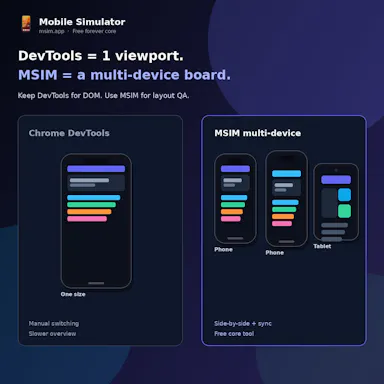
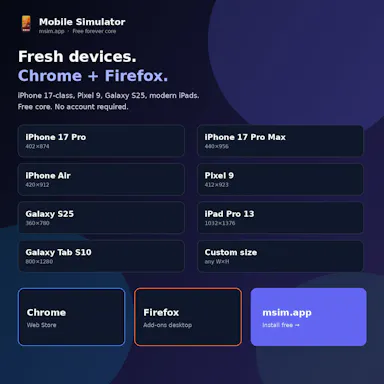
Free side-by-side multi-device website preview tool for Chrome and Firefox with synced scrolling.

FreeNo sign-up
What to know
How it works
Opens phones and tablets side by side in Chrome and Firefox with synced scroll and rotation to catch responsive bugs.
Pricing
Free core, no account required.
Best for
Web developers testing responsive designs.

Watched for 3 days · last checked 1d ago

Details →

Rust-built spotlight-style launcher for Windows indexing local files with an AI workspace and screen-to-search feature.

What to know
How it works
A Rust-built Windows launcher that indexes millions of local files instantly, with Circle to Search (screen snip to Google Lens), a built-in AI workspace (ChatGPT, Claude, Grok), browser history/bookmark search, a calculator, color picker, text snippets, and Wi-Fi phone sync.

Watched for 3 days · last checked 2d ago

Details →

8Dfy

Live

A free browser extension that turns YouTube audio into immersive 8D spatial sound.

Domain registered 3 months ago

FreeCan export my data
What to know
How it works
Transforms YouTube audio into immersive 8D spatial sound with multi-band surround, HRTF 3D positioning, and binaural beats, with shareable clips and lossless export.
Pricing
Free.
Watch out
Chrome and Firefox extension; no downloads or DAWs needed.

Watched for 8 days · last checked 6d ago

Details →

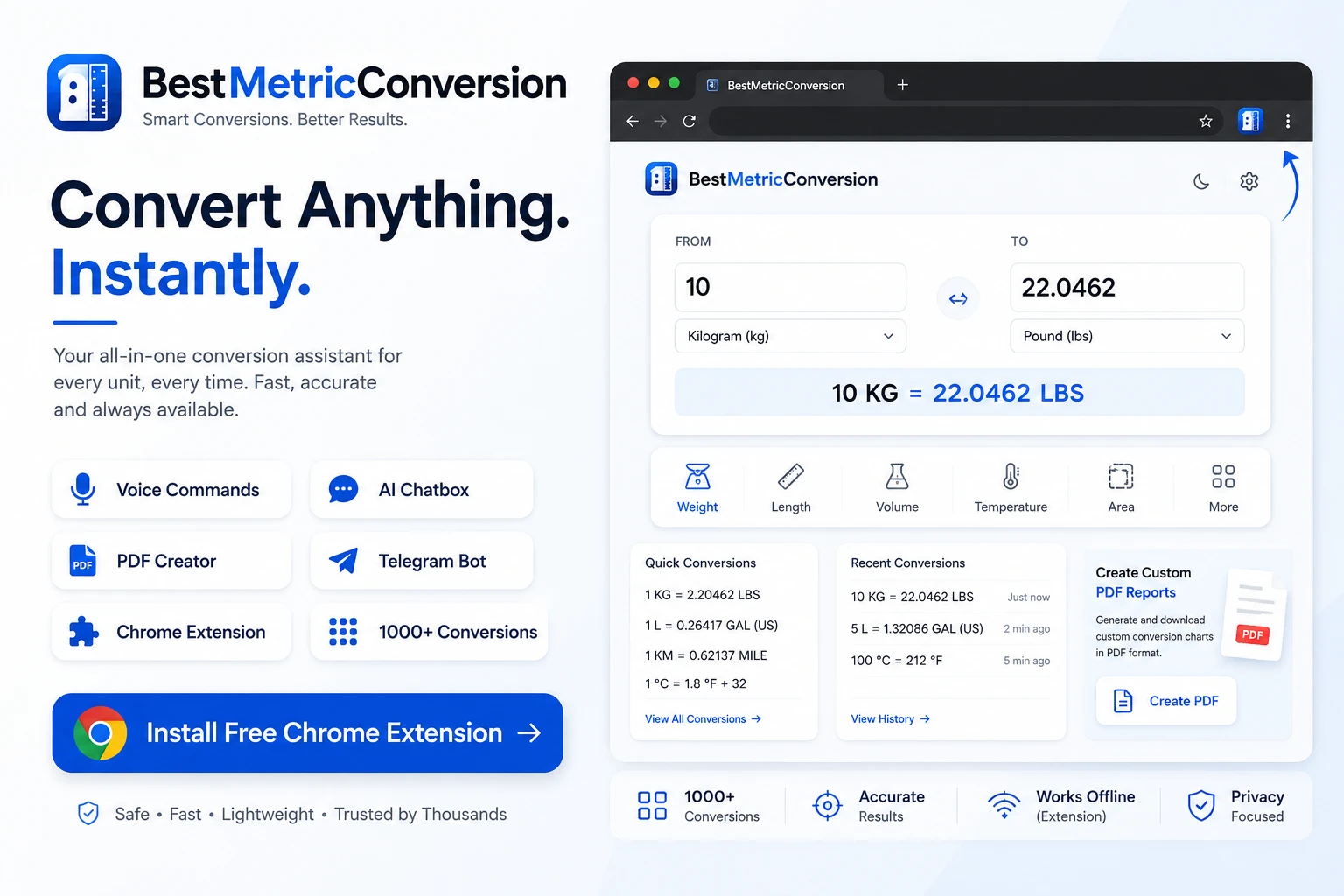
A broad unit-converter site (weight, length, temperature and more) with a Telegram bot, browser extensions and an AI conversion chatbox, aimed at students, engineers and everyday users alike.

What to know
How it works
A unit converter site covering weight, length, volume, temperature, pressure, speed, data storage, time and more, with an AI conversion chatbox, voice commands, a Telegram bot and browser extensions.
What's different
Adds AI chat, voice commands and shareable/PDF conversion outputs on top of standard unit conversion.
Best for
Students, engineers, developers and travelers who need frequent unit conversions across many categories.

Watched for 17 days · last checked 11d ago

Details →

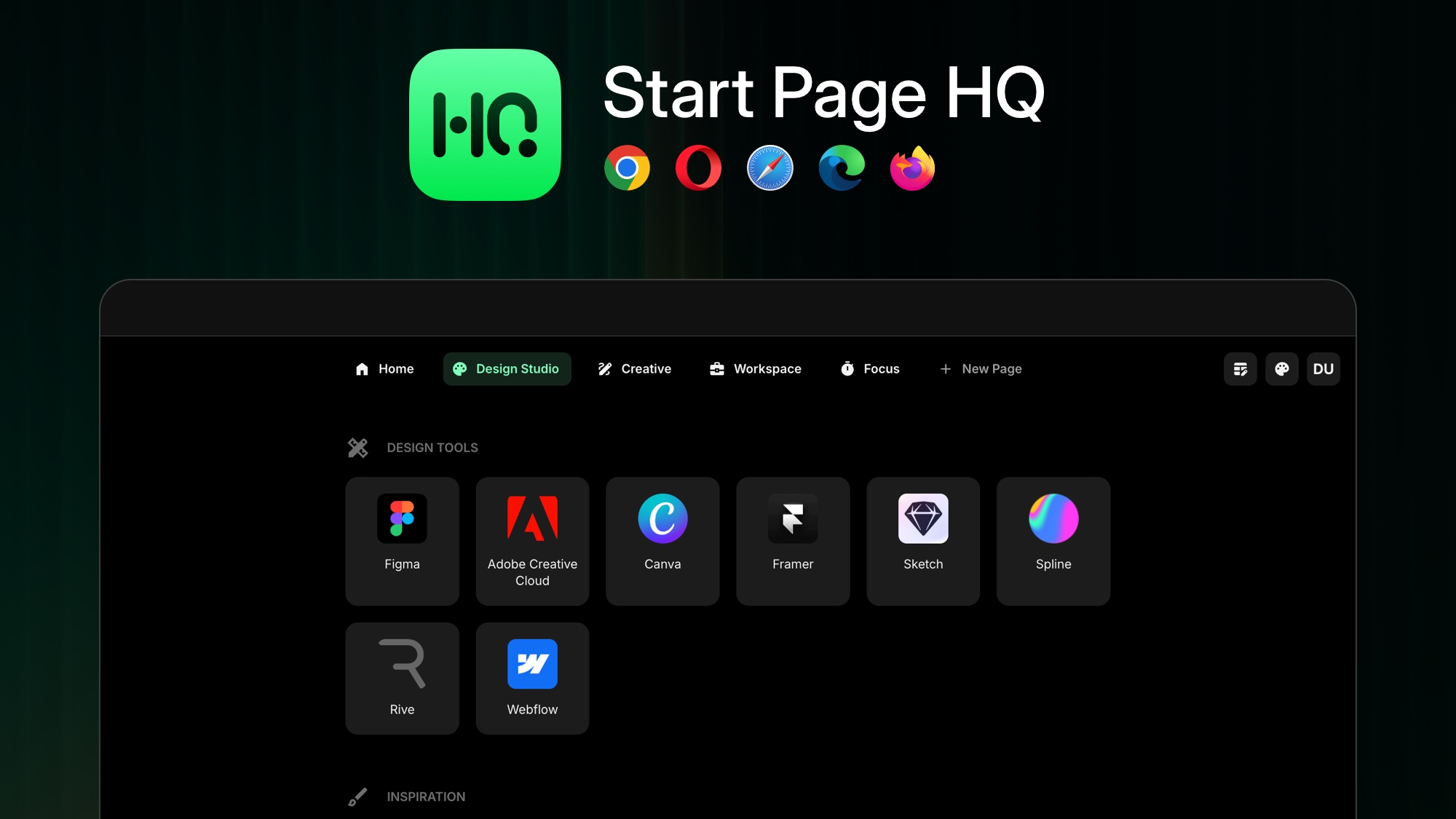
Replaces your browser's new-tab page with a customizable dashboard of 50+ widgets — notes, tasks, RSS, calendar, weather — syncing across Chrome, Firefox, Safari and Edge.

What to know
How it works
Replaces the browser new-tab page with a customizable dashboard offering 50+ widgets including notes, tasks, RSS feeds, calendar and weather.
What's different
Syncs across Chrome, Firefox, Safari and Edge to keep the dashboard consistent on every device.
Best for
People who want their new-tab page to double as a personal productivity dashboard across multiple browsers.

Watched for 15 days · last checked 2d ago

Details →

An AI-powered Chrome/Firefox extension that generates tweets and replies, automates Twitter growth actions, and bulk-deletes old tweets. A general Twitter automation tool for individuals and brands.

What to know
How it works
A browser extension for Chrome and Firefox that generates tweets, replies, hashtags and bios directly inside Twitter's interface, and separately automates mass tweet deletion, bulk follow/unfollow, auto-liking and bulk retweeting with keyword, date and engagement filters.
Best for
Individuals, brands and businesses managing Twitter presence at scale who want both AI content generation and bulk account cleanup.

Watched for 16 days · last checked 10d ago

Details →

A password manager built on the open, KeePass-compatible KDBX format, storing logins, passkeys, cards and TOTP codes in one encrypted vault with Face ID autofill.

Domain registered 3 months ago

Data stays with youNo adsNo tracking
What to know
How it works
Stores logins, passkeys, credit cards, secure notes and TOTP codes in an encrypted vault, built on the open KDBX format compatible with KeePass and KeePassXC, with one-tap AutoFill and Face ID across iPhone, iPad, Mac, Windows and Linux.
What's different
Uses the open KDBX format instead of a proprietary vault, so you're not locked into one vendor, with zero-knowledge on-device encryption before sync.
Best for
People wanting a KeePass-compatible password vault across Apple, Windows and Linux devices without vendor lock-in.

Watched for 13 days · last checked 2d ago

Details →

A Chrome/Firefox extension that converts prices you see while browsing into hours of work needed to earn them, based on your wage — a Brazilian-market tool for cost awareness.

What to know
How it works
A Chrome/Firefox browser extension that converts prices you see while browsing into the number of work-hours needed to earn them, based on your wage.
Best for
Shoppers who want a quick gut-check on whether a purchase is worth the hours it costs.

Watched for 16 days · last checked 2d ago

Details →

See your site on the real device inside your browser

Free

First seen today

Details →

Tools that work with Firefox — the short answers

Every number here comes from our own daily check — not from a vendor list.

Tools that work with Firefox — how many are there?
Tablif is tracking 16 of them. 13 answered our check today, and 3 we couldn't reach — we don't claim those are dead.
Which ones are still maintained?
Tablif knocks on every door once a day and records the answer. 13 of these 16 responded on the latest run, so that number is what "still here" means on this page — not a review score.
Are any of them free?
4 of the live ones say so in their own words, and 3 let you start without making an account. Tablif records the claim the product makes; we don't verify pricing.
What's the newest one?
FillDuck — Tablif first saw it 2 days ago.
Did a person actually look at these?
14 of them Tablif opened and read, then wrote a one-line summary in our own words instead of reusing the founder's tagline. The rest carry keyword labels we haven't confirmed by reading yet — and we say so rather than hiding it.