Tools for developersScreenshots

15 match your filters — 15 of them answered our check today.

Watching this group for 19 days · how we check

This week7 new arrivals

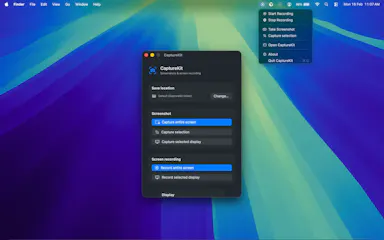
A macOS utility that automatically files every screenshot into a chosen folder instead of letting them pile up on the desktop.

What to know
How it works
Intercepts screenshots and routes them to a folder you set, organized by project.
Best for
Developers, designers, and content creators who take screenshots daily.

Watched for 6 days · last checked today
Details →

Notate

Live

A free Chrome extension that turns a click on a broken webpage element into a structured bug report (with screenshot, browser/OS context, console errors) pushed straight to Linear or Jira, instead of a back-and-forth email/Slack explanation.

FreeNo sign-up
What to know
How it works
Click to pin an element, captures CSS selector, coordinates, browser/OS/viewport/console errors, one click sends to tracker
What's different
Works anywhere Chrome can open a page, including localhost and behind VPN, no dashboard/account needed

Watched for 1 day · last checked 1d ago

Details →

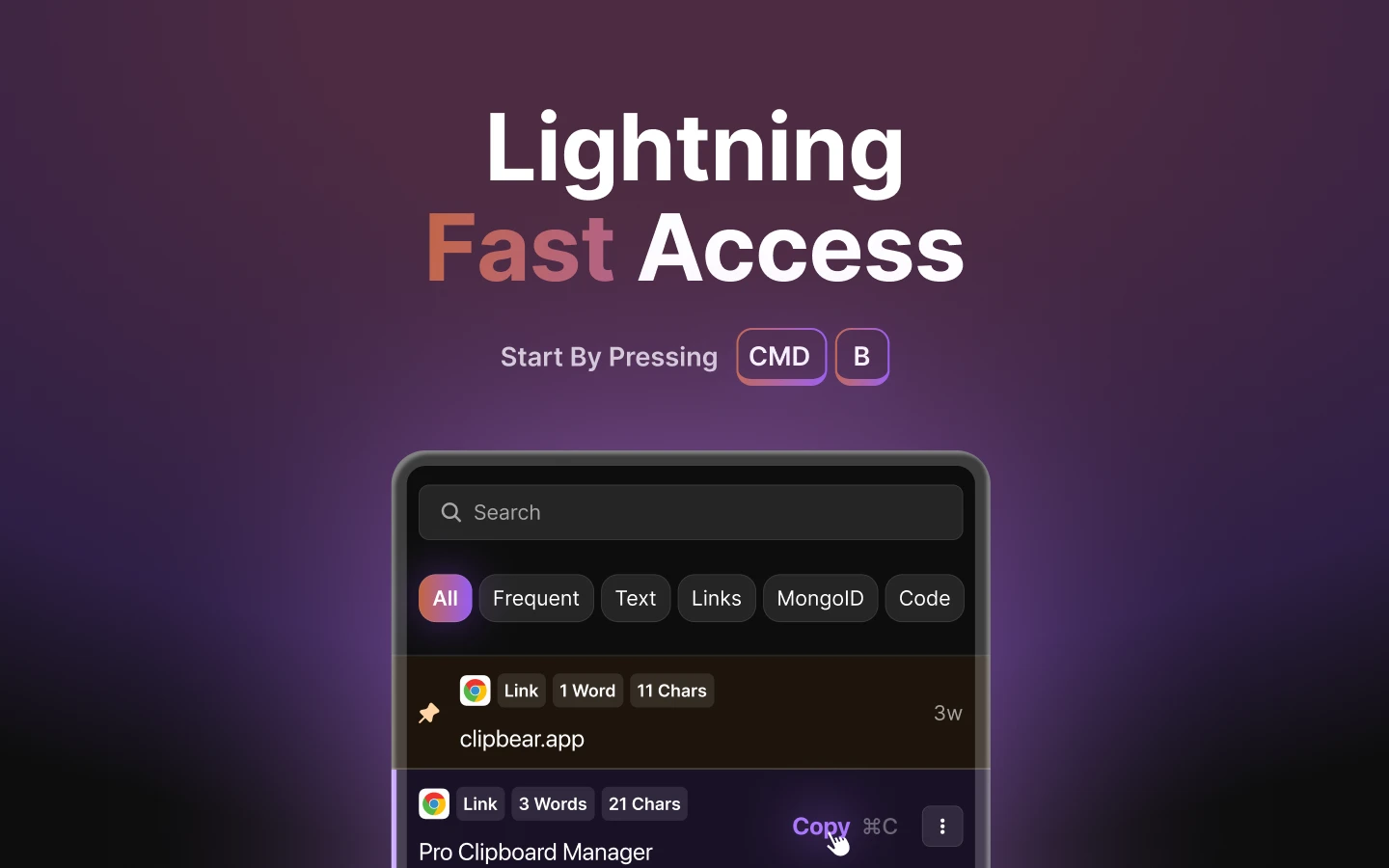
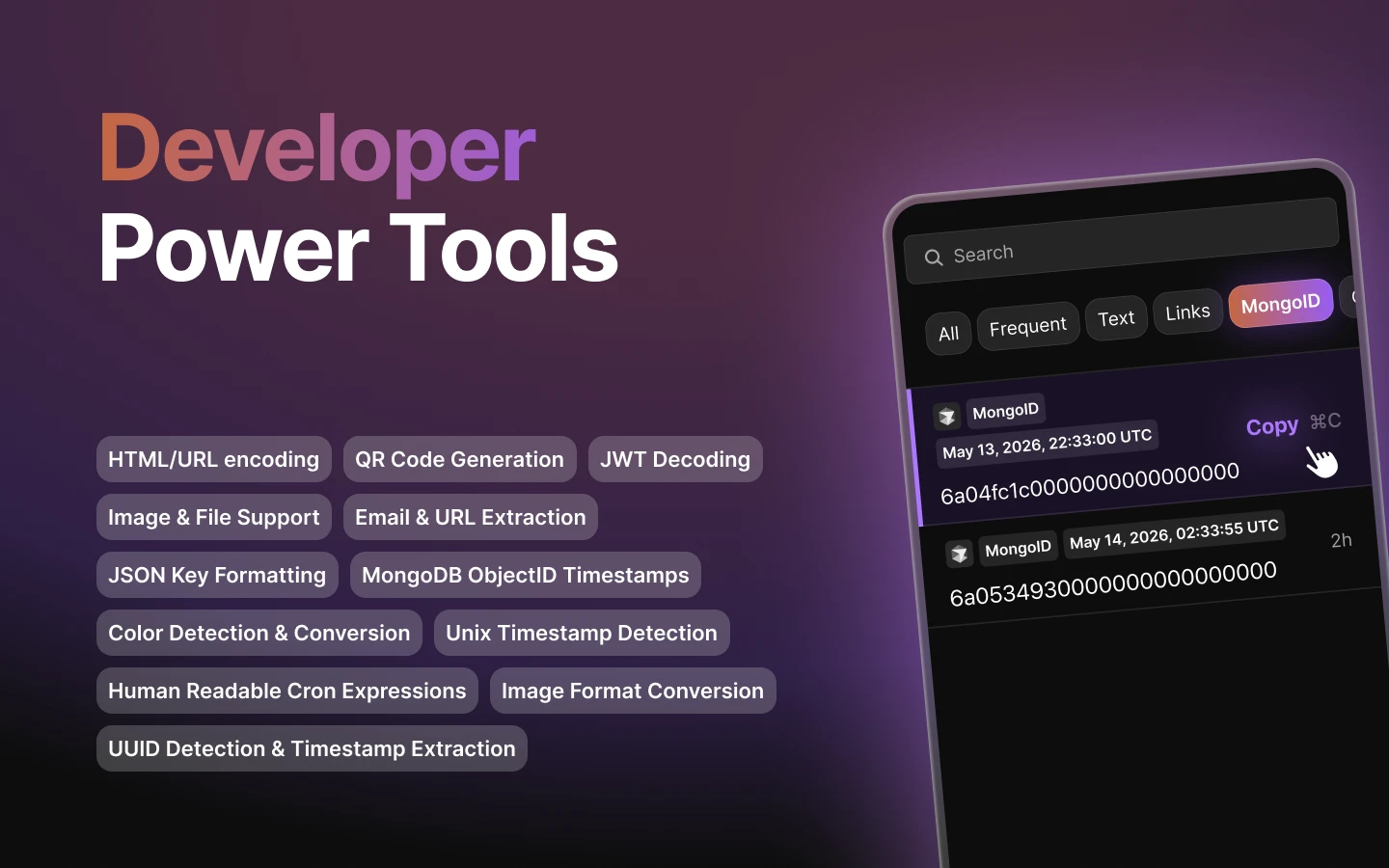
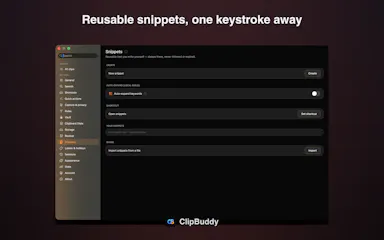
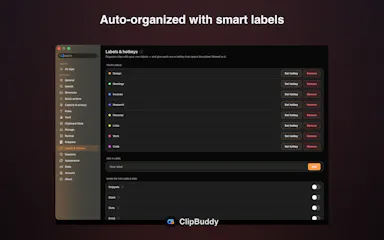
Mac clipboard manager tuned for developer content such as code snippets.

FreeNo sign-upWorks offline
What to know
How it works
Mac clipboard manager tuned for developer content such as code snippets.
Best for
Developers.

Watched for 7 days · last checked 1d ago

Details →

A Mac dictation app that turns your voice, screenshots, and screen recordings into a clean AI-ready Markdown prompt for Claude Code, Cursor, or ChatGPT, running fully offline via local Whisper.

Domain registered 2 months ago

Works offline
What to know
How it works
Local Whisper and open models on a Mac turn voice, screenshots, and screen recordings into a clean Markdown prompt.
Best for
Developers using Claude Code, Cursor, or ChatGPT who want offline, private dictation without per-token billing.

Watched for 6 days · last checked today

Details →

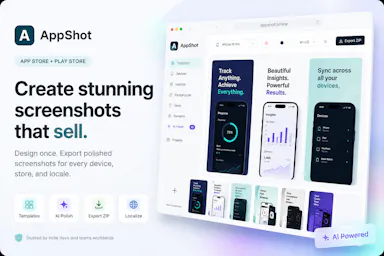
A template-based tool for building App Store and Google Play screenshots — upload your app's own screenshots, customize the layout, and export store-ready assets; a design tool, not a mobile app.

Domain registered 1 month ago

Can export my data
What to know
How it works
Choose a template, customize colors, text, devices and layouts, then export high-quality App Store and Google Play screenshot assets from your own app screenshots.
What's different
No design skills required.
Best for
Developers, startups and marketers preparing store listings for launch.

Watched for 9 days · last checked 3d ago

Details →

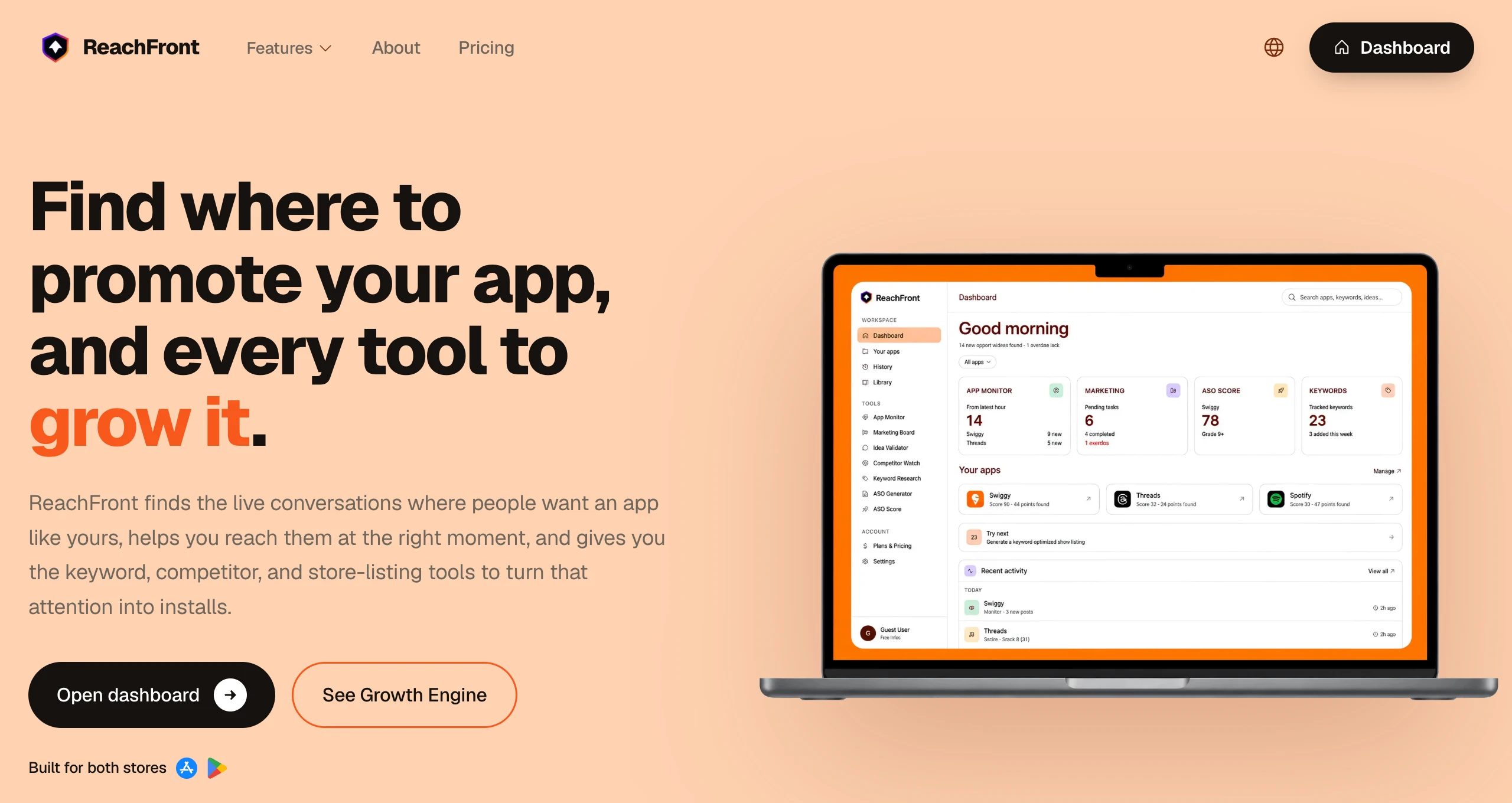
Tracks app store keyword rankings and monitors competitor listings automatically, so indie app developers don't need an expensive ASO agency.

Free
What to know
How it works
Automated keyword rank tracking and competitor listing scraping
What's different
Replaces manual tracking or a $5k/mo agency
Pricing
Free tier available
Best for
Indie developers marketing an app post-launch

Watched for 5 days · last checked 5d ago

Details →

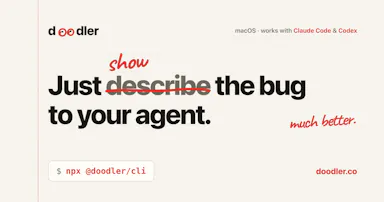
A free, on-device tool that lets you draw and talk over your screen so your AI coding agent sees exactly what you mean — built for Claude Code, Cursor and Codex users.

FreeNo sign-upWorks offline
What to know
How it works
Draw directly on your screen and talk while your coding agent watches, then get back annotated screenshots, a voice transcript, and a timeline of what you pointed at, all combined together.
What's different
Runs 100% on-device and works with Claude Code, Codex, and Cursor.
Pricing
Free, no account required.
Best for
Developers who need to show an AI coding agent a visual bug or layout idea instead of describing it in words.

Watched for 12 days · last checked 6d ago

Details →

Lets indie developers get swipe-test feedback on App Store/Google Play screenshots from other developers before launch, instead of guessing what converts.

What to know
How it works
Swipe testing gathers feedback on visual assets from other developers

Watched for 1 day · last checked 1d ago

Details →

A native macOS clipboard manager that lets you search your entire copy history by meaning and OCR text out of screenshots, instead of cloud clipboard tools that leave your Mac.

No sign-upWorks offline
What to know
How it works
Search by meaning, OCR screenshots, reusable snippets, Stack & Slots organization, built-in dev tools.
Pricing
Free to start; Pro unlocks full toolkit.

Watched for 1 day · last checked today
Details →

A Chrome extension that takes full-page screenshots entirely in your browser, with no uploads or accounts.

Works offlineData stays with youNo tracking
What to know
How it works
Auto-stitches long pages and hides cookie banners/popups before capture
What's different
Runs 100% locally, no server or account needed
Pricing
Not stated
Best for
Developers and designers who need clean full-page captures privately

Watched for 3 days · last checked 2d ago

Details →

A browser tool that swaps any image on a live website so you can preview your own design in a real layout, without building mockups — for designers, marketers, and developers.

What to know
How it works
You click any image on any live website and instantly swap it with your own design to preview it in a real layout, using a floating control panel with fit controls, pixel dimensions on hover, and screenshot capture for sharing.
What's different
No code and no mockup file needed — the preview happens directly on the real website.
Best for
Designers, marketers, and developers who want to preview a design in its real-world context instead of building a mockup.

Watched for 12 days · last checked 9d ago

Details →

A Chrome extension that bundles a screenshot or recording with console logs, network requests and environment info into one bug report, entirely on your machine. Built for developers and QA.

Domain registered 30 days ago

Works offlineData stays with youCan export my data
What to know
How it works
A Chrome extension that captures a screenshot or video recording along with console logs, network requests and environment info, bundling them into one paste-ready bug report; can export a video to webm or a full HTML report.
What's different
Runs 100% locally — nothing leaves your machine.
Best for
Developers and QA testers who need a complete, shareable bug report without manually collecting logs and screenshots.

Watched for 13 days · last checked 2d ago

Details →

Turns app screenshots into animated mockups and generates localized App Store screenshot sets across 80+ languages and required device sizes — a marketing-asset tool for app developers, not itself a mobile app.

What to know
How it works
Turns app screenshots into animated GIF or WebM mockups and generates localized App Store screenshot sets across 80+ languages, covering required Apple and Google device sizes, using a library of templates and device frames.
Best for
App developers preparing store listings and localized marketing screenshots.

Watched for 15 days · last checked 2d ago

Details →

A screenshot API that turns any URL or HTML into a PNG, JPEG or PDF in one request, with a JSON-driven template mode for social share images. Built for developers; free for the first 200 screenshots a month.

Free
What to know
How it works
A single API call (curl + API key) turns any URL or HTML into a pixel-perfect PNG, JPEG or PDF screenshot; a JSON-plus-template mode also generates OG social share images without needing HTML/CSS skills.
What's different
No SDK or complex setup required, and screenshots run on a managed Chromium pool with no cold starts or timeouts.
Pricing
Free during beta — 200 screenshots per month, no credit card required.
Best for
Developers who need a screenshot or OG-image API without managing their own rendering infrastructure.

Watched for 16 days · last checked 8d ago

Details →

A native Windows overlay app that combines clipboard history, encrypted clips, and other utilities in one hotkey-accessible tool, aimed at power users who want to stop juggling separate apps.

FreeNo sign-upWorks offlineNo tracking
What to know
How it works
A native Windows overlay app that bundles five tools into one hotkey-accessible panel: clipboard history search, text-expansion snippets, screen capture with OCR, and others.
What's different
Combines multiple utilities (clipboard manager, text expander, screen capture) into one unified overlay instead of running them as separate apps.
Pricing
Free.
Best for
Windows power users who currently juggle separate clipboard, snippet, and screenshot tools.
Watch out
Runs locally with no cloud sync — clips stay on one machine unless the app supports cross-device sync elsewhere.

Watched for 17 days · last checked 1d ago

Details →