Tools for freelancers and agenciesWorks offline

19 match your filters — 19 of them answered our check today.

Watching this group for 18 days · how we check

This week5 new arrivals

Finds Upwork projects and drafts proposals in your writing style entirely on-device via Chrome's built-in AI — no API keys, no cloud, no FindUp server. Built for freelancers who don't want their data sent anywhere.

FreeWorks offlineNo tracking
What to know
How it works
Search any company and get structured, sourced data extracted with free on-device AI (Gemini Nano); every value links back to the public page it came from with a confidence score and the date it was found.
What's different
Runs AI locally with no sign-in, and omits any value it can't confirm instead of guessing, unlike a chatbot that hands you an unsourced paragraph.
Pricing
Free.
Best for
People researching companies who want sourced, checkable data instead of a chatbot's paraphrase.

Watched for 14 days · last checked 4d ago

Details →

Full Flutter + TensorFlow Lite source code for an offline AI object-counting app (workers, pipes, bricks), sold for reuse rather than offered as a hosted product.

Works offline
What to know
How it works
Flutter + TensorFlow Lite app, works 100% offline, claims 95%+ accuracy across 10+ categories.
Pricing
$49 for full source code.
Best for
Developers building for construction/warehouse counting use cases; buyers reselling or white-labeling.

Watched for 2 days · last checked 1d ago

Details →

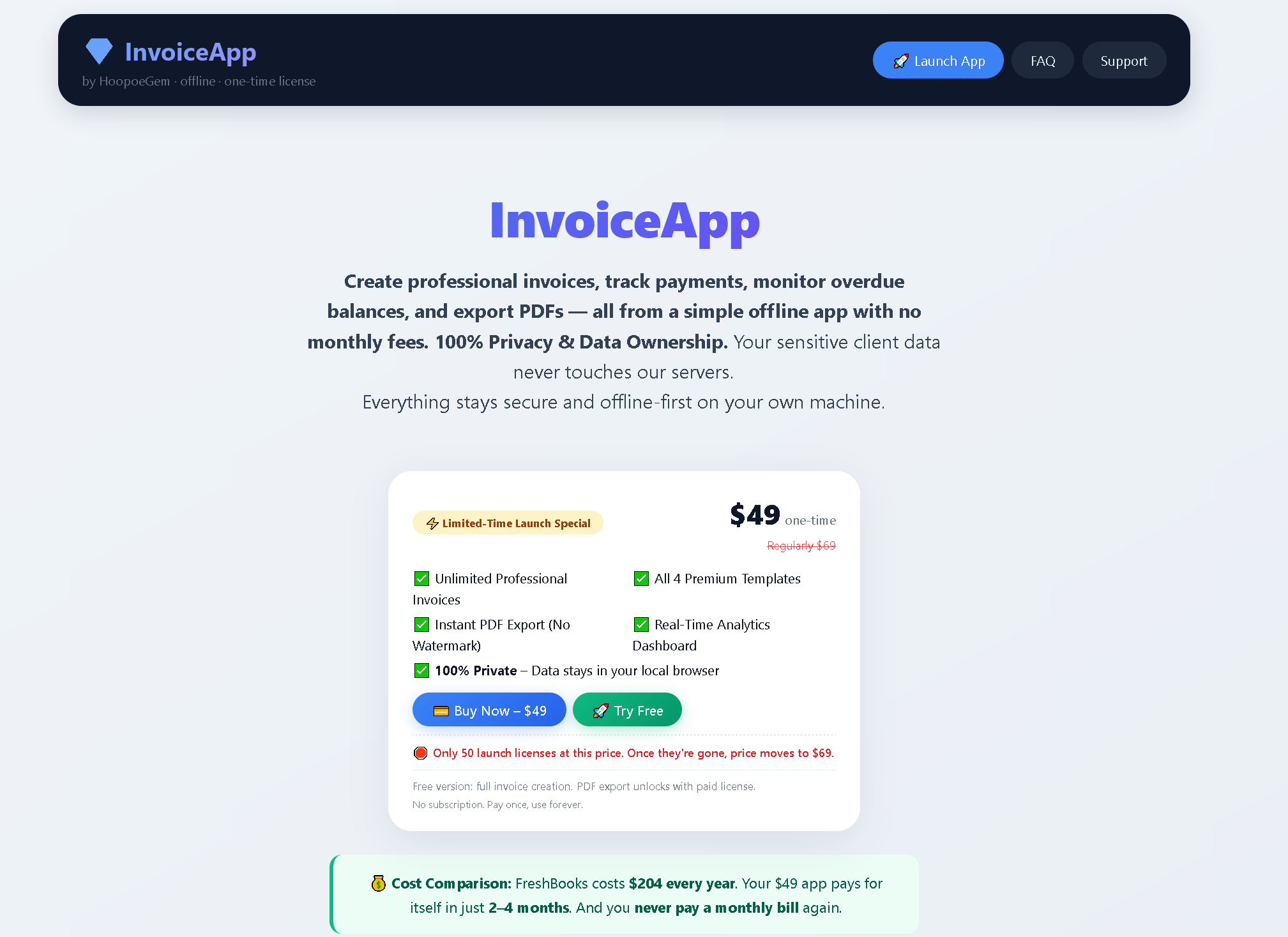
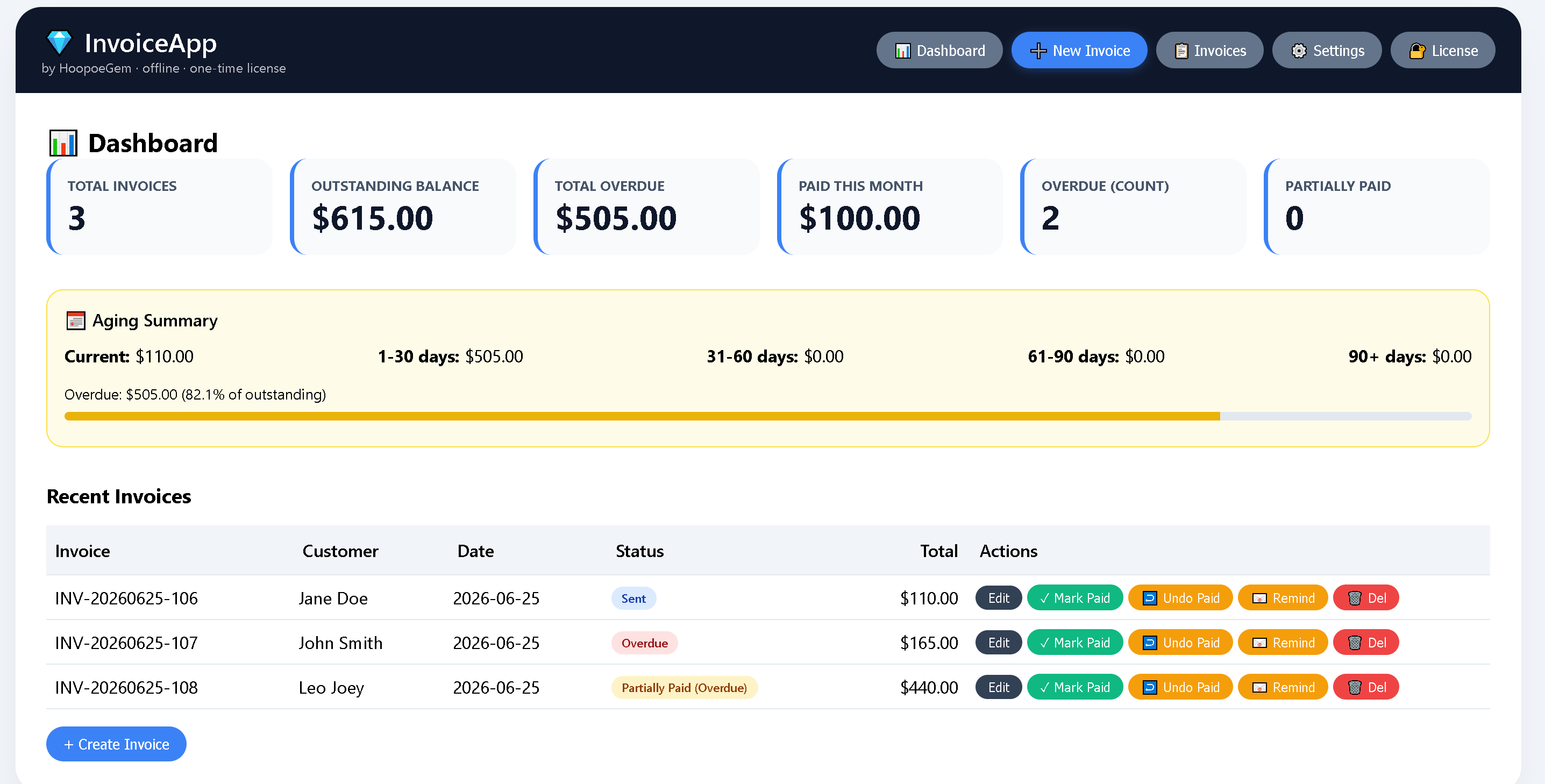
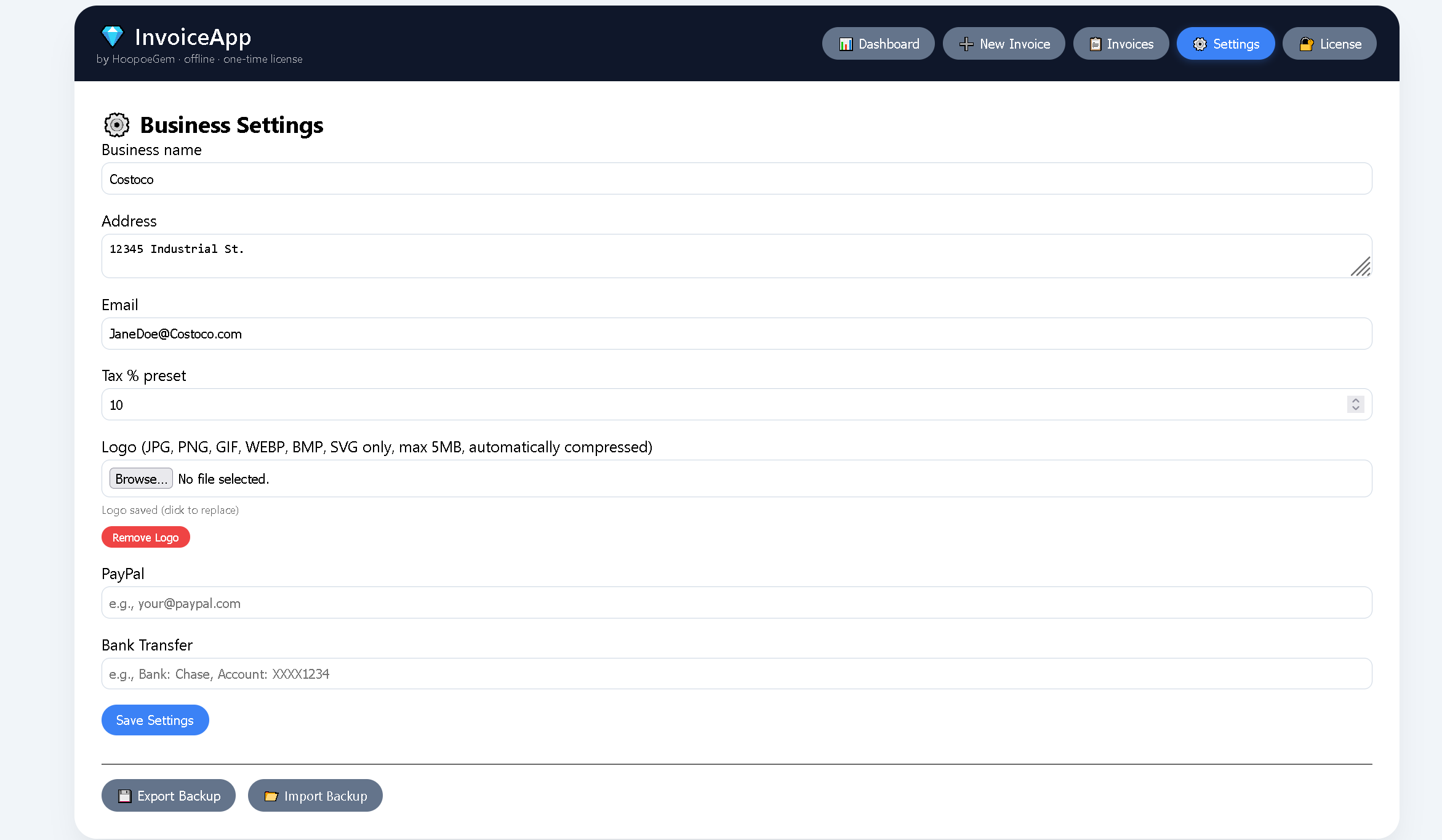
A browser-based invoice builder for freelancers and small businesses that keeps client and billing data entirely on your device, no sign-up or cloud sync.

Domain registered 3 years ago

No sign-upWorks offlineData stays with youNo tracking
What to know
How it works
Builds invoices entirely in the browser and exports them as PDF or PNG, with client details, invoice data and branding staying on the user's device.
What's different
No sign-up, no cloud storage and no tracking, unlike most invoicing tools that store data server-side.
Best for
Freelancers, consultants and small businesses who want to create invoices without their client and billing data leaving their device.

Watched for 10 days · last checked 4d ago

Details →

An offline invoice maker for freelancers and field-service workers to build invoices with tax and discount calculations, no account needed.

Works offline
What to know
How it works
Manages clients and invoices offline, calculates tax/discounts, exports a document with no cloud dependency
Best for
Freelancers and field-service pros invoicing right after a job

Watched for 5 days · last checked 4d ago

Details →

Local-first tool for freelancers and creative studios to generate client quotes, payment breakdowns, checklists, and email drafts, connectable to Claude Desktop as an MCP server.

Works offline
What to know
How it works
Runs in the browser, saves data on the user's computer, and can connect to Claude Desktop as an MCP server.
Best for
Freelancers and creative studios producing client-facing quotes and project documents.

Watched for 11 days · last checked 5d ago

Details →

An offline invoice, quote and receipt generator you buy once and keep forever, with no account or subscription - built for freelancers who want clean client paperwork.

No sign-upWorks offlinePay onceNo subscription
What to know
How it works
A lightweight toolkit with invoice, quote, and receipt generators that work 100% offline in any browser — fill in your details and download a professional PDF.
What's different
One-time purchase that works forever with no account, subscription, or expiry, unlike SaaS billing tools.
Pricing
Buy once, use forever — no subscription.
Best for
Freelancers who need clean client documents without another subscription.

Watched for 14 days · last checked 8d ago

Details →

12 free single-file HTML tools (notes, invoicing, a CRM, snippets and more) that run in your browser or fully offline, with no account, login or data sent anywhere.

No sign-upWorks offlineNo subscription
What to know
How it works
12 single-file HTML tools — including a list app, notes, database, Markdown editor, URL builder, invoice tool, onboarding, outliner, snippets, stickies, deck and CRM — that you open directly as an HTML file; data saves to your browser or you can download and run them offline.
What's different
No subscriptions, logins, or data sent anywhere — each tool is a standalone HTML file you can keep and run forever.
Pricing
Free.
Best for
Small business owners, freelancers and solo operators who want simple tools without accounts or cloud dependence.

Watched for 16 days · last checked 10d ago

Details →

Prabzo

Live

A client management app for solo freelancers, like yoga teachers, tutors and trainers, that replaces chasing payments on WhatsApp and midnight spreadsheet updates with one client history.

FreeWorks offlineCan export my data
What to know
How it works
Gives every client a full profile — contact info, notes, package purchases, session history and payments — so a solo practitioner can see everything in one place instead of switching between a contacts app, spreadsheet and notebook.
What's different
Works offline with no cloud dependency required, and includes birthday reminders and active/lead/inactive filtering.
Pricing
Free.
Best for
Solo freelancers like yoga teachers, tutors and personal trainers who currently chase payments over WhatsApp and update spreadsheets manually.

Watched for 17 days · last checked 11d ago

Details →

An offline invoice generator with a dark theme, multi-currency support, and one-time payment instead of a subscription.

Works offlinePay onceNo subscriptionCan export my data
What to know
How it works
Enter invoice details for real-time calculation and PDF export, logo upload included.
Pricing
$39 one-time, lifetime access, no subscription.
Best for
Freelancers and small business owners who don't want a recurring invoicing subscription.

Watched for 6 days · last checked 4d ago

Details →

Automatically masters audio to Spotify's -14 LUFS loudness standard right in your browser, no upload or account needed — for musicians and producers self-releasing to streaming platforms.

No sign-upWorks offlineData stays with you
What to know
How it works
Drop a WAV, MP3 or FLAC file and it masters the audio to exactly -14 LUFS with -1 dBTP True Peak using deterministic DSP (ITU-R BS.1770-4), running entirely in the browser.
What's different
No server upload and no account required — processing happens 100% locally in the browser.
Best for
Musicians, producers and freelancers self-releasing tracks to Spotify, Apple Music, DistroKid, CD Baby, Tunecore or LANDR who want the loudness standard hit automatically.

Watched for 18 days · last checked 2d ago
Details →

A desktop tool that extracts vendor, date, and line-item data from invoice PDFs into JSON or CSV, entirely offline, for accountants and freelancers.

Works offlinePay onceNo subscription
What to know
How it works
Extracts vendor, date, line items, and totals from invoice PDFs into JSON or CSV, processed entirely offline.
Pricing
One-time purchase, no subscription.
Best for
Accountants and freelancers handling invoice data without cloud uploads.

Watched for 12 days · last checked 9d ago

Details →

A free, ad-free calculator that estimates your net profit and tax bracket as a freelancer or side-hustler, with all math run locally in your browser. No signup or credit card needed.

FreeNo sign-upWorks offlineNo ads
What to know
How it works
Calculates live revenue, deductible business expenses, estimated tax rate and true net profit as you type, with all calculations run locally in the browser.
Pricing
Free, no credit card or signup.
Best for
Freelancers and side-hustlers who want a quick, private estimate of their net profit and tax bracket.

Watched for 13 days · last checked 11d ago

Details →

Offline invoicing software for freelancers and small businesses, sold as a one-time purchase instead of a subscription.

Works offlinePay once

Watched for 1 day · last checked 1d ago
Details →

A floating clipboard that lets you copy and paste text line-by-line without switching apps, handy for reading OTPs, copying data entries or working through long text files.

FreeWorks offlineData stays with you
What to know

How it works
A draggable, resizable floating window that sits over any app for copying, viewing and managing text line-by-line from the clipboard, with one-tap copy and auto-advance.
What's different
Works as an overlay across any app rather than requiring you to switch windows to copy or view data.
Pricing
Free.
Best for
Students, developers, content writers and support teams who repeatedly copy data like OTPs or entries without switching apps.

Watched for 14 days · last checked 9d ago

Details →

A native Windows overlay app that combines clipboard history, encrypted clips, and other utilities in one hotkey-accessible tool, aimed at power users who want to stop juggling separate apps.

FreeNo sign-upWorks offlineNo tracking
What to know
How it works
A native Windows overlay app that bundles five tools into one hotkey-accessible panel: clipboard history search, text-expansion snippets, screen capture with OCR, and others.
What's different
Combines multiple utilities (clipboard manager, text expander, screen capture) into one unified overlay instead of running them as separate apps.
Pricing
Free.
Best for
Windows power users who currently juggle separate clipboard, snippet, and screenshot tools.
Watch out
Runs locally with no cloud sync — clips stay on one machine unless the app supports cross-device sync elsewhere.

Watched for 18 days · last checked 2d ago

Details →

Ncored

Live

A desktop PDF editor built to stay smooth on huge CAD and construction drawing exports from AutoCAD, Revit and ArchiCAD, running fully offline so drawings never leave your machine.

FreeNo sign-upWorks offlineNo subscription
What to know
How it works
A desktop PDF editor for Windows and Mac built to stay smooth on scroll, zoom and pan across heavy AutoCAD, Revit and ArchiCAD exports and project sets of 50-200MB or more. It runs locally on the user's machine.
What's different
Targets the specific failure mode of general PDF tools — stalling and stuttering on dense CAD/construction drawings with heavy vector line work and hatches — and processes files fully offline.
Best for
Architects, structural/civil engineers, MEP professionals and construction teams working with large, heavy drawing sets.

Watched for 18 days · last checked 2d ago

Details →

Reusable QR codes you can repoint after printing, plus scan analytics. Good for restaurant menus and flyers, but really a general marketing QR tool.

Works offline
What to know
How it works
Create dynamic QR codes for menus or campaigns and change where they point after printing.
What's different
Editable-after-print QR plus privacy-friendly scan analytics by city and device.
Best for
Venues that reprint often or run marketing beyond a fixed table menu.
Watch out
A general QR tool used across many industries — not restaurant-specific past the menu.

Watched for 18 days · last checked today

Details →

76 separate browser-based, offline, pay-once workspaces built for specific roles like real estate agents, fitness coaches and developers, pitched as an escape from stacked SaaS subscriptions.

Nothing to installWorks offlineData stays with youPay once
What to know
How it works
76 self-contained, browser-based workspaces, each with 8-10 purpose-built modules for a specific role or niche (real estate, fitness coaching, cybersecurity, development, etc.), running 100% offline and locally.
What's different
Data never touches a server (local-first architecture) and it's a one-time purchase instead of a stack of monthly SaaS subscriptions.
Pricing
Pay once, own forever (one-time payment, no subscription).
Best for
Professionals in specific niches who want purpose-built tools without recurring SaaS fees or sending business data to the cloud.

Watched for 14 days · last checked 8d ago

Details →

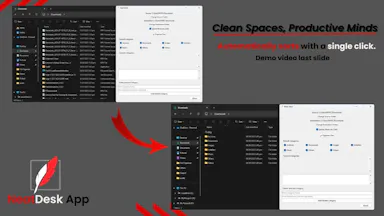
One-click Windows app that automatically sorts a messy Downloads folder into organized categories, fully offline.

Works offline
What to know
How it works
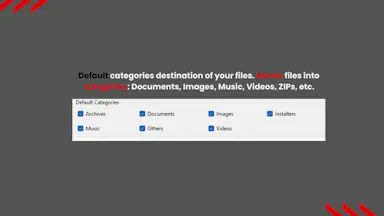
One click automatically sorts a Windows Downloads folder into organized folders by file type — documents, images, videos, music, ZIPs.
Pricing
Offline.
Best for
Students, office workers, virtual assistants, and freelancers.

Watched for 3 days · last checked 2d ago

Details →