Tools for studentsI don't trust the cloud

35 match your filters — 33 of them answered our check today.

Watching this group for 20 days · how we check

This week10 new arrivals

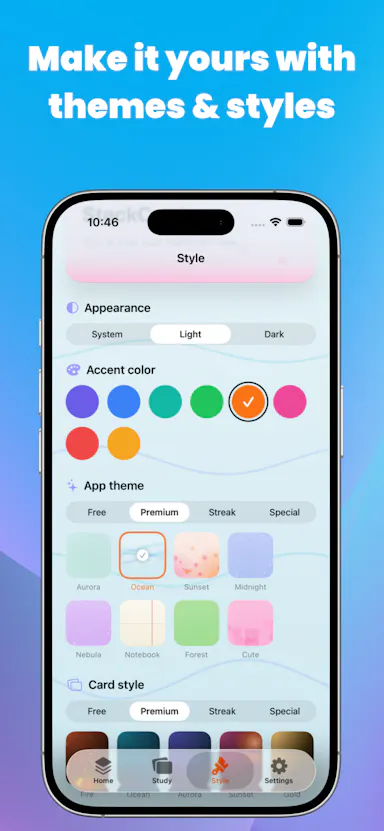
An offline flashcard app for iOS built for students, covering code, formulas and vocabulary, with a single lifetime purchase and no cloud sync or tracking.

Works offlinePay onceNo subscriptionNo tracking
What to know
How it works
An offline flashcard app for iOS covering multiple subjects, including code, formulas and vocabulary.
Pricing
Single lifetime purchase.
Best for
Students who want offline flashcards without cloud sync or tracking.

Watched for 10 days · last checked today

Details →

An in-browser code playground for writing and previewing HTML, CSS, JavaScript, and Markdown instantly with no install.

FreeNothing to install
What to know
How it works
Live-preview editor for HTML/CSS/JS/Markdown
Pricing
Free
Best for
Developers, students, and educators prototyping in the browser

Watched for 6 days · last checked today

Details →

Klipzo

Live

Gives students and developers 130+ free browser-based file tools instead of uploading files to third-party servers.

FreeData stays with you

Watched for 1 day · last checked 1d ago

Details →

A Chrome extension that finds and bulk-downloads images from any webpage in one click.

What to know
How it works
Detects every image on a webpage and lets you preview, filter, and download them individually or in bulk with one click.
Best for
Designers, marketers, developers, students, and anyone saving web images quickly.

Watched for 8 days · last checked 2d ago

Details →

Lets people extract and export webpage text locally instead of sending it through external servers.

Works offlineCan export my data
What to know
How it works
Operates 100% locally and offline in the browser; exports as PDF, JSON, CSV, or TXT.
Best for
developers, students, and researchers

Watched for 1 day · last checked today
Details →

Pixie

Live

A privacy-focused AI agent that automates research, cold-email outreach, and Gmail tracking, aimed at general users and students doing job/internship outreach.

What to know
How it works
Researches companies and prospects, creates personalized cold emails, sends mass emails, tracks Gmail outreach, and helps with files, Excel, documents, and everyday tasks.
Best for
General users and students doing job or internship outreach.

Watched for 8 days · last checked 2d ago

Details →

A floating clipboard that lets you copy and paste text line-by-line without switching apps, handy for reading OTPs, copying data entries or working through long text files.

FreeWorks offlineData stays with you
What to know
How it works
A draggable, resizable floating window that sits over any app for copying, viewing and managing text line-by-line from the clipboard, with one-tap copy and auto-advance.
What's different
Works as an overlay across any app rather than requiring you to switch windows to copy or view data.
Pricing
Free.
Best for
Students, developers, content writers and support teams who repeatedly copy data like OTPs or entries without switching apps.

Watched for 14 days · last checked 9d ago

Details →

Fetches official BPUT semester results without a student login, auto-computes SGPA/CGPA, and exports a PDF marksheet with a QR code back to the source.

FreeNo sign-up
What to know
How it works
Pulls results directly from results.bput.ac.in, computes running SGPA/CGPA and grade trends, includes a reverse-CGPA target calculator, and generates a PDF export.
Pricing
Free for BPUT students.
Watch out
Nothing is stored server-side.

Watched for 12 days · last checked 8d ago

Details →

Offline, privacy-focused distraction-free Markdown writing app for Windows storing files locally.

Works offline
What to know
How it works
works offline, local file storage, Markdown support

Watched for 2 days · last checked 1d ago

Details →

A free all-in-one toolkit bundling PDF editing, resume building, image compression and developer utilities in one site.

Domain registered 22 days ago

FreeNo sign-upNothing to install
What to know
How it works
Collection of standalone tools (PDF, resume, image, API mocking, calculators) in one place
Pricing
Free, no signup or install
Best for
Developers, students and professionals wanting many small tools without separate apps

Watched for 4 days · last checked 3d ago

Details →

A phone app that teaches memory techniques like the Memory Palace and Mnemonics through quizzes, running fully offline with no account or tracking.

Domain registered 5 months ago

No sign-upWorks offlineData stays with youNo ads
What to know
How it works
guided lessons and quizzes on established memory techniques
What's different
no internet, no sign-up, no ads, no tracking — all local
Best for
students, language learners, and professionals wanting sharper recall

Watched for 5 days · last checked 3d ago

Details →

A WordPress plugin to design, generate, and let students verify certificates online via QR codes.

Domain registered 15 months ago

What to know
How it works
A WordPress plugin with a drag-and-drop certificate designer, 16 templates, QR code verification, and bulk CSV import.

Watched for 5 days · last checked 3d ago

Details →

A single app bundling 50+ small utilities — PDF, image, text, QR, calculator, converter, and developer tools — to avoid installing separate apps.

What to know
How it works
All tools accessed from one interface instead of separate single-purpose apps.
Best for
Students, developers, and creators who want a general-purpose toolkit in one place.

Watched for 6 days · last checked 4d ago

Details →

A local-first notebook combining handwriting, rich documents and PDF markup in one workspace, for students and professionals tired of juggling multiple note apps.

Works offlineData stays with youNo adsNo tracking
What to know
How it works
A local-first notebook combining handwriting (ink, pens, highlighters, shapes, lasso selection), rich text boxes, tables, images, audio memos, and PDF import with searchable text, all on a multi-page canvas organized with folders and tags.
What's different
Combines handwriting, structured documents and PDF markup in one workspace instead of forcing a choice between separate apps, without ads or tracking SDKs.
Best for
Students, professionals and creators who currently juggle multiple note apps and want handwriting, documents and PDF annotation in one place.

Watched for 18 days · last checked 2d ago

Details →

A privacy-first bundle of everyday utility tools for creators, developers, marketers, and students that avoids sending data to external servers, unlike most ad-supported online utility sites.

Domain registered 17 days ago

Data stays with you
What to know
How it works
Bundles multiple everyday utilities in one toolbox without ads, signups, or uploading data to external servers.
Best for
creators, developers, marketers, and students who want quick utilities without handing data to third-party servers.

Watched for 13 days · last checked 9d ago

Details →

A free AI writing assistant with no sign-up and no tracking, plus SAT/GRE/GMAT prep flashcards for students.

FreeNo sign-upNo tracking
What to know
How it works
A writing assistant with no signup and no tracking, plus SAT, GRE and GMAT prep flashcards for students.
What's different
Privacy-centric — no account and no tracking, unlike most AI writing tools.
Pricing
Completely free.
Best for
Students who want writing help and standardized test prep without creating an account.

Watched for 15 days · last checked 2d ago

Details →

A free bundle of 50+ browser tools spanning SEO, AI writing, PDF editing and developer utilities, aimed at creators, marketers, developers, students and small businesses.

FreeNothing to install
What to know
How it works
A bundle of 51+ browser-based tools covering SEO, AI writing, PDF editing, image conversion, QR codes, calculators, security checks and developer utilities, all running in the browser.
Pricing
Free, no sign-up required.
Best for
Creators, marketers, developers, students and small businesses who want a single workspace for everyday utility tasks instead of downloading separate apps.

Watched for 16 days · last checked 2d ago

Details →

PDFino

Live

A browser-based PDF editor (merge, split, sign, OCR) marketed as privacy-first, plus beta AI resume and contract-review tools. A general PDF toolkit useful to students and freelancers, not built exclusively for them.

Data stays with you
What to know
How it works
A browser-based PDF toolkit for editing, merging, splitting, compressing, converting, signing, protecting and OCR-ing PDFs, plus beta AI Resume Analyzer and Contract Review tools.
What's different
Marketed as privacy-first, working directly in the browser without installing software.
Best for
Students, professionals and freelancers who need common PDF tasks done without installing desktop software.

Watched for 17 days · last checked 2d ago

Details →

Free browser-based converters for turning Markdown and documents into PDF, DOCX, HTML, slides and more, no signup, nothing stored. Built for developers, students and documentation teams.

FreeNo sign-up
What to know
How it works
Free browser-based tools that convert Markdown and documents into PDF, DOCX, HTML, slides, images, and tables without installing software.
Pricing
Free, no signup required.
Best for
Developers, writers, students, and documentation teams who need quick document exports without installing conversion software.

Watched for 16 days · last checked 2d ago

Details →

PDFWix

Live

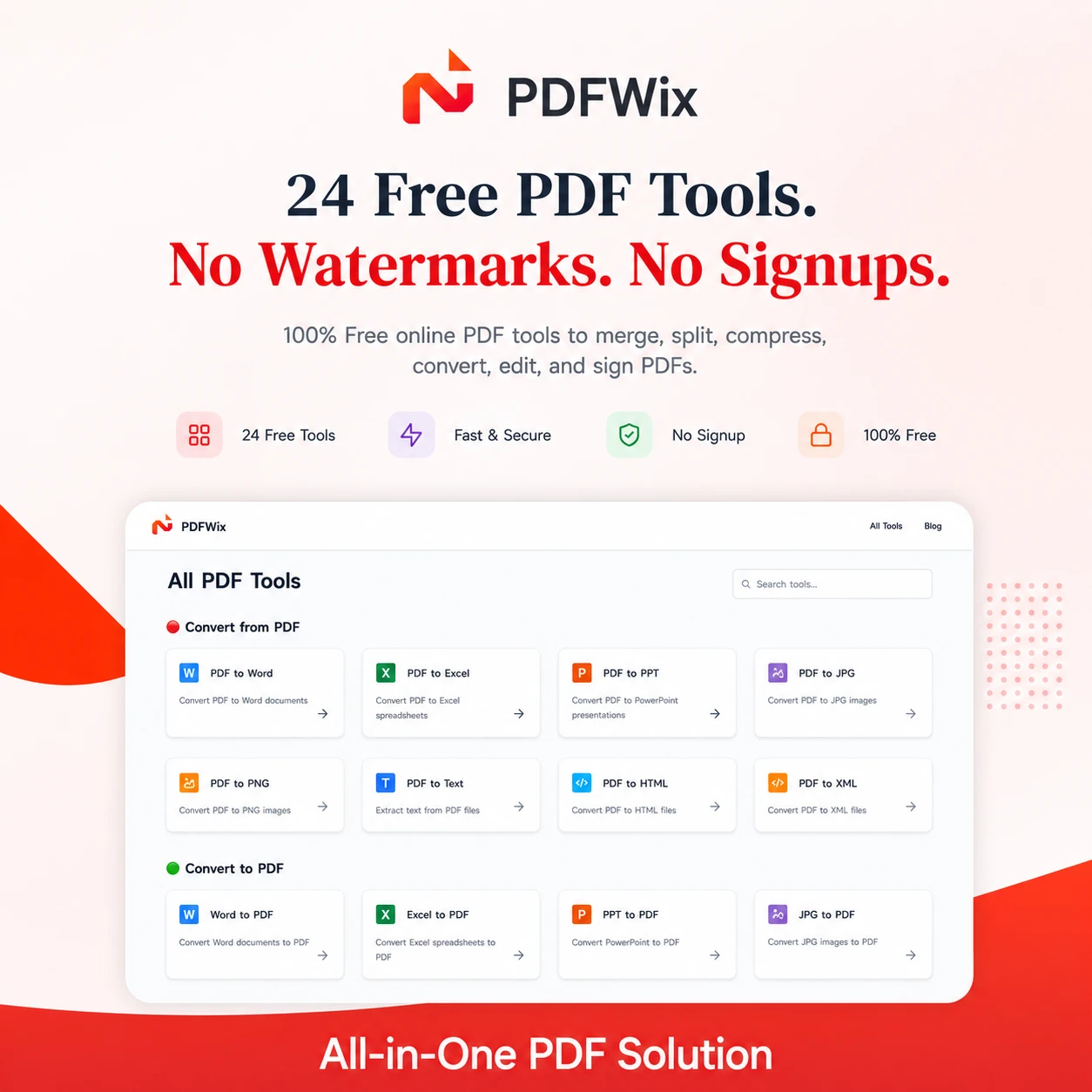
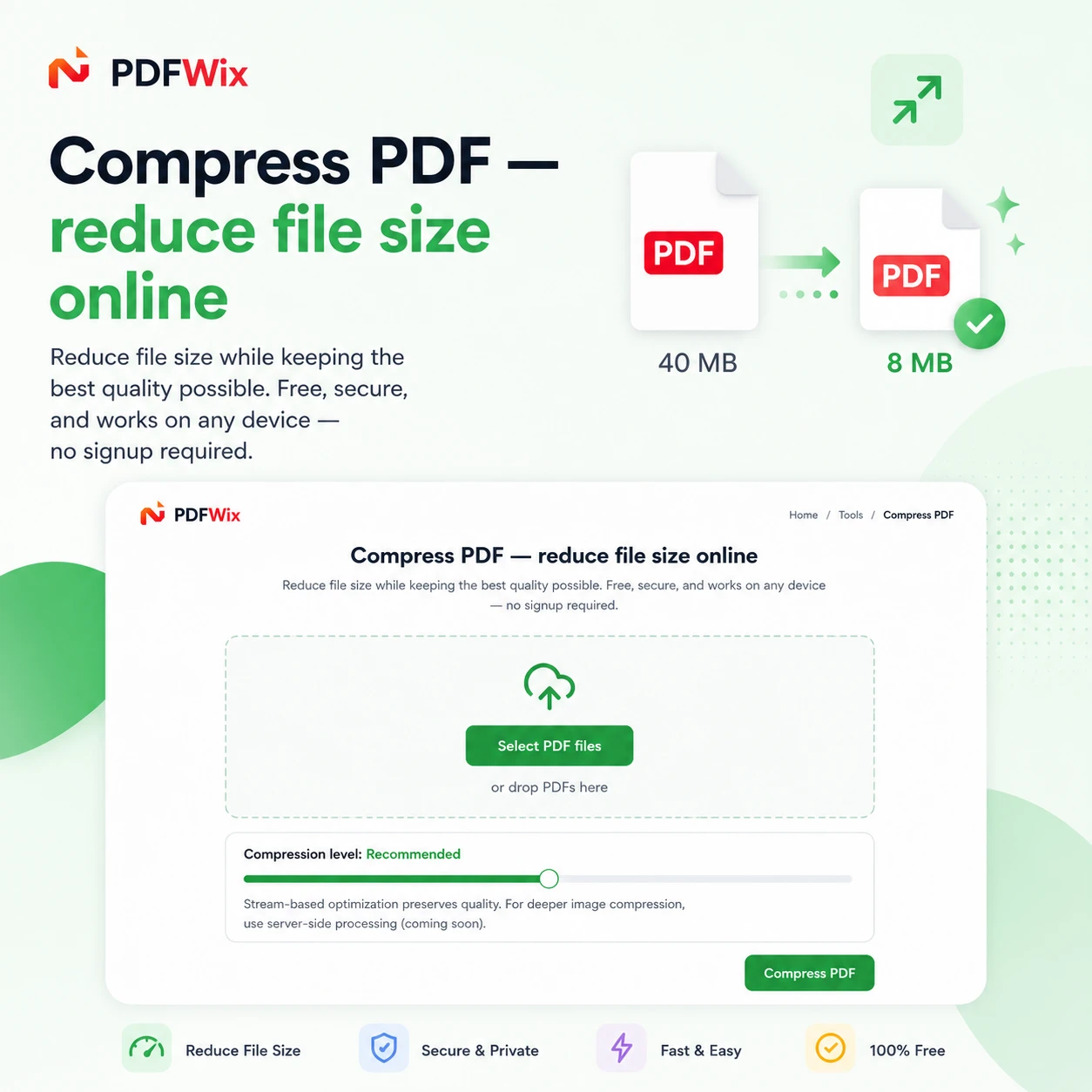
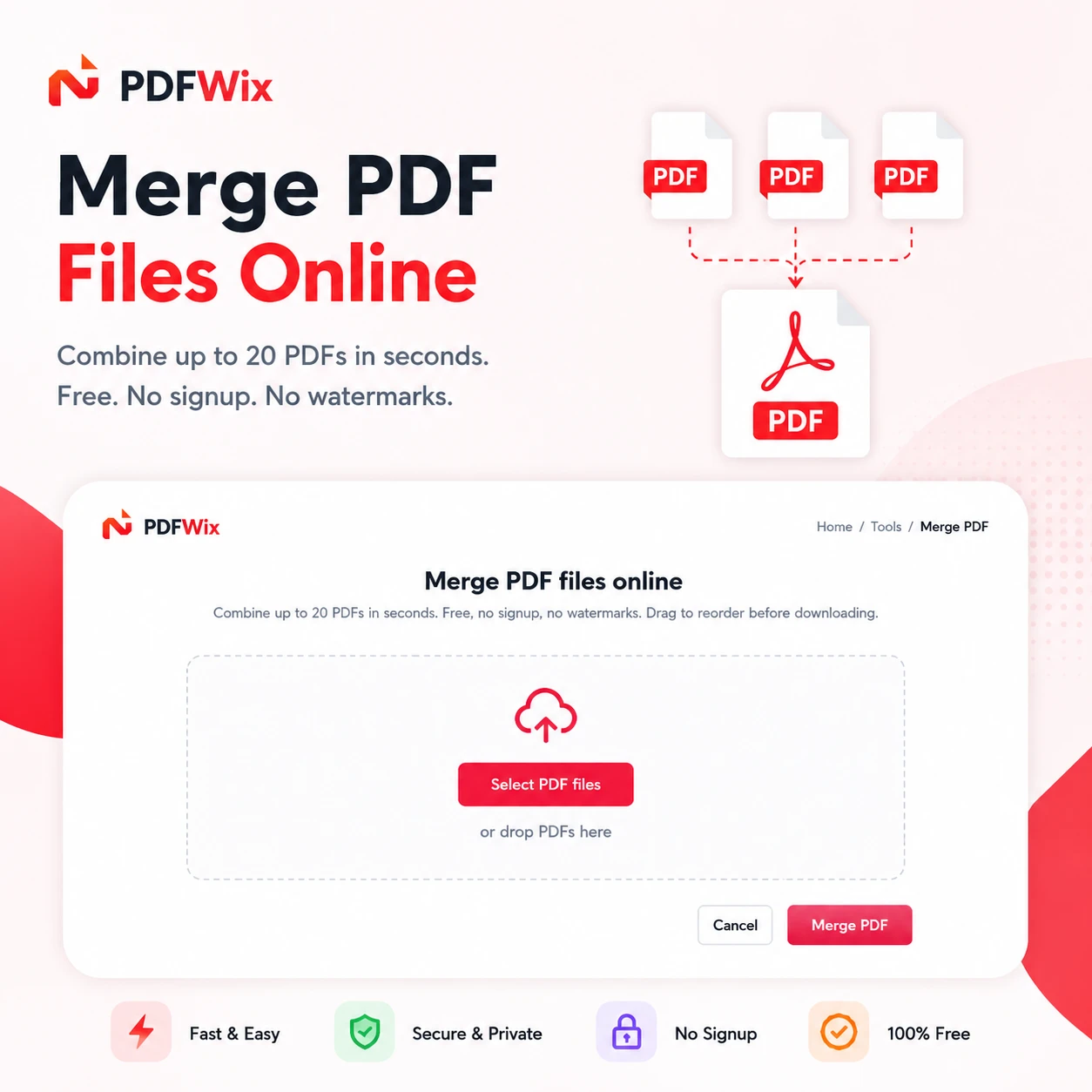
Suite of 24 free online PDF tools covering merging, splitting, compressing, converting, and editing.

Domain registered 2 months ago

FreeNo sign-upNothing to install
What to know
How it works
Browser-based PDF toolkit (merge, split, convert, sign, redact, protect, and more) running mostly via WebAssembly so files never leave the device.
What's different
No daily task caps (unlike iLovePDF's 2/day limit), no watermarks, no forced account creation.
Pricing
Free, no signup, no daily limits.
Best for
Anyone needing PDF editing on Windows, Mac, iPhone, Android, or Chromebook without installing software.

Watched for 8 days · last checked 8d ago

Details →

A free bundle of 332 small web utility tools pitched as secure and privacy-first, though the listing gives no detail on what each tool does or how it handles data.

FreeNo sign-upData stays with youNo ads
What to know
How it works
A bundle of 332 free web utility tools, pitched as privacy-first.
Pricing
Free.

Watched for 15 days · last checked 9d ago

Details →

Pluks

Live

A clipboard manager for macOS and Windows that copies text the instant you select it, no Ctrl+C needed, plus a searchable history of your last 200 clips.

FreeNo sign-upWorks offline
What to know
How it works
A clipboard manager for macOS and Windows (beta) that copies text the instant you select it — no Ctrl+C/Cmd+C needed — then long-press to paste, or press Cmd/Ctrl+Shift+V to open a searchable history of your last 200 clips.
What's different
Brings the select-to-copy behavior Linux users know from PRIMARY selection to Mac and Windows; traditional clipboard managers only store history after you explicitly press copy.
Pricing
Free.
Best for
macOS and Windows users who want copy-paste without the extra keystroke.
Watch out
The Windows version is in beta.

Watched for 18 days · last checked 2d ago

Details →

Turns your Android phone into a self-hosted MCP server so AI assistants like Claude, Cursor or Perplexity can pull your personal memory without sending data to the cloud. Aimed at developers already using MCP-compatible tools.

Works offlineData stays with youOpen sourceNo subscription
What to know
How it works
Turns an Android phone into a self-hosted MCP (Model Context Protocol) server by installing a Python MCP server inside Termux, with a secure tunnel giving the phone a stable public HTTPS URL that AI clients like Claude, Cursor or Perplexity can connect to for persistent memory.
What's different
Data is stored locally on the user's own phone instead of a vendor's cloud, with no subscription or vendor lock-in.
Pricing
No subscription.
Best for
Developers already using MCP-compatible AI tools who want to own their memory data instead of storing it in the cloud.
Watch out
Relies on a relay tunnel (relay.memplato.com) and requires Termux running on the phone, with a watchdog to restart the server if the phone reboots or Termux closes.

Watched for 10 days · last checked 4d ago

Details →

Extracts text via OCR from scanned documents, then lets AI summarize them, flag contract risks, and translate into 51 languages — all on your Android phone.

Domain registered 4 months ago

FreeData stays with youNo subscriptionCan export my data
What to know
How it works
Scans documents on an Android phone, extracts text via OCR (Google ML Kit), and lets AI summarize them, extract key facts, flag contract risks, generate to-do lists, chat with the document, or translate into 51 languages.
What's different
Goes beyond producing a plain PDF — the AI layer analyzes and translates the scanned content directly on the device.
Pricing
Scanning and OCR are free for everyone; deeper AI features (summaries, contract-risk analysis, translation) are part of a Premium tier billed without a subscription.
Best for
Android users, including freelancers and students, who want to digitize and understand documents like invoices, contracts and notes.

Watched for 14 days · last checked 8d ago

Details →

A free hub of 100+ browser-based tools spanning PDFs, images, SEO and developer utilities, no sign-up or downloads required. A general toolkit with a dedicated developer section, not built for one profession.

FreeNo sign-upNothing to installData stays with you
What to know
How it works
A browser-based hub of 100+ tools for PDFs, images, text, developer utilities, SEO, calculators and generators, with no downloads or sign-up.
What's different
Runs entirely in the browser with no account or install, covering many task categories in one place.
Pricing
Free.
Best for
Students, developers, creators and professionals who want quick access to varied everyday tools without setting up accounts.

Watched for 16 days · last checked 10d ago

Details →

Offline on-device speech to text for Mac and Windows

No sign-upWorks offlineData stays with you

First seen today · last checked today

Details →

A grab-bag of 39+ free browser tools, password generator, QR codes, JSON formatter, unit converters, with no sign-up; a general utility kit, not built for one audience.

FreeNo sign-up
What to know
How it works
A collection of 39+ free browser tools including a password generator, age/percentage calculators, image compression, QR code creation, and a JSON formatter.
Pricing
Completely free; no sign-up required.
Best for
Students, developers, creators, and professionals who need quick, one-off utility tools without installing anything.

Watched for 14 days · last checked 8d ago

Details →

A free browser-based PDF toolkit (merge, split, compress, convert) requiring no installation or signup.

FreeNothing to install
What to know
How it works
Merges, splits, compresses, converts, organizes, rotates, and edits PDF files directly in the browser, no installation or sign-up.
Pricing
Free.
Best for
Students, professionals, and businesses.

Watched for 3 days · last checked 1d ago

Details →

Browser tool that removes Gemini AI watermarks from images.

Nothing to install
What to know
How it works
A browser-based tool that removes Gemini AI watermarks from images with no software installation.
Best for
Designers, creators, and marketers cleaning up Gemini-generated images.

Watched for 3 days · last checked 2d ago

Details →

WebVox

Live

Reads web articles, blogs and pages aloud in a clean, ad-free listening mode using Android's built-in text-to-speech. A general read-it-later/listen tool for anyone, not developer-specific despite the tag.

No sign-upOpen source
What to know
How it works
Converts web articles, blogs and pages into a clean reader-mode layout and reads them aloud using Android's built-in text-to-speech engine, stripping ads, popups and banners; users paste a URL or share directly from the browser to start.
Best for
Anyone on Android who wants to listen to web articles instead of reading them, not developers specifically despite the extraction-tool angle.

Watched for 18 days · last checked 2d ago

Details →

Rates edtech tools on privacy, security, and academic-integrity risk using a transparent methodology.

What to know
How it works
Rates edtech tools Low/Medium/High risk across five criteria: data collection, encryption, third-party sharing, COPPA/FERPA compliance, and whether the tool teaches or just hands out answers.
What's different
A transparent, reproducible methodology with no sponsorships or star-rating fluff.
Best for
Students, parents, and teachers evaluating edtech tools before signing up.

Watched for 9 days · last checked 7d ago

Details →

Offline, privacy-first app that lets nearby people discover what music you're listening to over Bluetooth and Wi-Fi Direct.

Works offline
What to know
How it works
A music radar that lets you discover what people around you are listening to over BLE and Wi-Fi Direct, offline and on-device.
What's different
Full privacy — nothing leaves the device, no social media or messaging.
Best for
Friends, commuters, students, and groups wanting to find others with similar music taste nearby.
Watch out
Live now on Google Play (Android).

Watched for 9 days · last checked 6d ago

Details →

Converts PDFs to Markdown entirely in your browser with no upload or signup, aimed at personal-knowledge-management users and developers building text chunks for RAG pipelines.

What to know
How it works
Converts PDFs to Markdown entirely inside your browser, with no upload or signup required.
What's different
Processes files locally rather than through a cloud API, and outputs clean structured text chunks instead of flat broken plain text.
Best for
Obsidian/Notion users bringing documents into their notes, AI/RAG developers needing clean text chunks, and privacy-sensitive professionals like lawyers or researchers handling confidential files.

Watched for 15 days · last checked 2d ago

Details →