Tools for studentsNotes

14 match your filters — 14 of them answered our check today.

Watching this group for 20 days · how we check

This week5 new arrivals

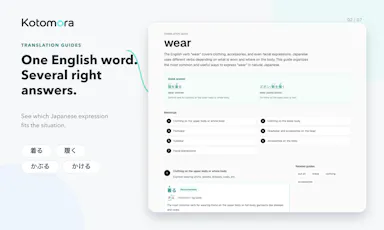
A Japanese dictionary for learners that explains word usage and nuance rather than just giving quick definitions.

Free
What to know
How it works
Search by Japanese, English, romaji or handwriting; analyzes full sentences
What's different
Usage notes, pitch accent and conjugations beyond a basic dictionary
Pricing
free
Best for
Japanese language learners past the beginner stage

Watched for 5 days · last checked today

Details →

In-PDF reading assistant that translates, researches and captures notes without leaving the document.

Domain registered 13 days ago

What to know
How it works
select text inside any PDF to translate or look up instantly, or capture pages with diagrams intact
Best for
language learners, students and researchers reading foreign-language or technical PDFs

Watched for 6 days · last checked today
Details →

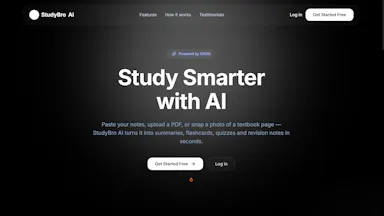
An AI study assistant that turns notes into summaries, flashcards, quizzes, and translations in one place.

What to know
How it works
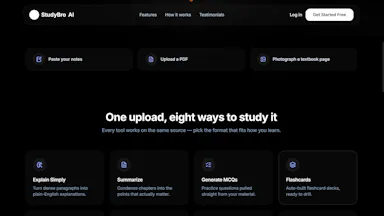
Turns notes into summaries, flashcards, quizzes, MCQs, revision notes, explanations, and translations in one place.

Watched for 6 days · last checked today
Details →

A floating clipboard that lets you copy and paste text line-by-line without switching apps, handy for reading OTPs, copying data entries or working through long text files.

FreeWorks offlineData stays with you
What to know
How it works
A draggable, resizable floating window that sits over any app for copying, viewing and managing text line-by-line from the clipboard, with one-tap copy and auto-advance.
What's different
Works as an overlay across any app rather than requiring you to switch windows to copy or view data.

Pricing
Free.
Best for
Students, developers, content writers and support teams who repeatedly copy data like OTPs or entries without switching apps.

Watched for 14 days · last checked 9d ago

Details →

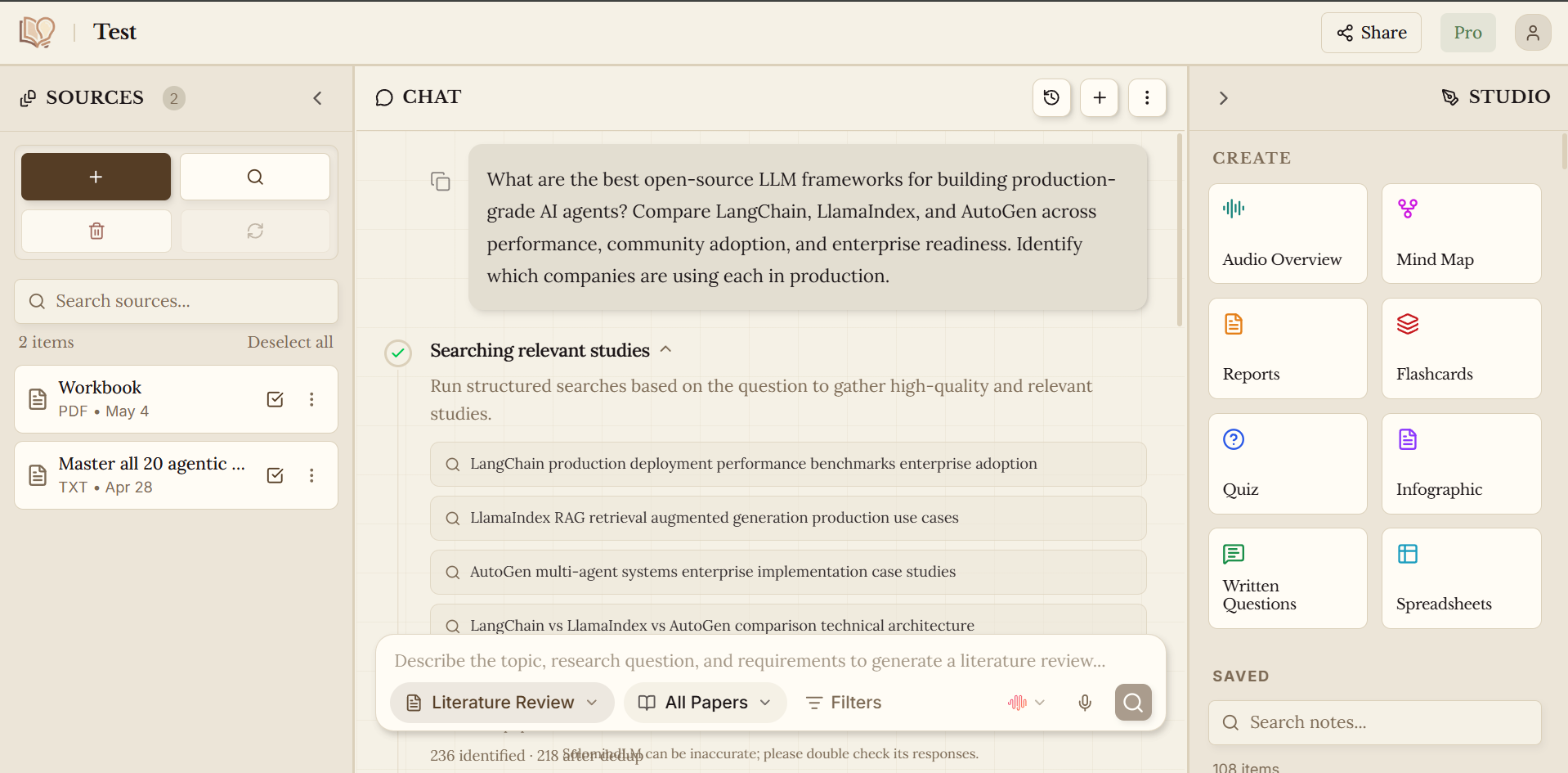
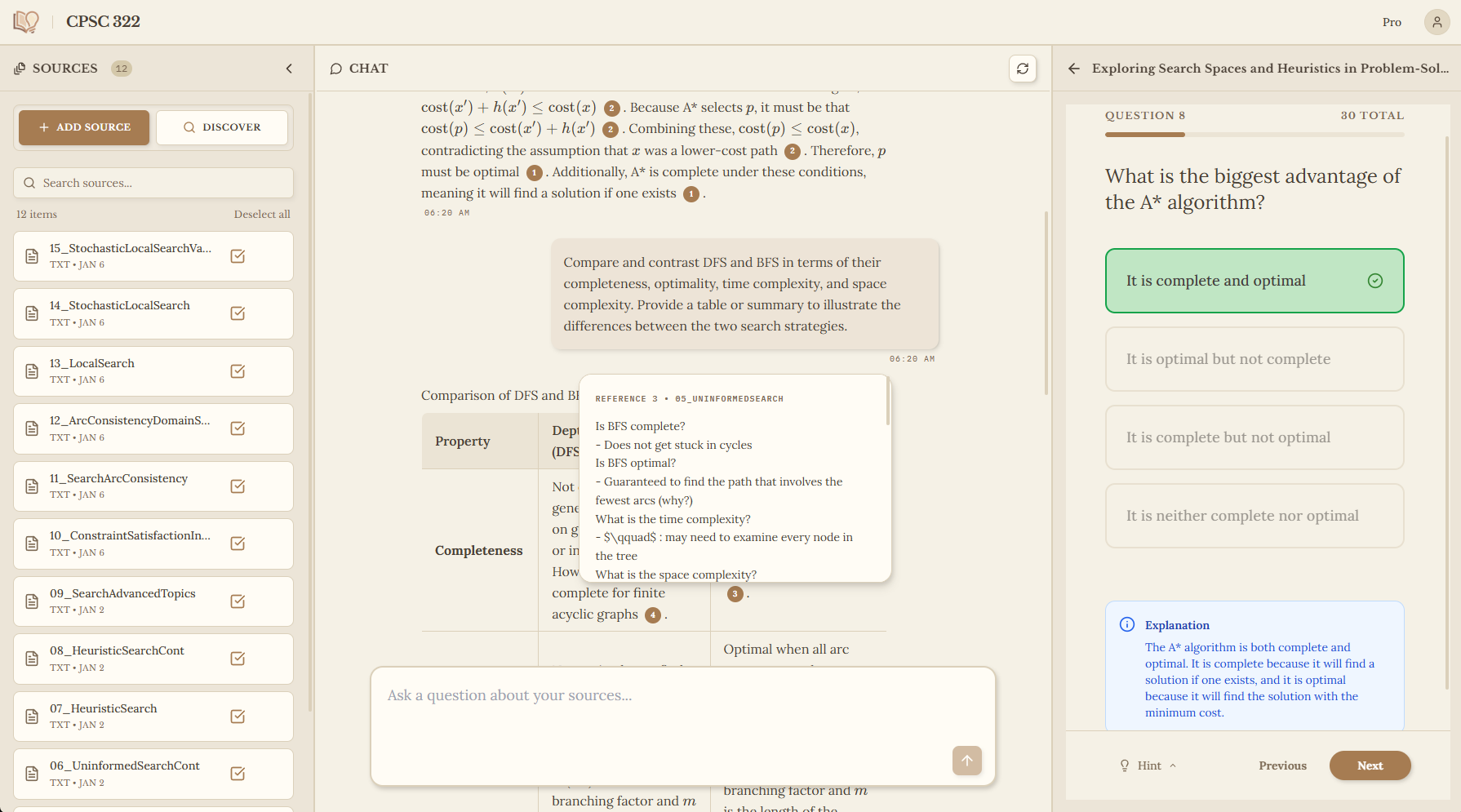
Turns your own PDFs, slides, videos and papers into one searchable notebook with cited answers instead of a generic chatbot. Built for students and researchers juggling many sources.

What to know
How it works
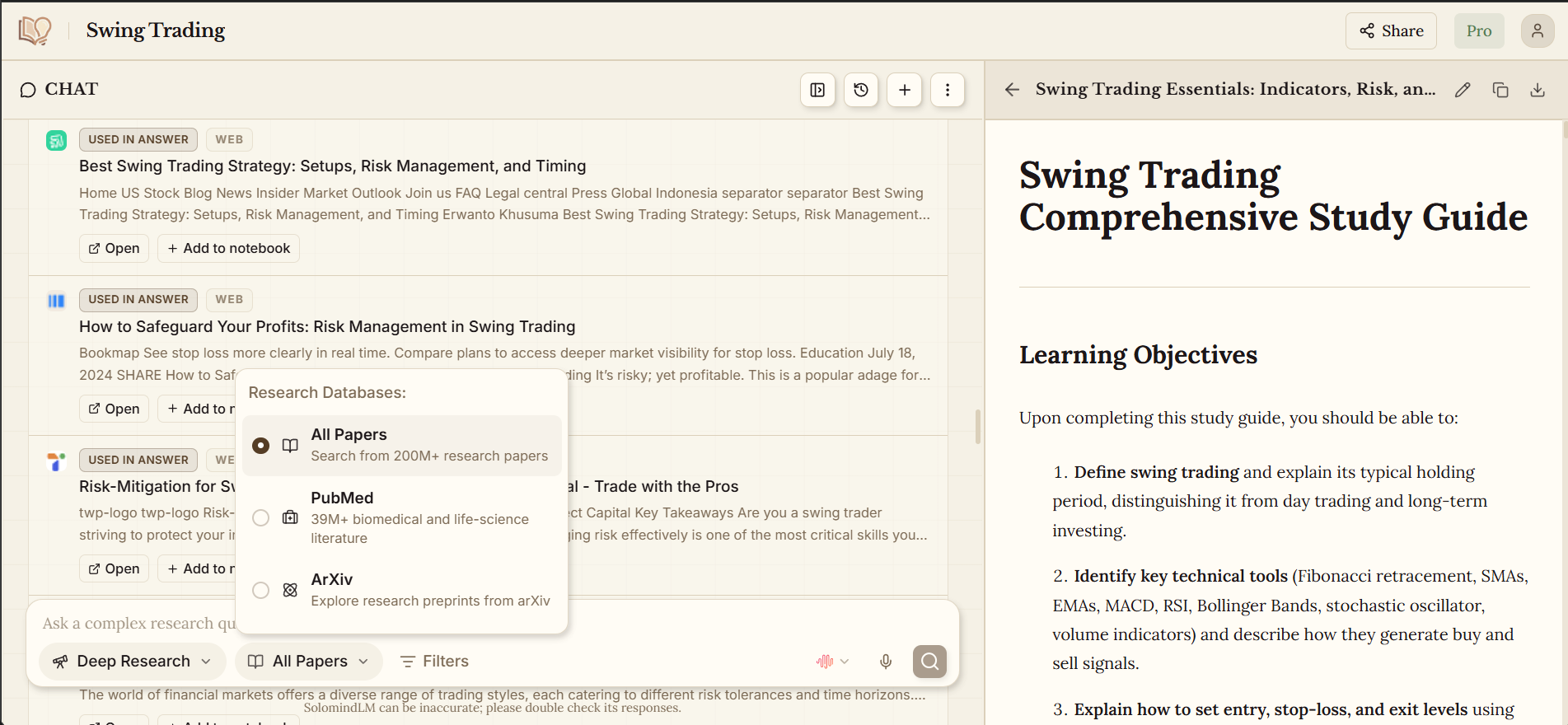
Turns your own PDFs, slides, YouTube transcripts, Google Drive files and papers pulled from PubMed/arXiv into a single notebook you can chat with; generates flashcards, quizzes, mind maps, audio overviews, reports and practice questions, all grounded in and cited to your uploaded sources.
What's different
Answers are grounded in and cited to your own uploaded materials rather than generic chatbot responses.
Pricing
No credit card required to start.
Best for
Students and researchers juggling many source documents across multiple tabs and tools.

Watched for 18 days · last checked 11d ago

Details →

Bonsai

Live

An AI learning platform for students with separate learn, notebook, and review modes, paired with a claimed CO2 offset per prompt used.

What to know
How it works
An AI learning platform for students with separate learn, notebook, and review modes designed to target different stages of learning.
Best for
Students working through a structured learning journey.
Watch out
The vendor claims 16g of CO2 is removed from the atmosphere per prompt, an offset figure that isn't independently verified on the page.

Watched for 14 days · last checked 2d ago

Details →

An AI study app that turns uploaded notes into flashcards, quizzes, summaries and podcasts from one workspace.

Works offline
What to know
How it works
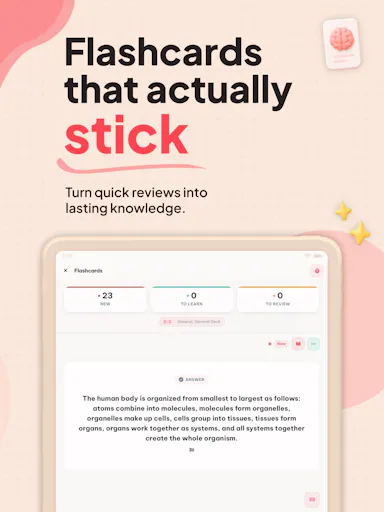
Turns one uploaded set of notes into flashcards, quizzes, summaries and podcasts within organized workspaces, with spaced repetition, offline mobile access and Anki import.
What's different
Combines what Quizlet, Anki and NotebookLM each do separately into one upload.
Best for
Students studying for multiple exams at once.

Watched for 3 days · last checked 2d ago

Details →

A browser notebook for writing, drawing, annotating PDFs and editing presentations in one place, no install needed. Built for students and educators, though usable by any professional.

Nothing to install
What to know
How it works
A browser-based digital notebook for writing, drawing, annotating PDFs, editing presentations and organizing notes in one place, with no install required.
Best for
Students, educators and professionals who want a single note-taking tool that works across devices without installing software.

Watched for 15 days · last checked 9d ago

Details →

Converts uploaded PDFs, notes, and photos into AI-generated flashcards, quizzes, and study notes for students preparing for exams.

What to know
How it works
AI turns uploaded study material into notes/flashcards/quizzes
Best for
students

Watched for 6 days · last checked 5d ago

Details →

A local-first notebook combining handwriting, rich documents and PDF markup in one workspace, for students and professionals tired of juggling multiple note apps.

Works offlineData stays with youNo adsNo tracking
What to know
How it works
A local-first notebook combining handwriting (ink, pens, highlighters, shapes, lasso selection), rich text boxes, tables, images, audio memos, and PDF import with searchable text, all on a multi-page canvas organized with folders and tags.
What's different
Combines handwriting, structured documents and PDF markup in one workspace instead of forcing a choice between separate apps, without ads or tracking SDKs.
Best for
Students, professionals and creators who currently juggle multiple note apps and want handwriting, documents and PDF annotation in one place.

Watched for 18 days · last checked 2d ago

Details →

A browser extension that pulls your chat history from YouTube, AI chatbots, open tabs and RSS feeds straight into NotebookLM, so scattered research lands in one place.

Can export my data
What to know
How it works
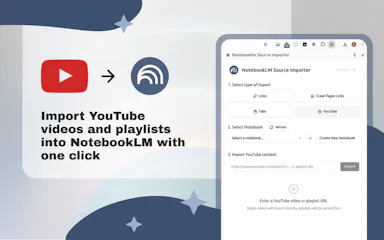
A browser extension that exports your chat history from YouTube, popular AI chatbots, open tabs and RSS feeds directly into NotebookLM.
What's different
Pulls from multiple scattered sources — chatbots, tabs, RSS — into one destination instead of manual copy-paste.
Best for
Researchers, students and professionals who want their scattered AI conversations and web research consolidated into NotebookLM.

Watched for 16 days · last checked 2d ago

Details →

A local-first desktop app that extracts details from PDF journal articles and builds a synthesis matrix comparing frameworks across papers. Built for researchers and PhD candidates doing literature reviews.

Works offline
What to know
How it works
Imports a PDF journal article and automatically extracts the title, authors, summary, research gap, theoretical frameworks, key constructs, methodology and findings into a structured card, then builds a synthesis matrix comparing constructs and frameworks across multiple papers.
What's different
Runs local-first on the desktop, so article data is not sent to the cloud.
Best for
Researchers, PhD candidates and academics doing literature reviews who need to compare frameworks across many papers.

Watched for 18 days · last checked 11d ago

Details →

An AI research assistant for literature reviews, reference management and PDF paper Q&A that replaces juggling multiple separate tools for academic research.

What to know
How it works
An academic research platform combining literature review assistance, AI-powered PDF chat for questioning research papers directly, automatic citation generation and management, note-taking, and reference organization in one workflow.
What's different
Consolidates literature discovery, reference management, and paper insight extraction into one place instead of juggling multiple separate tools.
Best for
Students, researchers, educators and professionals doing academic literature review and paper analysis.

Watched for 12 days · last checked 8d ago

Details →

Extracts text via OCR from scanned documents, then lets AI summarize them, flag contract risks, and translate into 51 languages — all on your Android phone.

Domain registered 4 months ago

FreeData stays with youNo subscriptionCan export my data
What to know
How it works
Scans documents on an Android phone, extracts text via OCR (Google ML Kit), and lets AI summarize them, extract key facts, flag contract risks, generate to-do lists, chat with the document, or translate into 51 languages.
What's different
Goes beyond producing a plain PDF — the AI layer analyzes and translates the scanned content directly on the device.
Pricing
Scanning and OCR are free for everyone; deeper AI features (summaries, contract-risk analysis, translation) are part of a Premium tier billed without a subscription.
Best for
Android users, including freelancers and students, who want to digitize and understand documents like invoices, contracts and notes.

Watched for 14 days · last checked 8d ago

Details →