We check every product on this page once a day and record whether it still answers.
A workspace giving access to 45+ AI models (GPT, Claude, Gemini, DeepSeek, Grok and more) for chat, comparison and file analysis, instead of juggling separate subscriptions.
Free
What to know▼
How it works
A single workspace that gives access to 45+ AI models (GPT-5.5, Claude, Gemini, DeepSeek, Grok, Perplexity, Qwen, and more) for multi-model chat, side-by-side comparison, file analysis, and web search.
What's different
Lets you compare responses from many different model providers in one place instead of switching between tools or paying for separate subscriptions; supports BYOK.
Best for
Teams and individuals doing research, content creation, or software development who want to pick the best model for each task from one workspace.
We check every product on this page once a day and record whether it still answers.
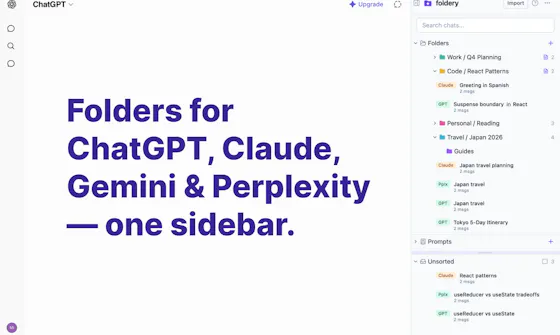
A prompt library that syncs across ChatGPT, Claude and Gemini so you stop losing or retyping your best prompts — a companion tool, not a replacement for any of them.
Free
What to know▼
How it works
Save any prompt with one click, then drop it into the chat box on ChatGPT, Claude, or Gemini with one more click; search the whole library instantly.
What's different
The only prompt manager that follows you across all three major AI chat tools.
Pricing
Free for 25 prompts; Pro is $5/month for unlimited prompts and cross-device sync.
Best for
People who switch between ChatGPT, Claude, and Gemini and keep losing or retyping their best prompts.
We check every product on this page once a day and record whether it still answers.
Free Chrome extension that connects two browser tabs so Claude and ChatGPT can converse with each other on a chosen topic.
Watch out · Runs locally with your own logins; available for Chrome and Edge.
FreeWorks offline
What to know▼
How it works
A browser extension that connects a claude.ai tab and a chatgpt.com tab so the two AIs can discuss a topic you choose, with control over who starts, rounds, and reply length, in English or German.
Pricing
Free.
Watch out
Runs locally with your own logins; available for Chrome and Edge.
We check every product on this page once a day and record whether it still answers.
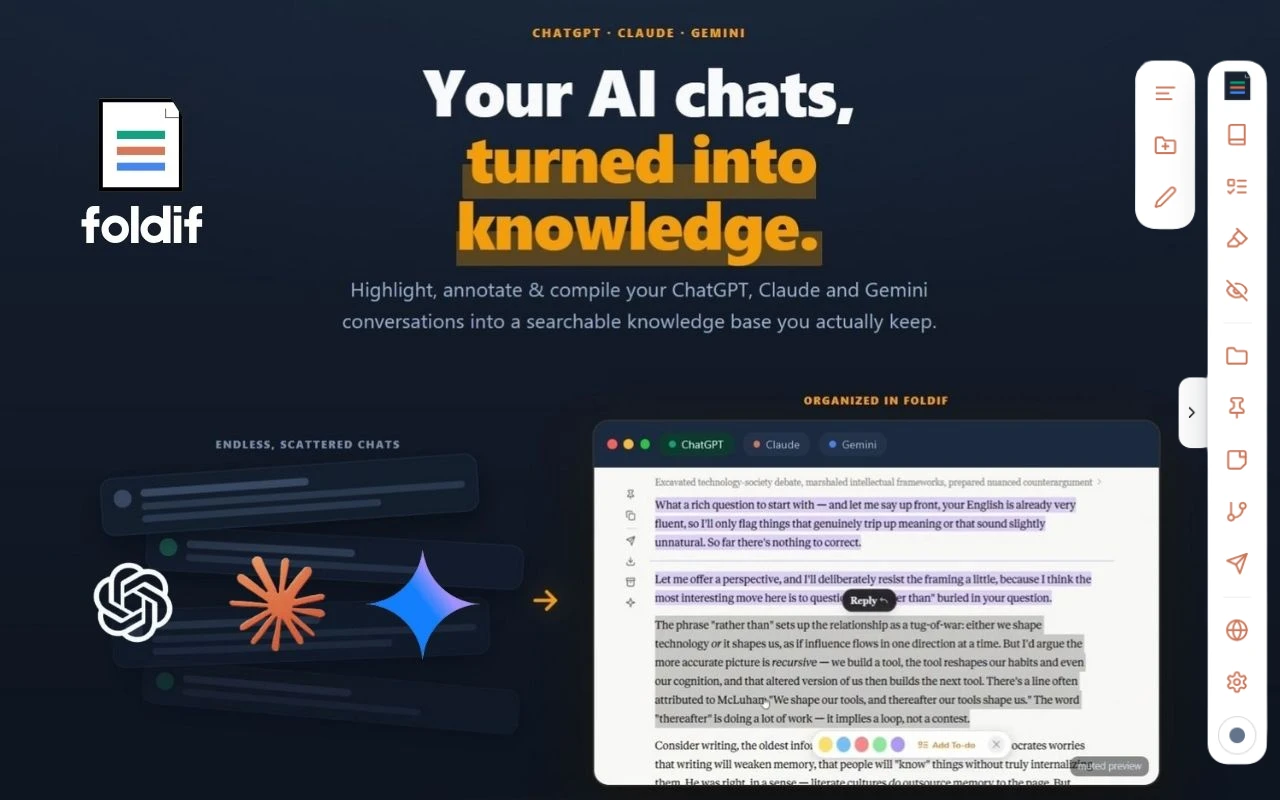
Keeps the good parts of your AI chats. It sits on top of ChatGPT, Claude and Gemini in the browser, lets you highlight answers and annotate them in the margin, then pulls the keepers into a document you can export.
Watch out · Needs an account. Storage is local by default and cloud sync is opt-in and encrypted (the site says AES-256-GCM), but sync still means the data leaves your machine. Every claim here is the product's own — we have not verified the encryption.
No subscription
What to know▼
How it works
Installs as a browser extension (Chrome, Edge, Brave, Arc) and adds highlighting and margin notes directly on the chat pages you already use. Selections collect into a "book" you can export as PDF, HTML, Markdown or PNG.
What's different
Covers three assistants rather than one — a thread can move between ChatGPT, Claude and Gemini. Notes stay on the page where you made them instead of in a separate app you have to remember to open.
Pricing
Free tier: no credit card, no time limit. Pro is $89/year or $249 lifetime; the first 100 buyers get a $79 one-time Founder Lifetime.
Best for
People who use more than one AI assistant every day and keep losing good answers in the scroll-back — researchers, writers, and students who turn answers into flashcards.
Watch out
Needs an account. Storage is local by default and cloud sync is opt-in and encrypted (the site says AES-256-GCM), but sync still means the data leaves your machine. Every claim here is the product's own — we have not verified the encryption.
We check every product on this page once a day and record whether it still answers.
A prompt engineering toolkit with a curated prompt library and refinement tools that lets you export conversations between different AI services, instead of losing context when switching providers.
Can export my data
What to know▼
How it works
Provides a curated prompt library plus tools for refining your own prompts, and lets you export conversations between different AI services.
What's different
Helps maintain workflow continuity when switching AI providers.
We check every product on this page once a day and record whether it still answers.
Lightweight timeline extension for navigating long Gemini conversations without endless scrolling.
No sign-up
What to know▼
How it works
Adds a lightweight visual timeline to long Gemini conversations so you can jump back to any previous message with one click; an optional Time Context feature adds your local time and UTC offset to prompts.
What's different
Everything stays local: no account, analytics, or external server.
Best for
People who have long, repeated conversations with Gemini.
We check every product on this page once a day and record whether it still answers.
AI assistant connected to Gmail, Calendar, Drive and Square that runs recurring briefings/reports and drafts from thread context.
Free
What to know▼
How it works
Connects to Gmail, Calendar, Drive, and Square so it already has context; runs recurring tasks like a morning briefing or daily revenue report on a schedule, and drafts from thread context on request.
We check every product on this page once a day and record whether it still answers.
A portable personal profile file that any AI assistant can read with your permission, letting you revoke access from every connected AI at once, instead of your data staying locked inside one AI's memory.
Works offline
What to know▼
How it works
One portable file describes who you are; add it to an assistant in two minutes and revoke access with one tap, provably offline.
What's different
The most sensitive layer, how you behave under pressure, is never shared at any price.
We check every product on this page once a day and record whether it still answers.
A pay-per-call gateway to 59 generative AI models for image, video, audio, music, and speech, billed per request in crypto or by card with no signup or API key.
No sign-up
What to know▼
How it works
One endpoint for 59 models; an agent pays per request in USDC (Tempo, Base, Solana) or by card, settled via MPP and x402.
Best for
agents or developers who want model access without creating an account.
We check every product on this page once a day and record whether it still answers.
A free AI chat interface giving access to multiple open models like GPT-OSS, Mistral and Llama, with web search, memory and file uploads, aimed at developers and other creators.
Free
What to know▼
How it works
A chat interface giving access to multiple open models — GPT-OSS 120B, Mistral Large 3, Llama 4 Maverick and others — in one interface, with live web search, long-term memory, file uploads and real-time streaming.
Pricing
Free forever, no credit card.
Best for
Developers and creators who want access to several open LLMs in one interface without paying per model.
We check every product on this page once a day and record whether it still answers.
A gateway that routes requests across 40+ AI providers through one OpenAI-compatible API, with automatic fallback if a provider fails — built for developers.
Free
What to know▼
How it works
Routes chat requests across 40+ AI providers through one OpenAI-compatible API, with smart routing, retries and automatic fallback if a provider is rate-limited, unavailable, or fails. Also supports comparing models, saving prompts, creating personas and managing projects in one chat interface.
Pricing
Free.
Best for
Developers who want their AI workflow to keep running when a specific provider goes down or hits rate limits.
We check every product on this page once a day and record whether it still answers.
A tool that lets you snip a screenshot and add one note, saving both as a file bundle an AI assistant can read directly, instead of retyping context for the AI each time.
FreeNo sign-upWorks offline
What to know▼
How it works
Snips a screen region, saves a note baked into the PNG metadata plus a Markdown sidecar and a rolling index file, and works fully offline with no account or telemetry.
Pricing
Free core; one-time $9.99 for Pro, no subscription.
We check every product on this page once a day and record whether it still answers.
Stop re-explaining yourself to AI
What to know▼
How it works
Generates a private AGENTS.md file capturing your preferences, taste, habits, and working style, so AI tools give consistent answers without re-explaining yourself each time.
Best for
Developers who use multiple AI tools and want to stop repeating context to each one.
We check every product on this page once a day and record whether it still answers.
An MCP server that gives whichever AI you use — ChatGPT, Claude, Copilot — shared access to your team's meetings and decisions, so you stop re-explaining context. A context layer, not a chatbot replacement.
What to know▼
How it works
An MCP server you connect once so that whichever AI you open — ChatGPT, Claude, Copilot — already has access to your team's meetings, decisions and context.
What's different
A shared context layer across AI tools, so you stop re-pasting notes and documents into every new chat.
Best for
Teams who repeatedly re-explain the same company context to different AI assistants.
We check every product on this page once a day and record whether it still answers.
A Chrome side panel that saves and makes searchable your best responses from ChatGPT, Claude, Gemini and Perplexity, since AI chat history disappears once you close the tab.
What to know▼
How it works
A Chrome side panel that lets you save responses from ChatGPT, Claude, Gemini and Perplexity with one click, then search them later.
What's different
Works across multiple AI platforms in one searchable sidebar, since AI chat history otherwise disappears once you close the tab.
Best for
People who use multiple AI chat tools and want to keep and search their best AI responses in one place.
We check every product on this page once a day and record whether it still answers.
A structured environment where multiple AI models are assigned roles and permissions to collaborate like a team of employees inside your own AI-run company.
What to know▼
How it works
Gives AI models clear roles, responsibilities, rules, permissions, communication, transparency, and management so multiple AI models from any provider can collaborate like specialized employees, led by AI Chief Officers managing hundreds of agents across 400+ models.
We check every product on this page once a day and record whether it still answers.
OpenAI-compatible API giving developers unified access to multiple AI models with one key.
What to know▼
How it works
Gives developers one OpenAI-compatible API to access DeepSeek, GLM, Qwen, MiniMax, Doubao, Hunyuan and other models under one key, with transparent pricing.
Pricing
New users get free credits to start.
Best for
Developers wanting to switch between AI models without rewriting integrations.
We check every product on this page once a day and record whether it still answers.
Turns AI chat conversations into a visual, connected knowledge graph instead of one long scrolling thread.
What to know▼
How it works
Turns each question in an AI chat into its own connected knowledge node/branch you can revisit, expand, and connect, instead of one long scrolling conversation.
We check every product on this page once a day and record whether it still answers.
Tool that continuously pulls context from Slack, GitHub, and code docs to auto-feed AI agents your company's live knowledge instead of manual prompting.
What to know▼
How it works
captures and structures context from Slack/GitHub/code docs, verifies new context before adding it to a shared knowledge base
What's different
verification step aims to prevent conflicting or stale context from reaching agents
Best for
teams whose AI agents need company-specific context without re-explaining it each time
We check every product on this page once a day and record whether it still answers.
An OpenAI-compatible API layer that lets teams run multiple AI models across their own cloud, on-prem, or Plugsky's infrastructure without being locked to one provider.
What to know▼
How it works
An OpenAI-compatible API layer for running multiple AI models, agents, RAG, and tools, deployable on Plugsky Cloud, your own cloud, regional infrastructure, or on-prem.
What's different
Not locked to one provider, one usage limit, or one deployment style, and designed for easier migration from existing OpenAI-style apps.
Best for
Teams that want unlimited AI access with private or flexible deployment instead of being tied to a single AI provider.
We check every product on this page once a day and record whether it still answers.
Puts GPT, Claude, Gemini and other models into one live conversation where they debate and challenge each other's answers, for people who don't want a single model's confident answer.
What to know▼
How it works
Multiple models converse and critique each other's reasoning; you can interject
We check every product on this page once a day and record whether it still answers.
A chat AI built to retain long-term memory of your conversations and reduce made-up answers, for people tired of re-explaining context to chatbots that forget them.
What to know▼
How it works
A chat AI that retains memory of your conversations over time so you don't have to re-explain context, aiming to give grounded answers rather than confident guesses.
Best for
People tired of re-explaining their context to chatbots that forget them after a few days.
We check every product on this page once a day and record whether it still answers.
A single AI app bundling chat, image generation, YouTube summarizing and slide-making instead of juggling ChatGPT plus separate tools — built solo, not by a large team.
Watch out · Built solo from scratch by a self-taught developer, not a team-backed product.
What to know▼
How it works
A single AI app combining chat, web search, voice input/output, image generation, YouTube video understanding, Google Workspace integration, and presentation/slide generation.
What's different
Bundles tools people otherwise juggle separately (ChatGPT for chat, another tool for images, a third for slides) into one interface.
Best for
People currently paying for and switching between multiple separate AI tools for chat, images, and slides.
Watch out
Built solo from scratch by a self-taught developer, not a team-backed product.
We check every product on this page once a day and record whether it still answers.
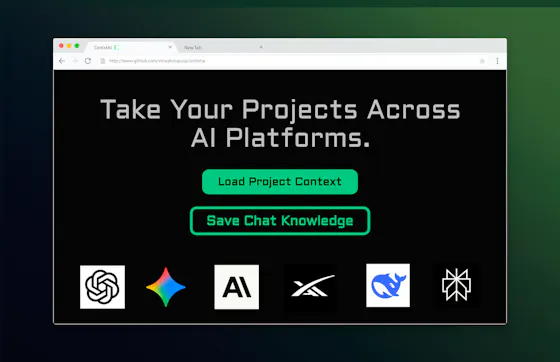
Turns a pasted AI chat into a reusable memory pack so you don't have to re-explain your project when you switch between ChatGPT, Claude, or Gemini — a companion layer, not a ChatGPT replacement.
What to know▼
How it works
Paste an AI conversation and get a structured Memory Pack you can reuse across ChatGPT, Claude, Gemini and other AI tools.
What's different
Acts as a companion memory layer rather than replacing any one AI assistant.
Best for
People who switch between multiple AI chat tools and don't want to re-explain their project each time.
We check every product on this page once a day and record whether it still answers.
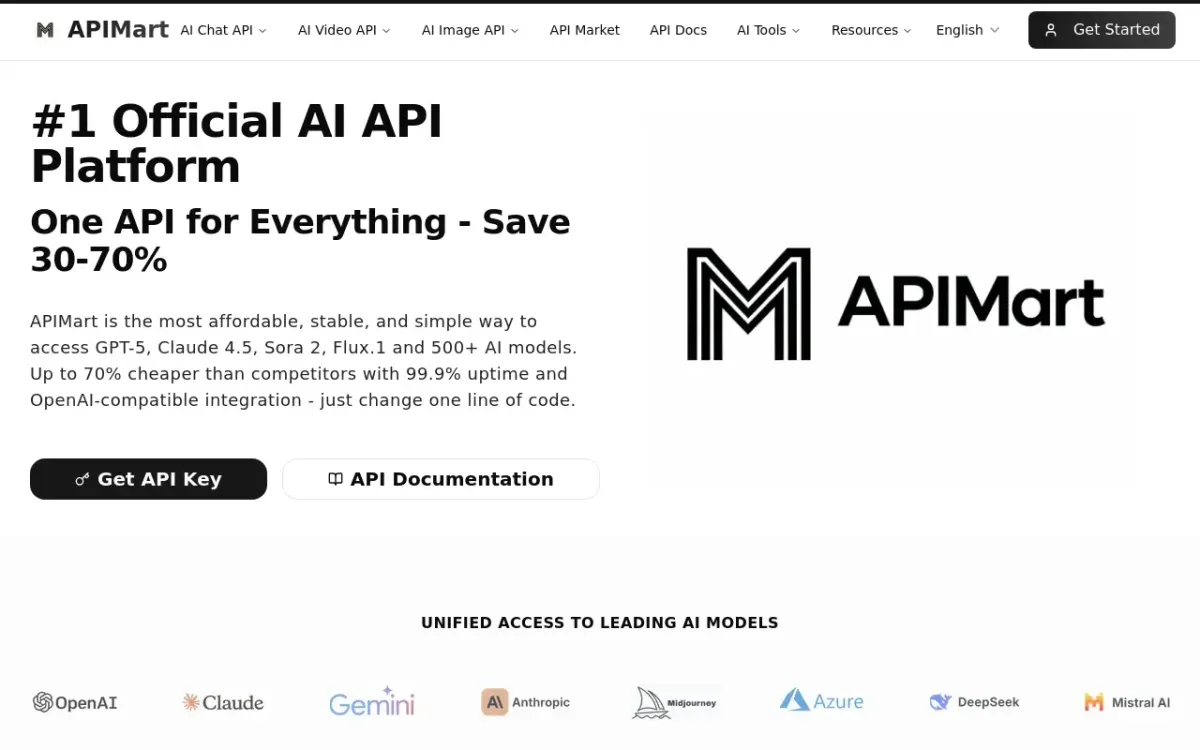
A single API gateway giving OpenAI-SDK-compatible access to 200+ AI models with pay-as-you-go billing.
What to know▼
How it works
A single AI API gateway giving one-click access to 200+ large models, compatible with the OpenAI SDK, with pay-as-you-go billing, enterprise-level routing, and support for text, image, and video calls.
Pricing
Pay-as-you-go billing.
Best for
Indie developers, SaaS teams, and enterprise AI platforms.
We check every product on this page once a day and record whether it still answers.
Stores your team's AI context once and reuses it across ChatGPT, Claude, Codex, Gemini and other MCP-compatible tools — for technical teams juggling multiple AI assistants, not a ChatGPT replacement.
What to know▼
How it works
Stores reusable AI context in a shared repository that you retrieve across ChatGPT, Claude, Codex, Gemini and other MCP-compatible clients instead of rebuilding it each time.
Best for
Teams juggling multiple AI assistants who want to store shared knowledge once and reuse it across tools.
We check every product on this page once a day and record whether it still answers.
A Windows desktop app that puts Claude, ChatGPT and Gemini side by side using your own existing subscriptions, so no API key or separate windows needed.
What to know▼
How it works
A Windows desktop app that puts Claude, ChatGPT, and Gemini side by side, using your own existing subscriptions to each service rather than an API key.
What's different
No API needed and no separate browser tabs to juggle — uses your existing subscriptions in one window.
Best for
People who already pay for multiple AI chat subscriptions and want them side by side on Windows.
We check every product on this page once a day and record whether it still answers.
A unified API for calling multiple AI models, aimed at developers shipping production apps — thin on specifics since there's no fuller description to judge it by.
What to know▼
How it works
A unified API for calling multiple AI models from one integration.
Best for
Developers shipping production apps who want a single API surface across AI models.
We check every product on this page once a day and record whether it still answers.
An open-source, local-first shared memory layer that lets ChatGPT, Claude, Cursor, and other AI tools remember your preferences across apps.
Works offlineOpen source
What to know▼
How it works
Gives ChatGPT, Claude, Cursor, Gemini, Perplexity, and local models a shared private memory that lives on your machine, so preferences and context are stored once and portable across tools.
What's different
Open-source and local-first.
Best for
People who use multiple AI tools and want their memory to belong to them.
Tools for moving context between AI chats — the short answers
Every number here comes from our own daily check — not from a vendor list.
Tools for moving context between AI chats — how many are there?
Tablif is tracking 69 of them. 68 answered our check today.
Which ones are still maintained?
Tablif knocks on every door once a day and records the answer. 68 of these 69 responded on the latest run, so that number is what "still here" means on this page — not a review score.
Are any of them free?
15 of the live ones say so in their own words, and 6 let you start without making an account. Tablif records the claim the product makes; we don't verify pricing.
Any open-source options?
3 of the live ones on Tablif mention being open source.
What's the newest one?
Locul — Tablif first saw it 2 days ago.
Did a person actually look at these?
67 of them Tablif opened and read, then wrote a one-line summary in our own words instead of reusing the founder's tagline. The rest carry keyword labels we haven't confirmed by reading yet — and we say so rather than hiding it.