Topic

Tools for moving context between AI chats · No subscription

3

match your filters

3

answered today

0

arrived this week

0

stopped answering

Watching this group for 24 days, checked once a day · how we check

Browser extension that adds folders, pinning and bulk delete to Claude's chat sidebar, which otherwise has no folders.

Watch out · unofficial, not affiliated with Anthropic; not available in the EEA yet
FreeWorks offlinePay once
What to know
How it works
adds folders, pins, title search and a cancellable bulk-delete flow on top of Claude's UI
What's different
processes on-device, chats never sent to their servers
Pricing
free tier for folders/search/single delete; $39 lifetime or $19/yr Pro for bulk delete
Watch out
unofficial, not affiliated with Anthropic; not available in the EEA yet
Details →

Foldif

LiveWatched 24d

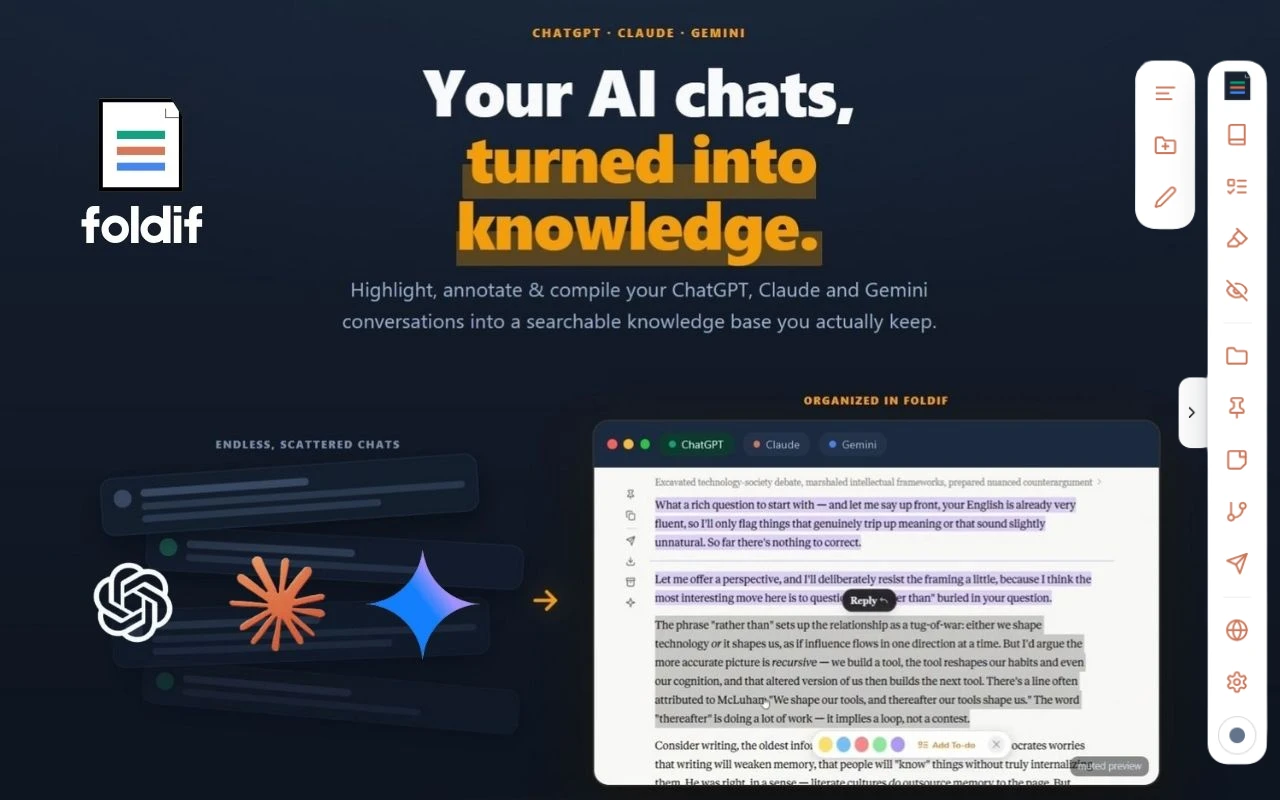
Keeps the good parts of your AI chats. It sits on top of ChatGPT, Claude and Gemini in the browser, lets you highlight answers and annotate them in the margin, then pulls the keepers into a document you can export.

Watch out · Needs an account. Storage is local by default and cloud sync is opt-in and encrypted (the site says AES-256-GCM), but sync still means the data leaves your machine. Every claim here is the product's own — we have not verified the encryption.

No subscription
What to know
How it works
Installs as a browser extension (Chrome, Edge, Brave, Arc) and adds highlighting and margin notes directly on the chat pages you already use. Selections collect into a "book" you can export as PDF, HTML, Markdown or PNG.
What's different
Covers three assistants rather than one — a thread can move between ChatGPT, Claude and Gemini. Notes stay on the page where you made them instead of in a separate app you have to remember to open.
Pricing
Free tier: no credit card, no time limit. Pro is $89/year or $249 lifetime; the first 100 buyers get a $79 one-time Founder Lifetime.
Best for
People who use more than one AI assistant every day and keep losing good answers in the scroll-back — researchers, writers, and students who turn answers into flashcards.
Watch out
Needs an account. Storage is local by default and cloud sync is opt-in and encrypted (the site says AES-256-GCM), but sync still means the data leaves your machine. Every claim here is the product's own — we have not verified the encryption.
Details →

ScreenNote

LiveWatched 24d

A tool that lets you snip a screenshot and add one note, saving both as a file bundle an AI assistant can read directly, instead of retyping context for the AI each time.

FreeNo sign-upWorks offline
What to know
How it works
Snips a screen region, saves a note baked into the PNG metadata plus a Markdown sidecar and a rolling index file, and works fully offline with no account or telemetry.
Pricing
Free core; one-time $9.99 for Pro, no subscription.
Details →