We check every product on this page once a day and record whether it still answers.
A macOS app that copies camera cards to multiple drives after a shoot and verifies every byte, then produces a DIT report producers accept. Built for working filmmakers on paid jobs, not general students.
Works offlinePay onceNo subscription
What to know▼
How it works
A macOS app for offloading camera cards after a shoot: copies cards to several drives at once and verifies every byte by reading back from disk rather than RAM, then produces a DIT report (ASC MHL 2.0, PDF or CSV) that producers accept.
What's different
One-time price in a niche where the market leader charges a subscription, with real byte-for-byte verification rather than a plain copy.
Pricing
One-time purchase, no subscription; works fully offline; requires macOS 12+; 14-day trial.
Best for
Filmmakers, videographers, photographers and DITs offloading camera cards on paid jobs.
We check every product on this page once a day and record whether it still answers.
A file converter for images, video, audio, PDFs and documents that runs on your device or in-browser so files are never uploaded, with an optional paid Mac app for heavier batch and OCR jobs.
FreeData stays with youNo subscription
What to know▼
How it works
Converts images, video, audio, PDFs and documents directly on your device in the browser, so files are never uploaded to a server.
What's different
A Mac app is available for heavy formats, batch processing, and OCR, powered by dedicated conversion engines.
Pricing
Free in-browser; the Mac app is a separate paid option. No subscriptions.
Best for
People converting files who don't want them leaving their device.
We check every product on this page once a day and record whether it still answers.
A free Chrome extension that converts PDFs to editable Excel spreadsheets in one click. Text PDFs are parsed locally, while scanned or image PDFs use cloud-based AI table extraction.
Watch out · Text PDFs stay local, but scanned or image-based PDFs are sent over HTTPS for cloud AI extraction rather than processed on-device.
FreeNo sign-upNo subscription
What to know▼
How it works
A Chrome extension that converts a PDF into an editable Excel spreadsheet in one click; text-based PDFs are parsed instantly and locally, while scanned or image PDFs go through AI-powered table extraction over HTTPS.
Pricing
Free, no login or subscription, no size limits.
Best for
Anyone who needs a quick, no-signup way to turn PDF tables into editable spreadsheets.
Watch out
Text PDFs stay local, but scanned or image-based PDFs are sent over HTTPS for cloud AI extraction rather than processed on-device.
We check every product on this page once a day and record whether it still answers.
A private EPUB reader for iPhone and iPad that lets readers highlight and export notes to Markdown, for people who want a one-time-purchase reader without an account or tracking.
No subscriptionCan export my data
What to know▼
How it works
Import DRM-free EPUBs, highlight in four colors, add notes, and export everything to clean Markdown for use in any plain-text workflow.
Pricing
Buy once — no subscription.
Best for
iOS readers who keep notes in plain-text tools and don't want a subscription.
We check every product on this page once a day and record whether it still answers.
A mobile app that converts video to GIF entirely on-device, with no upload, watermark, or account required, and can share the result to WhatsApp, Telegram, Instagram, Reddit, or X.
No sign-upWorks offlineData stays with you
What to know▼
How it works
Encodes video to GIF on-device with a trim/scrubber editor and FPS/resolution/speed controls.
Pricing
One-time $2.99 premium removes ads and unlocks longer clips and higher quality; no subscription.
Best for
People converting short video clips to GIFs privately without uploading footage.
We check every product on this page once a day and record whether it still answers.
A one-click film-negative-to-positive converter for Mac and Windows that removes the orange mask and batch-converts scanned 35mm and medium-format rolls, instead of using Lightroom.
No subscription
What to know▼
How it works
Converts and inverts scanned negatives, corrects the orange mask, and batch-processes whole rolls of film.
Pricing
€19.99 one-time, no subscription.
Best for
Film photographers scanning their own negatives who don't want a Lightroom subscription.
We check every product on this page once a day and record whether it still answers.
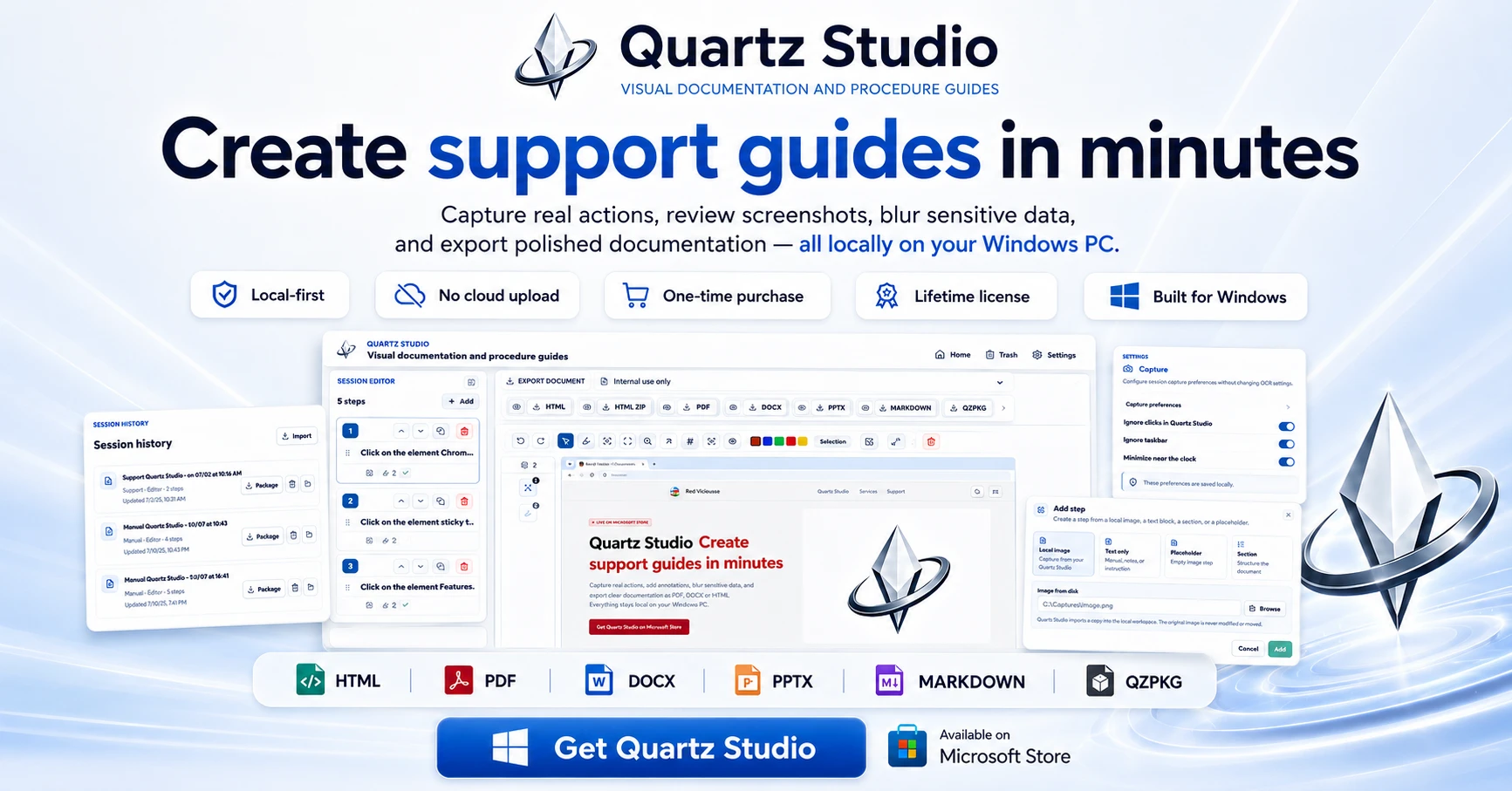
A Windows app that turns real screen actions into annotated step-by-step guides with local OCR and no cloud upload, aimed at IT support, helpdesk and training teams.
Works offlineNo subscriptionCan export my data
What to know▼
How it works
A local-first Windows app for turning real desktop actions into professional visual guides: it captures clicks and active windows with consent, offers a structured editor, annotations, blur, and local OCR, and exports to PDF, DOCX, HTML, PowerPoint, or Markdown.
What's different
Keeps screenshots, OCR, and documents entirely local on the user's PC, with no SaaS account and no keystroke logging, unlike cloud-based alternatives.
Pricing
Available on Microsoft Store with a one-time lifetime license.
Best for
IT support, helpdesk, QA, operations, and training teams that need step-by-step documentation from real desktop actions.
We check every product on this page once a day and record whether it still answers.
CV/cover-letter builder with 15 templates and live preview, free to build and pay once only to export the PDF.
FreePay onceNo subscription
What to know▼
How it works
Pick from 15 CV templates, fill in details with a live preview, add a photo, and export straight to PDF, keeping separate tailored versions per job application.
Pricing
Free to build and preview; pay once only to export the PDF, via Apple Pay or Google Pay.
We check every product on this page once a day and record whether it still answers.
A native Windows/Mac desktop PDF editor (edit, sign, annotate, organize) that keeps files fully offline on your device and is sold as a one-time purchase, not a subscription.
Works offlinePay onceNo subscription
What to know▼
How it works
A native desktop app for Windows 11 and macOS to edit, sign, annotate and organize PDFs, with all editing happening offline on the device.
What's different
Local-first: files never leave your device, and it's sold as a one-time purchase rather than a subscription.
Pricing
Free trial, then one-time payment (positioned as an Adobe Acrobat subscription alternative).
Best for
Windows/Mac users who want a privacy-respecting PDF editor without a recurring subscription.
We check every product on this page once a day and record whether it still answers.
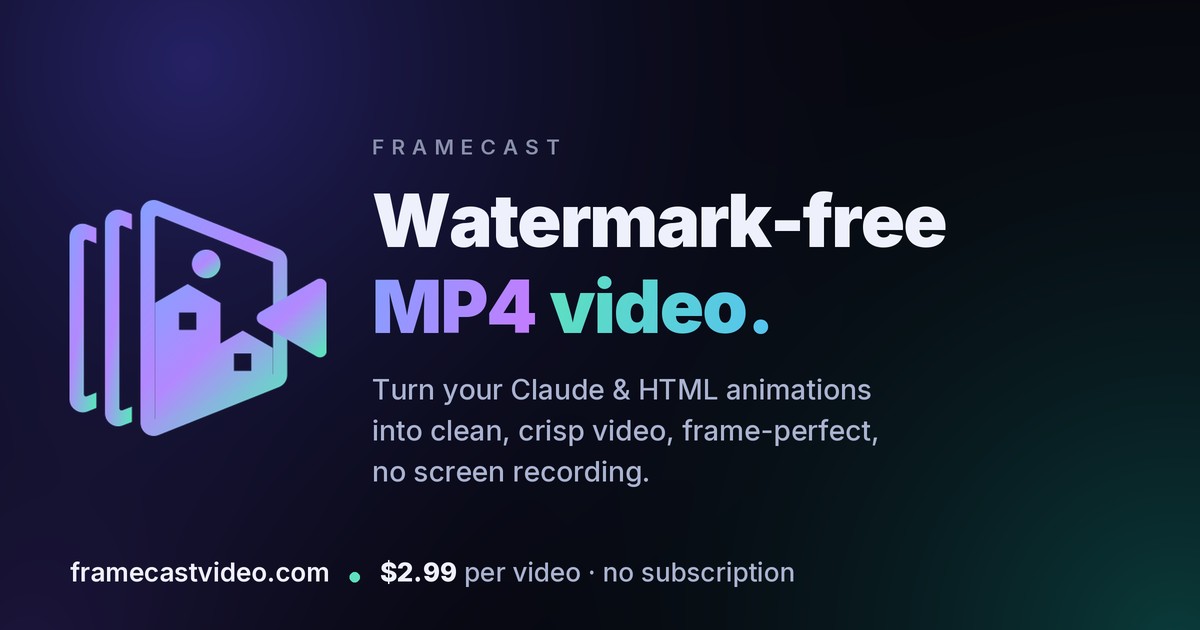
Renders web-based animations (CSS, GSAP, canvas, SVG) into watermark-free video files, for creators instead of relying on screen recordings with dropped frames and watermarks.
No subscription
What to know▼
How it works
Renders an animation frame-by-frame in a real browser engine into a clean MP4 in landscape, vertical, or square formats.
Pricing
Free preview, then $2.99 per video, no subscription.
We check every product on this page once a day and record whether it still answers.
Extracts text via OCR from scanned documents, then lets AI summarize them, flag contract risks, and translate into 51 languages — all on your Android phone.
FreeData stays with youNo subscription
What to know▼
How it works
Scans documents on an Android phone, extracts text via OCR (Google ML Kit), and lets AI summarize them, extract key facts, flag contract risks, generate to-do lists, chat with the document, or translate into 51 languages.
What's different
Goes beyond producing a plain PDF — the AI layer analyzes and translates the scanned content directly on the device.
Pricing
Scanning and OCR are free for everyone; deeper AI features (summaries, contract-risk analysis, translation) are part of a Premium tier billed without a subscription.
Best for
Android users, including freelancers and students, who want to digitize and understand documents like invoices, contracts and notes.
We check every product on this page once a day and record whether it still answers.
Converts and merges files into PDFs with a genuinely usable free tier and clearly stated limits, plus a one-time day-pass option instead of a subscription.
Pay onceNo subscriptionNo ads
What to know▼
How it works
Converts and merges files into PDFs, with file merging built in from the start.
What's different
Keeps a genuinely usable free tier with real limits stated upfront, plus a one-time day pass for occasional use instead of forcing a subscription.
Pricing
Free tier plus a one-time day-pass option; no required subscription, no watermarks, no ads.
Best for
People who need PDF conversion or merging occasionally without committing to a subscription.
We check every product on this page once a day and record whether it still answers.
A browser tool that captures full-length screenshots of pages with lazy-loaded content, then lets you annotate and export as PNG or PDF, instead of a screenshot that stops at the visible fold.
Pay onceNo subscriptionCan export my data
What to know▼
How it works
Pre-scrolls the entire page before capturing so lazy-loaded content is included, stitches it into one screenshot, and offers built-in annotation.
We check every product on this page once a day and record whether it still answers.
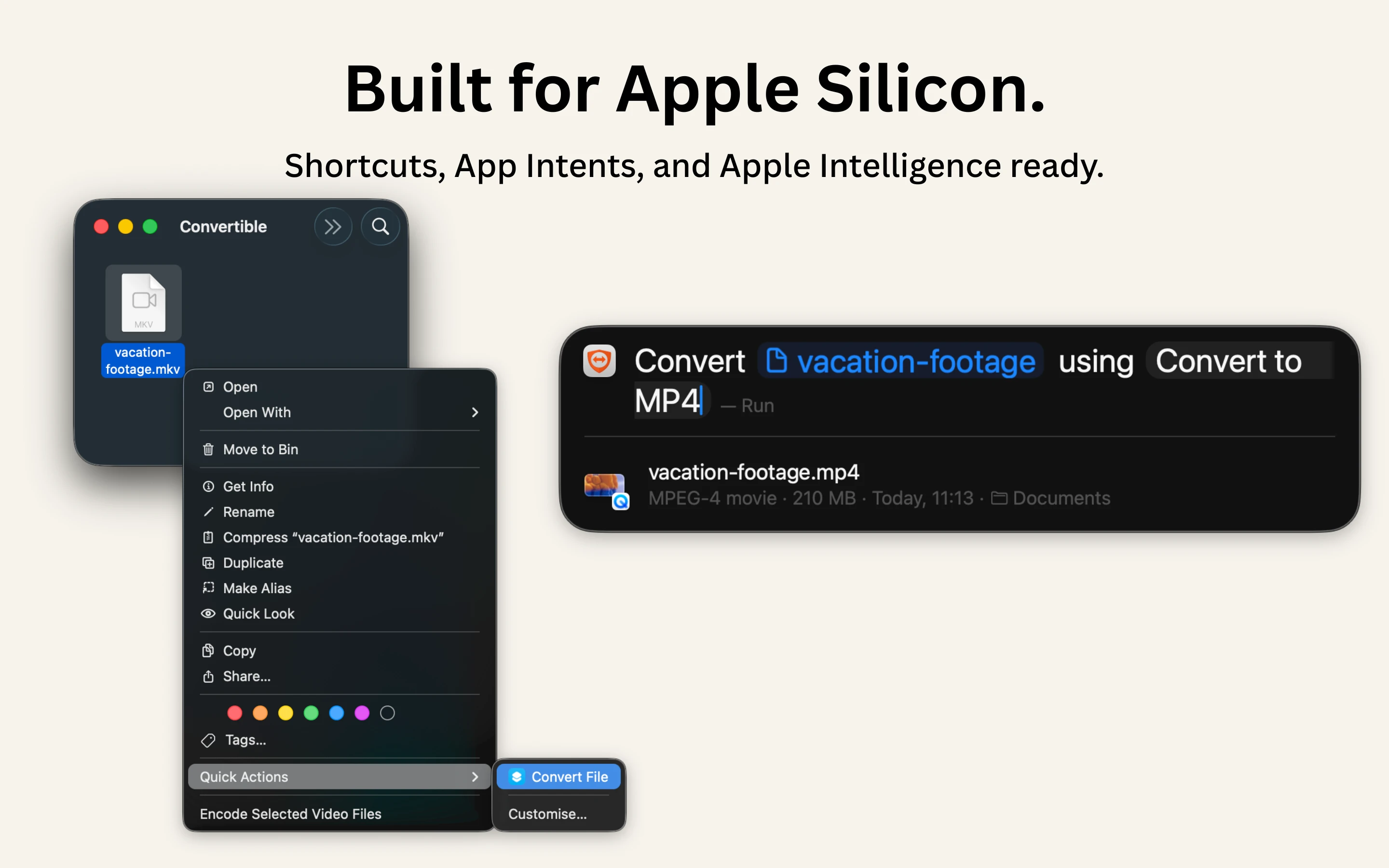
A native Mac file converter that compresses images, video, audio and PDFs entirely on-device with Shortcuts and Finder integration, for people who don't want files touching the cloud.
Works offlineData stays with youPay once
What to know▼
How it works
Converts and compresses images, video, audio and PDFs entirely on-device on Mac, including hard-to-open formats like MKV, WebM and HEIC, and can shrink files to a target size limit in one click.
What's different
Runs 100% locally with no cloud upload or telemetry, and integrates with Shortcuts, Finder's right-click menu, Spotlight and scheduled automations.
Pricing
One-time purchase, no subscription.
Best for
Mac users who want to convert or compress files without sending them to the cloud.
We check every product on this page once a day and record whether it still answers.
Walks freelancers and independent contractors through a wizard to generate tax-accurate pay stubs for rentals, loans or recordkeeping — the first one's free, then it's pay-per-stub.
No sign-upNo subscription
What to know▼
How it works
A 4-step wizard walks you through company info, employee details and earnings to generate a pay stub, calculating federal and state taxes using current IRS Publication 15-T withholding tables for all 50 states, and lets you download it as a PDF.
What's different
Tax calculations follow IRS Pub 15-T for all 50 states, aimed at accuracy over cheaper generic stub generators.
Pricing
First pay stub is free with no signup required.
Best for
Freelancers, small business owners and independent contractors who need a pay stub for rentals, loans or recordkeeping.
We check every product on this page once a day and record whether it still answers.
A dead-simple iPhone scanner app that works entirely offline with no account or cloud, and nothing leaving your device. Free with ads; one-time purchase removes them.
FreeNo sign-upWorks offline
What to know▼
How it works
Scans documents on iPhone by snapping a photo or importing one, then produces a clean PDF that can be sent by email, WhatsApp or printed. Runs entirely offline with no account and no cloud upload.
What's different
Designed with big buttons and plain language for people who don't live on their phone, and everything stays on-device.
Pricing
Free with ads; a one-time purchase removes ads, no subscription.
Best for
iPhone users who want a simple, private document scanner without setting up an account.