We check every product on this page once a day and record whether it still answers.
Turns blogs, white papers and documents into narrated AI slide decks and videos, exportable as PDF, PPTX, DOCX or TXT in 17 languages — for repurposing written content into presentations.
Can export my data
What to know▼
How it works
Converts blogs, white papers and documents into AI-generated slide decks and narrated videos, with export to PDF, PPTX, TXT or DOCX in 17 languages and dialects.
What's different
Automates the transition from text-based content directly into multimedia presentation formats.
Best for
People repurposing existing written content into presentations or narrated videos.
We check every product on this page once a day and record whether it still answers.
Living Page converts a PDF into a fast, page-turning reading experience.
What to know▼
How it works
Converts PDFs into interactive, page-turning flipbooks with embeds and analytics, hosted in white-label workspaces.
What's different
Shows who opened your flipbook, which pages got attention, and where they dropped off, with read-receipt nudges — unlike sending a PDF that gives no visibility.
Pricing
Free to try, no ads, no page caps.
Best for
Agencies and freelancers sending documents to clients.
We check every product on this page once a day and record whether it still answers.
Free browser tool for resizing, cropping, and converting photos/PDFs — including exam photo specs — entirely on your device without uploading files.
FreeNothing to installData stays with you
What to know▼
How it works
A browser-based toolkit that resizes, compresses, crops, and converts images and PDFs entirely on-device with no uploads, including presets for passport photos, signatures, thumb impressions, and government exam applications (SSC, IBPS, UPSC, RRB).
What's different
Processes files on-device instead of uploading them, and bundles exam-specific photo specs alongside general image/PDF tools.
Pricing
Free.
Best for
People needing quick, private image/PDF edits, including applicants for Indian government exams with specific photo requirements.
We check every product on this page once a day and record whether it still answers.
Converts between 50+ document, image, video, audio and archive formats online, with OCR and files auto-deleted after 24 hours. No signup or install needed.
Nothing to install
What to know▼
How it works
An online platform that converts between 50+ file formats spanning documents, images, video, audio, and archives, plus AI-powered functions like OCR, PDF compression, text-to-speech, speech-to-text, and auto subtitle generation.
What's different
Files are automatically deleted after 24 hours, and no installation is needed.
Best for
Anyone needing quick, no-install file conversion across many formats.
We check every product on this page once a day and record whether it still answers.
A free browser-based image/PDF format converter (PNG/JPG/PDF) with no size limits, watermarks, or paywalls, instead of converters that lure users in then charge.
FreeNo sign-up
What to know▼
How it works
Convert PNG to JPG, JPG to PNG, PDF to PNG/JPG, drag and drop, no signup
We check every product on this page once a day and record whether it still answers.
A collection of browser-based file utilities (PDF, image, audio) that process everything locally without uploading to a server, for privacy-conscious users instead of online converter sites.
What to know▼
How it works
A collection of PDF, image and audio tools that process files entirely locally in the browser without uploading them to a server.
What's different
No server uploads, keeping files private compared to typical online converter sites.
Best for
Privacy-conscious users converting or editing PDFs, images or audio without sending files to a server.
We check every product on this page once a day and record whether it still answers.
A macOS app that copies camera cards to multiple drives after a shoot and verifies every byte, then produces a DIT report producers accept. Built for working filmmakers on paid jobs, not general students.
Works offlinePay onceNo subscription
What to know▼
How it works
A macOS app for offloading camera cards after a shoot: copies cards to several drives at once and verifies every byte by reading back from disk rather than RAM, then produces a DIT report (ASC MHL 2.0, PDF or CSV) that producers accept.
What's different
One-time price in a niche where the market leader charges a subscription, with real byte-for-byte verification rather than a plain copy.
Pricing
One-time purchase, no subscription; works fully offline; requires macOS 12+; 14-day trial.
Best for
Filmmakers, videographers, photographers and DITs offloading camera cards on paid jobs.
We check every product on this page once a day and record whether it still answers.
Converts AI chat conversations into properly formatted PDF/Word/Markdown documents — preserving code blocks and tables — entirely in-browser without uploading the conversation anywhere.
Watch out · Client-side only, so it depends on the browser handling large exports.
Works offlineCan export my data
What to know▼
How it works
Parses conversation structure and rebuilds as a real document; covers 13 AI platforms; PDF output is vector/selectable text.
What's different
Rebuilds structure (code blocks, tables) instead of dumping raw text or a screenshot; runs fully locally in-browser.
Watch out
Client-side only, so it depends on the browser handling large exports.
We check every product on this page once a day and record whether it still answers.
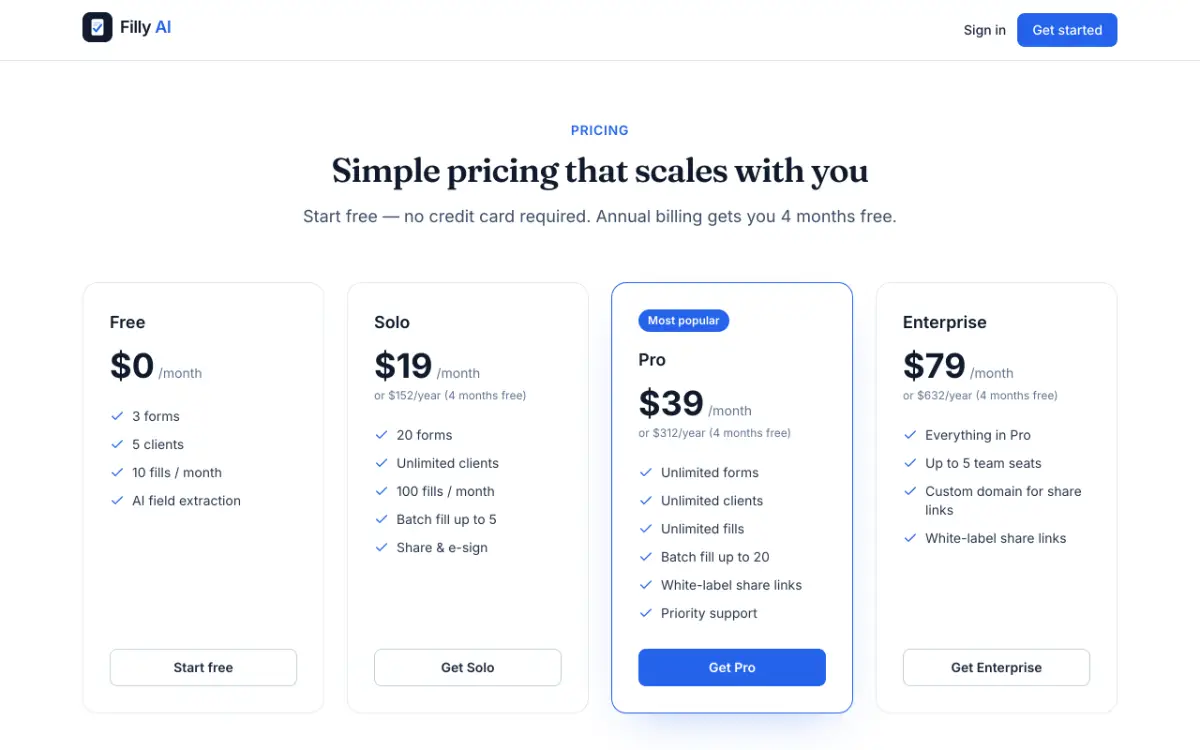
Uses AI to read a PDF or Word form and auto-fill it from a saved profile, then lets you export, share or e-sign the result — aimed at people who deal with repetitive paperwork.
Can export my data
What to know▼
How it works
Reads the requirements of a PDF or Word form and automatically fills it in using a saved client profile, then lets you export, share, or e-sign the completed document.
Best for
People handling document-heavy, repetitive paperwork who want to cut down on manual data entry.
We check every product on this page once a day and record whether it still answers.
Runs 50 ISO/ASME engineering calculators (gears, bearings, bolts, shafts, vessels, welds) in the browser with formulas, worked examples, and exportable branded PDF reports, for engineers instead of $10k desktop software like KISSsoft or MITCalc.
No sign-upNothing to install
What to know▼
How it works
Each of the 50 tools cites its governing standard, shows the formula and a worked example, and exports a PDF report.
Pricing
Free 30-minute preview; no sign-up required.
Best for
Engineers needing a standard-cited calculation and a reviewer-ready report without buying desktop suites.
We check every product on this page once a day and record whether it still answers.
A free grab-bag of 90+ browser tools — text generators, image compressors, QR codes, JSON formatters, converters — a handy bookmark, not built for any one specific job.
FreeNo sign-upNothing to install
What to know▼
How it works
A collection of 90+ browser-based tools including fancy/glitch text generators, image compressors and converters, QR code generators, JSON formatters, unit converters, calculators, and video downloaders. Everything runs instantly in the browser.
What's different
No signup, no downloads, and no paywalls for any of the 90+ tools.
Pricing
Free.
Best for
Anyone who wants a quick, no-signup bookmark for miscellaneous everyday web utilities.
We check every product on this page once a day and record whether it still answers.
A companion tool for NotebookLM that captures research sources, organizes them across projects, and exports notes or turns audio overviews into a podcast feed.
Can export my data
What to know▼
How it works
Captures webpages, PDFs, YouTube videos, Reddit posts and AI chats into NotebookLM with one click, organizes them into folders, lets you reuse prompts across projects, syncs across devices, and exports research as Markdown, HTML or PDF; it can also turn NotebookLM Audio Overviews into a private podcast feed.
What's different
Adds source discovery, organization and export around NotebookLM, which doesn't natively support folders, prompt reuse, or podcast export.
Best for
NotebookLM users doing ongoing research who need to organize sources across multiple projects and export their notes.
We check every product on this page once a day and record whether it still answers.
An offline mobile app to view, edit and convert PDF, Word, Excel and PowerPoint files in 17 languages — a general document viewer, not a spreadsheet replacement.
No sign-upWorks offline
What to know▼
How it works
An offline Android app for opening and viewing PDF, DOCX, XLSX, PPT, TXT, and RTF files, with no sign-up or uploads required.
Best for
Android users who want a fast, private, offline reader for documents they receive in various formats.
We check every product on this page once a day and record whether it still answers.
A free, privacy-friendly PDF compressor for Italian users that reduces file size directly in the browser without uploading documents to a server or requiring registration.
Free
What to know▼
How it works
Compresses PDF files directly in the browser without uploading them, registration, or software installation.
We check every product on this page once a day and record whether it still answers.
A free collection of 25+ browser-only utilities (PDF merge/split, image compression, calculators, and more) that process everything locally with no account or upload.
FreeNo sign-upNothing to install
What to know▼
How it works
Provides 25+ browser-only tools including image compression, PDF merge/split, salary calculator, investment simulator, and roulette, with all processing on-device.
We check every product on this page once a day and record whether it still answers.
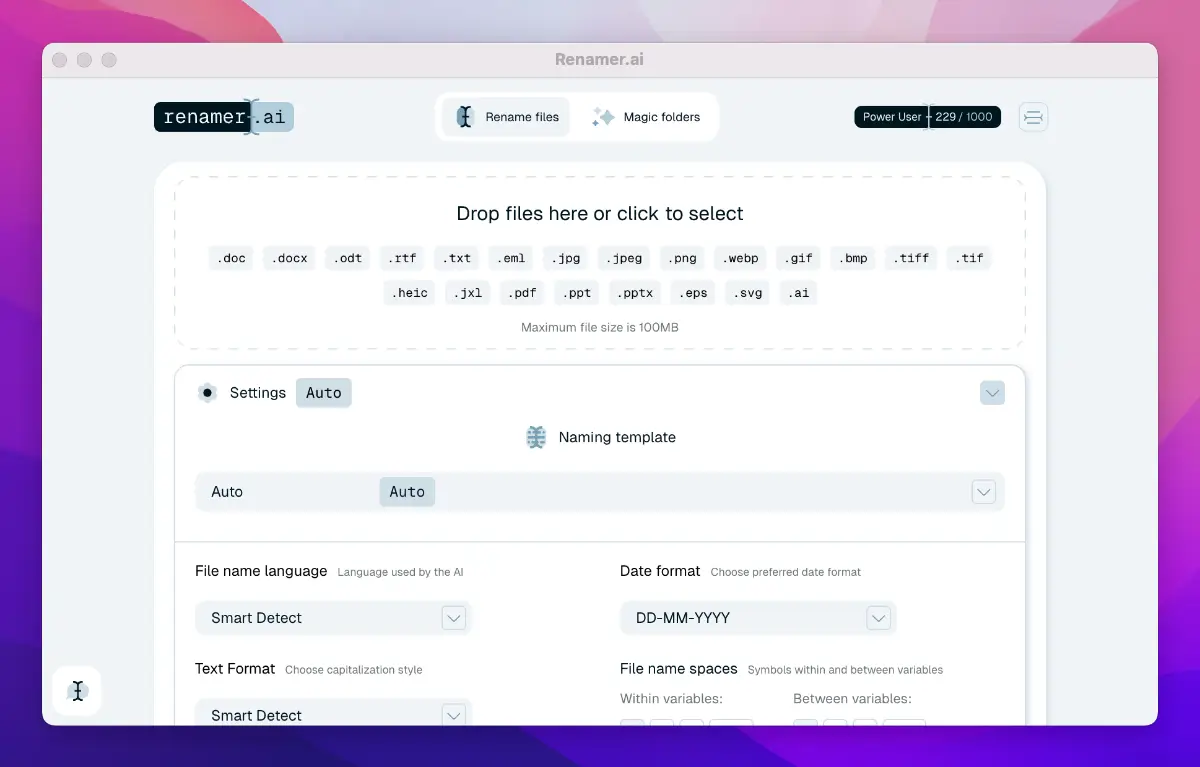
A tool that reads the content of PDFs, photos, invoices, and contracts to automatically generate descriptive, accurate filenames, instead of renaming files manually.
We check every product on this page once a day and record whether it still answers.
Turns screen recordings into a polished, editable PDF guide by transcribing narration and detecting steps automatically.
What to know▼
How it works
Users upload a screen recording; AI transcribes narration, detects steps, captures screenshots at the right moments, and creates a ready-to-share PDF guide, which can be edited in the browser and rebuilt without re-uploading.
We check every product on this page once a day and record whether it still answers.
A converter that turns PDFs, Word, PowerPoint, Excel, and images into clean, structured Markdown with OCR for scanned pages, built for developers feeding documents into AI/RAG pipelines.
What to know▼
How it works
Converts PDF, Word, PowerPoint, Excel, and images to Markdown, with OCR for scans, table preservation, image extraction, and batch processing.
Best for
Developers building RAG pipelines or AI apps that need documents as clean Markdown.
We check every product on this page once a day and record whether it still answers.
A free collection of browser-based PDF and utility tools that process everything locally so files never leave your device — a mix of general and developer tools.
FreeNo sign-upNothing to install
What to know▼
How it works
A set of browser-based PDF and utility tools — merge, split, convert, plus general developer tools — that process files entirely client-side, so nothing uploads to a server.
What's different
100% local processing is the stated privacy angle: files never leave your device, unlike server-side PDF tools.
Pricing
Free, no registration.
Best for
Anyone who needs quick PDF merging/splitting/converting without creating an account or uploading files to a third party.
We check every product on this page once a day and record whether it still answers.
A free browser-based OCR tool that makes scanned PDFs searchable and can translate the extracted text, with all processing done client-side so nothing is uploaded.
FreeWorks offlineData stays with you
What to know▼
How it works
Makes scanned PDFs searchable using OCR and can translate the extracted text, with all processing done client-side in the browser.
What's different
No upload required — files never leave the browser, with no size limit.
Pricing
Free.
Best for
Anyone needing to make scanned documents searchable or translated without uploading them to a server.
We check every product on this page once a day and record whether it still answers.
Converts, compresses and edits files for free in your browser, or via its own API for programmatic use — for casual users and developers integrating file conversion into workflows.
FreeNo sign-upNothing to install
What to know▼
How it works
Converts, compresses and edits files for free directly in the browser, or via its own API for programmatic use, with no install, signup or logs.
Pricing
Free.
Best for
Casual users needing quick file conversion, and developers integrating file conversion into workflows via API.
We check every product on this page once a day and record whether it still answers.
Turns story IP into personalized, shareable digital book experiences instead of a static PDF or ebook — for writers, illustrators and story teams who keep ownership of their work.
What to know▼
How it works
Turns story IP into personalized, shareable digital book products that readers can customize and buy, instead of delivering a static PDF or ebook.
What's different
Creators keep ownership of their work while the platform provides the digital product and personalization layer.
Best for
Writers, illustrators and story teams who want to sell interactive story experiences instead of plain ebooks.
We check every product on this page once a day and record whether it still answers.
A free macOS app that captures, annotates and merges multiple screenshots into a single PDF, or exports PNG and JPEG, working fully offline with no account required.
Watch out · Works fully offline with no account, so nothing is uploaded to a server.
FreeNo sign-upWorks offline
What to know▼
How it works
A free macOS app that captures a screen area, lets you annotate it, and merges multiple screenshots into a single PDF, also exporting as PNG or JPEG.
Pricing
Free.
Best for
Mac users who want to turn screenshots into a shareable PDF without an account or internet connection.
Watch out
Works fully offline with no account, so nothing is uploaded to a server.
We check every product on this page once a day and record whether it still answers.
Converts GSTR-1 and GSTR-3B tax PDFs into structured Excel sheets entirely in-browser, so client tax data never leaves the accountant's machine. Built specifically for Indian CAs and tax professionals.
Data stays with you
What to know▼
How it works
Converts GSTR-1 and GSTR-3B tax PDFs into structured Excel sheets, processing everything client-side in the browser so no data is uploaded to a server.
What's different
100% client-side processing means sensitive client tax data never leaves the accountant's computer.
Best for
Indian CAs and tax professionals who need to bulk-extract GSTR PDF tables into Excel without exposing client data.
We check every product on this page once a day and record whether it still answers.
A website platform storing your whole site as Markdown files in Git, with a one-command WordPress migration tool.
FreeCan export my dataSelf-hosted
What to know▼
How it works
Stores your whole site as plain Markdown files in Git, with a visual editor and a one-command migration from a live WordPress site (pages, posts, media, menus, URLs kept).
What's different
No database or build step; includes free HTTPS, sitemaps, image CDN, and spam-protected contact forms with no reCAPTCHA or third parties.
Pricing
Hosting starts from $0; you can also export and self-host anywhere.
Best for
People who want WordPress's ease without its stack, or to migrate off WordPress.
We check every product on this page once a day and record whether it still answers.
An iPhone document scanner with on-device OCR and clean PDF export, free of ads, accounts and cloud upload, built by an indie developer tired of paywalled scanner apps.
FreeWorks offlineNo ads
What to know▼
How it works
Scans documents with automatic edge detection, runs on-device text recognition (OCR) in English, Russian and Romanian so you can search by content, lets you copy text from any page, and exports clean, watermark-free PDFs.
What's different
Everything runs on-device on iPhone with no ads, accounts, analytics, or cloud upload, built by an indie developer as a reaction to paywalled scanner apps.
Pricing
Free, with no subscription and no watermarks or limits.
Best for
iPhone users who want a private document scanner without a subscription.
We check every product on this page once a day and record whether it still answers.
A file converter for images, video, audio, PDFs and documents that runs on your device or in-browser so files are never uploaded, with an optional paid Mac app for heavier batch and OCR jobs.
FreeData stays with youNo subscription
What to know▼
How it works
Converts images, video, audio, PDFs and documents directly on your device in the browser, so files are never uploaded to a server.
What's different
A Mac app is available for heavy formats, batch processing, and OCR, powered by dedicated conversion engines.
Pricing
Free in-browser; the Mac app is a separate paid option. No subscriptions.
Best for
People converting files who don't want them leaving their device.
We check every product on this page once a day and record whether it still answers.
100+ free offline browser tools spanning PDF, image, developer, finance and niche calculators, no ads or signup.
FreeNo sign-upWorks offline
What to know▼
How it works
100+ free offline tools spanning PDF, image, developer, finance, and niche categories, including a Zakat calculator, Pakistani electricity bill calculator, CNIC validator, cricket run rate calculator, and QR clipboard sync.
We check every product on this page once a day and record whether it still answers.
Free browser-based toolkit with calculators, converters, text and image utilities, PDF merge, and developer tools.
FreeNo sign-up
What to know▼
How it works
Offers calculators, converters, text and image utilities, PDF merge, QR and password generators, and developer tools, working in the browser with no signup.
We check every product on this page once a day and record whether it still answers.
A free suite of citation-format converters for LaTeX/academic writers who are tired of other DOI-to-BibTeX tools mangling titles and special characters.
FreeCan export my data
What to know▼
How it works
Paste a DOI, ISBN, PMID, or arXiv ID to get a clean BibTeX entry, or convert BibTeX the other way into APA, MLA, Chicago, IEEE, Vancouver, RIS, CSV, Excel, JSON, or HTML.
What's different
Braces all-caps acronyms (DNA, RNA, COVID-19) so LaTeX won't lowercase them, escapes special characters like & % $ # _, supports both BibLaTeX and legacy BibTeX styles, and can resolve up to 50 IDs at once.
Pricing
Free.
Best for
LaTeX and academic writers frustrated by other converters mangling titles or special characters.
We check every product on this page once a day and record whether it still answers.
A free Chrome extension that converts PDFs to editable Excel spreadsheets in one click. Text PDFs are parsed locally, while scanned or image PDFs use cloud-based AI table extraction.
Watch out · Text PDFs stay local, but scanned or image-based PDFs are sent over HTTPS for cloud AI extraction rather than processed on-device.
FreeNo sign-upNo subscription
What to know▼
How it works
A Chrome extension that converts a PDF into an editable Excel spreadsheet in one click; text-based PDFs are parsed instantly and locally, while scanned or image PDFs go through AI-powered table extraction over HTTPS.
Pricing
Free, no login or subscription, no size limits.
Best for
Anyone who needs a quick, no-signup way to turn PDF tables into editable spreadsheets.
Watch out
Text PDFs stay local, but scanned or image-based PDFs are sent over HTTPS for cloud AI extraction rather than processed on-device.
We check every product on this page once a day and record whether it still answers.
Low-cost PDF data-extraction engine for automating repetitive document tasks, using a JSON-prompting approach for precise control over what gets extracted.
Watch out · Cost and speed claims are self-reported by the founder, not independently verified.
Free
What to know▼
How it works
Set up document extraction with a JSON-prompting approach that defines exactly what to extract.
Pricing
Free to start; positioned as one of the cheapest extraction engines.
Watch out
Cost and speed claims are self-reported by the founder, not independently verified.
We check every product on this page once a day and record whether it still answers.
On-device OCR that extracts text from screenshots or images in 16 languages without uploading anything to the cloud, for people wary of sending images to online OCR services.
No sign-upWorks offlineNo tracking
What to know▼
How it works
Extracts text from screenshots, photos, screen areas, or any web image entirely on-device; right-click or select an area for editable text, supporting 16 languages, QR codes, read-aloud, and TXT/Markdown export.
What's different
Private and offline; no account, uploads, or tracking.
We check every product on this page once a day and record whether it still answers.
Redact PDFs locally, verify the redaction actually worked
No sign-upWorks offlineData stays with you
What to know▼
How it works
Regex/checksum doğrulayıcıları ve isteğe bağlı yerel AI modeliyle tespit eder, OCR ile tarama okur, her dışa aktarım hash tabanlı sertifikayla dört yönden yeniden doğrulanır.
We check every product on this page once a day and record whether it still answers.
A local-first markdown editor that a developer's AI agent can read and co-edit live in the same file, for people who don't want their notes leaving their disk.
No sign-upWorks offlineNo tracking
What to know▼
How it works
A fast, local-first markdown editor that opens any .md file instantly, and lets an AI agent read, write, and co-edit the same file alongside you via a CLI, agent plugin, and MCP.
What's different
No account or telemetry — files never leave your disk.
Best for
People who want their AI agent editing notes alongside them without the files leaving their machine.
We check every product on this page once a day and record whether it still answers.
A toolbox of 100+ free browser-based utilities (file converters, PDF merger, CSV cleaner, an IQ test and more) that run entirely on your device so files never get uploaded.
FreeNo sign-upData stays with you
What to know▼
How it works
100+ browser-based utilities — HEIC to JPG conversion, photo compression, PDF merging, CSV cleanup, receipt generation, an IQ test and more — all running entirely on-device.
What's different
No server means files and data physically cannot leave the device; no uploads, signup or watermarks.
Pricing
Free.
Best for
People needing quick everyday file conversions or utilities without uploading files anywhere.
We check every product on this page once a day and record whether it still answers.
A local-first app combining document scanning, PDF tools, notes, expense tracking, and reminders that mostly works offline without an account.
Works offlineData stays with you
What to know▼
How it works
Combines document scanning, PDF tools, multi-format document reading, notes, expense tracking, reminders, weather, QR generation, and photo compression, with most features working offline and no account required.
What's different
Built to replace multiple everyday apps with one experience.
We check every product on this page once a day and record whether it still answers.
A free browser-based meme generator with no sign-up, watermarks or file uploads — everything is edited locally and images never leave your device.
FreeNo sign-upWorks offline
What to know▼
How it works
A browser-based meme generator: upload an image or paste a URL, add top and bottom text, apply one of 12 filters, and download as PNG or copy to clipboard.
What's different
No uploads to any server — everything is edited locally in the browser.
Pricing
Free, no sign-up, no watermarks, unlimited use.
Best for
Anyone who wants to make memes quickly without creating an account.
We check every product on this page once a day and record whether it still answers.
A free bundle of 332 small web utility tools pitched as secure and privacy-first, though the listing gives no detail on what each tool does or how it handles data.
FreeNo sign-upData stays with you
What to know▼
How it works
A bundle of 332 free web utility tools, pitched as privacy-first.
Tools for converting and compressing files — the short answers
Every number here comes from our own daily check — not from a vendor list.
Tools for converting and compressing files — how many are there?
Tablif is tracking 678 of them. 665 answered our check today, and 7 we couldn't reach — we don't claim those are dead.
Which ones are still maintained?
Tablif knocks on every door once a day and records the answer. 665 of these 678 responded on the latest run, so that number is what "still here" means on this page — not a review score.
Are any of them free?
359 of the live ones say so in their own words, and 228 let you start without making an account. Tablif records the claim the product makes; we don't verify pricing.
Any open-source options?
13 of the live ones on Tablif mention being open source.
What's the newest one?
ConvertTool — Tablif first saw it today.
Did a person actually look at these?
666 of them Tablif opened and read, then wrote a one-line summary in our own words instead of reusing the founder's tagline. The rest carry keyword labels we haven't confirmed by reading yet — and we say so rather than hiding it.