We check every product on this page once a day and record whether it still answers.
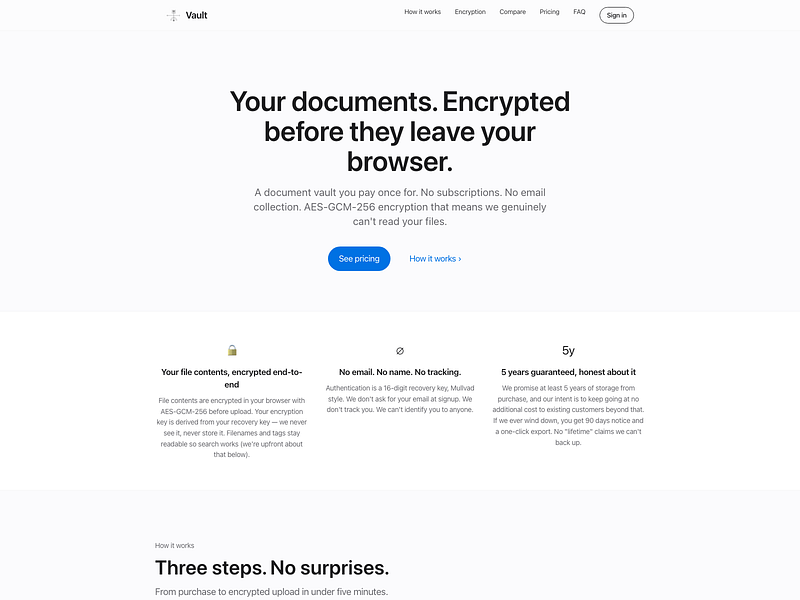
An end-to-end encrypted document vault for storing contracts, tax records, IDs, and receipts, unlocked with a recovery key instead of a password.
Watch out · Filenames themselves are not encrypted and remain searchable.
No sign-upData stays with youPay once
What to know▼
How it works
Files are encrypted in the browser before reaching the server, so it only ever stores ciphertext; login is via a 16-digit recovery key instead of email/password.
Pricing
One-time payment, no subscription.
Best for
People who want long-term storage for sensitive documents without inactivity deletion.
Watch out
Filenames themselves are not encrypted and remain searchable.
We check every product on this page once a day and record whether it still answers.
A free, no-account desktop markdown and text editor with live WYSIWYG formatting and clean markdown export, available now for Windows with macOS and Linux planned. A general writing tool, not developer-specific.
Watch out · Windows is available now; macOS and Linux builds are listed as coming soon, not yet available.
FreeNo sign-upWorks offline
What to know▼
How it works
A desktop markdown and text editor with WYSIWYG live formatting; edit inline or switch to raw source/preview, then export clean markdown.
Pricing
Free to download and use, including commercial use, no account required.
Best for
General writers who want a simple local markdown editor rather than developers specifically.
Watch out
Windows is available now; macOS and Linux builds are listed as coming soon, not yet available.
We check every product on this page once a day and record whether it still answers.
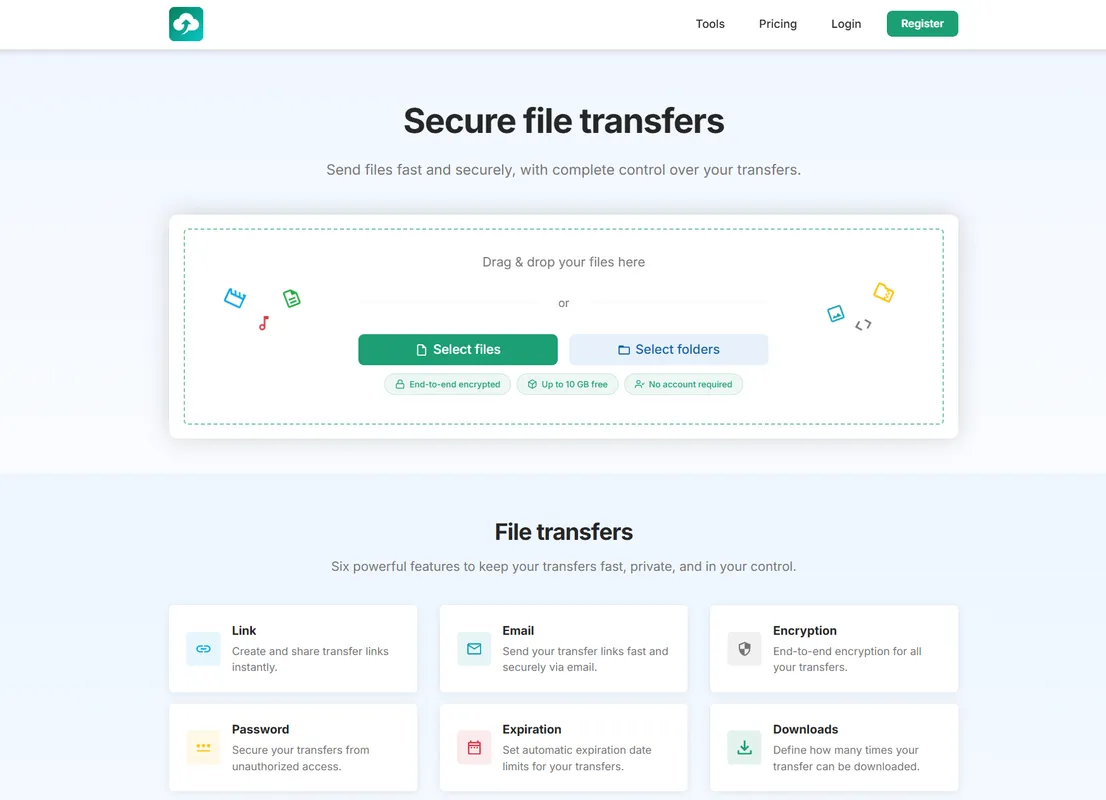
A file transfer tool focused on speed and privacy, for people who want quick private file sharing instead of email attachments or generic cloud drives.
FreeNo sign-upNo ads
What to know▼
How it works
A file transfer tool focused on speed and privacy.
Best for
People who want quick private file sharing instead of email attachments or generic cloud drives.
We check every product on this page once a day and record whether it still answers.
A local version-history safety net for chosen Windows folders that undoes accidental deletes, renames, and bad saves, without any cloud backup service.
FreeNo sign-upWorks offline
What to know▼
How it works
Continuous version history for folders you choose, running fully locally.
Pricing
Free, open source.
Best for
Any Windows user worried about accidental file loss, not just developers.
We check every product on this page once a day and record whether it still answers.
A private, offline peer-to-peer file transfer app for iPhone, iPad, and Mac that sends large batches of photos and videos directly between devices at original quality, instead of AirDrop's stalled transfers or cloud-sharing links.
No sign-upWorks offline
What to know▼
How it works
Encrypted device-to-device transfer that resumes interrupted sends, keeps the screen awake during long transfers, and works from the iOS Share Sheet.
What's different
No cloud upload, no account, and no expiring links.
We check every product on this page once a day and record whether it still answers.
A QR-code-based tool for sending files between phone and PC without accounts or cables.
Watch out · Works in any browser.
No sign-up
What to know▼
How it works
Transfers files, photos, PDFs, documents, and text from phone to PC instantly via a QR code, with no login, cables, Bluetooth, or cloud storage; files auto-delete after expiry.
We check every product on this page once a day and record whether it still answers.
Streams files directly between two devices with end-to-end encryption, no cloud storage, no account, and no size limits, unlike typical cloud-based transfer tools.
No sign-upOpen source
What to know▼
How it works
Sends files directly between two devices peer-to-peer with end-to-end encryption, using a shared code or QR scan to start the transfer, with no cloud storage step.
What's different
No account, no cloud storage and no file size limits, unlike typical cloud-based transfer services; open source and cross-platform.
Best for
People transferring large or sensitive files between their own devices without uploading to a third-party cloud.
We check every product on this page once a day and record whether it still answers.
A native Mac app for transferring files to and from an Android phone over USB or Wi-Fi, as an alternative to Google's discontinued Android File Transfer.
Watch out · Despite "Android" appearing in its tags, this is a Mac app, not an Android app.
No sign-upNo ads
What to know▼
How it works
Opens an Android phone in a native Mac window over USB or Wi-Fi to copy, preview, search, and delete files.
Best for
Mac users transferring files to and from an Android phone.
Watch out
Despite "Android" appearing in its tags, this is a Mac app, not an Android app.
We check every product on this page once a day and record whether it still answers.
Sends files between any phone and any computer over your own Wi-Fi, encrypted, with no account, cloud, or install needed. A cross-platform stand-in for AirDrop if your devices aren't all Apple.
FreeNo sign-upWorks offline
What to know▼
How it works
Sends files, photos, folders and clipboard content between any phone and computer over your own Wi-Fi by scanning a QR code once to pair, with no app install on the phone.
What's different
Works across iPhone and PC, not just Apple-to-Apple, is end-to-end encrypted, and needs no account or cloud.
Pricing
Free.
Best for
People who need to move files between an iPhone and a non-Apple computer without AirDrop or a cloud upload.
We check every product on this page once a day and record whether it still answers.
An Android app that quietly records what's on your screen and makes it searchable later, all processed on the phone itself, with no account, server or cloud.
Watch out · Continuous screen capture is a sensitive capability — worth confirming what gets captured and how it's stored before relying on it.
No sign-upWorks offlineData stays with you
What to know▼
How it works
An Android app that captures what crosses your screen and turns it into a searchable memory, with processing done entirely on the device.
What's different
No account, no server, and no analytics — everything stays on the phone.
Best for
Android users who want to search back through what they've seen on their screen without any data leaving the device.
Watch out
Continuous screen capture is a sensitive capability — worth confirming what gets captured and how it's stored before relying on it.
We check every product on this page once a day and record whether it still answers.
Sends files directly from your browser to the recipient's browser over WebRTC with no size cap and no cloud storage in between — needs both sides online, so not truly offline.
Watch out · Both sender and receiver need to be online at the same time since transfer is direct browser-to-browser, not asynchronous cloud storage.
FreeNo sign-upData stays with you
What to know▼
How it works
Sends files directly from one browser to another using WebRTC, with no upload to the cloud in between.
What's different
No account, no file-size cap, and files never pass through cloud storage.
Pricing
Free.
Best for
People who want to transfer large files privately without creating an account or uploading to a third-party service.
Watch out
Both sender and receiver need to be online at the same time since transfer is direct browser-to-browser, not asynchronous cloud storage.
We check every product on this page once a day and record whether it still answers.
Sends files and folders directly between your own devices with end-to-end encryption, paired by QR code or a 6-digit code — no account, no cloud storage. Works across Android, iOS, desktop and web.
No sign-up
What to know▼
How it works
Sends files and folders directly between your own devices with end-to-end encryption, pairing devices via a QR code or a 6-digit code; uses local network discovery on the same Wi-Fi and falls back to an encrypted relay when direct connections are blocked.
What's different
No account and no cloud storage — files move device-to-device instead of sitting on someone else's server.
Best for
People moving files between their own Android, iOS, macOS, Windows or Linux devices without signing up for cloud storage.
We check every product on this page once a day and record whether it still answers.
A GTD task manager that keeps every task on your device only, no account, no cloud sync — for people who want the full method without their data leaving their control.
No sign-upWorks offlineData stays with you
What to know▼
How it works
Implements the full Getting Things Done method while keeping all tasks entirely on the user's local device, with no account and no cloud storage.
What's different
Full GTD method implementation with no account, no cloud sync and no upload — data never leaves the device.
Best for
GTD practitioners who want the full method but don't want their task data stored in the cloud.
We check every product on this page once a day and record whether it still answers.
Sends files of any size straight from your browser to another person with no account, install or cloud upload, a privacy-friendly alternative to services like WeTransfer.
FreeNo sign-upNothing to install
What to know▼
How it works
Transfers files of any size directly from the browser by generating a shareable link, with no sign-up, install, or cloud upload step.
What's different
No account, no install, and files aren't uploaded to the cloud.
Pricing
Free forever.
Best for
People who want to send large files quickly without creating an account or installing anything.
We check every product on this page once a day and record whether it still answers.
Desktop photo library that stays entirely on your machine — on-device face recognition, geographic exploration and full-text search across hundreds of thousands of photos, no cloud, account or server.