We check every product on this page once a day and record whether it still answers.
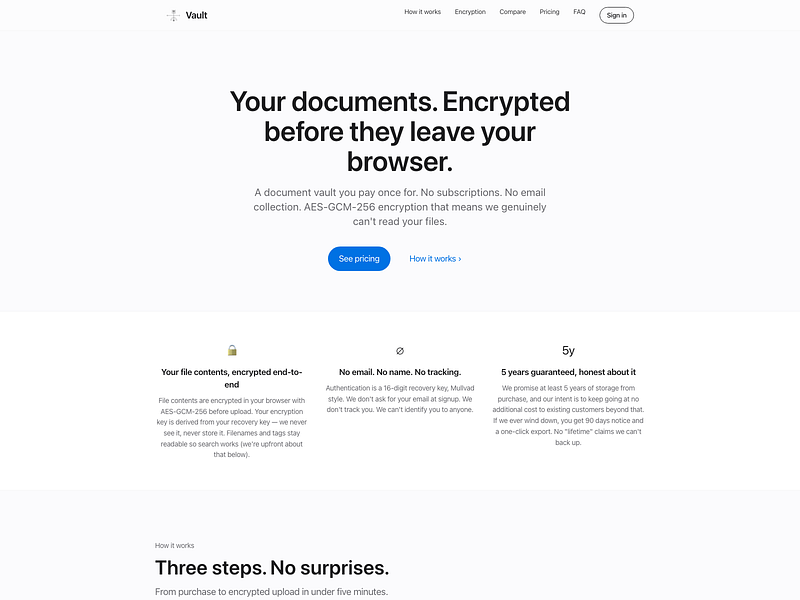
An end-to-end encrypted document vault for storing contracts, tax records, IDs, and receipts, unlocked with a recovery key instead of a password.
Watch out · Filenames themselves are not encrypted and remain searchable.
No sign-upData stays with youPay once
What to know▼
How it works
Files are encrypted in the browser before reaching the server, so it only ever stores ciphertext; login is via a 16-digit recovery key instead of email/password.
Pricing
One-time payment, no subscription.
Best for
People who want long-term storage for sensitive documents without inactivity deletion.
Watch out
Filenames themselves are not encrypted and remain searchable.
We check every product on this page once a day and record whether it still answers.
A free Windows download manager that splits files across connections for faster downloads, with no ads, telemetry or subscription. Pitches itself as a modern, better-looking alternative to IDM.
FreeNo subscriptionNo ads
What to know▼
How it works
Splits each download across multiple connections to finish large files faster, and connects to Chrome or Edge to grab downloads including full-res video in one click, with control over quality and save location.
What's different
No ads, telemetry or subscription, and a modern light/dark interface, positioned against older download managers like IDM.
Pricing
Free.
Best for
Windows 11 users who want faster downloads without ads or a subscription.
We check every product on this page once a day and record whether it still answers.
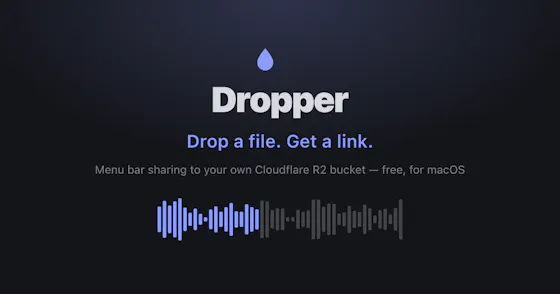
A Mac menu-bar app that uploads dropped files straight to your own Cloudflare R2 bucket and copies a shareable link to your clipboard.
Watch out · macOS only.
No subscription
What to know▼
How it works
Drag a file onto the Mac menu bar app and it uploads to your own Cloudflare R2 bucket, converts web-unfriendly formats, and copies a share page link to your clipboard.
What's different
No middleman or subscription; links keep working even if the app goes away.
We check every product on this page once a day and record whether it still answers.
An Android app bundling 50+ file, PDF, video, audio and image tools in one place, with most tools running offline and a private vault for sensitive files.
FreeWorks offlineNo subscription
What to know▼
How it works
Bundles 50+ file, PDF, video, audio and image tools into one Android app, with most tools running fully offline and a private Vault plus Recycle Bin for sensitive files.
What's different
Packs dozens of single-purpose tools into one lightweight app that mostly works offline, instead of installing separate apps for each task.
Pricing
Free core app with a one-time premium purchase — no subscription.
Best for
Android users who want file, PDF, and media tools without their files leaving the device.