We check every product on this page once a day and record whether it still answers.
A Mac app that lets you hide specific windows from screen shares while still using them.
Watch out · Everything runs locally on the Mac.
Works offline
What to know▼
How it works
A Mac app that lets you hide specific windows from screen shares while still using them, with a clean presentation desktop and notification guard, working via virtual camera with any meeting app.
We check every product on this page once a day and record whether it still answers.
An email warmup and deliverability platform that tests inbox placement and monitors domain authentication.
Watch out · Works with Gmail, Outlook, and custom SMTP.
Free
What to know▼
How it works
Automates inbox placement testing across 8,400+ real seed inboxes and continuously monitors SPF/DKIM/DMARC authentication, with staged domain reputation repair.
Pricing
Free forever for up to 2 mailboxes; paid plans from $19/mo.
We check every product on this page once a day and record whether it still answers.
Feeds a fresh inbox with real newsletter volume and engagement signals, for developers and marketers who need to warm up deliverability before running an actual email campaign.
What to know▼
How it works
Feeds a target inbox hundreds of real, independently-run newsletters daily to build genuine mail volume, then simulates opening, reading, and interacting with that mail to train the inbox's spam filter before a real campaign is sent in to see where it lands.
Best for
Cold email senders, agencies, and marketers who need to warm up a fresh inbox's deliverability before scaling a real campaign.
We check every product on this page once a day and record whether it still answers.
A disposable email service with reusable inboxes that, unlike typical temp mail, don't vanish after 10 minutes, usable free without signup.
FreeNo sign-up
What to know▼
How it works
Free tier gives a reusable disposable inbox with no signup; paid tier adds private inboxes, 30-day addresses, full mail history, ad removal, and up to 100 mailboxes.
Pricing
Free with ads; paid 'Pro' tier removes ads and adds more mailboxes.
We check every product on this page once a day and record whether it still answers.
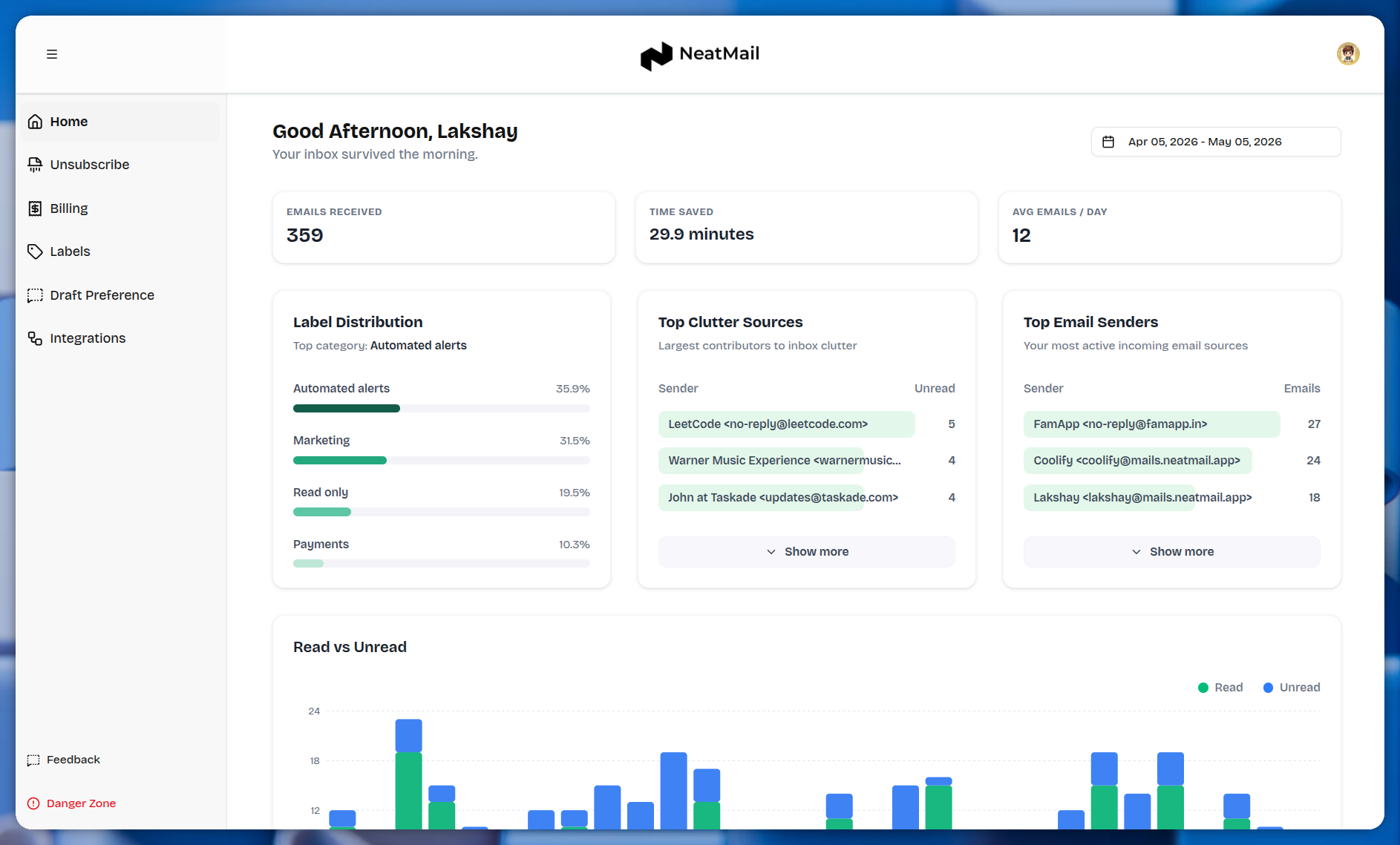
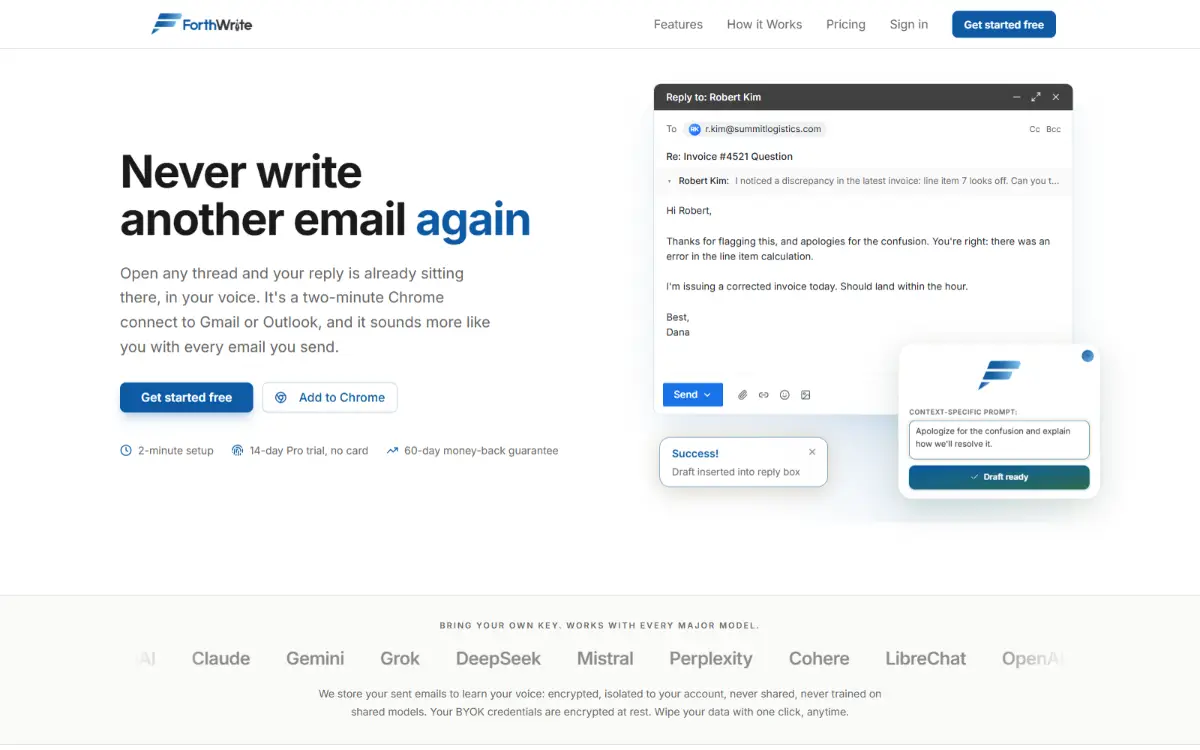
An AI assistant that drafts and auto-replies to your Gmail and Outlook emails in your own writing style, learned from your sent mail. Free to start, for anyone who wants email off their plate faster.
What to know▼
How it works
Learns your writing style from your real sent mail in Gmail or Outlook, then generates drafts and can auto-draft replies before you open your inbox.
What's different
Trains specifically on your own sent mail so drafts sound like you, and it works inside Gmail and Outlook rather than a separate app.
Pricing
Free to start, no credit card required.
Best for
Gmail or Outlook users who want to spend less time writing routine email replies.
We check every product on this page once a day and record whether it still answers.
A self-hosted transactional and marketing email platform deployed into your own AWS account so you keep full ownership of infrastructure and customer data instead of using a hosted vendor.
Self-hosted
What to know▼
How it works
Deploy in your own AWS account; manage contacts, audiences, templates, domains, analytics
What's different
No vendor lock-in or per-contact pricing
Best for
Developers/businesses wanting a self-hosted alternative to Resend, SendGrid, Mailgun, Mailchimp, SES
We check every product on this page once a day and record whether it still answers.
A macOS desktop app that migrates and converts email and mailbox files like PST, OST and MBOX between 15+ webmail providers including Gmail, Outlook and Yahoo.
Can export my data
What to know▼
How it works
A macOS desktop app that migrates emails between 15+ webmail services (Gmail, Office 365, Yahoo, AOL, IMAP) and converts mailbox files such as PST, OST, MBOX, EML, EMLX, MSG, and OLM into over 20 formats, preserving attachments, metadata, and folder structure.
Best for
macOS users needing to migrate or convert mailboxes between webmail providers or legacy file formats.
We check every product on this page once a day and record whether it still answers.
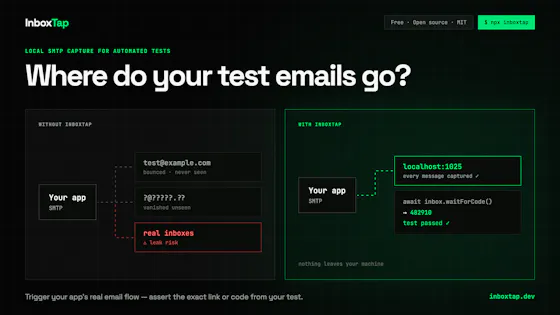
An open-source CLI that checks SPF/DKIM/DMARC/MX records, verifies addresses via SMTP, and flags disposable/role-based emails, for developers validating deliverability before sending.
Open source
What to know▼
How it works
DNS health scoring, SMTP RCPT TO verification, domain typo correction, 29 RBL blacklist scans, ~74k disposable domain detection; includes REST API.
We check every product on this page once a day and record whether it still answers.
Self-hosted unified inbox + AI that reads it for you
Self-hosted
What to know▼
How it works
Uzun konuşma ve sesli notları özetler, kimin yanıt beklediğini söyler, sizin sesinizde taslak yanıt yazar; mesaj ve medya yalnız kendi sunucunuzda, şifreli günlük yedekle tutulur, yerel AI varsayılan.
What's different
Kendi barındırdığınız, MIT lisanslı olduğu için mesajlarınız hiçbir şirkete gitmez.
We check every product on this page once a day and record whether it still answers.
Instant, no-signup temporary email aliases with rotating domains to dodge blacklists, plus a public API for developers who want to build it into their own workflows.
FreeNo sign-upData stays with you
What to know▼
How it works
Creates custom, instant temporary email aliases (any inbox name) without sign-up, receiving emails in real-time from multiple rotating domains to avoid blacklists; also offers a public API and open-source frontend.
What's different
Rotating domains to avoid blacklists, plus no popups, timers, or tracking, unlike traditional temp mail tools.
Pricing
Free.
Best for
People needing disposable email for sign-up verifications or testing, and developers who want to build disposable email into their own workflows via the API.
We check every product on this page once a day and record whether it still answers.
Gives you one link that lets an AI assistant triage visitor requests before sending you a pre-triaged, structured summary to approve, instead of an open inbox anyone can message.
Free
What to know▼
How it works
Visitors ask the assistant on your link, which questions them and structures the request; your inbox receives it pre-triaged with reasons, and approving can auto-offer meeting times or hand over recallable files. Also agent-readable via MCP.
Pricing
Free forever to reach; nobody can pay to jump the queue.
We check every product on this page once a day and record whether it still answers.
A native Mac email app where your local AI agent can read and draft emails but never send or delete anything, kept private and on-device. One-time $9.99, not a subscription.
Works offlinePay onceNo subscription
What to know▼
How it works
A native macOS email app where a local AI agent (like Claude, Cursor, or Codex) can read your inbox and draft emails, but is structurally prevented from ever sending or deleting anything.
What's different
Read-and-draft-only by design, and fully local with no cloud processing.
Pricing
Free to try, then a one-time $9.99 for unlimited server drafts — no subscription.
Best for
People who want AI help with email but don't want to hand an agent the ability to send or delete messages.
We check every product on this page once a day and record whether it still answers.
Converts Outlook PST mailboxes to MBOX format, including calendars and contacts, without requiring Outlook to be installed.
Can export my data
What to know▼
How it works
Converts Outlook OST files to PST format in a few steps, preserving emails, contacts, calendars, tasks, notes, and attachments and the original folder structure, without modifying the original file.
What's different
Compatible with Outlook 2021, 2019, 2016, and earlier; supports single or multiple file conversion.
Pricing
Free demo version available; trial edition has conversion limits.
We check every product on this page once a day and record whether it still answers.
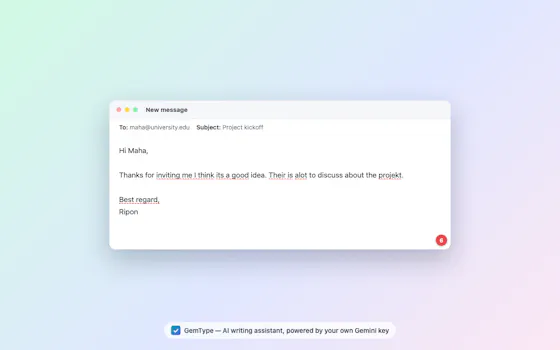
Checks grammar and rewrites text right inside Gmail, LinkedIn, X and Reddit, using a Gemini API key you provide yourself, free and open source, no subscription.
FreeNo sign-upOpen source
What to know▼
How it works
Checks grammar and rewrites text inline on any website — Gmail, LinkedIn, X, Reddit — using your own free Google Gemini API key.
What's different
Free and open source, and runs on a Gemini key you supply yourself instead of a paid subscription.
Pricing
Free, no account or subscription.
Best for
People who want a Grammarly-style writing checker without paying for a subscription or handing over data to a third-party service.
We check every product on this page once a day and record whether it still answers.
Syncs a support mailbox into GitHub, GitLab or Linear so you can run a service desk from your existing issue tracker instead of paying for separate helpdesk software.
Open source
What to know▼
How it works
Syncs a support mailbox to your issue tracker over standard IMAP/SMTP, turning incoming emails into tracked issues so you can run a service desk from GitHub, GitLab, or Linear.
What's different
Open-source and works with the automation pipelines you've already built in your issue tracker, instead of adding a separate per-seat helpdesk tool.
Best for
Teams already living in GitHub, GitLab, or Linear who want to handle customer email without buying dedicated helpdesk software.
We check every product on this page once a day and record whether it still answers.
Connects to your Gmail inbox and automatically flags commitments you've made in email ('I'll send by Friday') so they resurface each morning instead of getting buried.
What to know▼
How it works
Connects to Gmail and scans overnight to detect commitments, requests, and open questions from your inbox, then sends one briefing email at 8 AM. Replying to the email auto-resolves the item.
What's different
Distinguishes real commitments from casual mentions, and lets you ignore a thread permanently with one click.
Best for
Professionals who make many commitments over email and need them to resurface instead of getting buried.
We check every product on this page once a day and record whether it still answers.
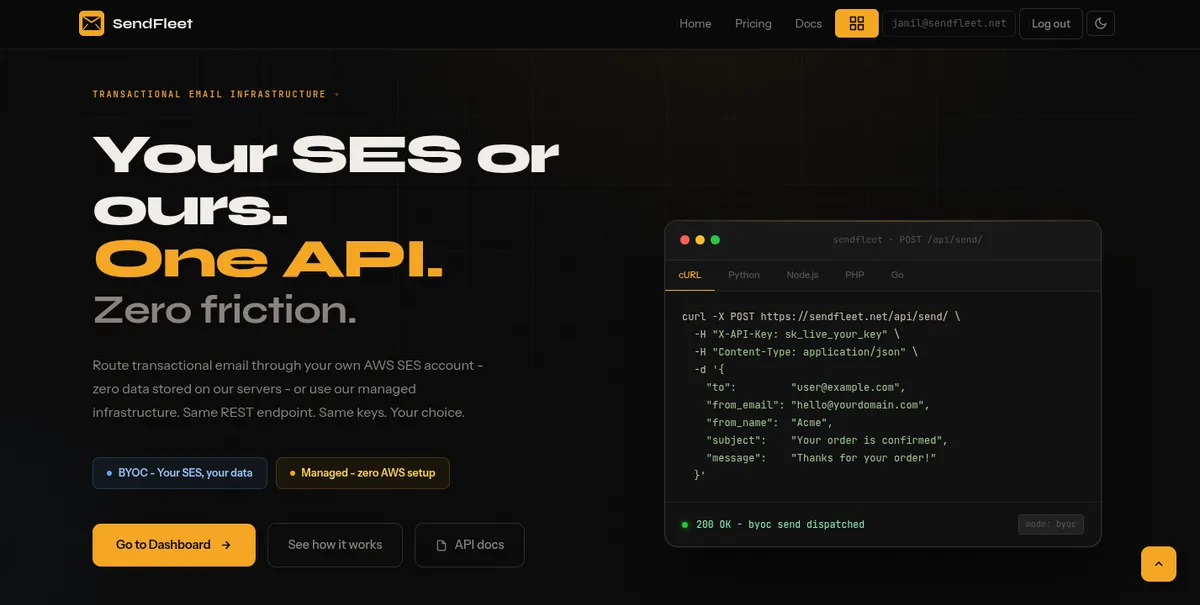
Transactional email API for developers that can route mail through your own AWS SES account (zero data stored on their servers) or their managed infrastructure.
What to know▼
How it works
Single REST API for transactional email, either routed through your own AWS SES account (BYOC, zero data stored on their servers) or their managed infrastructure.
Best for
Developers and teams who want data privacy and control without giving up ease of integration.
We check every product on this page once a day and record whether it still answers.
AI assistant connected to Gmail, Calendar, Drive and Square that runs recurring briefings/reports and drafts from thread context.
Free
What to know▼
How it works
Connects to Gmail, Calendar, Drive, and Square so it already has context; runs recurring tasks like a morning briefing or daily revenue report on a schedule, and drafts from thread context on request.
We check every product on this page once a day and record whether it still answers.
Cheap business email hosting bundled with outreach sequences, team chat, video calls, an AI assistant, drive, and calendar, on AWS SES.
No ads
What to know▼
How it works
Business email hosting powered by AWS SES that bundles in outreach sequences, in-thread team chat, video conferencing, an AI assistant, drive storage, and a calendar.
What's different
No ads and no data mining, unlike many free or cheap email providers.
Pricing
$1 per mailbox per month.
Best for
Small teams wanting cheap business email bundled with outreach and collaboration tools instead of paying for separate apps.
We check every product on this page once a day and record whether it still answers.
An email relay that filters spam, scans for viruses and makes unlimited aliases in front of your existing Gmail, Outlook or IMAP inbox, with a no-ads privacy policy.
No ads
What to know▼
How it works
Sits between the internet and your inbox: every incoming email passes through spam scoring, virus scanning, AI classification and your own rules before delivery. Creates unlimited aliases that forward to your real inbox and functions as a full SMTP relay.
What's different
Privacy-first — no advertising, no data selling, no user profiling — and works with Gmail, Outlook, iCloud, Yahoo or any IMAP provider with no migration needed.
Best for
People who want alias-based spam and virus filtering in front of their existing inbox without switching providers.
We check every product on this page once a day and record whether it still answers.
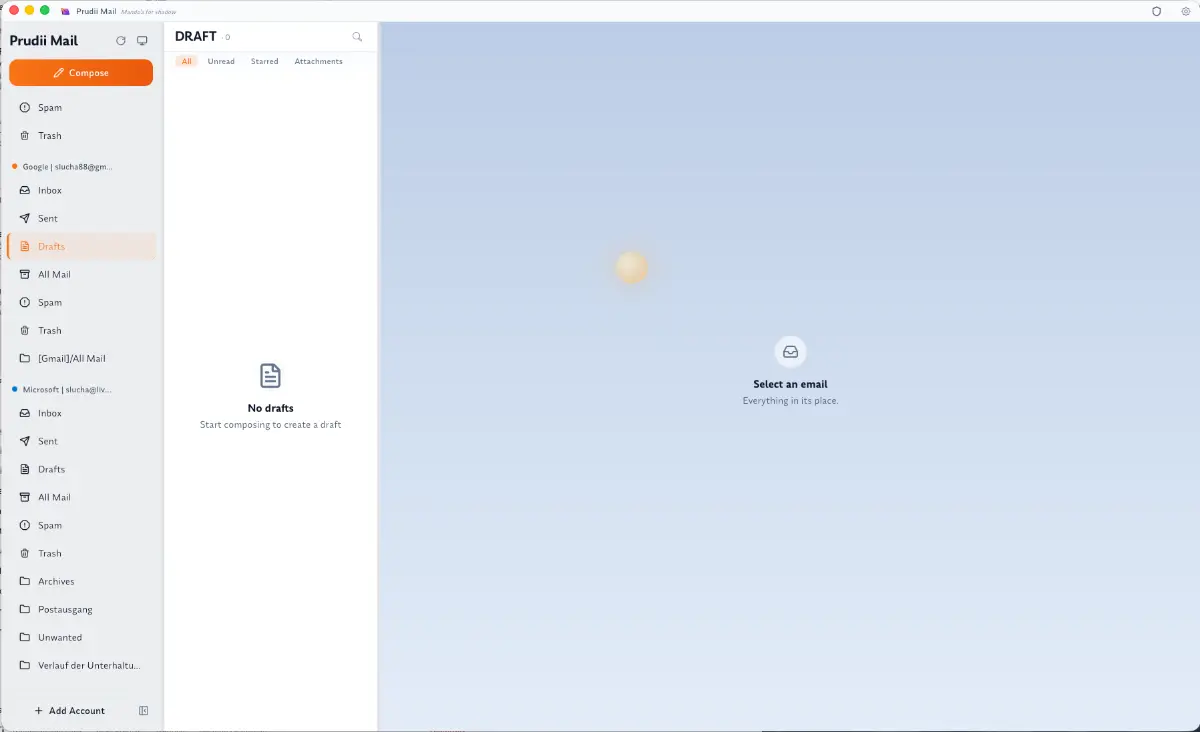
A desktop email client that syncs your mailbox into local SQLite and searches it by meaning without cloud calls. Free, open source, no account or telemetry, for Gmail, Outlook or any IMAP inbox.
FreeNo sign-upOpen source
What to know▼
How it works
Syncs your whole mailbox into a local SQLite database and lets you search it by meaning without any cloud calls, with keyboard-speed triage. Supports Gmail, Outlook, and any IMAP account, plus a CalDAV calendar.
What's different
Open source with no account and no telemetry.
Pricing
Free.
Best for
People who want a fast, keyboard-driven email client that keeps their mailbox local.
We check every product on this page once a day and record whether it still answers.
One shareable link turns any customer message into a quiet inbox with email replies, for businesses who want to skip ticketing systems for simple support.
What to know▼
How it works
Share one link; people message you through it and you reply, with replies delivered to them as email -- no chat widget, ticketing system, or account required on their side.
What's different
Skips the usual widgets and ticket clutter of a helpdesk in favor of a single link and plain email replies.
Best for
Businesses that want a simple, minimal inbox for customer messages without adopting a full ticketing tool.
We check every product on this page once a day and record whether it still answers.
A tool that watches your mailboxes over IMAP and uses AI to move legitimate emails wrongly flagged as spam back into the inbox, instead of you checking the spam folder manually.
Free
What to know▼
How it works
Monitors mailboxes via IMAP and moves wrongly-flagged legitimate emails back to the inbox using AI.
Pricing
First 100 AI checks per month are free, then about $0.01 per check, prepaid rather than subscription, with unlimited mailboxes.
We check every product on this page once a day and record whether it still answers.
A browser tool that rewrites text in place across Gmail, LinkedIn, Slack, and other fields in your chosen tone.
Watch out · Supports 30+ languages; privacy-first processing.
FreeNo sign-upData stays with you
What to know▼
How it works
Adds a click-to-rewrite AI button inside text fields you already use — Gmail, LinkedIn, Slack, job applications — letting you pick from 10 tones and get polished text in place.
We check every product on this page once a day and record whether it still answers.
An AI email client that unifies Gmail, Outlook, iCloud, Yahoo and IMAP inboxes, runs its AI locally or with your own key, and actively blocks trackers and phishing links.
Works offline
What to know▼
How it works
Unifies Gmail, Outlook, iCloud, Yahoo and other IMAP accounts into one inbox, with AI (run locally or via your own key) that summarizes threads, extracts tasks, and writes replies, plus tracker blocking, phishing detection, link/attachment scanning and one-click unsubscribe.
What's different
AI can run locally or with your own API key instead of a vendor-hosted model, and it works offline.
Best for
People who want an AI email client with built-in security screening across multiple connected inboxes.
We check every product on this page once a day and record whether it still answers.
Resells professional Google Workspace and Outlook business email inboxes starting at $2.6/month, for businesses that need branded email without managing infrastructure.
What to know▼
How it works
Resells professional Google Workspace and Outlook business email inboxes.
Pricing
Starting at $2.6 per inbox per month.
Best for
Businesses that need branded professional email addresses without setting up their own infrastructure.
We check every product on this page once a day and record whether it still answers.
An AI chief-of-staff that reads your inbox, calendar and work channels, drafts replies in your voice and preps meetings; a work productivity tool for professionals and teams, not general consumers.
Can export my data
What to know▼
How it works
Reads your inbox, calendar and work channels, then sends a morning brief of what needs attention, drafts replies in your voice, preps meetings and follows up automatically.
What's different
Runs on private infrastructure and encrypts email bodies at rest, with the ability to export your memory anytime; a Teams version connects each employee's assistant.
Best for
Professionals and teams who want a daily filtered brief and drafted replies instead of working the inbox manually.
We check every product on this page once a day and record whether it still answers.
Verifies email deliverability through a 5-step pipeline (syntax, MX, disposable domain, catch-all, SMTP check) at a per-email price well below ZeroBounce or NeverBounce.
We check every product on this page once a day and record whether it still answers.
A single inbox that pulls together WhatsApp, Telegram, Instagram and Messenger conversations so you don't have to switch apps to read messages.
What to know▼
How it works
Brings WhatsApp, Telegram, Instagram and Facebook Messenger into one unified inbox so you can send and receive messages from all of them in a single app.
Best for
People who message across multiple platforms and want to avoid switching between apps.
We check every product on this page once a day and record whether it still answers.
A Meta-verified WhatsApp Business API platform with a shared team inbox, broadcast campaigns and automation, built for business and marketing teams, not a raw developer API.
What to know▼
How it works
A Meta-verified WhatsApp Business API platform providing a shared team inbox, broadcast campaigns, contact management, and automation for business messaging.
Pricing
Founding Access offer: reserve a seat for a 90-day beta, then get 50% off the first bill afterward, or a full refund if it's not a fit.
Best for
Business and marketing teams managing customer conversations over WhatsApp who want a shared inbox rather than a raw API.
We check every product on this page once a day and record whether it still answers.
A personal AI assistant that lives in iMessage and can call your phone, triaging your inbox and prepping you for calls using your company's tools.
What to know▼
How it works
A personal AI assistant that lives inside iMessage and can call your phone. It triages your inbox, preps you for calls, and pulls context from your company's other tools, over text or voice.
What's different
Runs entirely inside iMessage — no new app to install or tab to keep open.
Best for
People who want an assistant reachable the same way they already message a coworker, without adding another app.
We check every product on this page once a day and record whether it still answers.
A pre-built n8n workflow that reads unread Gmail, classifies messages with Google Gemini as Sales, Support, HR, or Spam, and routes them via Notion and Telegram.
What to know▼
How it works
An n8n workflow that reads unread Gmail, classifies each message as Sales, Support, HR, or Spam using Google Gemini, and routes it to the right place via Notion and Telegram.
What's different
Adds human review and error handling so it works beyond a basic demo.
Best for
Companies wanting to automate email triage and routing.
We check every product on this page once a day and record whether it still answers.
An always-on AI assistant with its own email inbox that you can CC on threads or hand tasks to, which then flags priorities and sends scheduled briefings.
Watch out · Aimed at ambiguous, multi-step tasks rather than simple one-off requests.
What to know▼
How it works
CC it on a thread or assign it a task; it learns preferences over time and can run on a schedule to deliver updates.
Watch out
Aimed at ambiguous, multi-step tasks rather than simple one-off requests.
We check every product on this page once a day and record whether it still answers.
A deliberately minimal email client for people who want their inbox to demand less attention instead of becoming another workspace app.
What to know▼
How it works
A minimal email client that keeps AI at the edges and the interface quiet, aiming to help you understand what needs you, decide, and move on rather than turning your inbox into a workspace.
What's different
Deliberately restrained compared to feature-heavy inboxes — it refuses to become your workspace, assistant, or second brain.
Best for
People who want an inbox that demands less of their attention instead of more.
We check every product on this page once a day and record whether it still answers.
AI that pre-reads and triages your Gmail into Handle Now / Check Today / FYI inside Telegram, with reply drafts ready — inbox triage without hiring an assistant.
Watch out · Built by a solo maker (described in the listing as a 57-year-old construction manager), not an established company.
What to know▼
How it works
AI pre-reads Gmail and sorts every message into Handle Now, Check Today, or FYI inside Telegram, with a reply draft ready for each; the user approves or ignores from Telegram without opening Gmail.
What's different
Runs entirely inside Telegram with no app install and no separate inbox to check.
Best for
People who want their Gmail triaged for them without hiring a human executive assistant.
Watch out
Built by a solo maker (described in the listing as a 57-year-old construction manager), not an established company.
We check every product on this page once a day and record whether it still answers.
Delays your Gmail sends by 1 minute to 1 hour and flags likely mistakes, missing attachments, reply-all risk, sensitive info, using Gmail's own API with no tracking.
No tracking
What to know▼
How it works
Holds Gmail sends in a local queue for a configurable delay from 1 minute to 1 hour, letting the user cancel, pause, or edit before the message leaves; it also flags missing attachments, first-time recipients, risky reply-alls, sensitive info, and rushed drafts.
What's different
Offers a longer, configurable delay than Gmail's built-in 30-second undo, while email stays local until sent through Gmail's own API with no tracking or separate server.
Best for
People who want more breathing room than Gmail's default undo-send window and a check against common sending mistakes.
We check every product on this page once a day and record whether it still answers.
AI agents, each living at an email address.
Nothing to install
What to know▼
How it works
Lets you create custom AI agents at their own email addresses (e.g. summarize@via.email) and forward work to them; smart routing picks the best model for each task, and task emails are permanently erased afterward.
What's different
Works entirely through email forwarding across any provider or device, with no separate app or dashboard.
Best for
People who want to hand off tasks to AI without switching context out of their inbox.
We check every product on this page once a day and record whether it still answers.
AI-powered content platform for 13+ social networks
What to know▼
How it works
A centralized platform for generating images and videos, scheduling posts across 13 social platforms, managing incoming messages in one inbox, and tracking performance analytics.
What's different
Covers 13+ social networks from a single dashboard, including content generation, scheduling, unified inbox, and analytics together.
Best for
Marketers and social media managers juggling multiple platforms who want one place for content, scheduling and messages.
We check every product on this page once a day and record whether it still answers.
Auto-labels priority emails and drafts AI replies matching your tone inside Gmail or Outlook, aimed at professionals trying to reach inbox zero faster.
What to know▼
How it works
Automatically labels incoming Gmail or Outlook emails into categories like 'Action Needed' or 'Pending Response', drafts context-aware AI replies matching your tone based on past conversations and calendar info, and auto-archives expired mail, newsletters, and resolved threads.
Best for
Professionals trying to reach inbox zero in Gmail or Outlook who want AI-drafted replies they can review before sending.
We check every product on this page once a day and record whether it still answers.
Generates Gmail dot-variation aliases from one address instantly — a narrow utility and a direct alternative to freegmail.netlify.app, not a general email tool.
What to know▼
How it works
Generates Gmail dot-variation aliases from a single Gmail address by programmatically inserting periods into the local part of the address.
What's different
Built as a direct alternative to freegmail.netlify.app for the same narrow function.
Best for
People who want multiple Gmail aliases from one address without manually typing out dot variations.
We check every product on this page once a day and record whether it still answers.
Converts any logo into the strict SVG format required for BIMI so your verified brand logo shows in Gmail and Apple Mail, plus a free DMARC audit; a niche tool for email-deliverability and brand teams.
FreeNo sign-up
What to know▼
How it works
Converts any PNG, JPG or SVG logo into the strict W3C SVG Tiny P/S format required for BIMI, and also runs a DMARC audit and generates the needed DNS TXT record.
What's different
Handles the specific W3C-compliant SVG conversion that most existing logos fail, which is the main blocker to getting BIMI working.
Pricing
Free, no account required.
Best for
Email-deliverability and brand teams trying to get their verified logo showing in Gmail and Apple Mail.
Every number here comes from our own daily check — not from a vendor list.
Tools for taming an inbox — how many are there?
Tablif is tracking 145 of them. 144 answered our check today, and 1 we couldn't reach — we don't claim those are dead.
Which ones are still maintained?
Tablif knocks on every door once a day and records the answer. 144 of these 145 responded on the latest run, so that number is what "still here" means on this page — not a review score.
Are any of them free?
29 of the live ones say so in their own words, and 10 let you start without making an account. Tablif records the claim the product makes; we don't verify pricing.
Any open-source options?
10 of the live ones on Tablif mention being open source.
What's the newest one?
Mailafiniti — Tablif first saw it today.
Did a person actually look at these?
143 of them Tablif opened and read, then wrote a one-line summary in our own words instead of reusing the founder's tagline. The rest carry keyword labels we haven't confirmed by reading yet — and we say so rather than hiding it.





















-(1)-(1)_11zon-(1)-(1).png?auto=format%2Ccompress&fit=max&w=72)