We check every product on this page once a day and record whether it still answers.
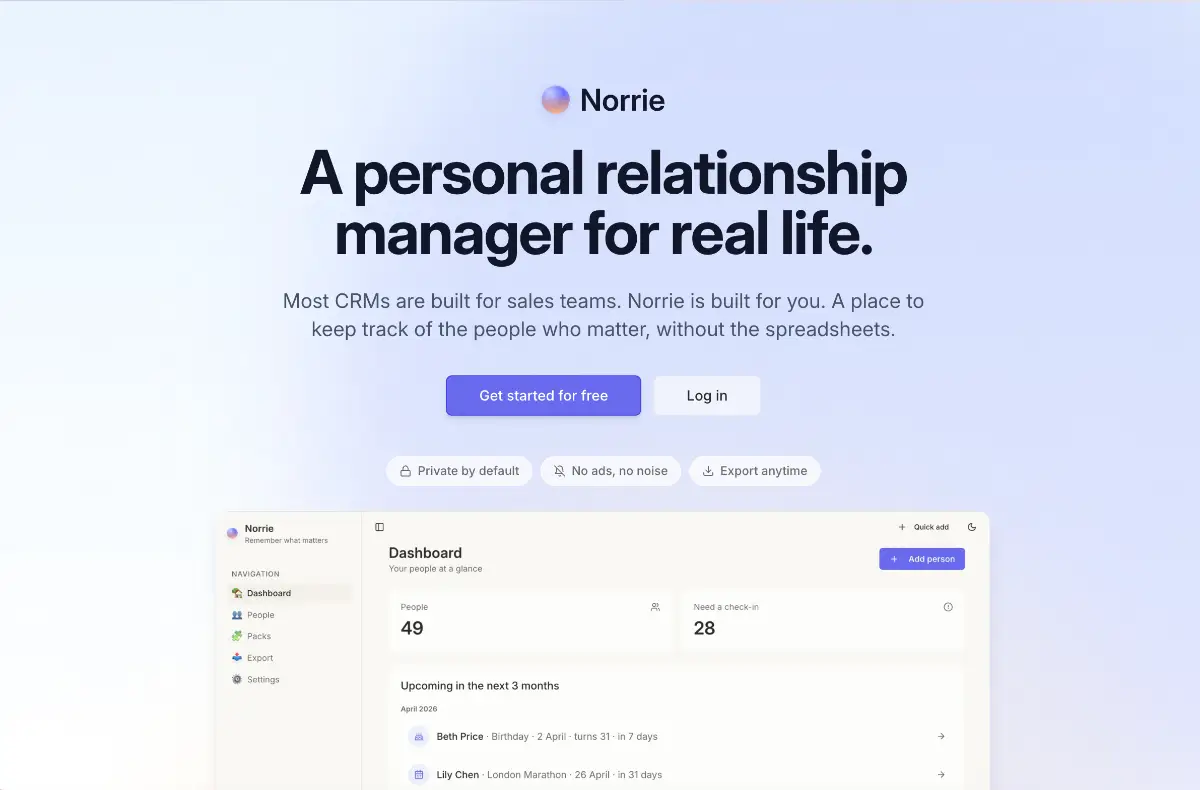
A private app for remembering personal details about friends and family, birthdays, stories, small moments, that resurfaces them at the right time, instead of behaving like a personal CRM that tracks your follow-up streaks.
What to know▼
How it works
Lets you quickly log notes and voice notes about people, set recurring rituals like a monthly call, and adjust reminder frequency by energy level; each morning it suggests one person to reach out to.
Best for
People who want to stay in touch with friends and family without CRM-style tracking pressure.
We check every product on this page once a day and record whether it still answers.
Turns your Windows or Mac desktop into a customizable workspace with notes, timers, shortcuts and browser views as movable widgets, so you're not scattered across separate folders and apps.
What to know▼
How it works
Pins your most-used files, folders, websites or commands to the desktop or status bar as widgets, bubbles or quick-access icons, and can keep frequently used web pages visible at startup.
What's different
Centralizes shortcuts on the desktop itself instead of requiring you to open folders, apps or browser tabs.
Best for
People who feel scattered across too many open apps and folders and want one-click access to what they use most.
We check every product on this page once a day and record whether it still answers.
A note-taking app that turns notes into draggable floating bubbles you can keep open over other apps, so you can jot things down without leaving what you're doing.
Watch out · Android only.
What to know▼
How it works
Turns notes into draggable floating bubbles that hover over other apps, so you can jot things down without leaving what you're doing; everything saves automatically.
Best for
People studying, researching, or capturing quick thoughts mid-task.
We check every product on this page once a day and record whether it still answers.
Turns a spoken conversation into a live, evolving visual map of ideas that can be replayed, shared, or exported, including meeting capture.
Can export my data
What to know▼
How it works
Talk through an idea and it becomes a live map that reshapes as you change your mind; capture meetings, replay how a thought unfolded, share a link, or export.
Pricing
Free to start, no card required.
Best for
Teams wanting to visually capture and revisit meeting or brainstorming discussions.
We check every product on this page once a day and record whether it still answers.
A local, privacy-first app that uses one on-device Gemma model to capture, transcribe, search, and automate your screen and audio history.
Watch out · Requires a 4GB GPU to run.
Works offlineOpen sourceNo tracking
What to know▼
How it works
Uses one local Gemma model on-device for screen vision, audio transcription, chat, and reasoning; captures only when content changes and lets you search or chat with your screen history in plain English.
What's different
Compared against Microsoft Recall (needs $1000+ hardware) and Screenpipe (needs separate OCR + Whisper + external LLM) — this runs one local model for everything.
We check every product on this page once a day and record whether it still answers.
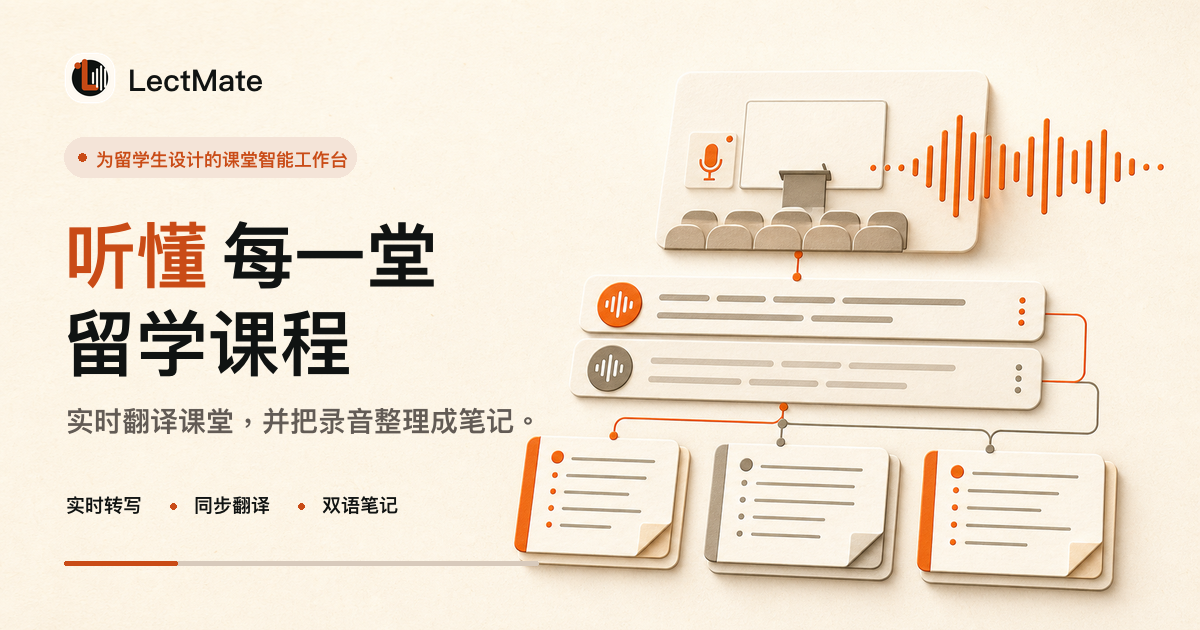
An iOS language-coaching app that builds lessons around your goal, checks pronunciation, and tracks recurring mistakes, across six languages.
Watch out · iOS only, currently limited to six languages.
What to know▼
How it works
Builds a coaching plan around your goal, measures pronunciation accuracy (distinguishing sounds like th vs s), and runs coached sessions with hands-free spoken role-play and tap-any-word explanations, tracking your recurring mistakes over time.
What's different
No streaks or points — feedback is built around pronunciation accuracy rather than gamified engagement.
Best for
iOS users learning one of the six supported languages.
We check every product on this page once a day and record whether it still answers.
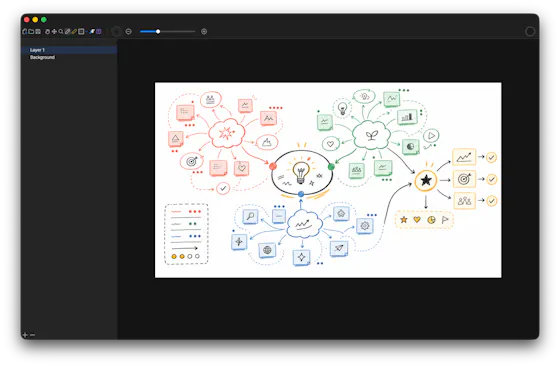
A local-first drawing and note-taking canvas for diagrams, wireframes, study sheets and rough ideas, with layers, brushes and PSD import/export — a one-time $9.99 purchase, no account needed.
No sign-upWorks offlinePay once
What to know▼
How it works
A cross-platform, local-first canvas for notes, diagrams, study sheets, wireframes and rough ideas, with pressure-sensitive brushes, layers, shapes, text, image transforms, PSD import/export, pan/zoom and keyboard shortcuts.
What's different
Files stay entirely on-device with no account, cloud workspace or subscription required.
Pricing
One-time purchase of $9.99.
Best for
People who want a full-featured drawing/note canvas without a subscription or cloud account.
We check every product on this page once a day and record whether it still answers.
Transcribes short voice notes on-device into pattern dashboards, fully offline; data syncs end-to-end encrypted across devices, and you can plug in a local MCP server for your own AI agents.
Works offlineCan export my data
What to know▼
How it works
You speak a short voice note, it's transcribed on-device, and an offline dashboard surfaces patterns over time — repetition, distribution, spikes, changes, and correlations. Data syncs end-to-end encrypted across devices with keys you control, and can be exported/imported or connected to a local MCP server for your own agents to analyze.
What's different
Transcription and analysis happen entirely on-device with end-to-end encrypted sync, and data can be exported anytime to avoid lock-in.
Best for
People who want to track personal patterns from quick voice notes without their data leaving their control.
We check every product on this page once a day and record whether it still answers.
An open-source encrypted note-taking PWA that encrypts notes client-side before sync, for people who want their notes unreadable to the server even in the cloud.
Works offlineData stays with youOpen source
What to know▼
How it works
Notes encrypted in-browser with Argon2id + AES-256-GCM before leaving the device; only ciphertext reaches the server.
What's different
Works offline across devices while staying private.
We check every product on this page once a day and record whether it still answers.
Local markdown note-taking app that stores notes as plain .md files on disk for people who want to own their data, instead of a cloud-locked notes app.
Works offline
What to know▼
How it works
Stores notes as plain text .md files directly on disk; you choose your own sync method or stay fully offline.
Best for
People who want full control of their note files rather than relying on a vendor's cloud storage.
We check every product on this page once a day and record whether it still answers.
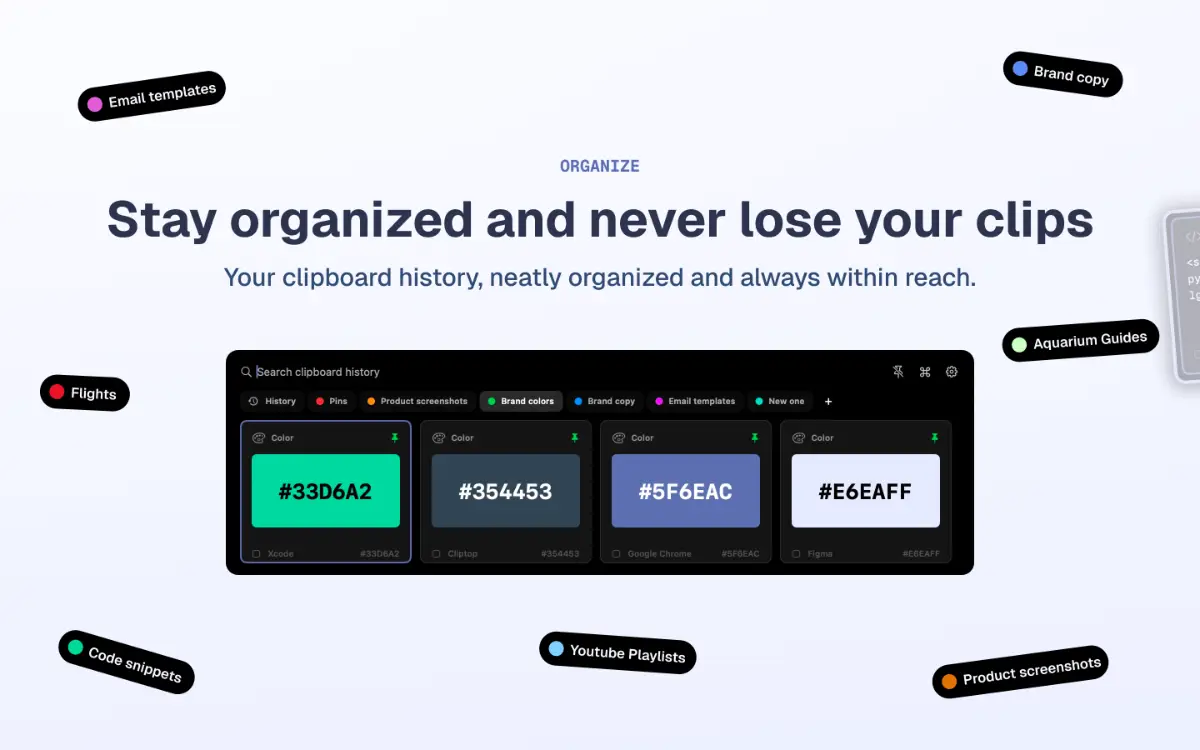
A free, open-source clipboard history manager for Windows with image previews and a double-tap-Ctrl shortcut - a general utility despite being open source.
FreeOpen source
What to know▼
How it works
An open-source clipboard history manager for Windows 10/11 built with Rust and Tauri 2, showing text and image previews and letting you paste history with a double-tap of Ctrl.
What's different
Positioned against Windows' built-in Win+V (text-only, no image preview) and Ditto (not modernized), filling the gap for a free, actively developed Windows clipboard manager.
Pricing
Free.
Best for
Windows users who want a fast, private clipboard history tool with image support.
We check every product on this page once a day and record whether it still answers.
An on-device Mac app that reads your screen to build a searchable memory of what you saw, chase reminders, and track changes, instead of a cloud note-taking or reminder app.
Watch out · Mac only; delivers one quiet 9 PM summary each day.
Works offline
What to know▼
How it works
Reads your screen text on-device, remembers it, catches promises like 'I'll send it Friday' and reminds you, answers 'what changed since Tuesday?', and searches by meaning; fills forms from saved details (never passwords).
What's different
Fully private — screenshots are never saved, only extracted text stays on the Mac.
Watch out
Mac only; delivers one quiet 9 PM summary each day.
We check every product on this page once a day and record whether it still answers.
A personal wiki for capturing notes and step-by-step instructions with templates instead of Markdown - for individuals who want a simple notebook, not a full wiki platform.
Watch out · No login and no server installation required, so notes stay device-local.
No sign-up
What to know▼
How it works
Captures notes and step-by-step instructions on your device using structured section templates instead of Markdown syntax, with a clean reading mode for looking things up later.
Pricing
No subscriptions.
Best for
Individuals who want a simple personal notebook for instructions and knowledge, not a full team wiki.
Watch out
No login and no server installation required, so notes stay device-local.
We check every product on this page once a day and record whether it still answers.
A pair of privacy-focused desktop utilities for text expansion and clipboard management.
Data stays with you
What to know▼
How it works
Two privacy-first desktop utilities: Snipzilla, a privacy-focused text expander, and Stashzilla, a smart clipboard manager that keeps copied items organized and searchable.
Best for
People who want fast, private tools built by one indie developer.
We check every product on this page once a day and record whether it still answers.
A local-first app combining document scanning, PDF tools, notes, expense tracking, and reminders that mostly works offline without an account.
Works offlineData stays with you
What to know▼
How it works
Combines document scanning, PDF tools, multi-format document reading, notes, expense tracking, reminders, weather, QR generation, and photo compression, with most features working offline and no account required.
What's different
Built to replace multiple everyday apps with one experience.
We check every product on this page once a day and record whether it still answers.
A free Android ear-training game: listen to sequences of notes played on acoustic instruments and repeat them by ear, with song melodies and a daily streak.
Free
What to know▼
How it works
A musical memory game where you listen to sequences of notes played on acoustic instruments and repeat them by ear, with no visual hints — sound only. Includes 4 instruments, 10 song melodies, bonus tracks, a lives system and a daily streak.
Pricing
Free, with rewarded (optional, never forced) ads.
Best for
Android users wanting to train their ear and musical memory through a game.
We check every product on this page once a day and record whether it still answers.
A native Mac rich-text notes app that slides out from the screen edge on a shortcut, keeps everything as local Markdown that never leaves your machine, and sells as a one-time lifetime license.
No subscription
What to know▼
How it works
A native macOS rich-text editor that flies out from the screen edge on a shortcut (⌥⌘N) or edge nudge, supporting checklists, reminders, folders, images and code blocks, with iCloud sync; notes are stored as plain Markdown.
What's different
Native macOS app, not Electron, and notes never touch the maker's servers — sync happens via iCloud.
Pricing
Lifetime license with a 7-day free trial; no subscription.
Best for
Mac users who want a quick-access notes app that stays local and exports as plain Markdown.
We check every product on this page once a day and record whether it still answers.
A private EPUB reader for iPhone and iPad that lets readers highlight and export notes to Markdown, for people who want a one-time-purchase reader without an account or tracking.
No subscriptionCan export my data
What to know▼
How it works
Import DRM-free EPUBs, highlight in four colors, add notes, and export everything to clean Markdown for use in any plain-text workflow.
Pricing
Buy once — no subscription.
Best for
iOS readers who keep notes in plain-text tools and don't want a subscription.
We check every product on this page once a day and record whether it still answers.
A local-first, desktop-OS-style knowledge workspace (notes, database, graph, whiteboard, browser) with an encrypted, owned vault, instead of scattering data across separate cloud apps.
Works offline
What to know▼
How it works
Electron shell hosts sandboxed apps sharing one data layer (Block Protocol, Yjs CRDTs, Lexical); encrypted vault syncs across devices, editable offline
We check every product on this page once a day and record whether it still answers.
A lightning-fast offline note capture popup (hotkey-triggered, opens in 20ms) for jotting quick thoughts before moving them into Notion or Obsidian, instead of fighting the friction of a full note app.
FreeNo sign-upWorks offline
What to know▼
How it works
Win+Alt+O opens a popup in under 20ms; stays in system tray, no internet or account needed
Best for
People who need to dump quick thoughts without loading a full note-taking app
We check every product on this page once a day and record whether it still answers.
A native macOS clipboard manager that lets you search your entire copy history by meaning and OCR text out of screenshots, instead of cloud clipboard tools that leave your Mac.
No sign-upWorks offline
What to know▼
How it works
Search by meaning, OCR screenshots, reusable snippets, Stack & Slots organization, built-in dev tools.
We check every product on this page once a day and record whether it still answers.
Paste a YouTube DJ set link and get a timestamped tracklist with links to Spotify, Apple Music, and Beatport — for listeners hunting down songs, not a browser extension.
What to know▼
How it works
Paste a YouTube DJ set URL and it identifies every track, returning a timestamped tracklist with links to Spotify, Apple Music and Beatport, sourced from video descriptions, pinned comments, community comments and YouTube's own music data, then cross-checked against major music services.
What's different
Uses existing crowd-sourced tracklist data rather than audio fingerprinting.
Best for
Listeners trying to find the name of a track played in a DJ mix.
We check every product on this page once a day and record whether it still answers.
A teleprompter overlay for presenters that keeps notes visible on your own screen while staying invisible to Zoom, OBS, and other recording or screen-share software.
What to know▼
How it works
Overlays text on your screen that is excluded from screen capture, recording, and video calls.
We check every product on this page once a day and record whether it still answers.
An end-to-end encrypted personal notes app for tracking birthdays, preferences and past conversations with family, friends and business contacts — free for a handful of notes, paid or self-hosted for more.
FreeSelf-hosted
What to know▼
How it works
An end-to-end encrypted web app for jotting notes on the people in your life — birthdays, preferences, past conversations — pulled up instantly from any device.
Pricing
Free for 5 notes; Premium adds unlimited notes and custom templates for €12/month; self-hosting is also available.
Best for
People who want to remember personal details about family, friends, and business contacts.
We check every product on this page once a day and record whether it still answers.
A general note-and-save app for links, ideas and to-dos in one searchable place. Despite the WhatsApp-themed tagline, it doesn't actually connect to WhatsApp.
What to know▼
How it works
A general note-and-save app for capturing notes, links, ideas, books, movies, places and products in one organized, searchable place.
Best for
People who want a single searchable place to save everything they don't want to forget, instead of relying on memory.
We check every product on this page once a day and record whether it still answers.
A minimalist private daily journaling app in Spanish — one quick note before bed via magic link, no photos/location/tracking.
What to know▼
How it works
A daily journaling app in Spanish: you sign in with a magic link, write one quick sticky-note-style entry before bed, and your entries build up on an interactive corkboard over time.
What's different
No photos, location tracking or tracking cookies; positioned as a low-friction alternative to complex, AI-heavy journaling apps, with one-click full export to .json.
Best for
Spanish-speaking users who want a minimal, private daily journal without the design or feature overload of typical journaling apps.
We check every product on this page once a day and record whether it still answers.
Campaign-organizing software for tabletop RPG Game Masters — characters, locations, notes, maps and session audio in one place, instead of scattered spreadsheets. Nothing to do with marketing campaigns.
What to know▼
How it works
A campaign management tool for tabletop RPG Game Masters to organize characters, locations, factions, events, notes, maps, and session audio in one place, for any system (D&D, Pathfinder, etc.).
What's different
System-agnostic, so it isn't tied to a single ruleset like D&D.
Best for
Game Masters starting new TTRPG campaigns who want to replace scattered notes and spreadsheets with a dedicated tool.
We check every product on this page once a day and record whether it still answers.
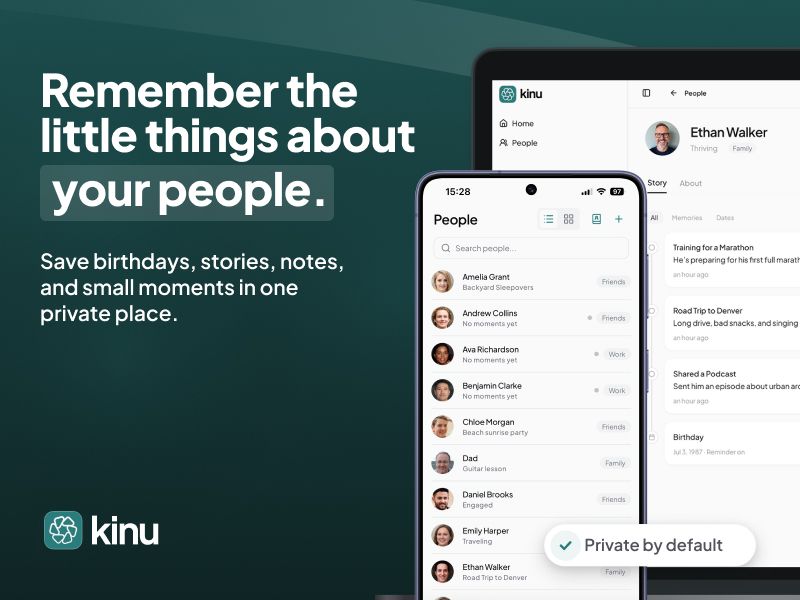
A private, on-device notebook for remembering personal details about the people in your life, instead of repurposing a work CRM for personal relationships.
Watch out · Personal details stay on-device by default, protected by biometrics, with optional backup to your own cloud account.
Works offline
What to know▼
How it works
Keeps sizes, allergies, favorite things, dates, relationships, and notes about people in your life in one place, with 100+ built-in fields; Pick a Question offers 323 curated prompts.
What's different
A private notebook for remembering people, not a CRM for managing them.
Watch out
Personal details stay on-device by default, protected by biometrics, with optional backup to your own cloud account.
We check every product on this page once a day and record whether it still answers.
Saves screenshots and shared content from any app into one categorized, on-device library using Apple Intelligence.
Watch out · Relies on on-device Apple Intelligence.
No sign-upWorks offlineNo subscription
What to know▼
How it works
Lets you share content from any app's share sheet into one place — title and image are grabbed automatically, and on-device Apple Intelligence sorts it into a category; browse by category, add tags, or use 'Daily Review' to resurface saves.
We check every product on this page once a day and record whether it still answers.
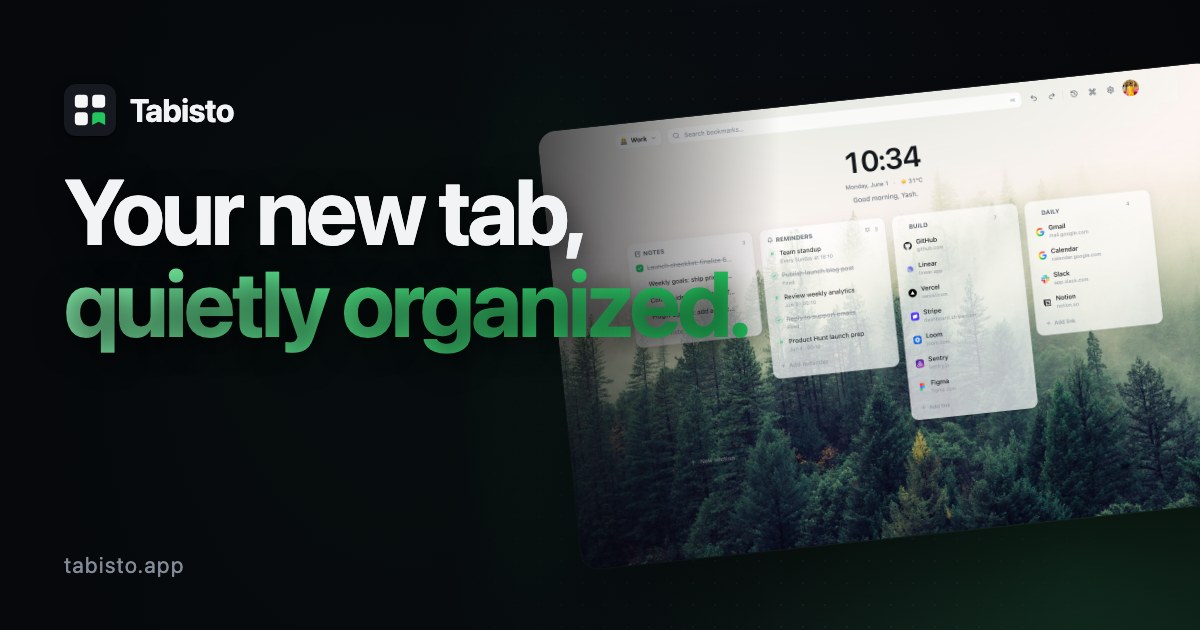
A browser new-tab replacement with visual bookmarks, workspaces, and notes that stores data locally instead of in the cloud, for people who want a private, local-first browsing dashboard.
Works offline
What to know▼
How it works
Replaces the browser new-tab page with visual bookmarks, workspaces, notes, and session saving; data is stored locally.
We check every product on this page once a day and record whether it still answers.
A minimalist note-taking and outlining app with infinitely nested lists, kanban boards, tags, and real-time sync, for organizing ideas, projects, and tasks alone or with a team.
Works offline
What to know▼
How it works
Infinitely nested outline lists plus kanban boards, tags, real-time sync, offline support, and search.
Best for
Individuals or teams managing everything from simple to-do lists to complex knowledge bases.
We check every product on this page once a day and record whether it still answers.
A local-first note-taking app built on plain Markdown files with a linked graph view and a large plugin ecosystem — your notes stay on your device.
Works offlineCan export my data
What to know▼
How it works
A local-first note-taking app built on plain Markdown files, with a graph view for visualizing links between notes and a plugin/theme ecosystem for customizing the workflow.
What's different
Notes stay as portable, private Markdown files on your device rather than living in a proprietary cloud format.
Best for
People who want a linked, offline-first notebook they fully own and can customize with community plugins.
We check every product on this page once a day and record whether it still answers.
A free browser-based notepad for writing and saving notes with auto-save, rich formatting and dark mode — no signup needed, a fairly generic note-taking tool.
FreeNo sign-up
What to know▼
How it works
A browser-based notepad for writing, editing and organizing notes with auto-save, rich text formatting and dark mode.
Pricing
Free, no signup required.
Best for
Anyone who wants a quick, no-account notepad in the browser rather than installing a dedicated app.
We check every product on this page once a day and record whether it still answers.
A free personal tracker for saving items you find online — images, notes, status and automatic price history — so you can compare and remember things without a subscription or credit card.
FreeNo subscription
What to know▼
How it works
A personal vault for saving items found online - images, notes, ratings, and status (Wishlist, Watching, Purchased, Rejected) - with automatic price history, plus side-by-side comparison of up to 4 items.
What's different
Tracks price history automatically and lets you compare items side by side, not just bookmark links.
Pricing
Free, no subscription or credit card required.
Best for
People who research purchases online and want to track and compare items instead of losing them in browser tabs.
We check every product on this page once a day and record whether it still answers.
A free app that turns uploaded sheet music into a rhythm game you play on a connected MIDI piano, with note annotation and progress tracking for piano learners.
Free
What to know▼
How it works
Users upload digital sheet music, which is turned into a playable rhythm game with automatic note, chord, and fingering annotation; connecting a MIDI piano provides timing feedback and recorded play sessions for review.
What's different
Includes an experimental song simplification algorithm that reduces a complicated song into a more playable version, plus experimental MP3-to-sheet-music conversion.
Pricing
Free.
Best for
Piano learners who want to practice sheet music as a rhythm game rather than reading it cold.
We check every product on this page once a day and record whether it still answers.
Squirrel It saves and fully reads links from Reddit, YouTube, articles, and Instagram, including video transcripts and captions, so users can later search or ask questions across their saved library instead of re-finding them.
Free
What to know▼
How it works
saves links, reads the full content (threads, transcripts, captions, articles), and answers questions using only the saved content
We check every product on this page once a day and record whether it still answers.
Sends end-to-end encrypted notes or images that self-destruct after one view, no account required — a Privnote-style tool with image support and 15 languages.
No sign-up
What to know▼
How it works
Sends end-to-end encrypted notes and images that self-destruct after being viewed once, staying on screen for at most 60 seconds.
What's different
A Privnote-style self-destructing note tool that also supports images, available in 15 languages.
Best for
People who want to share a sensitive note or image once without leaving a permanent record, without creating an account.
We check every product on this page once a day and record whether it still answers.
A local-first iPhone app for logging where you've stored physical items (with photos and notes) so you can search for them later instead of searching your house.
No sign-upWorks offline
What to know▼
How it works
Save an item's location with notes, tags, and a photo, then search later
What's different
No account, ads, analytics, or tracking
Pricing
Free for up to 10 items; subscription unlocks unlimited items and iCloud sync
We check every product on this page once a day and record whether it still answers.
Free, zero-knowledge encrypted notepad that encrypts a note with a user-set password in the browser before it reaches the server, with no account, tracking, or ads.
FreeNo sign-upNo ads
What to know▼
How it works
Encrypts text with AES-256 client-side using a user-set password before sending it to the server.
We check every product on this page once a day and record whether it still answers.
Turns a private message into a self-destructing QR code that disappears the instant the viewer switches tabs or apps, with no login or app install required.
No sign-up
What to know▼
How it works
Type a message, generate a QR code, and share it; the note is AES-256 encrypted before it reaches the server and self-destructs when the viewer navigates away, not just after a fixed timer.
Best for
sending a one-time secret without leaving a persistent screenshot or message trail.
We check every product on this page once a day and record whether it still answers.
A free, no-signup browser-based canvas for sketching diagrams, geometry, and notes with a basic SVG editor, for anyone who wants a quick drawing tool, instead of installing dedicated diagramming software.
FreeNo sign-upCan export my data
What to know▼
How it works
Browser-based canvas with grid snapping, shapes, curves, arrows, and fills; also imports, edits, and exports SVG.
We check every product on this page once a day and record whether it still answers.
A cross-platform clipboard manager with full history, search and secret masking for anyone who copy-pastes constantly - handy for developers managing API keys, but useful for any heavy copy-paste workflow.
No sign-upWorks offlineOpen source
What to know▼
How it works
Remembers everything you copy - text, images, files - across macOS, Windows and Linux, with full-text search, a paste stack, secret masking with encryption, and smart auto-grouping.
What's different
Runs 100% locally with no account, and is open source.
Pricing
Not stated beyond being open source.
Best for
Developers and anyone who copy-pastes constantly, including people managing API keys via clipboard.