We check every product on this page once a day and record whether it still answers.
A browser tool that captures any tab's audio and applies real-time studio-style effects, including MIDI controller input, for people who want to shape web audio live.
What to know▼
How it works
Captures tab audio, offers knob-based effects and a reactive visualizer, supports MIDI control.
Best for
Streamers/musicians wanting real-time processing of browser audio.
We check every product on this page once a day and record whether it still answers.
Private save-everything app for iPhone that files shared links, screenshots and videos into the right collection automatically and lets you search by meaning, not exact words.
No sign-upWorks offlineNo ads
What to know▼
How it works
On-device AI files shared content and fetches titles/previews; semantic search finds items by meaning
What's different
No accounts, ads or tracking; data stays on-device and in private iCloud
Best for
iPhone users who save a lot of links and want them organized without manual folders
We check every product on this page once a day and record whether it still answers.
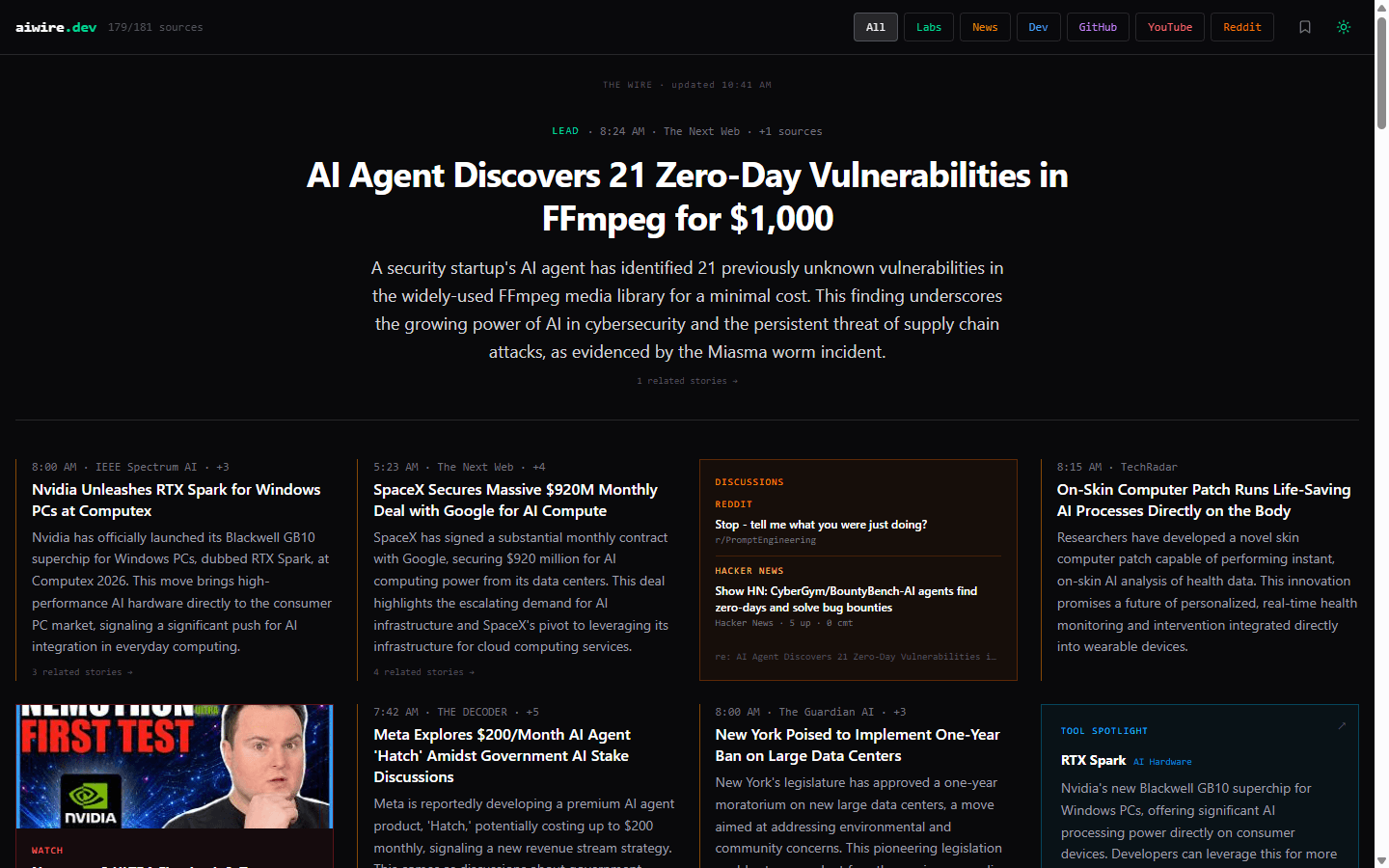
Scans 80+ AI research and developer-news sources every two hours and uses AI to rank what actually matters — a free, no-signup alternative to scrolling a flat news list.
FreeNo sign-up
What to know▼
How it works
Scans 80+ AI research and developer-news sources every two hours and uses a Gemini-powered curator to group stories into 8 ranked clusters with two-sentence summaries and importance scores, plus tabs for trending GitHub repos, AI YouTube channels and busy AI subreddits/Hacker News threads.
What's different
Ranks stories by importance rather than recency, so an older but significant story can outrank a fresh but trivial one.
Pricing
Free, no account, no paywall.
Best for
People who want a ranked daily digest of AI news instead of scrolling a flat feed.
We check every product on this page once a day and record whether it still answers.
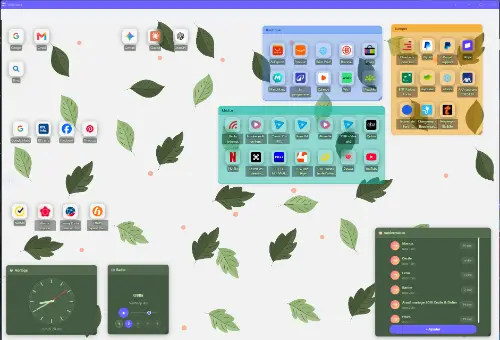
Replaces your browser's new tab page with a gradient dashboard and bookmark manager that doesn't track you — a personal extension, not a work-team tool.
No tracking
What to know▼
How it works
Replaces the browser's new tab page with a dashboard featuring gradients and bookmark management.
Best for
People who want a nicer-looking, non-tracking new tab page for personal browsing.
We check every product on this page once a day and record whether it still answers.
An AI travel app that generates a full day-by-day itinerary with routes, restaurants and budget from 10 quick questions, for iOS users tired of researching across many tabs.
FreeNo sign-up
What to know▼
How it works
answer 10 questions (destination, dates, budget, style), get a day-by-day plan with real places, hours and prices
What's different
4 route styles per city (calm, active, nightlife, family), editable via AI
We check every product on this page once a day and record whether it still answers.
An AI bookmark manager that captures links, notes, screenshots, files, and voice memos, then makes them searchable and usable inside ChatGPT, Claude, and Cursor.
Free
What to know▼
How it works
Captures links, notes, screenshots, files, and voice memos and makes them searchable and usable in ChatGPT, Claude, and Cursor.
Pricing
Free Starter plan available.
Best for
Users who want captured material fed directly into AI tools like ChatGPT, Claude, and Cursor.
We check every product on this page once a day and record whether it still answers.
Chrome side panel that lets you preview and search open tabs before switching to them.
FreeNo sign-up
What to know▼
How it works
Puts open Chrome tabs in a searchable side panel — point at a tab to preview the live page, click to switch, search across windows, sort tabs, and navigate by keyboard.
We check every product on this page once a day and record whether it still answers.
A Chrome extension that saves browser tab workspaces, triages your Gmail inbox, and tracks a to-do list from one popup. A lightweight all-in-one add-on, not a full project-management tool.
What to know▼
How it works
A Chrome extension that saves browser tab workspaces, triages your Gmail inbox, and manages a to-do list, all from one extension popup.
Pricing
Starts at $3/month.
Best for
People who want a lightweight, all-in-one productivity add-on in the browser rather than separate apps for tabs, email and tasks.
We check every product on this page once a day and record whether it still answers.
A Raycast-style launchbar that groups your tabs, apps, links and notes into project workspaces instead of one generic list, for people juggling several projects through their full lifecycle.
No sign-upOpen source
What to know▼
How it works
A launchbar for browser and desktop that organizes tabs, apps, links and notes into project workspaces, with AI Spotlight Search to jump to anything instantly.
What's different
Organizes around project lifecycle rather than being a generic launcher like Raycast, and pulls native desktop apps into the same workspaces via a companion app.
Best for
People juggling several projects who want their tabs, apps and notes grouped by project instead of scattered.
We check every product on this page once a day and record whether it still answers.
A free Chrome extension that boosts individual tab volume up to 600% with per-tab memory and a built-in equalizer, all processed locally on your device.
FreeData stays with youNo subscription
What to know▼
How it works
A Chrome extension that boosts the volume of individual tabs up to 600%, with per-tab volume memory, a built-in equalizer, and keyboard shortcuts, processing audio locally on-device.
Pricing
Free forever, no ads or subscriptions.
Best for
People who need louder audio on specific Chrome tabs with quiet source audio.
We check every product on this page once a day and record whether it still answers.
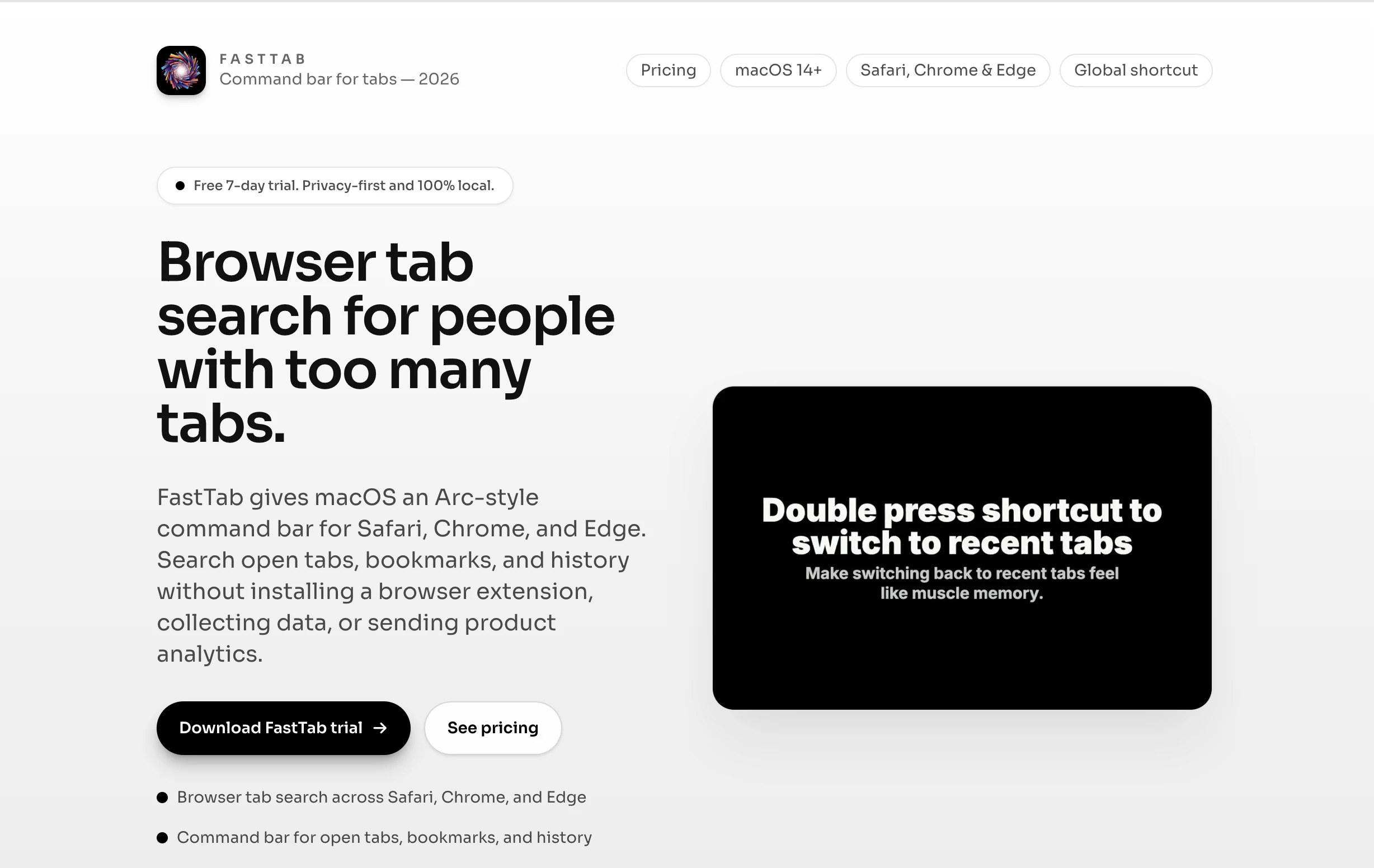
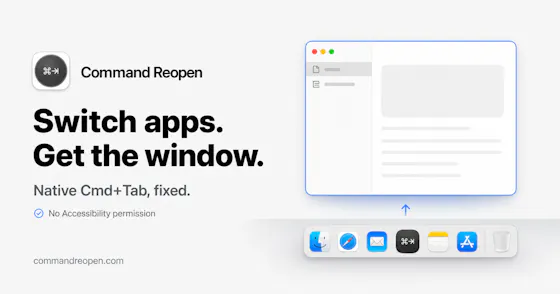
A macOS command bar that searches your open tabs, bookmarks and history across Safari, Chrome, Edge and Brave, with no extension install and no data collection.
Watch out · Requires no extension install by design, but is a separate macOS app rather than something built into the browser.
Nothing to installNo tracking
What to know▼
How it works
FastTab gives macOS an Arc-style command bar for Safari, Chrome, Edge, and Brave, letting you search open tabs, bookmarks, and history without installing a browser extension.
What's different
Works across all four browsers without an extension, data collection, or product analytics — you keep your existing browser instead of switching to Arc.
Best for
People who already have a browser workflow and just want a faster keyboard-driven way back to an open tab.
Watch out
Requires no extension install by design, but is a separate macOS app rather than something built into the browser.
We check every product on this page once a day and record whether it still answers.
A Chrome extension that processes open browser tabs one at a time into Done, Snooze, Save, or Dismiss decisions, instead of letting them pile up unmanaged.
Watch out · No AI, accounts, or sync involved.
What to know▼
How it works
Shows one tab at a time with four decisions; snoozed tabs reopen later and saved tabs live in a list.
Best for
People with dozens of open tabs who want to clear them without losing anything important.
We check every product on this page once a day and record whether it still answers.
A browser extension for managing tabs — triage, folders, sessions, sleep, and a site blocker — that runs entirely locally with no account, instead of a cloud-synced tab manager.
No sign-upWorks offline
What to know▼
How it works
Tab triage, folders, sessions, tab sleep, focus mode, a site blocker, and per-URL notes, all local; AI/sync/payments are opt-in extras routed through the maker's own server.
Best for
People who want tab management without an account or their data leaving the device.
We check every product on this page once a day and record whether it still answers.
A native macOS app that syncs bookmarks, tabs, cookies, and browser state across Safari, Firefox, and Chromium-based browsers, and routes links to the right browser by rule, keeping all data local through a local daemon.
Works offline
What to know▼
How it works
Connects Safari, Chromium-based browsers, and Firefox to sync bookmarks, tabs, cookies, and state, and routes links by rule; everything runs locally through a local daemon so data never leaves the Mac.
Best for
People who regularly use more than one browser on macOS.
We check every product on this page once a day and record whether it still answers.
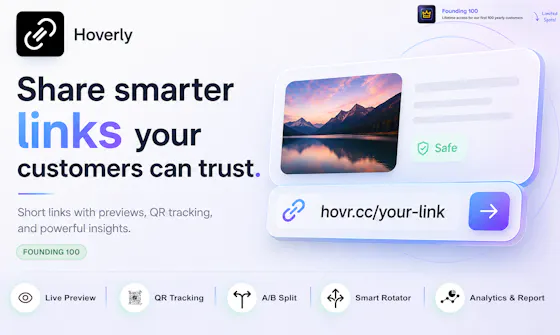
Link shortener with QR codes, click analytics, A/B testing and geo-based routing for marketers.
Free
What to know▼
How it works
Paste a URL to get a short link and QR code instantly; a free account adds full click analytics, A/B testing, device-based traffic splitting, and SubID/postback conversion tracking.
We check every product on this page once a day and record whether it still answers.
Browser extension that saves, summarizes, and auto-sorts web links into your own topics so you can read them later.
Can export my data
What to know▼
How it works
Save any link with one click from a browser extension; it pulls the full text into a clean, readable copy that survives if the original page moves, 404s, or goes behind a paywall, writes a short summary, and auto-files it under your own topics.
What's different
Everything is searchable by meaning rather than just titles; the reader has no cookie banners, autoplay, or clutter.
We check every product on this page once a day and record whether it still answers.
A free Chrome extension that automatically sorts your open tabs into labeled groups by category, Development, Docs, Shopping, Social and more, with one click and no configuration.
FreeWorks offline
What to know▼
How it works
A Chrome extension that automatically organizes open tabs into labeled groups with one click, either by category (20+ categories like Development, AI Tools, Finance) or by domain (all tabs from the same site grouped together).
What's different
A 'Smart Group with AI' mode uses Chrome's built-in on-device AI (Prompt API) to read tab titles and page content and group by actual meaning rather than fixed rules, falling back to rule-based grouping otherwise.
Pricing
Free.
Best for
Chrome users who accumulate many open tabs and want them sorted without manual setup.
We check every product on this page once a day and record whether it still answers.
A curated directory site for browsing and bookmarking trending AI tools, with reviews and a weekly newsletter pick.
Free
What to know▼
How it works
A curated directory for discovering trending AI tools — browse categories, read reviews, save favorites and get personalized recommendations. A free account lets you bookmark tools, explore collections and receive a weekly newsletter featuring one standout tool.
Pricing
Free account available.
Best for
People browsing for new AI tools who want curated picks rather than searching from scratch.
We check every product on this page once a day and record whether it still answers.
A browser extension that organizes open tabs, saves sessions, and adds a focus mode with occasional wellness breaks, a tab-management and focus tool rather than a privacy product.
FreeData stays with you
What to know▼
How it works
A browser extension for organizing open tabs into named groups, saving and restoring browsing sessions, activating a focus mode, and integrating mindful breaks during long browsing sessions.
Pricing
Free.
Best for
People who want to reduce tab clutter and add occasional wellness breaks to their browsing.
We check every product on this page once a day and record whether it still answers.
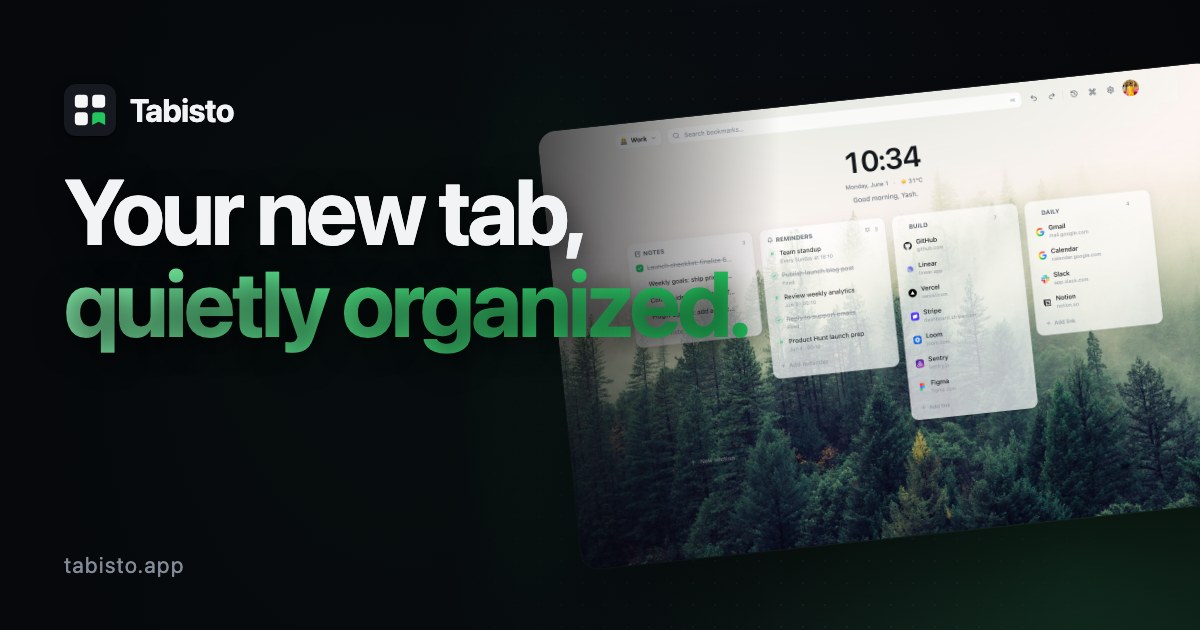
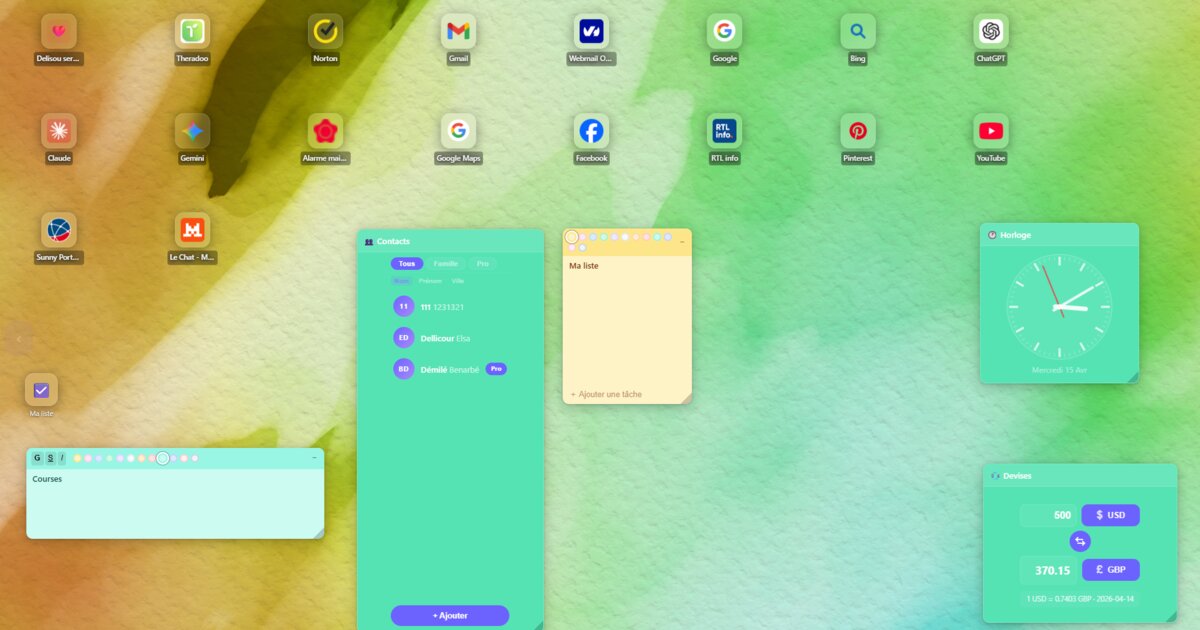
A browser new-tab replacement with visual bookmarks, workspaces, and notes that stores data locally instead of in the cloud, for people who want a private, local-first browsing dashboard.
Works offline
What to know▼
How it works
Replaces the browser new-tab page with visual bookmarks, workspaces, notes, and session saving; data is stored locally.
We check every product on this page once a day and record whether it still answers.
A Notion template for tracking job applications, interview rounds, and follow-ups in a Kanban pipeline.
Free
What to know▼
How it works
A Notion template that tracks every job application in one place, logs interview rounds linked to each company, and gives a Kanban pipeline view with a dedicated Ghosted status.
Pricing
About $3.60 one-time; requires a free Notion account.
Best for
Job seekers tracking multiple applications across tabs and chats.
We check every product on this page once a day and record whether it still answers.
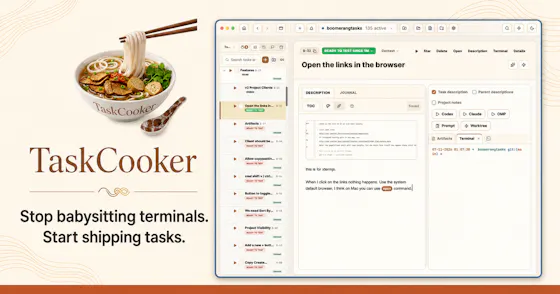
A free, open-source tool for managing tasks across multiple AI coding agent terminals instead of juggling tabs.
FreeOpen source
What to know▼
How it works
Organizes tasks across multiple AI coding agent terminals so you focus on the task instead of juggling 20-40 terminal tabs across worktrees, working with any AI subscription you already have.
We check every product on this page once a day and record whether it still answers.
Tracks live uptime for 77 AI APIs like OpenAI and Anthropic in one place, with a free API and a separate MCP server directory — for developers tired of checking many status pages.
FreeNo sign-up
What to know▼
How it works
Aggregates live status for 77 AI services in one place, with 24-hour latency sparklines, a cross-service incident timeline, a free REST API, and email alerts.
What's different
Runs its own probes to detect downtime immediately, rather than relying on providers' status pages which it says post updates 10-30 minutes after an incident starts.
Pricing
Free, built on Cloudflare Workers.
Best for
Developers who rely on multiple AI APIs and want one place to check if any of them are down.
We check every product on this page once a day and record whether it still answers.
A browser extension that pulls live football, basketball, tennis and UFC scores and alerts into one place, so fans don't have to tab-hop between sites.
What to know▼
How it works
A browser extension that pulls real-time scores, updates and alerts for football, basketball, tennis and UFC into the browser popup, with the ability to pin favorite matches.
What's different
Lets fans track games without opening or switching between multiple sports websites or tabs.
Best for
Sports fans who want to keep an eye on live scores while working, studying or browsing without tab-hopping.
We check every product on this page once a day and record whether it still answers.
A free developer toolkit for image optimization, password generation, and file sharing, paired with a hand-written tips library on CSS, JS, and web performance.
FreeNo sign-up
What to know▼
How it works
Provides image optimization, resizing, conversion, and downloading, plus a secure password generator and expiring-link file sharing, with no account required.
What's different
Paired with a hand-written Pro Tips library covering CSS, JavaScript, HTML, React, Next.js, WordPress, and performance.
We check every product on this page once a day and record whether it still answers.
A keyboard-driven command center for Chrome that searches your tabs, bookmarks, and history and runs browser actions, for people who don't want an account or cloud sync.
No sign-upWorks offline
What to know▼
How it works
local-first search and actions across tabs, bookmarks, history, and saved posts
We check every product on this page once a day and record whether it still answers.
A Chrome extension that turns tab audio into a real-time animated light show overlay in your browser — a fun visual toy, not a productivity tool.
What to know▼
How it works
A Chrome extension that overlays a real-time animated light show — frequency bars and glow effects — reacting to whatever audio is playing in a browser tab.
Best for
People who want a visual accompaniment to music playing in their browser.
We check every product on this page once a day and record whether it still answers.
A browser tab manager that saves, searches, and restores your tabs entirely locally for a one-time payment, for people who don't want a subscription tool uploading their browsing data.
We check every product on this page once a day and record whether it still answers.
A self-hosted, privacy-focused search engine and social bookmarking tool you run on your own cheap hosting — niche and technical, for people who want to own their node.
What to know▼
How it works
A federated search engine and social bookmarking tool with commenting, where users can customize a public bookmarks page with CSS and bookmark search results or their own links.
What's different
Setting up a node works even on cheap shared hosting, and includes a search widget for your own site.
Best for
Technical users who want to self-host and fully control their own search/bookmarking node.
We check every product on this page once a day and record whether it still answers.
Auto-sorts links you copy into categories like YouTube or Maps so you stop hoarding tabs or texting links to yourself - free during its beta, pricing after is unclear.
What to know▼
How it works
Instantly captures links from your clipboard and auto-categorizes them into groups like YouTube, Maps, Mail, and text, so you don't need to keep dozens of tabs open or text links to yourself.
What's different
Zero-friction, click-to-copy capture with automatic categorization rather than a manual bookmarking flow.
Pricing
100% free during the beta.
Best for
People who hoard open tabs or send links to their own WhatsApp just to read them later.
We check every product on this page once a day and record whether it still answers.
A free, sign-up-free directory of 290+ hand-picked useful websites sorted by category, from AI to design and productivity, in five languages.
Watch out · Available in 5 languages.
FreeNo sign-up
What to know▼
How it works
A hand-curated directory of 290+ useful websites sorted into categories like AI, design, development and productivity, with search and a 'new/popular' view.
Pricing
Free, no sign-up.
Best for
People who want a curated list of tools instead of searching through their own scattered bookmarks.
We check every product on this page once a day and record whether it still answers.
Organize and explore your X bookmarks
What to know▼
How it works
Imports your X bookmarks and uses AI to organize them into topics, then lets you search by meaning or ask questions with answers cited from your saved posts.
Best for
Heavy X bookmark users who want their saved posts organized and searchable instead of an unsorted list.
We check every product on this page once a day and record whether it still answers.
A privacy-focused bookmark organizer that keeps data local with no sign-up or cloud sync. Free for up to 25 bookmarks, then a one-time payment for unlimited.
Pay onceNo subscriptionNo tracking
What to know▼
How it works
Organizes browser bookmarks into dedicated sections without requiring sign-up or cloud sync, keeping data local with no tracking.
Pricing
Free for up to 25 bookmarks, with a one-time payment for unlimited access.
Best for
People who want a private, local bookmark organizer without creating an account.
We check every product on this page once a day and record whether it still answers.
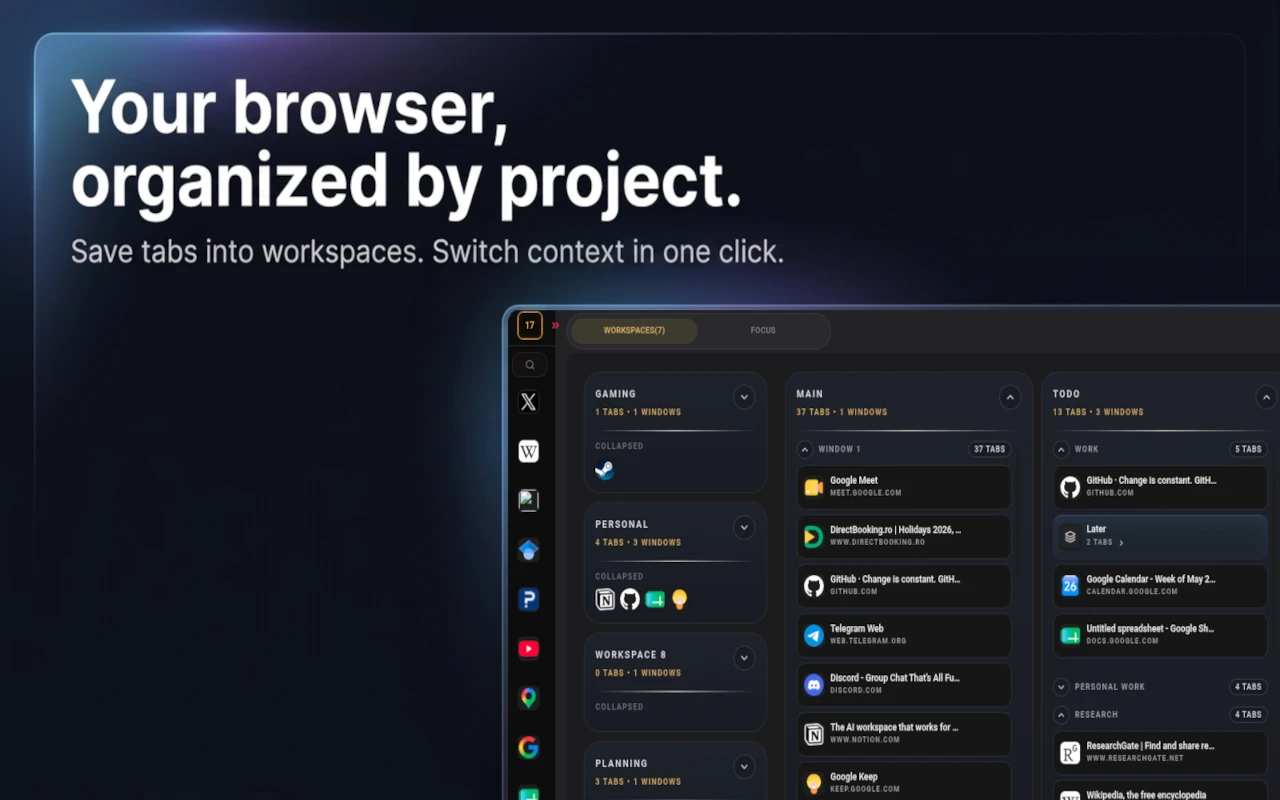
Groups your open browser tabs into named workspaces with focus sessions and reminders, for anyone drowning in too many open tabs — not tied to a specific profession.
Free
What to know▼
How it works
A browser extension that groups open tabs into named workspaces with their own windows, tab groups and saved layouts, plus focus sessions, reminders and optional cloud sync; layouts persist between sessions and can be reopened as a whole.
What's different
Organizes by intent rather than by accident — spatial workspaces you switch between in one click instead of one long undifferentiated tab bar.
Pricing
Free, with optional cloud sync.
Best for
Heavy tab users juggling multiple projects — creators, operators, and anyone mixing client work with personal browsing in one window.
We check every product on this page once a day and record whether it still answers.
Saves and organizes posts from Twitter/X, TikTok, Instagram, Reddit, YouTube and LinkedIn into one dashboard, instead of scattering bookmarks across each app.
What to know▼
How it works
Clips and saves posts from Twitter/X, TikTok, Instagram, Reddit, YouTube and LinkedIn into a single dashboard.
What's different
Consolidates bookmarking across six major platforms into one place instead of leaving saved content scattered across each app's native save feature.
Best for
Content curators, researchers and social media enthusiasts who reference saved posts across multiple platforms.
We check every product on this page once a day and record whether it still answers.
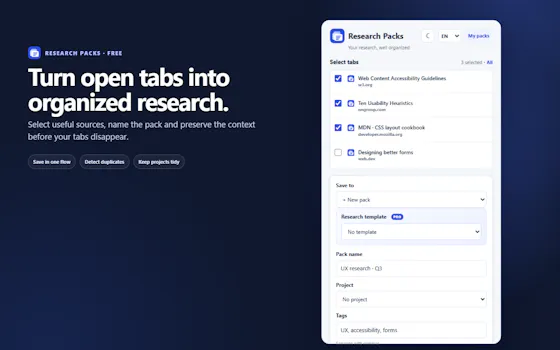
Close your browser. Keep your research. The 1-click Notion
Free
What to know▼
How it works
A Chrome extension paired with a pre-made Notion board: it saves all your open tabs in one click, then lets you sort each into 'Save Forever' or 'Delete Tomorrow' so you can close your browser.
What's different
Ships as a ready-made Notion template plus extension rather than a from-scratch setup, with a 2-minute setup video.
Pricing
Includes a free template.
Best for
People who keep dozens of research tabs open and want to close their browser without losing track of them.
We check every product on this page once a day and record whether it still answers.
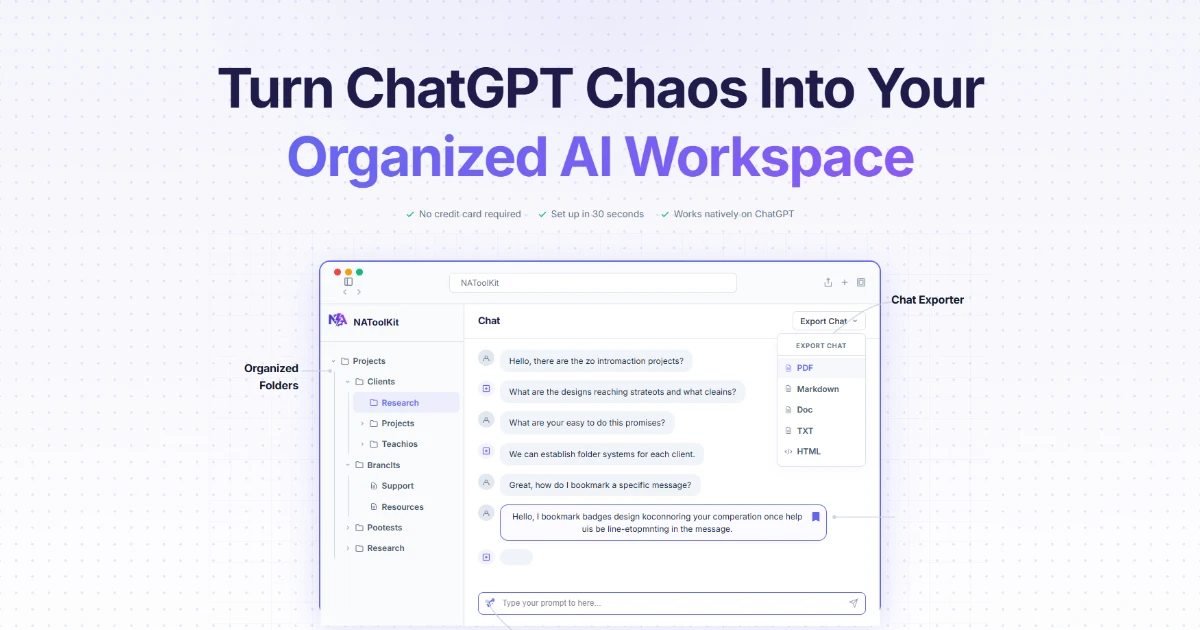
A browser extension that adds folders, search, bookmarks, and export to Claude.ai's chat history, for heavy Claude.ai users, instead of scrolling through an unorganized chat list.
FreeCan export my data
What to know▼
How it works
Adds folders to group chats, instant search, bookmarks, and one-click export of a conversation as Markdown, text, or JSON; everything stays local in the browser.
Pricing
Free, with an optional Pro tier for unlimited folders and full-chat export.
We check every product on this page once a day and record whether it still answers.
Merges bookmarks from every Chrome profile into one read-only view, flags dead or duplicate links, and reopens each one in its original profile. Free for up to 3 profiles.
FreePay once
What to know▼
How it works
Reads bookmarks from every Chrome profile read-only, merges duplicates into one card, and flags stale or dead links to clean up in bulk; clicking a link reopens it in the exact profile it belongs to.
What's different
Zero writes to Chrome and everything stays local, unlike tools that modify or sync your bookmarks elsewhere.
Pricing
Free for up to 3 profiles; Pro is a $29 one-time purchase for unlimited profiles plus AI auto-categorize.
Best for
People who use multiple Chrome profiles for work, personal, and client use and lose track of which bookmarks live where.
Tools for tabs, links and bookmarks — the short answers
Every number here comes from our own daily check — not from a vendor list.
Tools for tabs, links and bookmarks — how many are there?
Tablif is tracking 142 of them. 140 answered our check today, and 1 we couldn't reach — we don't claim those are dead.
Which ones are still maintained?
Tablif knocks on every door once a day and records the answer. 140 of these 142 responded on the latest run, so that number is what "still here" means on this page — not a review score.
Are any of them free?
33 of the live ones say so in their own words, and 18 let you start without making an account. Tablif records the claim the product makes; we don't verify pricing.
Any open-source options?
6 of the live ones on Tablif mention being open source.
What's the newest one?
TiledBrowser — Tablif first saw it 2 days ago.
Did a person actually look at these?
139 of them Tablif opened and read, then wrote a one-line summary in our own words instead of reusing the founder's tagline. The rest carry keyword labels we haven't confirmed by reading yet — and we say so rather than hiding it.