We check every product on this page once a day and record whether it still answers.
A browser tool that captures any tab's audio and applies real-time studio-style effects, including MIDI controller input, for people who want to shape web audio live.
What to know▼
How it works
Captures tab audio, offers knob-based effects and a reactive visualizer, supports MIDI control.
Best for
Streamers/musicians wanting real-time processing of browser audio.
We check every product on this page once a day and record whether it still answers.
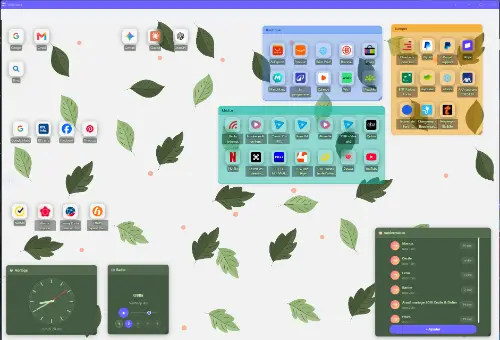
Replaces your browser's new tab page with a gradient dashboard and bookmark manager that doesn't track you — a personal extension, not a work-team tool.
No tracking
What to know▼
How it works
Replaces the browser's new tab page with a dashboard featuring gradients and bookmark management.
Best for
People who want a nicer-looking, non-tracking new tab page for personal browsing.
We check every product on this page once a day and record whether it still answers.
Chrome side panel that lets you preview and search open tabs before switching to them.
FreeNo sign-up
What to know▼
How it works
Puts open Chrome tabs in a searchable side panel — point at a tab to preview the live page, click to switch, search across windows, sort tabs, and navigate by keyboard.
We check every product on this page once a day and record whether it still answers.
A Chrome extension that saves browser tab workspaces, triages your Gmail inbox, and tracks a to-do list from one popup. A lightweight all-in-one add-on, not a full project-management tool.
What to know▼
How it works
A Chrome extension that saves browser tab workspaces, triages your Gmail inbox, and manages a to-do list, all from one extension popup.
Pricing
Starts at $3/month.
Best for
People who want a lightweight, all-in-one productivity add-on in the browser rather than separate apps for tabs, email and tasks.
We check every product on this page once a day and record whether it still answers.
A free Chrome extension that boosts individual tab volume up to 600% with per-tab memory and a built-in equalizer, all processed locally on your device.
FreeData stays with youNo subscription
What to know▼
How it works
A Chrome extension that boosts the volume of individual tabs up to 600%, with per-tab volume memory, a built-in equalizer, and keyboard shortcuts, processing audio locally on-device.
Pricing
Free forever, no ads or subscriptions.
Best for
People who need louder audio on specific Chrome tabs with quiet source audio.
We check every product on this page once a day and record whether it still answers.
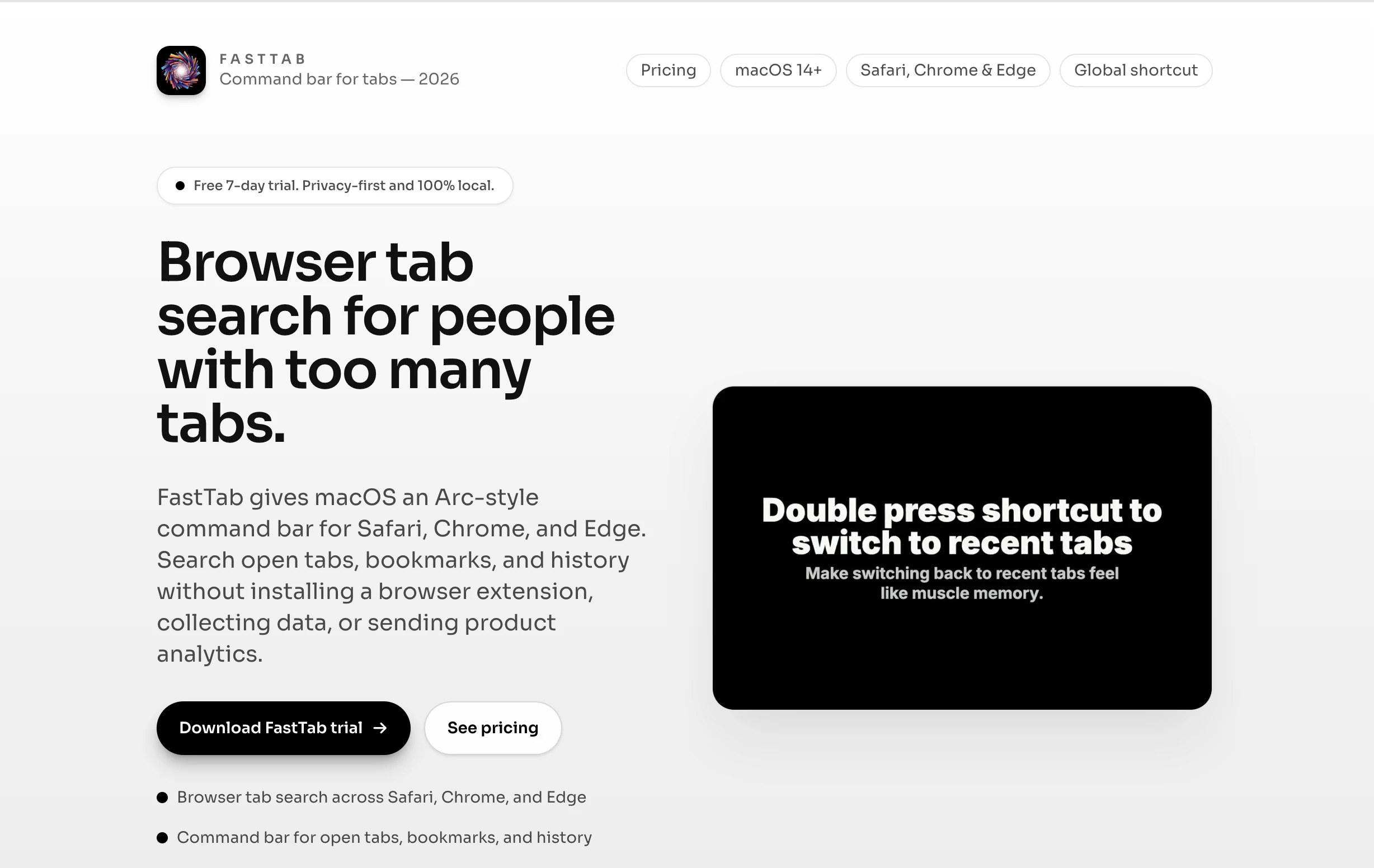
A macOS command bar that searches your open tabs, bookmarks and history across Safari, Chrome, Edge and Brave, with no extension install and no data collection.
Watch out · Requires no extension install by design, but is a separate macOS app rather than something built into the browser.
Nothing to installNo tracking
What to know▼
How it works
FastTab gives macOS an Arc-style command bar for Safari, Chrome, Edge, and Brave, letting you search open tabs, bookmarks, and history without installing a browser extension.
What's different
Works across all four browsers without an extension, data collection, or product analytics — you keep your existing browser instead of switching to Arc.
Best for
People who already have a browser workflow and just want a faster keyboard-driven way back to an open tab.
Watch out
Requires no extension install by design, but is a separate macOS app rather than something built into the browser.
We check every product on this page once a day and record whether it still answers.
A native macOS app that syncs bookmarks, tabs, cookies, and browser state across Safari, Firefox, and Chromium-based browsers, and routes links to the right browser by rule, keeping all data local through a local daemon.
Works offline
What to know▼
How it works
Connects Safari, Chromium-based browsers, and Firefox to sync bookmarks, tabs, cookies, and state, and routes links by rule; everything runs locally through a local daemon so data never leaves the Mac.
Best for
People who regularly use more than one browser on macOS.
We check every product on this page once a day and record whether it still answers.
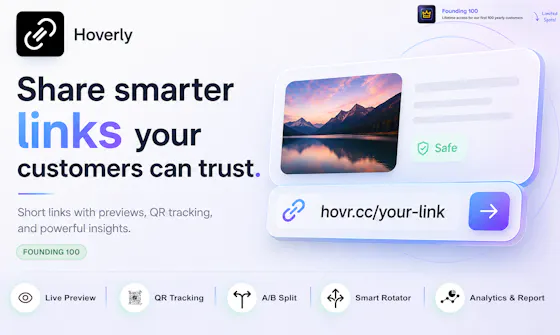
Link shortener with QR codes, click analytics, A/B testing and geo-based routing for marketers.
Free
What to know▼
How it works
Paste a URL to get a short link and QR code instantly; a free account adds full click analytics, A/B testing, device-based traffic splitting, and SubID/postback conversion tracking.
We check every product on this page once a day and record whether it still answers.
Browser extension that saves, summarizes, and auto-sorts web links into your own topics so you can read them later.
Can export my data
What to know▼
How it works
Save any link with one click from a browser extension; it pulls the full text into a clean, readable copy that survives if the original page moves, 404s, or goes behind a paywall, writes a short summary, and auto-files it under your own topics.
What's different
Everything is searchable by meaning rather than just titles; the reader has no cookie banners, autoplay, or clutter.
We check every product on this page once a day and record whether it still answers.
A browser extension that organizes open tabs, saves sessions, and adds a focus mode with occasional wellness breaks, a tab-management and focus tool rather than a privacy product.
FreeData stays with you
What to know▼
How it works
A browser extension for organizing open tabs into named groups, saving and restoring browsing sessions, activating a focus mode, and integrating mindful breaks during long browsing sessions.
Pricing
Free.
Best for
People who want to reduce tab clutter and add occasional wellness breaks to their browsing.
We check every product on this page once a day and record whether it still answers.
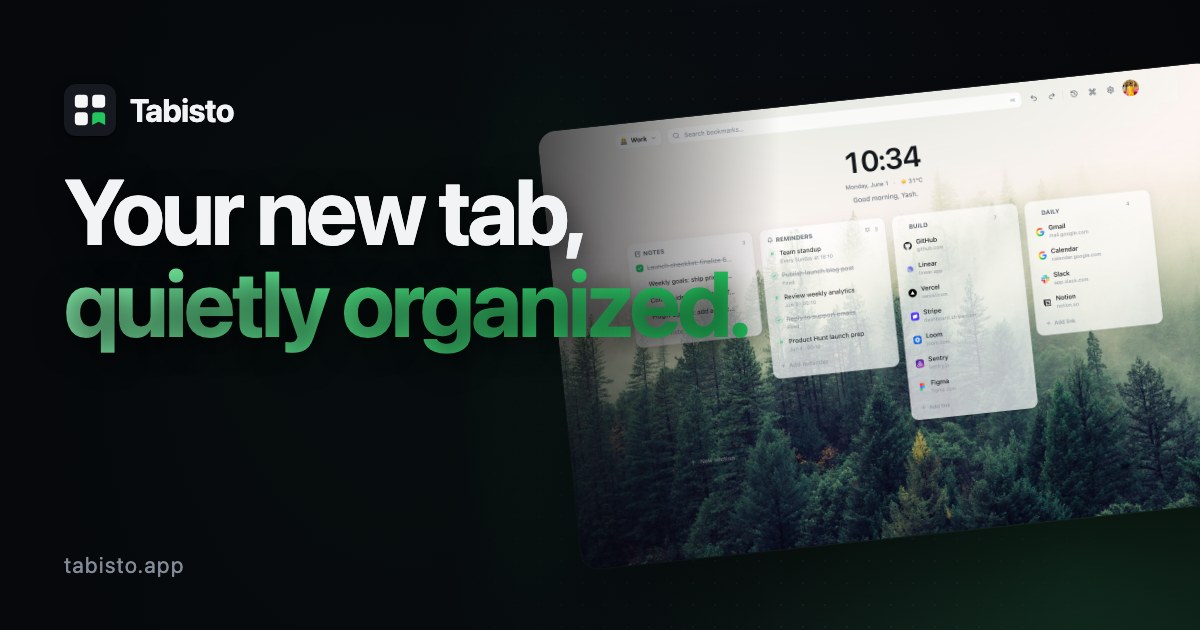
A browser new-tab replacement with visual bookmarks, workspaces, and notes that stores data locally instead of in the cloud, for people who want a private, local-first browsing dashboard.
Works offline
What to know▼
How it works
Replaces the browser new-tab page with visual bookmarks, workspaces, notes, and session saving; data is stored locally.
We check every product on this page once a day and record whether it still answers.
A Notion template for tracking job applications, interview rounds, and follow-ups in a Kanban pipeline.
Free
What to know▼
How it works
A Notion template that tracks every job application in one place, logs interview rounds linked to each company, and gives a Kanban pipeline view with a dedicated Ghosted status.
Pricing
About $3.60 one-time; requires a free Notion account.
Best for
Job seekers tracking multiple applications across tabs and chats.
We check every product on this page once a day and record whether it still answers.
A browser extension that pulls live football, basketball, tennis and UFC scores and alerts into one place, so fans don't have to tab-hop between sites.
What to know▼
How it works
A browser extension that pulls real-time scores, updates and alerts for football, basketball, tennis and UFC into the browser popup, with the ability to pin favorite matches.
What's different
Lets fans track games without opening or switching between multiple sports websites or tabs.
Best for
Sports fans who want to keep an eye on live scores while working, studying or browsing without tab-hopping.
We check every product on this page once a day and record whether it still answers.
A free developer toolkit for image optimization, password generation, and file sharing, paired with a hand-written tips library on CSS, JS, and web performance.
FreeNo sign-up
What to know▼
How it works
Provides image optimization, resizing, conversion, and downloading, plus a secure password generator and expiring-link file sharing, with no account required.
What's different
Paired with a hand-written Pro Tips library covering CSS, JavaScript, HTML, React, Next.js, WordPress, and performance.
We check every product on this page once a day and record whether it still answers.
A keyboard-driven command center for Chrome that searches your tabs, bookmarks, and history and runs browser actions, for people who don't want an account or cloud sync.
No sign-upWorks offline
What to know▼
How it works
local-first search and actions across tabs, bookmarks, history, and saved posts
We check every product on this page once a day and record whether it still answers.
A Chrome extension that turns tab audio into a real-time animated light show overlay in your browser — a fun visual toy, not a productivity tool.
What to know▼
How it works
A Chrome extension that overlays a real-time animated light show — frequency bars and glow effects — reacting to whatever audio is playing in a browser tab.
Best for
People who want a visual accompaniment to music playing in their browser.
We check every product on this page once a day and record whether it still answers.
A browser tab manager that saves, searches, and restores your tabs entirely locally for a one-time payment, for people who don't want a subscription tool uploading their browsing data.
We check every product on this page once a day and record whether it still answers.
A self-hosted, privacy-focused search engine and social bookmarking tool you run on your own cheap hosting — niche and technical, for people who want to own their node.
What to know▼
How it works
A federated search engine and social bookmarking tool with commenting, where users can customize a public bookmarks page with CSS and bookmark search results or their own links.
What's different
Setting up a node works even on cheap shared hosting, and includes a search widget for your own site.
Best for
Technical users who want to self-host and fully control their own search/bookmarking node.
We check every product on this page once a day and record whether it still answers.
Saves and organizes posts from Twitter/X, TikTok, Instagram, Reddit, YouTube and LinkedIn into one dashboard, instead of scattering bookmarks across each app.
What to know▼
How it works
Clips and saves posts from Twitter/X, TikTok, Instagram, Reddit, YouTube and LinkedIn into a single dashboard.
What's different
Consolidates bookmarking across six major platforms into one place instead of leaving saved content scattered across each app's native save feature.
Best for
Content curators, researchers and social media enthusiasts who reference saved posts across multiple platforms.
We check every product on this page once a day and record whether it still answers.
A Mac browser that replaces tabs with one continuous scrollable canvas of pages, notes and tools side by side, for people who lose context switching between tabs.
What to know▼
How it works
A Mac browser that replaces traditional tabs with a single continuous canvas, placing pages, notes, and tools side-by-side so you scroll across your workspace instead of switching tabs.
What's different
Keeps all open content simultaneously visible on one canvas rather than hidden behind separate tabs.
Best for
People on Mac who lose context switching between many browser tabs.
We check every product on this page once a day and record whether it still answers.
Compares real-time prices for PC parts across retailers to help you build a cheaper PC — a Spanish-language tool for hardware shoppers tired of open tabs.
What to know▼
How it works
Compares real-time prices for PC hardware components across retailers so you don't have to keep 20 tabs open comparing prices.
Best for
Spanish-speaking PC builders and hardware enthusiasts shopping for the cheapest components.
We check every product on this page once a day and record whether it still answers.
Auto-sorts links you copy into categories like YouTube or Maps so you stop hoarding tabs or texting links to yourself - free during its beta, pricing after is unclear.
What to know▼
How it works
Instantly captures links from your clipboard and auto-categorizes them into groups like YouTube, Maps, Mail, and text, so you don't need to keep dozens of tabs open or text links to yourself.
What's different
Zero-friction, click-to-copy capture with automatic categorization rather than a manual bookmarking flow.
Pricing
100% free during the beta.
Best for
People who hoard open tabs or send links to their own WhatsApp just to read them later.
We check every product on this page once a day and record whether it still answers.
Helps families, couples and solo travelers find activities and hotels that actually fit their trip type, instead of digging through scattered blogs and recommendations across many tabs.
What to know▼
How it works
A travel planning tool that surfaces activities and hotels filtered for the type of trip you're taking — solo, as a couple, or with kids — instead of generic recommendations.
What's different
Filters recommendations by traveler type (baby-friendly quiet spots, kid-friendly activities, romantic spots without toddlers) rather than one-size-fits-all listings.
Best for
Families, couples, and solo travelers tired of digging through scattered blogs and tabs to find trip-appropriate recommendations.
We check every product on this page once a day and record whether it still answers.
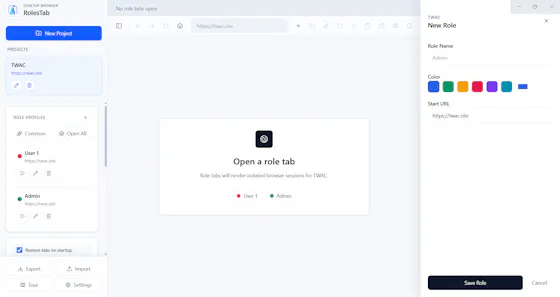
An open-source desktop browser that gives developers and QA engineers isolated cookie and session tabs for testing multiple user roles at once, instead of juggling multiple browsers or profiles.
Open source
What to know▼
How it works
Every tab has independent cookies, storage and authentication, so admin, manager, customer and other roles can be tested simultaneously in one window.
We check every product on this page once a day and record whether it still answers.
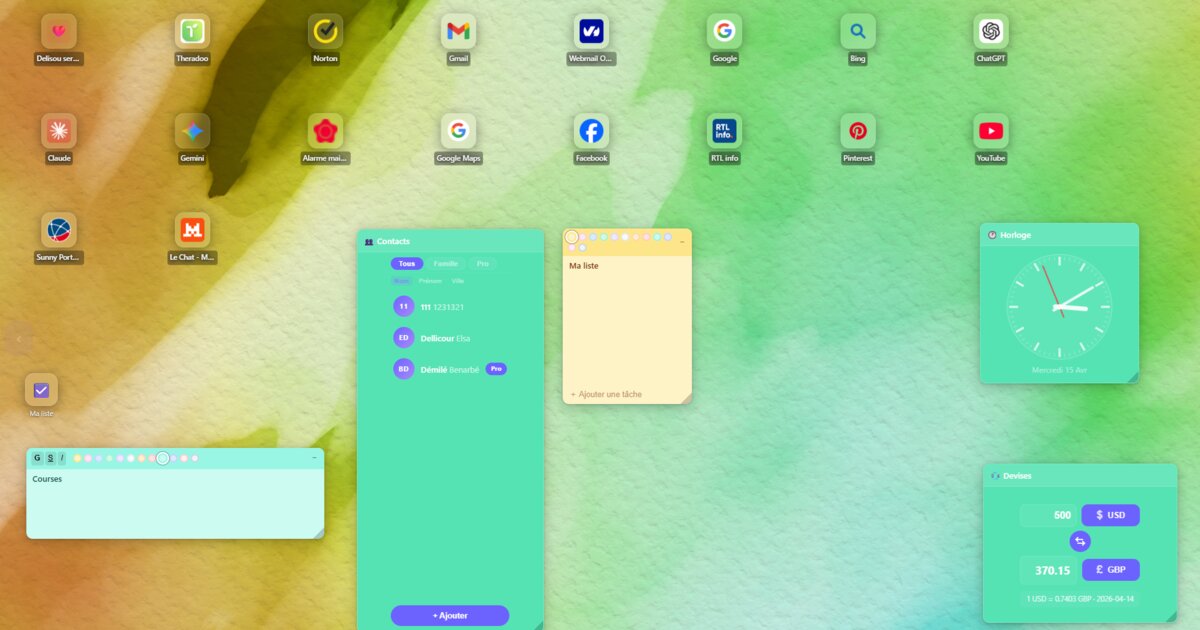
A browser new-tab replacement with weather, notes, a focus timer and bookmark sync, all local and private; a general personal productivity tool, not work-specific software.
Works offline
What to know▼
How it works
Replaces the browser's new-tab page with a workspace featuring weather, notes, a focus timer and native bookmark sync.
What's different
Runs 100% local and private rather than syncing through a cloud service.
Best for
People who want a personal productivity-focused new tab page.
We check every product on this page once a day and record whether it still answers.
A branded link shortener with QR codes, landing pages and traffic analytics, built for marketing and growth teams running multi-channel campaigns.
What to know▼
How it works
A link management platform for creating branded short URLs, QR codes, and campaign landing pages, with traffic routing rules based on geography, device, language, OS, schedule or performance.
What's different
Combines branded links, landing pages and smart routing in one platform rather than being a basic URL shortener.
Best for
Marketing and growth teams running multi-channel campaigns who need branded links with analytics and conditional routing.
We check every product on this page once a day and record whether it still answers.
A Mac desktop app that mirrors your Android phone's Google Messages, letting you reply from macOS notifications and auto-copy 2FA codes -- not a mobile app itself.
No subscription
What to know▼
How it works
A macOS app that pairs with an Android phone and mirrors Google Messages, giving you real Mac notifications you can reply to, an unread dock badge, and recent chats in the menu bar.
What's different
Auto-copies 2FA codes to your clipboard the moment they arrive, and lets you set a custom chat wallpaper.
Pricing
$12.99 one-time purchase, no subscription, with a free 3-day trial.
Best for
Android phone + Mac users who don't have iMessage and are tired of texting from a browser tab.
We check every product on this page once a day and record whether it still answers.
A privacy-focused bookmark organizer that keeps data local with no sign-up or cloud sync. Free for up to 25 bookmarks, then a one-time payment for unlimited.
Pay onceNo subscriptionNo tracking
What to know▼
How it works
Organizes browser bookmarks into dedicated sections without requiring sign-up or cloud sync, keeping data local with no tracking.
Pricing
Free for up to 25 bookmarks, with a one-time payment for unlimited access.
Best for
People who want a private, local bookmark organizer without creating an account.
We check every product on this page once a day and record whether it still answers.
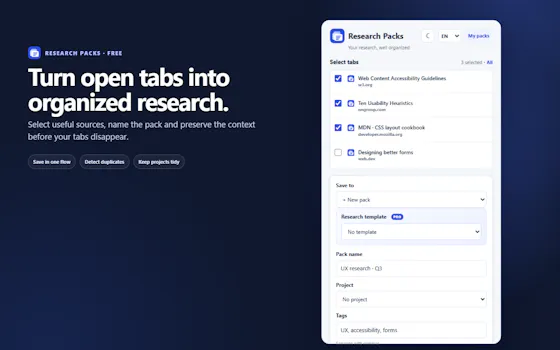
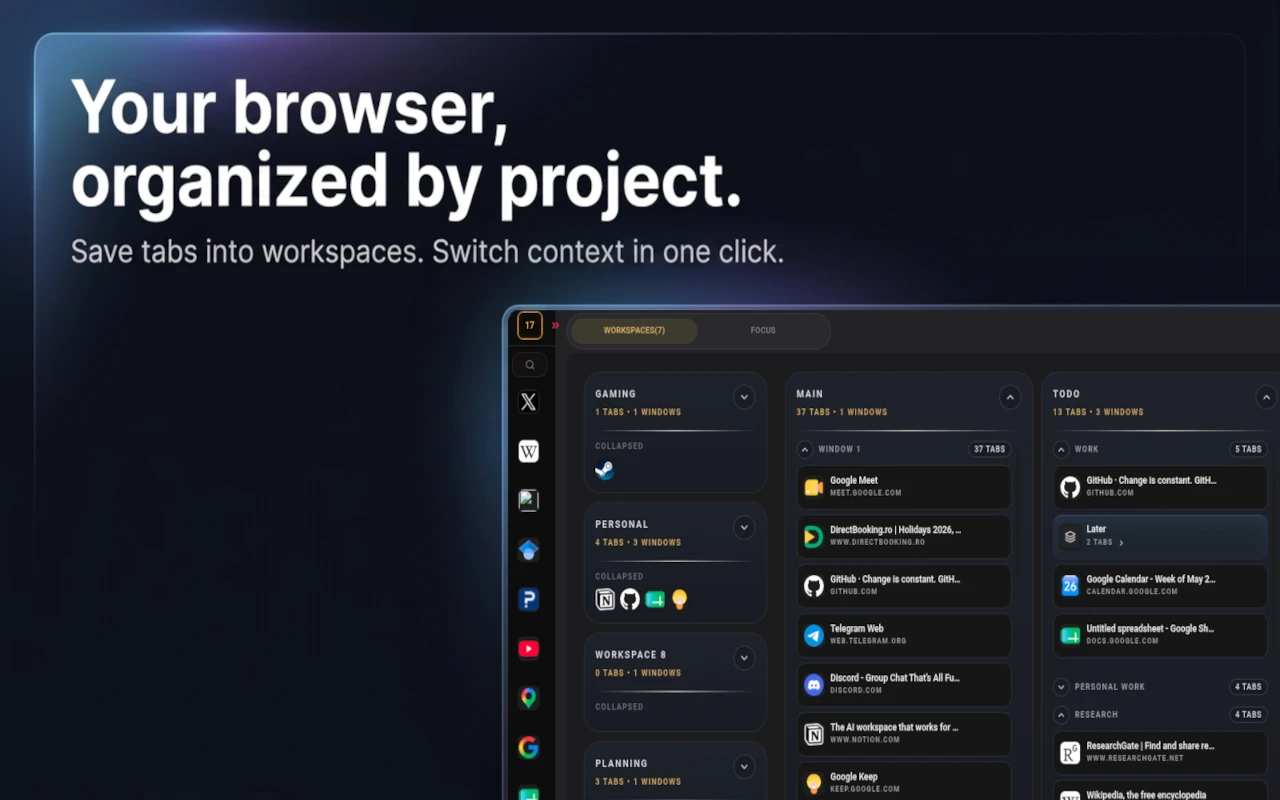
Groups your open browser tabs into named workspaces with focus sessions and reminders, for anyone drowning in too many open tabs — not tied to a specific profession.
Free
What to know▼
How it works
A browser extension that groups open tabs into named workspaces with their own windows, tab groups and saved layouts, plus focus sessions, reminders and optional cloud sync; layouts persist between sessions and can be reopened as a whole.
What's different
Organizes by intent rather than by accident — spatial workspaces you switch between in one click instead of one long undifferentiated tab bar.
Pricing
Free, with optional cloud sync.
Best for
Heavy tab users juggling multiple projects — creators, operators, and anyone mixing client work with personal browsing in one window.
We check every product on this page once a day and record whether it still answers.
A free, ad-free bundle of everyday web utilities (word counter, unit converter, password generator) in one place instead of juggling separate tabs — general-purpose despite the callout to developers and students.
No ads
What to know▼
How it works
A bundle of everyday web utilities — word counter, temperature converter, password generator and more — in one interface instead of separate tabs or sites.
Pricing
Free, ad-free.
Best for
Anyone who regularly needs small utilities like counters or converters and wants to avoid ad-heavy single-purpose sites.
We check every product on this page once a day and record whether it still answers.
Close your browser. Keep your research. The 1-click Notion
Free
What to know▼
How it works
A Chrome extension paired with a pre-made Notion board: it saves all your open tabs in one click, then lets you sort each into 'Save Forever' or 'Delete Tomorrow' so you can close your browser.
What's different
Ships as a ready-made Notion template plus extension rather than a from-scratch setup, with a 2-minute setup video.
Pricing
Includes a free template.
Best for
People who keep dozens of research tabs open and want to close their browser without losing track of them.