Tools you can use without making an accountPDFs

160 match your filters — 150 of them answered our check today.

Watching this group for 20 days · how we check

This week59 new arrivals3 stopped answering

A private, offline AI journaling app that now adds AI-generated PDF exports of your reflections.

No sign-upWorks offlineNo trackingCan export my data
What to know
How it works
A private, offline AI journaling app that now adds AI-generated PDF exports of your reflections, including an AI-generated retrospective based on your own journal entries.
What's different
Available in 7 languages.
Watch out
Fully offline processing, no account, no cloud, no tracking.

Watched for 6 days · last checked today

Details →

Tool that exports your own public Behance work into a layout-faithful PDF, a portable website, or a structured archive.

Domain registered 1 month ago

No sign-upCan export my data
What to know
How it works
exports Behance projects as PDF, Webfolio ZIP, or structured archive
Pricing
free up to 3 project PDFs per rolling day, no signup
Watch out
only for work you own or have permission to export

Watched for 4 days · last checked 3d ago

Details →

Runs 50 ISO/ASME engineering calculators (gears, bearings, bolts, shafts, vessels, welds) in the browser with formulas, worked examples, and exportable branded PDF reports, for engineers instead of $10k desktop software like KISSsoft or MITCalc.

No sign-upNothing to install
What to know
How it works
Each of the 50 tools cites its governing standard, shows the formula and a worked example, and exports a PDF report.
Pricing
Free 30-minute preview; no sign-up required.
Best for
Engineers needing a standard-cited calculation and a reviewer-ready report without buying desktop suites.

Watched for 13 days · last checked 2d ago

Details →

Free online file converter that runs entirely in your browser so files never get uploaded to a server.

Domain registered 1 month ago

FreeNo sign-upWorks offlineData stays with you
What to know
How it works
converts PDFs, images, docs, audio and video locally via WebAssembly
What's different
no upload, works offline, no daily limits
Pricing
free

Watched for 6 days · last checked today

Details →

Turns any photo into a multi-page, wall-sized printable poster PDF in the browser, instead of using desktop poster-tiling software.

No sign-up
What to know
How it works
Choose page size, grid, margins, overlap, crop marks, optional halftone; download watermark-free PDF.
Pricing
No account required, local files stay in browser, no watermark.

Watched for 2 days · last checked 1d ago

Details →

A free browser-based toolkit for converting, merging, compressing, and running OCR on PDF files, with no sign-up required.

FreeNo sign-up
What to know
How it works
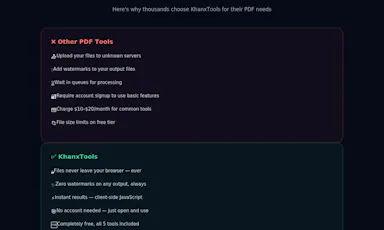
Converts PDFs to/from Word, Excel, PowerPoint and JPG; merges, splits, rotates, compresses, and OCRs PDFs; adds or removes passwords and watermarks.
Pricing
Free, no sign-up, no watermarks on output.
Best for
Anyone needing quick PDF edits without installing software.

Watched for 7 days · last checked 1d ago

Details →

Nexmy

Live

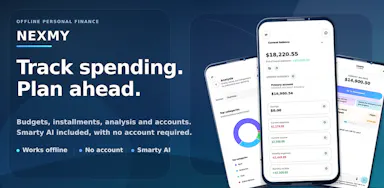
Offline budget and buy-now-pay-later tracker for people who don't want financial data touching the cloud.

Domain registered 2 months ago

No sign-upWorks offlineCan export my data
What to know
How it works
On-device tracking with a local AI assistant for interest simulation and PDF reports
What's different
Fully offline, zero accounts
Best for
Privacy-conscious individuals managing personal finances

Watched for 6 days · last checked today

Details →

Turns a GitHub profile into a narrative developer profile for recruiters, for developers who want more than a repo list on their resume.

No sign-upCan export my data
What to know
How it works
Analyzes repos, languages, and contribution history to write a narrative profile
What's different
no signup needed, compares two profiles side by side, exports as PDF
Best for
developers and students job-hunting with a GitHub history

Watched for 6 days · last checked today

Details →

Turns personalized names, dates, and inside jokes into a printable custom crossword or word search with a live preview, for weddings, baby showers, and office events.

Domain registered 22 months ago

No sign-upPay onceNo subscription
What to know
How it works
Type words and clues, watch the grid build in a live preview, then choose from 36 backgrounds and four print sizes.
Pricing
One-time payment, no account or subscription; delivers a print-ready PDF bundle with answer key.

Watched for 14 days · last checked 8d ago

Details →

PDF2me

Live

A free set of online PDF tools for merging, splitting, converting, compressing, and watermarking, with no signup and no files stored.

Domain registered 4 months ago

FreeNo sign-up
What to know
How it works
Merge, split, convert to Word or Excel, compress, or watermark PDFs online.
Pricing
Free, no registration.
Best for
Anyone needing quick PDF edits without creating an account.

Watched for 7 days · last checked 1d ago

Details →

RaaDoc

Live

Free toolkit of 55+ PDF, image and developer utilities that process files locally in the browser without uploading them.

Domain registered 10 days ago

FreeNo sign-upData stays with you
What to know
How it works
52 of 56 tools run entirely client-side, no server upload
Pricing
free, no signup, no daily limits

Watched for 6 days · last checked today

Details →

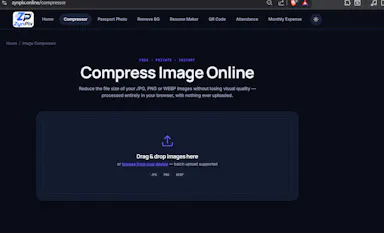
A free collection of 25+ browser-only utilities (PDF merge/split, image compression, calculators, and more) that process everything locally with no account or upload.

Domain registered 12 days ago

FreeNo sign-upNothing to installData stays with you
What to know
How it works
Provides 25+ browser-only tools including image compression, PDF merge/split, salary calculator, investment simulator, and roulette, with all processing on-device.
Pricing
Free, no install, no sign-up, no upload.

Watched for 8 days · last checked 2d ago

Details →

Free no-signup web tools for generating QR codes, converting image formats, and turning photos into PDFs.

Domain registered 10 days ago

FreeNo sign-up
What to know
How it works
single-purpose browser tools for QR codes, image conversion and photo-to-PDF
Pricing
free, no signup

Watched for 6 days · last checked today

Details →

A free Chrome extension that converts PDFs to editable Excel spreadsheets in one click. Text PDFs are parsed locally, while scanned or image PDFs use cloud-based AI table extraction.

FreeNo sign-upNo subscription
What to know
How it works
A Chrome extension that converts a PDF into an editable Excel spreadsheet in one click; text-based PDFs are parsed instantly and locally, while scanned or image PDFs go through AI-powered table extraction over HTTPS.
Pricing
Free, no login or subscription, no size limits.
Best for
Anyone who needs a quick, no-signup way to turn PDF tables into editable spreadsheets.
Watch out
Text PDFs stay local, but scanned or image-based PDFs are sent over HTTPS for cloud AI extraction rather than processed on-device.

Watched for 10 days · last checked 4d ago

Details →

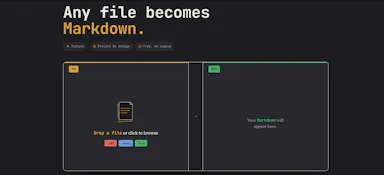
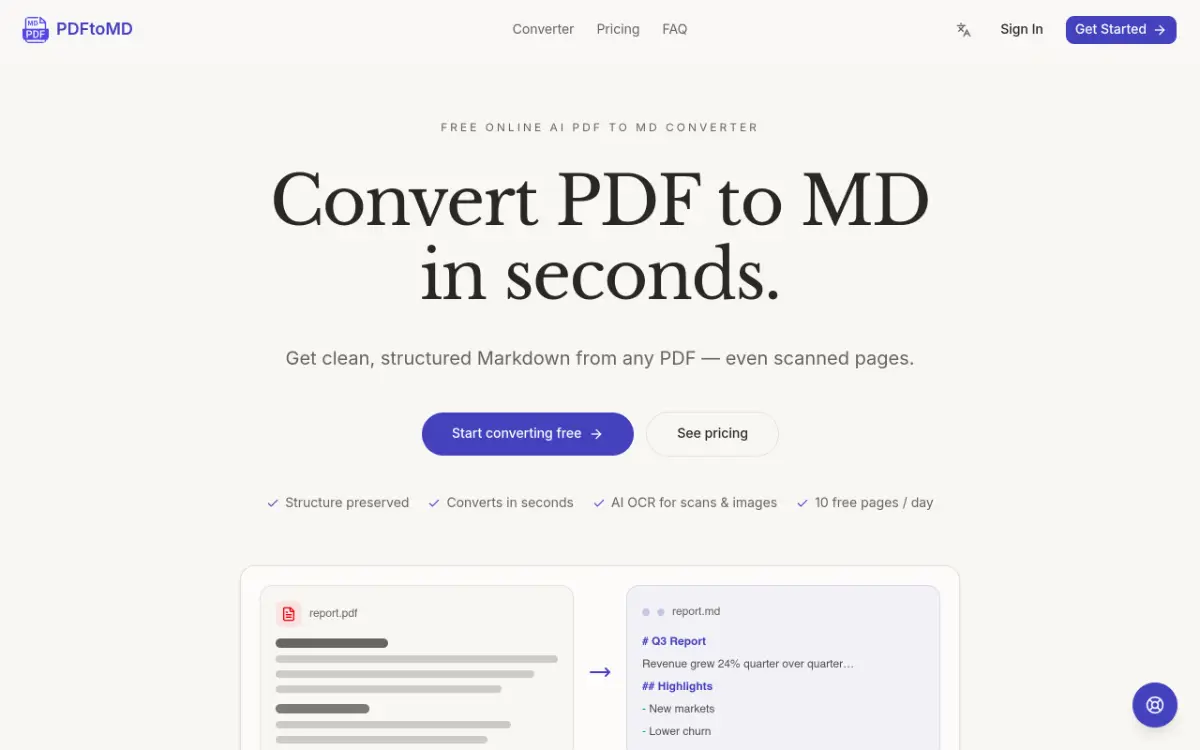
Browser tool that converts PDFs into AI-ready Markdown without uploading files, preserving tables and formulas and handling scanned/encrypted PDFs.

Domain registered 1 month ago

FreeNo sign-up
What to know
How it works
Runs entirely in-browser; side-by-side view to check output against original.
Pricing
Free, no signup
Best for
People prepping PDF content for use with an LLM.

Watched for 5 days · last checked today

Details →

Lets people merge, edit, and compress PDFs and images in the browser instead of uploading files to a server.

FreeNo sign-upNothing to installData stays with you
What to know
Pricing
free, no signup

Watched for 1 day · last checked today

Details →

Lets job seekers turn a JSON Resume into a polished PDF instead of formatting a resume by hand.

FreeNo sign-upCan export my data
What to know
How it works
100% client-side; edit via form or raw JSON; exports PDF and LaTeX.
Pricing
free, no account

Watched for 1 day · last checked today

Details →

Lynote

Live

Free browser tools for detecting AI-written text and images, plus a humanizer to rewrite text past detectors, and separate YouTube transcript and summary tools. No sign-up needed, but a bundle of loosely related utilities.

Domain registered 8 months ago

FreeNo sign-upCan export my data
What to know
How it works
A set of free, no-signup browser tools: an AI text detector with sentence-level highlighting across 50+ languages, an AI humanizer that rewrites text to get past detectors like GPTZero and Originality.ai, an AI image detector using C2PA/EXIF metadata, and separate YouTube transcript and video-summary generators.
Pricing
Free tier available with no account required to start.
Best for
Students, teachers, and marketers who want quick, no-signup checks on AI-generated text or images, or fast YouTube transcripts.
Watch out
The stated '99% accuracy' for the AI detector is the vendor's own claim, and the bundled humanizer is explicitly built to help text evade other detection tools.

Watched for 13 days · last checked 7d ago

Details →

Free browser-based PDF merge/split/convert tools that process files locally instead of uploading them anywhere.

Domain registered 19 days ago

FreeNo sign-up
What to know
How it works
Merge, split, rotate, organize, watermark, and convert PDF files, with files processed locally and never uploaded.
Pricing
Free, no sign-up.

Watched for 8 days · last checked 2d ago

Details →

A free, no-signup browser tool that converts images, PDFs, audio, video, and documents without uploading files to a server.

FreeNo sign-up
What to know
How it works
Runs entirely in the browser; converts image, PDF, audio, video, and document files without uploading them.
Pricing
Free.
Best for
Anyone who wants to convert files without creating an account or sending files to a server.

Watched for 7 days · last checked 1d ago

Details →

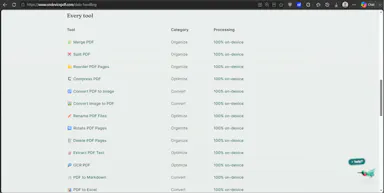
Suite of 25 PDF tools (merge, split, convert) that run entirely in your browser without uploading files to a server.

FreeNo sign-upNothing to installData stays with you
What to know
How it works
client-side processing for merges, splits and conversions
Pricing
free, no signup, no watermark

Watched for 6 days · last checked today

Details →

Generates free AI-based I Ching, Bazi and Feng Shui readings for entertainment and personal reflection.

Domain registered 24 days ago

FreeNo sign-upCan export my data
What to know
How it works
Casts hexagrams via the traditional three-coin method and generates readings/reports
Pricing
Free tier: 3 daily readings, no signup; paid one-time 30-day access $4.99/$29.99
Watch out
For entertainment and personal reflection only, not factual guidance

Watched for 6 days · last checked today

Details →

Converts images, video, audio and documents online across 120+ format pairs without an account.

Domain registered 1 month ago

FreeNo sign-up
What to know
How it works
Browser-based file conversion, files deleted from server after delivery
Pricing
Free, no account, no watermark
Watch out
Upload limit 2GB per file

Watched for 6 days · last checked today

Details →

Free browser-only toolkit for stripping captions from videos and editing PDFs, with no upload and Arabic/RTL support.

FreeNo sign-up
What to know
How it works
Removes captions/subtitles from videos (via ffmpeg.wasm) and offers a full PDF toolkit — merge, split, rotate, compress, watermark, extract pages, images-to-PDF, PDF-to-JPG — all running locally via pdf-lib/pdf.js.
Pricing
Free, no signup, no watermark on output.
Watch out
Files never get uploaded; supports English and Arabic with full RTL.

Watched for 8 days · last checked 2d ago

Details →

A free, no-signup collection of over 75 browser-based tools — finance and health calculators, unit converters, and PDF utilities — that run entirely in the browser without uploading files to a server.

FreeNo sign-up
What to know
How it works
Runs calculators, converters, and PDF tools client-side in the browser with no account and no server upload.
Best for
Anyone needing a quick calculation, conversion, or PDF edit without signing up.

Watched for 7 days · last checked 5d ago

Details →

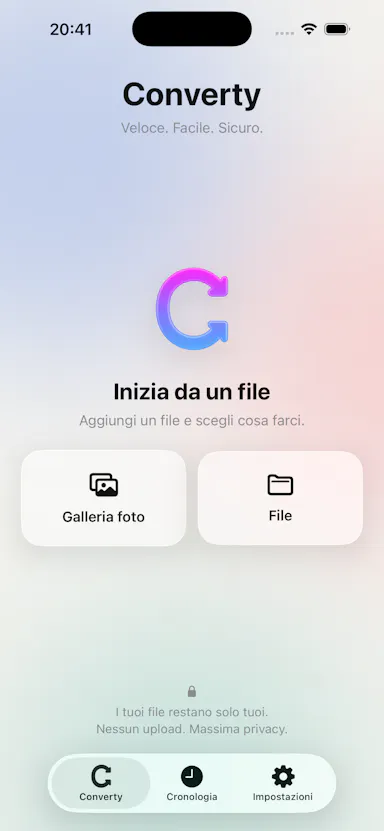
An iPhone app that converts, compresses, and resizes files and strips photo metadata entirely on-device, with no uploads or account.

2 ratings on the App Store

No sign-upData stays with youNo ads
What to know
How it works
on-device file/image conversion and EXIF/GPS stripping
What's different
nothing leaves the device
Pricing
no account, no ads

Watched for 6 days · last checked 4d ago

Details →

Doxad

Live

Converts, merges, splits, fills, signs, and compresses documents and images in the browser, for anyone needing quick file conversion instead of installing desktop office software.

Domain registered 3 months ago

FreeNo sign-up
What to know
How it works
Runs document tools like PDF-to-Word/PowerPoint conversion, PDF merge/split/fill/sign, and image compression in the browser.
Pricing
Free, no sign-up, no watermarks.

Watched for 13 days · last checked 7d ago

Details →

Free, in-browser PDF toolkit (merge, split, compress, convert, sign, OCR) that processes files on-device without requiring a signup.

FreeNo sign-up
What to know
How it works
30+ PDF tools run in the browser; files never leave the user's device.
Pricing
Free, no signup, no watermark, no file-size cap.

Watched for 11 days · last checked 5d ago

Details →

Folium

Live

A free, open-source resume builder with 15 templates, a live preview, and an ATS-ready PDF export, plus AI job-tailoring that scores your resume against a pasted job posting and matches keywords.

Domain registered 18 days ago

FreeNo sign-upOpen source
What to know
How it works
Build a resume from 15 templates with a live preview and ATS-ready PDF export; paste a job posting to get a match score, missing keywords, a tailored copy, and a cover letter.
What's different
Open source under AGPL, with no resume database storing your data.
Pricing
Free, no account, no paywall.
Best for
Job seekers who want a private resume builder without an account or paywall.

Watched for 11 days · last checked 5d ago

Details →

Converts PDF, DOCX or TXT files to clean Markdown entirely in your browser, no upload or signup needed - built for developers and technical writers who keep notes in plain text.

Domain registered 15 days ago

No sign-up
What to know
How it works
Drop in a PDF, DOCX or TXT file and it converts to clean Markdown in seconds, entirely inside the browser tab — no file upload to a server.
What's different
Runs fully client-side with no upload, no signup and no server involved.
Best for
Developers, technical writers, and Obsidian/Notion/Logseq users who keep notes in plain text.

Watched for 12 days · last checked 6d ago

Details →

A privacy-first iOS invoicing app with no login, no analytics and no servers — everything stays on your device. Free for 3 invoices a month; built for freelancers who don't want SaaS bloat.

FreeNo sign-upData stays with youNo tracking
What to know
How it works
An iOS invoicing app that creates professional PDF invoices in under a minute using three templates, with no login and no servers — all data stays on the device.
What's different
No account, no analytics, no servers — invoice data never leaves the device, unlike typical cloud invoicing SaaS.
Pricing
Free tier: 3 invoices/month forever. Plus unlocks unlimited invoices, all templates, logo, reports and CSV export for $5.99/mo or $39.99/yr.
Best for
Freelancers who want simple, private invoicing without SaaS bloat.

Watched for 13 days · last checked 7d ago

Details →

Lets field-service workers (cleaners, handymen, landscapers, painters, inspectors) fill in a job template with before/after photos and a signature, then send a branded PDF proof-of-work report with GPS and weather stamped in. Works offline, no account needed.

No sign-upWorks offline
What to know
How it works
Field-service workers fill in a job template with before/after photos and a signature, then send a branded PDF proof-of-work report with GPS and weather stamped in before leaving the job.
What's different
Works offline and needs no account.
Best for
Cleaners, handymen, detailers, landscapers, pet sitters, inspectors and painters who need proof-of-work for every job.

Watched for 10 days · last checked 4d ago

Details →

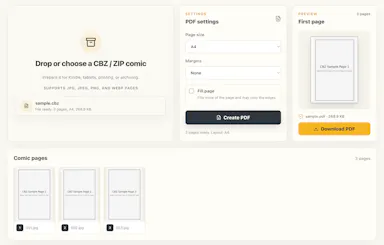
Converts CBZ/ZIP comic archives to PDF entirely in your browser — nothing uploaded, no account needed, good for readers who don't want desktop software or a server touching their files.

Domain registered 18 days ago

No sign-upNothing to installData stays with you
What to know
How it works
Converts CBZ and ZIP comic archives into PDF files for tablets, e-readers, printing, or long-term storage, entirely in the browser.
What's different
Everything is processed locally — no uploads and no account needed.
Best for
Comic readers who want their files converted without a desktop app or server ever touching them.

Watched for 13 days · last checked 7d ago

Details →

Fixes the iPhone-photo compatibility problem by converting HEIC to PNG locally in your browser, nothing uploaded to a server, no account, no app to install.

Domain registered 7 months ago

FreeNo sign-upNothing to installData stays with you
What to know
How it works
Converts HEIC photos from iPhones/iPads into PNG, JPG or WebP directly in the browser; supports batch conversion of up to 100 files at once with no file-size limits.
What's different
Conversion runs entirely on-device — photos are never uploaded to a server or stored.
Pricing
Free, no sign-up required.
Best for
People who need to convert iPhone HEIC photos for apps, websites or Windows PCs that can't open the format, without uploading personal photos.

Watched for 14 days · last checked 8d ago

Details →

OpenTools is a free, no-account collection of image and PDF tools that process files locally in your browser, instead of uploading them to a server.

FreeNo sign-up
What to know
How it works
Runs image and PDF editing tools entirely client-side in the browser, with no file upload.
Pricing
Free.

Watched for 16 days · last checked 9d ago

Details →

An offline home inventory and warranty tracker — photograph belongings, receipts and insurance records, stored privately on your device with no account needed. For homeowners and renters preparing for insurance claims.

No sign-upWorks offlineData stays with youPay once
What to know
How it works
Lets you document belongings, receipts, and insurance records room by room with photos, prices, brands, and notes, track warranties and service details with expiry reminders, and generate/share PDF inventory reports.
What's different
Runs fully offline with no account required, all data stored privately on the device, and supports export/restore backups.
Best for
Homeowners and renters preparing for an insurance claim or documenting valuables.

Watched for 18 days · last checked 2d ago

Details →

Converts images to PDF and edits them entirely in your browser via WebAssembly, so files never touch a server — worth it if privacy matters more than cloud convenience.

No sign-upWorks offlineData stays with you
What to know
How it works
Converts JPG, PNG, WEBP, HEIC, and BMP images to PDF and edits PDFs entirely in the browser using WebAssembly and local JS, including a suite of 36 tools to merge, split, compress, sign, protect, and decrypt.
What's different
Files never touch a server, work offline, and have no file size or page limits.
Best for
People handling sensitive documents who don't want to upload them to a cloud service.

Watched for 16 days · last checked 10d ago

Details →

Free browser-based converters for PDFs, images and video that process files locally rather than uploading them - a general privacy-focused toolkit, not a developer-specific one.

FreeNo sign-upData stays with you
What to know
How it works
A growing collection of free tools for converting PDFs, images and video. Every conversion runs locally in the browser, so files are never uploaded to a server.
What's different
No uploads, no account, no server ever sees your files — processing happens entirely on-device.
Pricing
Free.
Best for
People who want to convert files quickly without creating an account or uploading personal documents.

Watched for 15 days · last checked 1d ago

Details →

A free browser-based PDF toolkit for merging, splitting, signing, converting and redacting that processes files locally, with no upload, signup, or watermark.

Domain registered 13 days ago

FreeNo sign-upNothing to installData stays with you
What to know
How it works
A browser-based PDF toolkit with 34 tools for merging, splitting, compressing, editing, signing, converting, annotating, filling, and redacting PDFs, processing files locally in the browser.
What's different
Documents don't need to be uploaded to a processing server since the supported processing happens locally.
Pricing
Free, no signup, no watermark.
Best for
Anyone who wants to edit PDFs without uploading files to a server.

Watched for 12 days · last checked 6d ago

Details →

A grab-bag of free browser-based utilities - word counter, PDF compressor, BMI calculator, JSON formatter - with no signup. A general toolbox, not built around one job.

FreeNo sign-upNothing to install
What to know
How it works
A collection of free browser-based utilities: word counter, PDF compressor, BMI calculator, JSON formatter, and other developer/creator/student tools.
Pricing
Free, no signup required, works in the browser.
Best for
Developers, creators, and students who need a quick one-off tool without installing anything or making an account.

Watched for 17 days · last checked 11d ago

Details →

A free, browser-based PDF and image toolkit for merging, compressing, splitting, and converting files without uploading them to a server.

Domain registered 23 days ago

FreeNo sign-upData stays with you
What to know
How it works
Runs PDF merge, compress, split, and convert operations plus image editing entirely client-side in the browser.
Pricing
Free.
Best for
People who want quick PDF or image edits without creating an account or uploading files.

Watched for 11 days · last checked 5d ago

Details →

Merges, splits, compresses, and converts PDFs entirely in your browser, so files never get uploaded to a server.

Domain registered 8 months ago

FreeNo sign-upNothing to installData stays with you
What to know
How it works
Runs PDF/image tools client-side in JavaScript
What's different
Nothing leaves your device, unlike most free PDF tools
Pricing
Free, open source

Watched for 6 days · last checked 4d ago

Details →

A hub of 170+ free browser-based tools (PDF, image, resume/ATS and more) that run client-side, so files never leave your device. A broad utility site, not a specialized tool for one profession.

FreeNo sign-upNothing to installData stays with you
What to know
How it works
A hub of 170+ browser-based tools across 16 categories, including a PDF toolkit (compress/merge/split), an AI resume builder with ATS scoring, and financial calculators for India (GST, PPF, EPF) and the US (401k, HSA).
What's different
Processing happens locally in the browser via WebAssembly, so files never reach a server, and there is no sign-up, daily limit, or watermark.
Pricing
Free, no account required.
Best for
Anyone needing quick PDF, resume/ATS, or financial calculations without installing software or creating an account.

Watched for 14 days · last checked 2d ago

Details →

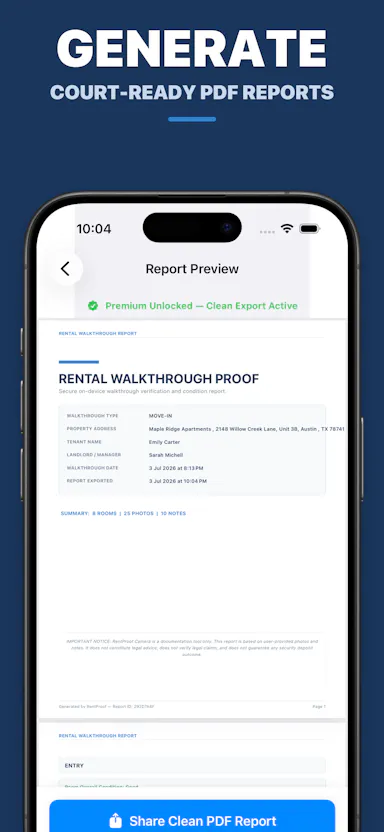
A tool for renters to document a home's condition with a room-by-room photo walkthrough and generate a timestamped PDF inspection report, no account required.

No sign-up
What to know
How it works
Guides you through a room-by-room walkthrough, capturing timestamped photos and notes on existing damage, and compiles it into a shareable PDF report.
Best for
Renters wanting proof of a home's condition before or after a tenancy.

Watched for 14 days · last checked 2d ago

Details →

Edit text and images inside a PDF on your iPhone, entirely offline with no account or subscription — real local PDF editing without cloud uploads.

No sign-upWorks offlineData stays with youNo subscription
What to know
How it works
Edits PDF text, images and vector objects directly on the iPhone: tap text to move or retype it, drag handles to resize images, merge multiple PDFs, delete pages from a thumbnail grid, and open or password-protect encrypted PDFs.
What's different
All processing happens locally on the device — no cloud upload, subscription or sign-in required.
Best for
iPhone users who need to genuinely edit PDF text and images without uploading files to a cloud service.

Watched for 18 days · last checked 2d ago

Details →

Converts PDF invoices into Germany's mandatory ZUGFeRD/Factur-X e-invoice format, and verifies existing ones — a narrow, free compliance tool, not a general invoicing app.

FreeNo sign-up
What to know
How it works
Converts a PDF invoice into a compliant ZUGFeRD/Factur-X e-invoice (PDF/A-3 with an embedded EN 16931 XML payload), and verifies existing ZUGFeRD/Factur-X PDFs with structural checks and a human-readable parsed view. LLM-based field extraction is reviewed and corrected by the user before conversion.
What's different
Built specifically for Germany's E-Rechnungspflicht mandate, requiring B2B companies to receive e-invoices since 2025 and issue them from 2027 or 2028.
Pricing
Free, no signup, no credit card.
Best for
German B2B companies needing to convert or verify e-invoices for the ZUGFeRD/Factur-X mandate.

Watched for 12 days · last checked 2d ago

Details →

Runs PDF tools like merge, split, and convert directly in your browser via WebAssembly instead of uploading files to a server. For anyone who doesn't want documents leaving their device.

Domain registered 11 months ago

FreeNo sign-upWorks offlineData stays with you
What to know
How it works
Runs PDF tools — merge, split, compress, and more — directly in the browser using WebAssembly instead of uploading files to a server.
What's different
22 of 23 tools run fully on-device, and the maker publishes exactly which tool is the exception rather than a blanket privacy claim.
Pricing
Free, no account required.
Best for
People who don't want their documents leaving their device.
Watch out
Described as launching soon, and one of the 23 tools does not run fully on-device.

Watched for 14 days · last checked 2d ago

Details →

A free collection of 50+ browser-based tools for compressing images, merging PDFs, generating QR codes, and calculating GST, EMI, SGPA, or attendance, with no signup or file uploads required.

Domain registered 20 days ago

FreeNo sign-up
What to know
How it works
50+ tools including image compression, PDF merging, GST/EMI/SGPA/attendance calculators, QR code generation, resume maker, and expense tracker, all running in the browser.
Pricing
Free, no signup, no uploads.

Watched for 14 days · last checked 2d ago

Details →

A toolbox of 100+ free browser-based utilities (file converters, PDF merger, CSV cleaner, an IQ test and more) that run entirely on your device so files never get uploaded.

Domain registered 1 month ago

FreeNo sign-upData stays with you
What to know
How it works
100+ browser-based utilities — HEIC to JPG conversion, photo compression, PDF merging, CSV cleanup, receipt generation, an IQ test and more — all running entirely on-device.
What's different
No server means files and data physically cannot leave the device; no uploads, signup or watermarks.
Pricing
Free.
Best for
People needing quick everyday file conversions or utilities without uploading files anywhere.

Watched for 14 days · last checked 2d ago

Details →

Edits, merges, splits and OCRs PDFs entirely in your browser via WebAssembly, so files never touch a server. Free, no account needed.

FreeNo sign-upWorks offlineData stays with you
What to know
How it works
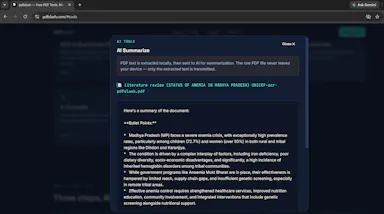
Edits, merges, splits, compresses and OCRs PDFs, plus AI document chat, running entirely inside your browser via WebAssembly so files never touch a server.
What's different
Zero server uploads — every operation, including the AI summary, runs on-device.
Pricing
Completely free, no account, no size limits, no paywalls.
Best for
People handling sensitive PDFs who don't want files leaving their device.

Watched for 13 days · last checked 7d ago

Details →

A free tool for founders with no finance background to enter their numbers and instantly get a 5-year P&L, profit forecast, and charts for investor pitches, with a paid tier adding PDF and PowerPoint export.

Domain registered 3 years ago

No sign-up
What to know
How it works
user enters basic numbers and the tool generates a 5-year financial model with built-in formulas; a paid tier adds PDF and PowerPoint export.

Watched for 13 days · last checked 7d ago

Details →

A free browser tool that turns Markdown - including tables, LaTeX math and Mermaid diagrams - into a Word document in seconds, despite the tagline calling it a PDF converter.

Domain registered 7 months ago

FreeNo sign-upNothing to install
What to know
How it works
A free browser tool that converts Markdown into a formatted Word (.docx) document, with a live side-by-side editor preview; no sign-up or software install required.
What's different
Preserves tables, LaTeX math (inline and display), Mermaid diagrams as real visuals, and syntax-highlighted code blocks that many converters break.
Pricing
Free.
Best for
People converting technical or academic Markdown documents (with math, diagrams, or code) into Word without losing formatting.
Watch out
The tagline calls it a Markdown-to-PDF converter, but it actually exports to Word (.docx).

Watched for 14 days · last checked 8d ago

Details →

A free hub of 100+ browser-based tools spanning PDFs, images, SEO and developer utilities, no sign-up or downloads required. A general toolkit with a dedicated developer section, not built for one profession.

FreeNo sign-upNothing to installData stays with you
What to know
How it works
A browser-based hub of 100+ tools for PDFs, images, text, developer utilities, SEO, calculators and generators, with no downloads or sign-up.
What's different
Runs entirely in the browser with no account or install, covering many task categories in one place.
Pricing
Free.
Best for
Students, developers, creators and professionals who want quick access to varied everyday tools without setting up accounts.

Watched for 16 days · last checked 10d ago

Details →

An offline invoice, quote and receipt generator you buy once and keep forever, with no account or subscription - built for freelancers who want clean client paperwork.

No sign-upWorks offlinePay onceNo subscription
What to know
How it works
A lightweight toolkit with invoice, quote, and receipt generators that work 100% offline in any browser — fill in your details and download a professional PDF.
What's different
One-time purchase that works forever with no account, subscription, or expiry, unlike SaaS billing tools.
Pricing
Buy once, use forever — no subscription.
Best for
Freelancers who need clean client documents without another subscription.

Watched for 14 days · last checked 8d ago

Details →

A free collection of browser-based PDF and utility tools that process everything locally so files never leave your device — a mix of general and developer tools.

FreeNo sign-upNothing to install
What to know
How it works
A set of browser-based PDF and utility tools — merge, split, convert, plus general developer tools — that process files entirely client-side, so nothing uploads to a server.
What's different
100% local processing is the stated privacy angle: files never leave your device, unlike server-side PDF tools.
Pricing
Free, no registration.
Best for
Anyone who needs quick PDF merging/splitting/converting without creating an account or uploading files to a third party.

Watched for 20 days · last checked 2d ago

Details →

Over 270 small browser-based utilities (PDF editing, image conversion, text tools) that run without installs or an account, so files stay on your device.

FreeNo sign-upNothing to install
What to know
How it works
Over 270 browser-based utilities — including a PDF editor, image converter, and text formatter — that run directly in the browser.
What's different
No downloads or account needed, so files stay on your device instead of being uploaded.
Pricing
Free.
Best for
People who need a quick PDF, image or text tool without installing software.

Watched for 17 days · last checked 11d ago

Details →

Lets anyone edit PDFs and images entirely in-browser instead of uploading files to a server.

FreeNo sign-upWorks offline

Watched for 1 day · last checked 1d ago

Details →

Lets users merge, split and compress PDFs locally in the browser instead of uploading files to a server.

FreeNo sign-up

Watched for 1 day · last checked today

Details →

Lets people convert, merge and edit PDFs free online instead of paying for desktop PDF software.

FreeNo sign-up
What to know
Pricing
free, no registration, no daily limits

Watched for 1 day · last checked today

Details →

Lets people use 35 PDF tools for free without watermarks instead of tools that lock features behind a paywall.

FreeNo sign-up
What to know
Pricing
free, no signup, no watermarks
Watch out
currently building in public

Watched for 1 day · last checked today

Details →

A free browser-based image/PDF format converter (PNG/JPG/PDF) with no size limits, watermarks, or paywalls, instead of converters that lure users in then charge.

FreeNo sign-up
What to know
How it works
Convert PNG to JPG, JPG to PNG, PDF to PNG/JPG, drag and drop, no signup

Watched for 2 days · last checked 2d ago

Details →

A free browser-based photo collage maker with local processing, no upload, for people making collages without installing software.

FreeNo sign-upNothing to installCan export my data
What to know
How it works
100+ templates, edit and export to PNG/JPG/MP4/PDF; photos processed locally, never uploaded
Pricing
Free, no watermark

Watched for 2 days · last checked 2d ago

Details →

170+ free browser-based calculators, text, PDF, and dev tools that run entirely client-side with nothing sent to a server, instead of ad-heavy online tool sites.

FreeNo sign-upNothing to installNo ads
What to know
Watch out
Built and maintained solo.

Watched for 2 days · last checked 1d ago

Details →

Free AI-powered PDF merge/split/compress/convert/edit tools with no signup, instead of paywalled PDF editors.

FreeNo sign-up

Watched for 2 days · last checked 1d ago

Details →

Free no-signup PDF toolkit running on Cloudflare's edge that auto-deletes files right after processing, for GDPR-conscious users.

FreeNo sign-upNo tracking
What to know
How it works
merge, compress, split, convert on Cloudflare edge
What's different
files deleted immediately after processing, GDPR-compliant

Watched for 2 days · last checked 1d ago

Details →

Free no-signup PDF tools for merging, compressing, and converting files with secure automatic file cleanup.

FreeNo sign-up

Watched for 2 days · last checked 1d ago

Details →

PDFly

Live

56 free browser-based PDF tools (merge, split, compress, convert, sign, chat) without uploads, watermarks, or accounts.

FreeNo sign-up
What to know
Pricing
free

Watched for 2 days · last checked 1d ago

Details →

Free browser-based PDF and photo editing tools (edit, compress, convert, OCR) that never upload files, for privacy-conscious users avoiding paid software or sign-ups.

FreeNo sign-up
What to know
How it works
25+ tools run 100% in browser
What's different
no uploads, no sign-up

Watched for 2 days · last checked 1d ago

Details →

A free all-in-one toolkit bundling PDF editing, resume building, image compression and developer utilities in one site.

Domain registered 22 days ago

FreeNo sign-upNothing to install
What to know
How it works
Collection of standalone tools (PDF, resume, image, API mocking, calculators) in one place
Pricing
Free, no signup or install
Best for
Developers, students and professionals wanting many small tools without separate apps

Watched for 4 days · last checked 3d ago

Details →

A browser extension that saves an AI chat's full context so you can resume it in a different AI tool when you hit a length limit.

No sign-upCan export my data
What to know
How it works
Captures messages/images/files from one AI chat and reloads them into a new session in another tool
What's different
Runs on-device, no account or server; can compress long chats to save up to 95% of tokens
Best for
People who hit context/length limits and want to switch AI providers mid-conversation

Watched for 4 days · last checked 2d ago

Details →

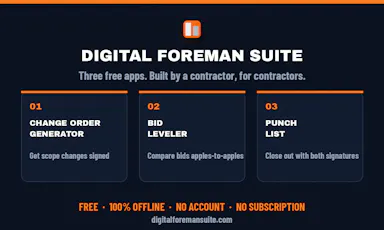
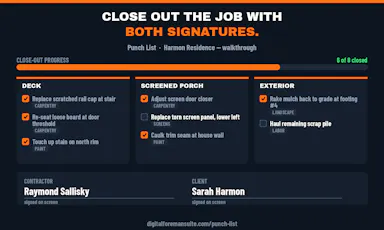
Three offline apps for contractors to generate change orders, level sub bids, and run punch lists, no account needed.

Domain registered 1 month ago

FreeNo sign-upWorks offlineNo subscription
What to know
How it works
Change Order Generator, Bid Leveler, and Punch List apps working fully offline on the phone
Pricing
free, Pro one-time $29.99 adds logo
Best for
contractors and trades running jobs from their phone
Watch out
offline-only, no team sync mentioned

Watched for 4 days · last checked 3d ago

Details →

A free toolbox of 160+ browser-based developer and design tools (PDF editor, compressor, JSON formatter, QR generator) with no signup or upload.

FreeNo sign-upData stays with you
What to know
Pricing
free
Best for
Developers and designers needing quick utility tools without uploading files

Watched for 5 days · last checked 4d ago

Details →

A free browser toolkit of 251+ utilities for compressing, converting and editing PDFs, images, video and text.

Domain registered 25 days ago

FreeNo sign-up
What to know
Pricing
free
Best for
Developers and general users needing quick file conversion tools without signup

Watched for 5 days · last checked 4d ago

Details →

A free online CSV viewer and editor that converts CSV files to Excel, JSON, XML, PDF, SQL and other formats without requiring an account.

FreeNo sign-up
What to know
How it works
Upload or paste CSV, edit as a table, export to another format
Pricing
Free, no registration

Watched for 5 days · last checked 4d ago

Details →

A free invoice generator for UK sole traders that creates branded PDF invoices entirely on-device with no account or data sent to a server.

FreeNo sign-upNo tracking
What to know
How it works
generates PDF invoices locally in the browser
Pricing
free, no signup
Best for
UK sole traders and tradespeople

Watched for 6 days · last checked 5d ago

Details →

A free browser-based toolkit for everything Markdown — editing, converting to Word/PDF/HTML, and generators — with files never leaving your device.

FreeNo sign-upNothing to installData stays with you
What to know
How it works
90 local browser tools, no uploads
Pricing
free, no signup

Watched for 6 days · last checked 4d ago

Details →

A free 26-tool browser image suite for compression, background removal, upscaling, and OCR with no uploads or account.

Domain registered 12 months ago

FreeNo sign-upData stays with you
What to know
How it works
26 browser-local tools including compressor, background remover, AI upscaler, OCR, QR code
Pricing
Free, no account, no watermark, no limits
Best for
People needing varied image edits without installing software

Watched for 6 days · last checked 5d ago

Details →

A browser-based PDF toolkit for editing, merging, splitting, compressing, and converting files without uploading them.

No sign-upData stays with you
What to know
How it works
Edit, merge, split, compress, convert, rotate, organize, and protect PDFs in-browser
Pricing
No account, no upload
Best for
People handling PDFs who don't want to upload sensitive documents

Watched for 6 days · last checked 5d ago

Details →

A free collection of no-signup online utility tools including PDF conversion, QR codes, and calculators.

Domain registered 1 month ago

FreeNo sign-up
What to know
How it works
Standalone tools for PDF, QR codes, calculators, and converters
Pricing
free, no signup, no watermark

Watched for 6 days · last checked 5d ago

Details →

A free tool for generating print-ready PDF planners, trackers, and worksheets without design software.

FreeNo sign-up
What to know
How it works
Choose a layout, preview, and download a print-ready A4/Letter PDF
Pricing
free, no account
Best for
people who want printable planners/trackers without a design app

Watched for 6 days · last checked 5d ago

Details →

Victor

Live

A browser extension that reads the page you're on automatically so you can ask questions about it right away, without copy-pasting.

Domain registered 9 days ago

No sign-upNo subscription
What to know
How it works
Works across Chrome, Edge, and Firefox; highlight text to ask about it; reads PDFs natively.
What's different
Reads the page automatically instead of requiring copy-paste like other AI extensions.
Pricing
No account, no API key, no subscription.
Best for
People who want quick AI Q&A on whatever page they're reading.

Watched for 6 days · last checked 5d ago

Details →

Converts images, PDFs, videos, and audio files entirely inside your browser without uploading them anywhere.

Domain registered 1 month ago

No sign-upData stays with you
What to know
How it works
Local browser-based conversion, batch up to 1,000 files at once.
What's different
No uploads, no accounts, no watermarks.
Best for
Anyone converting large batches of media files who doesn't want to upload personal files to a server.

Watched for 6 days · last checked 5d ago

Details →

A free browser-based PDF editor for filling, signing, editing, merging, and splitting PDFs entirely on your device, with no signup, credit card, or trial wall.

Domain registered 15 days ago

FreeNo sign-up
What to know
How it works
Edits PDFs locally; files never leave the device, with no signup or trial restrictions.
Pricing
Completely free.
Best for
Anyone needing to edit a PDF without creating an account or paying.

Watched for 11 days · last checked 8d ago

Details →

A free, no-signup site for converting PDFs to Word, Excel, or JPG, and for merging, splitting, compressing, or password-protecting PDF files online.

FreeNo sign-up
What to know
How it works
offers 26+ browser-based PDF conversion and manipulation tools with no signup and no watermark
Pricing
free, no signup

Watched for 11 days · last checked 8d ago

Details →

Free browser-based collection of 130+ utilities including an EMI calculator, GST calculator, image compressor, PDF merger and QR code generator, with no signup required.

FreeNo sign-upNothing to install
What to know
How it works
runs over 130 tools in the browser, including calculators, an image compressor and PDF merger
Pricing
free, no signup

Watched for 11 days · last checked 8d ago

Details →

A free, in-browser toolkit of 70+ tools for PDF, image, audio, and document tasks like merging, compressing, and converting, without uploading files or creating an account.

FreeNo sign-up
What to know
How it works
Offers merge, compress, convert, resize, and trim operations for PDF, image, audio, and document files, processed entirely in-browser.
Best for
Anyone who needs quick file conversion or editing without signing up or uploading files.

Watched for 11 days · last checked 8d ago

Details →

A free set of 17 browser-based PDF tools to merge, split, compress, convert and sign PDFs and images, for people who don't want to upload their files to a server.

Domain registered 1 month ago

FreeNo sign-upWorks offline
What to know
How it works
Runs entirely in the browser so files never leave the device; works offline, has no sign-up and no watermarks.
Best for
quick PDF and image edits without creating an account or uploading files.

Watched for 12 days · last checked 9d ago

Details →

oMyPDF

Live

A free, no-account online tool for merging, splitting, compressing, converting, protecting and signing PDFs, processed in-browser for small files and on a secure server for larger ones.

Domain registered 1 month ago

FreeNo sign-up
What to know
How it works
Merges, splits, compresses, converts, protects and signs PDFs, processing small files in-browser and large files on a secure server.
Pricing
Free.
Best for
Anyone needing quick PDF edits without creating an account.

Watched for 12 days · last checked 8d ago

Details →

Converts a WhatsApp chat export into a nicely formatted webpage or print-ready PDF entirely in your browser — nothing is uploaded, handy for keepsakes or backing up chats before switching phones.

Domain registered 15 days ago

FreeNo sign-upData stays with youCan export my data
What to know
How it works
Converts a WhatsApp chat export into a formatted webpage or print-ready PDF entirely in the browser, keeping photos inline and voice notes playable.
What's different
Nothing is uploaded to a server — processing happens entirely on your device.
Pricing
Free, no sign-up.
Best for
People backing up chats before switching phones, or wanting a printable keepsake of a conversation.

Watched for 13 days · last checked 2d ago

Details →

A free browser-based PDF toolkit — merge, split, compress, convert to JPG — that processes everything locally so your files are never uploaded. No sign-up required.

FreeNo sign-upData stays with you
What to know
How it works
Merges, splits, compresses and converts PDFs to JPG entirely in the browser.
What's different
Files are processed locally on your device rather than uploaded to a server.
Pricing
Free, no sign-up required.
Best for
People who want to edit PDFs without uploading files to a third-party server.

Watched for 13 days · last checked 10d ago

Details →

A free PDF editor that runs entirely in your browser — edit text, add signatures, annotate — with no sign-up, no install and no upload, since files are processed locally.

FreeNo sign-upNothing to installData stays with you
What to know
How it works
Edits existing PDF text directly in the browser, adds images and signatures, and highlights and annotates documents, then exports without a watermark.
What's different
Every document is processed locally on the device with no file upload, no sign-up, and no installation.
Pricing
Free.
Best for
People who want to edit or sign a PDF quickly without creating an account or uploading the file anywhere.
Watch out
Works on desktop, iPhone, and Android, since local, upload-free processing depends on browser/device support.

Watched for 13 days · last checked 11d ago

Details →

Converts PDFs, Word, Excel, PowerPoint, CSV and JSON files into clean Markdown formatted for feeding into ChatGPT or Claude, free to start with no account required.

FreeNo sign-up
What to know
How it works
Converts PDFs, Word, Excel, PowerPoint, CSV, and JSON files into clean Markdown formatted to work well as input for AI models like ChatGPT and Claude.
What's different
Optimizes the output specifically to use fewer tokens and produce better AI answers, rather than just generic format conversion.
Pricing
Free to start, no account needed.
Best for
People who need to feed messy documents into ChatGPT or Claude and want cleaner, more token-efficient input.

Watched for 13 days · last checked 10d ago

Details →

A free online converter for PDFs, images, audio and video that needs no signup and automatically deletes your files an hour after conversion.

Domain registered 1 month ago

FreeNo sign-up
What to know
How it works
An online converter for PDFs, images, audio, and video that works instantly with no signup, and automatically deletes files an hour after conversion.
Pricing
Free.
Best for
Anyone who needs a quick file conversion without creating an account and wants files removed afterward.

Watched for 13 days · last checked 11d ago

Details →

QR Kuz

Live

A free QR code generator that creates codes for URLs, WiFi, vCards, PDFs, SMS, email, and social media, downloadable as PNG or SVG without requiring sign-up.

FreeNo sign-up
What to know
How it works
Generates 15+ QR code types and lets you download as PNG or SVG.
Pricing
Free, no sign-up required.

Watched for 14 days · last checked 2d ago

Details →

A free, login-free directory of over 50 small web utilities (age calculator, image enhancer, SEO tools, PDF converter, meme generator) for everyday use.

Domain registered 7 months ago

FreeNo sign-up
What to know
How it works
A directory of 50+ small web utilities - age calculator, image enhancer, SEO tools, PDF converter, meme generator, and more.
Pricing
100% free, no login required.
Best for
People who need a quick one-off utility without creating an account.

Watched for 14 days · last checked 2d ago

Details →

A free, no-signup site offering basic PDF tools like conversion, merging, splitting, and compression, alongside editorial reviews of AI tools.

FreeNo sign-up
What to know
How it works
Free browser-based PDF conversion, merging, splitting, and compression, plus hands-on AI tool reviews.
Pricing
Free, no signup.

Watched for 14 days · last checked 2d ago

Details →

131+ PDF tools that run entirely in your browser so files never leave your device, no signup required — GDPR-friendly by design since nothing gets uploaded.

Domain registered 1 month ago

FreeNo sign-upData stays with you
What to know
How it works
131+ PDF tools (merge, split, compress, convert, edit, sign, OCR, encrypt) that all run 100% client-side in the browser.
What's different
No files ever leave the device since there's no server involved, and it's available in 9 languages.
Pricing
Free, no signup, no limits.
Best for
Anyone handling PDFs who wants to avoid uploading sensitive files to a server.

Watched for 14 days · last checked 2d ago

Details →

A free suite of photo, vector, and PDF editing tools plus format conversion, all running locally in the browser with no upload and no account required.

FreeNo sign-upData stays with youCan export my data
What to know
How it works
Provides a layered photo editor, a vector editor with pen/pathfinder tools, a PDF page/annotation editor, and conversion between HEIC, RAW, TIFF, PSD and 20+ formats, all processed on-device.
Pricing
Free.

Watched for 16 days · last checked 2d ago

Details →

Over 130 free browser tools — PDF editing, image compression, OCR, converters and more — that run locally with no sign-up or uploads, replacing a pile of separate tool sites.

FreeNo sign-upData stays with you
What to know
How it works
Bundles 130+ browser-based tools, including a PDF editor, AI background remover, screen recorder, image compressor, OCR, JSON/SQL formatters, QR code generator, and audio/video editors, all processed locally on your device.
What's different
No sign-up, no file uploads, no watermarks, and no daily limits since everything runs client-side.
Pricing
Free.
Best for
People who want to replace a dozen separate single-purpose tool sites with one bookmark.

Watched for 16 days · last checked 2d ago

Details →

Docexp

Live

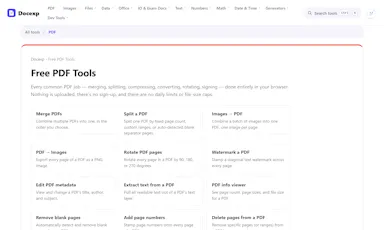
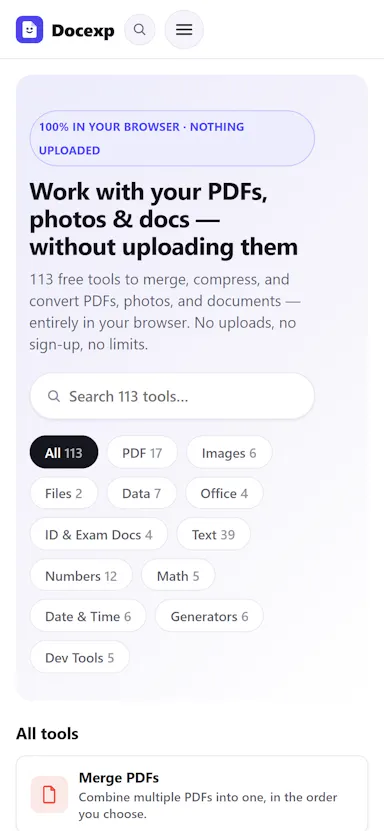
Docexp offers 113 free browser-based tools to merge, split, compress, and convert PDFs, photos, and documents, instead of uploading files to a server-based converter.

FreeNo sign-up
What to know
How it works
Runs all 113 tools locally in the browser with no account, upload, daily limit, or file-size cap.
Pricing
Free.

Watched for 16 days · last checked 2d ago

Details →

A free all-in-one online tool for converting, compressing and combining PDF, Word, Excel and image files, with no signup, no watermark and nothing stored.

FreeNo sign-up
What to know
How it works
Converts, compresses, and combines PDF, Word, Excel, and image files (JPG, PNG) online in a single tool.
What's different
Combines multiple document conversion tasks in one place with no sign-up, no watermark, and nothing stored.
Pricing
Free.
Best for
Anyone needing quick PDF or document conversion without creating an account or paying a fee.

Watched for 18 days · last checked 2d ago

Details →

A free collection of browser-based PDF tools (image-to-PDF, merge, compress, organize, Word-to-PDF) that run entirely locally with no uploads or account required.

FreeNo sign-up
What to know
How it works
Runs PDF tools (images to PDF, merge, compress, organize pages, Word to PDF) entirely in the browser with nothing uploaded to a server.
Pricing
Free.
Best for
People wanting quick, private PDF edits without installing software or creating an account.

Watched for 18 days · last checked 2d ago

Details →

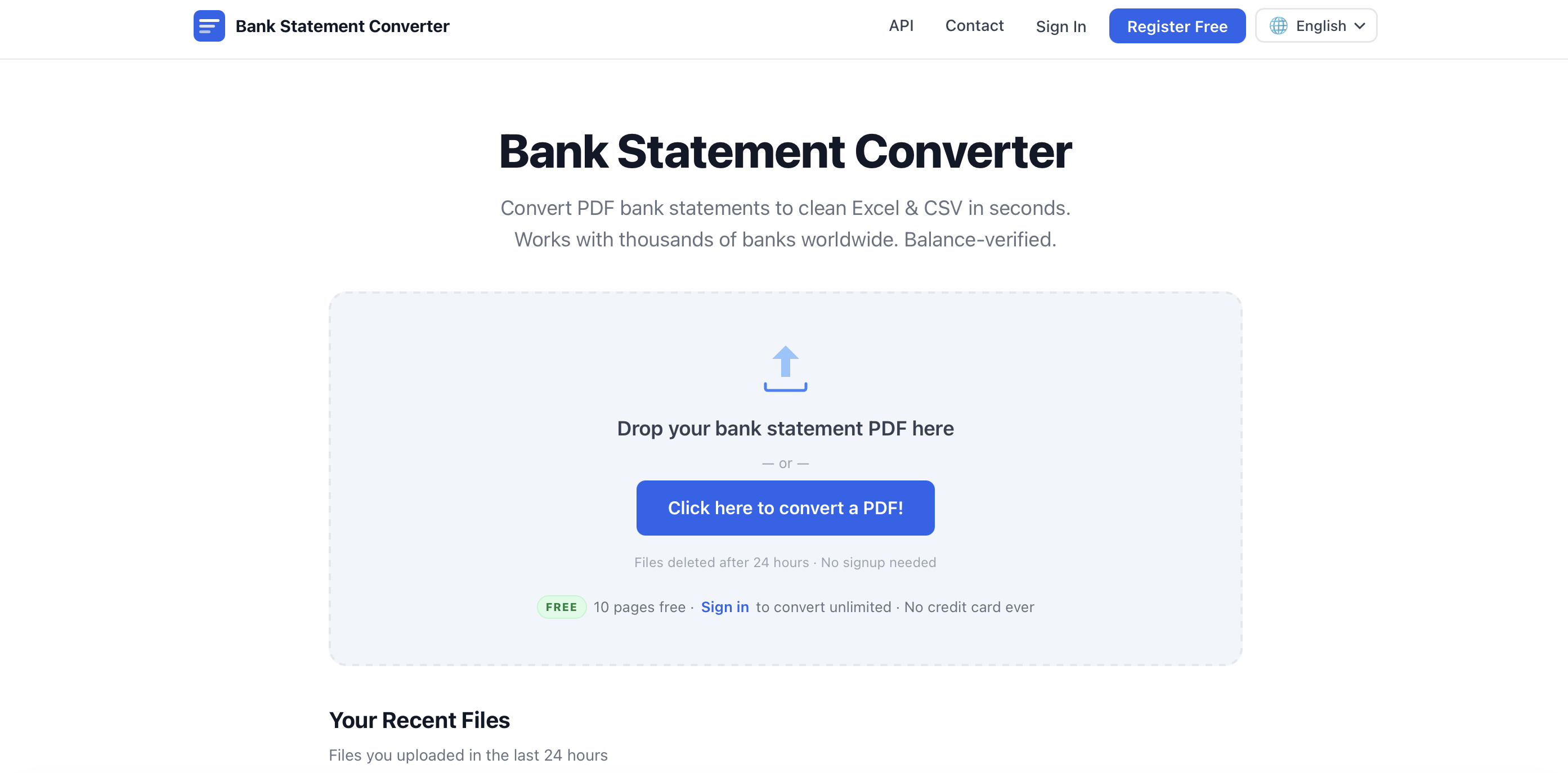
Uploads bank statement PDFs and converts them into Excel, CSV, QBO, OFX or QIF files in seconds, no account needed. Built for accountants and bookkeepers who'd otherwise retype statements by hand.

FreeNo sign-up
What to know
How it works
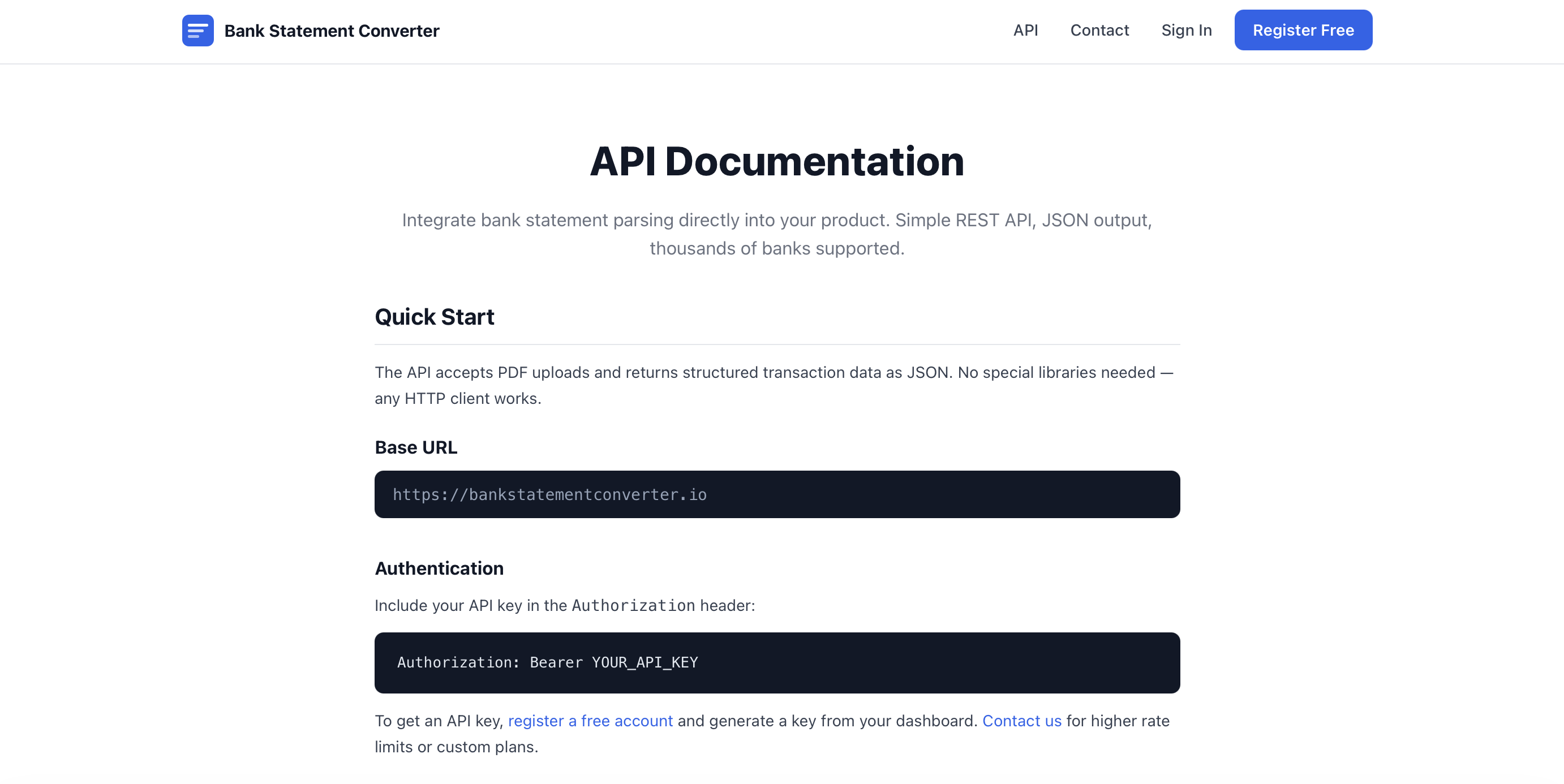
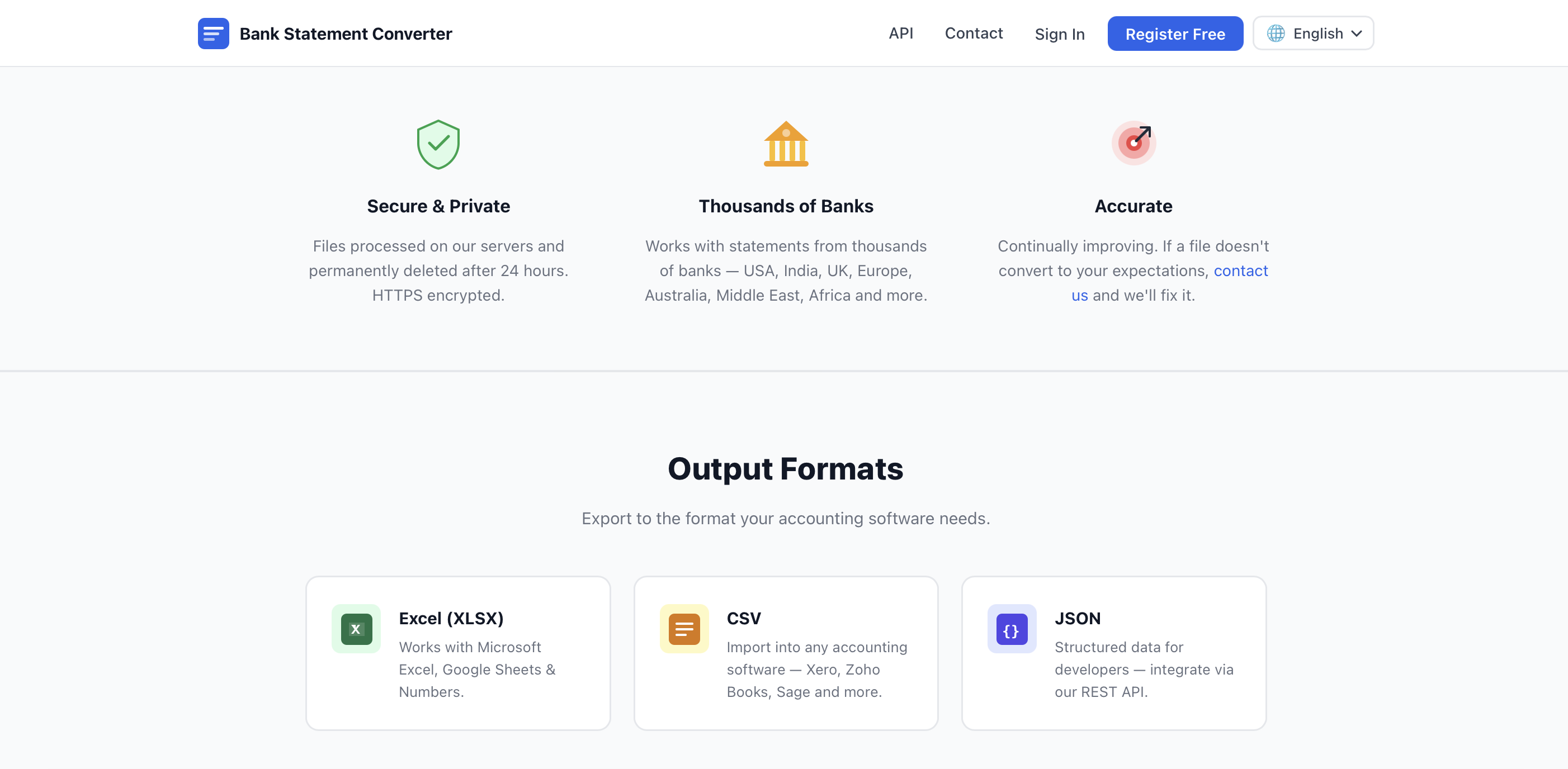
Converts uploaded PDF bank statements into Excel, CSV, JSON, QBO, OFX or QIF files, supporting both digital and scanned PDFs via built-in OCR, including password-protected statements. A REST API is available for programmatic access.
What's different
Works with 10,000+ banks worldwide and handles scanned as well as digital PDFs.
Pricing
Free, no account required, no page limits or fees.
Best for
Accountants, bookkeepers and small business owners who'd otherwise retype bank statement transactions by hand.

Watched for 18 days · last checked 3d ago

Details →

A free macOS app that captures, annotates and merges multiple screenshots into a single PDF, or exports PNG and JPEG, working fully offline with no account required.

FreeNo sign-upWorks offline
What to know
How it works
A free macOS app that captures a screen area, lets you annotate it, and merges multiple screenshots into a single PDF, also exporting as PNG or JPEG.
Pricing
Free.
Best for
Mac users who want to turn screenshots into a shareable PDF without an account or internet connection.
Watch out
Works fully offline with no account, so nothing is uploaded to a server.

Watched for 18 days · last checked 2d ago

Details →

Free browser-based converters for turning Markdown and documents into PDF, DOCX, HTML, slides and more, no signup, nothing stored. Built for developers, students and documentation teams.

FreeNo sign-up
What to know
How it works
Free browser-based tools that convert Markdown and documents into PDF, DOCX, HTML, slides, images, and tables without installing software.
Pricing
Free, no signup required.
Best for
Developers, writers, students, and documentation teams who need quick document exports without installing conversion software.

Watched for 16 days · last checked 2d ago

Details →

A free bundle of 67 PDF/image tools plus 45 AI tools that all run client-side in the browser, so files never leave your device. No account, no watermarks, works offline once loaded.

FreeNo sign-upWorks offlineData stays with you
What to know
How it works
A bundle of 67 PDF/image tools and 45 AI tools that run 100% client-side in the browser using pdf-lib, pdf.js and JSZip, so files never leave the device.
What's different
Unlike most 'free' PDF tools, processing never touches a server, and it works offline once loaded.
Pricing
Free, no account needed for the core toolkit, no watermarks, no daily caps.
Best for
People who want PDF or image tools without uploading files to a server or hitting usage limits.

Watched for 17 days · last checked 8d ago

Details →

A free web toolkit for everyday PDF and image tasks — compress, merge, split, convert, watermark — no sign-up, no long-term file storage, though files are still processed on their servers.

FreeNo sign-up
What to know
How it works
A free web toolkit for PDF and image tasks: compress, merge, split, convert, resize, rotate, watermark, unlock and organize files.
Pricing
Free, no sign-up required.
Best for
Anyone needing quick, everyday PDF or image edits from a browser without creating an account.

Watched for 17 days · last checked 8d ago

Details →

Paste your manuscript and get an Amazon KDP-ready paperback PDF and Kindle EPUB instantly in your browser, no account or upload, free formatting built for indie authors self-publishing.

FreeNo sign-up
What to know
How it works
You paste your manuscript in the browser and it automatically formats chapters into an Amazon KDP-ready paperback PDF and a Kindle EPUB, with no upload or account.
What's different
Runs entirely as a frontend tool with no sign-up, no database, and no file upload.
Pricing
100% free.
Best for
Indie authors and self-publishers preparing manuscripts for Amazon KDP and Kindle.

Watched for 18 days · last checked 9d ago

Details →

Extracts transactions from bank statements, including messy scans, into Excel or CSV without manual re-checking — the free tier covers only 5 pages, no signup needed.

No sign-up
What to know
How it works
Extracts transactions from bank and financial statements — including scanned PDFs, JPGs and PNGs — into Excel, CSV, QIF and accounting-ready exports, with automatic validation of the extracted results.
What's different
Built to handle messy, multi-page, multi-account and multi-currency scans that other converters stall on.
Pricing
5 pages free, no signup required.
Best for
Accountants and bookkeepers who need to digitize real-world, hard-to-parse bank statements without manually re-checking every row.

Watched for 18 days · last checked 9d ago

Details →

Converts images, audio, video, PDF and Office files between 170+ formats right in your browser, with no account and no file upload to a server.

No sign-up
What to know
How it works
Converts images, audio, video, PDF and Office files between 170+ formats directly in the browser.
What's different
Runs entirely client-side, so files are never uploaded to a server.
Pricing
Free, no signup.
Best for
People who want to convert files privately and quickly without creating an account.

Watched for 18 days · last checked 9d ago

Details →

A free PDF highlighter that saves your highlights locally with no cloud sync and no login required.

FreeNo sign-upWorks offline
What to know
How it works
A PDF highlighter that saves your highlights locally on your device.
What's different
No cloud sync and no login required — highlights stay on your device.
Pricing
Free.
Best for
People who want to highlight PDFs without creating an account or syncing to the cloud.

Watched for 18 days · last checked 2d ago

Details →

Converts PDFs to clean Markdown using AI OCR, with no sign-up required.

No sign-up
What to know
How it works
Converts PDFs to clean Markdown using AI OCR.
Watch out
No sign-up needed to use it.

Watched for 6 days · last checked 6d ago

Details →

A free, no-signup online toolkit offering 460+ tools for image, PDF, media, and SEO tasks, instead of installing separate software for each task.

FreeNo sign-up
What to know
How it works
460+ free online tools covering image, PDF, media, and SEO.
Pricing
Free, no account required.

Watched for 18 days · last checked 2d ago

Details →

A free, browser-based image and PDF editing toolkit that works without uploading files to a server or creating an account.

FreeNo sign-upData stays with you
What to know
How it works
Processes files locally without upload and without requiring sign-up.

Watched for 15 days · last checked 2d ago

Details →

Fliktools

Not responding

A free privacy-first browser toolkit of 87+ tools spanning PDF, image, AI writing, wellness and developer utilities, all processed locally.

FreeNo sign-upWorks offlineData stays with you
What to know
How it works
All tools run locally in-browser, files never uploaded
Pricing
free forever, no paid tier
Best for
Anyone wanting quick utility tools without files leaving their device

Watched for 5 days · last checked today

Details →

A browser-based viewer and converter for over 200 file formats, including PDFs and CAD/scientific data, that decodes everything locally with no uploads, accounts, or ads.

Domain registered 2 months ago

No sign-upData stays with youNo ads
What to know
How it works
Opens over 216 file formats directly in the browser, including PDFs, images, ebooks, spreadsheets, 3D/CAD/PCB files, and scientific formats like DICOM, NIfTI, and FITS, decoding everything locally with JavaScript and WebAssembly; also includes 107 client-side converters, 7 compressors, and 21 editing tools.
What's different
Every file is decoded on-device, so nothing is ever uploaded, unlike typical online converters.
Pricing
No accounts, no quotas, no ads, no paywall.
Best for
Anyone who needs to view or convert an unusual file format without uploading it anywhere.

Watched for 14 days · last checked 2d ago

Details →

A free tool for making shipping labels, barcodes, and QR codes — an operations utility, not a creative design tool.

FreeNo sign-upNothing to installCan export my data
What to know
How it works
Browser-based label designer for shipping labels, barcodes, QR codes and product labels, with data merge, PDF printing, and Zebra ZPL export.
Pricing
Free, no install, no signup to try.
Best for
Anyone needing to print shipping or product labels without design software.

Watched for 8 days · last checked 2d ago

Details →

An offline mobile app to view, edit and convert PDF, Word, Excel and PowerPoint files in 17 languages — a general document viewer, not a spreadsheet replacement.

No sign-upWorks offline
What to know
How it works
An offline Android app for opening and viewing PDF, DOCX, XLSX, PPT, TXT, and RTF files, with no sign-up or uploads required.
Best for
Android users who want a fast, private, offline reader for documents they receive in various formats.

Watched for 14 days · last checked 4d ago

Details →

A set of free browser-based tools for generating invoices, receipts, and billing PDFs without signup or watermark.

Domain registered 1 month ago

FreeNo sign-up
What to know
How it works
11 free tools to create invoices, receipts, quotes, and billing documents online, running entirely in the browser.
Pricing
Free, no signup, no watermark, instant PDF.

Watched for 8 days · last checked 6d ago

Details →

Free online tool that removes text and image watermarks from PDFs without requiring signup.

FreeNo sign-up
What to know
How it works
Removes text and image watermarks from PDFs online.
Pricing
Free, no signup needed.

Watched for 3 days · last checked 1d ago

Details →

Free browser-based toolkit with calculators, converters, text and image utilities, PDF merge, and developer tools.

Domain registered 10 days ago

FreeNo sign-up
What to know
How it works
Offers calculators, converters, text and image utilities, PDF merge, QR and password generators, and developer tools, working in the browser with no signup.
Pricing
Free.

Watched for 9 days · last checked 3d ago

Details →

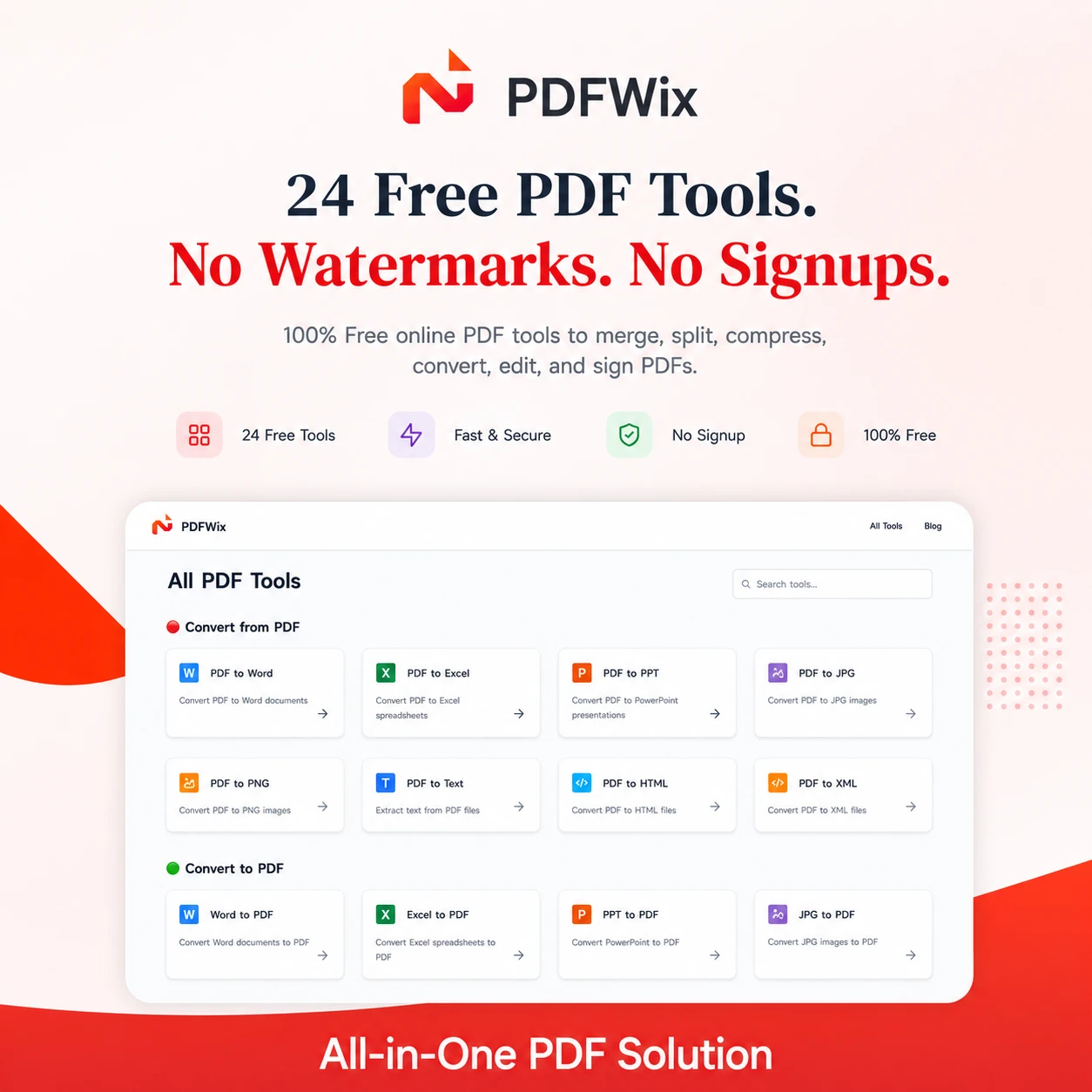
PDFWix

Live

Suite of 24 free online PDF tools covering merging, splitting, compressing, converting, and editing.

Domain registered 2 months ago

FreeNo sign-upNothing to install
What to know
How it works
Browser-based PDF toolkit (merge, split, convert, sign, redact, protect, and more) running mostly via WebAssembly so files never leave the device.
What's different
No daily task caps (unlike iLovePDF's 2/day limit), no watermarks, no forced account creation.
Pricing
Free, no signup, no daily limits.
Best for
Anyone needing PDF editing on Windows, Mac, iPhone, Android, or Chromebook without installing software.

Watched for 8 days · last checked 8d ago

Details →

A free bundle of 332 small web utility tools pitched as secure and privacy-first, though the listing gives no detail on what each tool does or how it handles data.

FreeNo sign-upData stays with youNo ads
What to know
How it works
A bundle of 332 free web utility tools, pitched as privacy-first.
Pricing
Free.

Watched for 15 days · last checked 9d ago

Details →

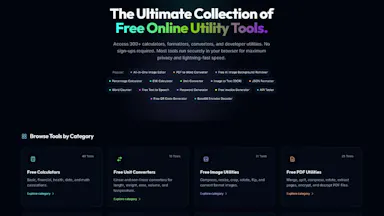
A free toolbox of calculators, visa/expat guides, and file converters that requires no signup and runs in the browser.

Domain registered 14 days ago

FreeNo sign-up
What to know
How it works
Offers 59+ calculators, visa/expat tools, and file converters that run entirely in the browser with nothing uploaded for file tools, plus plain-English visa guides for 12+ countries and a study-abroad hub.
Pricing
Free, no signup.
Best for
Expats, travelers, and people navigating visas or studying abroad.

Watched for 9 days · last checked 3d ago

Details →

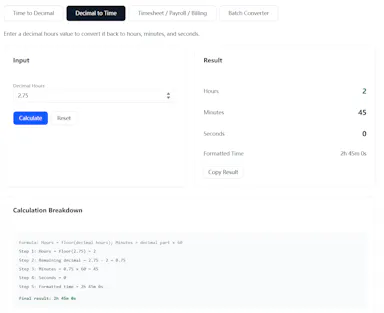
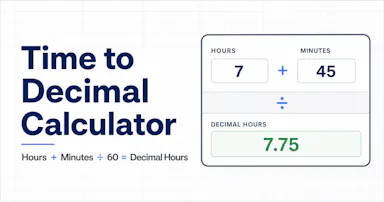
A free browser calculator converting time into decimal hours for payroll, billing, and timesheet exports.

Domain registered 29 days ago

FreeNo sign-upCan export my data
What to know
How it works
Converts hours, minutes, and seconds into decimal hours with step-by-step calculation details, across four tools: Time→Decimal, Decimal→Time, timesheet table, and batch converter.
What's different
Includes payroll mode (regular hours, overtime, pay) and billing mode (billable amounts by client), plus CSV, Excel, or PDF export.
Pricing
Free, no sign-up required.
Best for
HR staff, freelancers, and consultants doing payroll, timesheets, or billing.

Watched for 8 days · last checked 6d ago

Details →

A free browser-based suite of 130+ utilities for compressing images, converting PDFs, SEO audits, and JSON formatting.

Domain registered 16 days ago

FreeNo sign-upNothing to install
What to know
How it works
130+ browser-based tools for compressing images, converting PDFs, auditing SEO, formatting JSON, and running calculators.
Pricing
Free, no signup.

Watched for 8 days · last checked 6d ago

Details →

A tool that scans your lease PDF and flags clauses that are risky, unusual, or possibly illegal under your state's landlord-tenant law.

FreeNo sign-up
What to know
How it works
Reads your lease PDF and flags clauses that are risky, unusual, or worth checking against your state's landlord-tenant law, in plain English.
Pricing
Free scan with no signup; full report unlocks deeper detail, cost breakdowns, and negotiation tools.

Watched for 10 days · last checked 4d ago

Details →

Free browser-based document template builder that generates downloadable PDFs entirely client-side with no uploads.

FreeNo sign-upWorks offlineData stays with you
What to know
How it works
You pick a template, fill it in, and download a true-vector PDF, entirely client-side with no upload or account.
Pricing
Free, works offline.

Watched for 10 days · last checked 4d ago

Details →

A free browser tool with 157+ converters for documents, spreadsheets, images, PDFs, and presentations, no signup required.

Domain registered 1 month ago

FreeNo sign-up
What to know
How it works
Converts documents, spreadsheets, images, PDFs, presentations, and data files online with 157+ tools.
Pricing
Free, no signup, no software install.

Watched for 10 days · last checked 4d ago

Details →

A desktop PDF toolkit with 27 tools — merge, compress, sign, encrypt, OCR, redact — that all run locally without uploading files.

FreeNo sign-upWorks offline
What to know
How it works
Runs 27 PDF tools — merge, compress, convert, sign, encrypt, OCR, redact — 100% locally on your machine with no file uploads.
What's different
Aimed at confidential work like legal contracts, medical records, financial statements, and ID documents; available on macOS, Windows, and Linux.
Pricing
The Merge tool is free forever with no account; Pro unlocks the other 26 tools.

Watched for 10 days · last checked 4d ago

Details →

Standard VAT and reverse charge invoicing for EU freelancers

FreeNo sign-upNo adsCan export my data

First seen today · last checked today

Details →

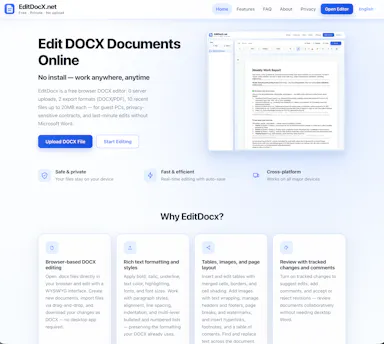
Free browser-based DOCX editor that edits Word files locally with no uploads and exports to PDF.

Domain registered 1 month ago

FreeNo sign-upNothing to installData stays with you
What to know
How it works
Edits DOCX files locally in the browser with no server uploads, then lets you download or export as PDF.
Pricing
Free.
Watch out
No account, no install required.

Watched for 9 days · last checked 7d ago

Details →

Converts a PDF to a dark-mode version entirely in your browser so the file never leaves your device. A narrow, privacy-friendly reading tool rather than a full PDF editor.

FreeNo sign-upData stays with youNo ads
What to know
How it works
Converts any PDF to a dark-mode or night-mode version entirely in the browser, keeping images in their original color, and lets you download it as a permanent dark PDF.
What's different
Processing happens fully in-browser so the file never leaves your device.
Pricing
Free.
Best for
People who want to read PDFs in dark mode without uploading files to a server.
Watch out
A narrow reading tool for dark-mode conversion, not a full PDF editor.

Watched for 17 days · last checked today

Details →

A free browser tool that converts Malaysian LHDN e-invoice JSON/XML files into readable PDFs without uploading any data.

FreeNo sign-upData stays with you
What to know
How it works
Converts Malaysian LHDN MyInvois JSON and XML e-invoices into readable PDFs, supporting UBL 2.1, batch processing, TIN, and SST fields.
Pricing
Free.
Watch out
No signup; data never leaves your browser.

Watched for 10 days · last checked 7d ago

Details →

Ncored

Live

A desktop PDF editor built to stay smooth on huge CAD and construction drawing exports from AutoCAD, Revit and ArchiCAD, running fully offline so drawings never leave your machine.

FreeNo sign-upWorks offlineNo subscription
What to know
How it works
A desktop PDF editor for Windows and Mac built to stay smooth on scroll, zoom and pan across heavy AutoCAD, Revit and ArchiCAD exports and project sets of 50-200MB or more. It runs locally on the user's machine.
What's different
Targets the specific failure mode of general PDF tools — stalling and stuttering on dense CAD/construction drawings with heavy vector line work and hatches — and processes files fully offline.
Best for
Architects, structural/civil engineers, MEP professionals and construction teams working with large, heavy drawing sets.

Watched for 18 days · last checked 2d ago

Details →

A free browser-based image toolkit (converter, compressor, background remover, upscaler) that processes files locally without upload.

FreeNo sign-upData stays with you
What to know
How it works
Bundles ten browser-based image tools (format converter, compressor, AI background remover, resizer with social presets, cropper, rotator, image-to-PDF, AI upscaler, watermark tool, screenshot beautifier) using Canvas API and WebAssembly.
What's different
Images never leave the device; no upload, account, or per-file limits; supports batch processing.
Pricing
Free.

Watched for 3 days · last checked 3d ago

Details →

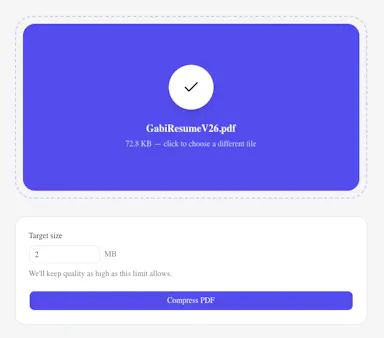
A free browser-based tool to compress a PDF to an exact target file size without uploading it.

FreeNo sign-up
What to know
How it works
Compresses a PDF to a target size (in MB) set by the user, processed entirely in the browser.
Pricing
Free.
Watch out
No login or email required.

Watched for 3 days · last checked 2d ago

Details →

A free browser tool to compress PDF files up to 90% smaller with auto-deletion after 30 minutes.

FreeNo sign-up
What to know
How it works
Compresses PDF files up to 90% smaller with batch upload and three compression levels, for files up to 100MB.
Pricing
Free, no signup.
Best for
People needing to shrink PDF file sizes.
Watch out
Files are auto-deleted after 30 minutes.

Watched for 3 days · last checked 2d ago

Details →

A free hub of 75+ browser-based tools (PDF, image, developer, finance) that process files locally without uploads.

FreeNo sign-up
What to know
How it works
75+ tools across PDF, image, developer, AI and finance categories, running almost entirely in the browser so files aren't uploaded.
Pricing
Free, no sign-up.
Best for
People wanting a broad set of private, no-watermark tools.

Watched for 3 days · last checked 2d ago

Details →

Free no-signup browser-based tools for PDF, image and text conversion/analysis.

FreeNo sign-upNothing to install
What to know
How it works
Offers online tools for PDF, image, and text conversion, formatting, generation, and analysis, running 100% in the browser.
Pricing
Free, no signup.
Best for
People wanting quick file tools without installing software.

Watched for 3 days · last checked 2d ago

Details →

40 free in-browser tools (PDF compress, convert, OCR, SEO checks) that never upload files, open-source, in 6 languages.

FreeNo sign-upData stays with youOpen source
What to know
How it works
40 tools for compressing PDFs and images, converting files, OCR, and SEO checks, all running in the browser with no upload, handling files up to 1GB.
What's different
Open-source (AGPL) and available in 6 languages.
Pricing
Free, ad-supported.
Best for
People wanting private, no-signup file utilities.

Watched for 3 days · last checked 2d ago

Details →

Solda

Live

Generates a signed bill of sale PDF for private vehicle/property sales in a couple of minutes.

No sign-up
What to know
How it works
Fill a short form to preview and download a signed bill-of-sale PDF for a car, boat, motorcycle, trailer, or general property sale.
Pricing
No account needed for your first bill of sale.
Best for
People handling a private vehicle or property sale.

Watched for 3 days · last checked 2d ago

Details →

Free private online file converter for documents, images, video, audio and PDFs, no signup required.

FreeNo sign-up
What to know
How it works
Converts documents, images, video, audio, and PDFs online.
What's different
Private by design.
Pricing
Free, no signup required.

Watched for 3 days · last checked 1d ago

Details →

Generates exact-size test files with correct magic bytes/MIME signatures for upload limits and testing pipelines.

No sign-up
What to know
How it works
Generates exact-size test files with correct magic bytes and MIME signatures in-browser, or downloads verified MP4/MOV/WebM/PDF/Office samples from stable URLs.
Pricing
No account or upload required.
Best for
Testing upload limits, file validation, and Playwright/Cypress fixtures.

Watched for 3 days · last checked 1d ago

Details →

100+ free offline browser tools spanning PDF, image, developer, finance and niche calculators, no ads or signup.

FreeNo sign-upWorks offlineNo ads
What to know
How it works
100+ free offline tools spanning PDF, image, developer, finance, and niche categories, including a Zakat calculator, Pakistani electricity bill calculator, CNIC validator, cricket run rate calculator, and QR clipboard sync.
What's different
Works offline as a PWA, available in 5 languages.
Pricing
Free, no ads, no signup.

Watched for 3 days · last checked 1d ago

Details →

Converts PDFs, slides, and text into narrated storyboarded videos online for free, without login.

FreeNo sign-upCan export my data
What to know
How it works
Turns PDFs, PPTs, docs, text, or article links into storyboarded videos with narration using AI.
Pricing
Free, no login.

Watched for 8 days · last checked 6d ago

Details →

Free browser-based PDF editor for fixing dates, numbers, and text with no logins, uploads, or ads.

FreeNo sign-upNo subscriptionNo ads
What to know
How it works
Edit PDFs directly in your browser to fix dates, numbers, and text errors.
Pricing
Free.
Watch out
No registration, no subscription, no file uploads to servers.

Watched for 9 days · last checked 7d ago

Details →

Free invoice generator that creates and downloads professional PDF invoices in under a minute, no account needed.

FreeNo sign-up
What to know
How it works
Generates professional invoices in about 60 seconds and lets users download them as PDFs.
Pricing
Free, no account needed.
Best for
Freelancers who need quick invoices.

Watched for 10 days · last checked 7d ago

Details →

Free collection of everyday web tools like age/BMI calculators, an image resizer, and a resume builder.

Domain registered 1 month ago

FreeNo sign-up
What to know
How it works
Offers 12 web tools including an age calculator, BMI calculator, image resizer, word counter, JSON formatter, resume builder, QR code generator, loan calculator, password generator, JPG to PDF converter, and currency converter, plus 20 blogs.
Pricing
Completely free, no signup required.
Best for
Students, freelancers, developers, writers, and everyday users.

Watched for 10 days · last checked 7d ago

Details →

An offline expense tracker with on-device receipt OCR and voice input, requiring no bank connection or account.

FreeNo sign-upWorks offlineCan export my data
What to know
How it works
Track expenses with manual entry, voice input, or on-device OCR receipt scanning, with budgets, insights, anomaly detection, optional Google Drive backup, and PDF/CSV export.
Pricing
Free; premium unlocks voice AI categorization, receipt scanning, PDF export, and advanced insights.
Watch out
No account or bank connection required; data stays on device.

Watched for 10 days · last checked 7d ago

Details →

Free PDF, AI & Word tools. No signup required.

FreeNo sign-up

First seen today · last checked today

Details →

The resume builder that shows what ATS software reads

No sign-upWorks offlineCan export my data

First seen today

Details →

An offline AI photo editor for upscaling, colorizing, and background removal, all processed on-device.

No sign-upWorks offline
What to know
How it works
Edits photos completely offline using on-device AI: upscaling, colorizing black-and-white photos, removing backgrounds and unwanted objects, plus crop, resize, filters, text, drawing, batch conversion, PDF/ZIP creation, and QR scan/generate.
What's different
All processing happens locally on the device with no account and no cloud uploads.
Best for
People who want AI photo editing without sending images to the cloud.

Watched for 11 days · last checked today

Details →

Krynn Tools

Not responding

A collection of 100+ free browser tools for PDF editing, image editing, and AI writing, with no signup.

FreeNo sign-upData stays with you
What to know
How it works
Provides over 100 free browser-based tools for PDF editing, image editing, and AI writing, including compress, merge, split, convert, sign, protect, watermark, crop, resize, background removal, and more.
What's different
No signup and no file upload required — everything runs in the browser.
Pricing
Free.

Watched for 12 days · last checked today

Details →