Tools without a subscriptionI don't trust the cloud

111 match your filters — 108 of them answered our check today.

Watching this group for 17 days · how we check

This week30 new arrivals1 stopped answering

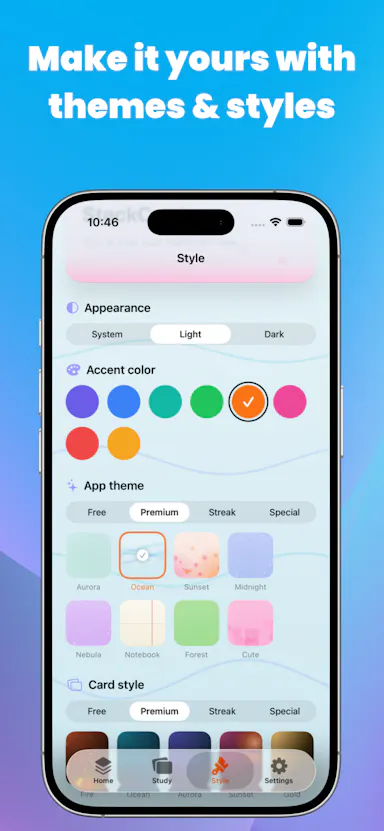
An offline flashcard app for iOS built for students, covering code, formulas and vocabulary, with a single lifetime purchase and no cloud sync or tracking.

Works offlinePay onceNo subscriptionNo tracking
What to know
How it works
An offline flashcard app for iOS covering multiple subjects, including code, formulas and vocabulary.
Pricing
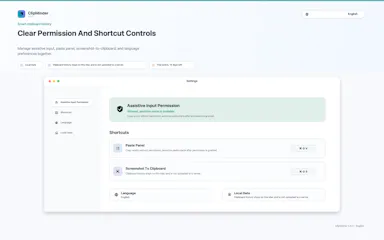
Single lifetime purchase.
Best for
Students who want offline flashcards without cloud sync or tracking.

Watched for 9 days · last checked 2d ago

Details →

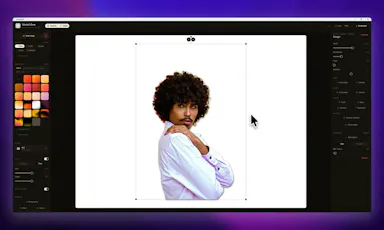
A Windows screenshot tool that adds designed backgrounds, annotation, and on-device background removal, built as a CleanShot X equivalent for Windows users.

Works offlineNo subscription
What to know
How it works
Captures a region, applies a styled backdrop and annotations, and removes backgrounds using on-device AI that never uploads images.
Pricing
$9 one-time, lifetime license, no subscription, 30-day money-back guarantee.
Watch out
Built and maintained by a single solo developer.

Watched for 6 days · last checked today

Details →

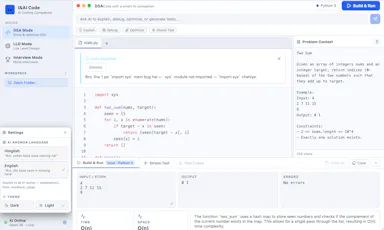
An offline AI coach for coding interviews — DSA, system design and mock interviews — running locally via llama.cpp/Qwen with no API keys, cloud or subscription.

Works offlineNo subscription
What to know
How it works
An offline AI coach for coding interviews covering DSA, low-level design, and mock interviews, running locally via llama.cpp and Qwen.
What's different
Runs fully offline with no API keys or cloud dependency, unlike most AI interview-prep tools.
Pricing
No subscription; runs locally with no API keys required.
Best for
Developers preparing for coding interviews who want a local, private practice tool.

Watched for 13 days · last checked 2d ago

Details →

A weather and emergency alert app that caches maps offline and delivers geofenced storm warnings without ads, subscriptions, or tracking.

1 rating on the App Store

Works offlineNo subscriptionNo ads
What to know
How it works
Caches maps locally and cross-analyzes live data feeds and scanner patterns for localized threat profiles.
Pricing
Single lifetime license, no subscription.

Watched for 6 days · last checked today

Details →

A voice-following teleprompter for live calls/webinars that adapts scroll speed to your actual speech instead of a fixed rate or foot pedal.

Works offlineNo subscription
What to know
How it works
Listens to your voice and scrolls to match, works live inside Zoom/Meet/Teams/OBS and stays hidden during screen-share.
What's different
On-device processing, one-time price instead of subscription.
Pricing
One-time price, no subscription.

Watched for 1 day · last checked 1d ago

Details →

Oats

Live

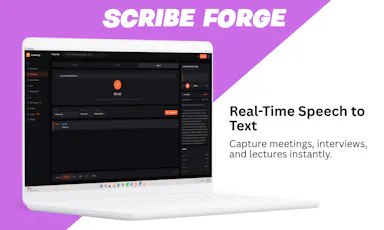
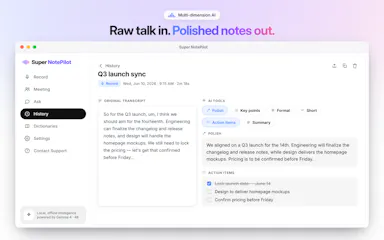
A free, fully on-device meeting note-taker that transcribes and blends your typed notes without ever sending audio to the cloud or requiring an account, unlike most paid cloud notetakers.

FreeNo sign-upWorks offlineNo subscription
What to know
How it works
On-device transcription blended with your typed notes into a write-up; optional bring-your-own model key or fully offline.
What's different
Most competitors still upload audio to their cloud and cost $18+/mo; this doesn't and is free.
Pricing
Free.

Watched for 1 day · last checked 1d ago

Details →

Tidy

Live

Mac menu-bar app that auto-archives and renames screenshots, ejects/trashes installers, and sorts Downloads, all on-device.

Domain registered 16 days ago

Works offlinePay onceNo subscription
What to know
How it works
on-device OCR and Apple Intelligence rename and sort new files
What's different
only touches new files, never deletes
Pricing
$9 one-time, no subscription

Watched for 5 days · last checked today

Details →

An on-device subscription tracker with a one-time lifetime unlock instead of a cloud account or recurring fee.

No sign-upWorks offlineNo subscription
What to know
How it works
Tracks subscriptions, trials, and recurring bills entirely on-device, showing monthly/yearly costs and catching trials before they convert, with local renewal reminders.
Pricing
One-time lifetime unlock.
Watch out
No account, no bank connection, no cloud.

Watched for 7 days · last checked 1d ago

Details →

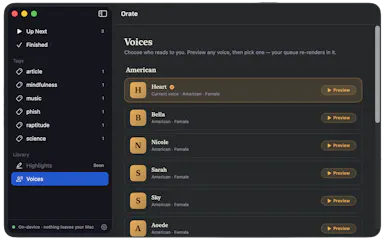
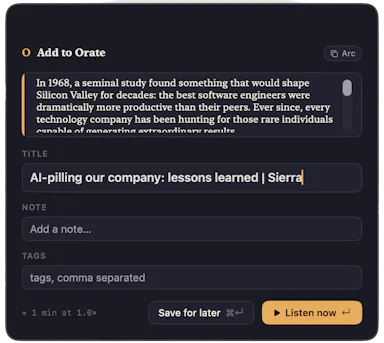
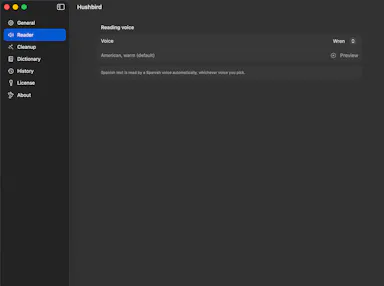
Select text anywhere on your Mac and it reads it aloud in a natural voice, queued like a podcast, with on-device text-to-speech.

No sign-upWorks offlinePay onceNo subscription
What to know
How it works
hotkey reads selected text aloud, queued for later listening
What's different
TTS runs fully on-device, offline, no account
Pricing
$4.99 one-time, 14-day trial

Watched for 5 days · last checked today

Details →

An Android anti-theft alarm focused on two everyday scenarios — someone unplugging your charging phone or moving it off a table — instead of general broad anti-theft tracking.

No sign-upWorks offlineData stays with youPay once
What to know
How it works
Charging Guard alarms on unplug; Table Guard uses sensors to detect the phone being moved.
Pricing
No account, no cloud tracking; early users get lifetime access for 0.99 euro.

Watched for 1 day · last checked today

Details →

Password manager that stores encrypted vaults on your phone and backs them up to your own Google Drive instead of the vendor's servers.

No sign-upPay onceNo subscription
What to know
How it works
Encrypts passwords/2FA/cards locally and backs up to your own Google Drive account
What's different
No company-run servers to be breached; no account or subscription
Pricing
$14.99 one-time
Best for
People who want a password manager without trusting a vendor's cloud
Watch out
Forgetting your master password means permanent lockout, by design

Watched for 5 days · last checked today

Details →

A one-time-purchase Mac email client for people who want IMAP/SMTP email with on-device AI summaries and no subscription or cloud dependency.

Works offlinePay onceNo subscription
What to know
How it works
Native Mac app with chat-style threads and on-device summarization.
Pricing
$29 one-time, no subscription.
Best for
Mac users who want privacy-focused email without recurring fees.

Watched for 3 days · last checked 2d ago
Details →

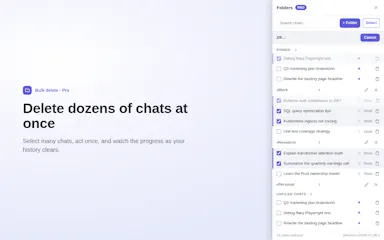
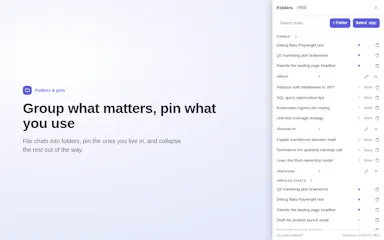
Browser extension that adds folders, pinning and bulk delete to Claude's chat sidebar, which otherwise has no folders.

FreeWorks offlinePay onceNo subscription
What to know
How it works
adds folders, pins, title search and a cancellable bulk-delete flow on top of Claude's UI
What's different
processes on-device, chats never sent to their servers
Pricing
free tier for folders/search/single delete; $39 lifetime or $19/yr Pro for bulk delete
Watch out
unofficial, not affiliated with Anthropic; not available in the EEA yet

Watched for 5 days · last checked today

Details →

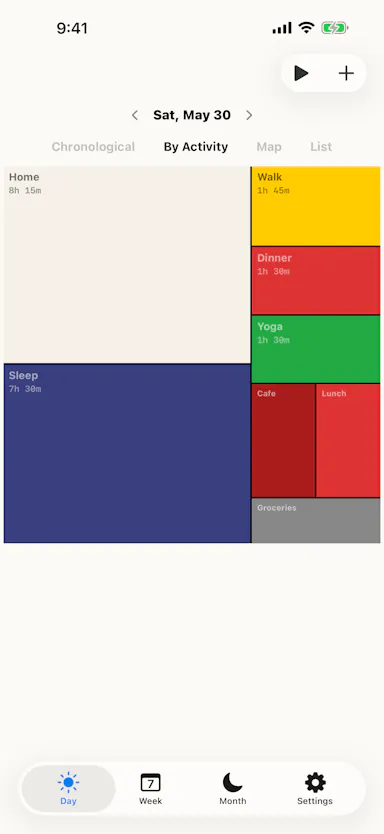
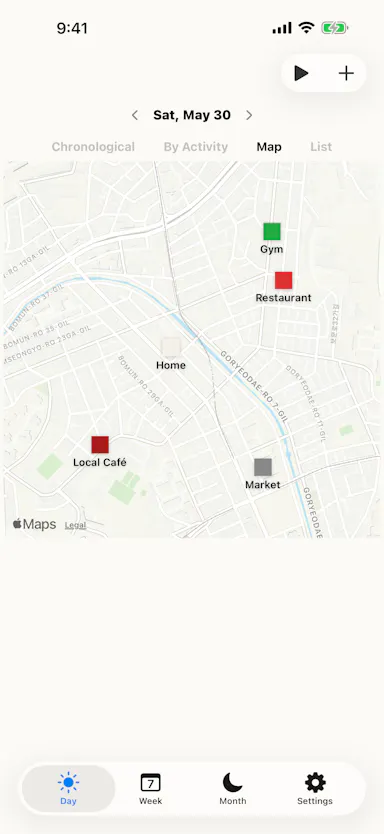
Tracks how you spend your time and displays your day as a colored Mondrian-style tile grid, fully on-device.

No sign-upWorks offlinePay onceNo subscription
What to know
How it works
Time entries render as a treemap/tile grid; imports CSV data from other trackers, syncs with Apple Health and Shortcuts.
What's different
Runs entirely on-device with no server, one-time purchase instead of subscription.
Best for
People who want a visual time record without sending location/usage data to a server.

Watched for 5 days · last checked 4d ago

Details →

An offline, local AI environment where four customizable personas talk to you and each other, for private multi-persona chat and roleplay.

Works offlinePay onceNo subscription
What to know
How it works
100% offline, 16-language environment with 4 custom personas that converse with each other
Pricing
£29 lifetime, no subscription
Watch out
Fully offline, no cloud sync

Watched for 5 days · last checked today

Details →

A fully offline AI journaling app for Android that asks reflective questions instead of giving answers, everything encrypted on-device. One-time purchase, available in seven languages.

Domain registered 1 month ago

No sign-upWorks offlinePay onceNo subscription
What to know
How it works
A fully offline AI journaling app that asks reflective questions instead of giving answers, with the AI running on-device and entries encrypted locally.
What's different
No server or cloud channel for data to leave — including the AI model itself, which runs on-device.
Pricing
One-time purchase.
Best for
Android users who want private journaling without an account or subscription.

Watched for 9 days · last checked 3d ago

Details →

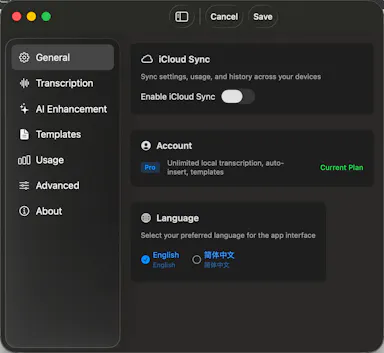
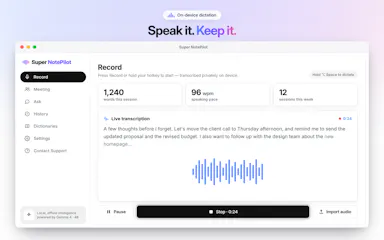
Mac dictation app that turns speech into text system-wide via a hotkey, runs locally for privacy, and is sold as a one-time purchase instead of a subscription.

No subscription
What to know
How it works
System-wide dictation on macOS activated by a customizable push-to-talk key, converting speech to text in any app.
What's different
Runs entirely locally on the Mac for privacy.
Pricing
Lifetime license, one-time purchase.
Watch out
macOS only.

Watched for 7 days · last checked 1d ago

Details →

A local-first bookmark and file library for Mac that saves links, images and PDFs with on-device AI sorting, for a one-time payment. For individuals who want a private personal archive, not team use.

Works offlinePay onceNo subscription
What to know
How it works
A local-first personal library on Mac that saves links, images and PDFs, with on-device AI sorting them automatically.
Pricing
One-time payment.
Best for
Individuals wanting a private personal archive, not a team tool.

Watched for 16 days · last checked 8d ago

Details →

A native Mac email app where your local AI agent can read and draft emails but never send or delete anything, kept private and on-device. One-time $9.99, not a subscription.

Works offlinePay onceNo subscription
What to know
How it works
A native macOS email app where a local AI agent (like Claude, Cursor, or Codex) can read your inbox and draft emails, but is structurally prevented from ever sending or deleting anything.
What's different
Read-and-draft-only by design, and fully local with no cloud processing.
Pricing
Free to try, then a one-time $9.99 for unlimited server drafts — no subscription.
Best for
People who want AI help with email but don't want to hand an agent the ability to send or delete messages.

Watched for 10 days · last checked 4d ago

Details →

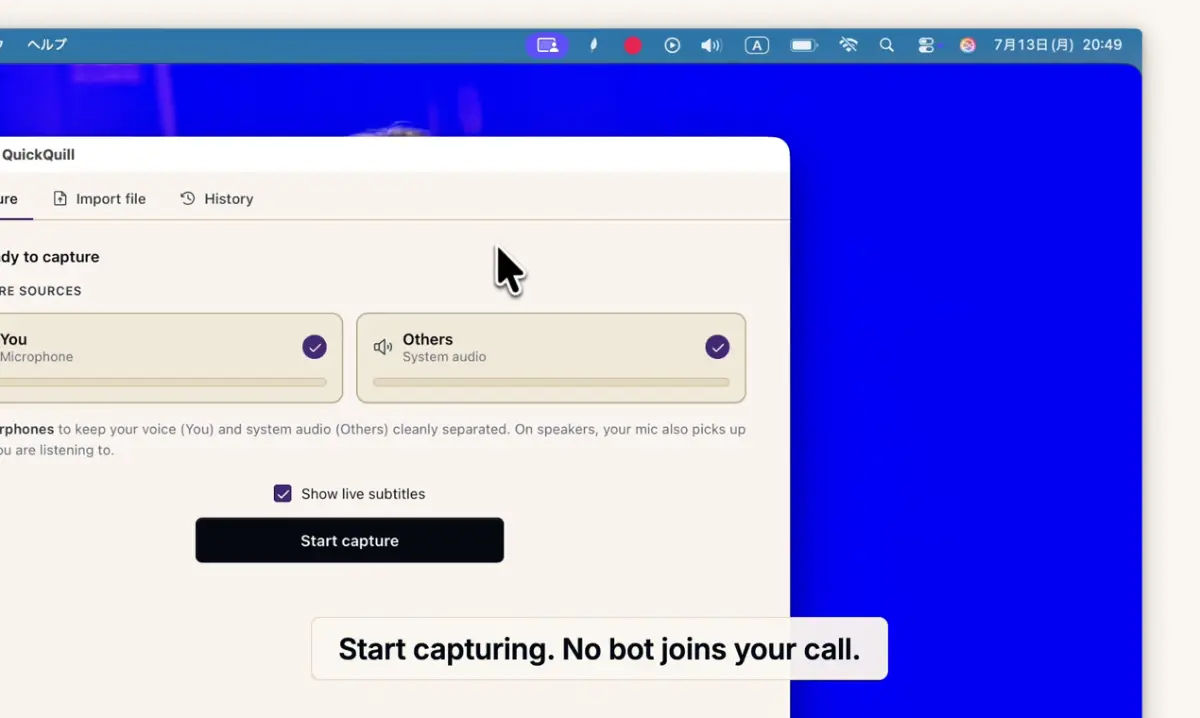
Records meetings on Mac and generates transcripts, summaries and live translated subtitles, entirely on-device. Dictation is free forever; the full meeting workflow costs a one-time $49.

Domain registered 1 month ago

FreeNo sign-upWorks offlinePay once
What to know
How it works
Records meetings and produces transcripts and summaries entirely on-device, with nothing sent to the cloud; it also shows live subtitles with translation while recording, and offers push-to-talk dictation usable in any app.
What's different
Continues working with Wi-Fi off and requires no bot joining the call, since everything runs on-device.
Pricing
Dictation is free forever; the full meeting workflow is a one-time $49 purchase. No account or subscription required.
Best for
Mac users who want private, on-device meeting notes without a cloud service.
Watch out
Requires macOS 26 on Apple Silicon, so it won't run on older Macs or other operating systems.

Watched for 11 days · last checked 5d ago

Details →

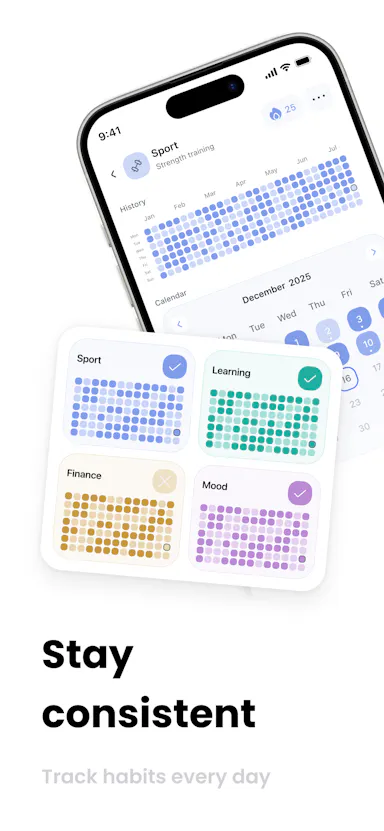
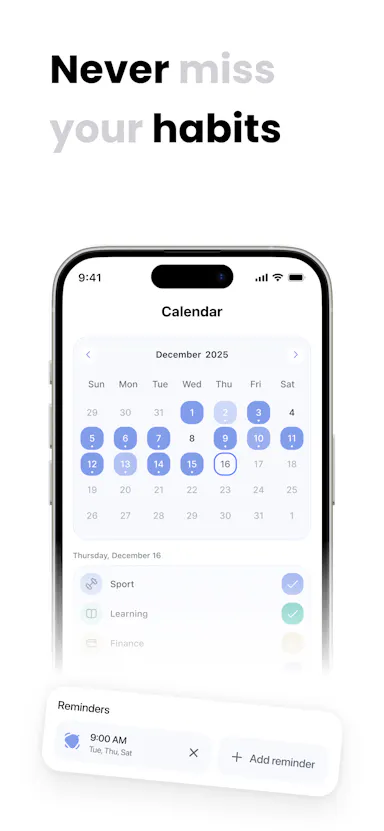
A local-first habit tracker with a GitHub-style contribution grid, no account, no cloud sync. Free for 3 habits, one-time purchase for unlimited.

FreeWorks offlinePay onceNo subscription
What to know
How it works
Tracks habits locally with a GitHub-style heatmap grid that darkens tiles as you complete routines, with streaks that account for rest days and offline-capable widgets.
What's different
No account or cloud sync required — everything stays on-device.
Pricing
Free for 3 habits; unlimited habits is a one-time lifetime purchase.
Best for
People who want a private habit tracker without subscriptions or cloud syncing.

Watched for 9 days · last checked 3d ago

Details →

Kodo

Live

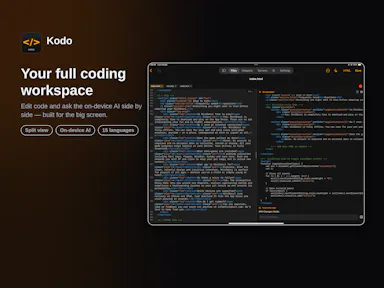
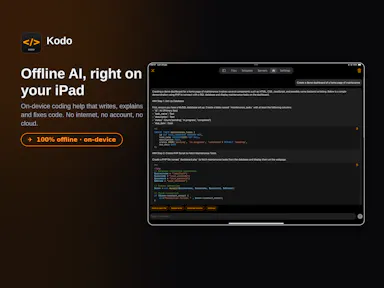
An iPhone and iPad code editor with syntax highlighting, SSH/SFTP server access, Git management, live web project preview, and an on-device AI chat that works fully offline.

1 rating on the App Store

No sign-upWorks offlineNo subscription
What to know
How it works
Connects to servers over SSH/SFTP, manages Git repos, previews web projects live, and runs an AI chat 100% on-device.
Pricing
No subscription.
Best for
Developers who want to edit and manage code from an iPhone or iPad without a cloud dependency.

Watched for 11 days · last checked 5d ago

Details →

An Android home-screen widget that controls Sonos speakers directly, with no app, login, cloud or subscription required - a one-time $1.99 purchase.

No sign-upWorks offlineNo subscriptionNo tracking
What to know
How it works
An Android home-screen widget that controls Sonos speakers directly over LAN — play/pause/skip, per-room volume, and up to 5 tappable favorites — without opening an app.
What's different
No login, analytics, subscription or cloud dependency; works with any Sonos speaker over the local network.
Pricing
$1.99 one-time purchase.
Best for
Android users with Sonos speakers who want quick control without launching the Sonos app.

Watched for 11 days · last checked 5d ago

Details →

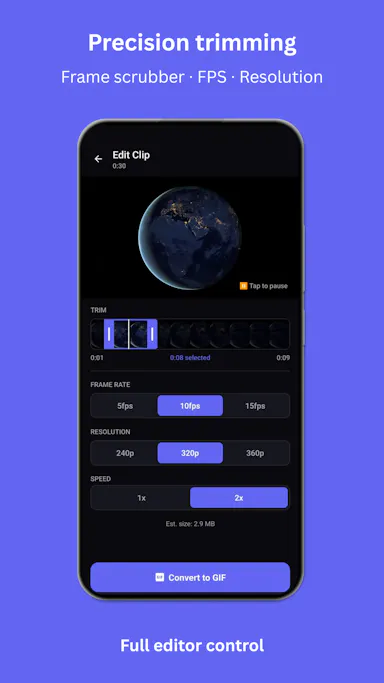
A mobile app that converts video to GIF entirely on-device, with no upload, watermark, or account required, and can share the result to WhatsApp, Telegram, Instagram, Reddit, or X.

No sign-upWorks offlineData stays with youNo subscription
What to know
How it works
Encodes video to GIF on-device with a trim/scrubber editor and FPS/resolution/speed controls.
Pricing
One-time $2.99 premium removes ads and unlocks longer clips and higher quality; no subscription.
Best for
People converting short video clips to GIFs privately without uploading footage.

Watched for 11 days · last checked 5d ago

Details →

A local Windows security suite with antivirus, AI ransomware detection, a DNS shield, VPN, identity monitoring, and a telemetry blocker that stops manufacturers from phoning home.

No sign-upWorks offlineData stays with youNo subscription
What to know
How it works
100% local, one-time payment, no cloud, no subscription, no account required; data never leaves the machine.
Watch out
blocks telemetry from Microsoft, AMD, HP, NVIDIA, and Intel.

Watched for 6 days · last checked 5d ago

Details →

Anshin

Live

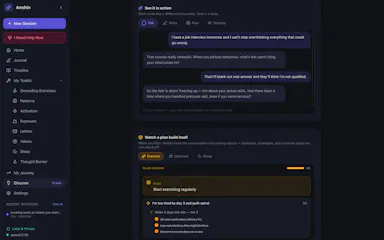
A self-reflection app that runs entirely on your Mac with guided journaling, mood tracking, and structured reflection tools, storing everything encrypted on-device with no account, cloud, or subscription.

Domain registered 4 months ago

No sign-upWorks offlineNo subscription
What to know
How it works
Offers Guided Talk, Write, Plan, and Breathe modes plus Thought Records, Mood Tracking, a Values Compass, a Worry Jar, and a Grounding Toolkit, learning patterns across sessions.
Pricing
$39 once.
Watch out
Data is stored encrypted on-device only.

Watched for 6 days · last checked 5d ago

Details →

A free on-device tool for people managers to run 1:1s, log feedback and prioritize work, with an optional one-time-purchase AI assistant that never sends your data off your phone.

FreeWorks offlineNo subscription
What to know
How it works
Runs on-device to help people managers track their team, prep and log 1:1s using the GROW framework, capture SBI/STAR feedback, run a weekly/monthly cadence, and rank work with RICE and Eisenhower.
What's different
The core management workflow is entirely free; the paid Pro tier is a one-time purchase (no subscription) that adds an AI assistant running on-device via Apple Intelligence or a downloaded small model.
Pricing
Core features are free. Pro is a one-time purchase, no subscription.
Best for
People managers who want to run 1:1s and feedback without their data leaving their phone.
Watch out
The AI assistant runs on-device (Apple Intelligence or a downloaded small model) — nothing leaves the phone unless the user chooses.

Watched for 12 days · last checked 6d ago

Details →

Willow

Live

A local-first Mac AI agent you own outright for a one-time fee, using your own API key or a fully offline Ollama model, built for technical builders.

Domain registered 1 month ago

Works offlineNo subscription
What to know
How it works
A local-first desktop AI agent that runs on your Mac, can drive the browser and desktop, and completes multi-step tasks while data stays on-device.
What's different
A one-time lifetime fee instead of a subscription, with your own API key/model or a fully offline Ollama setup.
Pricing
€299 lifetime, no subscription.
Best for
Technical builders who want to own their AI agent outright rather than rent a cloud subscription.

Watched for 13 days · last checked 7d ago

Details →

Uses Whisper and Microsoft MAI to transcribe audio, video or links into text and subtitles, with 10 free minutes then a paid service, and auto-deletes uploads within 24 hours.

FreeNo subscriptionNo ads
What to know
How it works
Uses OpenAI Whisper and Microsoft MAI to turn audio, video, or links into text with speaker diarisation, summaries, and action lists, plus free tools to convert SRT/VTT subtitles, edit subtitle files, and shift timestamps.
What's different
Uploads and transcripts are auto-deleted after 24 hours, or instantly on request, by default.
Pricing
10 free transcription minutes, then paid; no subscription, no ads.

Watched for 13 days · last checked 7d ago

Details →

Turns your Android phone into a self-hosted MCP server so AI assistants like Claude, Cursor or Perplexity can pull your personal memory without sending data to the cloud. Aimed at developers already using MCP-compatible tools.

Works offlineData stays with youOpen sourceNo subscription
What to know
How it works
Turns an Android phone into a self-hosted MCP (Model Context Protocol) server by installing a Python MCP server inside Termux, with a secure tunnel giving the phone a stable public HTTPS URL that AI clients like Claude, Cursor or Perplexity can connect to for persistent memory.
What's different
Data is stored locally on the user's own phone instead of a vendor's cloud, with no subscription or vendor lock-in.
Pricing
No subscription.
Best for
Developers already using MCP-compatible AI tools who want to own their memory data instead of storing it in the cloud.
Watch out
Relies on a relay tunnel (relay.memplato.com) and requires Termux running on the phone, with a watchdog to restart the server if the phone reboots or Termux closes.

Watched for 9 days · last checked 3d ago

Details →

Recovers your work, git diff, uncommitted changes, architecture notes, when an AI coding tool like Claude, Codex or Cursor hits its limit, fully offline, one-time payment.

Domain registered 1 month ago

Works offlinePay onceNo subscriptionNo tracking
What to know
How it works
When an AI coding tool like Claude, Codex, Gemini, or Cursor hits its usage limit, ShardStitch recovers what's still on disk — git diff, uncommitted work, architecture notes, and last intent — without needing the AI tool itself. It can hand off that recovered context across 23 AI tools or restart clean in the same one.
What's different
Recovers session state entirely from local disk, without depending on the AI tool that hit its limit.
Pricing
One-time payment, no subscription.
Best for
Developers who rely on AI coding tools and lose in-progress context when a session hits its limit.
Watch out
Runs 100% local with zero telemetry, per the product's own claim — this hasn't been independently verified.

Watched for 13 days · last checked 7d ago

Details →

A browser-based library for saving, organizing and improving prompts you use across ChatGPT, Claude and Gemini, a companion tool that works alongside those apps, not a replacement for them.

No sign-upNothing to installWorks offlineNo subscription
What to know
How it works
An offline HTML app for saving, organizing, and improving AI prompts used across ChatGPT, Claude, Gemini and others, with a Prompt Vault, Prompt Lab, Workflows, Results Archive, and Analytics.
What's different
Runs with no installation, no account, no cloud, and no subscription, unlike most prompt-management tools.
Pricing
No subscription, no account required.
Best for
People who use multiple AI chat tools and want a single place to store and refine their prompts.

Watched for 13 days · last checked 7d ago

Details →

A macOS menu bar app showing multiple time zones, meeting times and a mini calendar at a glance, with click-to-set time conversion. One-time purchase, not a subscription.

Data stays with youPay onceNo subscription
What to know
How it works
A macOS menu bar app showing multiple time zones and a mini calendar day view at a glance, with click-to-set time conversion and airport-code zone search.
What's different
DST-proof UTC offset zones and auto-hiding zones when you travel — handles edge cases that usually break simple time-zone widgets.
Pricing
One-time purchase with a free 7-day trial — not a subscription.
Best for
People who regularly schedule meetings across time zones and want a persistent menu bar reference instead of a web converter.

Watched for 17 days · last checked 2d ago

Details →

OCDify

Live

Automatically sorts a Mac's Desktop and Downloads into folders and renames cryptic filenames, processed entirely on-device with no cloud upload or subscription.

Works offlineData stays with youNo subscription
What to know
How it works
Automatically organizes a Mac's Desktop and Downloads folders into custom categories and renames cryptic filenames like IMG_1234 or scan_002 into readable names, using on-device AI.
What's different
Processes files entirely on-device with no cloud upload, so file organization doesn't leave the machine.
Pricing
Free 30-day trial; no subscription.
Best for
Mac users with cluttered Desktop/Downloads folders who don't want their file names or contents sent to the cloud.

Watched for 10 days · last checked 4d ago

Details →

A Mac app that turns long videos into short vertical clips with subtitles and AI-generated titles, descriptions, and hashtags, processing everything on-device instead of uploading to the cloud.

FreeWorks offlinePay onceNo subscription
What to know
How it works
Runs entirely locally on Apple Silicon Macs and works offline, so footage is never uploaded to a server.
Pricing
Free to use; a one-time $49 Pro payment removes the watermark, no subscription.

Watched for 11 days · last checked 7d ago

Details →

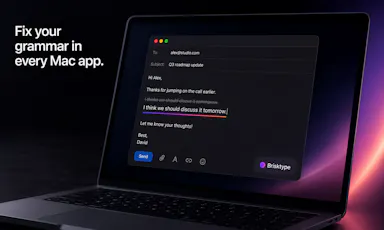
An on-device AI writing assistant for Mac that fixes grammar and expands text snippets across every app without sending your text to the cloud, sold as a one-time $39 purchase with no account required.

Domain registered 30 days ago

No sign-upWorks offlineNo subscription
What to know
How it works
Runs entirely on-device using local AI to fix grammar, expand snippets, and finish sentences inside any Mac app.
Pricing
One-time $39 payment, no subscription.
Best for
Mac users who want AI writing help without cloud data transmission or recurring fees.

Watched for 10 days · last checked 4d ago

Details →

Scans a user's iPhone photo library on-device to build a private travel map with country stamps and stats, with no account or cloud required.

No sign-upWorks offlinePay onceNo subscription
What to know
How it works
Scans the iPhone photo library on-device, automatically and retroactively, to build a world map with country stamps and travel stats.
Pricing
One-time purchase, no subscription.

Watched for 10 days · last checked 4d ago

Details →

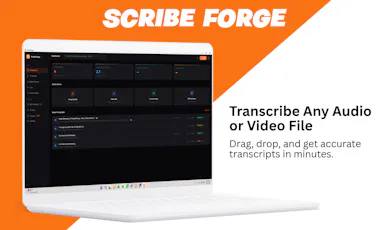
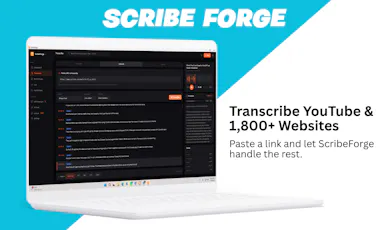
Transcribes audio and video, including YouTube, to text locally using Whisper AI, with no cloud upload, no subscription, and a one-time payment. Good for unlimited, private transcription without ongoing fees.

Works offlinePay onceNo subscription
What to know
How it works
Transcribes audio and video, including YouTube videos, playlists and live microphone input, to text entirely on your computer using Whisper AI, in 100+ languages.
What's different
Runs fully offline with no cloud upload, unlimited usage and no subscription.
Pricing
One-time payment, no subscription.
Best for
People who want unlimited, private transcription without ongoing fees or uploading audio to a cloud service.

Watched for 17 days · last checked 1d ago

Details →

Converts speech to text entirely on your Windows PC — no cloud, no account required, works even with WiFi off. For users who want dictation without sending audio anywhere.

No sign-upWorks offlineData stays with youPay once
What to know
How it works
Converts speech to text directly on a Windows PC using one shortcut: hold, speak, release, and the text lands wherever your cursor is, in any app.
What's different
Works entirely offline with no cloud processing, no account, and no subscription — it keeps working even with WiFi off.
Pricing
One-time payment, no subscription.
Best for
Windows users who want dictation in any app (email, chat, notes, code editors) without their voice data leaving the device.

Watched for 15 days · last checked 9d ago

Details →

A Mac-only local AI agent with shell, git and screen-reading tools, running offline on Apple Silicon or via your own OpenAI, Anthropic or Gemini key, with no account or subscription.

No sign-upWorks offlinePay onceNo subscription
What to know
How it works
A local AI agent for Mac that ships with its own multimodal model and runs offline on Apple Silicon, offering voice mode and agentic tools for files, shell, git, screen reading, memory and code graphs, plus a presentation builder in 14 languages; you can bring your own OpenAI, Anthropic or Gemini key for more power.
What's different
Distributed through the Mac App Store as a fully local agent — no account, subscription, cloud, or telemetry required.
Pricing
Pay once, or use the free tier forever.
Best for
Mac developers who want an agentic AI assistant with shell/git access that runs offline by default.

Watched for 13 days · last checked 2d ago

Details →

Uses an iPhone camera to track golf ball speed, launch angle and carry distance in real time, entirely on-device with no internet needed and a one-time purchase instead of a subscription.

Works offlinePay onceNo subscription
What to know
How it works
Uses an iPhone camera to turn the phone into a real-time golf shot tracker: point the camera and get a live data overlay with ball speed, launch angle, carry distance and full flight trajectory as you strike.
What's different
Runs entirely on-device with zero cloud uploads and no internet required, and is bought once rather than subscribed to.
Pricing
One-time purchase, no subscriptions.
Best for
Golfers who want pro-grade shot tracking on their phone without recurring fees or an internet connection.

Watched for 14 days · last checked 2d ago

Details →

Edit text and images inside a PDF on your iPhone, entirely offline with no account or subscription — real local PDF editing without cloud uploads.

No sign-upWorks offlineData stays with youNo subscription
What to know
How it works
Edits PDF text, images and vector objects directly on the iPhone: tap text to move or retype it, drag handles to resize images, merge multiple PDFs, delete pages from a thumbnail grid, and open or password-protect encrypted PDFs.
What's different
All processing happens locally on the device — no cloud upload, subscription or sign-in required.
Best for
iPhone users who need to genuinely edit PDF text and images without uploading files to a cloud service.

Watched for 17 days · last checked 1d ago

Details →

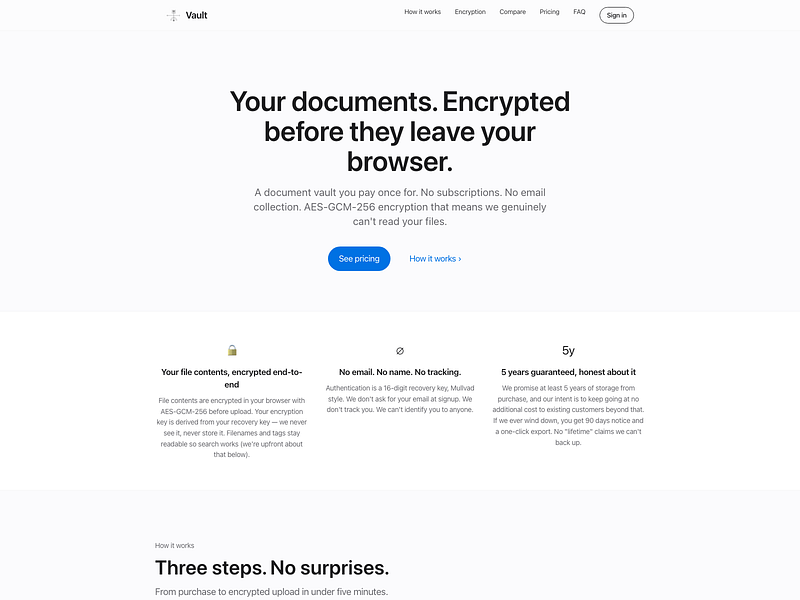
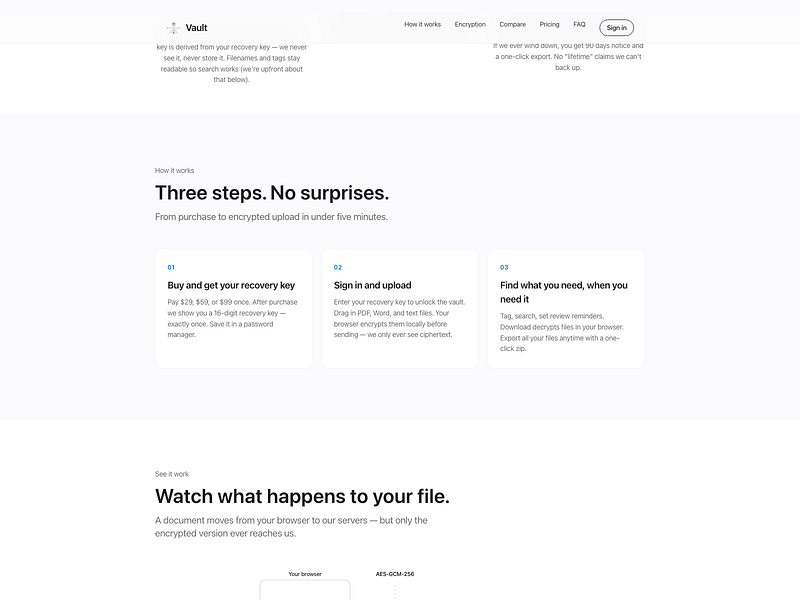
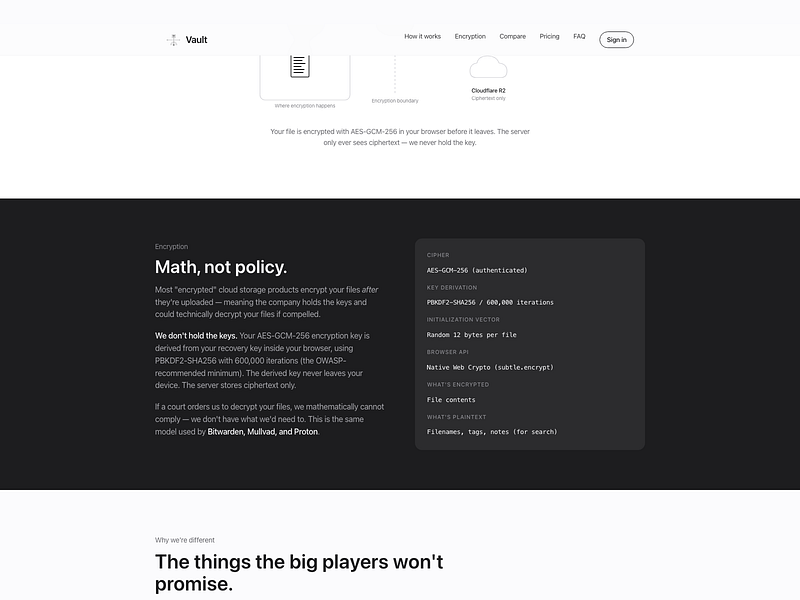
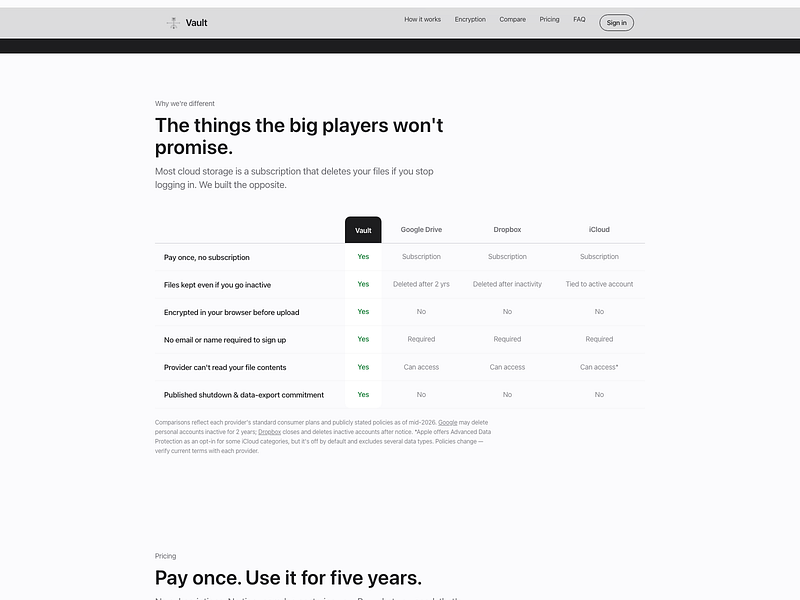
An end-to-end encrypted document vault for storing contracts, tax records, IDs, and receipts, unlocked with a recovery key instead of a password.

Pay onceNo subscription
What to know
How it works
Files are encrypted in the browser before reaching the server, so it only ever stores ciphertext; login is via a 16-digit recovery key instead of email/password.
Pricing
One-time payment, no subscription.
Best for
People who want long-term storage for sensitive documents without inactivity deletion.
Watch out
Filenames themselves are not encrypted and remain searchable.

Watched for 14 days · last checked 2d ago

Details →

Feeds any audio file through 37 sound-shaping modules to generate hours of unique ambient atmosphere, running fully offline on Mac or Windows with no subscription.

FreeNo sign-upWorks offlinePay once
What to know
How it works
Takes any audio file, stretches, layers and reshapes it into long, evolving ambient soundscapes using 37 sound-shaping modules and 18 presets. Includes a seed system to reproduce or vary a render.
What's different
Runs fully native and offline on macOS and Windows with no account, subscription or cloud upload, and every render is unique with no looping.
Pricing
No subscription, tagged as free / one-time payment.
Best for
Musicians and sound designers who want long, non-repeating ambient atmospheres exportable for music, games, film or meditation.

Watched for 17 days · last checked 10d ago

Details →

A mobile affirmations app built to avoid gamified or guilt-driven design — on-device, no account, one-time payment instead of a subscription, including a hold-to-mirror mode.

No sign-upWorks offlineNo subscription
What to know
How it works
Delivers daily affirmations from a library of 1,000+ research-grounded affirmations across 14 values, matched to the user's life stage; the signature Mirror mode has users hold their phone to a mirror and read an affirmation aloud while meeting their own gaze. Card and Listen (in the user's own recorded voice) modes are also included.
What's different
Designed to avoid the cartoony or guilt-inducing tone of typical affirmation apps, and runs on-device with no account required.
Pricing
One payment, no subscription.
Best for
People put off by gamified or guilt-driven affirmation apps who want a quieter morning ritual.

Watched for 11 days · last checked 2d ago

Details →

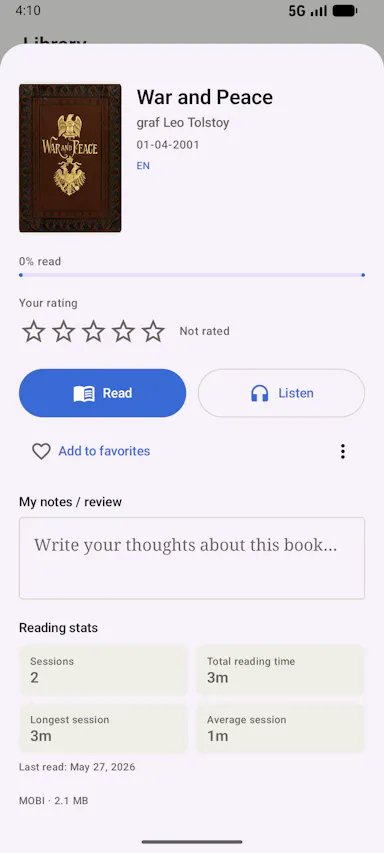
An offline eBook reader for Android — EPUB, PDF, MOBI, comics and more, with AI text-to-speech, synced highlights, and no ads or account. Has optional cloud sync despite the offline-first pitch.

Domain registered 1 month ago

No sign-upWorks offlineData stays with youNo subscription
What to know
How it works
An offline eBook reader for Android supporting EPUB, PDF, MOBI, FB2, AZW and comics, with offline AI text-to-speech voices synced to text highlighting, bookmarks, notes, a built-in dictionary and OPDS support.
What's different
Fully offline and privacy-first, with no ads, account or subscription required.
Best for
Android readers who want offline reading with AI narration and no account.
Watch out
Offers optional cloud sync despite the offline-first, no-account pitch.

Watched for 12 days · last checked 2d ago

Details →

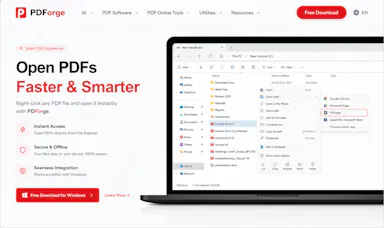
A native Windows/Mac desktop PDF editor (edit, sign, annotate, organize) that keeps files fully offline on your device and is sold as a one-time purchase, not a subscription.

Domain registered 1 month ago

Works offlinePay onceNo subscription
What to know
How it works
A native desktop app for Windows 11 and macOS to edit, sign, annotate and organize PDFs, with all editing happening offline on the device.
What's different
Local-first: files never leave your device, and it's sold as a one-time purchase rather than a subscription.
Pricing
Free trial, then one-time payment (positioned as an Adobe Acrobat subscription alternative).
Best for
Windows/Mac users who want a privacy-respecting PDF editor without a recurring subscription.

Watched for 13 days · last checked 2d ago

Details →

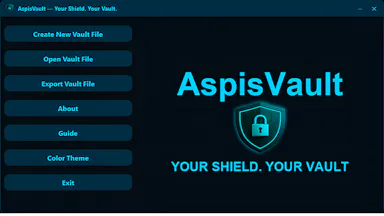
A local, offline security toolkit for encrypting files and managing credentials with no cloud, no accounts and no telemetry — for privacy-conscious users who want full control of their data.

Domain registered 4 months ago

No sign-upWorks offlineData stays with youNo subscription
What to know
How it works
A local, zero-telemetry security suite for encrypting files and managing credentials with AES-256-GCM, runnable entirely offline via installer or portable USB, with no cloud, accounts or subscriptions.
What's different
Fully offline with no cloud middleman, no accounts, and no hidden subscriptions.
Best for
Privacy-conscious users who want to encrypt files and manage credentials without any cloud dependency.

Watched for 12 days · last checked 6d ago

Details →

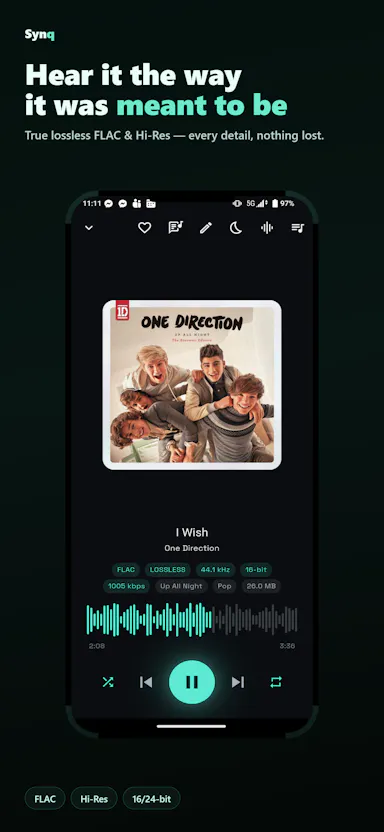
Plays FLAC, ALAC, DSD and WAV bit-perfect with EQ auto-tuned to your specific headphones from a library of 6,000+ models, everything stored on-device, no login.

No sign-upWorks offlineNo subscription
What to know
How it works
Plays lossless/hi-res audio (FLAC, ALAC, DSD, WAV) bit-perfect with no re-encoding, and auto-tunes EQ for your specific headphones from a library covering 6,000+ models. Includes synced lyrics, themes, sleep timer and playlists.
What's different
100% offline and private by default, with optional Dropbox/OneDrive cloud streaming.
Pricing
No subscription.
Best for
Audiophiles who want bit-perfect playback and headphone-specific EQ without a subscription or cloud lock-in.

Watched for 13 days · last checked 7d ago

Details →

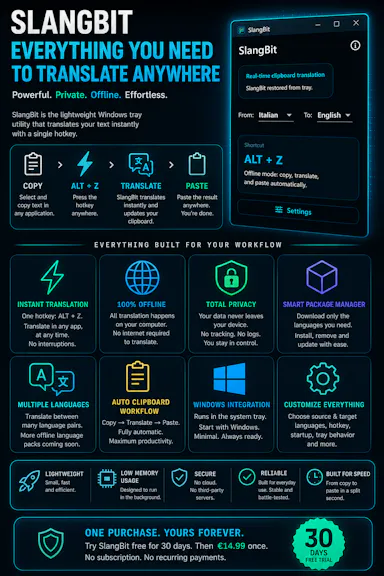
Select text in any Windows app, press Alt+Z, and get it translated using local AI models — nothing leaves your device. No subscription; 30-day free trial.

Domain registered 1 month ago

Works offlineData stays with youNo subscription
What to know
How it works
Select text in any Windows app and press Alt+Z to have it translated locally and pasted back automatically.
What's different
Runs entirely offline using local AI models, so text never leaves the device.
Pricing
No subscriptions; includes a 30-day free trial.
Best for
Windows users who want in-place translation without switching apps or sending text to the cloud.

Watched for 11 days · last checked 5d ago

Details →

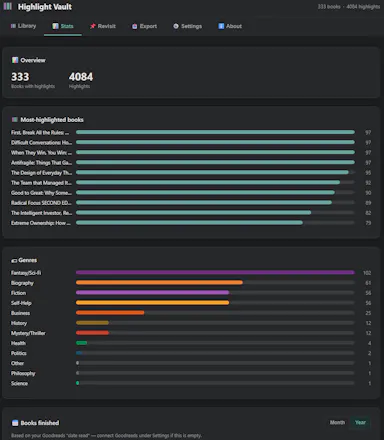
Pulls your Kindle highlights into a searchable local library and can sync them to Notion or Obsidian - a one-time purchase for readers who want to actually use their highlights.

Works offlinePay onceNo subscriptionCan export my data
What to know
How it works
Pulls the highlights and notes you've made on Kindle into a searchable, browsable local library, with quote cards, 'on this day' resurfacing, and reading stats.
What's different
No cloud account needed, and auto-syncs to Notion (with Genre/Rating/Status columns and cover art) or an Obsidian vault.
Pricing
One-time purchase, no subscription.
Best for
Readers who want to actually revisit and use the highlights they've made on Kindle.

Watched for 11 days · last checked 5d ago

Details →

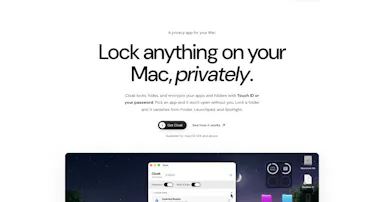
Cloak

Live

Locks, hides and encrypts apps and folders on your Mac with Touch ID or a password, entirely offline, for a one-time purchase instead of a subscription.

Domain registered 1 month ago

No sign-upWorks offlinePay onceNo subscription
What to know
How it works
Locks, hides and encrypts apps and folders on macOS using Touch ID or a password.
What's different
Runs 100% locally with no account and no cloud, and is sold as a one-time purchase rather than a subscription.
Pricing
One-time purchase.
Best for
Mac users who want specific apps and folders locked away from other people using the same machine.

Watched for 12 days · last checked 6d ago

Details →

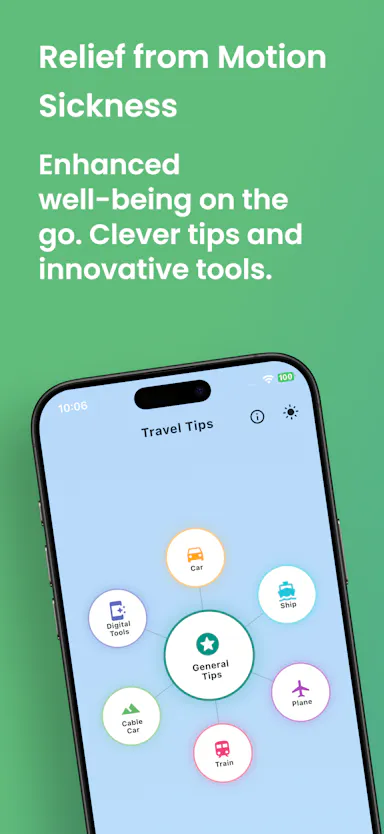
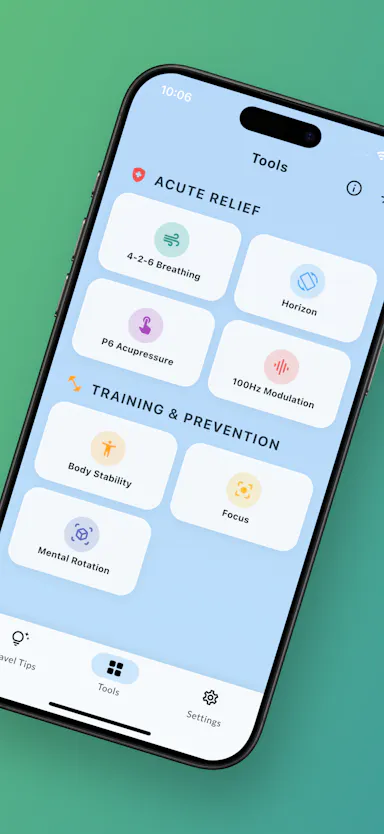
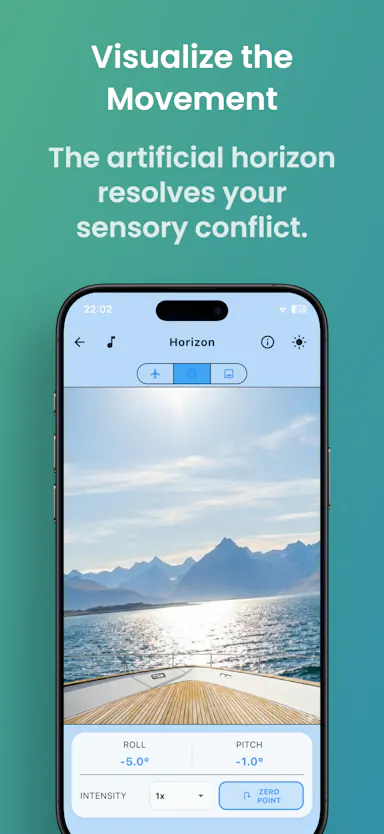
Offline tools — an artificial horizon, audio modulation — for motion sickness, seasickness and fear of flying, with no ads, subscriptions or cloud processing. For travelers who want relief that works without a signal.

Domain registered 4 months ago

Works offlineData stays with youNo subscriptionNo ads
What to know
How it works
An offline digital first-aid kit with 7 tools — including an artificial horizon and 100Hz audio modulation — for motion sickness, seasickness and fear of flying.
What's different
Runs 100% offline with local data processing only, works in airplane mode, and has no ads or subscriptions.
Pricing
Zero subscriptions.
Best for
Travelers with motion sickness or flight anxiety who want relief tools that work without a signal and without sending data to a server.

Watched for 12 days · last checked 6d ago

Details →

Beheld

Live

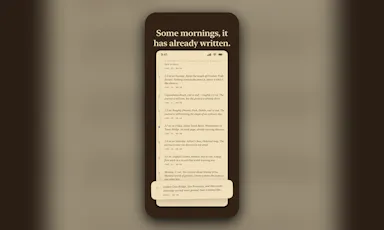
An automatic journal that turns your Apple Health movement into daily prose each morning, using on-device Apple Intelligence with no server or analytics. Free to use; one-time purchase unlocks personalization.

Domain registered 2 months ago

FreeWorks offlinePay onceNo subscription
What to know
How it works
Each morning it reads your movement data from Apple Health and writes the day into prose, landmarks, and a postcard, using on-device Apple Intelligence.
What's different
Runs entirely on-device with no server or analytics.
Pricing
Free to use; a one-time purchase unlocks personalization.
Best for
iPhone users who want an automatic journal generated from their daily movement instead of writing one themselves.

Watched for 12 days · last checked 6d ago

Details →

A one-time-purchase bundle of 9 small offline web apps — Pomodoro timer, habit tracker, notes and more — that store everything on your device with no account needed.

No sign-upWorks offlineData stays with youPay once
What to know
How it works
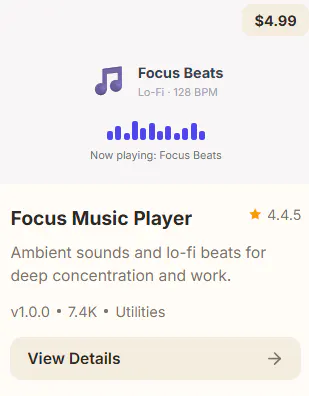
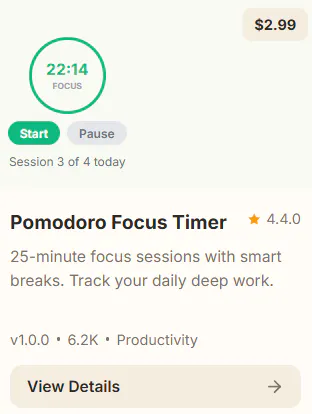
A curated bundle of 9 small productivity web apps — Pomodoro timer, mood journal, markdown editor, habit tracker, water reminder, color picker, focus music player, quick notes — that install once and work fully offline.
Pricing
One-time purchase per app, $1.99–$9.99, no subscriptions.
Best for
People who want a handful of simple offline tools they own outright instead of subscribing to separate apps.

Watched for 15 days · last checked 9d ago

Details →

A single-file customer-support tool for canned replies with variable auto-fill, working fully offline with no account or subscription — a one-time $9 purchase.

No sign-upNothing to installWorks offlineData stays with you
What to know
How it works
A single HTML file for customer support: unlimited canned reply templates organized by category, auto-fill variables like [customer_name] and [order_number], bulk-import from Excel, plus notes, favorites, alarms, and auto-backup — all offline.
What's different
Runs from one local file with no install, account, or subscription, and your data never leaves your machine, unlike SaaS help desks.
Pricing
One-time payment of $9, includes 10 ready-to-use templates.
Best for
Support reps or small teams who want canned replies without signing up for a SaaS help desk.

Watched for 16 days · last checked 10d ago

Details →

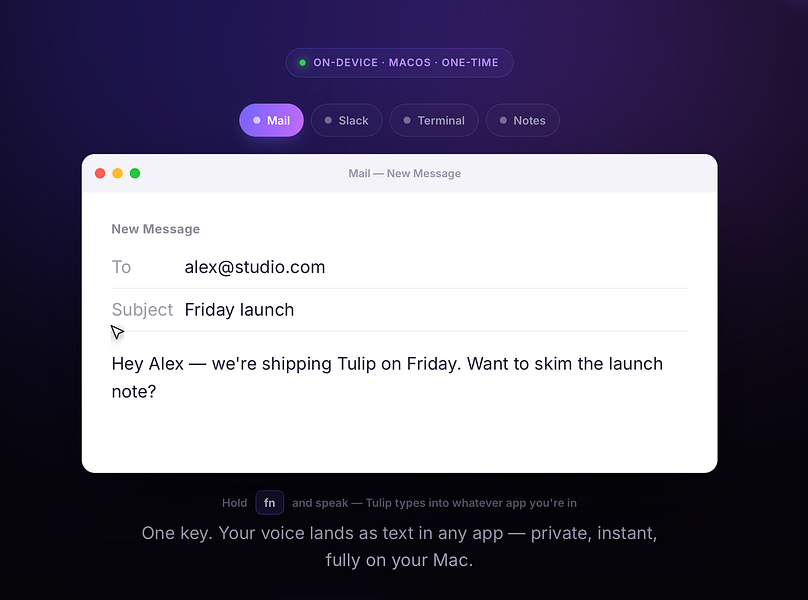
Tulip

Live

Hold a key and dictate into any Mac app; speech-to-text runs entirely on-device so nothing is sent to a server. One-time purchase, not a subscription.

Works offlinePay onceNo subscription
What to know
How it works
Hold the fn key on a Mac, speak, and release to drop clean, punctuated dictated text at your cursor in any app; speech-to-text runs entirely on-device on Apple Silicon and works offline.
What's different
Processes audio fully on-device and never sends it to a server, unlike cloud-based dictation tools.
Pricing
One-time purchase for a lifetime license usable on up to three Macs, with a 2-day free trial and a year of updates included.
Best for
Mac users who want fast, private dictation into any app without a subscription.

Watched for 12 days · last checked 2d ago

Details →

76 separate browser-based, offline, pay-once workspaces built for specific roles like real estate agents, fitness coaches and developers, pitched as an escape from stacked SaaS subscriptions.

Nothing to installWorks offlineData stays with youPay once
What to know
How it works
76 self-contained, browser-based workspaces, each with 8-10 purpose-built modules for a specific role or niche (real estate, fitness coaching, cybersecurity, development, etc.), running 100% offline and locally.
What's different
Data never touches a server (local-first architecture) and it's a one-time purchase instead of a stack of monthly SaaS subscriptions.
Pricing
Pay once, own forever (one-time payment, no subscription).
Best for
Professionals in specific niches who want purpose-built tools without recurring SaaS fees or sending business data to the cloud.

Watched for 13 days · last checked 7d ago

Details →

12 free single-file HTML tools (notes, invoicing, a CRM, snippets and more) that run in your browser or fully offline, with no account, login or data sent anywhere.

No sign-upWorks offlineNo subscription
What to know
How it works
12 single-file HTML tools — including a list app, notes, database, Markdown editor, URL builder, invoice tool, onboarding, outliner, snippets, stickies, deck and CRM — that you open directly as an HTML file; data saves to your browser or you can download and run them offline.
What's different
No subscriptions, logins, or data sent anywhere — each tool is a standalone HTML file you can keep and run forever.
Pricing
Free.
Best for
Small business owners, freelancers and solo operators who want simple tools without accounts or cloud dependence.

Watched for 15 days · last checked 9d ago

Details →

A local-first AI platform bundling chat, a coding agent, a terminal and uncensored open models, with no cloud or accounts. For technical users, not really a mobile app despite the Android companion.

No sign-upWorks offlineOpen sourceNo subscription
What to know
How it works
A local-first AI platform bundling end-to-end encrypted P2P chat, a bare-metal terminal with real PTY shell access, autonomous coding agents, hybrid RAG, and bundled uncensored Qwen/Gemma models, with a native Android companion app for LAN discovery.
What's different
Runs fully offline with no cloud, accounts, or subscriptions, and ships uncensored model variants with no filters.
Pricing
Open-source (AGPL-3.0).
Best for
Technical users on Linux or Windows who want a self-hosted AI toolkit with no cloud dependency.
Watch out
Ships uncensored models with zero filters — outputs are not moderated.

Watched for 17 days · last checked 1d ago

Details →

Hovor

Live

Voice dictation for Mac and iPhone that runs fully on-device so your voice never leaves your hardware, with multilingual support and a lifetime-purchase option instead of a subscription.

Works offlineData stays with youNo subscription
What to know
How it works
Hold a hotkey, speak, and structured text lands where your cursor is in any app on Mac and iPhone, using on-device models that fix punctuation and structure and support multilingual speech, a personal dictionary, snippets and workflows.
What's different
On-device processing means your voice never leaves your hardware.
Pricing
Free tier included, plus lifetime unlocks instead of a forced subscription.
Best for
Mac and iPhone users who want private, offline voice dictation across apps.

Watched for 17 days · last checked 2d ago

Details →

Munra

Live

A private, offline journal for iOS with on-device encryption, mood check-ins, and an optional AI companion powered by your own API key, every feature is free.

FreeNo sign-upWorks offlineNo subscription
What to know
How it works
A private, offline-first journal for iOS with entries encrypted on-device only, a daily mood check-in, speech-to-text, writing streaks, and an optional AI companion that uses your own API key.
What's different
No account, no cloud sync and no subscription — the optional AI companion runs on your own API key rather than the app's backend.
Pricing
Every feature is free.
Best for
People who want to journal privately without their entries leaving their device or going through a subscription service.

Watched for 17 days · last checked 2d ago

Details →

Allot

Live

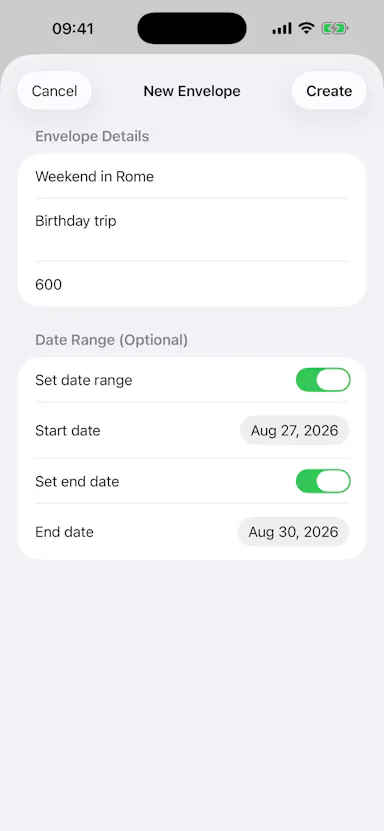
An envelope-style budget tracker that imports bank statements and categorizes spending entirely in your browser, for a one-time payment with no subscription and no data upload.

Data stays with youPay onceNo subscription
What to know
How it works
An envelope-style budget tracker that imports bank statements, auto-categorizes spending, and tracks recurring bills, storing everything in the browser.
Pricing
One-time payment, no subscription.

Watched for 17 days · last checked 2d ago

Details →

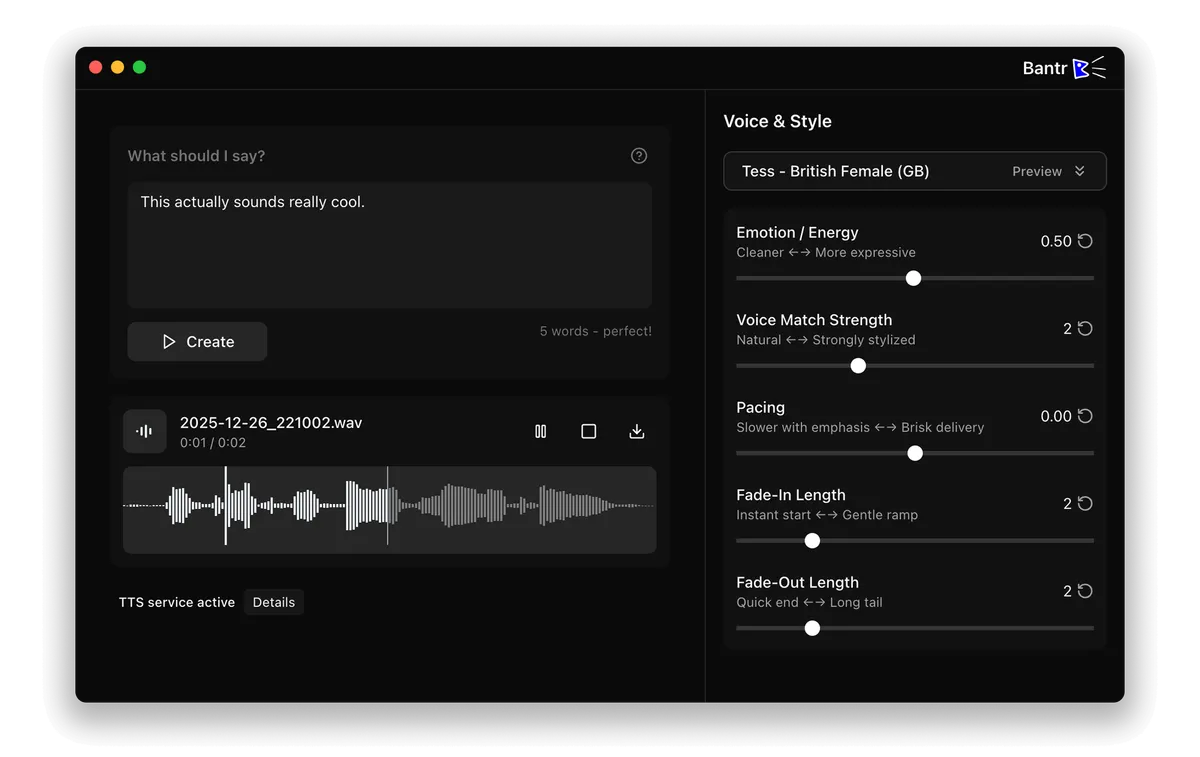
Offline Mac text-to-speech app with 150+ voices, one-time purchase instead of a cloud subscription TTS service.

No sign-upWorks offlineNo subscription
What to know
How it works
runs entirely on-device via Apple's MLX framework
Pricing
buy once, no subscription

First seen today · last checked today

Details →

A lightning-fast offline note capture popup (hotkey-triggered, opens in 20ms) for jotting quick thoughts before moving them into Notion or Obsidian, instead of fighting the friction of a full note app.

FreeNo sign-upWorks offlinePay once
What to know
How it works
Win+Alt+O opens a popup in under 20ms; stays in system tray, no internet or account needed
Best for
People who need to dump quick thoughts without loading a full note-taking app

Watched for 1 day · last checked 1d ago

Details →

Records what you say and turns it into an organized project log automatically on your own device. Aimed at solo builders and founders who have no one else tracking their progress.

FreeWorks offlinePay onceNo subscription
What to know
How it works
Records spoken audio and turns it into an organized project history and devlog automatically, processed on your own device.
What's different
Runs fully on-device rather than relying on manual note-taking or a cloud service.
Pricing
Free to use with full functionality, no subscription; a paid Pro tier unlocks Labs and unlimited weekly processing.
Best for
Solo builders and founders who track their own progress by talking rather than writing, with no one else keeping a project record for them.

Watched for 17 days · last checked 1d ago

Details →

A privacy-focused, ad-free math game for kids ages 6-10 that combines dinosaur exploration with mental math puzzles, unlocked with a one-time purchase instead of a subscription.

Pay onceNo subscriptionNo ads
What to know
How it works
Dinosaur-exploration game with embedded mental math puzzles
Pricing
One-time purchase, no subscription, no ads
Best for
Kids ages 6-10 learning mental math

Watched for 4 days · last checked 3d ago

Details →

Free self-hosted Windows tool that backs up network device configs and monitors SNMP/syslog for network engineers managing multi-vendor hardware.

Domain registered 8 months ago

FreeWorks offlineNo subscriptionSelf-hosted
What to know
How it works
backs up configs for 30+ device types across 7 vendors, SNMP monitoring, built-in syslog server, LLDP-based topology mapping
Pricing
free forever, no cloud or subscription
Best for
network engineers managing Cisco/Juniper/HP/Dell/Arista gear
Watch out
provided as-is with no warranty

Watched for 4 days · last checked 2d ago

Details →

A private, offline AI chat app for iPhone that runs open-source language models on-device with no account or subscription.

Domain registered 9 months ago

No sign-upWorks offlineOpen sourceNo subscription
What to know
How it works
Runs open-source models locally on the phone, no cloud calls
What's different
No account, subscription, or cloud dependency

Watched for 4 days · last checked 3d ago

Details →

A Windows desktop app for signing PDFs by hand, entirely offline, so sensitive documents never touch the cloud.

Domain registered 7 days ago

Works offlineData stays with youPay onceNo subscription
What to know
How it works
Drag and drop a PDF/image, draw a signature, add text — all processed locally
What's different
Zero cloud upload, one-time purchase instead of subscription
Pricing
One-time purchase
Best for
Professionals who don't want to upload contracts to third-party e-signature sites

Watched for 5 days · last checked 4d ago

Details →

Turns speech into punctuated text anywhere on a Mac with one key press, and reads text back, fully on-device.

Domain registered 24 days ago

No sign-upWorks offlinePay onceNo subscription
What to know
How it works
Press a key, speak, text appears at the cursor; also reads text aloud
What's different
No cloud, no account, no subscription
Pricing
$39.99 one-time

Watched for 5 days · last checked 3d ago

Details →

A browser-based Gmail extension that summarizes email threads and organizes trade clients into folders without sending data to a server.

Data stays with youNo subscriptionCan export my data
What to know
How it works
Runs inside Gmail, uses your own AI key, stores data only in your browser
What's different
Zero-server, encrypted export files for handoff
Pricing
Free 14-day trial, then 5 free ops/day, or $199 one-time lifetime plan
Best for
Cross-border trade professionals managing client emails in Gmail

Watched for 5 days · last checked 3d ago

Details →

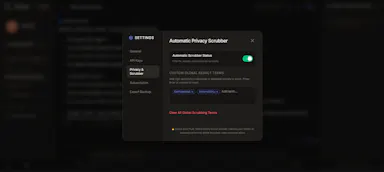
Scrubs sensitive data out of your prompts before they reach ChatGPT or other AI you already use, then keeps the cleaned conversations organized and searchable, entirely on your device.

Works offlinePay onceNo subscription
What to know
How it works
Scrubs sensitive data out of your prompts before they reach ChatGPT or other AI tools you already use, and keeps the cleaned conversations organized in folders with instant search.
What's different
Works alongside AI you already pay for rather than replacing it, with everything processed on your device.
Pricing
Founding price of $12, one-time payment.
Best for
People who paste private data into ChatGPT and want it removed before it reaches the AI provider's servers.

Watched for 16 days · last checked 10d ago

Details →

A bundle of 15 browser-based creative and dev tools (regex tester, image compressor, kanban board, SVG builder) that run locally with zero cloud servers or subscription fees.

Works offlineNo subscription
What to know
How it works
A bundle of 15 browser-based creative and developer tools — including a regex sandbox, image compressor, kanban tracker, and SVG-to-React builder — that run locally via IndexedDB, plus browser extensions to extract typography and colors from pages.
What's different
Zero cloud servers across all 15 tools, replacing fragmented workflows and separate online converters.
Pricing
No subscription — everything runs locally in the browser.
Best for
Developers, designers, and creators who want to replace a fragmented set of separate online tools with one local suite.

Watched for 16 days · last checked 10d ago

Details →

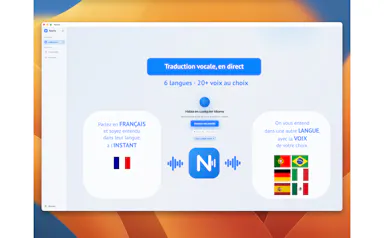
Nparla

Live

A native Mac app that translates your voice in real time during Zoom or Meet calls, entirely on-device across six languages, for a one-time purchase with no subscription.

Works offlineData stays with youPay onceNo subscription
What to know
How it works
Translates your voice in real time during calls: you speak in your language and the other person hears a natural voice in theirs, with a virtual microphone that plugs into Zoom, Google Meet and Teams.
What's different
Runs 100% on-device on Apple Silicon, so voice never leaves the Mac; supports Spanish, English, German, Italian, French and Portuguese.
Pricing
One-time purchase, no subscription.
Best for
People in international meetings who need real-time spoken translation across the six supported languages.
Watch out
Limited to six supported languages and requires Apple Silicon for the on-device processing.

Watched for 16 days · last checked 10d ago

Details →

Gratitude Mandala is a personal journaling app that turns daily gratitude entries into a color-coded, year-long visual mandala stored entirely on the user's device.

No sign-upWorks offlineNo subscription
What to know
How it works
each entry lights up a dot on a mandala mapping the whole year by month and category, with a year-end review; the journal is stored only on-device with no account, subscription, or cloud sync
Best for
people who've tried and quit gratitude journaling and want a visual way to keep coming back

Watched for 11 days · last checked 8d ago

Details →

Replay

Live

A one-time-purchase Mac app that records and transcribes video calls on-device without bots joining or data leaving the machine, for people who want to own a private, searchable meeting archive.

Domain registered 1 month ago

FreeWorks offlinePay onceNo subscription
What to know
How it works
Records meetings from Zoom, Meet, Teams or Webex on a Mac and transcribes them on-device, learning speaker names across meetings, without bots joining calls or data touching the cloud; saves transcripts as video, JSON and Markdown.
Pricing
One-time purchase, free to try.
Best for
People who want a private, searchable meeting record they own, without a subscription.

Watched for 11 days · last checked 8d ago

Details →

An envelope-budgeting app that tracks expenses over any timeframe entirely on-device, for privacy-conscious users who want a one-time purchase instead of a subscription budgeting app.

Domain registered 5 months ago

FreeWorks offlinePay onceNo subscription
What to know
How it works
Expenses from any card or cash are assigned into envelopes; the app runs 100% on-device and works offline with a 'Data Not Collected' privacy label.
Pricing
Free for 5 envelopes, $4.99 once for unlimited, no subscription.

Watched for 12 days · last checked 8d ago

Details →

Wump

Live

Estimates how many months you could cover expenses if your income stopped, no bank connection needed. A one-time-purchase, on-device check, not a subscription budgeting app.

Domain registered 1 month ago

Data stays with youPay onceNo subscription
What to know
How it works
Answers a few honest questions, with no bank linking, to estimate how many months you could cover expenses if your income stopped, then lets you check in daily and model the next 30, 60, or 90 days.
What's different
No bank linking required, and your data stays on your device.
Pricing
One-time purchase, no subscription.
Best for
People who want to know their financial runway without connecting a bank account.

Watched for 12 days · last checked 10d ago

Details →

A Mac clipboard history tool that keeps text, images, colors and file paths stored locally, with no cloud sync and no subscription fee.

Works offlineNo subscription
What to know
How it works
A Mac clipboard history app that saves copied text, links, images, screenshots, colors and file paths, then lets you search and paste them back with a global shortcut and numbered quick paste.
Pricing
No subscription.
Best for
Mac users who want clipboard history stored locally without syncing to the cloud.

Watched for 12 days · last checked 10d ago

Details →

A Chrome screenshot and annotation tool that runs entirely locally with five capture modes and eight annotation tools, instead of uploading screenshots to a cloud service.

FreeNo sign-upWorks offlineData stays with you
What to know
How it works
Captures screenshots (visible, full page, region, element, timed) and adds annotations such as arrows, shapes, text, and blur, locally in the browser.
Pricing
Free tier with all modes and tools, no watermark; Pro is a $39 one-time purchase for extra formats and history.
Watch out
About 50KB, built with vanilla JS.

Watched for 12 days · last checked 8d ago

Details →

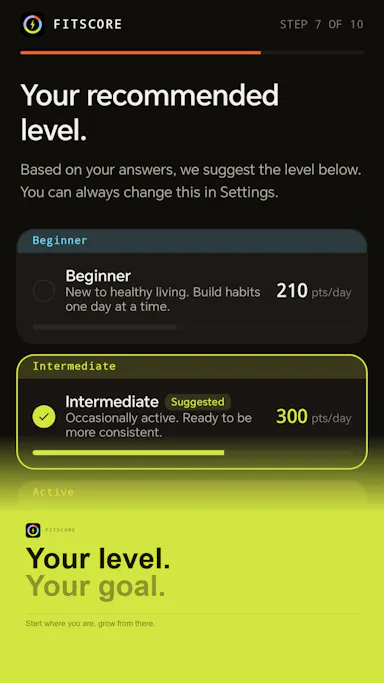
An Android app that turns your daily workouts, steps, sleep, hydration, habits, and screen time into a single private health score, instead of separate tracking apps or a cloud dashboard.

No sign-upWorks offlinePay onceNo subscription
What to know
How it works
Combines health metrics via Health Connect into one daily score, with no account and no cloud, data staying on-device.
Pricing
7-day free trial, then a one-time purchase of 5.99 euro (normally 7.99 euro).

Watched for 12 days · last checked 8d ago

Details →

Makes PDFs and scans searchable with fully offline OCR on Mac, no cloud upload, no subscription, a privacy-first alternative to cloud-based OCR tools.

Works offlineNo subscription
What to know
How it works
Makes PDFs, scans and documents searchable using OCR that runs entirely offline on a Mac.
What's different
100% offline with no subscription, unlike cloud-based OCR tools.
Pricing
No subscription (one-time, implied by 'without a subscription').
Best for
Mac users who want to OCR documents without sending them to the cloud.

Watched for 13 days · last checked 2d ago

Details →

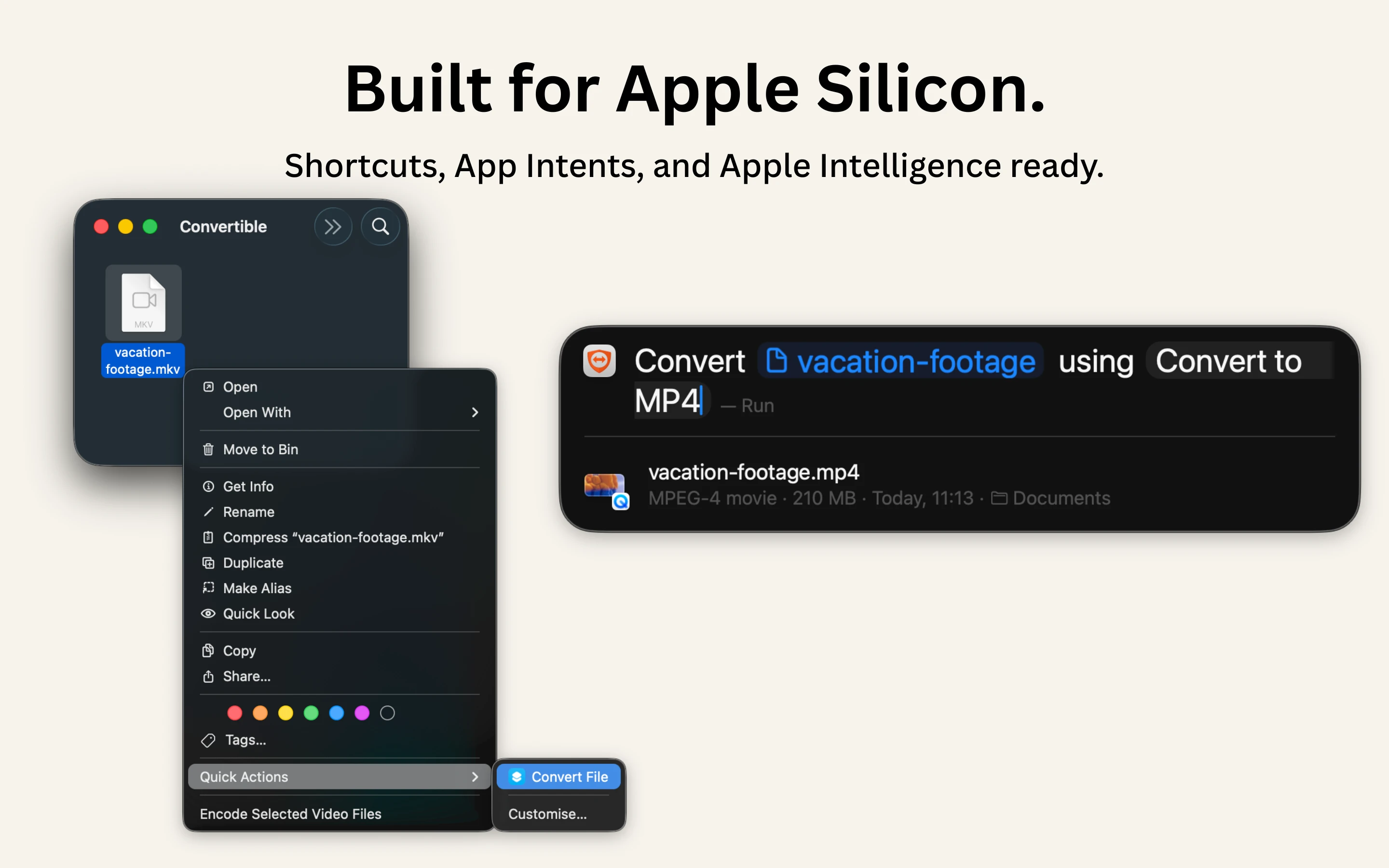
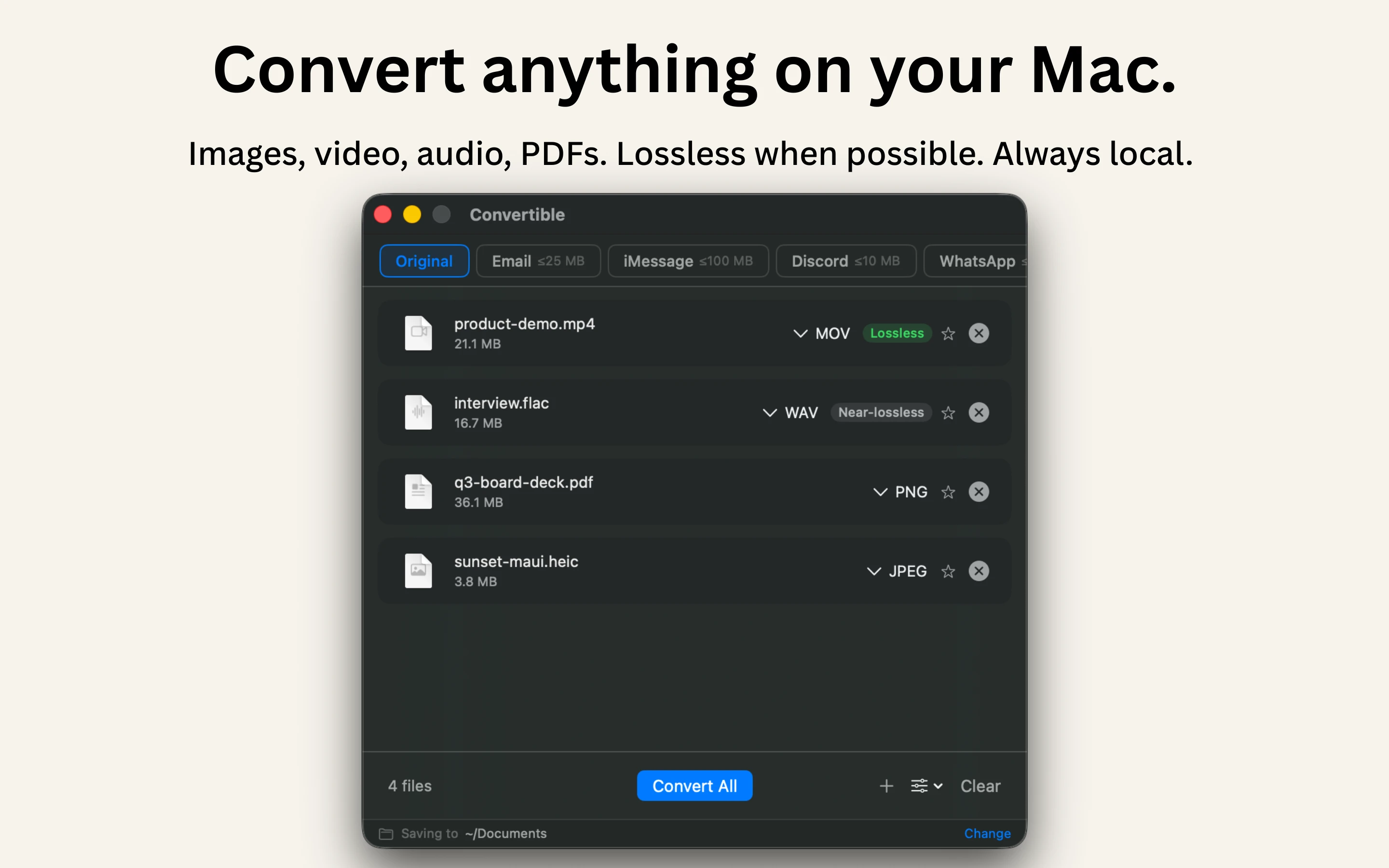
A native Mac file converter that compresses images, video, audio and PDFs entirely on-device with Shortcuts and Finder integration, for people who don't want files touching the cloud.

Works offlineData stays with youPay onceNo subscription
What to know
How it works
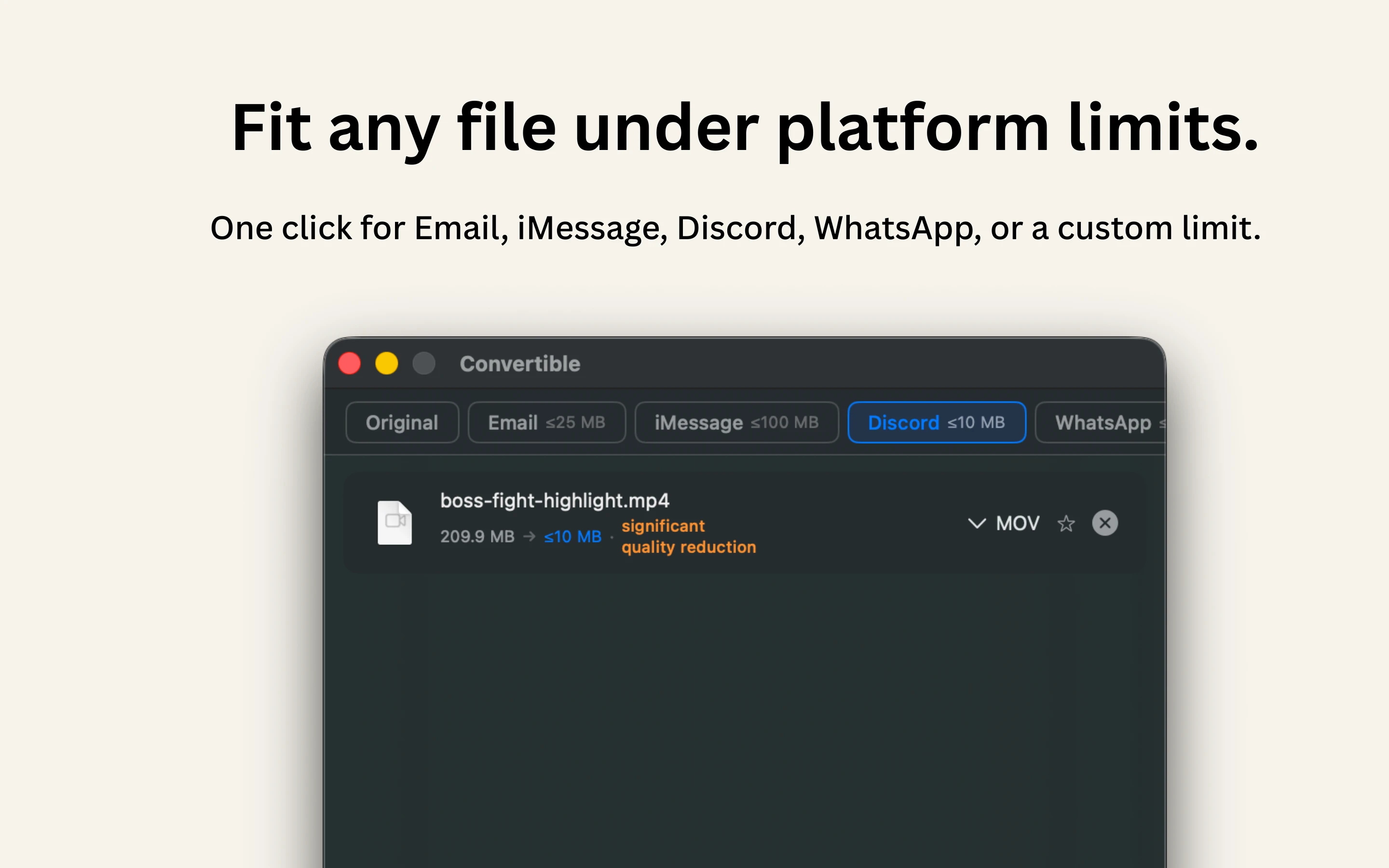
Converts and compresses images, video, audio and PDFs entirely on-device on Mac, including hard-to-open formats like MKV, WebM and HEIC, and can shrink files to a target size limit in one click.
What's different
Runs 100% locally with no cloud upload or telemetry, and integrates with Shortcuts, Finder's right-click menu, Spotlight and scheduled automations.
Pricing
One-time purchase, no subscription.
Best for
Mac users who want to convert or compress files without sending them to the cloud.

Watched for 14 days · last checked 2d ago

Details →

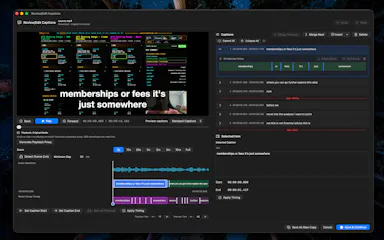
Generates and burns video captions entirely on your Mac using local AI, no cloud upload, no subscription, one-time purchase after a 30-day free trial.

No sign-upWorks offlinePay onceNo subscription
What to know
How it works
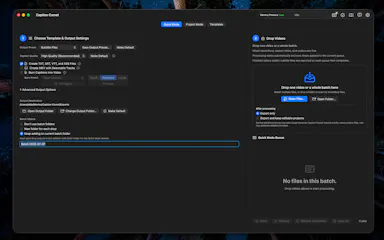
Generates, edits and burns video captions locally on a Mac using on-device AI, with Quick Mode for batch-processing multiple videos of mixed codecs/resolutions and Project mode for adjusting timing word by word. Supports karaoke, word-build and custom caption styles, exporting SRT, VTT, ASS, MKV or burned-in video.
What's different
Runs fully offline with no cloud upload, account or subscription, on any Apple Silicon Mac including 8GB models.
Pricing
Free 30-day trial, then a one-time purchase, no subscription.
Best for
Mac-based video creators who want captions generated and burned in without uploading footage to the cloud.

Watched for 16 days · last checked 2d ago

Details →

Sift

Live

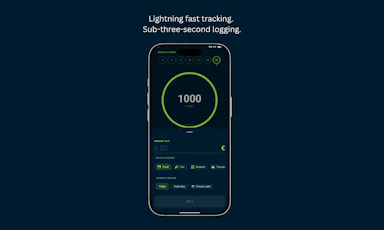
A local-only personal finance tracker with a one-time purchase instead of a subscription, built for under-three-second daily expense logging.

Works offlineData stays with youPay onceNo subscription
What to know
How it works
A local-first, serverless personal finance tracker: transactions are logged in under three seconds via a 'Sift Ring' that shows your real-time safe-to-spend balance, with all data kept on your own device.
What's different
No subscription, no cloud sync, no external tracking accounts — a one-time purchase instead of the recurring-subscription finance-app model.
Best for
People who want to log daily spending quickly and keep their financial data entirely off the cloud.

Watched for 14 days · last checked 2d ago

Details →

A dead-simple iPhone scanner app that works entirely offline with no account or cloud, and nothing leaving your device. Free with ads; one-time purchase removes them.

FreeNo sign-upWorks offlineData stays with you
What to know
How it works
Scans documents on iPhone by snapping a photo or importing one, then produces a clean PDF that can be sent by email, WhatsApp or printed. Runs entirely offline with no account and no cloud upload.
What's different
Designed with big buttons and plain language for people who don't live on their phone, and everything stays on-device.
Pricing
Free with ads; a one-time purchase removes ads, no subscription.
Best for
iPhone users who want a simple, private document scanner without setting up an account.

Watched for 16 days · last checked 8d ago

Details →

A privacy-focused bookmark organizer that keeps data local with no sign-up or cloud sync. Free for up to 25 bookmarks, then a one-time payment for unlimited.

Pay onceNo subscriptionNo tracking
What to know
How it works
Organizes browser bookmarks into dedicated sections without requiring sign-up or cloud sync, keeping data local with no tracking.
Pricing
Free for up to 25 bookmarks, with a one-time payment for unlimited access.
Best for
People who want a private, local bookmark organizer without creating an account.

Watched for 17 days · last checked 10d ago

Details →

Removes glare from glasses in portrait photos with one click; pay-as-you-go pricing with no subscription, and uploaded photos are deleted within 24 hours.

No subscription
What to know
How it works
Uses AI to remove glasses glare and reflections from portrait photos in a single click.
Pricing
Pay-as-you-go, no subscription required.
Best for
Anyone with portrait photos ruined by glasses glare who wants a quick one-off fix.
Watch out
Uploaded images are automatically deleted within 24 hours, per the product's own privacy claim.

Watched for 17 days · last checked 1d ago

Details →

A private, offline scouting notebook for racket-sports players to track opponents' weaknesses and strategy before a rematch — no account, one-time payment.

No sign-upWorks offlinePay onceNo subscription
What to know
How it works
You track each opponent's weaknesses across racket sports (tennis, table tennis, badminton, pickleball), write a strategy card, and log game-by-game scores. Before a rematch, the Scout tab surfaces the full game plan in about 30 seconds, and it reminds you on match day.
What's different
No account, no network — all data stays on the device.
Pricing
Free to start; unlimited access is a one-time $14.99 with no subscription.
Best for
Racket-sports players who face repeat opponents and want a quick pre-match refresher on strategy.

Watched for 17 days · last checked 1d ago

Details →

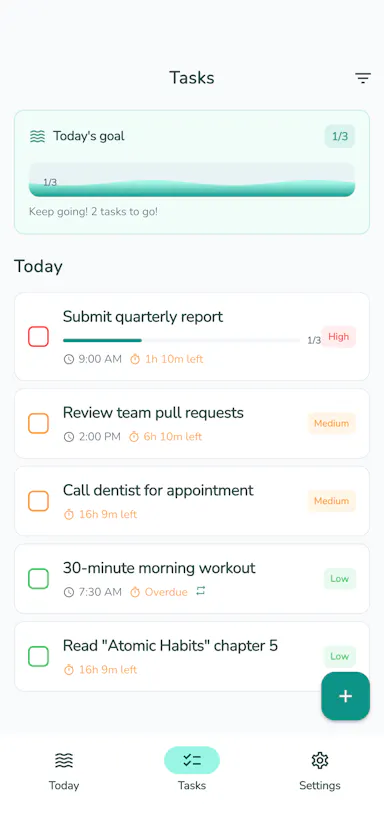
tidalist

Not responding

An offline task manager for ADHD users that makes time visible through color-coded time blocks, countdown timers and photo cues.

No sign-upWorks offlineData stays with youPay once
What to know
How it works
Color-coded time blocks, countdown timers, progress bars and photo attachments per task
Pricing
$4.99 one-time, no subscription
Best for
People with ADHD or time blindness

Watched for 4 days · last checked today

Details →

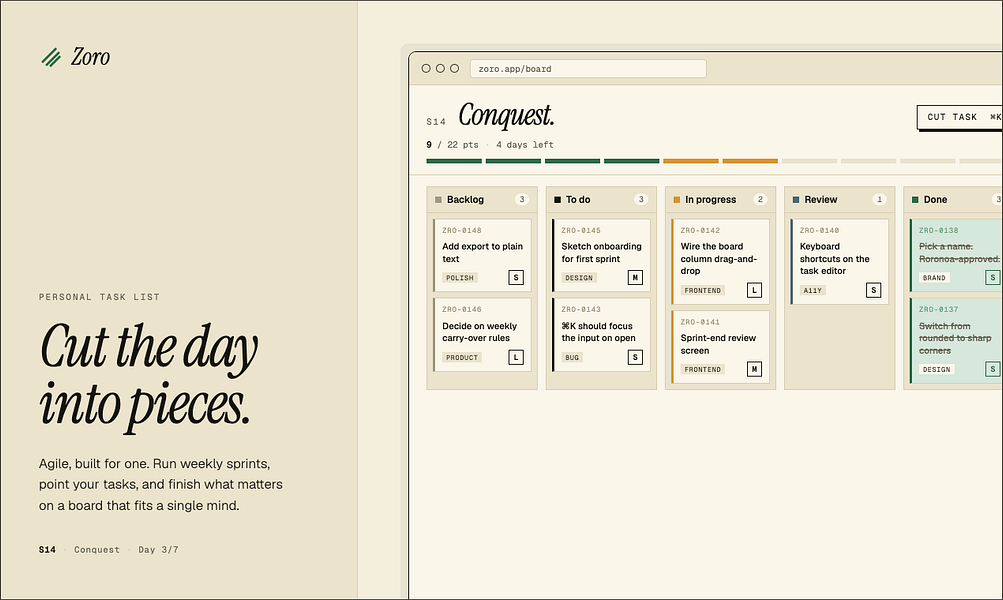
Zoro

Live

A one-time-purchase task app for solo workers that applies agile concepts like backlog, priority, and kanban to personal work, syncing via CloudKit with no account or server.

Domain registered 2 months ago

FreeNo sign-upData stays with youNo subscription
What to know
How it works
Syncs across iOS, macOS, and web through CloudKit only, with no signup and no backend server.
Pricing
One-time purchase of $59.99 for lifetime use.

Watched for 6 days · last checked today

Details →

Native Mac and Windows console that builds, tests, signs, and publishes apps across 27 distribution destinations without cloud or account.

No sign-upWorks offlineNo subscription
What to know
How it works
Point it at a folder and it auto-detects 25 toolchains; one build fans out to 27 distribution destinations including App Store, Play, and Vercel, all handled from a native Mac and Windows console including build, test, signing, and release.
What's different
Runs 100% locally with no account, cloud, or subscription required.
Best for
Developers who need to ship apps across many platforms without cloud dependency.
Watch out
iOS and Android companion apps are included but the core console runs on Mac and Windows.

Watched for 8 days · last checked 2d ago
Details →

Rekody

Live

Free on-device macOS dictation app that types text at the cursor via a hold-to-talk hotkey.

FreeNo sign-upWorks offlineOpen source
What to know
How it works
Hold Option + Space and speak, and text lands at your cursor in any app, with a personal dictionary that learns your words.
Pricing
Free.
Watch out
On-device by default, no account or subscription; the CLI is open source (MIT).

Watched for 2 days · last checked 2d ago

Details →

An offline encrypted vault for passwords, documents and voice/video messages stored only on your phone, meant to be accessible to family if something happens to you.

Domain registered 3 months ago

Works offlinePay onceNo subscription
What to know
How it works
encrypted on-device vault with an owner-held recovery backup, no cloud or account
Pricing
one-time payment, no subscription

Watched for 4 days · last checked today

Details →

A local-first productivity workspace combining a Pomodoro timer, task/habit tracking, and analytics, with data kept on-device.

Works offlineData stays with youNo subscriptionNo ads
What to know
How it works
Combines a Pomodoro timer with customizable workflows, immersive focus mode, task/habit tracking, productivity analytics, an XP/achievement system, and ambient soundscapes, with local accounts and encrypted backup.
What's different
Local-first architecture; data stays on-device by default with no mandatory account, subscription, or ads.

Watched for 2 days · last checked 2d ago

Details →

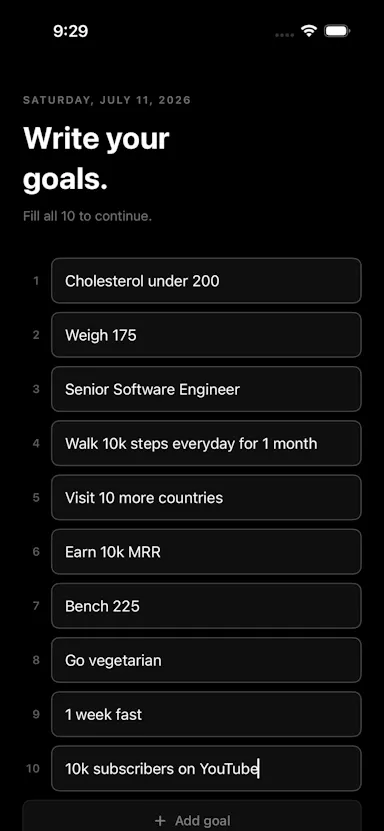
$1 iPhone app built around writing down 10 goals every morning with a daily reminder and calendar history.

No sign-upWorks offlineNo subscription
What to know
How it works
Open the app each morning, write at least 10 goals, add an optional note, and save; a calendar lets you revisit any past day, with a 9 AM daily reminder.
Pricing
$1 one-time purchase for iPhone.
Watch out
No account, no subscription, no cloud sync.

Watched for 8 days · last checked 5d ago

Details →

An iPhone and iPad app that upscales, sharpens and denoises photos entirely on-device so nothing is uploaded to a server - for casual users, not professional photo editors.

4 ratings on the App Store

No sign-upWorks offlineData stays with youNo subscription
What to know
How it works
An iPhone and iPad app that upscales, sharpens, denoises, and deblurs photos using on-device AI enhancement, with a before/after comparison before saving the result back to Photos.
What's different
All processing happens on-device — no server upload, account, ad, or subscription is required.
Pricing
No subscription and no account required (per the product's own description).
Best for
People restoring old, blurry, or low-resolution personal photos who want to keep them off the cloud.

Watched for 17 days · last checked 1d ago

Details →

An offline home inventory and warranty tracker — photograph belongings, receipts and insurance records, stored privately on your device with no account needed. For homeowners and renters preparing for insurance claims.

No sign-upWorks offlineData stays with youPay once
What to know
How it works
Lets you document belongings, receipts, and insurance records room by room with photos, prices, brands, and notes, track warranties and service details with expiry reminders, and generate/share PDF inventory reports.
What's different
Runs fully offline with no account required, all data stored privately on the device, and supports export/restore backups.
Best for
Homeowners and renters preparing for an insurance claim or documenting valuables.

Watched for 17 days · last checked 1d ago

Details →

A pocket fidget kit for Android — tap, pop, spin and flip through tactile toys with haptic feedback whenever you need a quick sensory break.

FreeNo sign-upData stays with youPay once
What to know
How it works
An Android app with tap-based tactile toys — clicker, bubble wrap, spinner, toggle switches, magnetic slider and more — each with responsive haptic vibration feedback.
Pricing
Free base set of fidgets; FidgetDrop Pro unlocks more tactile toys and customization.
Best for
People who want a pocket-sized fidget kit on their Android phone for quick sensory breaks.

Watched for 17 days · last checked 1d ago

Details →

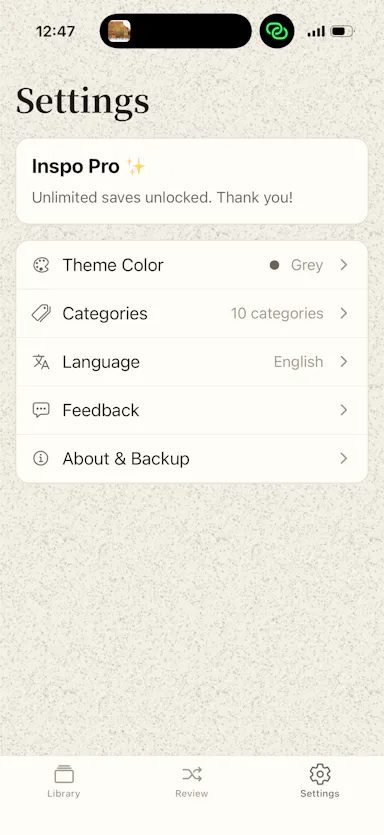
Saves screenshots and shared content from any app into one categorized, on-device library using Apple Intelligence.

No sign-upWorks offlineNo subscriptionNo ads
What to know
How it works
Lets you share content from any app's share sheet into one place — title and image are grabbed automatically, and on-device Apple Intelligence sorts it into a category; browse by category, add tags, or use 'Daily Review' to resurface saves.
What's different
No ads, no account, no subscription.
Watch out
Relies on on-device Apple Intelligence.

Watched for 9 days · last checked 6d ago

Details →

Extracts text via OCR from scanned documents, then lets AI summarize them, flag contract risks, and translate into 51 languages — all on your Android phone.

Domain registered 4 months ago

FreeData stays with youNo subscriptionCan export my data
What to know
How it works
Scans documents on an Android phone, extracts text via OCR (Google ML Kit), and lets AI summarize them, extract key facts, flag contract risks, generate to-do lists, chat with the document, or translate into 51 languages.
What's different
Goes beyond producing a plain PDF — the AI layer analyzes and translates the scanned content directly on the device.
Pricing
Scanning and OCR are free for everyone; deeper AI features (summaries, contract-risk analysis, translation) are part of a Premium tier billed without a subscription.
Best for
Android users, including freelancers and students, who want to digitize and understand documents like invoices, contracts and notes.

Watched for 13 days · last checked 7d ago

Details →

A Mac hold-to-talk voice typing tool that transcribes on-device for privacy.

Domain registered 4 months ago

FreeWorks offlineNo subscription
What to know
How it works
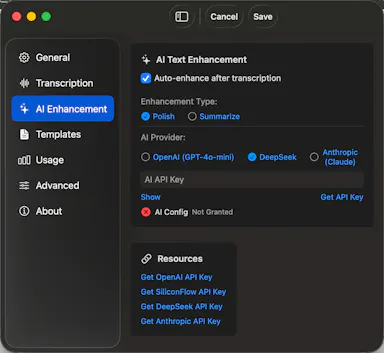
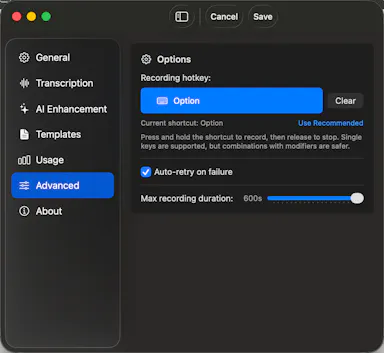
Hold Option, speak, release, and text appears at the cursor; SenseVoice transcription runs on-device for free, offline, private use, or bring your own OpenAI Whisper or SiliconFlow key for cloud accuracy.
What's different
Strong on mixed Chinese-English transcription.
Pricing
Free to start; one-time Pro purchase plus optional AI Plus.
Watch out
Requires macOS 14.6 or later.

Watched for 8 days · last checked 5d ago

Details →

Melia

Live

A native Linux desktop email client that connects straight to your IMAP/SMTP mail servers with no cloud relay, middleman account or telemetry, as an alternative to Thunderbird or Evolution.

FreeWorks offlineData stays with youPay once
What to know
How it works
A native Linux desktop email client that connects directly to your mail servers over IMAP and SMTP, storing everything locally in a SQLite database and syncing credentials through the OS keyring so it works fully offline.
What's different
No cloud relay, middleman account, or telemetry — mail stays on your own machine, unlike hosted alternatives.
Pricing
Free for one account with full functionality; a one-time $10 unlock removes the account cap.
Best for
Linux desktop users looking for a native alternative to Thunderbird, Evolution, Geary or Mailspring.

Watched for 17 days · last checked 1d ago

Details →

A Windows app that turns real screen actions into annotated step-by-step guides with local OCR and no cloud upload, aimed at IT support, helpdesk and training teams.

Works offlineNo subscriptionCan export my data
What to know
How it works
A local-first Windows app for turning real desktop actions into professional visual guides: it captures clicks and active windows with consent, offers a structured editor, annotations, blur, and local OCR, and exports to PDF, DOCX, HTML, PowerPoint, or Markdown.
What's different
Keeps screenshots, OCR, and documents entirely local on the user's PC, with no SaaS account and no keystroke logging, unlike cloud-based alternatives.
Pricing
Available on Microsoft Store with a one-time lifetime license.
Best for
IT support, helpdesk, QA, operations, and training teams that need step-by-step documentation from real desktop actions.

Watched for 17 days · last checked 1d ago

Details →

Ncored

Live

A desktop PDF editor built to stay smooth on huge CAD and construction drawing exports from AutoCAD, Revit and ArchiCAD, running fully offline so drawings never leave your machine.

FreeNo sign-upWorks offlineNo subscription
What to know
How it works
A desktop PDF editor for Windows and Mac built to stay smooth on scroll, zoom and pan across heavy AutoCAD, Revit and ArchiCAD exports and project sets of 50-200MB or more. It runs locally on the user's machine.
What's different
Targets the specific failure mode of general PDF tools — stalling and stuttering on dense CAD/construction drawings with heavy vector line work and hatches — and processes files fully offline.
Best for
Architects, structural/civil engineers, MEP professionals and construction teams working with large, heavy drawing sets.

Watched for 17 days · last checked 1d ago

Details →

Private expense tracker based on the 50/30/20 budgeting rule, no login, one-time payment.

No sign-upData stays with youPay onceNo subscription
What to know
How it works
Tracks expenses around the 50/30/20 budgeting rule with smart budgeting, monthly insights, recurring transactions and PDF export, storing data only on the device.
Pricing
One-time payment, no subscription.
Best for
People wanting a private expense tracker with no login.

Watched for 2 days · last checked 2d ago

Details →

Free, open-source peer-to-peer game-save sync tool across your own devices without a cloud account.

FreeNo sign-upWorks offlineOpen source
What to know
How it works
Syncs game saves directly between your own devices (desktop, laptop, Steam Deck) the instant they change, via P2P over LAN or internet with a room code, versioning every change and asking before overwriting on conflicts.
What's different
Works with 20,000+ games across Steam, GOG, Epic, emulators, and repacks, with a self-hostable relay and zero telemetry.
Pricing
Free, MIT-licensed.
Best for
Gamers wanting cloud-save syncing without an account or cloud middleman.

Watched for 2 days · last checked today

Details →

On-device batch photo compressor/resizer and HEIC-to-JPG converter, one-time purchase, no cloud upload.

FreeWorks offlinePay onceNo subscription
What to know
How it works
Batch-processes photos entirely on-device for compression, resizing, and HEIC-to-JPG conversion, with nothing uploaded to the cloud.
Pricing
One-time purchase, no subscription, free updates.

Watched for 2 days · last checked today

Details →

On-device AI dictation and meeting notetaker for Mac and iOS that works offline without an account.

Domain registered 1 month ago

FreeNo sign-upWorks offlineNo subscription
What to know
How it works
Runs 100% on-device using Gemma and Whisper for push-to-talk dictation into any app, live meeting transcripts, AI rewriting, and asking questions across notes.
What's different
No cloud, no account, no subscription.
Pricing
Free for macOS and iOS.
Watch out
Windows and Android support are coming soon, not yet available.

Watched for 9 days · last checked 6d ago

Details →

A private AI chat platform positioned as an alternative to paying for ChatGPT, without API keys or data sharing.

No subscription
What to know
How it works
A private AI chat platform with no API keys, subscription fees, or data leaks.
What's different
Positioned as an alternative to paying $20/month for ChatGPT's usage limits and data concerns.
Pricing
No subscription fees.

Watched for 9 days · last checked 6d ago

Details →