Desktop macos

We're tracking 15 of these, and 14 are still live today.

Watching this group for 14 days · how we check

This weekno new arrivals1 stopped answering

Boxvy

Live

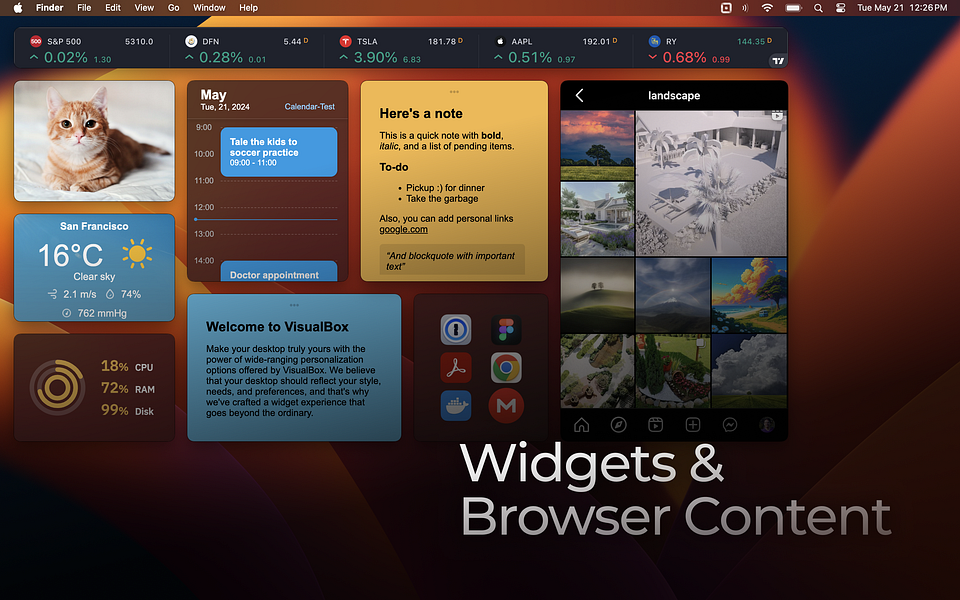
Turns your Windows or Mac desktop into a customizable workspace with notes, timers, shortcuts and browser views as movable widgets, so you're not scattered across separate folders and apps.

What to know
How it works
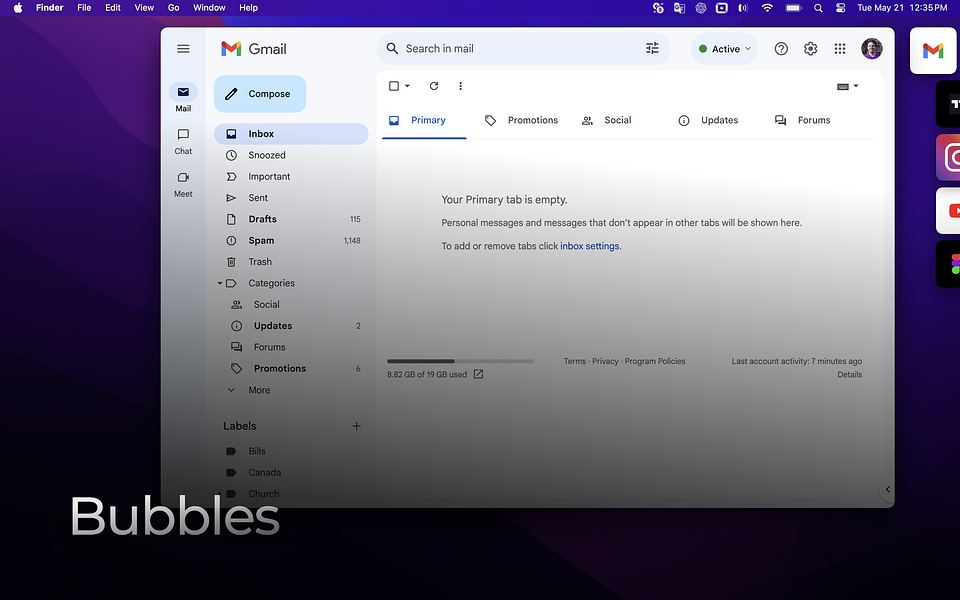
Pins your most-used files, folders, websites or commands to the desktop or status bar as widgets, bubbles or quick-access icons, and can keep frequently used web pages visible at startup.
What's different
Centralizes shortcuts on the desktop itself instead of requiring you to open folders, apps or browser tabs.
Best for
People who feel scattered across too many open apps and folders and want one-click access to what they use most.

Watched for 14 days · last checked 2d ago

Details →

Invoke

Live

A cursor-first radial menu for macOS that opens beside your pointer to launch apps, folders, text snippets, shortcuts, or built-in tools like clipboard history, and switches its menu automatically based on the active app.

What to know
How it works
A customizable shortcut-triggered radial menu that appears next to the cursor and adapts which actions it shows depending on the foreground app.
Best for
macOS users who want quick actions without memorizing many keyboard shortcuts.

Watched for 14 days · last checked 8d ago

Details →

Minnie

Live

A 3D animated Mac desktop pet that sits on top of CLI coding agents like Claude Code or Codex, showing their status and confirming risky commands.

No tracking
What to know
How it works
A floating 3D pet on your Mac desktop that sits on top of CLI coding agents (Claude Code, Gemini, Codex, or others) — before a risky command runs, it shows the exact command in a speech cloud for you to allow or deny by voice or click.
What's different
Its 8 moods mirror the underlying agent's status live, and secrets are stored in Keychain with no telemetry.
Best for
Developers running CLI coding agents who want a visible, glanceable approval layer for risky commands.

Watched for 14 days · last checked 8d ago

Details →

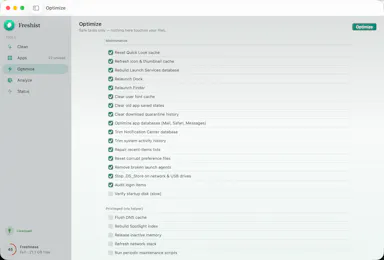
A native Mac cleanup app that bundles junk removal, uninstaller, optimizer, analyzer and monitor, showing every file before deleting it. One-time $9 purchase, not a subscription.

Domain registered 25 days ago

Pay onceNo subscriptionNo tracking
What to know
How it works
A native macOS maintenance app bundling five tools — clean, uninstall, optimize, analyze and monitor — and shows every file before deleting anything.
What's different
No telemetry, and files are shown before any action is taken on them.
Pricing
One-time $9 purchase, no subscription.
Best for
Mac users who want a transparent cleanup tool without committing to a subscription.

Watched for 14 days · last checked 8d ago

Details →

A Mac app that turns long videos into short vertical clips with subtitles and AI-generated titles, descriptions, and hashtags, processing everything on-device instead of uploading to the cloud.

FreeWorks offlinePay onceNo subscription
What to know
How it works
Runs entirely locally on Apple Silicon Macs and works offline, so footage is never uploaded to a server.
Pricing
Free to use; a one-time $49 Pro payment removes the watermark, no subscription.

Watched for 14 days · last checked 10d ago

Details →

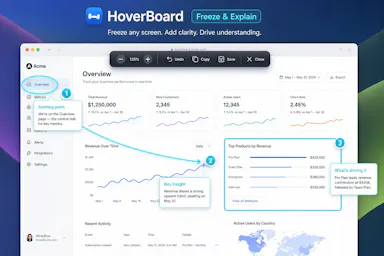
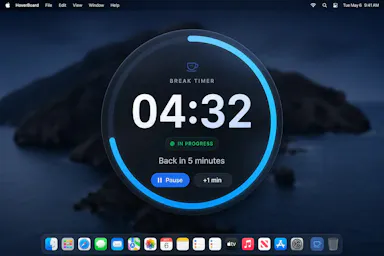
A macOS menu bar app that gives presenters five hotkey-triggered tools — draw, freeze-and-explain, whiteboard, break timer, and cursor highlight — over Zoom, Meet, or Teams.

Domain registered 1 month ago

No sign-upWorks offlineData stays with you
What to know
How it works
Runs as a native macOS menu bar app with global hotkeys for its five presenting tools; keeps data on the Mac with no account or cloud.
Best for
People presenting over video calls who want lightweight on-screen annotation tools.

Watched for 14 days · last checked 8d ago

Details →

A free screen recording app for Windows, macOS, Linux, and web that automatically zooms the cursor on clicks, processing everything on-device without upload.

FreeNo sign-upWorks offlineData stays with you
What to know
How it works
Highlights the cursor and auto-zooms on clicks during recording, with no upload or account required to start.
Pricing
Free.
Best for
People who want a directed-looking screen recording without manual editing or cloud upload.

Watched for 14 days · last checked 8d ago

Details →

A utility that lets one Mac use another Mac's webcam over the local network, for people who want a better camera angle or need a camera on a headless Mac.

What to know
How it works
Streams a Mac's webcam to another Mac over the local network, encrypted and low-latency.
Best for
Multi-Mac setups, like using an iMac's camera on a MacBook or adding a camera to a headless Mac mini.

Watched for 14 days · last checked 8d ago

Details →

Droppy

Live

A Mac productivity suite that lives in the notch, menu bar, or a floating shelf, offering file, clipboard, window, search, and music tools.

Domain registered 6 months ago

What to know
How it works
Native app accessible from the notch, menu bar, its own window, or a floating shelf, with 24 optional add-ons called Droplets to customize how much of it you use.

Watched for 14 days · last checked 11d ago

Details →

A cute desktop pet app that sits on your screen and nudges you with customizable reminders for breaks, water, snacks, and bedtime while you work.

Domain registered 14 days ago

What to know
How it works
A pixel-art mushroom keeps track of the clock and sends reminders you configure yourself.

Watched for 14 days · last checked 11d ago

Details →

naden

Live

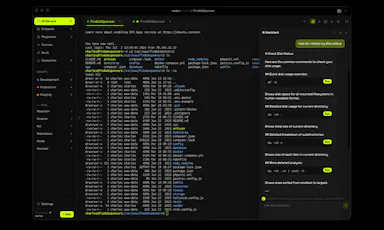
A free, open-source desktop SSH client for macOS with a built-in terminal, SFTP browser, jump host support, and an encrypted credential vault.

Domain registered 1 month ago

FreeOpen source
What to know
How it works
Provides SSH terminal access, SFTP file browsing, jump host chaining, and an encrypted vault for credentials.
Pricing
Free and open source.
Best for
Developers and IT professionals managing remote servers from a Mac.

Watched for 14 days · last checked 11d ago

Details →

Orbs

Live

A native macOS radial-wheel app launcher: hold a key to reveal ten apps arranged in a wheel, flick to one, and release to open it.

What to know
How it works
Hold a hotkey to open a radial menu of ten apps, flick toward one, and release to launch it.

Watched for 14 days · last checked 11d ago

Details →

A backup tool that lets you back up emails from multiple major email clients on both Mac and Windows.

What to know
How it works
Backs up emails from multiple major email clients on both Mac and Windows PCs.

Watched for 14 days · last checked 11d ago

Details →

Replay

Live

A one-time-purchase Mac app that records and transcribes video calls on-device without bots joining or data leaving the machine, for people who want to own a private, searchable meeting archive.

Domain registered 1 month ago

FreeWorks offlinePay onceNo subscription
What to know
How it works
Records meetings from Zoom, Meet, Teams or Webex on a Mac and transcribes them on-device, learning speaker names across meetings, without bots joining calls or data touching the cloud; saves transcripts as video, JSON and Markdown.
Pricing
One-time purchase, free to try.
Best for
People who want a private, searchable meeting record they own, without a subscription.

Watched for 14 days · last checked 11d ago

Details →

KPLens

Not responding

A native macOS menu bar app showing indie-hacker stack status: Stripe revenue, Vercel deploys, and GitHub PRs at a glance.

Works offline
What to know
How it works
A native macOS menu bar app showing Stripe revenue, Vercel deploy status, GitHub open PRs and notifications, and Resend emails sent and bounce rate at a glance.
What's different
Fully bring-your-own-key — every request runs locally and API keys never touch their servers because there are none.
Best for
Indie hackers who'd rather glance at the menu bar than log into each service.

Watched for 14 days · last checked today

Details →

Desktop macos — the short answers

Every number here comes from our own daily check — not from a vendor list.

Desktop macos — how many are there?
Tablif is tracking 15 of them. 14 answered our check today.
Which ones are still maintained?
Tablif knocks on every door once a day and records the answer. 14 of these 15 responded on the latest run, so that number is what "still here" means on this page — not a review score.
Are any of them free?
4 of the live ones say so in their own words, and 2 let you start without making an account. Tablif records the claim the product makes; we don't verify pricing.
Any open-source options?
1 of the live ones on Tablif mention being open source.
What's the newest one?
Email Backup Software for Mac — Tablif first saw it 14 days ago.
Did a person actually look at these?
15 of them Tablif opened and read, then wrote a one-line summary in our own words instead of reusing the founder's tagline. The rest carry keyword labels we haven't confirmed by reading yet — and we say so rather than hiding it.