We check every product on this page once a day and record whether it still answers.
Suite of client-side browser tools, including a teleprompter and EXIF stripper, that run entirely offline.
FreeWorks offlineData stays with you
What to know▼
How it works
A suite of web utilities (e.g. an auto-scrolling teleprompter, an EXIF metadata stripper) that run entirely offline in the browser using HTML5 and JS APIs.
What's different
100% client-side — no backend uploads or delays.
Best for
Developers and creators wanting privacy-first tools.
We check every product on this page once a day and record whether it still answers.
A free HAR file viewer that runs entirely client-side (nothing uploaded) and lets you inspect requests, headers and timing waterfalls — a real developer debugging tool.
FreeData stays with you
What to know▼
How it works
Opens HAR exports from Chrome, Firefox, Safari, or Edge and lets you inspect requests, headers, cookies, request/response bodies, query params, and a timing waterfall, with filtering by status, method, type, or URL and redaction of sensitive headers.
What's different
Runs 100% client-side, so no captured network data leaves your browser.
Pricing
Free.
Best for
Developers debugging network requests and performance.
We check every product on this page once a day and record whether it still answers.
A free Chrome extension that shows who doesn't follow you back on Instagram and lets you bulk unfollow, processing everything locally.
Free
What to know▼
How it works
Shows who doesn't follow you back on Instagram with photo, name, and username, also shows fans who follow you but you don't follow back, filters by private and verified accounts, allows bulk unfollow, and exports to Excel.
What's different
Everything processed locally in the browser, no data leaves the machine, no password required.
We check every product on this page once a day and record whether it still answers.
A free desktop app that checks your camera, mic, speakers, and network before a video call.
Free
What to know▼
How it works
Checks camera, microphone, speakers, room noise, and network connection with one click before a video call and gives a simple ready/almost-set/fix-this verdict.
What's different
Audio and video are processed locally and never stored or sent anywhere.
We check every product on this page once a day and record whether it still answers.
A free open-source browser tool that lets you control your computer using hand gestures and facial movements via webcam, for developers experimenting with gesture input.
We check every product on this page once a day and record whether it still answers.
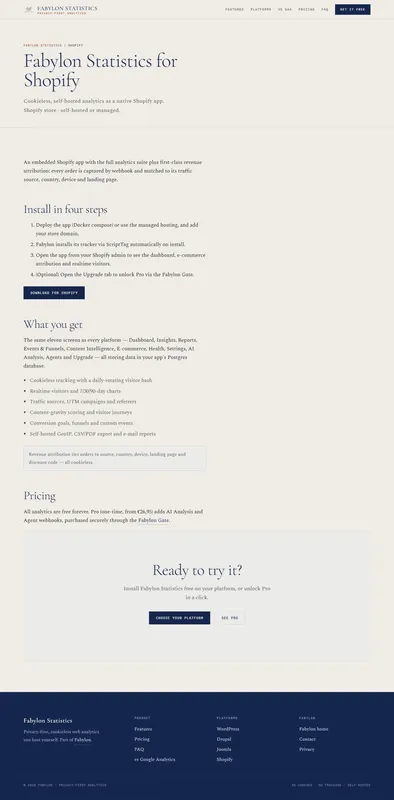
Self-hosted, cookie-free analytics for Shopify merchants who want visitor and revenue data kept on infrastructure they control instead of a third-party tracker.
We check every product on this page once a day and record whether it still answers.
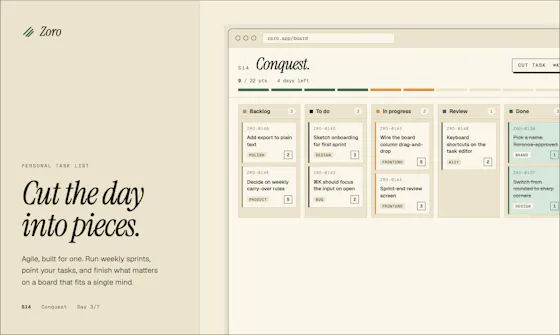
A one-time-purchase task app for solo workers that applies agile concepts like backlog, priority, and kanban to personal work, syncing via CloudKit with no account or server.
FreeNo sign-upData stays with you
What to know▼
How it works
Syncs across iOS, macOS, and web through CloudKit only, with no signup and no backend server.
We check every product on this page once a day and record whether it still answers.
Free, open-source tool that extracts the best moments from full movies and reformats them as vertical Shorts/TikToks/Reels — AI scene scoring, computer-vision face tracking, 9:16 cropping and word-level subtitles, all running locally with no cloud or subscription.
FreeWorks offlineOpen source
What to know▼
How it works
Built on PySceneDetect, faster-whisper, OpenCV and FFmpeg; runs on Python with full control over output.
We check every product on this page once a day and record whether it still answers.
Imports Stripe's itemized automatic-payout CSV and turns it into a balanced QuickBooks journal — maps accounts, previews the journal, downloads a QuickBooks CSV, parsed entirely locally.
We check every product on this page once a day and record whether it still answers.
A free browser tool that turns a still image into a wobbly jelly-motion animation, for casual creators making playful video/GIF content without video-editing software.
FreeNothing to installCan export my data
What to know▼
How it works
A browser-based tool where you upload an image, paint the areas that should move, preview a jelly-like wobble animation, and export it as MP4 or GIF locally.
Pricing
Free.
Best for
Casual creators making playful wobble animations from still images without video-editing software.
We check every product on this page once a day and record whether it still answers.
A browser-based tool that turns your own videos into iPhone Live Photo wallpapers entirely on-device with no upload, plus a free gallery of ready-made HD wallpapers.
Watch out · It doesn't create a true Live Photo by itself; it preps the clip and walks you through a manual app step to finish.
FreeWorks offlineData stays with you
What to know▼
How it works
Crop, trim, and preview a video on a phone mockup in the browser, entirely on-device, then follow a one-tap step to set it as your iPhone Live Photo lock screen.
Pricing
Free HD wallpapers from a gallery; you can also convert your own video.
Best for
iPhone users who want a live wallpaper made from their own video without uploading it anywhere.
Watch out
It doesn't create a true Live Photo by itself; it preps the clip and walks you through a manual app step to finish.
We check every product on this page once a day and record whether it still answers.
A free, open-source Windows tool that runs apps like Discord, ChatGPT and Meta products inside isolated local sandboxes to block client-side scanning and OS-level telemetry. For privacy-conscious users worried about surveillance, not a ChatGPT alternative.
FreeOpen source
What to know▼
How it works
Runs locally on Windows, enforcing hyper-isolated memory partitions to encapsulate apps like Discord, ChatGPT and Meta webgrids, blinding host OS scanning daemons while keeping the apps fully functional.
What's different
Works entirely on-device with no remote servers, positioned as active defense against Client-Side Scanning and EU Chat Control rather than a cloud service.
Pricing
Free and open-source.
Best for
Privacy-conscious Windows users worried about client-side scanning or telemetry from apps like Discord, ChatGPT and Meta products.
We check every product on this page once a day and record whether it still answers.
A local, privacy-first JSON viewer and formatter for developers, with JWT decoding and CSV/YAML/TypeScript export; free for everyday use, $29 one-time for Pro features.
FreeWorks offlinePay once
What to know▼
How it works
A JSON viewer and formatter that runs 100% locally with zero network requests, handling 100MB+ files, inline JWT decoding, and export to CSV, TSV, YAML, or TypeScript (Pro features).
What's different
Positioned as a trustworthy local replacement after a popular JSON formatter with 2M+ users was sold and turned into adware.
Pricing
Free forever for everyday use; Pro is $29 one-time, lifetime.
Best for
Developers who want a JSON viewer that never sends data over the network.
We check every product on this page once a day and record whether it still answers.
Fixes the iPhone-photo compatibility problem by converting HEIC to PNG locally in your browser, nothing uploaded to a server, no account, no app to install.
FreeNo sign-upNothing to install
What to know▼
How it works
Converts HEIC photos from iPhones/iPads into PNG, JPG or WebP directly in the browser; supports batch conversion of up to 100 files at once with no file-size limits.
What's different
Conversion runs entirely on-device — photos are never uploaded to a server or stored.
Pricing
Free, no sign-up required.
Best for
People who need to convert iPhone HEIC photos for apps, websites or Windows PCs that can't open the format, without uploading personal photos.
We check every product on this page once a day and record whether it still answers.
A native Linux desktop email client that connects straight to your IMAP/SMTP mail servers with no cloud relay, middleman account or telemetry, as an alternative to Thunderbird or Evolution.
FreeWorks offlineData stays with you
What to know▼
How it works
A native Linux desktop email client that connects directly to your mail servers over IMAP and SMTP, storing everything locally in a SQLite database and syncing credentials through the OS keyring so it works fully offline.
What's different
No cloud relay, middleman account, or telemetry — mail stays on your own machine, unlike hosted alternatives.
Pricing
Free for one account with full functionality; a one-time $10 unlock removes the account cap.
Best for
Linux desktop users looking for a native alternative to Thunderbird, Evolution, Geary or Mailspring.
We check every product on this page once a day and record whether it still answers.
A free, local-first habit and life tracker based on Buddhist teachings that stores all data in your browser with no account, no cloud, and JSON export and import.
FreeWorks offlineData stays with you
What to know▼
How it works
Maps the Mangala Sutta's 38 blessings into daily habit design, stores data 100% locally in your browser cache, with JSON export/import for backups.
Best for
People who want a private, offline habit tracker with no account and no cloud storage.
We check every product on this page once a day and record whether it still answers.
A free, in-browser suite of over 250 file tools — image, video, audio, SVG, developer, SEO, QR, document and PDF — that processes everything locally so files never leave the device.
FreeWorks offline
What to know▼
How it works
Runs client-side in the browser (e.g. ffmpeg.wasm for video, an on-device AI model for background removal, native Web Audio for audio editing); no accounts or daily limits.
Pricing
Free.
Best for
Developers and anyone needing quick file conversion/editing tools without uploading files to a server.
We check every product on this page once a day and record whether it still answers.
A free, client-side visual builder for Docker Compose, Nginx/Caddy configs, healthchecks and backup scripts that generates production files without uploading anything to a server; a developer/DevOps tool.
FreeData stays with you
What to know▼
How it works
A visual configurator that generates Docker Compose, Nginx/Caddy configs, healthchecks and cloud backup scripts, producing production-ready environments in about 60 seconds.
What's different
100% client-side — zero server-side uploads.
Pricing
Free.
Best for
Developers and DevOps engineers who want production configs without hand-writing them.
We check every product on this page once a day and record whether it still answers.
A free set of 52 browser tools — JSON formatting, regex testing, encryption, converters, calculators — running locally so nothing uploads. Mostly developer tools, plus general productivity ones.
FreeNo sign-upNothing to install
What to know▼
How it works
A free collection of 52 browser-based tools spanning developer utilities (JSON formatter, regex tester, JWT decoder), security tools (AES-256 encryption, PII scrubber), converters, calculators and productivity tools, all running locally in the browser.
What's different
No sign-up, no paywalls and no limits, and everything runs locally so data never leaves the device.
Pricing
Free.
Best for
Developers and general users who want quick one-off tools without installing an app.
We check every product on this page once a day and record whether it still answers.
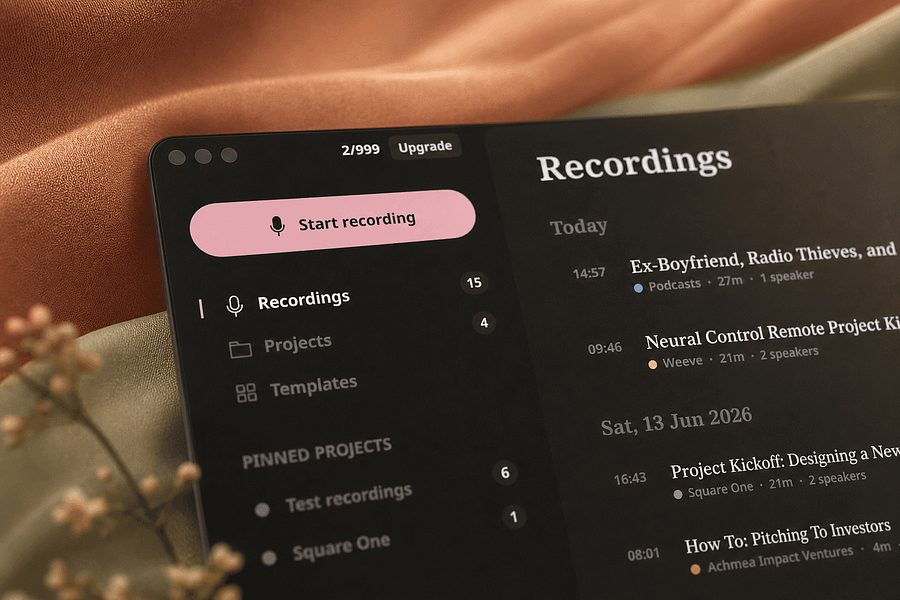
A voice-to-text app that transcribes on-device and optionally cleans up grammar with a user-chosen AI, positioned as a free alternative to Wispr Flow.
FreeWorks offlineOpen source
What to know▼
How it works
Transcribes speech on-device (Parakeet/Whisper/Cohere), then optionally uses a chosen AI (Gemini, OpenAI, OpenRouter or local Ollama) to remove filler words and fix grammar; API keys stay in the Keychain.
What's different
Positioned as a free alternative to Wispr Flow, fully offline if you skip the AI cleanup step.
Pricing
Free, open-source.
Best for
People wanting private voice-to-text across any app.
We check every product on this page once a day and record whether it still answers.
A free offline Windows encryption tool that auto-encrypts a vault with one login and supports secure file sharing.
Watch out · Windows only, no cloud, no account.
FreeNo sign-upWorks offline
What to know▼
How it works
An offline Windows tool that auto-encrypts/decrypts a vault after one login using multi-layer encryption (AES-256-GCM, ChaCha20, rotor cipher) with Argon2id key derivation, and can share files securely with a confirmed contact.
Pricing
Free.
Best for
Windows users wanting local file encryption without per-file passwords.
We check every product on this page once a day and record whether it still answers.
Free browser tool for planning Palworld breeding combinations and shortest breeding chains.
FreeNo sign-upNo ads
What to know▼
How it works
Choose two parent Pals to see the expected child, work backward from a target to compare validated parent combinations, or plan a breeding chain using Pals already in your Palbox.
We check every product on this page once a day and record whether it still answers.
Browser-based MP3-to-MIDI converter with a piano roll editor for fixing AI transcription mistakes, processed locally.
FreeNo sign-up
What to know▼
How it works
Converts MP3 to MIDI with AI transcription, then lets you fix wrong notes, adjust timing, and tweak velocity in a browser piano-roll editor before downloading a clean MIDI.
We check every product on this page once a day and record whether it still answers.
Photo3D converts product images, reference views, and text prompts into 3D assets with GLB output and PBR textures, plus free browser tools for viewing and editing 3D files.
Free
What to know▼
How it works
Turns product images, reference views, or text prompts into 3D assets via image-to-3D, multi-view reconstruction, and text-to-3D, with GLB output and PBR textures.
We check every product on this page once a day and record whether it still answers.
A free suite of 50+ browser-based tools for PDFs, images, documents, and code, including AI features like background removal and OCR, for people who want quick private tools without creating an account.
FreeNo sign-up
What to know▼
How it works
Over 50 fast tools for PDFs, images, documents, and code, most running in the browser including AI background removal and OCR.
We check every product on this page once a day and record whether it still answers.
Turns text into styled images for social media, quotes, or announcements entirely in the browser, with no uploads, account, or watermark, and content that never leaves the device.
FreeNo sign-upWorks offline
What to know▼
How it works
Converts text into images locally in the browser for social media, quotes, testimonials, and announcements, without uploading content anywhere.
We check every product on this page once a day and record whether it still answers.
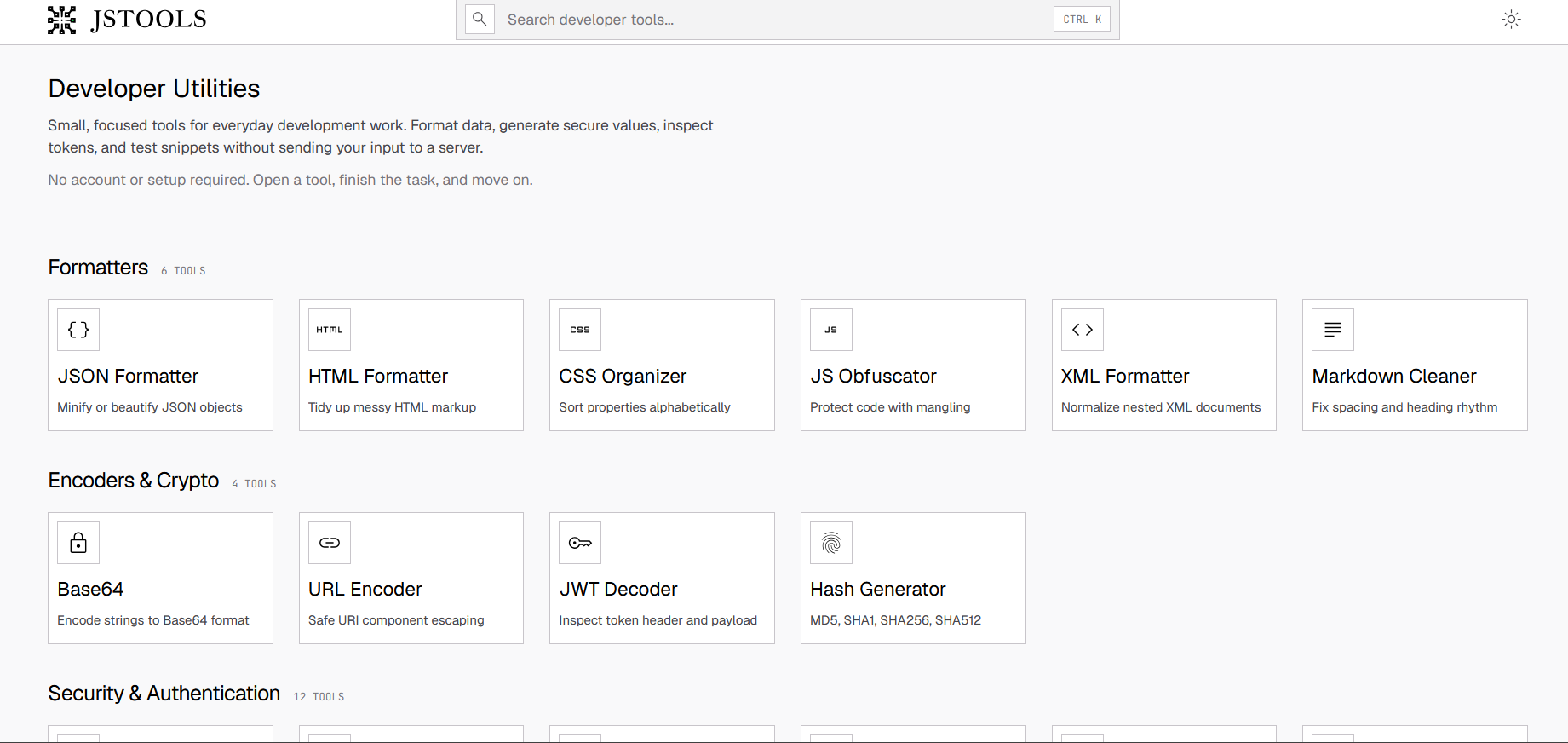
A free set of 17+ client-side developer utilities (JSON/XML/YAML/SQL formatters, regex tester, JWT decoder, hash generator) that run entirely in the browser with nothing sent to a server.
FreeNo sign-upNothing to install
What to know▼
How it works
Provides 17+ browser-based developer tools, JSON/XML/YAML/SQL formatters, a regex tester, a JWT decoder, a hash generator and more, all running client-side so nothing pasted is uploaded or logged.
Pricing
No signup, no rate limits on the core tools.
Best for
Developers who want quick formatting/decoding tools without an account or sending data to a server.
We check every product on this page once a day and record whether it still answers.
A free Chrome extension for screen and webcam recording, screenshots, and on-page annotation that runs entirely in your browser with no signup or uploads.
FreeNo sign-upWorks offline
What to know▼
How it works
A Chrome extension for recording your screen or webcam, taking full-page and region screenshots, and annotating directly on the page.
What's different
No signup, no watermark, no upload — everything runs locally in the browser.
Pricing
Free.
Best for
Anyone who wants quick screen capture and annotation without creating an account or uploading footage anywhere.
We check every product on this page once a day and record whether it still answers.
A free, open-source, on-device dictation app for Mac — hold a key, speak, text appears in any app. No cloud, no accounts, no tracking; a private alternative to Wispr Flow.
FreeNo sign-upWorks offline
What to know▼
How it works
A voice dictation app for macOS: hold a key, speak, and the words appear in any app, running entirely on the Apple Neural Engine (every Mac since the M1, 2020).
What's different
No cloud, no tracking, no accounts and no weekly limits, positioned as a private, on-device alternative to Wispr Flow. Supports custom vocabulary for jargon, names and technical terms.
Pricing
Free and open-source.
Best for
Mac users who want fast voice dictation without their speech leaving the device.
We check every product on this page once a day and record whether it still answers.
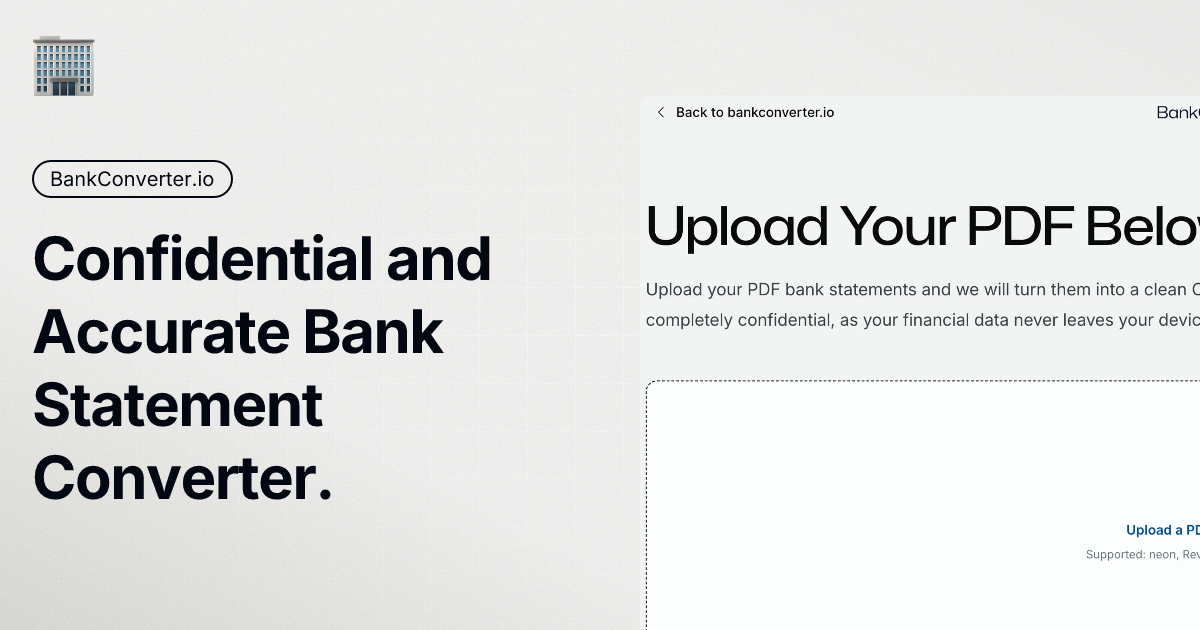
Turns bank statement PDFs into categorized spending, a cash-flow forecast and visual breakdowns, processed on your device, without ever linking to your actual bank account.
Watch out · Requires manually uploading statement PDFs rather than live bank data, so it's only as current as the last statement uploaded.
FreeData stays with youCan export my data
What to know▼
How it works
Users upload bank or credit card statement PDFs, and the app categorizes transactions, generates a spending narrative, visualizes cash flow with a Sankey diagram, and runs a 30-day cash flow forecast, all processed locally on the device.
What's different
Never connects to your bank account or requires bank logins — works entirely from uploaded statement PDFs, processed on-device.
Best for
People who want spending insights and forecasts from their bank statements without linking accounts, including those who want raw CSV/Excel exports.
Watch out
Requires manually uploading statement PDFs rather than live bank data, so it's only as current as the last statement uploaded.
We check every product on this page once a day and record whether it still answers.
A Mac app that turns long videos into short vertical clips with subtitles and AI-generated titles, descriptions, and hashtags, processing everything on-device instead of uploading to the cloud.
FreeWorks offlinePay once
What to know▼
How it works
Runs entirely locally on Apple Silicon Macs and works offline, so footage is never uploaded to a server.
Pricing
Free to use; a one-time $49 Pro payment removes the watermark, no subscription.
We check every product on this page once a day and record whether it still answers.
Captures full runtime state the instant an error fires and replays it locally, feeding coding agents like Claude Code real debugging context instead of a bare stack trace.
Free
What to know▼
How it works
Captures the full runtime state the instant an error fires — stack, variables, network, DOM — and hands it to Claude Code, Cursor, or any MCP-compatible agent; install a 2-line SDK, then run `rv replay snap_id` to restore the local environment.
What's different
Unlike Sentry or LogRocket, it doesn't just show you what happened — it lets you replay the exact state locally.
Pricing
Free plan forever.
Best for
Developers debugging with AI coding agents who are tired of working from a bare stack trace.
We check every product on this page once a day and record whether it still answers.
A free menu-bar Mac app that proofreads and rephrases selected text on-device with a global hotkey, without an account, tracking, or cloud upload by default.
FreeNo sign-upWorks offline
What to know▼
How it works
on-device proofreading via a global hotkey or the Services menu, showing exactly what changed; works offline even on Intel Macs, with cloud only if you add your own custom endpoint.
We check every product on this page once a day and record whether it still answers.
A free set of browser-based tools for merging or compressing PDFs, converting images, and running OCR on video, PDF, and photo files, with all processing done locally so files are never uploaded.
FreeNo sign-upData stays with you
What to know▼
How it works
runs entirely inside the browser tab so files never get uploaded; no accounts, tracking, or limits.
We check every product on this page once a day and record whether it still answers.
Free browser-based converters for PDFs, images and video that process files locally rather than uploading them - a general privacy-focused toolkit, not a developer-specific one.
FreeNo sign-upData stays with you
What to know▼
How it works
A growing collection of free tools for converting PDFs, images and video. Every conversion runs locally in the browser, so files are never uploaded to a server.
What's different
No uploads, no account, no server ever sees your files — processing happens entirely on-device.
Pricing
Free.
Best for
People who want to convert files quickly without creating an account or uploading personal documents.
We check every product on this page once a day and record whether it still answers.
Free browser-only image toolkit (compress/convert/resize) for anyone who wants quick edits without uploading files to a server.
FreeNo sign-upData stays with you
What to know▼
How it works
A browser-based image toolkit for compressing, upscaling, converting to base64, rotating, picking colors, removing hidden EXIF metadata, and resizing images for social media.
What's different
Everything processes locally in the browser — no sign-up, no uploads, no limits.
Pricing
Free.
Best for
Anyone who wants quick image edits without uploading files to a server.
We check every product on this page once a day and record whether it still answers.
A privacy-focused Windows browser that blocks ads, trackers, cookie walls, and phishing before they load, with no account or cloud syncing — built-in blocking, not an extension.
FreeNo sign-up
What to know▼
How it works
Blocks ads, trackers, cookie walls and phishing at the browser level before they load, shows a running count of what didn't load, stamps emptied ad slots "∅ hidden by Null," and auto-skips unblockable video ads.
What's different
Blocking is built into the browser's foundation rather than added as an extension, with no cloud, server, or account involved.
Pricing
Free for Windows.
Best for
Windows users who want ad/tracker blocking built into the browser itself rather than bolted on.
We check every product on this page once a day and record whether it still answers.
A free, open-source browser tool that compresses and converts images, video, audio and PDFs entirely on your device with no uploads or ads — a general utility, not developer-specific.
FreeWorks offlineData stays with you
What to know▼
How it works
An open-source app with 47 tools for compressing and converting images, video, audio and PDFs, with all processing happening on-device so files never leave your computer, including offline use.
What's different
No upload step at all — compression runs entirely locally, works offline, with no ads, accounts or size limits.
Pricing
Free forever.
Best for
Anyone who wants to compress or convert media files without uploading them to a server.
We check every product on this page once a day and record whether it still answers.
A free browser-based PDF toolkit for merging, splitting, signing, converting and redacting that processes files locally, with no upload, signup, or watermark.
FreeNo sign-upNothing to install
What to know▼
How it works
A browser-based PDF toolkit with 34 tools for merging, splitting, compressing, editing, signing, converting, annotating, filling, and redacting PDFs, processing files locally in the browser.
What's different
Documents don't need to be uploaded to a processing server since the supported processing happens locally.
Pricing
Free, no signup, no watermark.
Best for
Anyone who wants to edit PDFs without uploading files to a server.
We check every product on this page once a day and record whether it still answers.
Free, no-signup toolkit of 169 diagnostics for DNS, email authentication, TLS certificates, IP blacklists and security headers, built for self-hosters debugging mail and web infrastructure.
FreeNo sign-upData stays with you
What to know▼
How it works
runs DNS/SPF/DKIM/DMARC/TLS/blacklist/header checks plus in-browser dev utilities (JWT, cron, regex, hashing)
What's different
replaces juggling six separate diagnostic sites; some checks keep data local to your machine
Pricing
free to run checks; watchlists, alerts, embeddable badges and API available on top
Best for
self-hosters and sysadmins debugging DNS/email/TLS issues