We check every product on this page once a day and record whether it still answers.
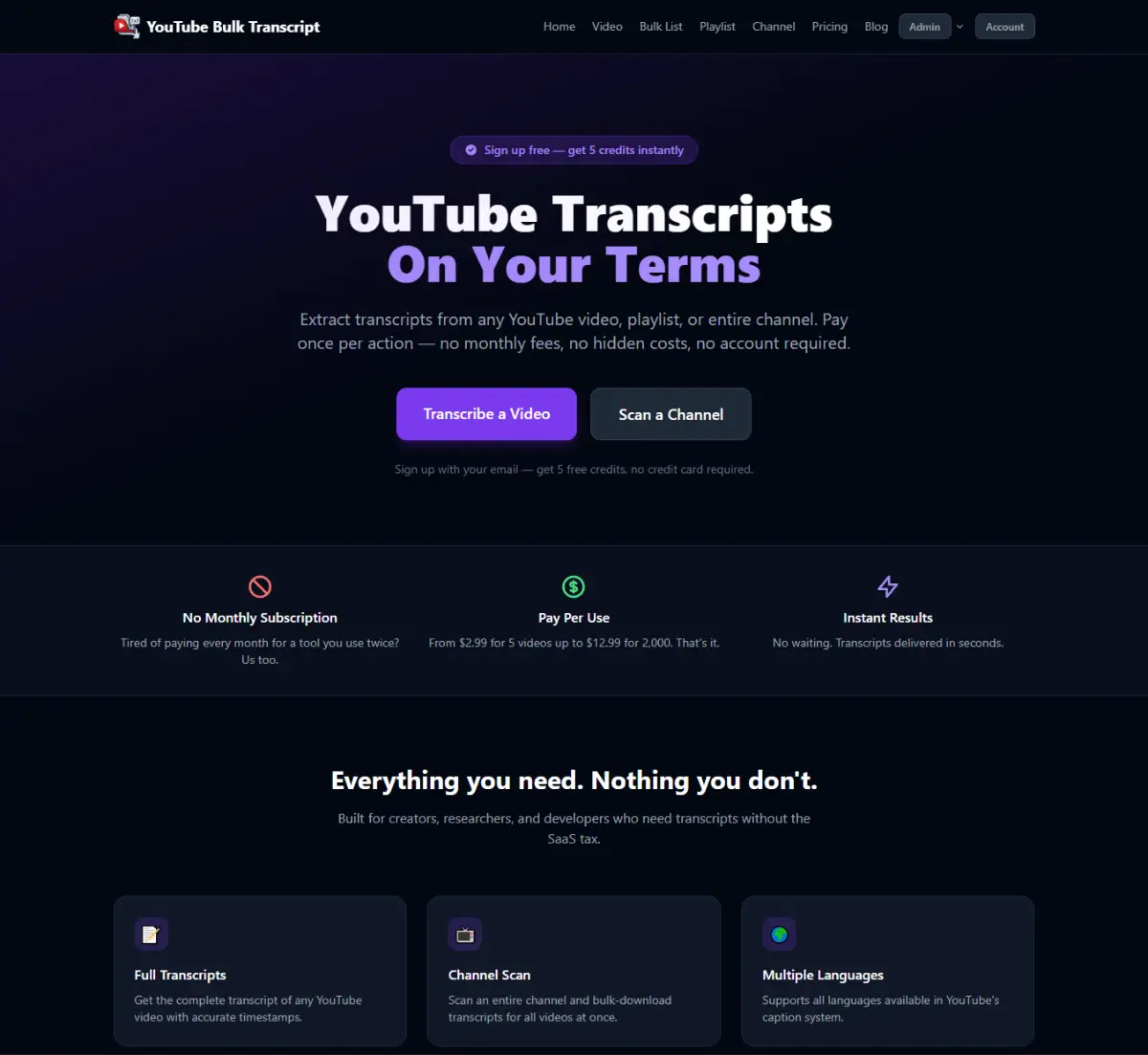
A transcription tool for YouTube videos that falls back to transcribing the audio when captions aren't available, giving clean text from a link with no signup.
No sign-up
What to know▼
How it works
Uses existing captions when present, otherwise transcribes the audio track directly.
We check every product on this page once a day and record whether it still answers.
A local, privacy-first app that uses one on-device Gemma model to capture, transcribe, search, and automate your screen and audio history.
Watch out · Requires a 4GB GPU to run.
Works offlineOpen sourceNo tracking
What to know▼
How it works
Uses one local Gemma model on-device for screen vision, audio transcription, chat, and reasoning; captures only when content changes and lets you search or chat with your screen history in plain English.
What's different
Compared against Microsoft Recall (needs $1000+ hardware) and Screenpipe (needs separate OCR + Whisper + external LLM) — this runs one local model for everything.
We check every product on this page once a day and record whether it still answers.
A free, fully on-device meeting note-taker that transcribes and blends your typed notes without ever sending audio to the cloud or requiring an account, unlike most paid cloud notetakers.
FreeNo sign-upWorks offline
What to know▼
How it works
On-device transcription blended with your typed notes into a write-up; optional bring-your-own model key or fully offline.
What's different
Most competitors still upload audio to their cloud and cost $18+/mo; this doesn't and is free.
We check every product on this page once a day and record whether it still answers.
Transcribes short voice notes on-device into pattern dashboards, fully offline; data syncs end-to-end encrypted across devices, and you can plug in a local MCP server for your own AI agents.
Works offlineCan export my data
What to know▼
How it works
You speak a short voice note, it's transcribed on-device, and an offline dashboard surfaces patterns over time — repetition, distribution, spikes, changes, and correlations. Data syncs end-to-end encrypted across devices with keys you control, and can be exported/imported or connected to a local MCP server for your own agents to analyze.
What's different
Transcription and analysis happen entirely on-device with end-to-end encrypted sync, and data can be exported anytime to avoid lock-in.
Best for
People who want to track personal patterns from quick voice notes without their data leaving their control.
We check every product on this page once a day and record whether it still answers.
Windows music-video editor that auto-cuts footage to the beat with lyric captions and stem separation, fully offline, $49 one-time.
Watch out · Runs on PC, offline.
Works offlineNo subscriptionCan export my data
What to know▼
How it works
Cuts footage to the beat automatically, generates word-by-word karaoke auto-lyrics, separates vocal and drum stems, and adds audio visualizers and lo-fi atmosphere effects.
Pricing
Free demo has a watermark and 60s export cap; $49 one-time unlocks clean exports with no subscription.
We check every product on this page once a day and record whether it still answers.
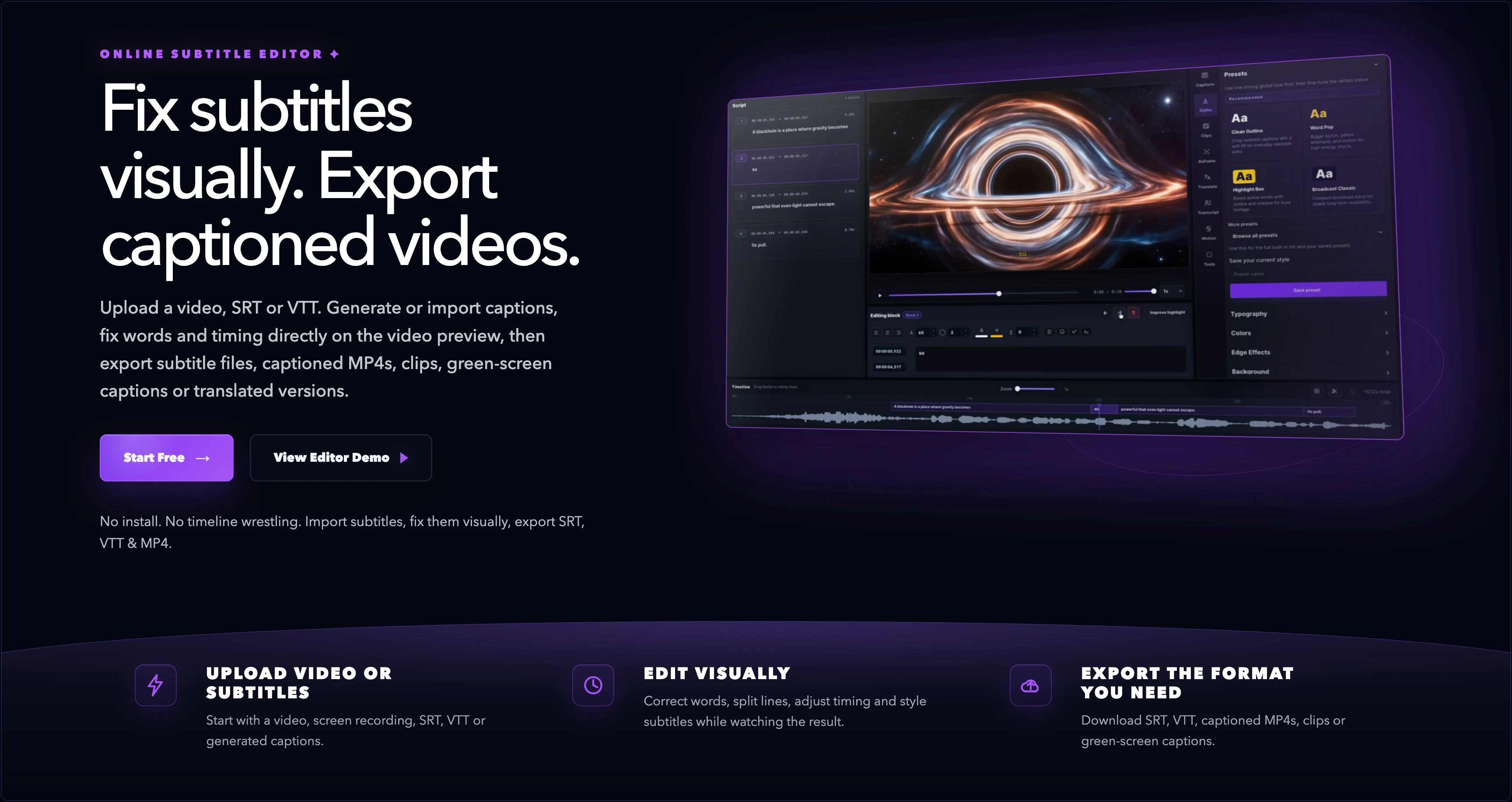
A tool that auto-generates dynamic, styled captions for talking-head video clips, including captions placed behind the speaker.
What to know▼
How it works
Turns talking-head clips into captioned shorts by picking a designed style; it handles timing, emphasis, placement, and movement for every word automatically, including captions placed behind the speaker.
What's different
You fix the transcript instead of animating keyframes.
We check every product on this page once a day and record whether it still answers.
A free browser-based typing tool for 23 languages including Hindi, Arabic, Chinese, Japanese, and Korean, offering phonetic typing, voice dictation, and on-screen keyboards without an account.
FreeNo sign-upNothing to install
What to know▼
How it works
Provides phonetic typing, voice dictation, and on-screen keyboards for 23 languages directly in the browser; text stays local.
Pricing
Free, no login.
Best for
people who need to type in a non-native-keyboard language without installing anything.
We check every product on this page once a day and record whether it still answers.
A tool that converts uploaded audio files into searchable, exportable text transcripts.
Can export my data
What to know▼
How it works
Converts uploaded audio files into accurate, searchable text, supporting common and long-tail formats, with export options for notes, captions, and documentation.
We check every product on this page once a day and record whether it still answers.
Free browser tool generating stylized Unicode text (superscript, small caps, bold) for bios and captions.
FreeNo sign-upNothing to install
What to know▼
How it works
Type once to get superscript, small caps, subscript, bold, and script Unicode text styles for bios, captions, and usernames, with live character and byte counts.
We check every product on this page once a day and record whether it still answers.
A browser tool that adds live caption overlays to whatever audio is playing in your active tab, with an option to translate captions into Spanish; 5 minutes free, then paid by the minute.
What to know▼
How it works
Turns the active browser tab into a live caption overlay for videos, calls, streams and X Spaces, with an option to translate captions into Spanish.
Pricing
5 free caption minutes, then paid prepaid minutes.
Best for
People who have trouble hearing browser audio clearly, or who want it translated into Spanish.
We check every product on this page once a day and record whether it still answers.
Open-weight Arabic speech recognition models covering Modern Standard Arabic, dialects, and code-switching, for developers and researchers to inspect, fine-tune, and deploy without lock-in.
What to know▼
How it works
Trained on real-world Arabic audio, rather than clean studio recordings, to handle dialects and code-switching that other ASR models fall apart on.
Best for
Developers and researchers building Arabic speech applications who need access to model weights.
We check every product on this page once a day and record whether it still answers.
A desktop companion app that generates real-time subtitles for VLC and MPV entirely offline using a local speech engine, with no internet connection or uploads required.
Works offline
What to know▼
How it works
Generates real-time subtitles for VLC and MPV entirely offline, using a local Vosk acoustic engine, with calibration sliders for syncing audio to captions.
What's different
No internet connection or uploads required — subtitle generation runs fully on-device.
Best for
People who want live captions for local video playback without sending audio to a cloud service.
We check every product on this page once a day and record whether it still answers.
Turns spoken thoughts into clean written text you can drop into any app — aimed at professionals with heavy daily email, doc and message writing.
What to know▼
How it works
You speak your thoughts naturally and it transcribes and restructures them into clean, formatted writing usable anywhere you type, adapting tone and format to the platform you're writing on and to your personal writing style.
What's different
Goes beyond plain transcription by personalizing output to your tone and profession, and adjusting format based on where you're writing.
Best for
Professionals with heavy daily writing across channels — sales reps, customer support managers, product managers — drafting emails, docs and messages by voice.
We check every product on this page once a day and record whether it still answers.
Records and transcribes calls across Google Meet, Zoom, WhatsApp, Teams, Webex, Telegram and Discord without a bot joining or a recording announcement, then gives you searchable transcripts and summaries.
Watch out · It explicitly records without a bot joining and without a recording announcement, which raises consent considerations for other call participants.
What to know▼
How it works
Records and transcribes calls across Google Meet, Zoom, WhatsApp, Microsoft Teams, Webex, Telegram, and Discord, producing automatic transcripts, summaries, searchable notes, key points, and a shareable team link.
What's different
No bot joins the call and no recording announcement is made, unlike most meeting-recorder tools.
Best for
People who need call records across many different platforms in one place.
Watch out
It explicitly records without a bot joining and without a recording announcement, which raises consent considerations for other call participants.
We check every product on this page once a day and record whether it still answers.
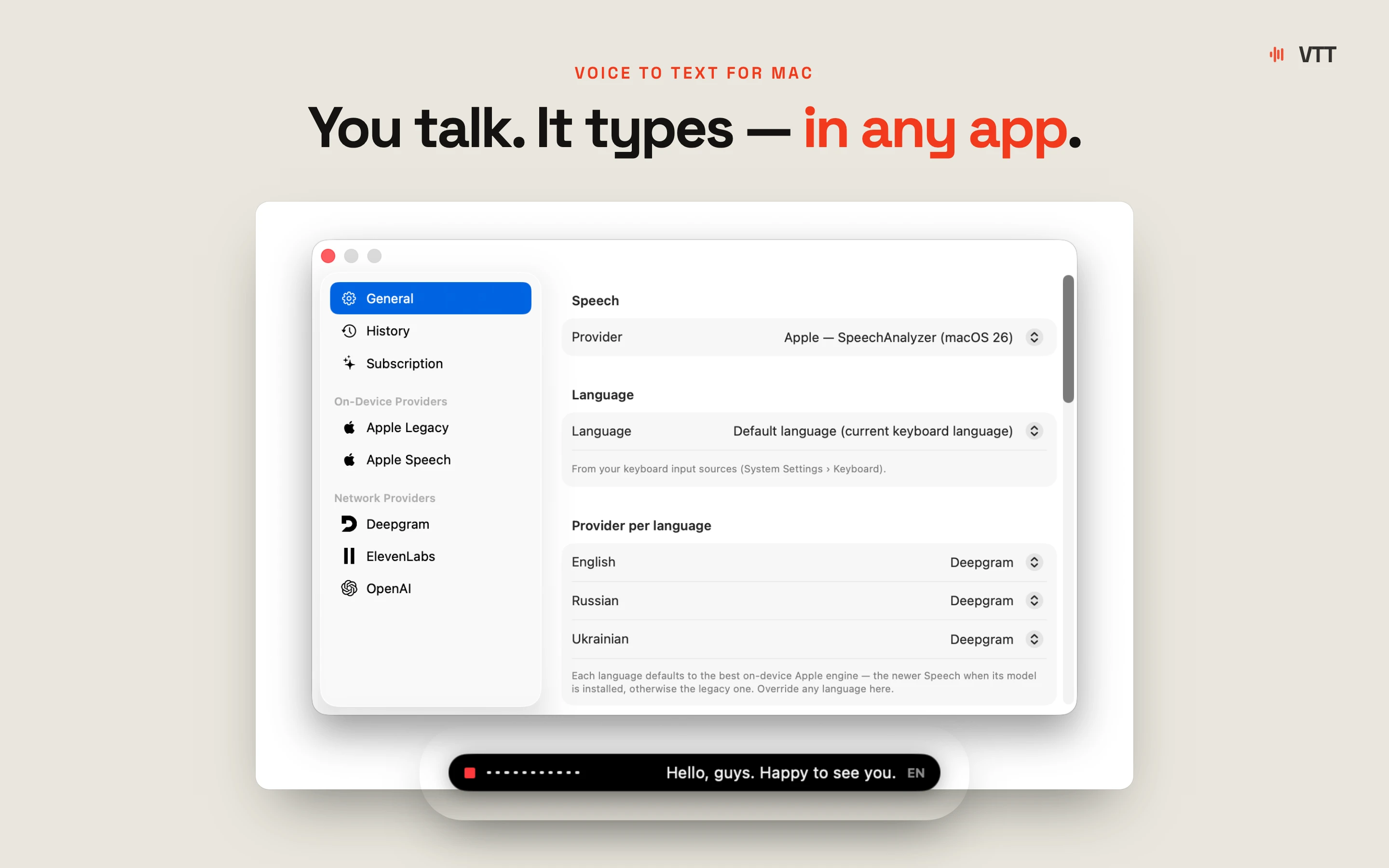
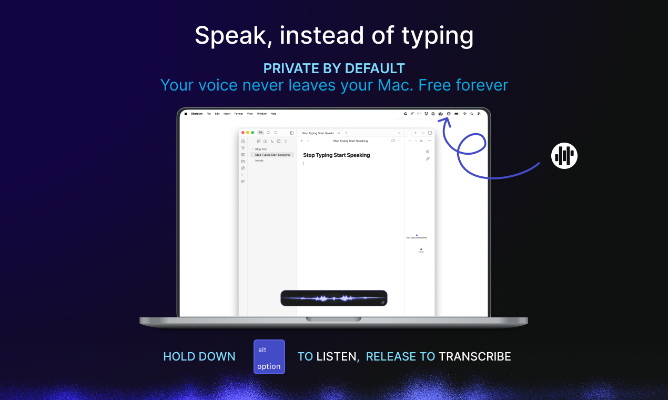
Push-to-talk dictation for Mac that types your speech into any app and can also trigger voice commands, for people who want hands-free input without cloud transcription.
Works offlineData stays with you
What to know▼
How it works
hold a hotkey to speak, transcribed on-device
What's different
voice never leaves the machine, can act on commands not just dictate
We check every product on this page once a day and record whether it still answers.
Records Google Meet calls locally on your computer, with no bot joining the call and nothing sent to a cloud server; the recording and transcript stay on your own PC and Drive.
Works offline
What to know▼
How it works
Records Google Meet calls entirely on your own machine, with no bot joining the call and nothing uploaded to a cloud server; video and transcript stay on your PC and your own Google Drive.
What's different
No bot in the call and no cloud upload, versus recorders that join as a participant and store recordings remotely.
Best for
People who want Google Meet recordings kept locally instead of sent to a third-party cloud.
We check every product on this page once a day and record whether it still answers.
Records your Mac's mic and system audio directly with no bot joining the call, and transcribes on-device so recordings never leave your machine. Free to start, no account needed.
FreeNo sign-upWorks offline
What to know▼
How it works
Records your Mac's microphone and system audio as two separate tracks at the OS level, so nothing joins the call as a bot — works in Zoom, Meet, Teams, Discord or any browser tab. Transcription runs on-device.
What's different
No bot tile appears in the meeting, so it works even where bot-based recorders are blocked, and transcripts never leave your Mac.
Pricing
Free, no account needed to start.
Best for
People in companies that block meeting-recorder bots who still want private, local transcripts.
We check every product on this page once a day and record whether it still answers.
Converts speech to text entirely on your Windows PC — no cloud, no account required, works even with WiFi off. For users who want dictation without sending audio anywhere.
No sign-upWorks offlineData stays with you
What to know▼
How it works
Converts speech to text directly on a Windows PC using one shortcut: hold, speak, release, and the text lands wherever your cursor is, in any app.
What's different
Works entirely offline with no cloud processing, no account, and no subscription — it keeps working even with WiFi off.
Pricing
One-time payment, no subscription.
Best for
Windows users who want dictation in any app (email, chat, notes, code editors) without their voice data leaving the device.
We check every product on this page once a day and record whether it still answers.
Free YouTube transcript extractor with timestamps, no sign-up, supports multiple languages. Handy for writers, students and researchers who need the text fast.
FreeNo sign-up
What to know▼
How it works
Paste a YouTube link and get the full transcript with timestamps, as clean text you can copy or download.
Pricing
Free, no sign-up, no limits.
Best for
Writers, students, and researchers who need a video's text quickly.
We check every product on this page once a day and record whether it still answers.
HiBart listens to how you actually talk, including mixed-language shorthand, and turns rambling voice notes into an organized daily task list.
What to know▼
How it works
A cross-platform assistant that listens to how you actually talk — including messy speech and mixed-language shorthand — and turns meetings, habits, and reminders into an organized day you can act on.
Best for
People who'd rather talk through their day than type it into a task manager.
We check every product on this page once a day and record whether it still answers.
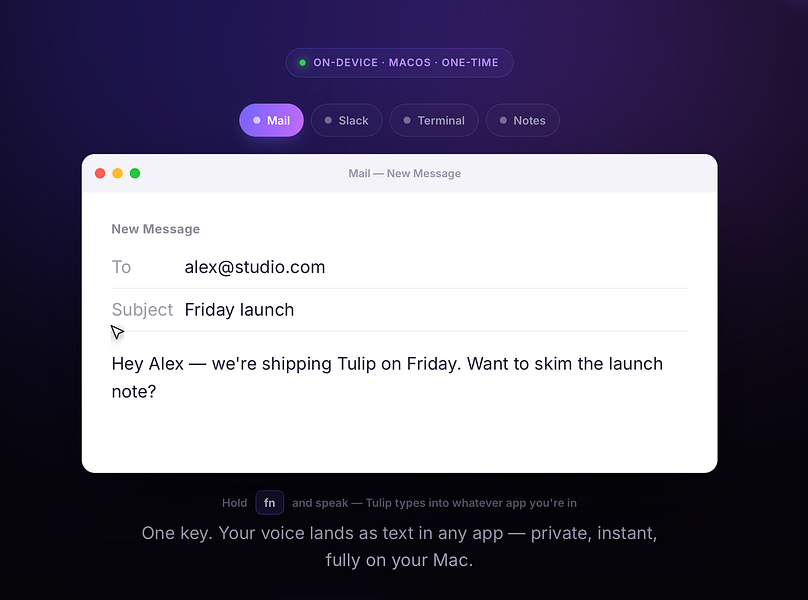
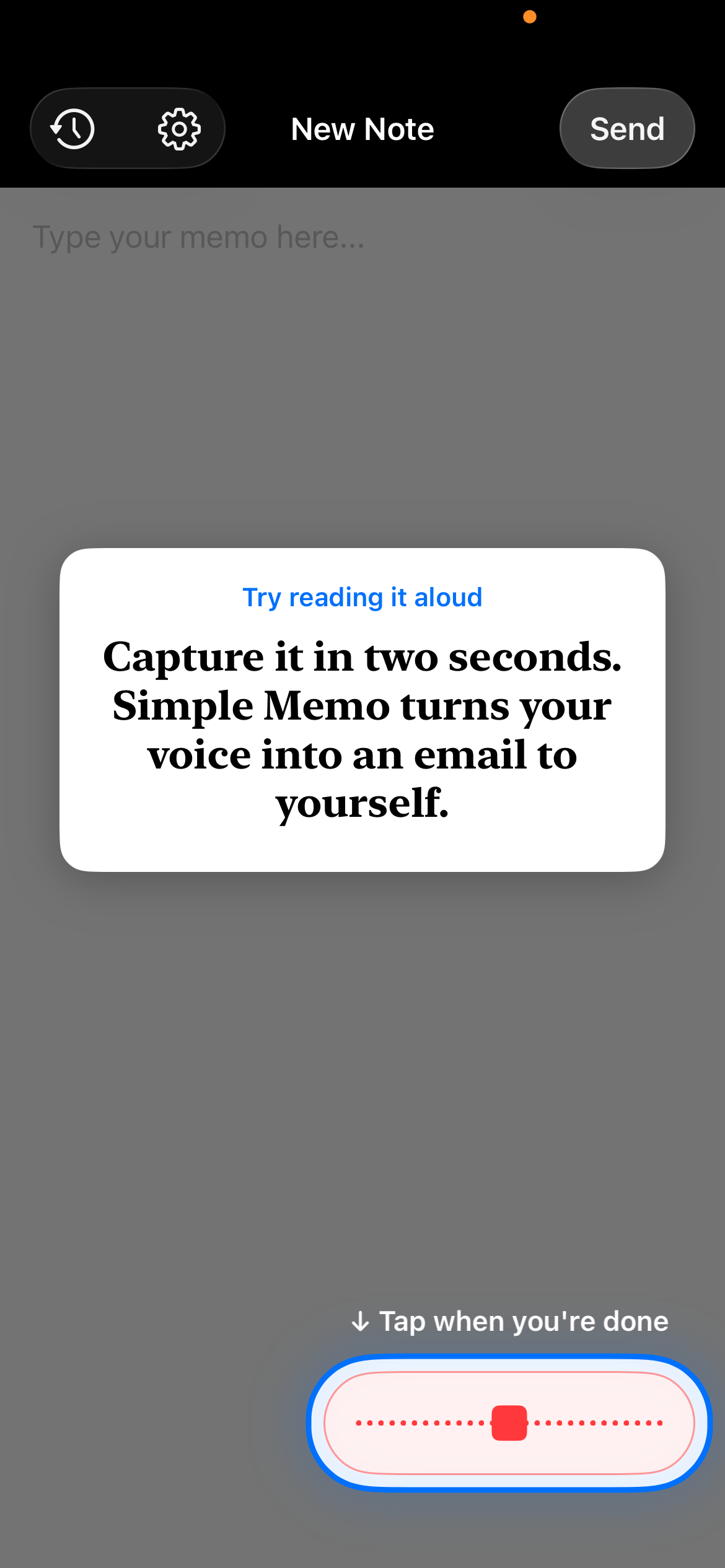
Hold a key and dictate into any Mac app; speech-to-text runs entirely on-device so nothing is sent to a server. One-time purchase, not a subscription.
Works offlinePay onceNo subscription
What to know▼
How it works
Hold the fn key on a Mac, speak, and release to drop clean, punctuated dictated text at your cursor in any app; speech-to-text runs entirely on-device on Apple Silicon and works offline.
What's different
Processes audio fully on-device and never sends it to a server, unlike cloud-based dictation tools.
Pricing
One-time purchase for a lifetime license usable on up to three Macs, with a 2-day free trial and a year of updates included.
Best for
Mac users who want fast, private dictation into any app without a subscription.
We check every product on this page once a day and record whether it still answers.
Voice dictation for Mac and iPhone that runs fully on-device so your voice never leaves your hardware, with multilingual support and a lifetime-purchase option instead of a subscription.
Works offlineData stays with youNo subscription
What to know▼
How it works
Hold a hotkey, speak, and structured text lands where your cursor is in any app on Mac and iPhone, using on-device models that fix punctuation and structure and support multilingual speech, a personal dictionary, snippets and workflows.
What's different
On-device processing means your voice never leaves your hardware.
Pricing
Free tier included, plus lifetime unlocks instead of a forced subscription.
Best for
Mac and iPhone users who want private, offline voice dictation across apps.
We check every product on this page once a day and record whether it still answers.
A free browser tool that converts typed text into cursive, script and fancy Unicode styles you can copy and paste anywhere, for bios, captions and messages. No installation needed.
FreeNothing to install
What to know▼
How it works
Converts typed text into cursive, script and fancy Unicode styles in the browser, with a preview of multiple styles and one-click copy.
Pricing
Free.
Best for
People who want stylized text for bios, captions or messages without installing anything.
We check every product on this page once a day and record whether it still answers.
Converts old or PDF-based API documentation into an OpenAPI spec, Postman collection and client SDKs automatically, saving developers from manually transcribing messy legacy docs.
What to know▼
How it works
You drop in legacy or PDF-based API documentation and it produces a clean OpenAPI spec, a ready-to-import Postman collection, and client SDKs, without manual transcription.
Best for
Developers integrating against old, messy or poorly-documented APIs who want machine-readable specs instead of transcribing docs by hand.
We check every product on this page once a day and record whether it still answers.
A live church translation service that captions and voices a sermon into 60 languages on listeners' own phones from a single microphone, without extra hardware.
What to know▼
How it works
Translates the service live to every listener's phone, read or heard, works alongside human interpreters and auto-surfaces Bible verses.
We check every product on this page once a day and record whether it still answers.
Turns a long video into a short clip by letting you highlight the moment in the transcript instead of scrubbing footage — for podcasters, creators and marketing teams.
What to know▼
How it works
You upload a long-form video, highlight the relevant moment directly in its transcript, and it generates a short clip from that selection.
What's different
Clipping is driven by highlighting transcript text instead of manually scrubbing through footage.
Best for
Podcasters, creators, and marketing teams who need to pull short clips out of long recordings quickly.
We check every product on this page once a day and record whether it still answers.
A real-time captioning tool that generates subtitles for live speech, for people with hearing loss instead of relying on lip reading or human interpreters.