Tools that don't upload your dataPhotos

79 match your filters — 75 of them answered our check today.

Watching this group for 18 days · how we check

This week33 new arrivals1 stopped answering

Lumli

Live

A browser-based privacy-first toolkit for editing images and PDFs entirely on your device, with no cloud uploads or accounts required.

Works offlineData stays with you
What to know
How it works
local, zero-server processing for image compression, upscaling, and background removal plus PDF editing
Best for
people who want to edit sensitive photos or PDFs without sending files to a server

Watched for 7 days · last checked today
Details →

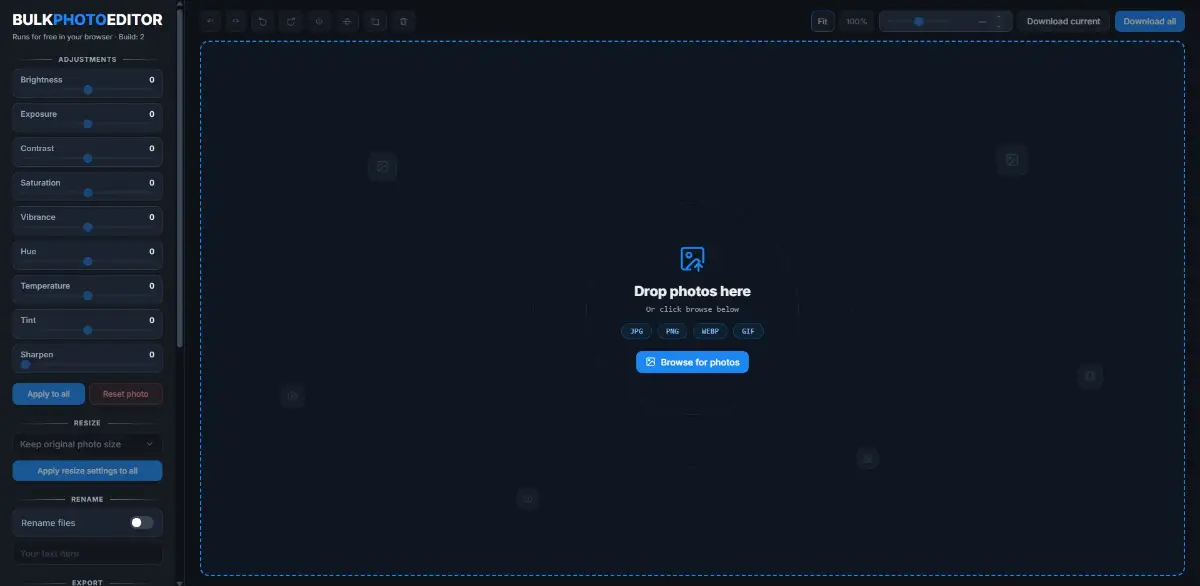
A free, local, no-account browser tool for bulk color-editing, resizing, cropping, and renaming large batches of photos at once.

FreeNo sign-upNothing to installWorks offline
What to know
How it works
Adjusts brightness, contrast, saturation, vibrance, and sharpness in bulk; crops, rotates, and resizes with one photo applied to all then fine-tuned individually; batch-renames with auto-numbering and downloads as a zip.
Pricing
100% free, all local, no upload or account.

Watched for 8 days · last checked today

Details →

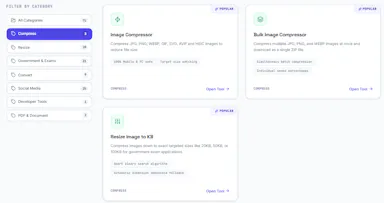
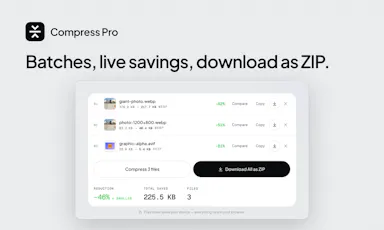
A free, browser-based bulk image compressor and format converter that processes files entirely on your device without uploading them to any server.

FreeNothing to installWorks offlineData stays with you
What to know
How it works
compresses and converts images client-side in the browser with no server upload, using lossless optimization
Pricing
completely free
Best for
developers, designers, and creators who need to shrink or convert large batches of images without giving up file privacy

Watched for 7 days · last checked 1d ago

Details →

Free online file converter that runs entirely in your browser so files never get uploaded to a server.

Domain registered 1 month ago

FreeNo sign-upWorks offlineData stays with you
What to know
How it works
converts PDFs, images, docs, audio and video locally via WebAssembly
What's different
no upload, works offline, no daily limits
Pricing
free

Watched for 6 days · last checked today

Details →

A free browser-based toolkit for compressing, converting and resizing images with no upload or sign-up.

Domain registered 16 days ago

FreeNo sign-upData stays with you
What to know
How it works
processes images locally in the browser
Pricing
free, no account or upload

Watched for 5 days · last checked today

Details →

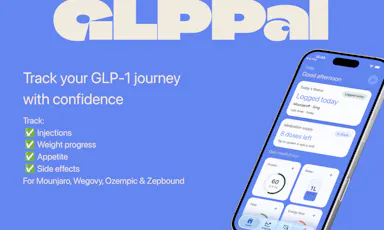
GLPPal

Live

Tracks injections, weight, measurements, and progress photos for people on GLP-1 medications like Ozempic or Wegovy.

Data stays with you
What to know
How it works
Logs injections, weight, and photos in one privacy-first app
Best for
people using Ozempic, Wegovy, or Mounjaro

Watched for 6 days · last checked today
Details →

Free browser tools for prepping exam and government form photos, like resizing signatures and laying out documents on A4, with nothing uploaded to a server.

Domain registered 13 days ago

FreeNothing to installData stays with you
What to know
How it works
Cleans up signature photos, resizes to file-size targets, lays out A4 sheets
Pricing
free
Watch out
nothing is uploaded, meaning processing is local only

Watched for 6 days · last checked today

Details →

RaaDoc

Live

Free toolkit of 55+ PDF, image and developer utilities that process files locally in the browser without uploading them.

Domain registered 10 days ago

FreeNo sign-upData stays with you
What to know
How it works
52 of 56 tools run entirely client-side, no server upload
Pricing
free, no signup, no daily limits

Watched for 6 days · last checked today

Details →

A free collection of 25+ browser-only utilities (PDF merge/split, image compression, calculators, and more) that process everything locally with no account or upload.

Domain registered 12 days ago

FreeNo sign-upNothing to installData stays with you
What to know
How it works
Provides 25+ browser-only tools including image compression, PDF merge/split, salary calculator, investment simulator, and roulette, with all processing on-device.
Pricing
Free, no install, no sign-up, no upload.

Watched for 8 days · last checked 2d ago

Details →

Pixora

Live

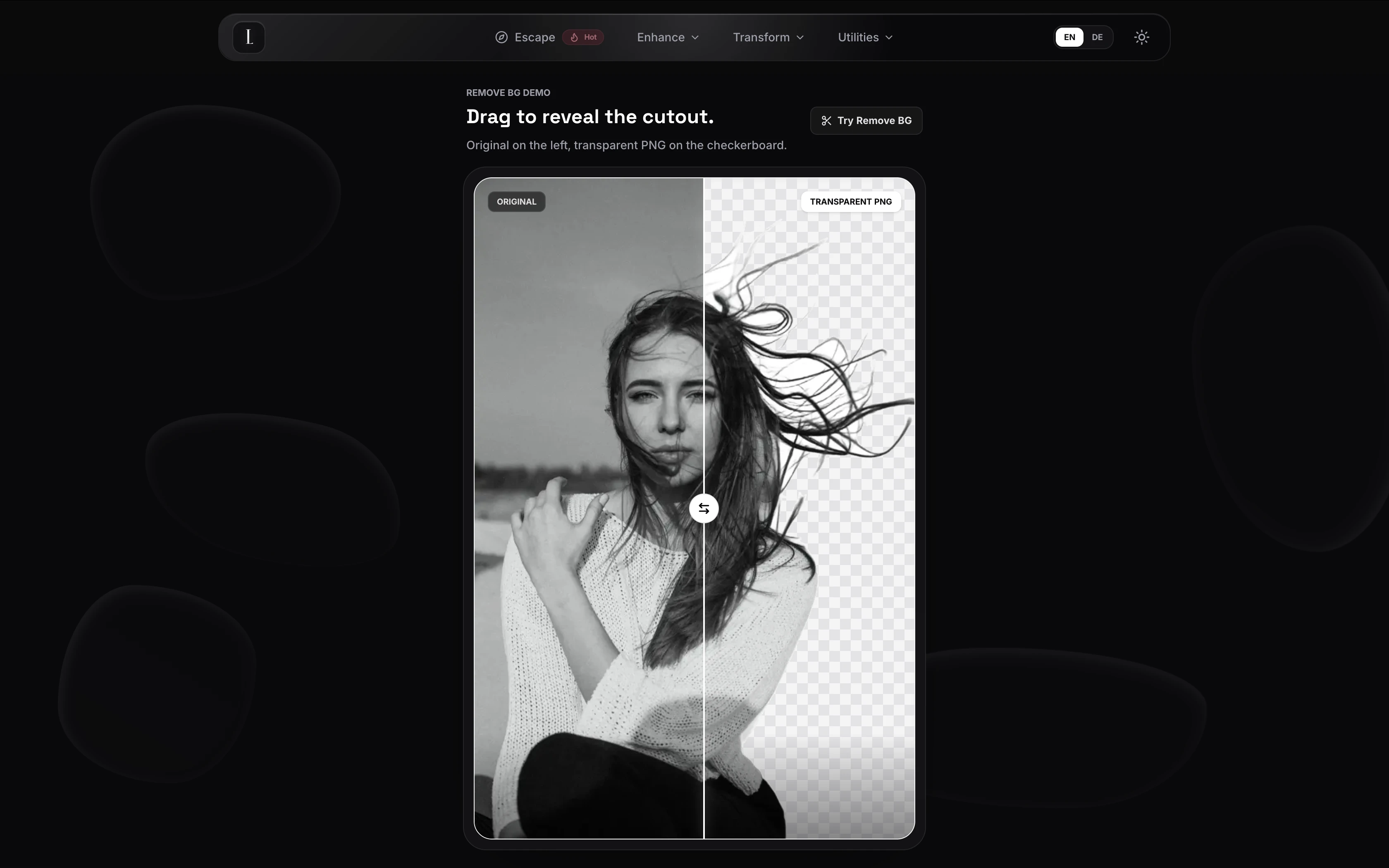
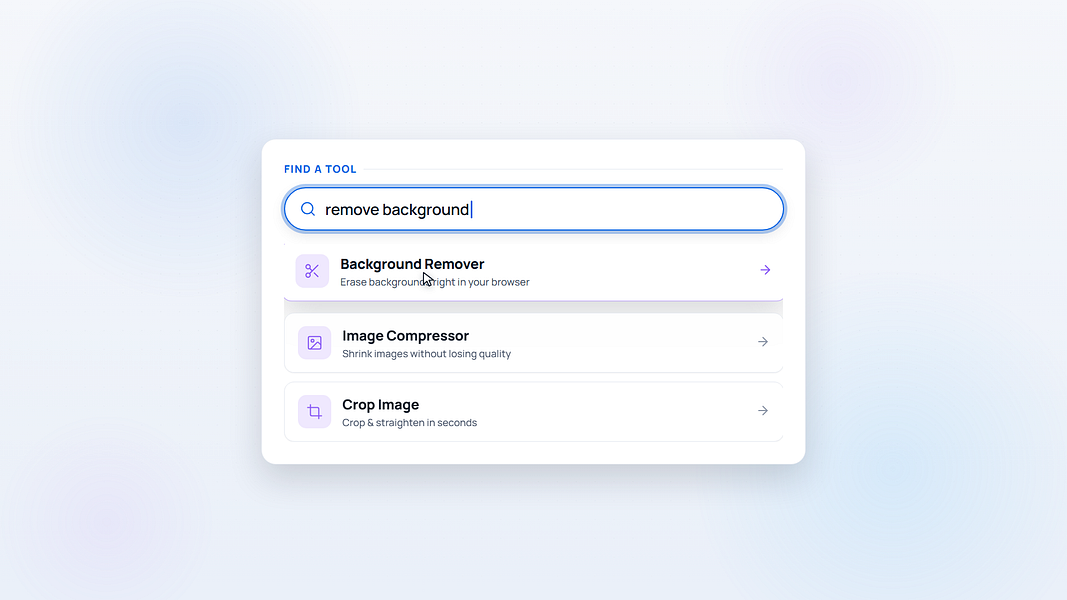
42 free browser-based image tools (compress, resize, remove background) that process images on your own device instead of uploading them.

Domain registered 16 days ago

FreeNo sign-upData stays with you
What to know
How it works
AI background removal and other edits run locally in-browser
Pricing
free, no signup
Watch out
limited to the specific tools offered, not a full editor

Watched for 6 days · last checked today

Details →

Converts any photo into a buildable Perler bead pattern with adjustable grid and palette, processed entirely in-browser so images never leave your device.

Data stays with youCan export my data
What to know
How it works
Adjust grid, palette, color count; preview beads and export a material list.
Best for
Hobbyists, makers, parents, teachers.
Watch out
Image processing stays local — never uploaded.

Watched for 2 days · last checked 1d ago

Details →

Lets designers batch-save images from any webpage into organized folders instead of saving them one by one.

FreeData stays with you
What to know
How it works
Hover to save into custom folders, then batch-download as a ZIP.
Pricing
free

Watched for 1 day · last checked today

Details →

Lets people merge, edit, and compress PDFs and images in the browser instead of uploading files to a server.

FreeNo sign-upNothing to installData stays with you
What to know
Pricing
free, no signup

Watched for 1 day · last checked today

Details →

Ohata

Live

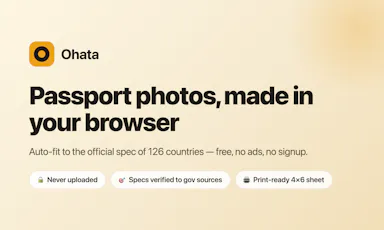
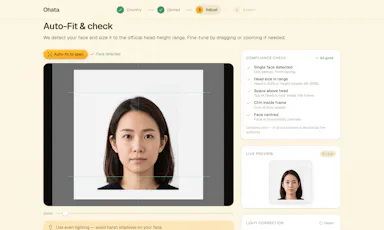
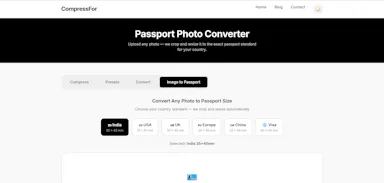
Free browser tool that generates compliant passport/visa photos for 100+ countries without uploading your photo anywhere.

Domain registered 12 days ago

FreeWorks offlineData stays with youCan export my data
What to know
How it works
Auto-fits your photo to official spec and exports a print-ready sheet, entirely in-browser
Pricing
Free
Best for
People needing a compliant passport photo without a photo studio

Watched for 6 days · last checked today

Details →

Generates a 3D model from a single image entirely on-device using WebGPU, with no server uploads or accounts needed — an open-source tool for developers experimenting with local image-to-3D generation.

Works offlineData stays with youOpen source
What to know
How it works
Generates a 3D model from a single image entirely on-device using WebGPU compute in the browser, with no server uploads or accounts.
What's different
Open source and runs locally via WebGPU rather than requiring cloud GPU processing, also deployable on Vercel for instant testing.
Best for
Developers experimenting with local, private image-to-3D generation.

Watched for 10 days · last checked 3d ago

Details →

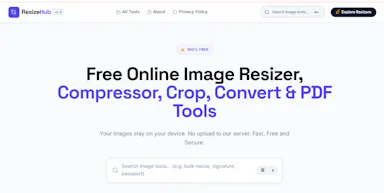
Free browser-only image toolkit (background removal, upscale, compress, convert) that never uploads your photos to a server.

FreeData stays with you
What to know
How it works
Removes backgrounds, upscales, enhances, compresses, converts, reads text, or makes passport photos, running 100% in the browser.
Pricing
Free, no upload, no limits.

Watched for 8 days · last checked 2d ago

Details →

Free browser tool for resizing, cropping, and converting photos/PDFs — including exam photo specs — entirely on your device without uploading files.

FreeNothing to installData stays with you
What to know
How it works
A browser-based toolkit that resizes, compresses, crops, and converts images and PDFs entirely on-device with no uploads, including presets for passport photos, signatures, thumb impressions, and government exam applications (SSC, IBPS, UPSC, RRB).
What's different
Processes files on-device instead of uploading them, and bundles exam-specific photo specs alongside general image/PDF tools.
Pricing
Free.
Best for
People needing quick, private image/PDF edits, including applicants for Indian government exams with specific photo requirements.

Watched for 9 days · last checked 2d ago

Details →

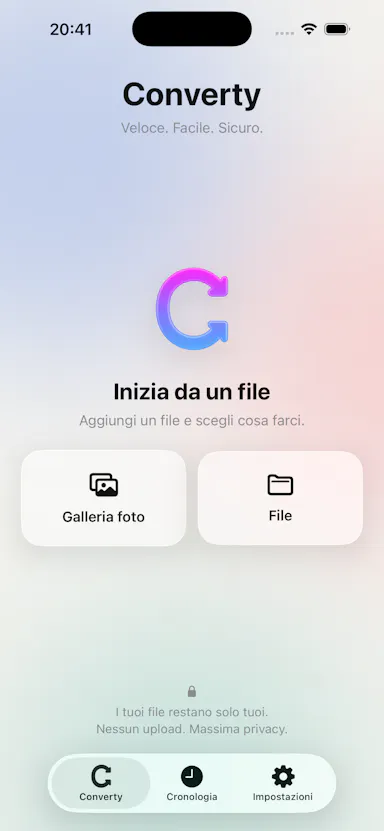
An iPhone app that converts, compresses, and resizes files and strips photo metadata entirely on-device, with no uploads or account.

2 ratings on the App Store

No sign-upData stays with youNo ads
What to know
How it works
on-device file/image conversion and EXIF/GPS stripping
What's different
nothing leaves the device
Pricing
no account, no ads

Watched for 6 days · last checked 4d ago

Details →

Turns GPS data already embedded in your photos into a private travel map, processing everything on your device so your location history never leaves your phone.

Works offlineData stays with you
What to know
How it works
Reads the GPS data already embedded in a user's photos to build a visual map of everywhere they've traveled.
What's different
Processes everything 100% on-device, so location data never leaves the user's control.
Best for
People who want a private travel map built from their existing photo library.

Watched for 12 days · last checked 6d ago

Details →

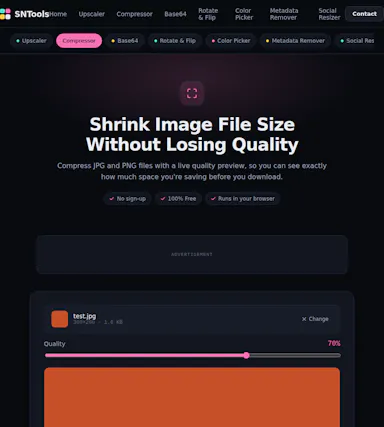
Free browser-only image toolkit (compress/convert/resize) for anyone who wants quick edits without uploading files to a server.

Domain registered 24 days ago

FreeNo sign-upData stays with you
What to know
How it works
A browser-based image toolkit for compressing, upscaling, converting to base64, rotating, picking colors, removing hidden EXIF metadata, and resizing images for social media.
What's different
Everything processes locally in the browser — no sign-up, no uploads, no limits.
Pricing
Free.
Best for
Anyone who wants quick image edits without uploading files to a server.

Watched for 9 days · last checked 2d ago

Details →

Fixes the iPhone-photo compatibility problem by converting HEIC to PNG locally in your browser, nothing uploaded to a server, no account, no app to install.

Domain registered 7 months ago

FreeNo sign-upNothing to installData stays with you
What to know
How it works
Converts HEIC photos from iPhones/iPads into PNG, JPG or WebP directly in the browser; supports batch conversion of up to 100 files at once with no file-size limits.
What's different
Conversion runs entirely on-device — photos are never uploaded to a server or stored.
Pricing
Free, no sign-up required.
Best for
People who need to convert iPhone HEIC photos for apps, websites or Windows PCs that can't open the format, without uploading personal photos.

Watched for 14 days · last checked 8d ago

Details →

A free browser tool that batch-converts HEIC/HEIF iPhone photos to JPG with no upload, account or size limit — a web tool, not an iOS app.

FreeNo sign-upData stays with you
What to know
How it works
Converts HEIC/HEIF photos to JPG entirely in the browser, with batch conversion and a ZIP download, no upload, account, or file size limit.
Pricing
Free, no account needed.
Best for
iPhone users who need to convert photos to JPG without installing an app or creating an account.

Watched for 13 days · last checked 7d ago

Details →

An iPhone and iPad app that upscales, sharpens and denoises photos entirely on-device so nothing is uploaded to a server - for casual users, not professional photo editors.

4 ratings on the App Store

No sign-upWorks offlineData stays with youNo subscription
What to know
How it works
An iPhone and iPad app that upscales, sharpens, denoises, and deblurs photos using on-device AI enhancement, with a before/after comparison before saving the result back to Photos.
What's different
All processing happens on-device — no server upload, account, ad, or subscription is required.
Pricing
No subscription and no account required (per the product's own description).
Best for
People restoring old, blurry, or low-resolution personal photos who want to keep them off the cloud.

Watched for 18 days · last checked 2d ago

Details →

An offline home inventory and warranty tracker — photograph belongings, receipts and insurance records, stored privately on your device with no account needed. For homeowners and renters preparing for insurance claims.

No sign-upWorks offlineData stays with youPay once
What to know
How it works
Lets you document belongings, receipts, and insurance records room by room with photos, prices, brands, and notes, track warranties and service details with expiry reminders, and generate/share PDF inventory reports.
What's different
Runs fully offline with no account required, all data stored privately on the device, and supports export/restore backups.
Best for
Homeowners and renters preparing for an insurance claim or documenting valuables.

Watched for 18 days · last checked 2d ago

Details →

Free browser-based converters for PDFs, images and video that process files locally rather than uploading them - a general privacy-focused toolkit, not a developer-specific one.

FreeNo sign-upData stays with you
What to know
How it works
A growing collection of free tools for converting PDFs, images and video. Every conversion runs locally in the browser, so files are never uploaded to a server.
What's different
No uploads, no account, no server ever sees your files — processing happens entirely on-device.
Pricing
Free.
Best for
People who want to convert files quickly without creating an account or uploading personal documents.

Watched for 15 days · last checked 1d ago

Details →

A free, browser-based batch toolkit for developers and designers — resize/convert files, decode JWTs, and more, entirely client-side with nothing uploaded to a server.

Domain registered 27 days ago

FreeNo sign-upNothing to installData stays with you
What to know
How it works
A browser-based batch toolkit that processes dozens of files at once — resizing/converting/compressing images (PNG, JPG, WebP), converting CSV to JSON, decoding JWTs, and more — entirely client-side.
What's different
Most single-file tools handle one file at a time; this is built to batch-process dozens at once, with nothing uploaded to a server.
Pricing
Free.
Best for
Developers and designers who need to process many files at once without installing software or uploading data.

Watched for 13 days · last checked 2d ago

Details →

A free, browser-based PDF and image toolkit for merging, compressing, splitting, and converting files without uploading them to a server.

Domain registered 23 days ago

FreeNo sign-upData stays with you
What to know
How it works
Runs PDF merge, compress, split, and convert operations plus image editing entirely client-side in the browser.
Pricing
Free.
Best for
People who want quick PDF or image edits without creating an account or uploading files.

Watched for 11 days · last checked 5d ago

Details →

Merges, splits, compresses, and converts PDFs entirely in your browser, so files never get uploaded to a server.

Domain registered 8 months ago

FreeNo sign-upNothing to installData stays with you
What to know
How it works
Runs PDF/image tools client-side in JavaScript
What's different
Nothing leaves your device, unlike most free PDF tools
Pricing
Free, open source

Watched for 6 days · last checked 4d ago

Details →

Converts, compresses and edits PDFs, images, audio and video right in your browser — files never leave your device, unlike typical cloud upload tools.

Works offlineData stays with you
What to know
How it works
Converts, compresses and edits PDFs, videos, images and audio entirely inside the browser using WebAssembly and client-side scripts.
What's different
Files never leave your device — no upload, no cloud storage server, works offline with no file-size limits.
Best for
People handling sensitive files who want to avoid uploading them to a cloud service.

Watched for 16 days · last checked 10d ago

Details →

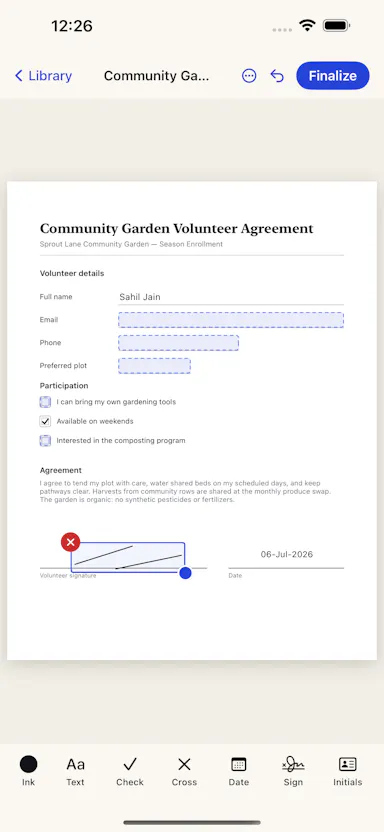
Edit text and images inside a PDF on your iPhone, entirely offline with no account or subscription — real local PDF editing without cloud uploads.

No sign-upWorks offlineData stays with youNo subscription
What to know
How it works
Edits PDF text, images and vector objects directly on the iPhone: tap text to move or retype it, drag handles to resize images, merge multiple PDFs, delete pages from a thumbnail grid, and open or password-protect encrypted PDFs.
What's different
All processing happens locally on the device — no cloud upload, subscription or sign-in required.
Best for
iPhone users who need to genuinely edit PDF text and images without uploading files to a cloud service.

Watched for 18 days · last checked 2d ago

Details →

Compresses images and video (JPG, PNG, TIFF, MP4, GIF) entirely on your device with no upload to a server — for Mac, Windows and Linux, privacy-focused.

Works offlineData stays with you
What to know
How it works
Compresses JPG, PNG, TIFF, MP4 and GIF files, processing them locally on-device rather than uploading them to a server, via web tools or a dedicated offline desktop app for Mac, Windows and Linux.
What's different
Local, privacy-focused processing rather than server-side upload-based compression.
Best for
Anyone who wants to compress images or video without sending files to a third-party server.

Watched for 18 days · last checked 11d ago

Details →

A free browser-based bundle of everyday tools — PDF merge/split/compress, image resize/convert, text utilities, and a resume/invoice generator — with nothing uploaded to a server.

Domain registered 1 month ago

FreeNo sign-upNothing to installData stays with you
What to know
How it works
A bundle of browser-based utilities — PDF merge/split/compress/rotate/convert, image compress/resize/crop/convert, text tools like word counter and diff, plus a resume and invoice builder.
What's different
Runs entirely in the browser with no sign-up, no account, and no files uploaded to a server.
Pricing
Free.
Best for
People who need quick everyday file or text utilities without creating an account or uploading files.

Watched for 14 days · last checked 2d ago

Details →

A toolbox of 100+ free browser-based utilities (file converters, PDF merger, CSV cleaner, an IQ test and more) that run entirely on your device so files never get uploaded.

Domain registered 1 month ago

FreeNo sign-upData stays with you
What to know
How it works
100+ browser-based utilities — HEIC to JPG conversion, photo compression, PDF merging, CSV cleanup, receipt generation, an IQ test and more — all running entirely on-device.
What's different
No server means files and data physically cannot leave the device; no uploads, signup or watermarks.
Pricing
Free.
Best for
People needing quick everyday file conversions or utilities without uploading files anywhere.

Watched for 14 days · last checked 2d ago

Details →

A free, open-source browser tool that compresses and converts images, video, audio and PDFs entirely on your device with no uploads or ads — a general utility, not developer-specific.

Domain registered 17 days ago

FreeWorks offlineData stays with youOpen source
What to know
How it works
An open-source app with 47 tools for compressing and converting images, video, audio and PDFs, with all processing happening on-device so files never leave your computer, including offline use.
What's different
No upload step at all — compression runs entirely locally, works offline, with no ads, accounts or size limits.
Pricing
Free forever.
Best for
Anyone who wants to compress or convert media files without uploading them to a server.

Watched for 14 days · last checked 2d ago

Details →

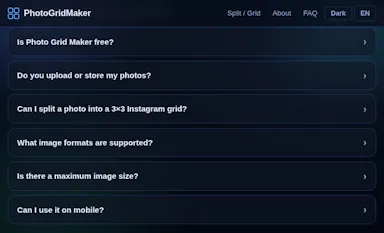
Splits an image into a grid or social-media tile set entirely inside your browser, so nothing gets uploaded to a server — useful if you don't want to share the file.

Domain registered 23 days ago

No sign-upWorks offlineData stays with you
What to know
How it works
Splits an image into grids, rows, columns or social-media tiles entirely in the browser, with preview per cut and export as PNG, JPG or WebP, individually or as a ZIP.
What's different
Runs locally with no uploads, so image data never leaves the device.
Best for
People who want to make grid/tile posts from an image without uploading it to a server.

Watched for 14 days · last checked 2d ago

Details →

Edits video and photos on a real multi-track timeline, rendered entirely on your device — nothing you make ever leaves your phone.

Works offlineData stays with you
What to know
How it works
Edits video, photos and collages on a multi-track timeline with filters, effects, animations, stickers and text, all rendered on-device.
What's different
Nothing uploads — editing and rendering happen entirely on your device.
Best for
People who want full-featured video/photo editing without sending their media to a server.

Watched for 14 days · last checked 2d ago

Details →

A free, no-signup collection of quick browser utilities — text, image, PDF and calculator tools plus a developer-helpers section — that mostly runs client-side so files don't leave your device.

Domain registered 9 months ago

FreeData stays with you
What to know
How it works
A growing collection of free, no-signup browser utilities for text, image, PDF, and developer tasks; most tools run entirely in the browser so files and text never leave the device, with any cloud processing clearly labeled.
What's different
Most processing happens client-side rather than uploading files to a server.
Pricing
Free.
Best for
People who need a quick one-off text, image, PDF, or dev task done without installing software or creating an account.

Watched for 10 days · last checked 10d ago

Details →

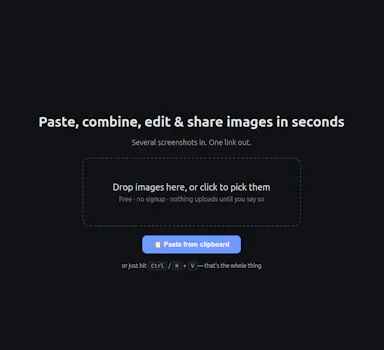
A free, no-signup screenshot editor that runs entirely in your browser with nothing uploaded, letting you paste, annotate, crop and remove backgrounds in seconds.

FreeNo sign-upData stays with you
What to know
How it works
Paste a screenshot into the browser, edit it, and get a shareable link instantly — stack multiple screenshots into one image, annotate, crop, and remove backgrounds with AI running locally.
What's different
The background-removal AI runs 100% in the browser, so images are never uploaded — full resolution with no watermark.
Pricing
Free, no signup.
Best for
People who want to quickly edit and share a screenshot without an account or upload step.

Watched for 13 days · last checked 7d ago

Details →

Lets creators resize images to exact Facebook presets locally instead of uploading to a remote tool.

Data stays with you

Watched for 1 day · last checked 1d ago

Details →

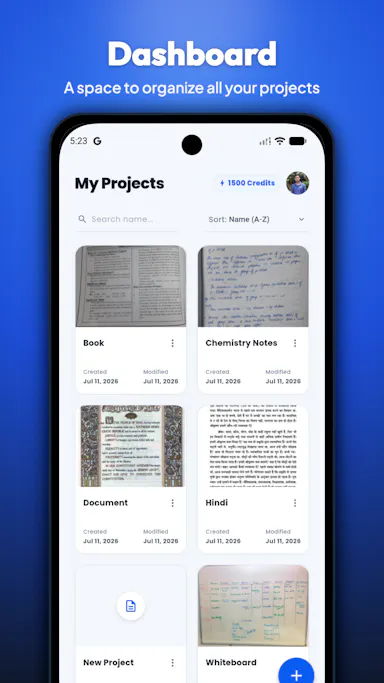
Lets people convert scanned images and handwriting into structured editable documents instead of retyping them manually.

Data stays with you
What to know
How it works
structure-aware extraction preserves headings, lists, tables and layout
Watch out
processing stays on-device (privacy-first)

Watched for 1 day · last checked today

Details →

Converts PNG, WEBP, HEIC, AVIF, GIF, BMP, TIFF, and SVG images to JPG entirely in the browser, so files never leave the device.

FreeNothing to installData stays with you
What to know
How it works
Processes files 100% locally in the browser sandbox; nothing uploaded to servers.
Pricing
Free.

Watched for 2 days · last checked 1d ago

Details →

Resizes images to an exact file size or pixel dimensions right in the browser, for things like passport photos, without uploading.

Domain registered 5 days ago

FreeNo sign-upData stays with you
What to know
How it works
Client-side resizing by KB target, pixels, or cm; supports bulk resize
Pricing
Free, no account or upload

Watched for 4 days · last checked 3d ago

Details →

A browser-based PDF toolkit for merging, splitting, converting, and signing files without uploading them anywhere.

FreeData stays with you
What to know
How it works
Runs in-browser so files never leave your device
Pricing
3 free tasks/day, $2 day pass or $6/mo for unlimited
Best for
anyone needing quick PDF edits without privacy risk

Watched for 4 days · last checked 3d ago

Details →

A free collection of 50 client-side web utilities (code formatter, regex tester, image compressor, timestamp converter and more) that run entirely in your browser with no login required.

No sign-upData stays with you
What to know
How it works
A collection of 50 client-side web utilities — code formatter, regex tester, image compressor, Unix timestamp converter and more — that run entirely in the browser.
What's different
Runs 100% locally with no login required, so tools work instantly without uploading data.
Best for
Developers who want quick one-off utilities without creating an account or uploading files.

Watched for 16 days · last checked 10d ago

Details →

A free toolbox of 160+ browser-based developer and design tools (PDF editor, compressor, JSON formatter, QR generator) with no signup or upload.

FreeNo sign-upData stays with you
What to know
Pricing
free
Best for
Developers and designers needing quick utility tools without uploading files

Watched for 5 days · last checked 4d ago

Details →

A Windows desktop app for signing PDFs by hand, entirely offline, so sensitive documents never touch the cloud.

Domain registered 7 days ago

Works offlineData stays with youPay onceNo subscription
What to know
How it works
Drag and drop a PDF/image, draw a signature, add text — all processed locally
What's different
Zero cloud upload, one-time purchase instead of subscription
Pricing
One-time purchase
Best for
Professionals who don't want to upload contracts to third-party e-signature sites

Watched for 6 days · last checked 5d ago

Details →

Deduplicates and sorts a messy Google Takeout export into organized folders, processed entirely on your own device.

FreeData stays with youPay onceNo subscription
What to know
How it works
Uses content fingerprinting (not filenames) to find true duplicates, sorts into categories, repackages as a zip
Pricing
Free up to 3GB, one-time payment beyond that
Best for
People exporting their Google data and wanting it organized

Watched for 6 days · last checked 5d ago

Details →

FuaHub

Live

230+ free tools for PDFs, images, text, and code that run entirely in the browser via WebAssembly, so files never touch a server.

FreeWorks offlineData stays with youNo tracking
What to know
How it works
local browser processing via WebAssembly and Canvas API
What's different
no file uploads to servers
Pricing
free

Watched for 6 days · last checked 5d ago

Details →

A free 26-tool browser image suite for compression, background removal, upscaling, and OCR with no uploads or account.

Domain registered 12 months ago

FreeNo sign-upData stays with you
What to know
How it works
26 browser-local tools including compressor, background remover, AI upscaler, OCR, QR code
Pricing
Free, no account, no watermark, no limits
Best for
People needing varied image edits without installing software

Watched for 6 days · last checked 5d ago

Details →

A free in-browser photo editor with local AI background removal that never uploads your images to a server.

FreeNo sign-upData stays with you
What to know
How it works
Local AI background removal, text overlays, resizing, compression via WebGL in-browser
Pricing
100% free, no login, no watermark
Best for
People editing photos without uploading them anywhere

Watched for 6 days · last checked 5d ago

Details →

A free browser image compressor that hits an exact file size, converts HEIC to JPG, and generates passport photos for 6+ countries.

Domain registered 29 days ago

FreeNo sign-upNothing to installData stays with you
What to know
How it works
Compresses to an exact KB target and auto-removes backgrounds for passport photos
Pricing
Free, no signup, no watermark, no server upload
Best for
People uploading photos to exam or government forms with strict size limits

Watched for 6 days · last checked 5d ago

Details →

A browser tool that blurs the background of a photo automatically, without uploading the image anywhere.

No sign-upWorks offlineData stays with you
What to know
How it works
Detects the subject and blurs the background locally in-browser
What's different
processing stays on-device, nothing uploaded to a server
Pricing
free, no account

Watched for 6 days · last checked 4d ago

Details →

Converts images, PDFs, videos, and audio files entirely inside your browser without uploading them anywhere.

Domain registered 1 month ago

No sign-upData stays with you
What to know
How it works
Local browser-based conversion, batch up to 1,000 files at once.
What's different
No uploads, no accounts, no watermarks.
Best for
Anyone converting large batches of media files who doesn't want to upload personal files to a server.

Watched for 6 days · last checked 5d ago

Details →

Free browser tool to split one photo into a grid for Instagram puzzle posts or merge several photos into a collage.

FreeData stays with you
What to know
How it works
split-photo or merge-photo grid tool, runs in browser
Pricing
free, no upload, no watermark

Watched for 6 days · last checked 4d ago

Details →

A browser-based JSON formatter, converter, repair and compare tool from mackan.eu's toolset; sibling tools in the same suite run entirely client-side with no upload or signup required.

No sign-upData stays with you
What to know
How it works
A browser-based tool for formatting, converting, repairing and comparing JSON.
What's different
Part of a client-side toolset where tools run in the browser with no upload or signup required.
Best for
Developers who need to quickly clean up or compare JSON without installing anything.

Watched for 18 days · last checked 10d ago

Details →

A free, browser-based collection of file utilities, image compression, video trimming, PDF manipulation, that runs entirely in the browser via WebAssembly so files never leave the device, instead of uploading to cloud tools.

FreeNothing to installWorks offlineData stays with you
What to know
How it works
Uses WebAssembly and multi-threaded Web Workers, including ffmpeg.wasm, to process images, video, and PDFs locally inside the browser tab.
Pricing
Free.

Watched for 7 days · last checked 7d ago

Details →

Compresses and resizes JPG, PNG and WebP images to under 100KB entirely in the browser, free with no upload, signup or watermark.

Domain registered 23 days ago

FreeNo sign-upData stays with you
What to know
How it works
compresses and resizes images to a target size, such as 100KB, fully client-side in the browser
Pricing
free

Watched for 11 days · last checked 8d ago

Details →

Splits and merges PDFs entirely in your browser — files never leave your device, which matters if the documents are sensitive.

Nothing to installData stays with you
What to know
How it works
Splits and merges PDFs and converts specific pages to image formats, entirely in the browser.
What's different
All processing happens locally on the device — files are never uploaded.
Best for
Anyone handling sensitive PDF documents who doesn't want to upload them to a server.

Watched for 12 days · last checked 2d ago

Details →

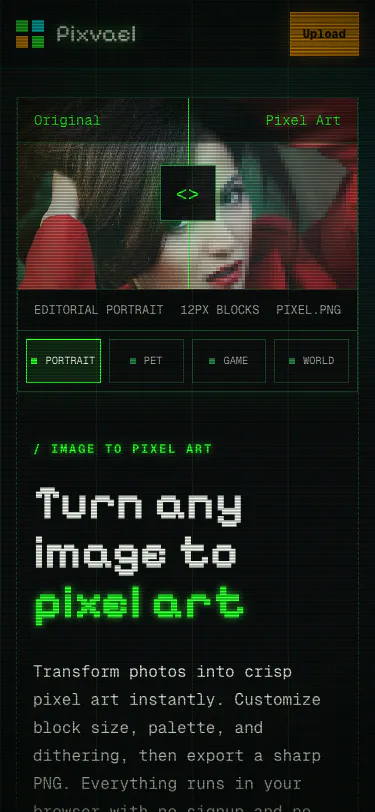
A free browser-based tool that converts photos into pixel art client-side, with a Minecraft build planner.

FreeData stays with youCan export my data
What to know
How it works
Converts photos into pixel art client-side with adjustable block size, color palettes, and dithering, plus a Minecraft build planner.
Pricing
Free.
Best for
People wanting pixel-art conversion without uploading images.

Watched for 12 days · last checked 8d ago

Details →

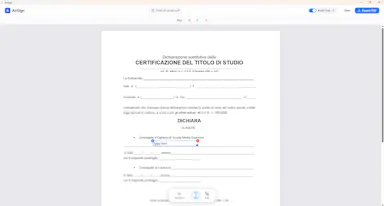
A free PDF editor that runs entirely in your browser — edit text, add signatures, annotate — with no sign-up, no install and no upload, since files are processed locally.

FreeNo sign-upNothing to installData stays with you
What to know
How it works
Edits existing PDF text directly in the browser, adds images and signatures, and highlights and annotates documents, then exports without a watermark.
What's different
Every document is processed locally on the device with no file upload, no sign-up, and no installation.
Pricing
Free.
Best for
People who want to edit or sign a PDF quickly without creating an account or uploading the file anywhere.
Watch out
Works on desktop, iPhone, and Android, since local, upload-free processing depends on browser/device support.

Watched for 13 days · last checked 11d ago

Details →

Vocix

Live

A browser-based media editor (trim/merge/transcribe/convert/denoise) driven by typed natural-language commands, with processing done client-side.

Data stays with you
What to know
How it works
Trim, split, merge, transcribe, convert JPG/PNG/WebP, denoise, and add transitions to audio, video and images by typing natural-language commands, with processing done in the browser.
What's different
Editing is driven by typed commands rather than a traditional timeline/menu interface, and processing happens client-side.
Best for
Creators who want quick media edits (trimming, converting, denoising) without uploading files to a server.

Watched for 13 days · last checked 10d ago

Details →

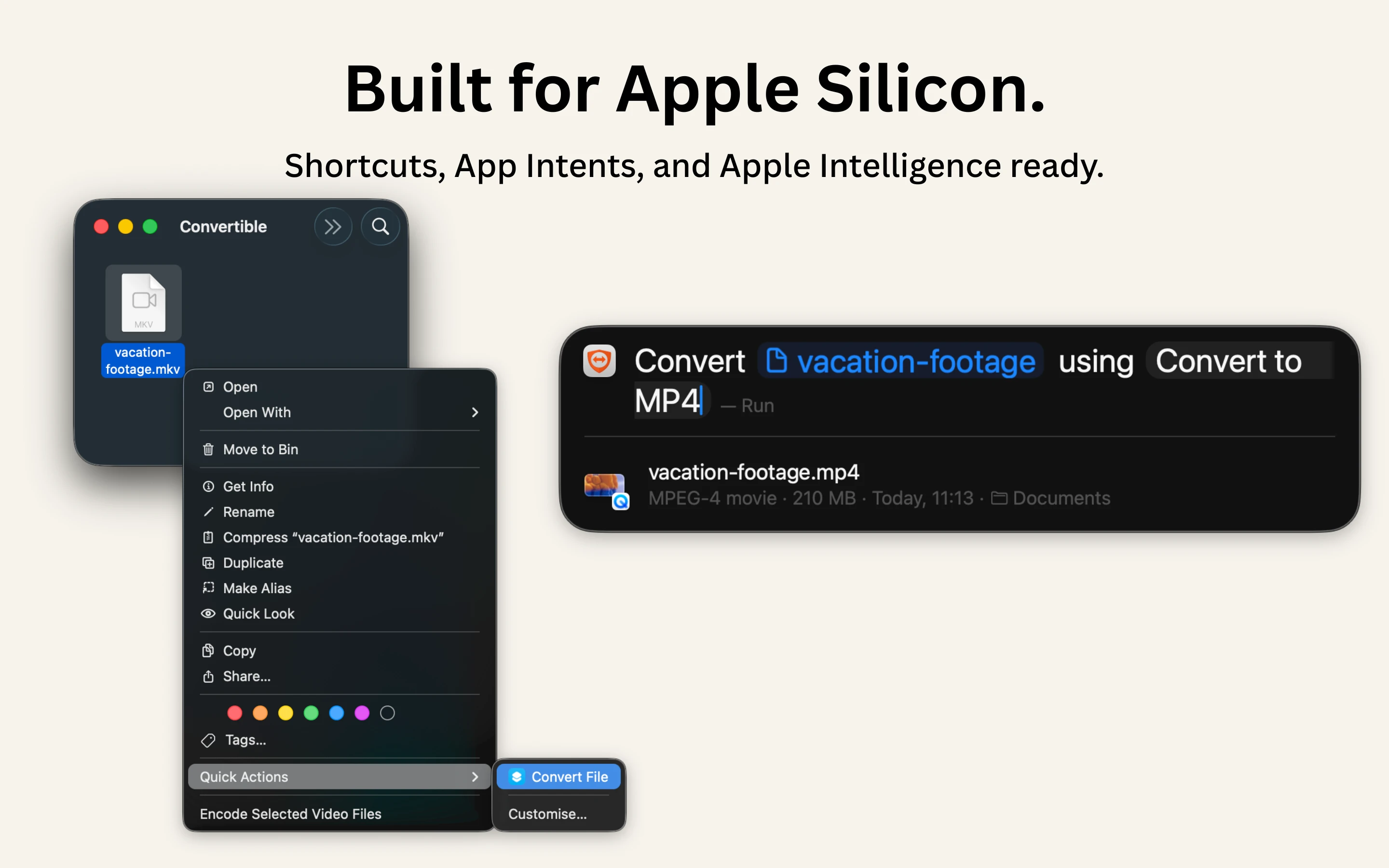
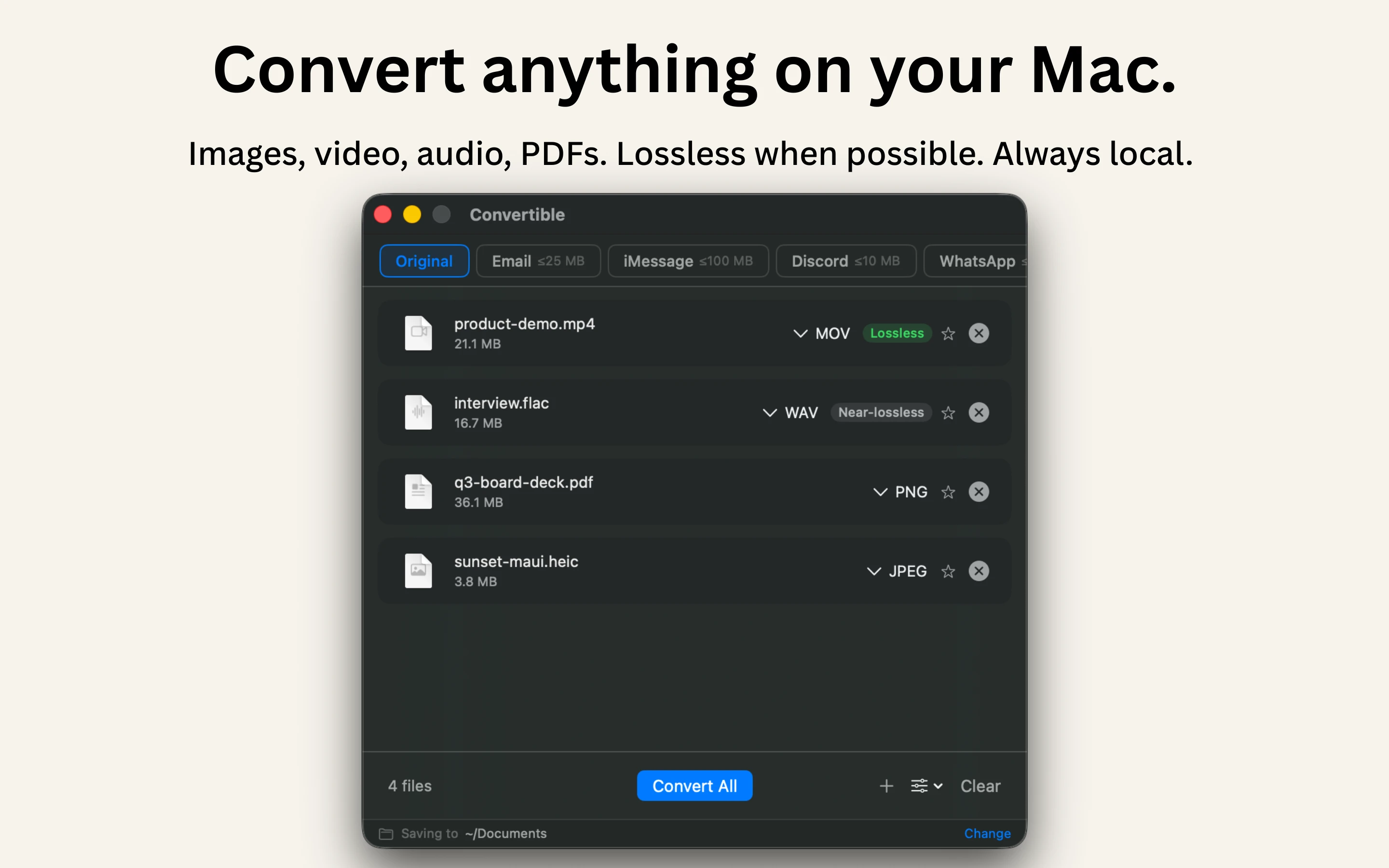
A native Mac file converter that compresses images, video, audio and PDFs entirely on-device with Shortcuts and Finder integration, for people who don't want files touching the cloud.

Works offlineData stays with youPay onceNo subscription
What to know
How it works
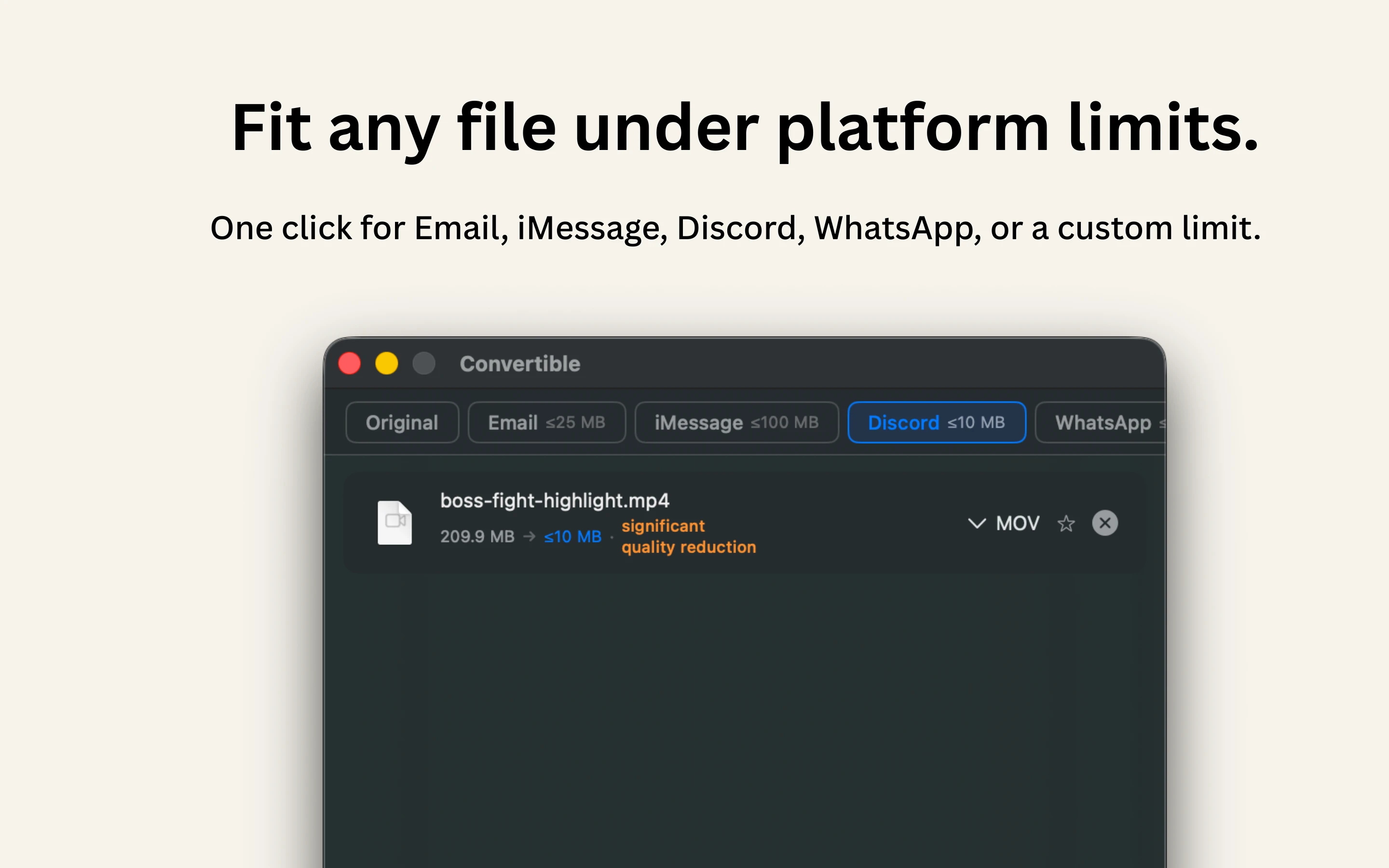
Converts and compresses images, video, audio and PDFs entirely on-device on Mac, including hard-to-open formats like MKV, WebM and HEIC, and can shrink files to a target size limit in one click.
What's different
Runs 100% locally with no cloud upload or telemetry, and integrates with Shortcuts, Finder's right-click menu, Spotlight and scheduled automations.
Pricing
One-time purchase, no subscription.
Best for
Mac users who want to convert or compress files without sending them to the cloud.

Watched for 15 days · last checked 2d ago

Details →

A free suite of photo, vector, and PDF editing tools plus format conversion, all running locally in the browser with no upload and no account required.

FreeNo sign-upData stays with youCan export my data
What to know
How it works
Provides a layered photo editor, a vector editor with pen/pathfinder tools, a PDF page/annotation editor, and conversion between HEIC, RAW, TIFF, PSD and 20+ formats, all processed on-device.
Pricing
Free.

Watched for 16 days · last checked 2d ago

Details →

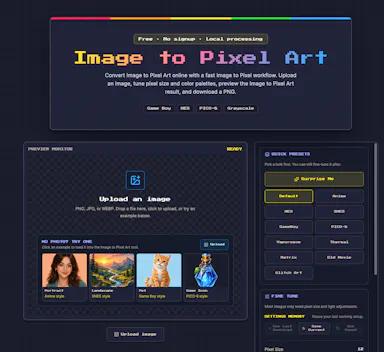
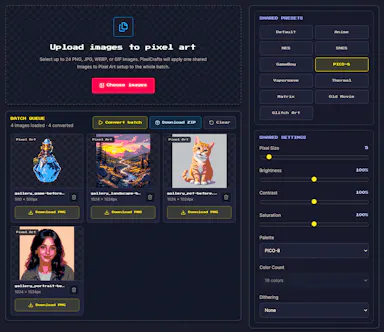
Converts photos and illustrations into pixel art entirely in the browser, with retro console presets, palette import, CRT effects, and batch export, without uploading files to a server.

FreeNo sign-upData stays with youCan export my data
What to know
How it works
Runs locally in the browser: choose a pixel size and preset (NES, Game Boy, PICO-8...), import Lospec palettes, add scanline/CRT effects, then export a PNG; supports batch conversion.
Pricing
Free.

Watched for 16 days · last checked 2d ago

Details →

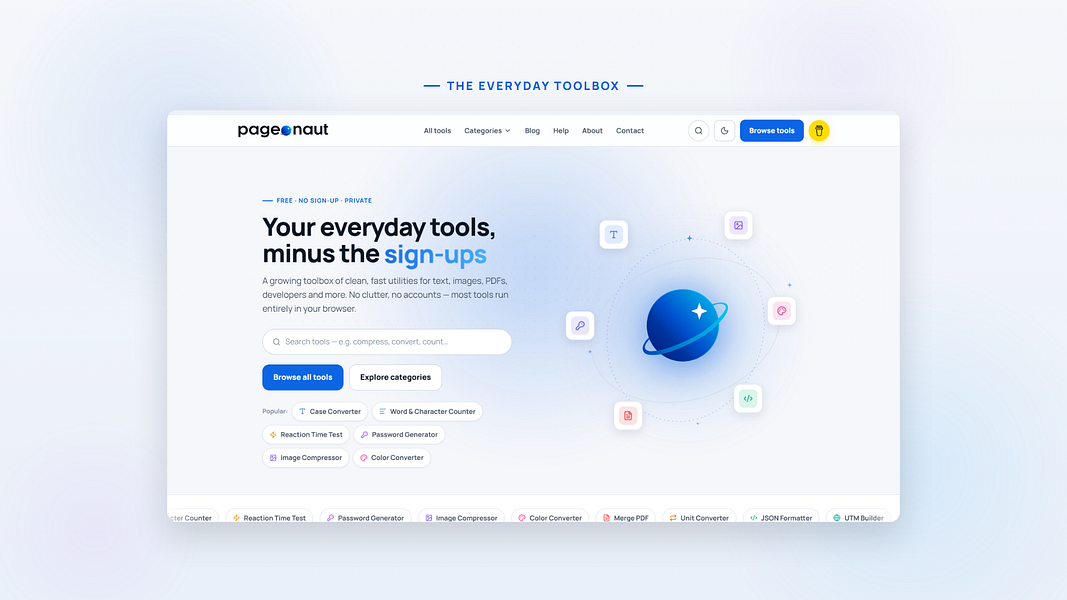
Over 130 free browser tools — PDF editing, image compression, OCR, converters and more — that run locally with no sign-up or uploads, replacing a pile of separate tool sites.

FreeNo sign-upData stays with you
What to know
How it works
Bundles 130+ browser-based tools, including a PDF editor, AI background remover, screen recorder, image compressor, OCR, JSON/SQL formatters, QR code generator, and audio/video editors, all processed locally on your device.
What's different
No sign-up, no file uploads, no watermarks, and no daily limits since everything runs client-side.
Pricing
Free.
Best for
People who want to replace a dozen separate single-purpose tool sites with one bookmark.

Watched for 16 days · last checked 2d ago

Details →

A free browser-based toolkit for file conversion, OCR (including Hindi), background removal and image resizing that keeps every file on your device instead of uploading it to a server.

FreeNothing to installData stays with you
What to know
How it works
A browser-based suite of file conversion, OCR (English/Hindi), background removal and resizing tools where all processing happens locally on the device.
What's different
Files are never uploaded to a server, unlike most online converters.
Pricing
Free, no sign-ups, no monthly subscriptions, no file size limits.
Best for
Anyone needing quick file or image edits without uploading files to a third-party server.

Watched for 17 days · last checked 8d ago

Details →

Over 168 small utilities — converters, calculators, dev tools — running client-side in your browser with nothing uploaded, no account needed, and offline support once loaded.

FreeNo sign-upNothing to installWorks offline
What to know
How it works
A collection of 168+ browser-based utilities — developer tools, image converters, text analytics, calculators, network utilities and more — that run entirely client-side.
What's different
Every tool runs in your browser so your data never leaves your device, works offline once loaded, and there's no account, paywall or ads on the tools themselves.
Pricing
Free.
Best for
Developers and everyday users who want quick one-off utilities without uploading data or creating an account.

Watched for 17 days · last checked 8d ago

Details →

A browser-based image converter, compressor and resizer that processes files locally on your device rather than uploading them to a server.

FreeData stays with you
What to know
How it works
Converts, compresses and resizes images (PNG, JPG, WebP, AVIF, ICO) entirely in the browser, with no upload to a server.
What's different
Because processing happens locally on-device, there are no accounts, daily limits, or file-size caps.
Pricing
Free.
Best for
Anyone who wants to convert or compress images without uploading files or hitting daily-use limits.

Watched for 18 days · last checked 11d ago

Details →

A browser-based viewer and converter for over 200 file formats, including PDFs and CAD/scientific data, that decodes everything locally with no uploads, accounts, or ads.

Domain registered 2 months ago

No sign-upData stays with youNo ads
What to know
How it works
Opens over 216 file formats directly in the browser, including PDFs, images, ebooks, spreadsheets, 3D/CAD/PCB files, and scientific formats like DICOM, NIfTI, and FITS, decoding everything locally with JavaScript and WebAssembly; also includes 107 client-side converters, 7 compressors, and 21 editing tools.
What's different
Every file is decoded on-device, so nothing is ever uploaded, unlike typical online converters.
Pricing
No accounts, no quotas, no ads, no paywall.
Best for
Anyone who needs to view or convert an unusual file format without uploading it anywhere.

Watched for 14 days · last checked 2d ago

Details →

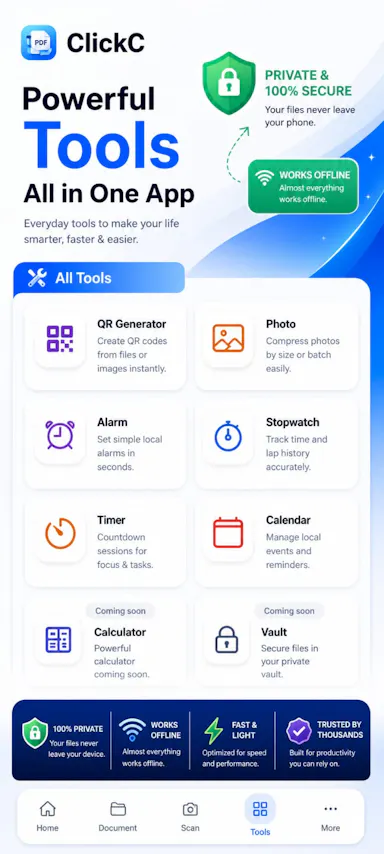
A local-first app combining document scanning, PDF tools, notes, expense tracking, and reminders that mostly works offline without an account.

Works offlineData stays with you
What to know
How it works
Combines document scanning, PDF tools, multi-format document reading, notes, expense tracking, reminders, weather, QR generation, and photo compression, with most features working offline and no account required.
What's different
Built to replace multiple everyday apps with one experience.

Watched for 9 days · last checked 2d ago

Details →

A free bundle of 332 small web utility tools pitched as secure and privacy-first, though the listing gives no detail on what each tool does or how it handles data.

FreeNo sign-upData stays with youNo ads
What to know
How it works
A bundle of 332 free web utility tools, pitched as privacy-first.
Pricing
Free.

Watched for 15 days · last checked 9d ago

Details →

A native Android AI chat app that keeps your conversation history stored locally on the device instead of the cloud.

No sign-upData stays with youOpen sourceSelf-hosted
What to know
How it works
A native Android AI chat app.
What's different
Chat history is stored locally on the device rather than in the cloud.
Best for
Android users who want an AI chat app without their conversations stored in the cloud.

Watched for 18 days · last checked 10d ago

Details →

A free browser-based image toolkit (converter, compressor, background remover, upscaler) that processes files locally without upload.

FreeNo sign-upData stays with you
What to know
How it works
Bundles ten browser-based image tools (format converter, compressor, AI background remover, resizer with social presets, cropper, rotator, image-to-PDF, AI upscaler, watermark tool, screenshot beautifier) using Canvas API and WebAssembly.
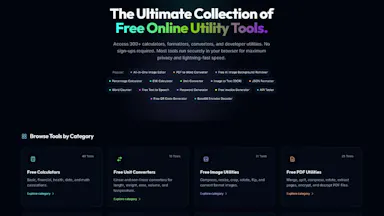
What's different
Images never leave the device; no upload, account, or per-file limits; supports batch processing.
Pricing
Free.

Watched for 3 days · last checked 3d ago

Details →

40 free in-browser tools (PDF compress, convert, OCR, SEO checks) that never upload files, open-source, in 6 languages.

FreeNo sign-upData stays with youOpen source
What to know
How it works
40 tools for compressing PDFs and images, converting files, OCR, and SEO checks, all running in the browser with no upload, handling files up to 1GB.
What's different
Open-source (AGPL) and available in 6 languages.
Pricing
Free, ad-supported.
Best for
People wanting private, no-signup file utilities.

Watched for 3 days · last checked 2d ago

Details →

Gamified family chore app that turns daily tasks into space missions, with privacy-first photo proofing and no kid accounts.

Data stays with youNo ads
What to know
How it works
Turns daily family chores into space missions with a dual-theme UI, a fair 48-hour task pool, and privacy-first photo proofing.
What's different
No kids' accounts, fully GDPR-compliant, 100% ad-free.

Watched for 3 days · last checked 2d ago

Details →

Privacy-first web utility suite for editing video, compressing images, managing PDFs, and removing backgrounds entirely client-side.

Data stays with youNo ads
What to know
How it works
Runs video editing, image compression, PDF management, background removal, and text encryption entirely client-side in the browser.
What's different
No server uploads, no ads, and no logs, unlike typical cloud-based utility suites.
Best for
Users who want quick file utilities without uploading files to a server.

Watched for 9 days · last checked 7d ago

Details →

25 free browser tools — no install, no signup, no ads.

FreeNo sign-upNothing to installData stays with you

First seen today

Details →

Krynn Tools

Not responding

A collection of 100+ free browser tools for PDF editing, image editing, and AI writing, with no signup.

FreeNo sign-upData stays with you
What to know
How it works
Provides over 100 free browser-based tools for PDF editing, image editing, and AI writing, including compress, merge, split, convert, sign, protect, watermark, crop, resize, background removal, and more.
What's different
No signup and no file upload required — everything runs in the browser.
Pricing
Free.

Watched for 12 days · last checked today

Details →