Tools that work with Zoom

We're tracking 32 of these, and 32 are still live today.

Watching this group for 18 days · how we check

This week9 new arrivals

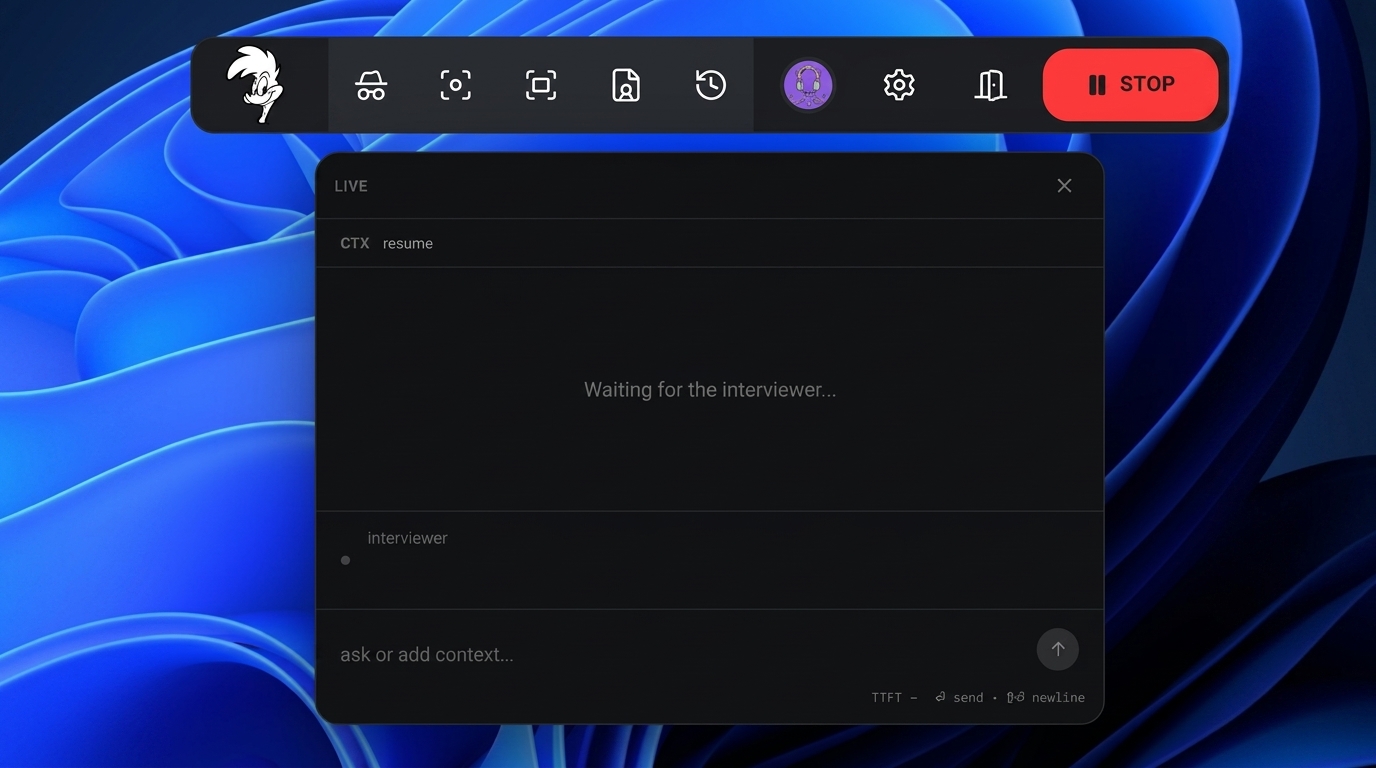
Desktop teleprompter for presenters that overlays a click-through script on any app while staying invisible in screen recordings.

Domain registered 10 months ago

Works offline
What to know
How it works
Floating click-through script overlay with voice-activated auto-scroll
What's different
Invisible in screen recordings and to viewers, unlike normal teleprompters
Best for
People presenting demos, webinars, or interviews on camera

Watched for 5 days · last checked today

Details →

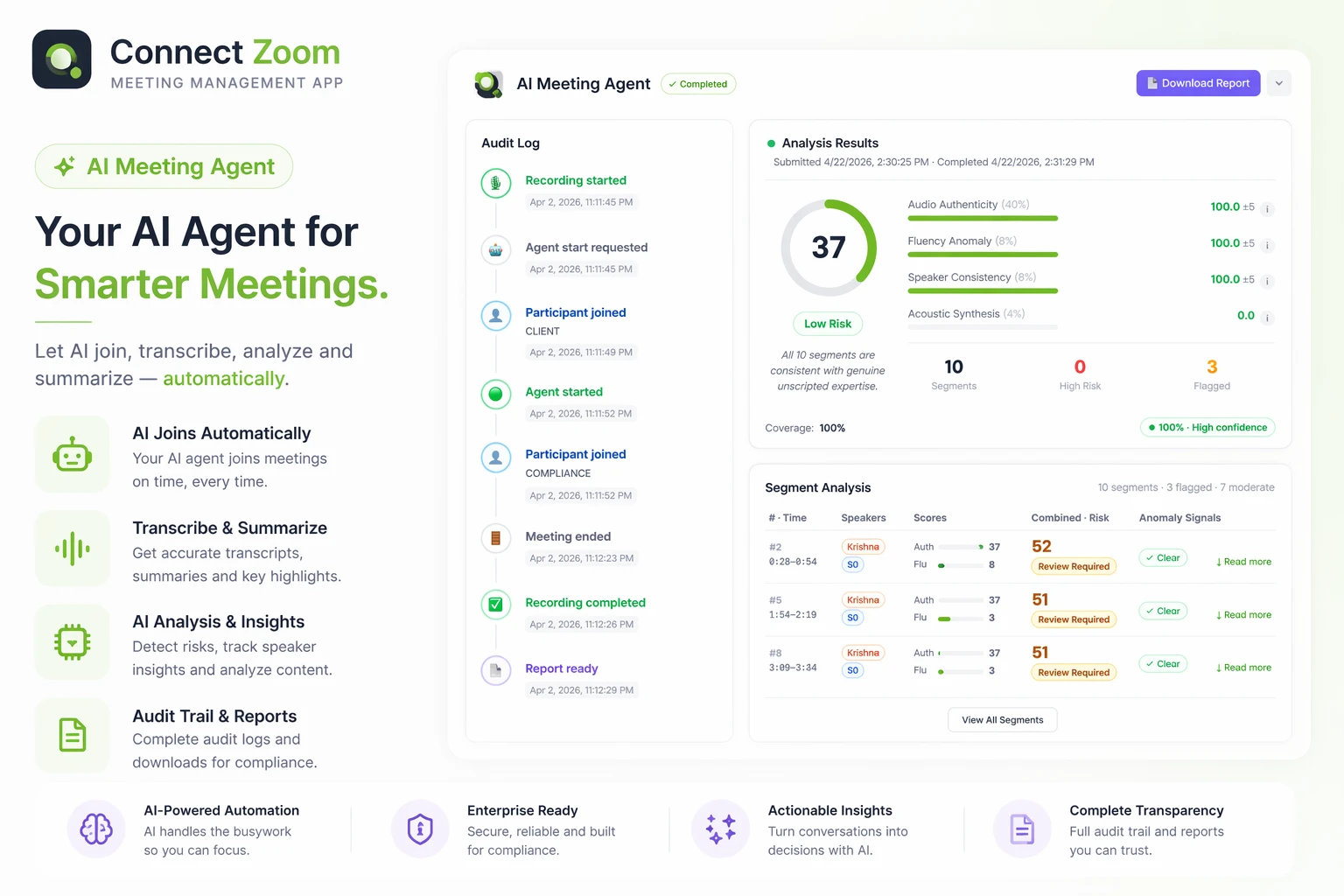
Deploys a named, voiced AI agent into Zoom meetings and calls to perform specific operational tasks on a team's behalf.

Domain registered 3 months ago

What to know
How it works
Assigns AI models a name, voice, and job to act in live meetings/calls
Best for
Teams delegating meeting tasks to an AI representative

Watched for 6 days · last checked today

Details →

Turns the MacBook notch into a Dynamic Island showing your next meeting with a live countdown and one-click Join for Meet/Zoom.

Domain registered 11 days ago

Pay once
What to know
How it works
reads macOS-synced calendars, expands around the notch before calls
Pricing
$6.99 one-time, 14-day trial

Watched for 6 days · last checked today

Details →

All-in-one AI media studio bundling video, image, and editing tools (face swap, scene chaining) to replace multiple subscriptions.

FreeCan export my data
What to know
How it works
Chains scenes into short AI films and offers video-to-video editing like object placement and face replace
What's different
Bundles many AI media tools under one interface instead of separate subscriptions
Best for
Content creators and marketers wanting one tool instead of many AI subscriptions

Watched for 4 days · last checked 4d ago

Details →

AI Noise Cancellation for your meetings and calls.

Domain registered 1 month ago

Works offline
What to know
How it works
A real-time, on-device noise and echo cancellation app for Windows and Linux that creates a clean virtual microphone for apps like Zoom, Google Meet, Teams, and Discord.
What's different
Audio is processed entirely on-device and never uploaded.
Pricing
Free to start, no sign-in required.
Best for
People who want background noise removed from calls without sending audio to the cloud.

Watched for 9 days · last checked 3d ago

Details →

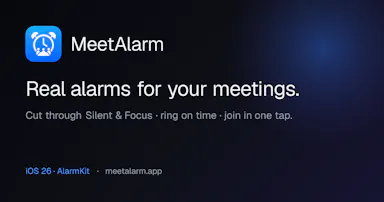
Turns calendar meetings into full-screen iOS alarms that ring through Silent/Focus with one-tap join, instead of missing meetings from silenced notifications, with your calendar never leaving the device.

No sign-upData stays with youNo tracking

Watched for 2 days · last checked 1d ago

Details →

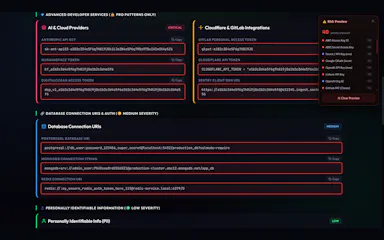
A browser extension that auto-detects and blurs sensitive on-screen info like API keys and passwords during video calls.

What to know
How it works
Detects and blurs sensitive text live during screen shares on Meet/Zoom/Teams
What's different
Custom blur zones, hover-to-reveal, site whitelisting

Watched for 6 days · last checked 5d ago

Details →

Replay

Live

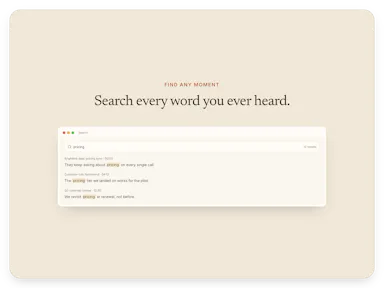
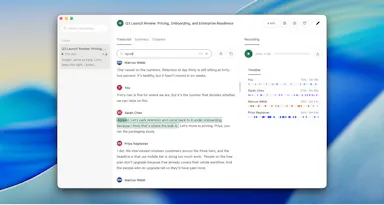
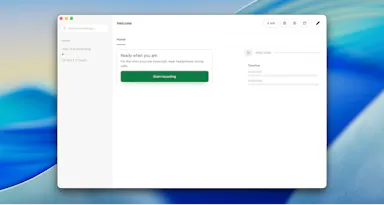
A one-time-purchase Mac app that records and transcribes video calls on-device without bots joining or data leaving the machine, for people who want to own a private, searchable meeting archive.

Domain registered 1 month ago

FreeWorks offlinePay onceNo subscription
What to know
How it works
Records meetings from Zoom, Meet, Teams or Webex on a Mac and transcribes them on-device, learning speaker names across meetings, without bots joining calls or data touching the cloud; saves transcripts as video, JSON and Markdown.
Pricing
One-time purchase, free to try.
Best for
People who want a private, searchable meeting record they own, without a subscription.

Watched for 12 days · last checked 8d ago

Details →

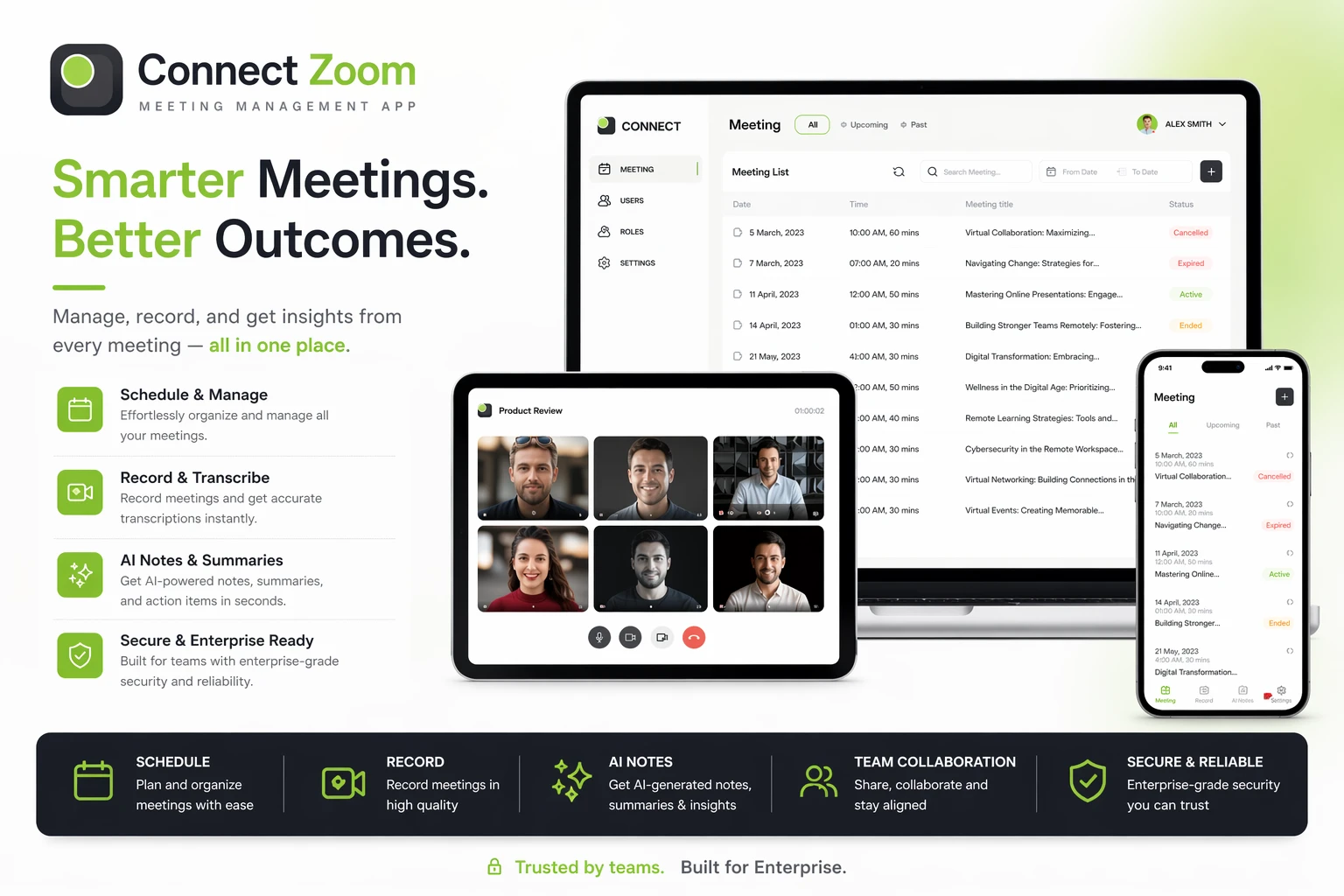
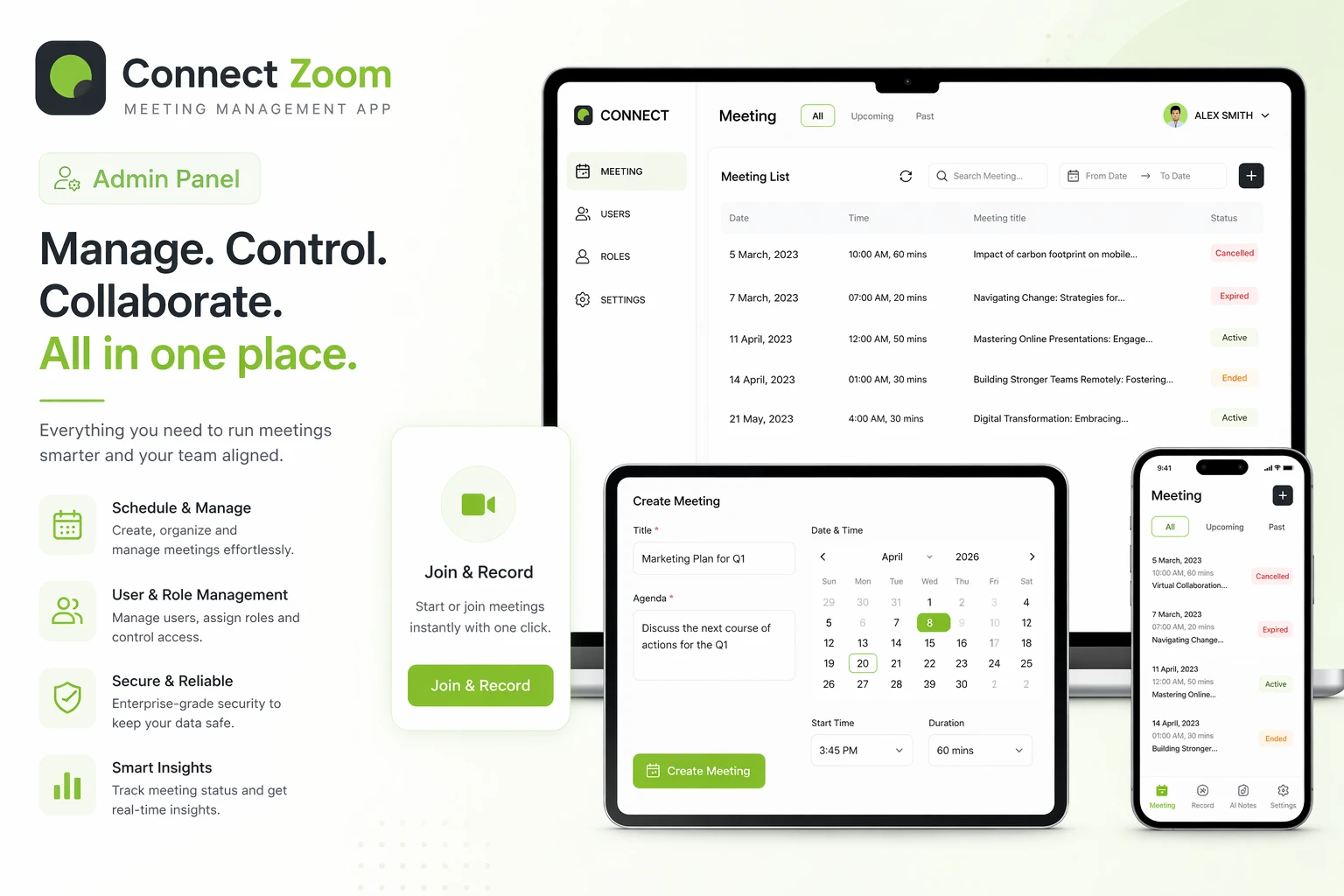
AI add-on for managing Zoom meetings securely with AI-generated insights.

Domain registered 17 years ago

What to know
How it works
Manages Zoom meetings securely with AI-generated insights.

Watched for 8 days · last checked 2d ago

Details →

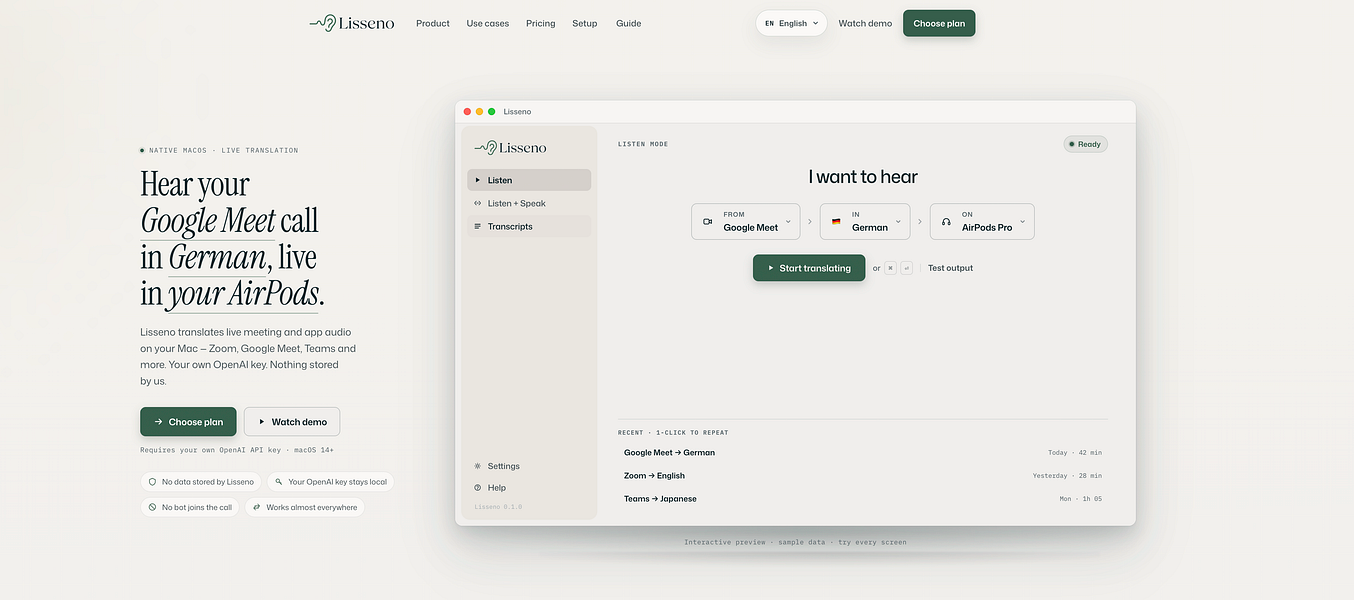
Translates phone calls live so you can hear and reply in your own language; you bring your own AI API key to run it.

What to know
How it works
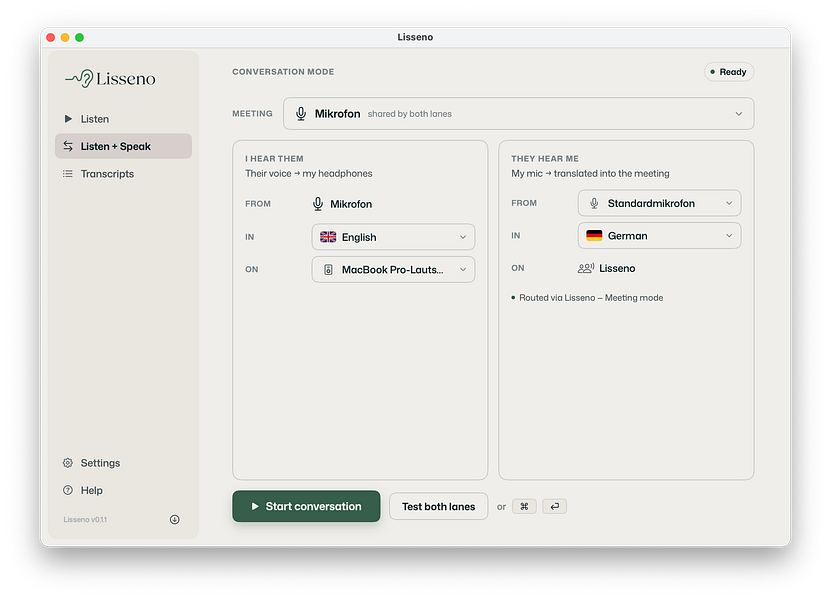
Translates Zoom, Teams and Meet calls both ways on a Mac in real time: you hear the call in your language, and your reply is translated for the other side to hear. No bot joins the call.
What's different
No bot joins the meeting; runs directly on your Mac using your own OpenAI API key.
Pricing
BYOK - you bring your own OpenAI API key rather than paying a subscription to Lisseno.
Best for
People on multilingual calls who want to speak and hear in their own language.
Watch out
Audio goes directly to OpenAI using your own key, and requires an OpenAI-compatible key to function.

Watched for 17 days · last checked today

Details →

A USB desk light plus free app that shows red/green based on your real Teams, Zoom, Slack or Discord status — for people tired of manually toggling do-not-disturb.

Domain registered 4 years ago

Free
What to know
How it works
A USB desk light that mirrors your real presence — green when free, red when on a call — by watching Teams, Zoom, Slack and Discord at once.
What's different
Described as the only commercial busy light that also watches Discord, alongside Teams, Zoom and Slack.
Pricing
Free desktop app; hardware is $39.99.
Best for
People who want automatic do-not-disturb signaling instead of manually toggling status.

Watched for 13 days · last checked today

Details →

Windows app that translates any system audio (YouTube, Zoom, games) in real time with live subtitles.

What to know
How it works
Translates any audio playing on a Windows computer in real time — YouTube, courses, Zoom, livestreams, games — with translated voice over the softened original and live subtitles in 70+ languages.
Pricing
Product Hunt users get 50% off with code HUNT50.

Watched for 3 days · last checked 3d ago

Details →

A free desktop app that checks your camera, mic, speakers, and network before a video call.

Free
What to know
How it works
Checks camera, microphone, speakers, room noise, and network connection with one click before a video call and gives a simple ready/almost-set/fix-this verdict.
What's different
Audio and video are processed locally and never stored or sent anywhere.
Pricing
Free.

Watched for 3 days · last checked 3d ago

Details →

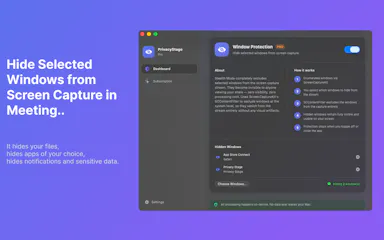
A Mac app that lets you hide specific windows from screen shares while still using them.

Works offline
What to know
How it works
A Mac app that lets you hide specific windows from screen shares while still using them, with a clean presentation desktop and notification guard, working via virtual camera with any meeting app.
Watch out
Everything runs locally on the Mac.

Watched for 10 days · last checked 4d ago

Details →

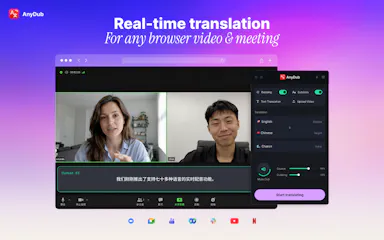
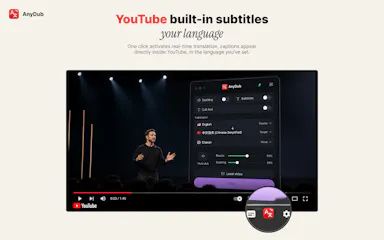
AnyDub

Live

Live Voice Dubbing for Any Browser Video & Meeting

First seen today · last checked today

Details →

A fast Windows image viewer that opens everyday and modern formats like HEIC, WebP, AVIF and RAW instantly, with basic rotate and crop tools built in.

Free
What to know
How it works
A fast Windows image viewer that opens JPEG, PNG, AVIF, HEIC, WebP, JPEG XL and RAW camera files instantly, with filmstrip browsing, 100% zoom, rotate/crop, EXIF metadata, and an interactive map for shot locations; can also turn a folder into a slideshow with transitions and music, exported as video.
Best for
Windows users who want fast browsing across a wide range of image formats without a bloated editor.

Watched for 18 days · last checked 2d ago

Details →

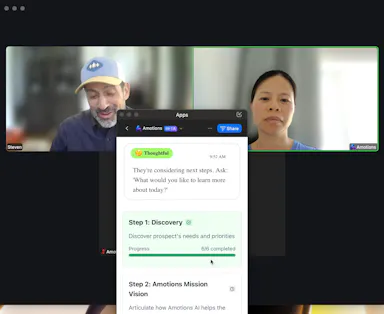
A Zoom desktop add-on that gives salespeople real-time AI prompts during calls, like discovery questions and objection handling, visible only to the user, not other participants.

What to know
How it works
A Zoom desktop add-on that gives salespeople real-time AI prompts during calls, like discovery questions and objection-handling suggestions.
What's different
Doesn't join the meeting as a visible participant - it's an overlay only the user sees, not other call participants.
Best for
Salespeople running discovery or objection-handling heavy calls over Zoom.
Watch out
Requires the Zoom desktop app - it's a Zoom-specific add-on, not a standalone tool.

Watched for 17 days · last checked today

Details →

migmig

Live

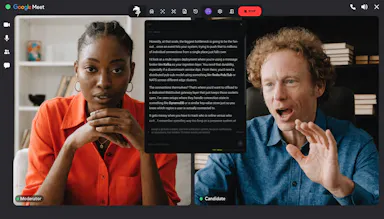
A stealth AI copilot that listens during live video interviews (Zoom, Meet, Teams) and feeds you real-time transcription and suggested answers; free Windows download.

Free
What to know
How it works
An AI copilot for live video interviews that provides real-time transcription (target ~150ms) and structured suggested answers, running in stealth mode on Zoom, Google Meet and Teams.
What's different
Runs invisibly during the call in stealth mode rather than as a visible overlay.
Pricing
Free Windows download.
Best for
People interviewing over Zoom, Google Meet or Teams who want live answer prompts during the call.

Watched for 14 days · last checked 2d ago

Details →

Free top-tier 3D viewer and rendering - embed and share

FreeCan export my data

First seen today · last checked today

Details →

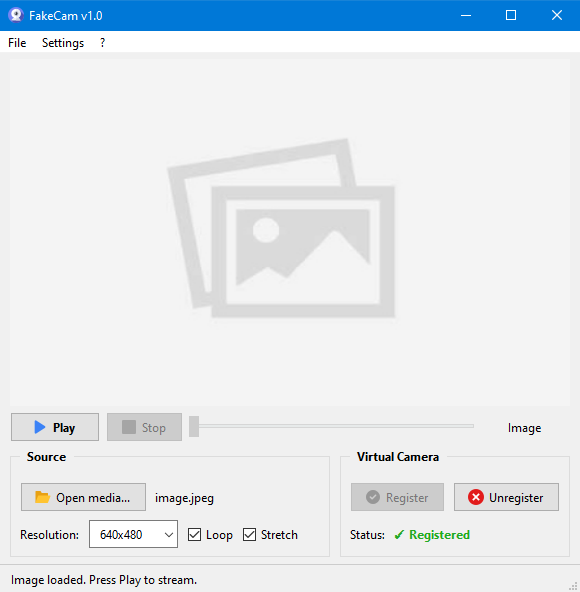
A lightweight Windows app that streams a video or image file as your webcam feed into Zoom, Teams, Skype, Discord or Telegram, running fully offline with no account or tracking.

FreeNo sign-upWorks offlineNo subscription
What to know
How it works
A lightweight virtual webcam app for Windows that streams a video or image file as your camera feed into apps like Zoom, Teams, Skype, Discord and Telegram.
What's different
Runs entirely locally with no account, subscription, ads or tracking — download and run, 25MB portable, works offline.
Pricing
Free for Windows.
Best for
Windows users who want a virtual webcam feed for video call apps without an account or bloatware.

Watched for 18 days · last checked 2d ago

Details →

Records and transcribes calls across Google Meet, Zoom, WhatsApp, Teams, Webex, Telegram and Discord without a bot joining or a recording announcement, then gives you searchable transcripts and summaries.

What to know
How it works
Records and transcribes calls across Google Meet, Zoom, WhatsApp, Microsoft Teams, Webex, Telegram, and Discord, producing automatic transcripts, summaries, searchable notes, key points, and a shareable team link.
What's different
No bot joins the call and no recording announcement is made, unlike most meeting-recorder tools.
Best for
People who need call records across many different platforms in one place.
Watch out
It explicitly records without a bot joining and without a recording announcement, which raises consent considerations for other call participants.

Watched for 12 days · last checked 6d ago

Details →

Corder

Live

Records your Mac's mic and system audio directly with no bot joining the call, and transcribes on-device so recordings never leave your machine. Free to start, no account needed.

Domain registered 2 months ago

FreeNo sign-upWorks offline
What to know
How it works
Records your Mac's microphone and system audio as two separate tracks at the OS level, so nothing joins the call as a bot — works in Zoom, Meet, Teams, Discord or any browser tab. Transcription runs on-device.
What's different
No bot tile appears in the meeting, so it works even where bot-based recorders are blocked, and transcripts never leave your Mac.
Pricing
Free, no account needed to start.
Best for
People in companies that block meeting-recorder bots who still want private, local transcripts.

Watched for 13 days · last checked 7d ago

Details →

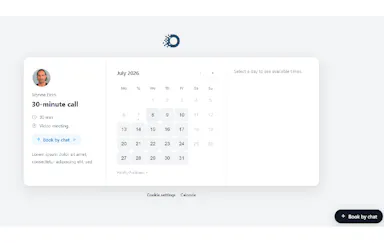
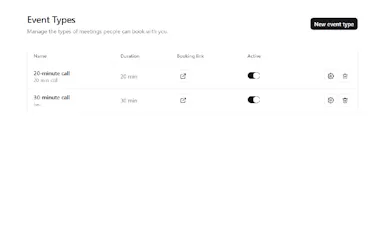
A self-hosted, open-source alternative to Calendly and Zoom that runs as one Go binary with SQLite — lets developers own their scheduling and video data instead of paying a subscription.

Open sourceCan export my dataSelf-hosted
What to know
How it works
A self-hostable alternative to Calendly and Zoom that runs as a single Go binary with SQLite, for booking meetings and hosting video calls with recordings saved to your own storage bucket.
What's different
Ships as one small, auditable Go binary instead of a subscription SaaS product, with recordings kept in your own bucket rather than the vendor's.
Pricing
Roughly 30 cents per month to run, versus a subscription; licensed Apache-2.0.
Best for
Developers who want to self-host their own scheduling and video-call data instead of paying for Calendly and Zoom.

Watched for 18 days · last checked 2d ago

Details →

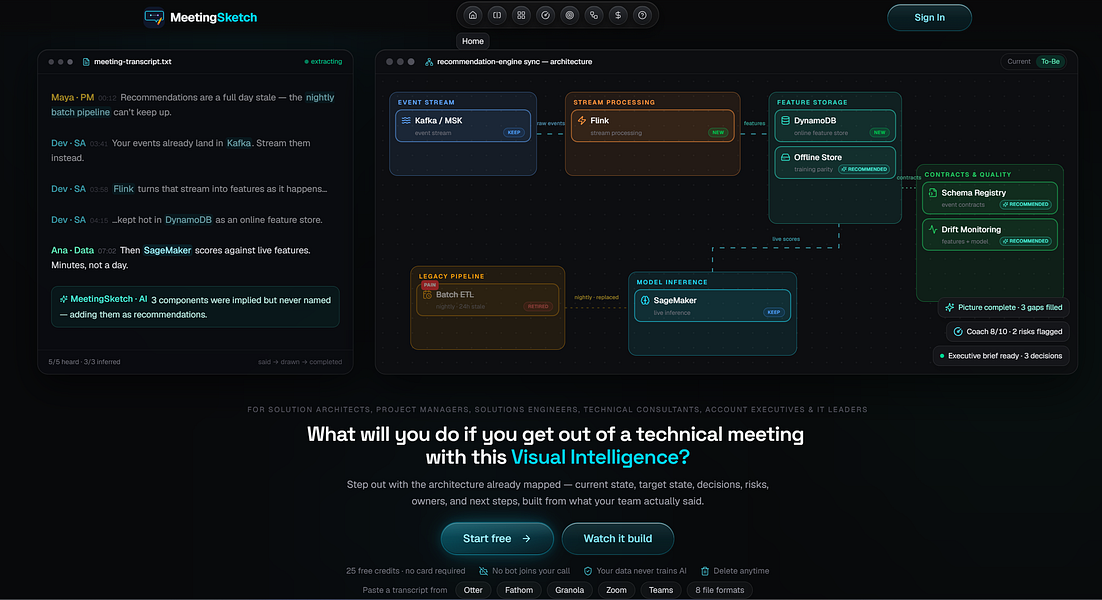
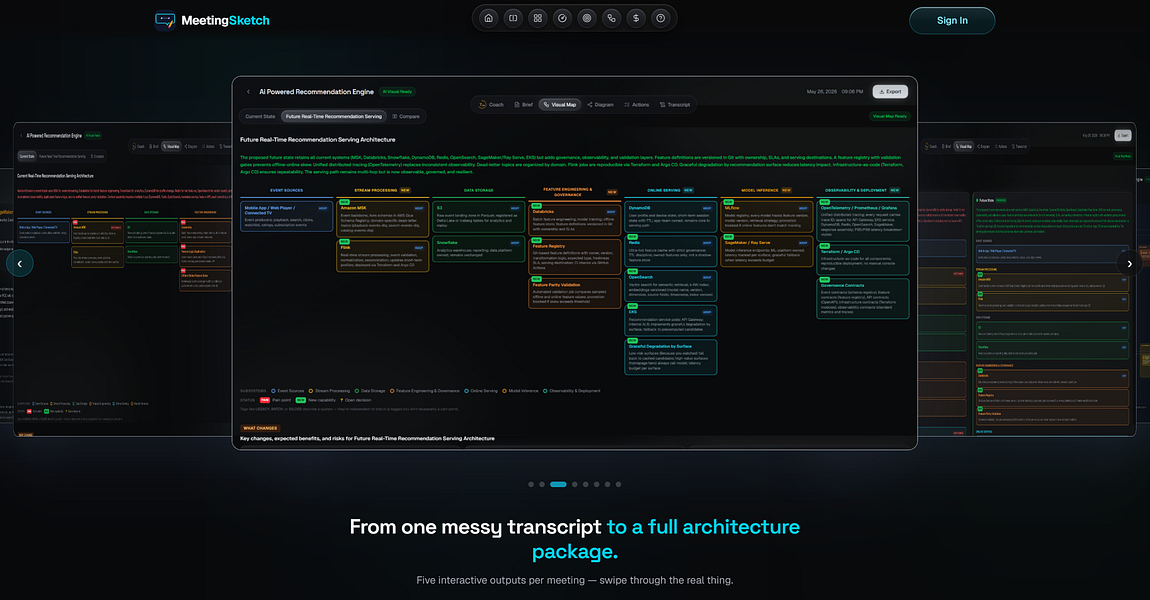
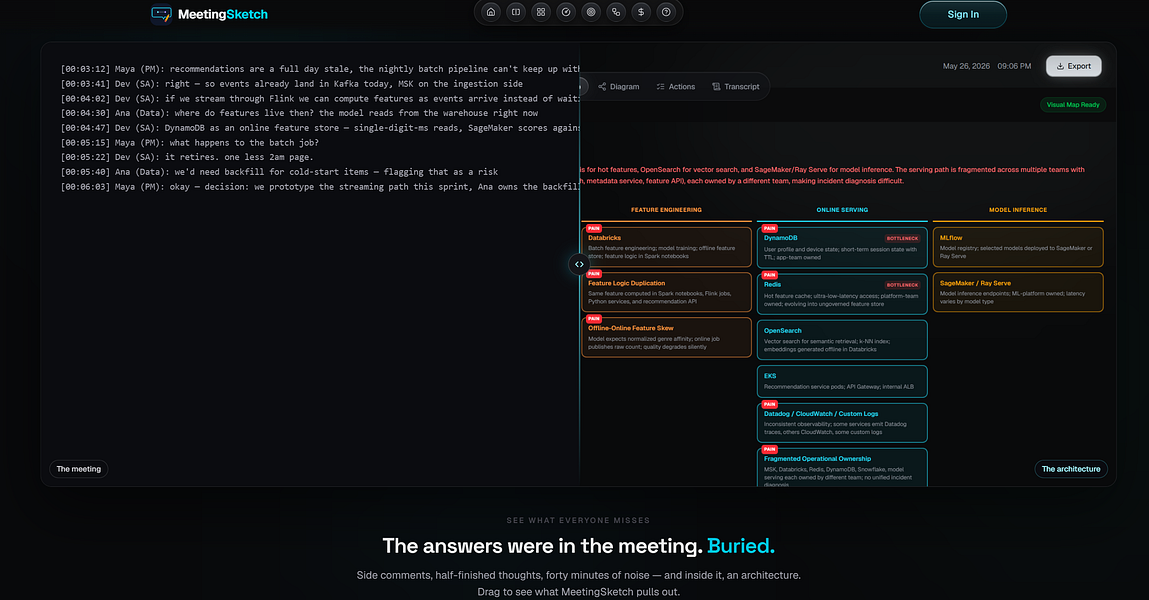
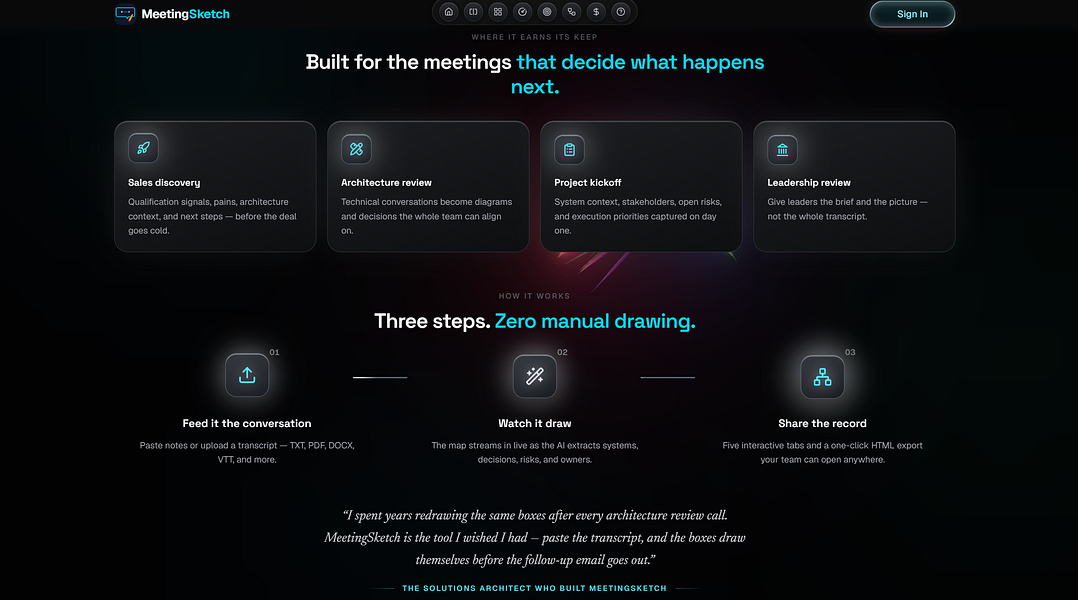
Turns meeting transcripts from Zoom, Otter or Teams into architecture diagrams, briefs and action items, built for solution architects running technical reviews.

Domain registered 2 months ago

What to know
How it works
Turns technical meeting transcripts from Otter, Zoom, Teams, Fathom, Granola or plain text into a current-state visual architecture map, target-state architecture, interactive diagram, executive brief and action items, with an AI Coach.
What's different
Separates what was explicitly stated in the meeting from what was inferred or recommended by the AI.
Best for
Solution architects, sales engineers, consultants, PMs and technical leaders running architecture reviews and discovery calls.

Watched for 14 days · last checked 2d ago

Details →

Parley

Live

A private Mac overlay that gives solo SaaS founders live help during real Zoom sales and discovery calls, not a scripted teleprompter or practice mode.

What to know
How it works
A Mac app that gives solo/indie SaaS founders live, real-time help during their own Zoom discovery and sales calls.
What's different
Assists during the actual live call rather than acting as a scripted teleprompter or a practice mode with a fake buyer.
Best for
Solo or indie SaaS founders who run their own sales calls and freeze on pricing objections.

Watched for 18 days · last checked 2d ago

Details →

Records what you say and turns it into an organized project log automatically on your own device. Aimed at solo builders and founders who have no one else tracking their progress.

FreeWorks offlinePay onceNo subscription
What to know
How it works
Records spoken audio and turns it into an organized project history and devlog automatically, processed on your own device.
What's different
Runs fully on-device rather than relying on manual note-taking or a cloud service.
Pricing
Free to use with full functionality, no subscription; a paid Pro tier unlocks Labs and unlimited weekly processing.
Best for
Solo builders and founders who track their own progress by talking rather than writing, with no one else keeping a project record for them.

Watched for 18 days · last checked 2d ago

Details →

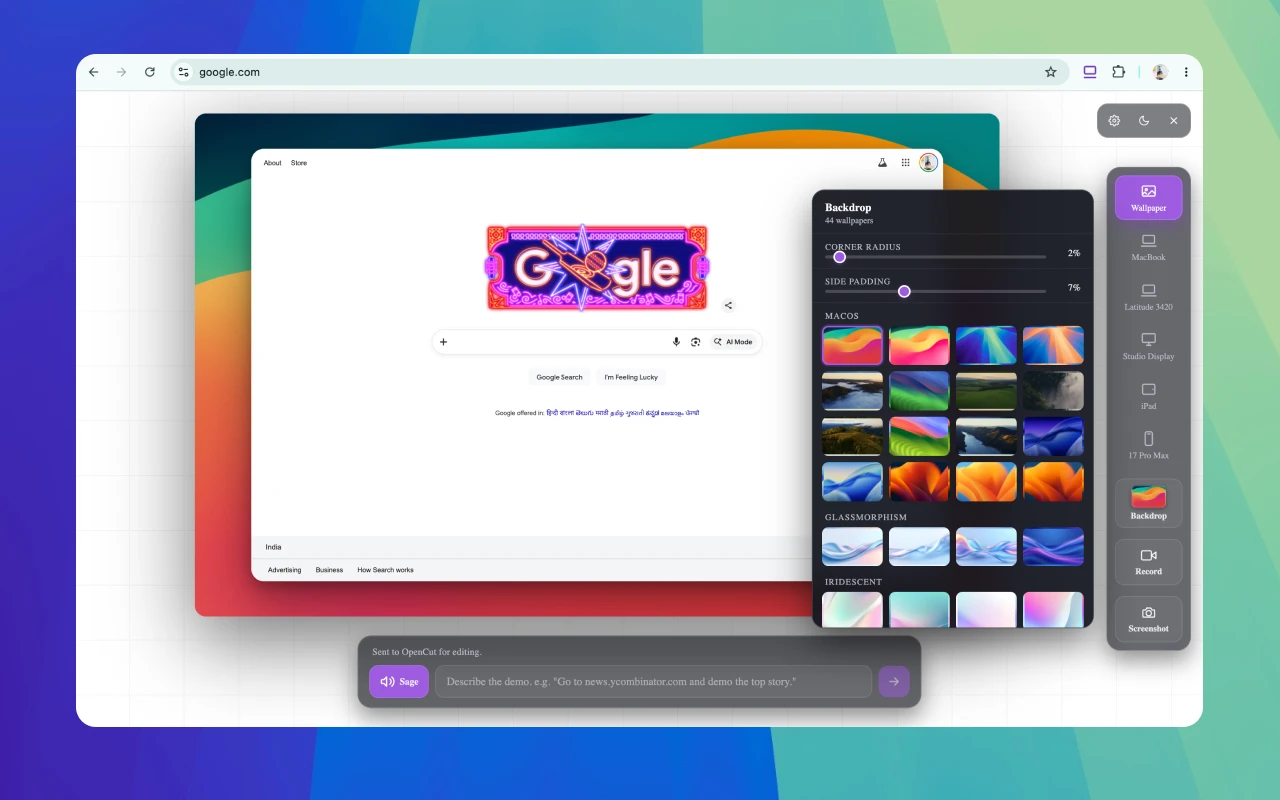
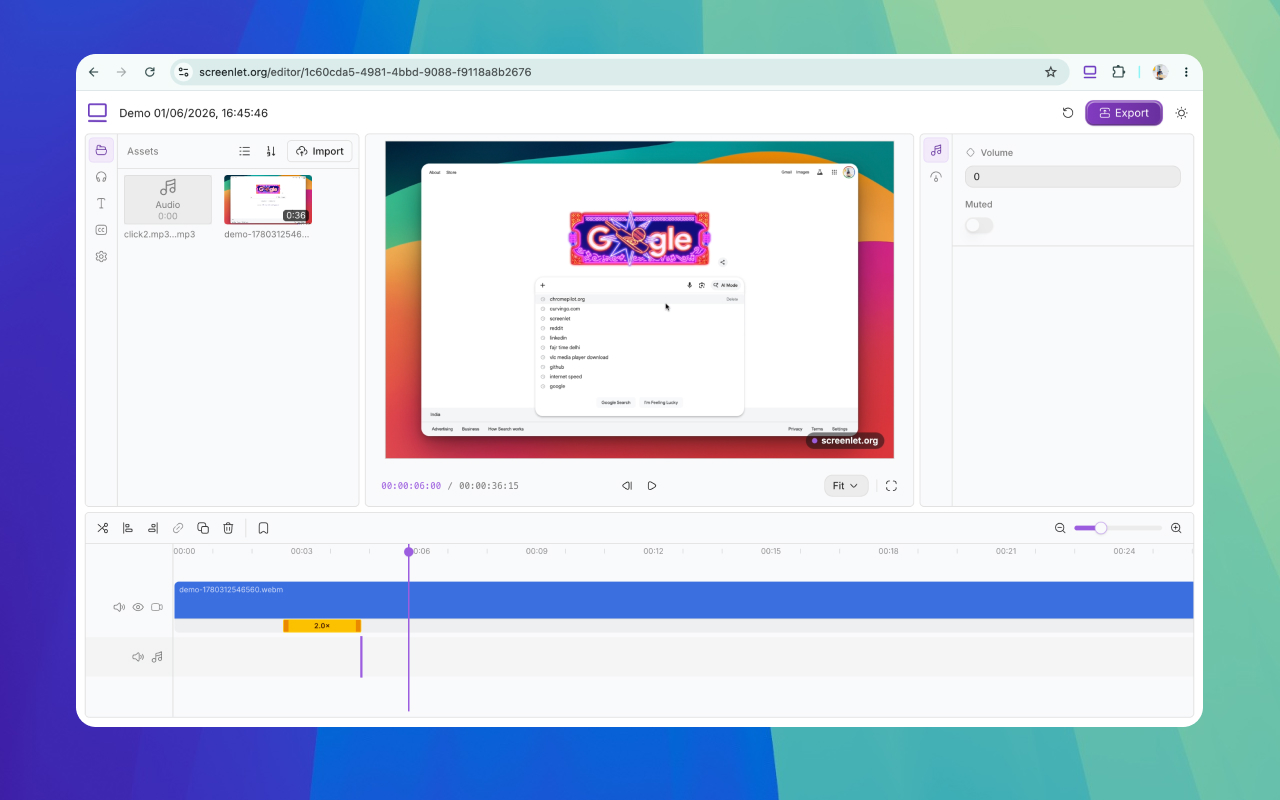
A screen-recording tool that automatically zooms into clicks and adds captions to produce polished demo videos without manual editing.

Can export my data
What to know
How it works
Automatically zooms into every click in a screen recording, adds word-by-word subtitles, detects and can speed up typing, shows on-screen keyboard shortcuts, and records facecam, mic, and system audio plus background music.
What's different
Removes the need for manual post-production editing.
Watch out
Exports are watermarked unless on the paid version.

Watched for 3 days · last checked 3d ago

Details →

Opsler

Live

Offline-first scheduling, dispatch and invoicing software for field service contractors and trades, with no per-transaction payment processing fees taken by the platform.

Domain registered 6 months ago

Works offline
What to know
How it works
An offline-first Progressive Web App for field service management: technicians manage jobs, check inventory, and build estimates without a connection, syncing once they hit cellular service. Includes Good/Better/Best tiered quoting for estimates.
What's different
0% payment processing fees — businesses can use their own processor or peer-to-peer QR codes instead of standard card fees.
Pricing
Flat pricing model with zero feature-gating.
Best for
Field service contractors and trades who often work without reliable connectivity.

Watched for 11 days · last checked 11d ago

Details →

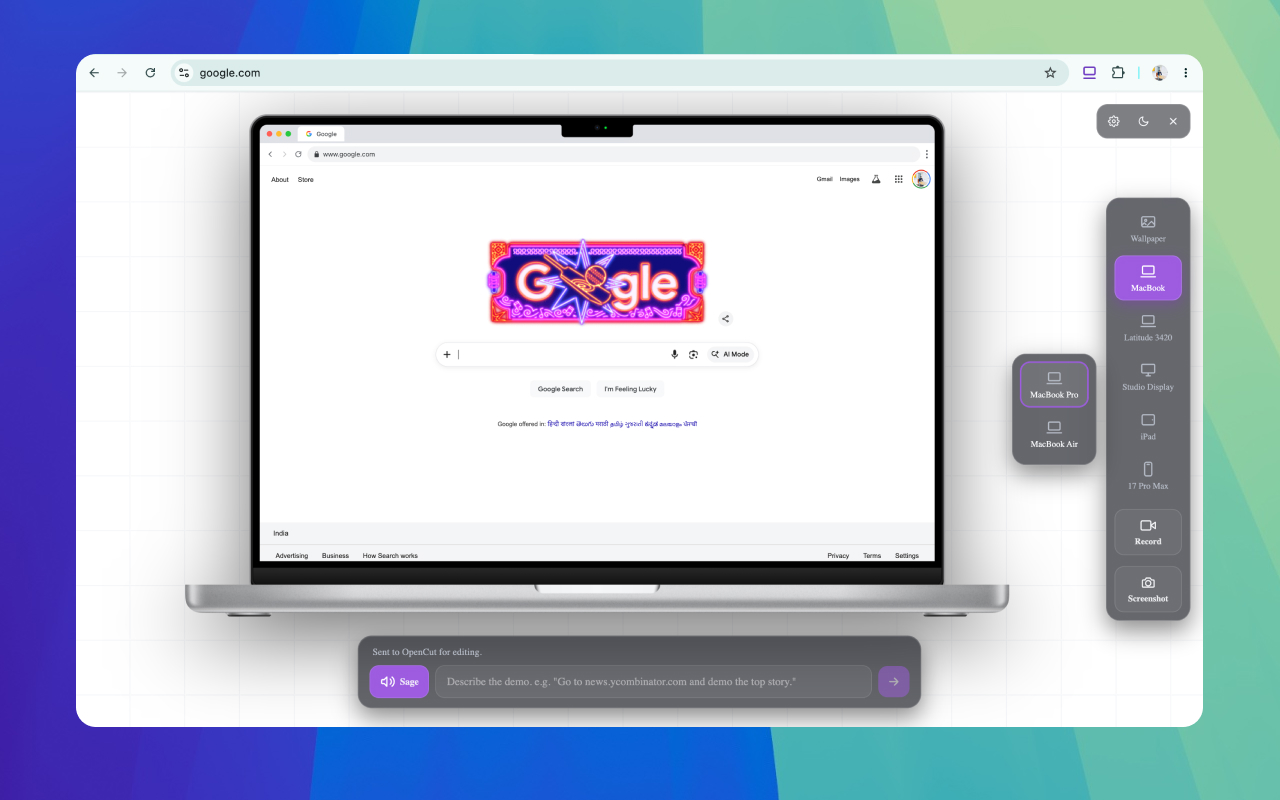
A free Chrome extension for screen-recording demos and tutorials, with device mockups, webcam overlay, zoom and AI narration, no watermark on exports.

Free
What to know
How it works
A browser extension for recording demos and tutorials with real device mockups to frame the recording, plus webcam overlays, voiceovers, zoom effects, and AI narration.
Pricing
Free to use, with no watermarks on exported videos.
Best for
People making product demos or tutorials who want polished, framed screen recordings without paying.

Watched for 14 days · last checked 2d ago

Details →

An AI meeting assistant that listens in on Zoom, Meet, Teams or in-person conversations without joining as a visible bot, giving live multilingual coaching, answers and post-meeting notes.

What to know
How it works
An AI meeting assistant that listens in on Zoom, Meet, Teams, or in-person conversations, detects questions automatically, and delivers live multilingual coaching, answers, and post-meeting notes.
What's different
Works without joining the call as a visible bot.
Best for
People who want live in-meeting coaching and multilingual transcription without a bot visibly joining the call.

Watched for 17 days · last checked 2d ago

Details →

A virtual microphone that plays sound clips and music into Zoom, Meet, Discord and other web calls alongside your voice. A general-purpose audio routing tool, not tied to one platform.

Works offline
What to know
How it works
Creates a selectable virtual microphone in the browser that mixes your real mic with audio clips — sound effects, music, intros, pre-recorded speech — and feeds that mix into web calls.
What's different
Works inside browser-based call tools like Google Meet, Zoom, Discord, Microsoft Teams and Whereby without installing desktop software or a separate virtual audio cable app.
Best for
Anyone who wants to play sound clips or music into a video call alongside their voice.

Watched for 16 days · last checked 8d ago

Details →

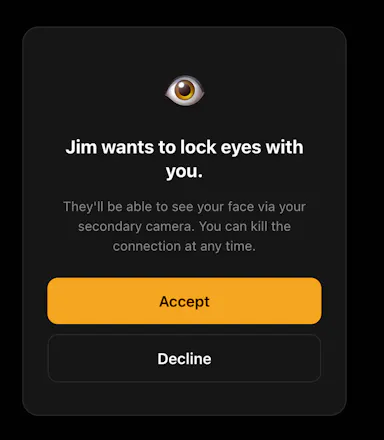
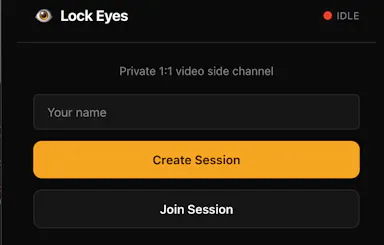
A private side-channel video window you can open inside any Zoom, Meet or Teams call, invisible to everyone else on the call, no accounts needed, just a 4-letter code.

No sign-up
What to know
How it works
Opens a small, always-on private video window inside an existing Zoom, Meet, or Teams call using a second camera, visible only to the one person you share a 4-letter code with.
What's different
Runs as an invisible side-channel to everyone else on the call rather than a separate meeting tool, with no accounts or integrations required.
Best for
People who want a private glance with one specific person during a group call without anyone else noticing.

Watched for 17 days · last checked 8d ago

Details →

Tools that work with Zoom — the short answers

Every number here comes from our own daily check — not from a vendor list.

Tools that work with Zoom — how many are there?
Tablif is tracking 32 of them. 32 answered our check today.
Which ones are still maintained?
Tablif knocks on every door once a day and records the answer. 32 of these 32 responded on the latest run, so that number is what "still here" means on this page — not a review score.
Are any of them free?
11 of the live ones say so in their own words, and 4 let you start without making an account. Tablif records the claim the product makes; we don't verify pricing.
Any open-source options?
1 of the live ones on Tablif mention being open source.
What's the newest one?
Trice 3D — Tablif first saw it today.
Did a person actually look at these?
30 of them Tablif opened and read, then wrote a one-line summary in our own words instead of reusing the founder's tagline. The rest carry keyword labels we haven't confirmed by reading yet — and we say so rather than hiding it.